From the chat
Open a MyDesigns Store and publish to it without leaving the conversation.
See MyDesigns Store
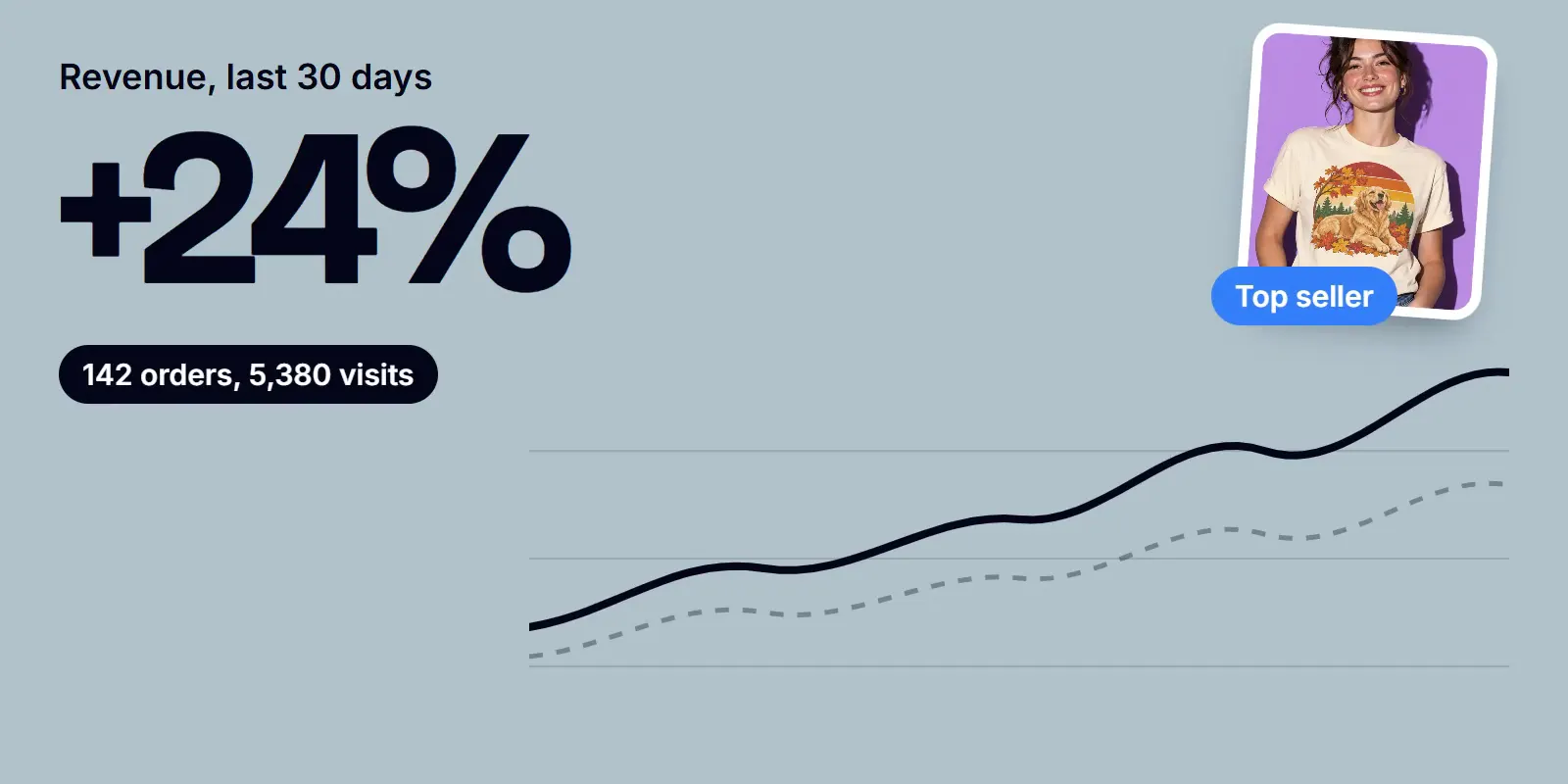
Your Zaps can call MyDesigns to make designs and print-on-demand products, and report your sales, when something happens in the other apps you use.

A Zap has no chat. Something happens in one of your apps, and a Run Tool step calls MyDesigns. These are ideas for those Zaps.



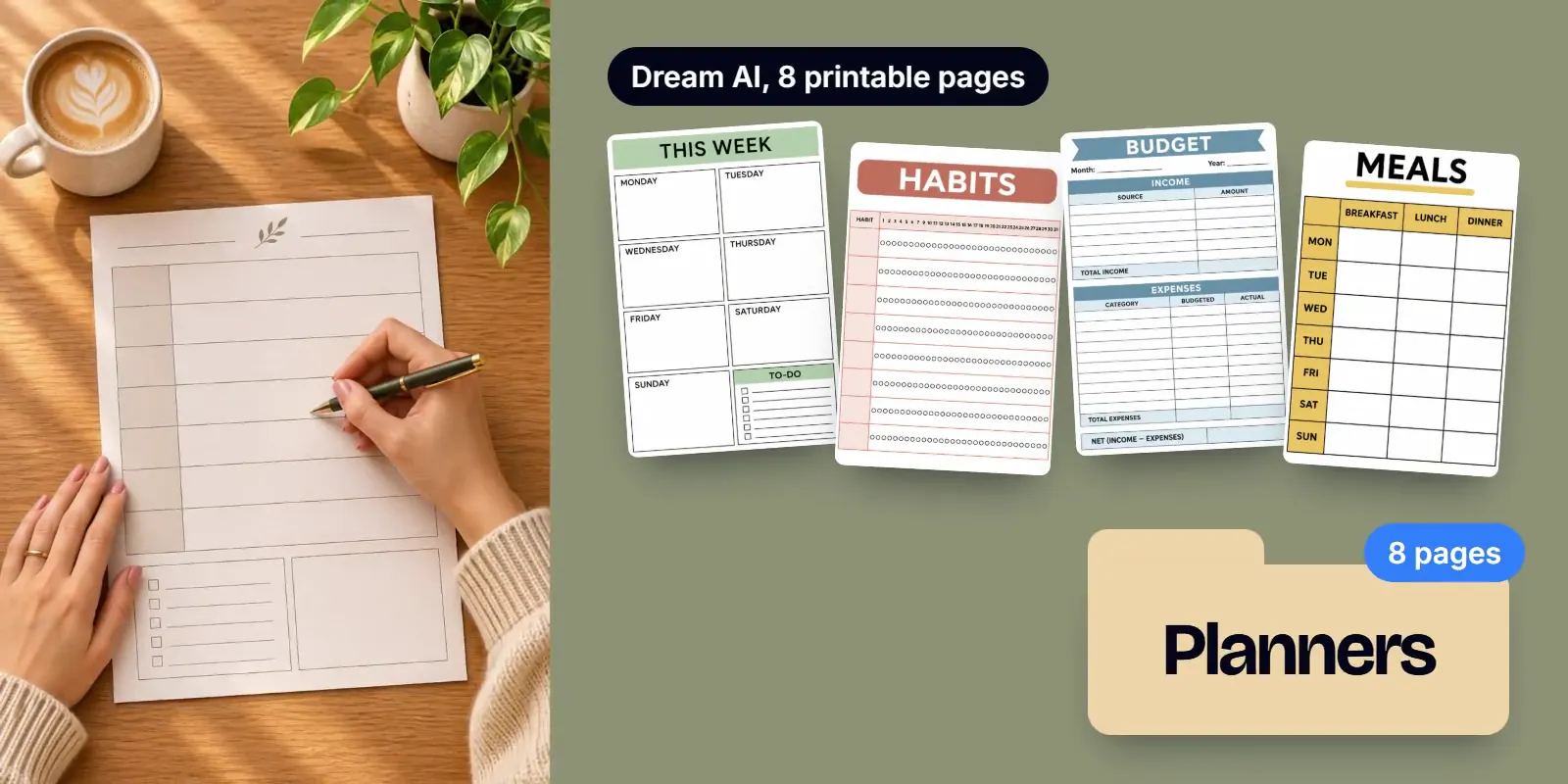
Add one connection, then use it in any Zap. Zapier guide opens its help article on MCP Client.
https://mcp.mydesigns.io/mcpEverything Zapier makes lands in your MyDesigns account, ready for every store you sell in.
Open a MyDesigns Store and publish to it without leaving the conversation.
See MyDesigns Store
Publish the same products to Shopify, WooCommerce and TikTok Shop. For Etsy, review them, then publish in one click.
See all integrationsEach one starts in an app you already use, and ends with something done in your shop.
Your forms, sheets and team chat are already on Zapier. MyDesigns can join them, so a request in one app becomes a product in your shop.
01 / 05
 Zapier
New Typeform entry: a customer asks for a bee and daisy tee.
The Zap starts and sends the request on to MyDesigns.

Run Tool: make a design from the request.
The same account and the same tools, wherever you like to work.
The community is where sellers trade what is working right now, and where our team answers.
Join The CommunityYes, with the MCP Client app. Add a connection with https://mcp.mydesigns.io/mcp as the Server URL, Streamable HTTP as the Transport and OAuth set to Yes, then sign in to MyDesigns. These steps were last checked on November 6, 2026.
A Zapier app that lets a Zap call the tools on a remote MCP server, such as MyDesigns. Zapier has it in beta, and it only makes tool calls.
No. Zapier MCP goes the other way: it lets an AI app such as Claude or Cursor reach your Zapier apps. MCP Client is Zapier calling a server like MyDesigns from inside a Zap, and it is what this page covers.
Yes. Set OAuth to Yes on the connection, and Zapier opens the MyDesigns sign-in page in a new tab. You can rename the connection to MyDesigns afterwards. If it doesn't show up in a Zap, refresh the Zap editor.
Run Tool can call the MyDesigns tools, and Run Read-Only Tool is for looking things up, such as orders and store numbers. Zapier's MCP Client is in beta and tools that take lists may not get them as expected, so test any step that makes designs or products before you rely on it.
Zapier's free plan only allows two-step Zaps. A schedule and a Run Tool step fit, but adding a Slack message after them needs a paid Zapier plan.
Yes, each run with a step that makes designs does, and a Zap has nobody to ask. A batch is checked against your credits first, so if you are short, nothing is made.
Make a free MyDesigns account, connect it to Zapier, and try it with your first Zap.