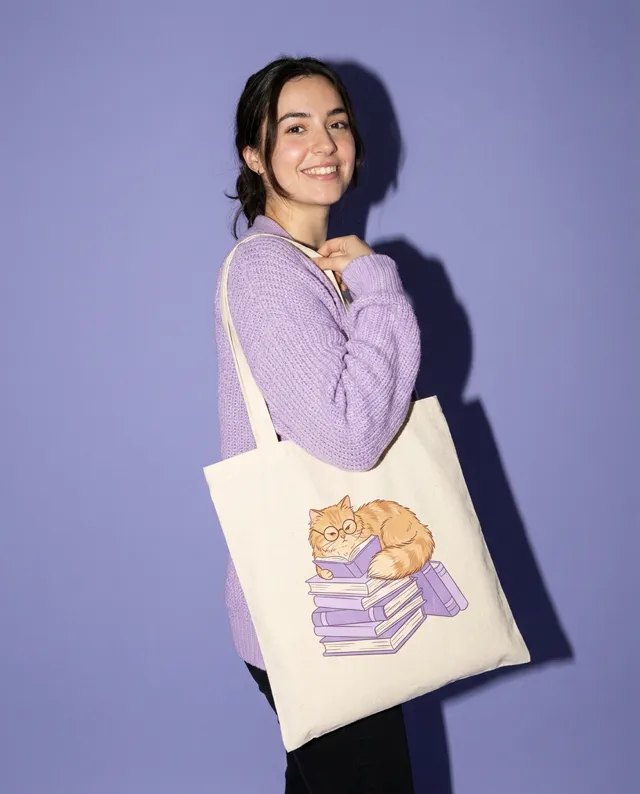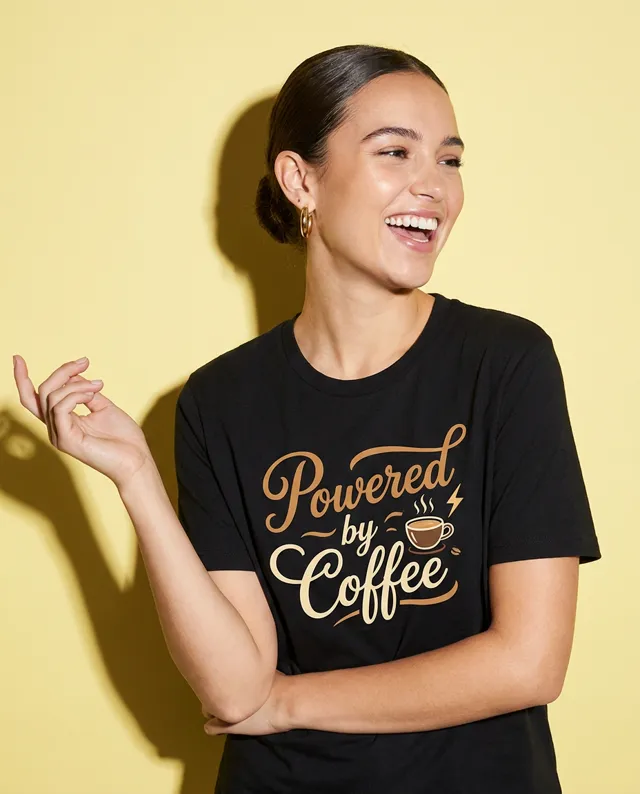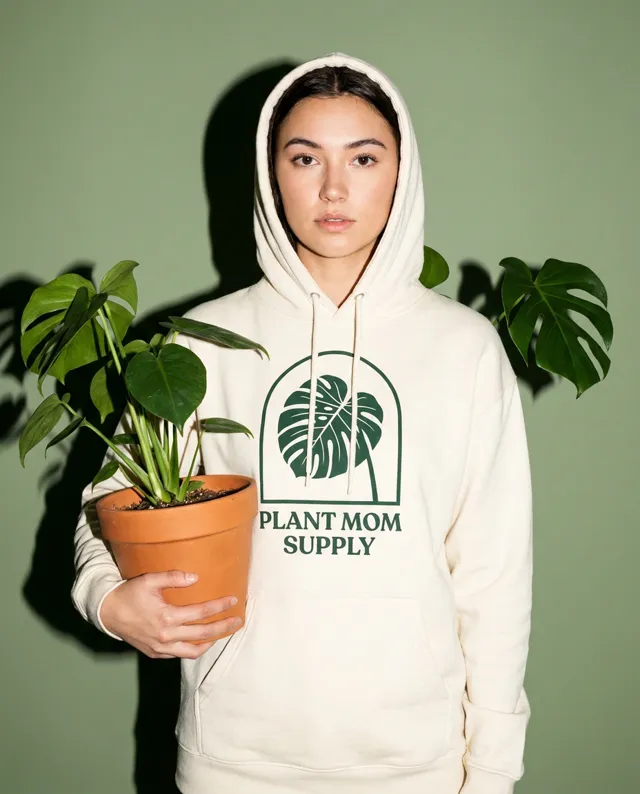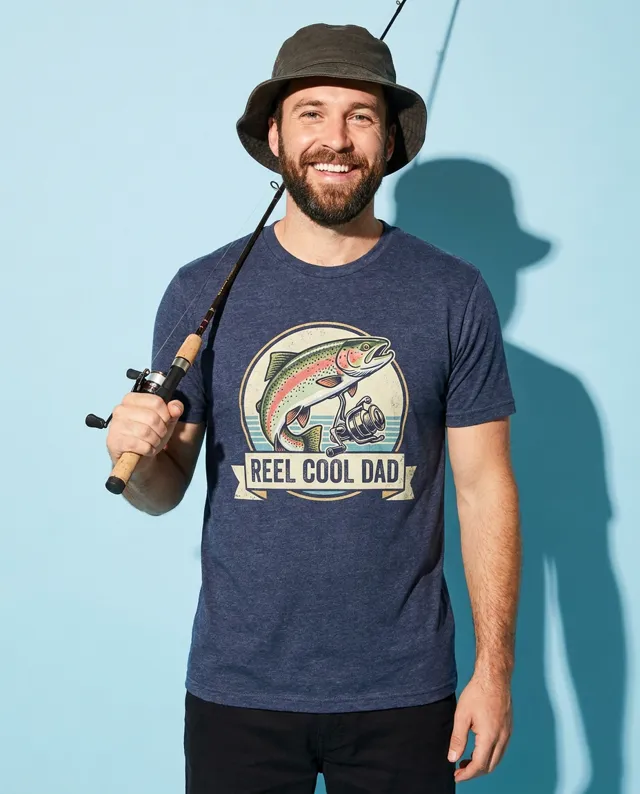
From the chat
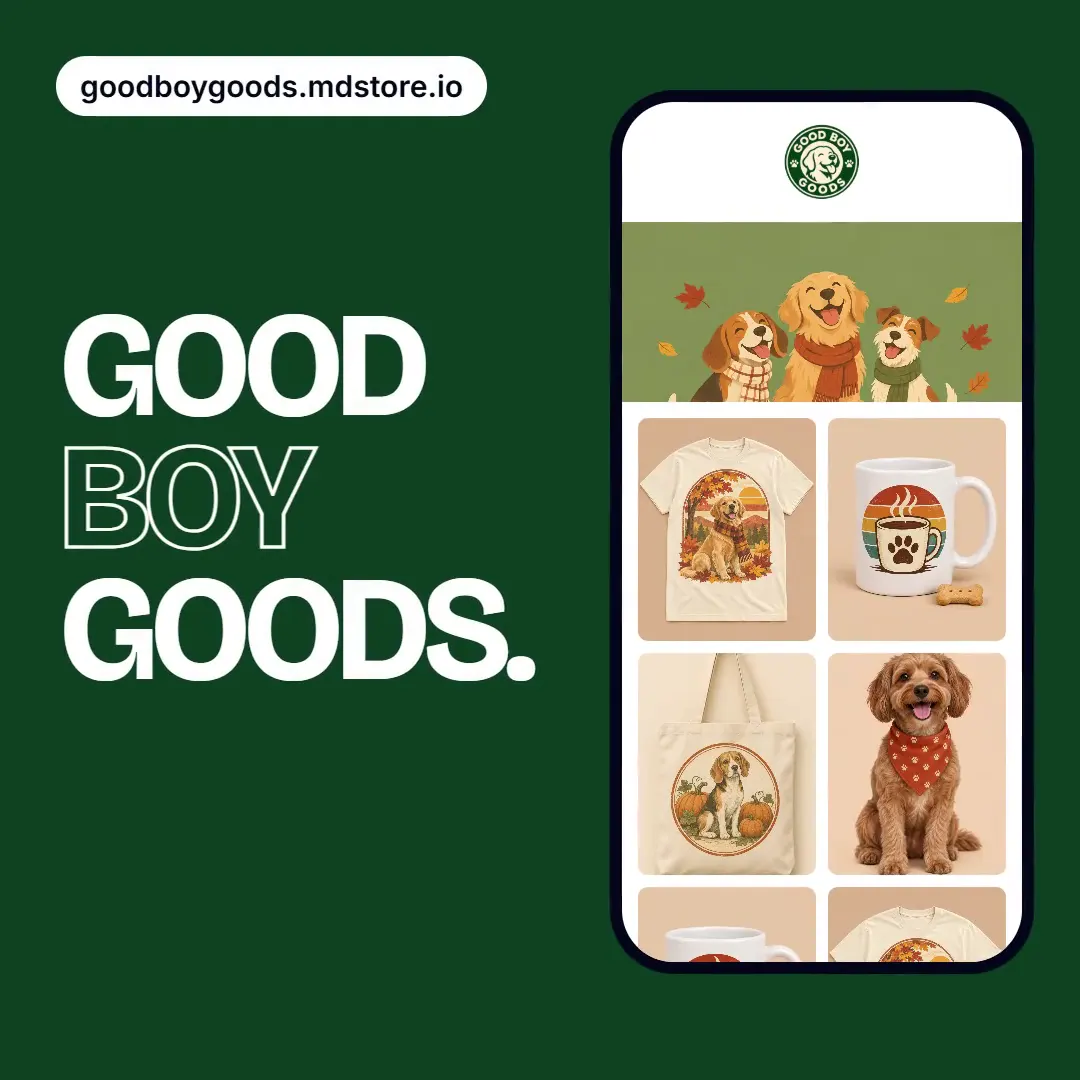
Open a MyDesigns Store and publish to it without leaving the conversation.
See MyDesigns Store
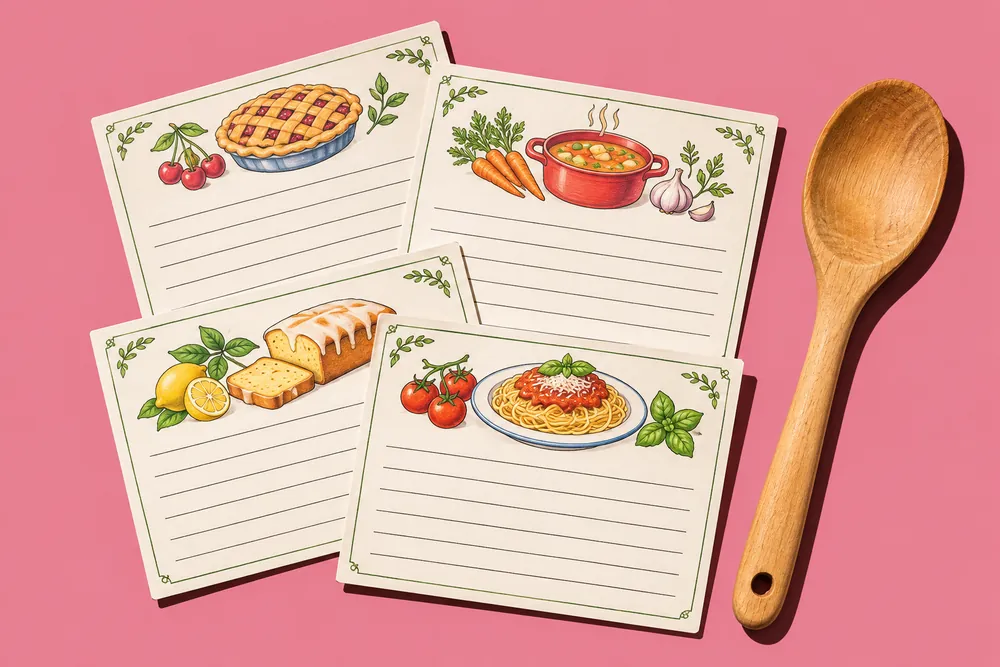
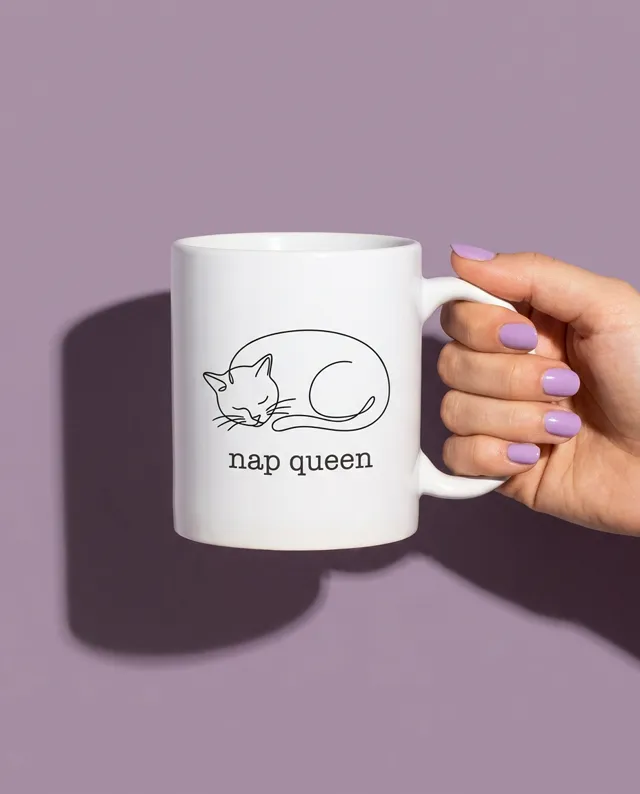
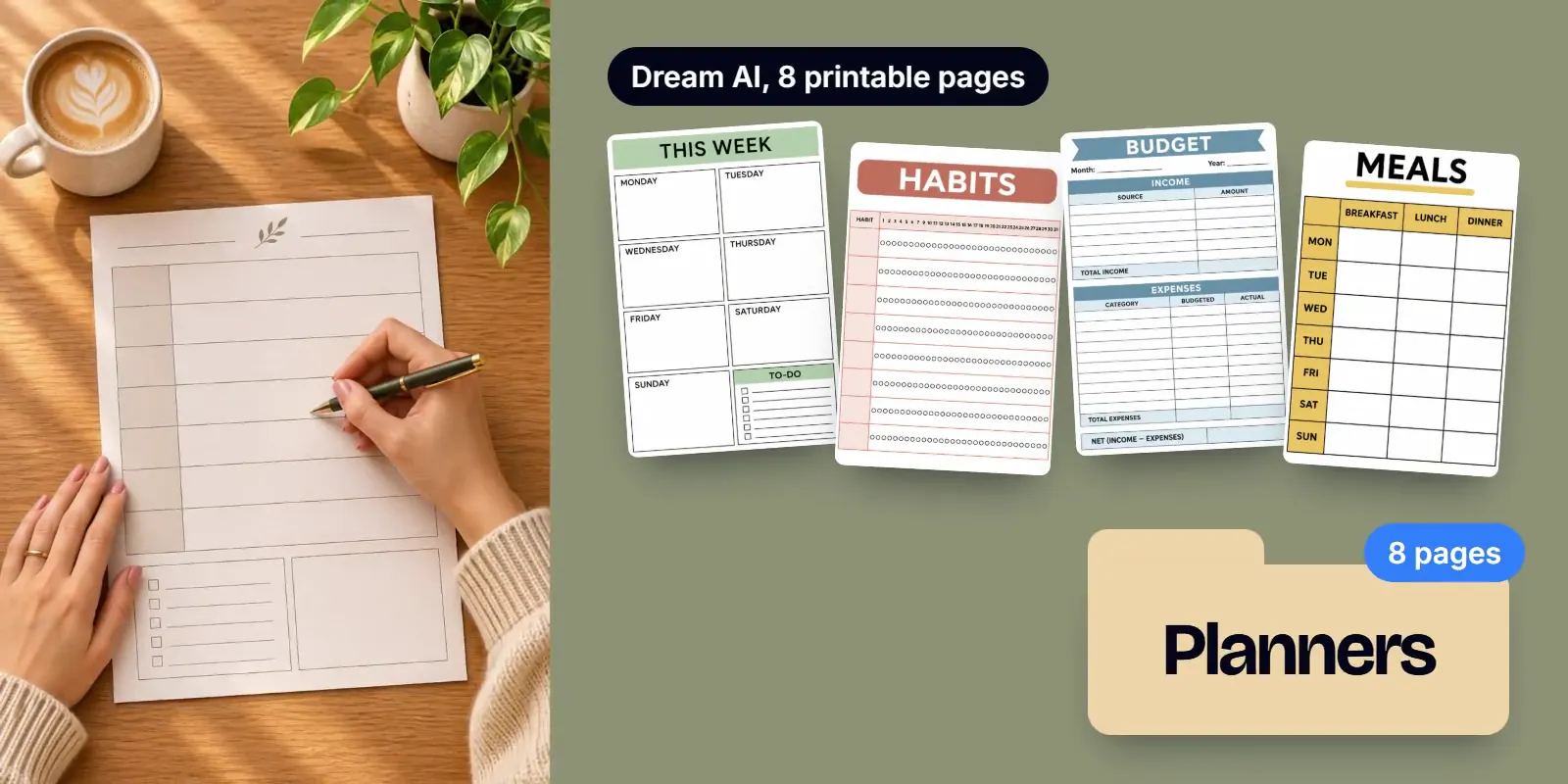
Cursor's agent can make designs, mockups and print-on-demand products, and printables for digital downloads, in the same session you build your site.

MyDesigns sits next to your code. Ask Agent in plain words, and it picks the right tools while you work on your page.

One small file and a restart. Cursor docs opens Cursor's guide to MCP servers.
{
  "mcpServers": {
    "mydesigns": {
      "url": "https://mcp.mydesigns.io/mcp"
    }
  }
}Everything Cursor makes lands in your MyDesigns account, ready for every store you sell in.
Open a MyDesigns Store and publish to it without leaving the conversation.
See MyDesigns Store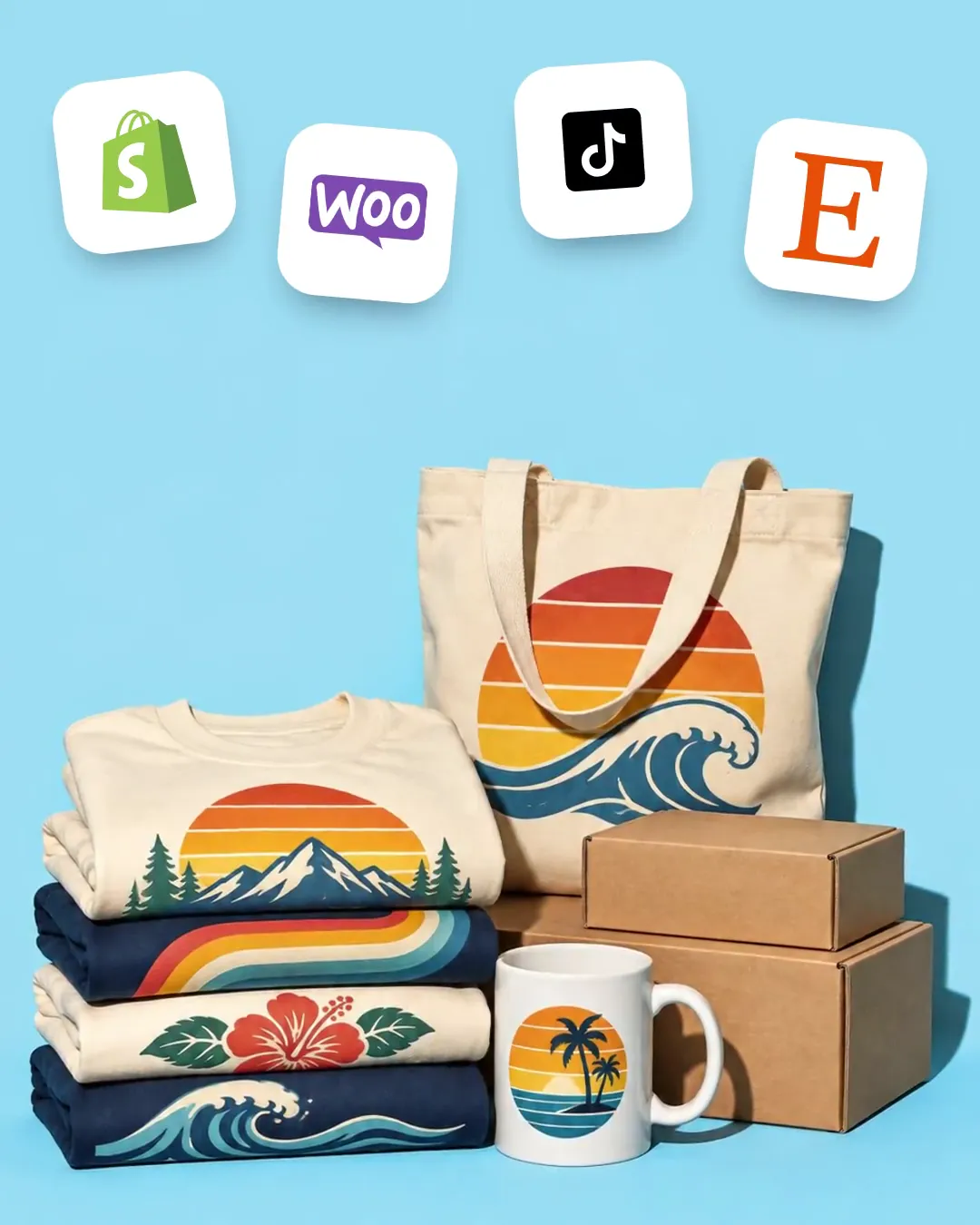
Publish the same products to Shopify, WooCommerce and TikTok Shop. For Etsy, review them, then publish in one click.
See all integrationsKeep your page open and ask from there, so what you make and what you build stay in one session.
Building a Shopify theme or a landing page? Make the products and put them on the page in one session, without leaving Cursor.
01 / 05
 Cursor
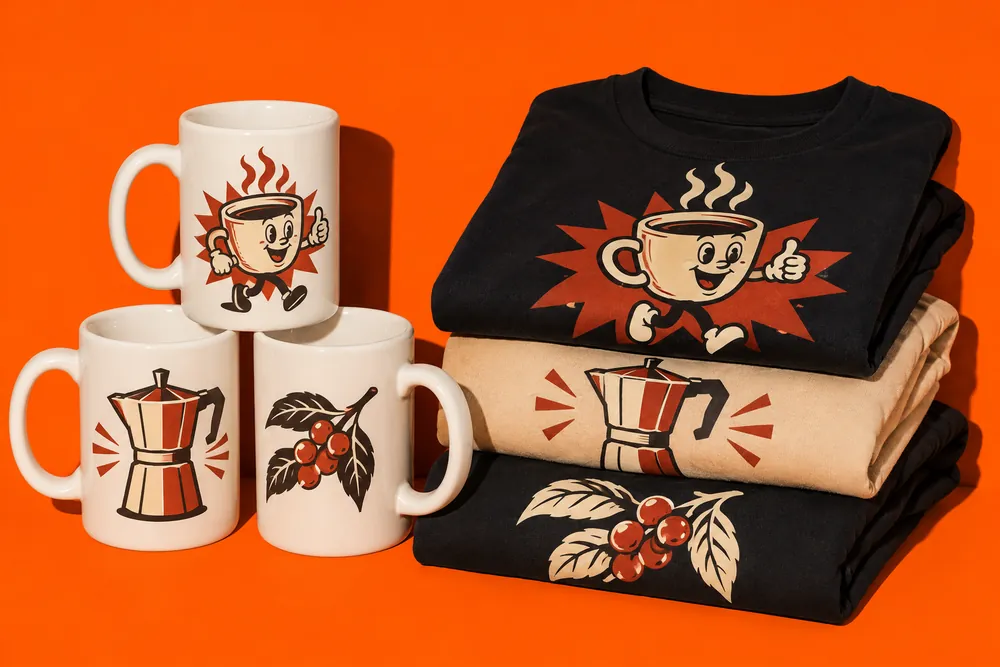
Make 6 designs for a coffee-lover collection.
Your 6 designs are in a Coffee Lovers folder. Want products from them?
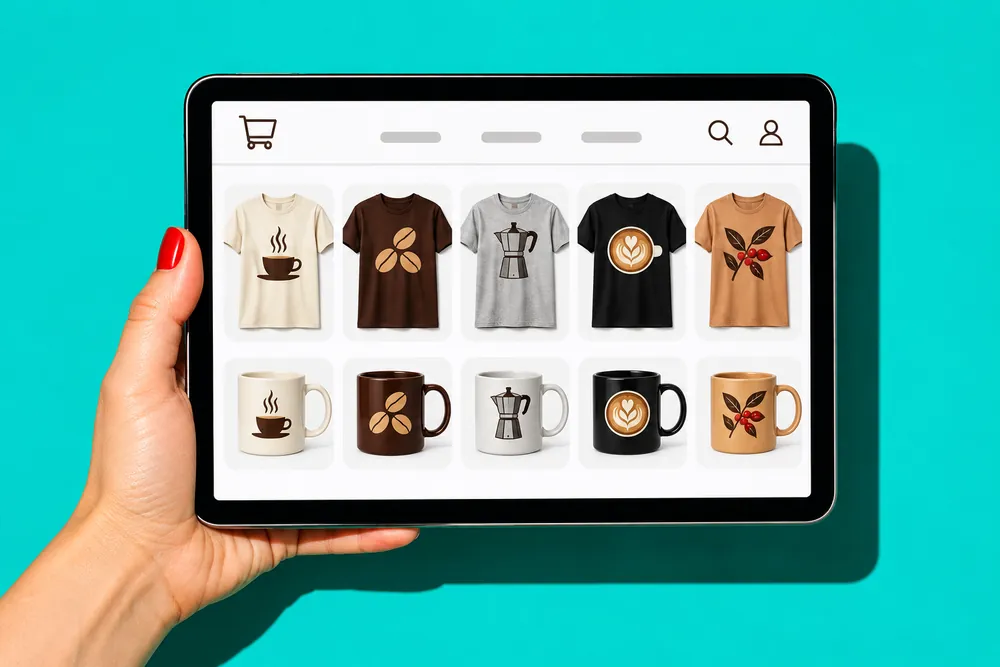
Turn them into tees and mugs with my summer profile.
The same account and the same tools, wherever you like to work.
The community is where sellers trade what is working right now, and where our team answers.
Join The CommunityAdd MyDesigns to mcp.json with the address https://mcp.mydesigns.io/mcp, save and restart Cursor, then sign in to MyDesigns under Customize, then MCPs. These steps were last checked on November 6, 2026.
In your home folder at ~/.cursor/mcp.json for all your projects, or in a project at .cursor/mcp.json for that project alone. If neither exists yet, create the one you want.
Yes, which is how MyDesigns connects, so you do not need a key in the file. If you prefer a token, add a headers entry with Authorization set to Bearer and a MyDesigns personal access token, and keep the token in an environment variable.
Use the global file if you want MyDesigns everywhere, which suits most sellers. A project file can be shared with your team through git, and each person still signs in to their own MyDesigns account. If both have MyDesigns, the project one wins.
Restart Cursor after saving the file, then check that MyDesigns is turned on and signed in under Customize, then MCPs. If it still does not appear, open the Output panel and pick MCP Logs to see the error.
Cursor makes the products in your MyDesigns account and can publish to your MyDesigns Store. You publish the same products to Shopify, TikTok Shop and Etsy from MyDesigns, and Cursor can link to them from the page you build.
It asks before a Scout AI search and before a design you did not clearly ask for, such as a redo. A batch is checked against your credits first, so if you are short, nothing is made. Cursor also asks for your approval before it uses an MCP tool, unless you change that.
Make a free MyDesigns account, add it to Cursor, and ask Agent for your first designs.