From the chat
Open a MyDesigns Store and publish to it without leaving the conversation.
See MyDesigns Store
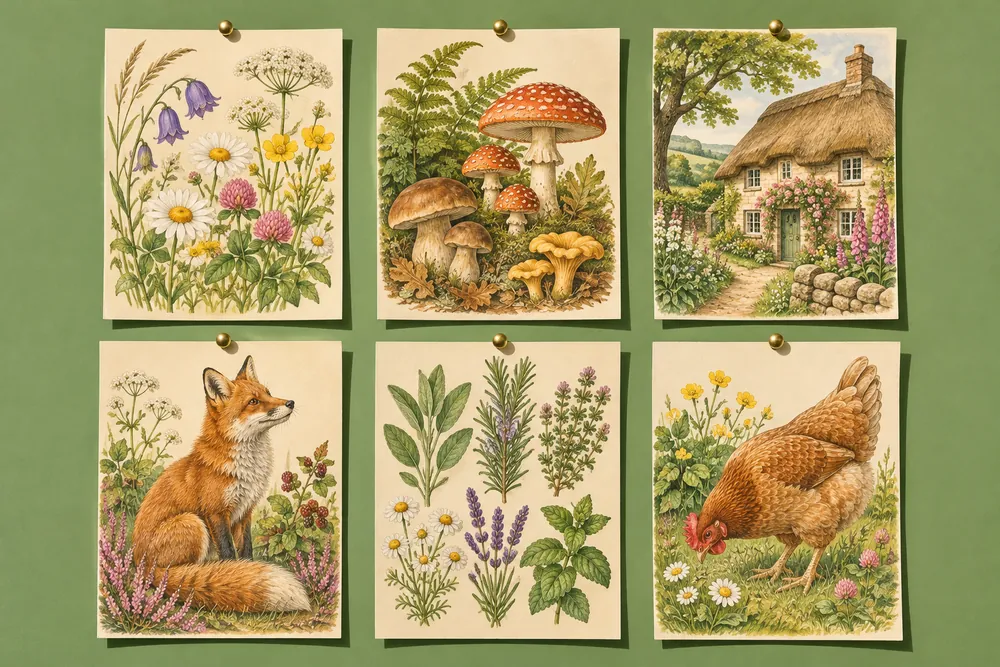
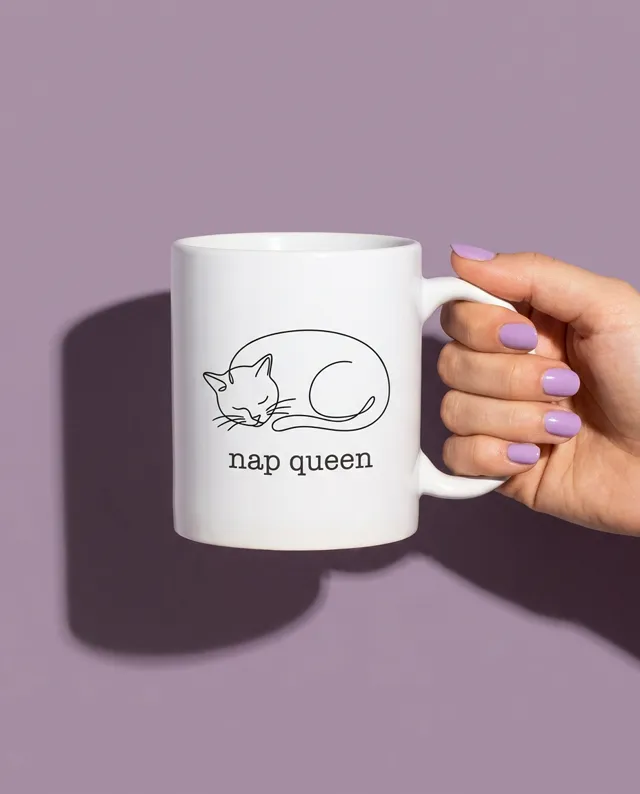
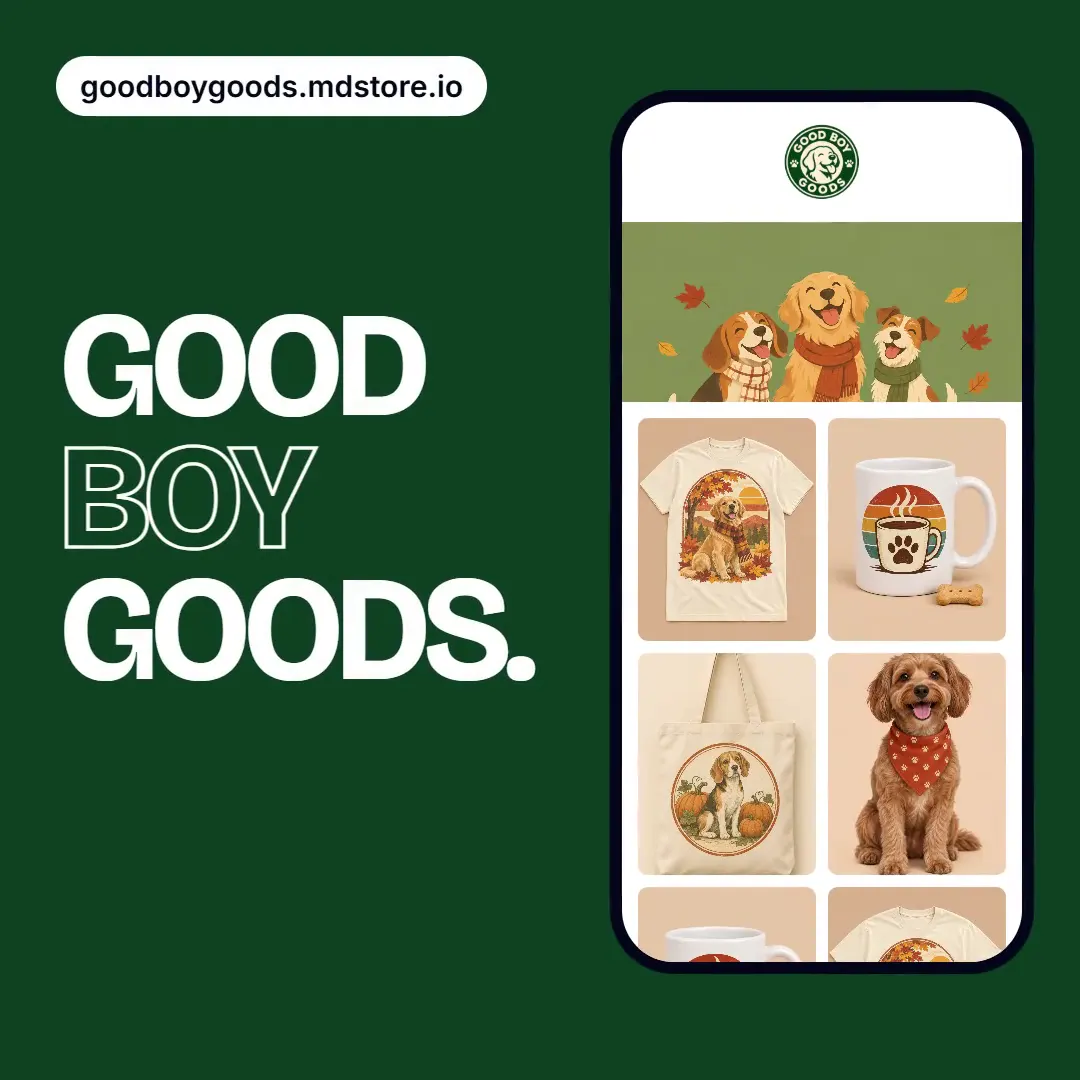
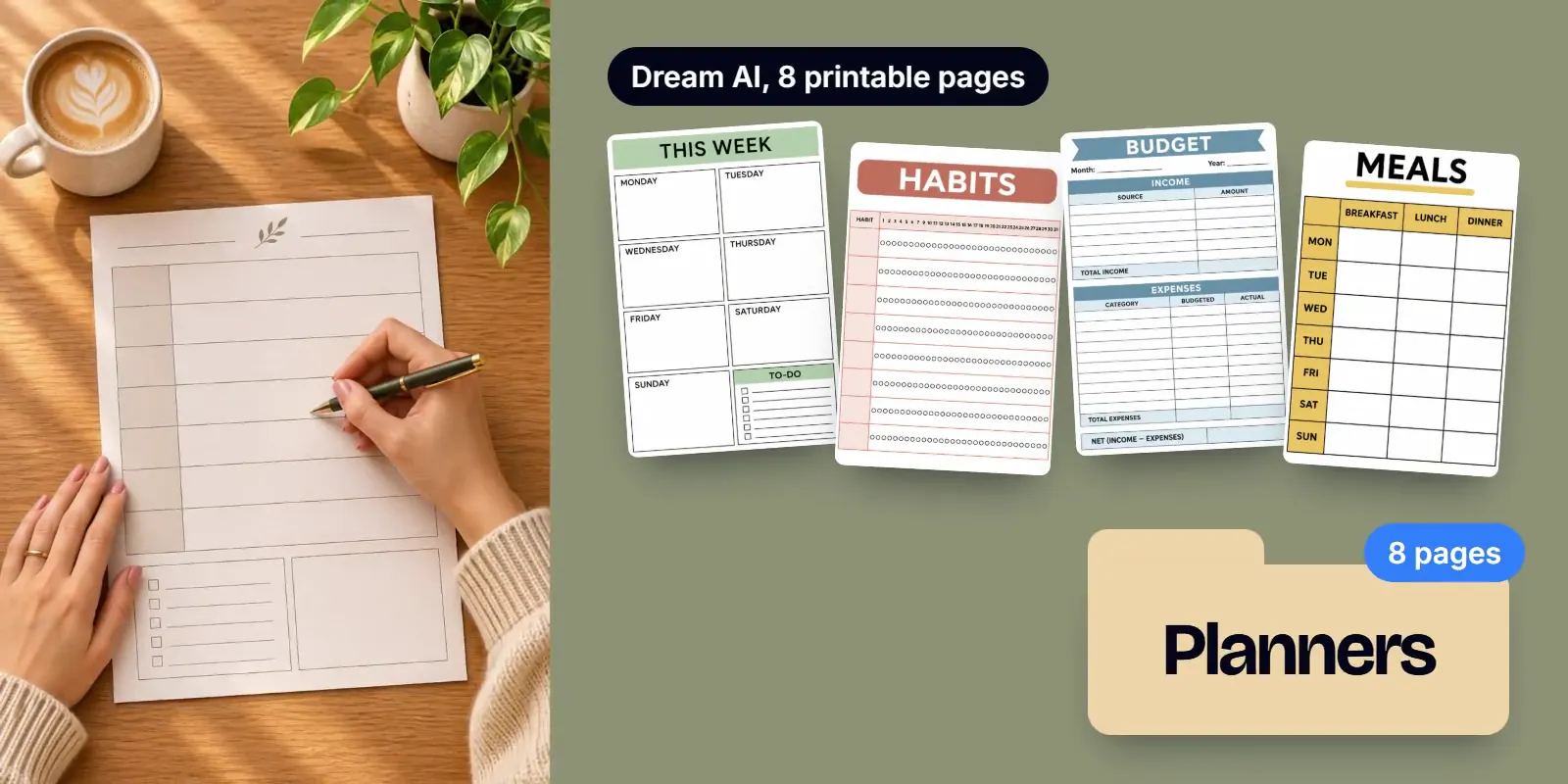
Perplexity can turn what it finds into designs, mockups and print-on-demand products, and printables for digital downloads, all saved in your account.

Look it up first, then make it. The research and the designs sit in one chat, so nothing gets lost between tabs.


A custom connector, added in a few steps. Perplexity guide opens Perplexity's own article on it.
https://mcp.mydesigns.io/mcpEverything Perplexity makes lands in your MyDesigns account, ready for every store you sell in.
Open a MyDesigns Store and publish to it without leaving the conversation.
See MyDesigns Store
Publish the same products to Shopify, WooCommerce and TikTok Shop. For Etsy, review them, then publish in one click.
See all integrationsStart with a question. When an answer looks good, tell Perplexity to make it.
Perplexity is where you look things up. Add MyDesigns, and what you find can become something to sell before you close the tab.
01 / 05
 Perplexity
What are people buying for Teacher Appreciation Week?
Personal mugs, classroom-themed totes and thank-you gifts come up most. Want designs from these?

Make 5 designs from the top ideas.
The same account and the same tools, wherever you like to work.
The community is where sellers trade what is working right now, and where our team answers.
Join The CommunityYes. Perplexity connects to remote MCP servers as custom connectors, and that is how MyDesigns connects. Once you sign in, Perplexity can make designs and products in your MyDesigns account.
Open Plugins, or Customize, then Connectors. Select Add custom, then Add MCP connector, then Remote. Name it MyDesigns and paste https://mcp.mydesigns.io/mcp. Under Advanced, choose OAuth and Streamable HTTP, tick the acknowledgement, select Add, then select the card to sign in. These steps were last checked on November 6, 2026.
Perplexity offers them on Pro, Max and Enterprise. In an organization, an admin has to turn on Allow members to add custom connectors first, because it is off by default.
First check that Authentication is set to OAuth and Transport to Streamable HTTP under Advanced, then select the card again. If Perplexity shows an error about client registration or a client secret, contact MyDesigns support and tell us what it says.
Perplexity makes the products in your MyDesigns account and can publish to your MyDesigns Store. You review them there and publish to Etsy in one click.
It asks before a Scout AI search and before a design you did not clearly ask for, such as a redo. A batch is checked against your credits first, so if you are short, nothing is made.
Make a free MyDesigns account, add the connector, and ask Perplexity what to make first.