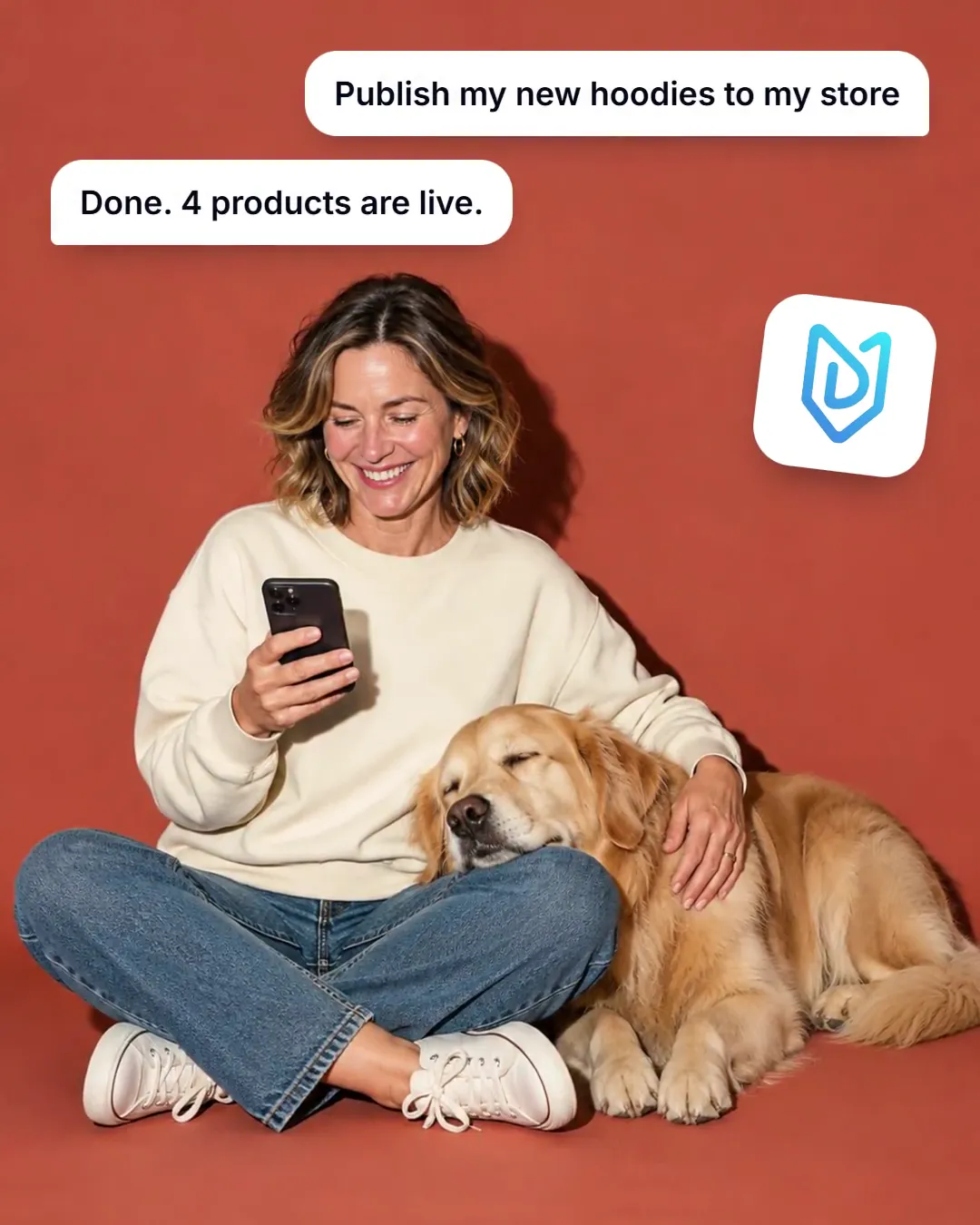
From the chat
Open a MyDesigns Store and publish to it without leaving the conversation.
See MyDesigns Store
Your n8n workflows can make designs, mockups and print-on-demand products, and printables for digital downloads, on a schedule, with no chat to open.

Add MyDesigns to an AI Agent node, then connect it to everything else your shop runs on. These are the instructions you'd give the agent.


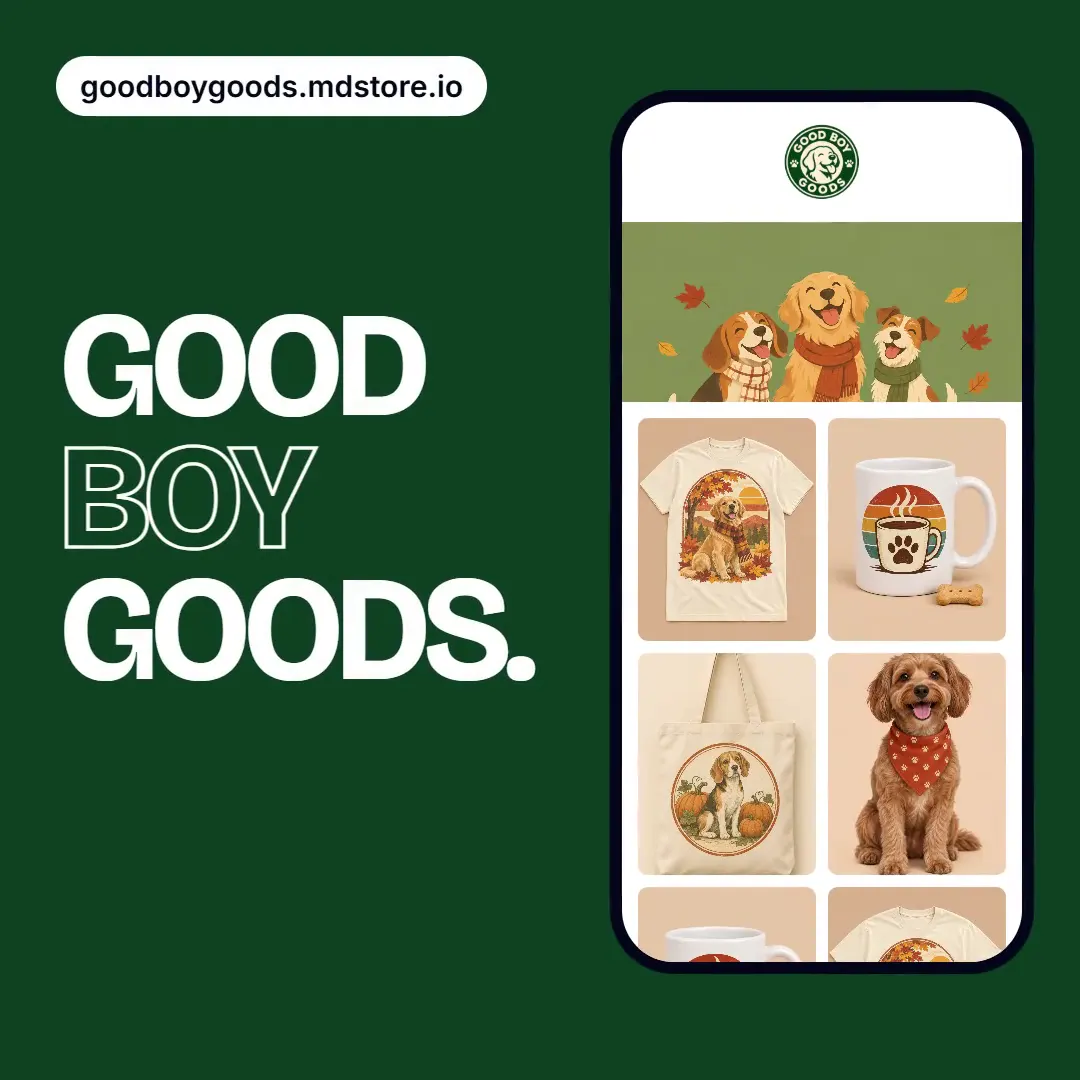
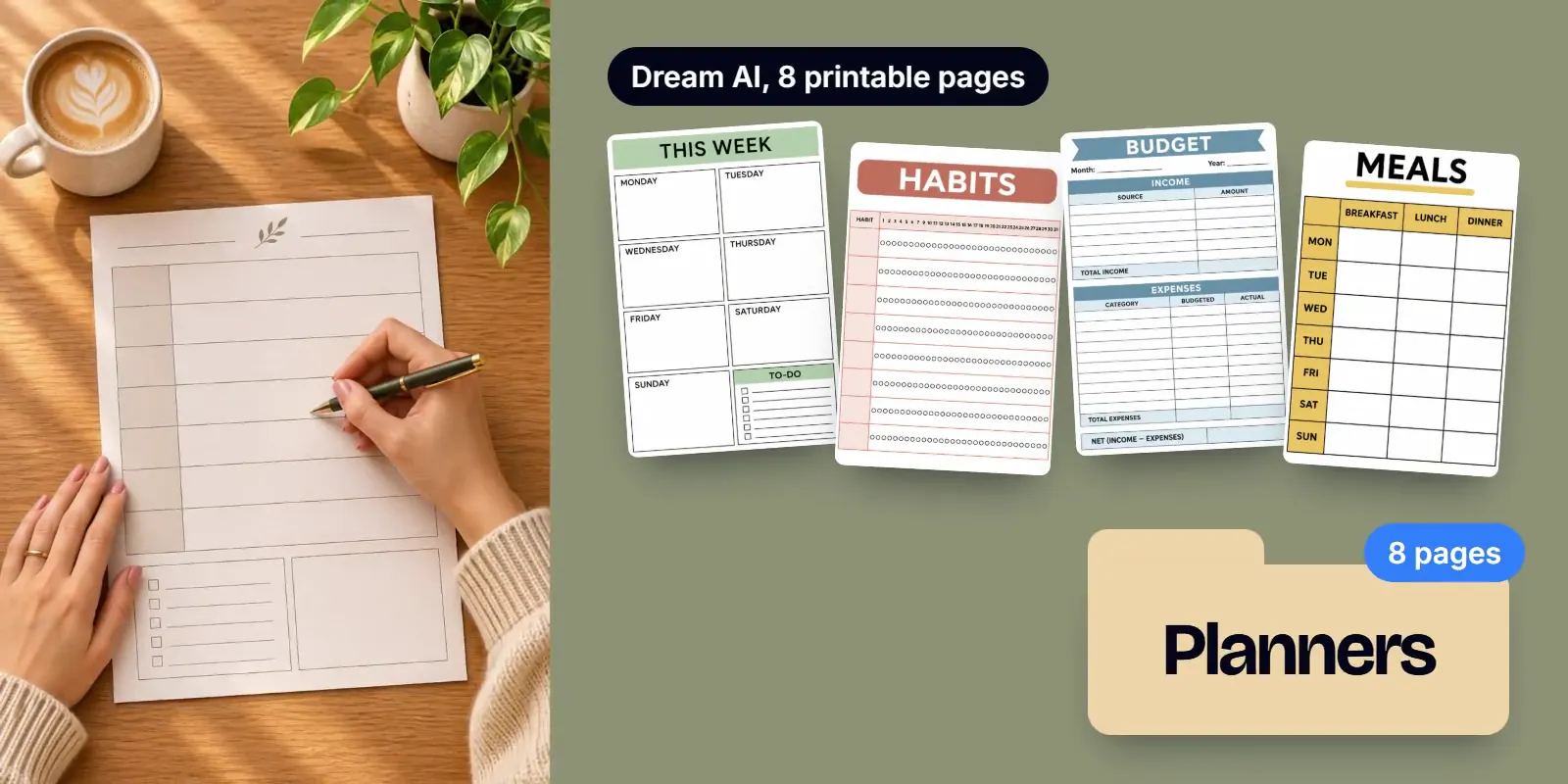
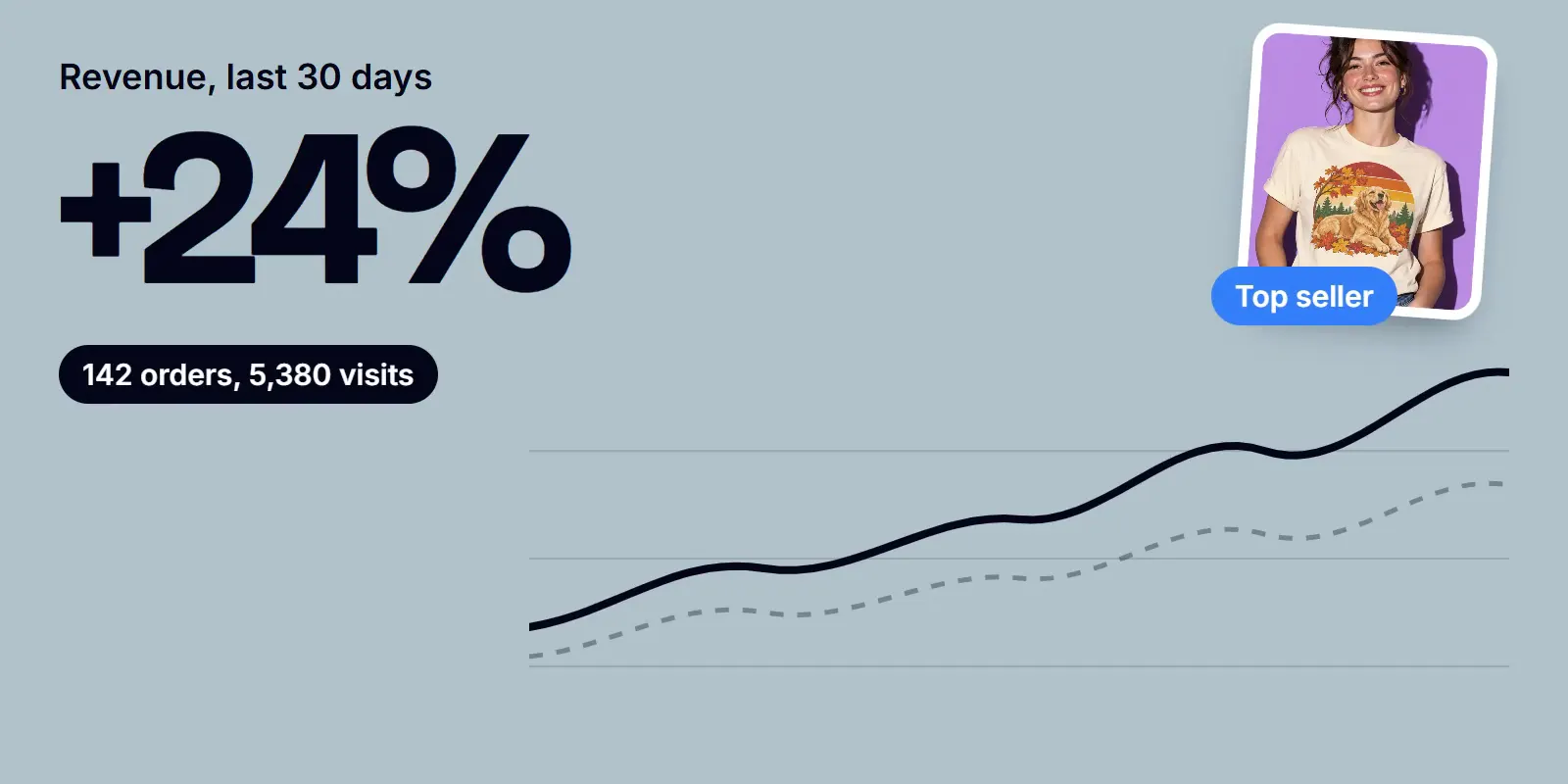
Add one tool to your AI Agent node. n8n docs opens its guide to MCP credentials.
https://mcp.mydesigns.io/mcpEverything n8n makes lands in your MyDesigns account, ready for every store you sell in.
Open a MyDesigns Store and publish to it without leaving the conversation.
See MyDesigns Store
Publish the same products to Shopify, WooCommerce and TikTok Shop. For Etsy, review them, then publish in one click.
See all integrationsEach of these is a workflow: a trigger, an AI Agent with MyDesigns, and wherever the result should go.
No chat, and nobody has to remember. Here's one workflow: a Schedule Trigger, an AI Agent with MyDesigns, and a summary in Slack.
01 / 05
 n8n
Schedule Trigger: every Monday at 8am.
The workflow starts on its own. Remember to publish it, or the schedule won't fire.

Make 5 designs for next week's holiday and put them on tees with my winter profile.
The same account and the same tools, wherever you like to work.
The community is where sellers trade what is working right now, and where our team answers.
Join The CommunityYes, with the MCP Client Tool on an AI Agent node. Set the Endpoint to https://mcp.mydesigns.io/mcp and Server Transport to HTTP Streamable. If you only see an SSE Endpoint field, the node is an older version, so add it again from the side panel. These steps were last checked on November 6, 2026.
Yes. Set Authentication to MCP OAuth2 and create an MCP OAuth2 API credential. Leave automatic client registration on, shown as Use Dynamic Client Registration or Register Client Automatically depending on your version, then select Connect my account.
Yes. Under Tools to Include, choose Selected and pick the tools it needs. A report workflow only needs read tools, so it can't make or change anything.
The MyDesigns account that signed in to the credential, on every run, whoever or whatever triggers it. That includes scheduled runs.
A workflow can make products in your MyDesigns account and publish to your MyDesigns Store. You publish the same products to Shopify, TikTok Shop and Etsy from MyDesigns.
Yes, each run that makes designs does, and a scheduled run has nobody to ask. Name an exact number in the prompt, and leave deep_search_designs out of Tools to Include so it can't start a Scout AI search. A batch is checked against your credits first, so if you are short, nothing is made.
Make a free MyDesigns account, add it to an AI Agent node, and put your first drop on a schedule.