From the chat
Open a MyDesigns Store and publish to it without leaving the conversation.
See MyDesigns Store
Most AI agents that can add a remote MCP server can make designs, mockups and print-on-demand products, and printables for digital downloads, in your MyDesigns account.

The same account and the same tools, whichever agent you already use. Ask in plain words.

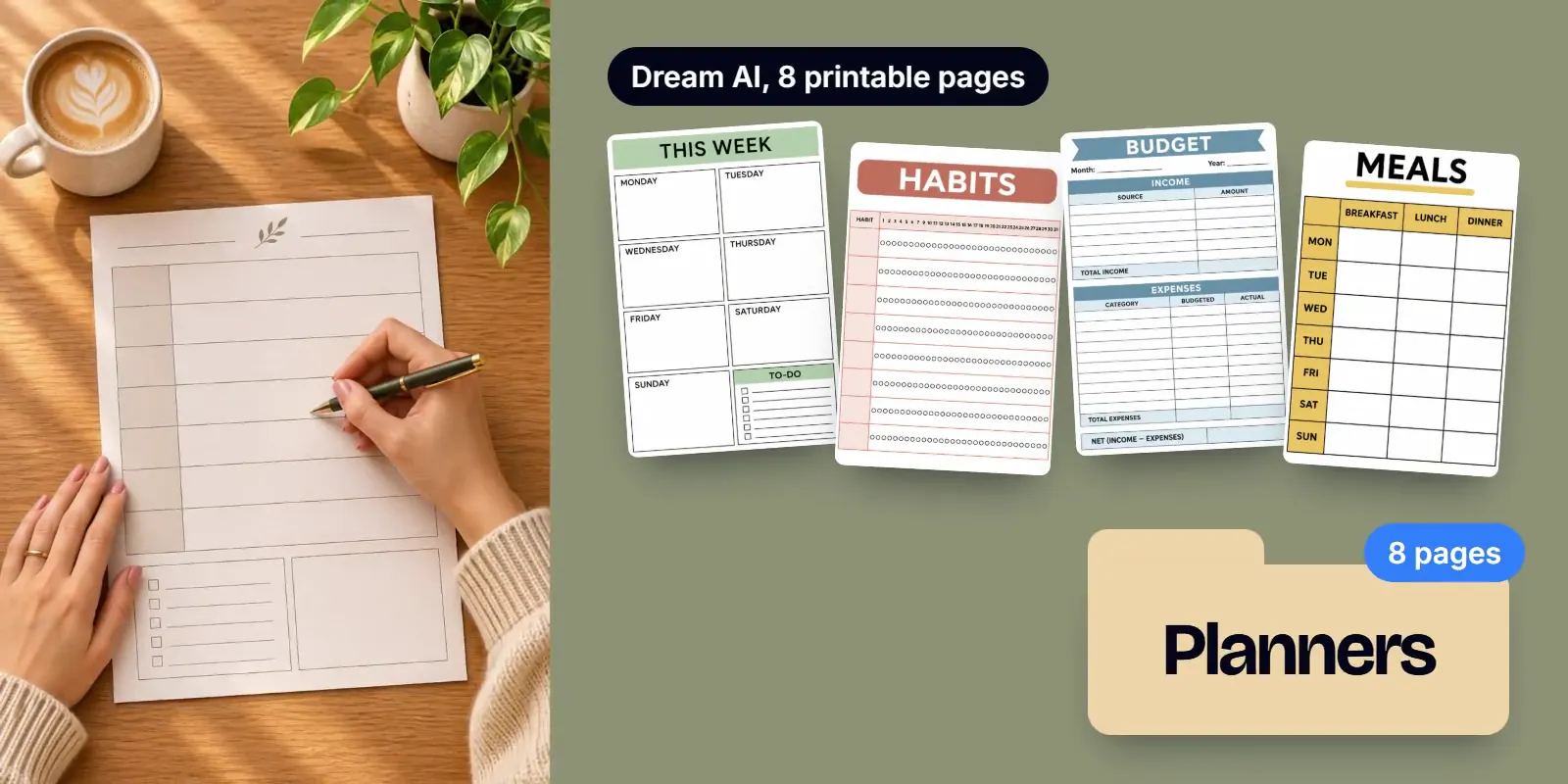
Most agents connect the same way. Look for a setting to add a custom or remote MCP server. The full setup guide has exact steps for Devin Desktop, Cline, goose, Zed, Manus and Microsoft Copilot.
https://mcp.mydesigns.io/mcpEverything your AI agent makes lands in your MyDesigns account, ready for every store you sell in.
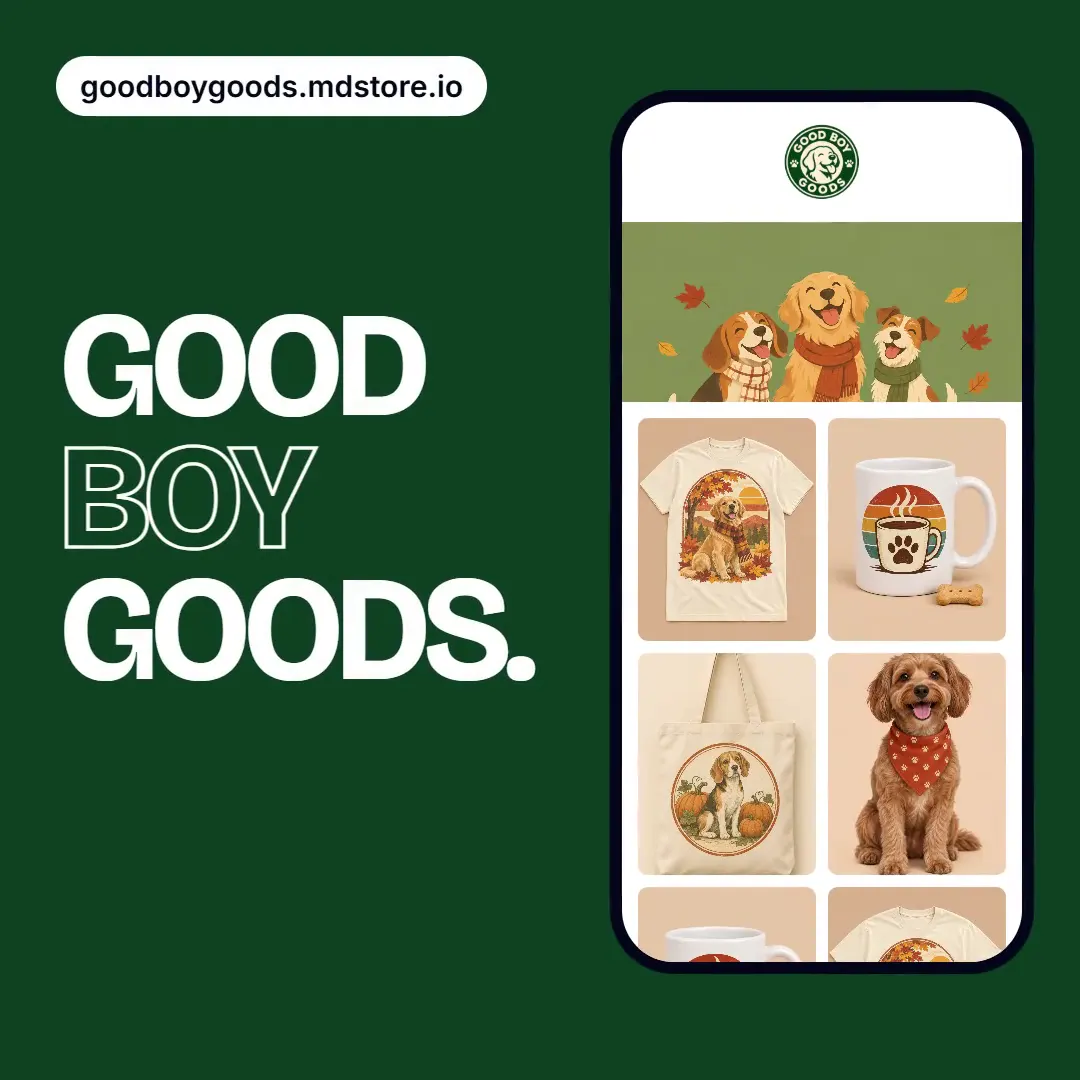
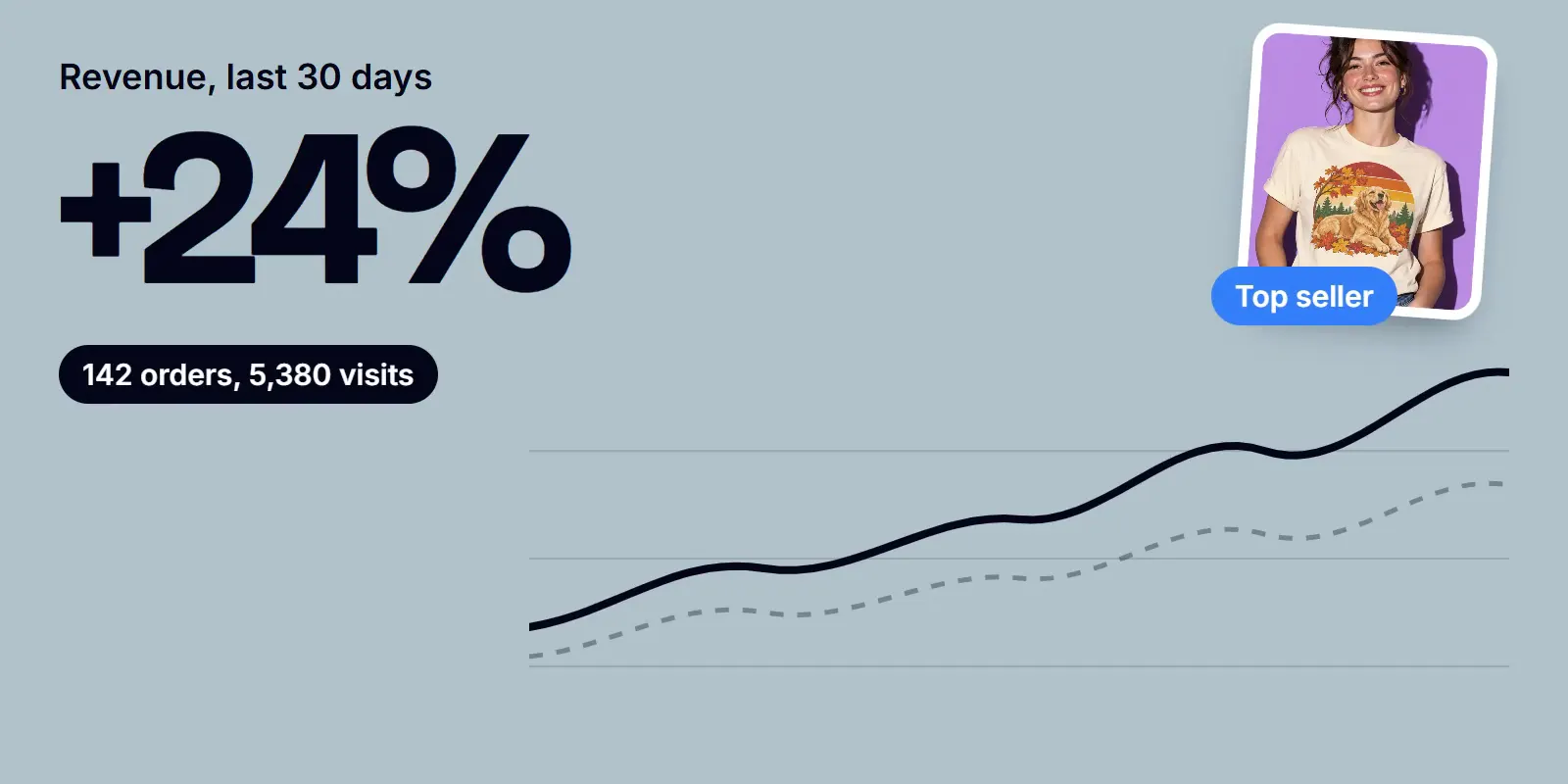
Open a MyDesigns Store and publish to it without leaving the conversation.
See MyDesigns Store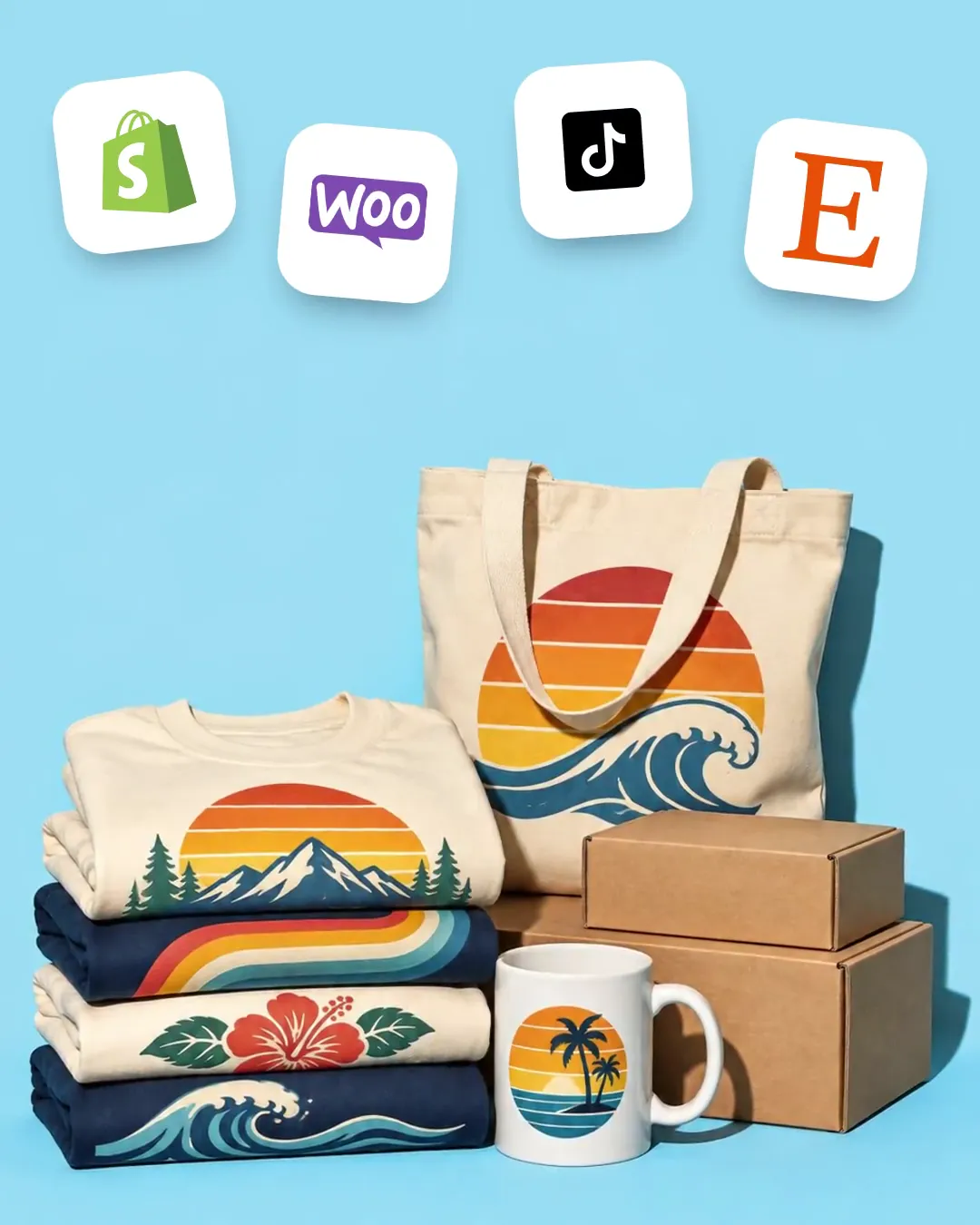
Publish the same products to Shopify, WooCommerce and TikTok Shop. For Etsy, review them, then publish in one click.
See all integrationsThese work in any agent that's connected. Start with one and see what comes back.
You don't have to switch tools to run a shop. Keep the agent you know, and add MyDesigns to it.
01 / 05
 Your AI agent
Are you connected to MyDesigns?
Yes. I can see your designs, products, stores and orders. What should we make?

Make 6 retro designs for a new folder called Weekend Finds.
The same account and the same tools, wherever you like to work.
The community is where sellers trade what is working right now, and where our team answers.
Join The CommunityAny agent that can add a remote MCP server over Streamable HTTP. Claude, ChatGPT, Gemini, Grok, Cursor and others have pages of their own, and the full setup guide has steps for the rest. These steps were last checked on November 6, 2026.
Use a personal access token. In MyDesigns, open Settings, then Personal Access Tokens, and generate one. Give it to your agent as an Authorization header set to Bearer and your token, and never commit it to a code repository.
Yes. Windsurf was renamed Devin Desktop in June 2026, and its local agent reads ~/.config/devin/mcp_config.json. Its docs use url for a remote server. Leave out headers and MyDesigns uses its sign-in page.
If you edit the JSON settings, set "type": "streamableHttp" on the server. Without it, Cline uses the older SSE transport, which MyDesigns does not use.
Run goose configure and add a Remote Extension (Streamable HTTP) with the MyDesigns address. On goose Desktop, open Extensions in the sidebar and select Add custom extension. goose runs the sign-in the first time it connects.
Yes. Add the server with its url and no Authorization header, and Zed runs the standard MCP sign-in for you.
Yes. Open Connectors, select Create, then Add MCP by URL. Manus either has you sign in or asks for a key, depending on the server.
In Copilot Studio, yes, with generative orchestration turned on, and Microsoft 365 Copilot has its own admin and developer routes. A Copilot Studio trial can build and test an agent but cannot publish it. Microsoft documents no way to add a server in the consumer Copilot app.
OpenAI says dots can use the supported plugins installed and enabled on your account, so install the MyDesigns plugin in ChatGPT first.
Make a free MyDesigns account, add it to the agent you already use, and ask for your first designs.