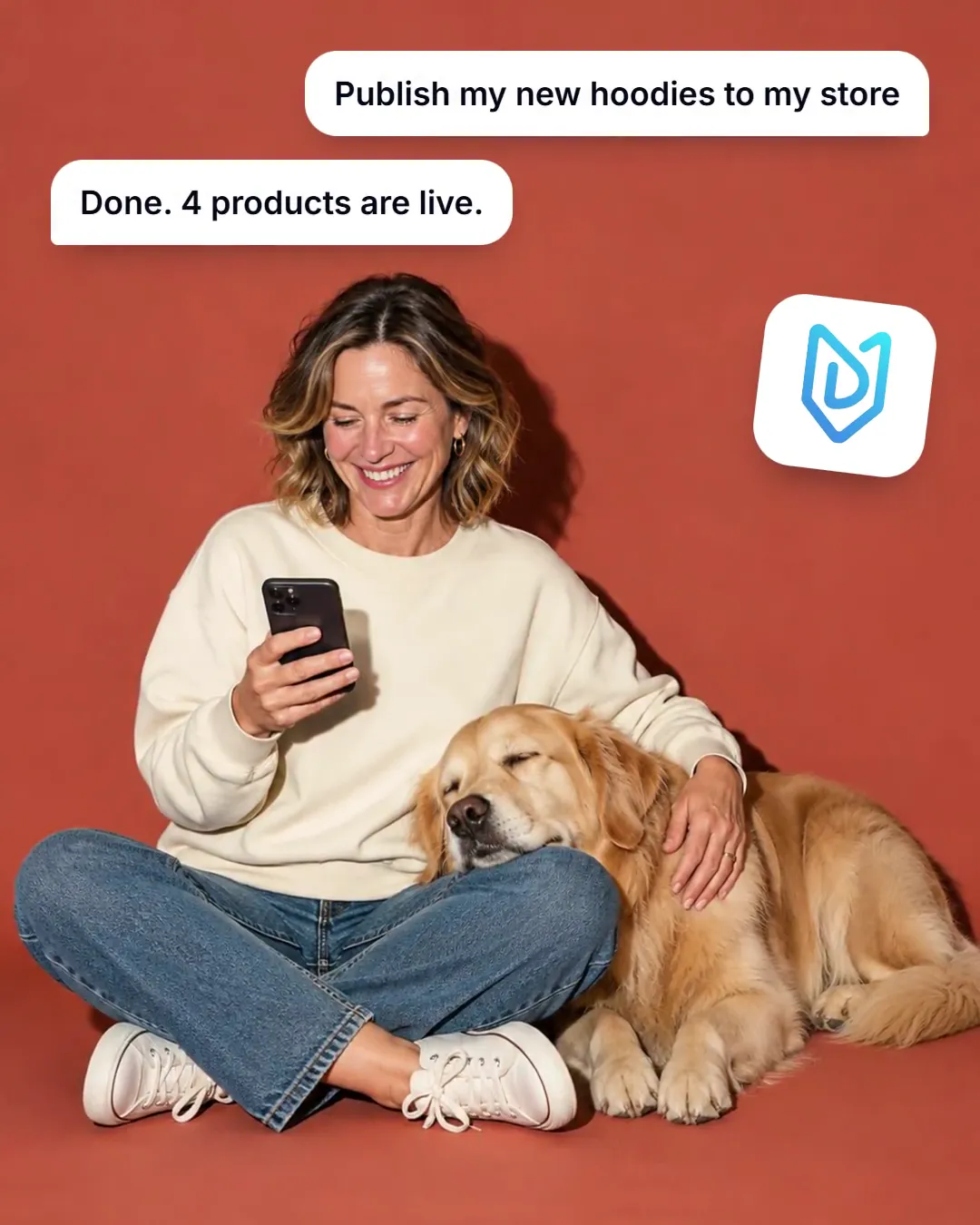
From the chat
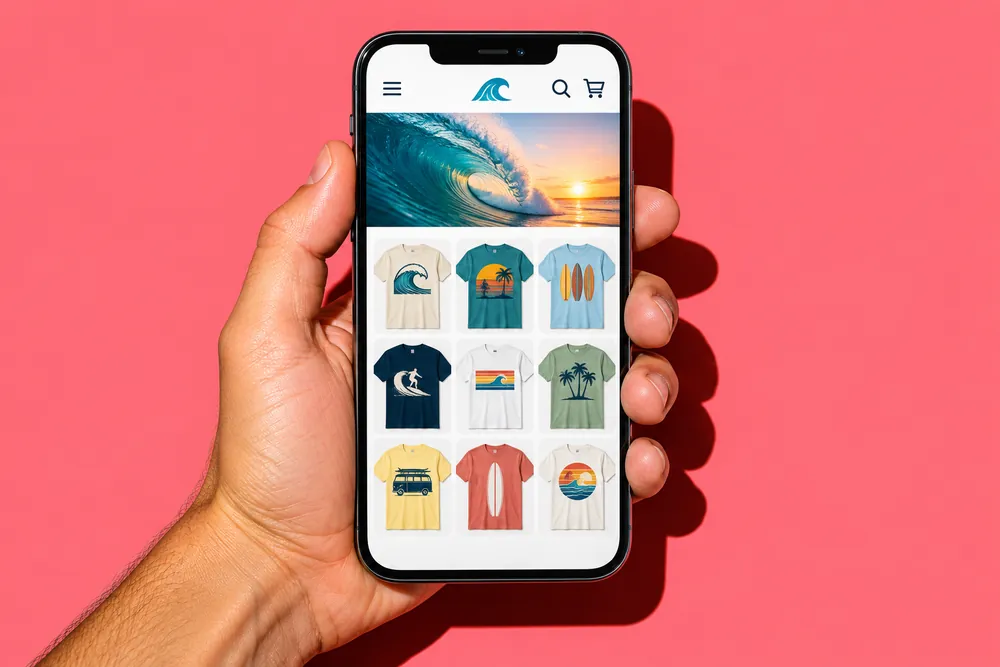
Open a MyDesigns Store and publish to it without leaving the conversation.
See MyDesigns Store
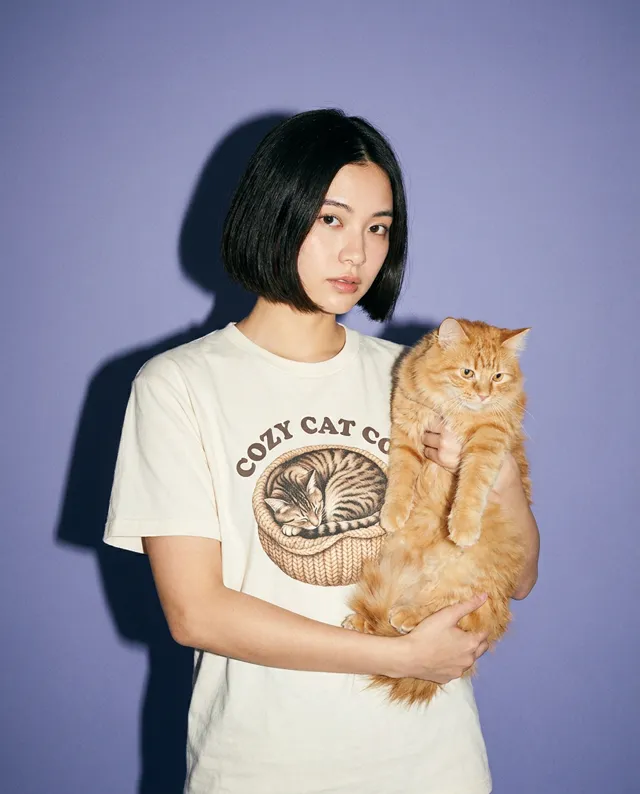
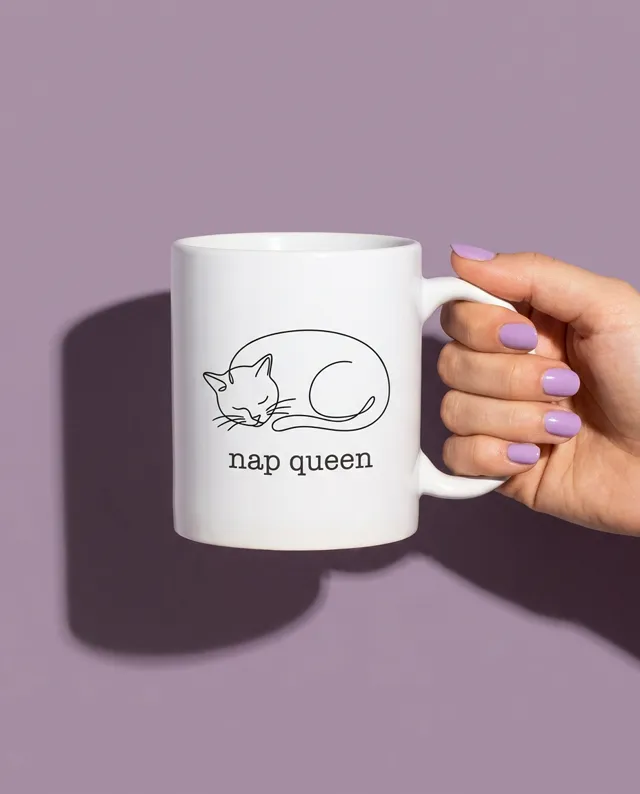
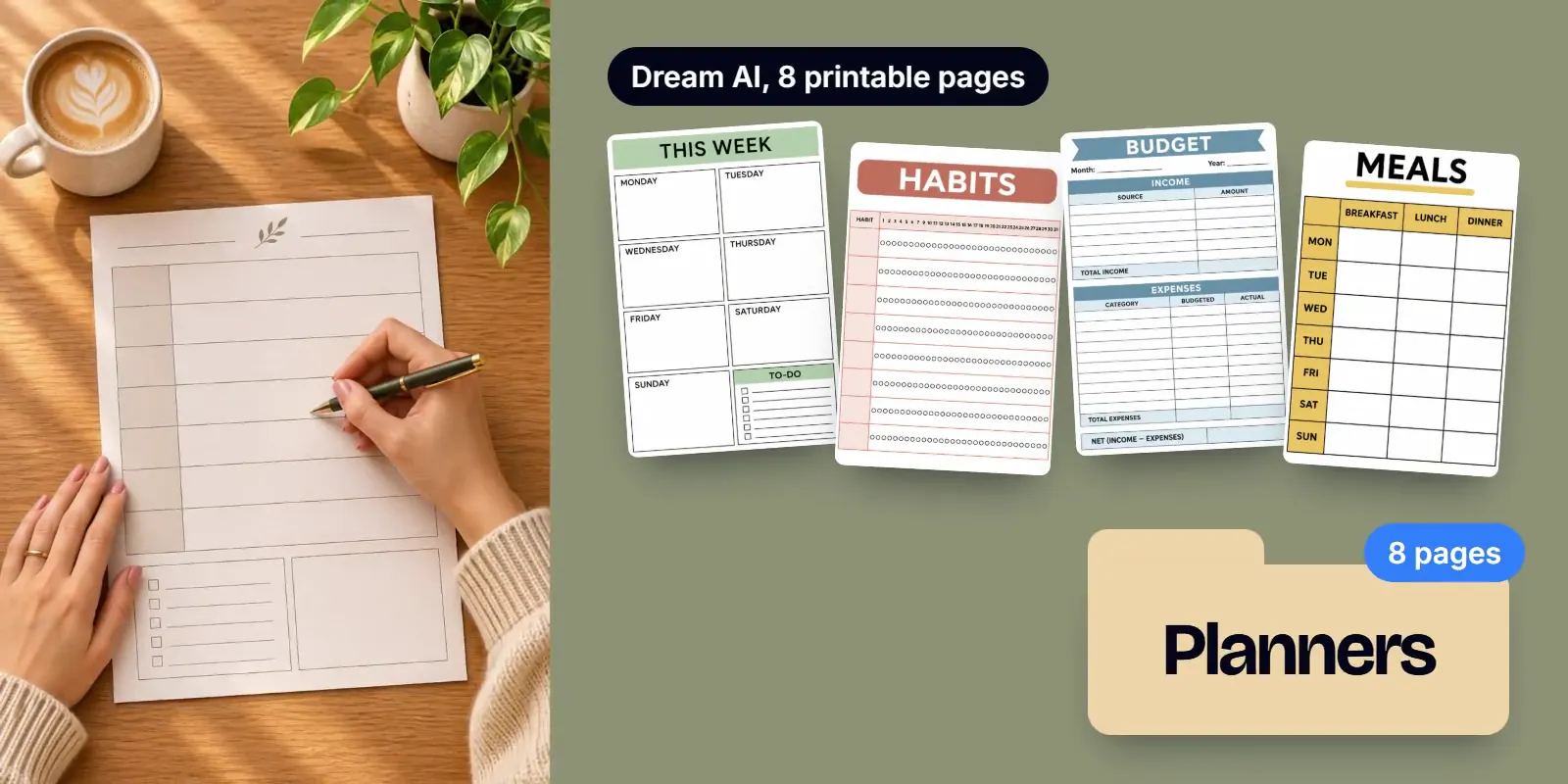
Your Bot can make designs, mockups and print-on-demand products, and printables for digital downloads, even on a schedule, all saved in your account.
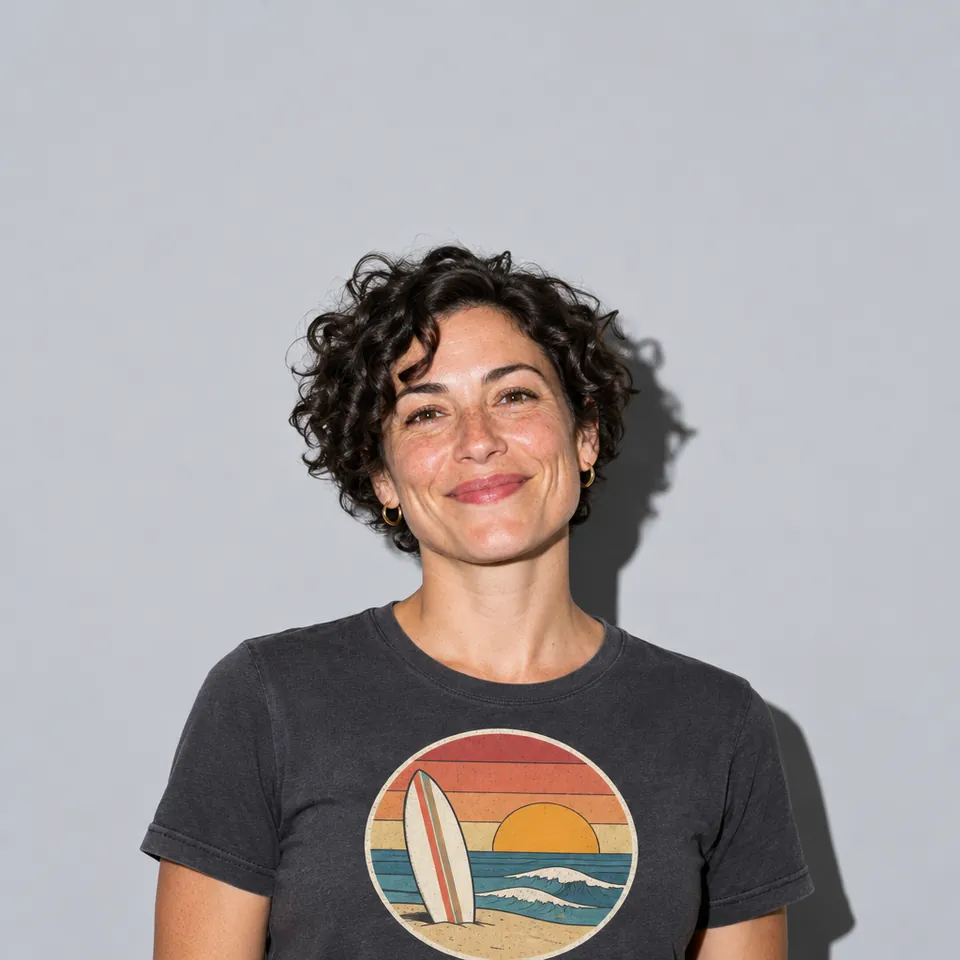
Give your Bot the work once. It runs on its own cloud computer and uses MyDesigns the way you would ask it to.
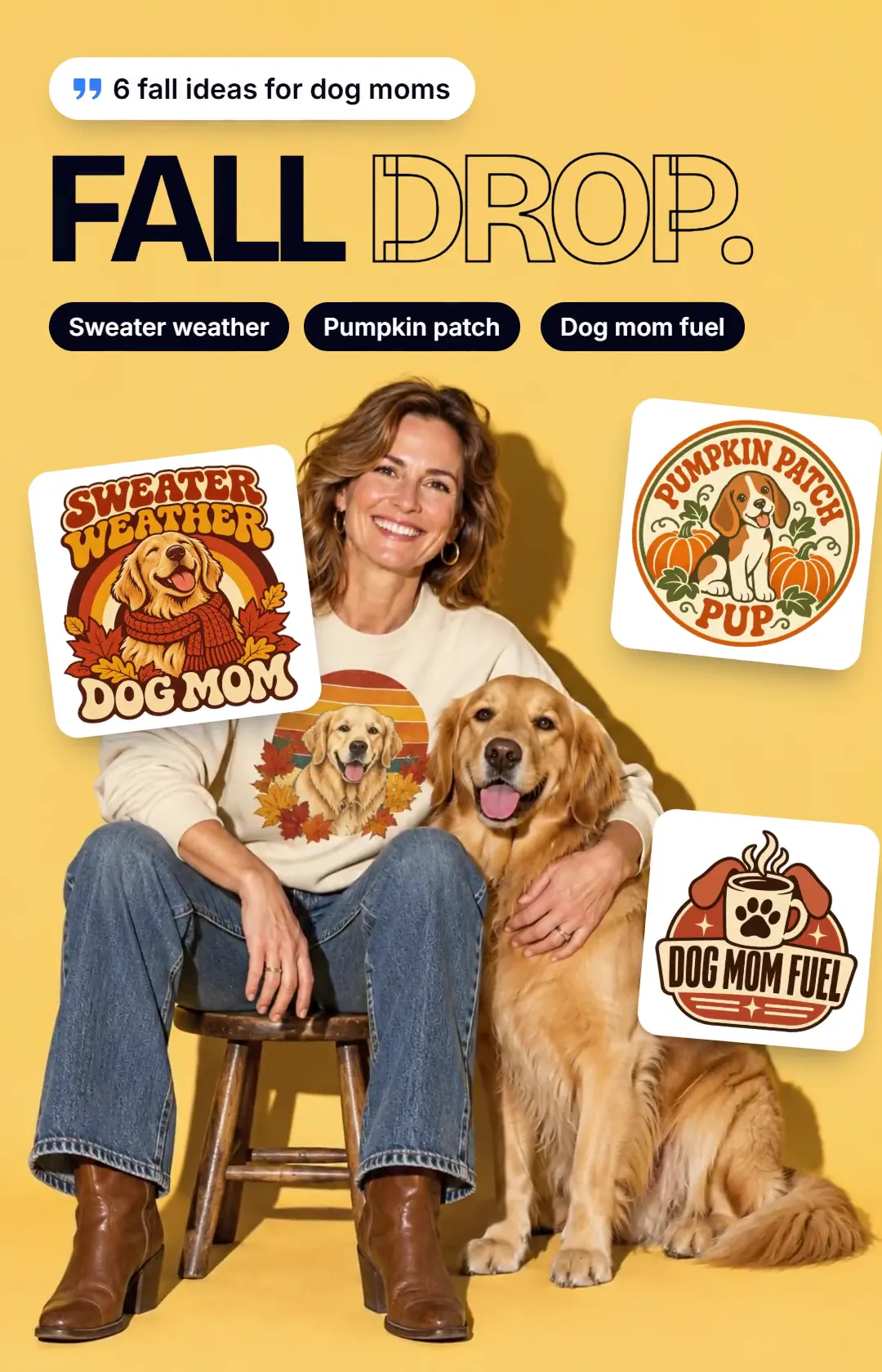

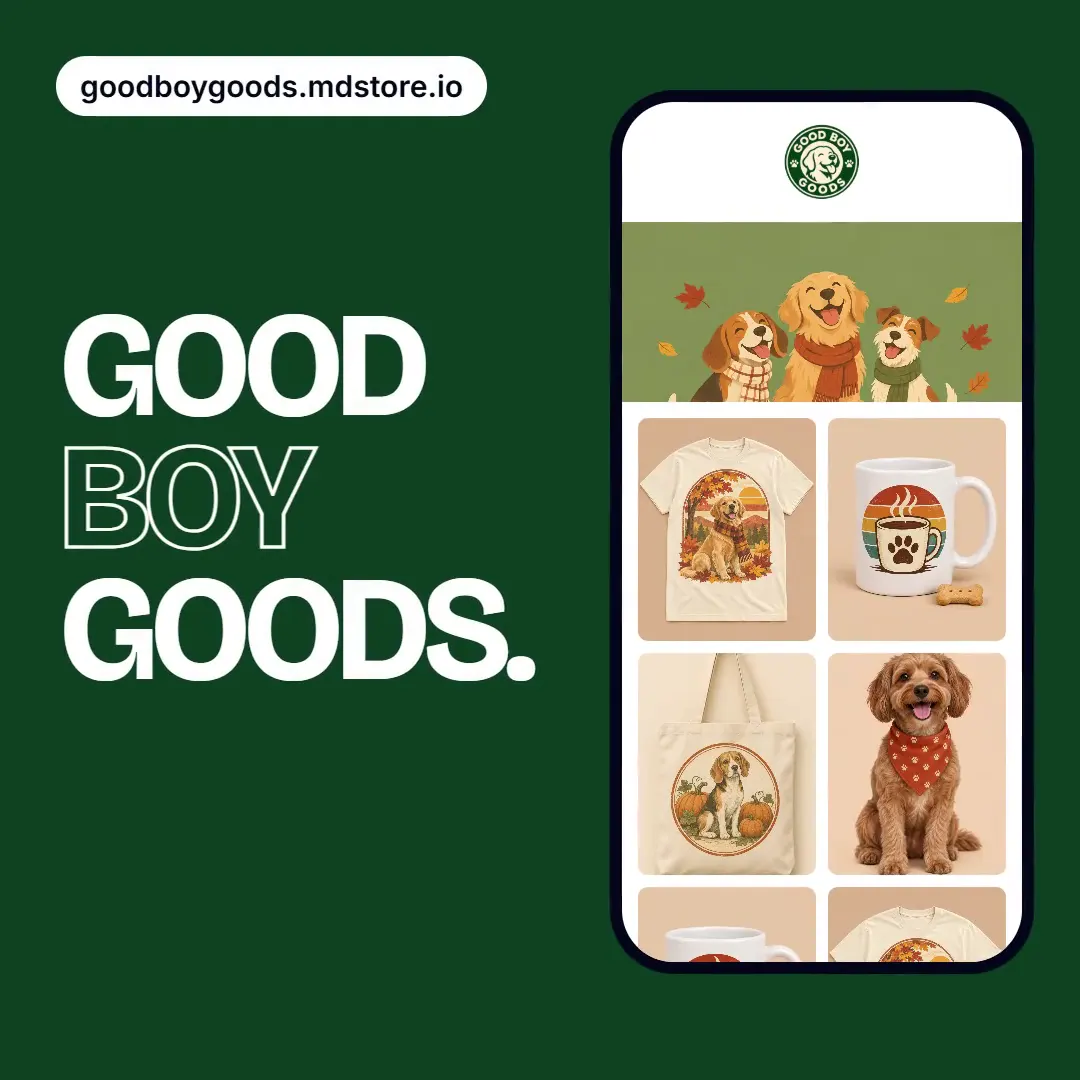
Set it up once and every Bot you run can use it. Get Grok Bot opens the download page.
Add this MCP server: https://mcp.mydesigns.io/mcpEverything Grok Bot makes lands in your MyDesigns account, ready for every store you sell in.
Open a MyDesigns Store and publish to it without leaving the conversation.
See MyDesigns Store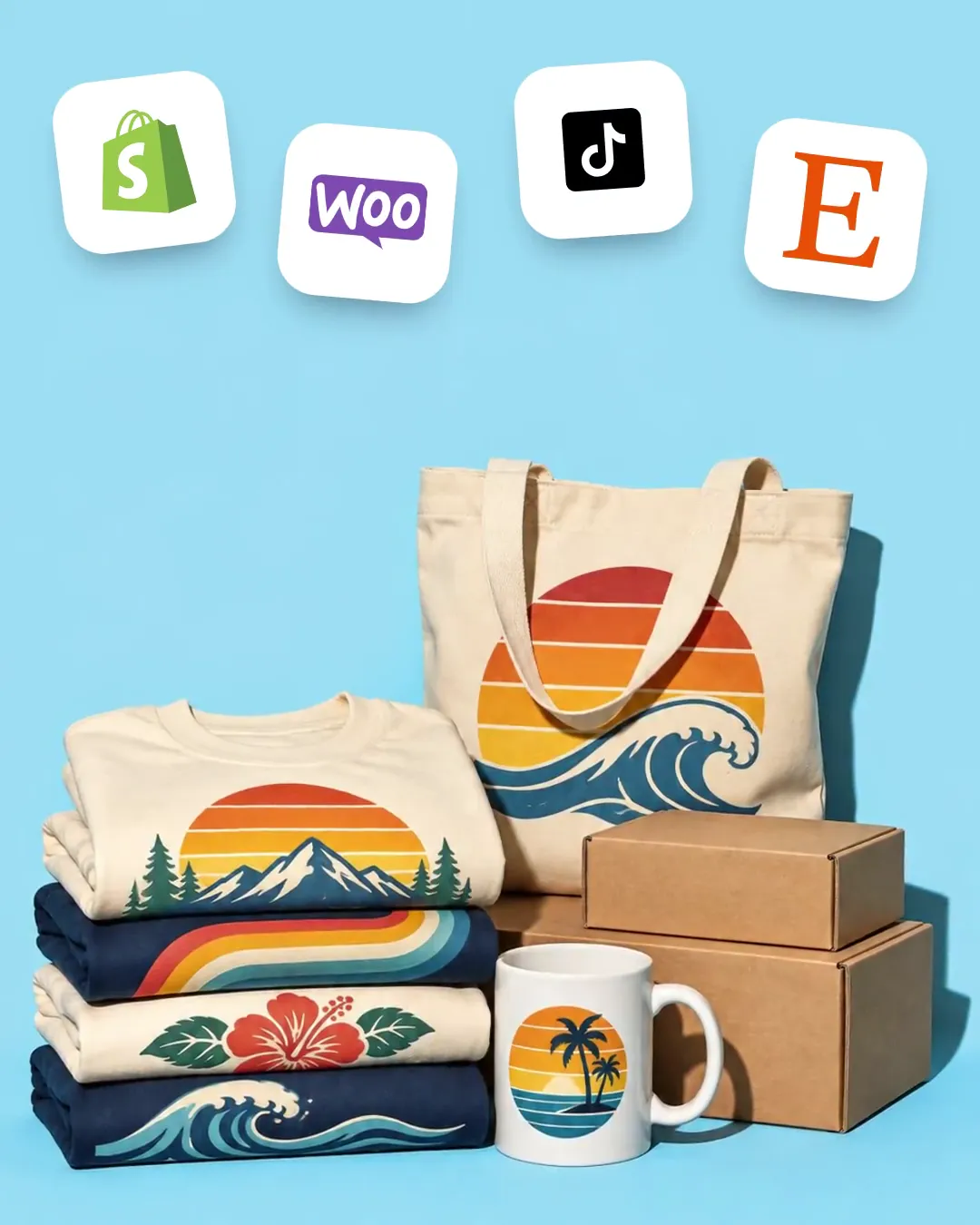
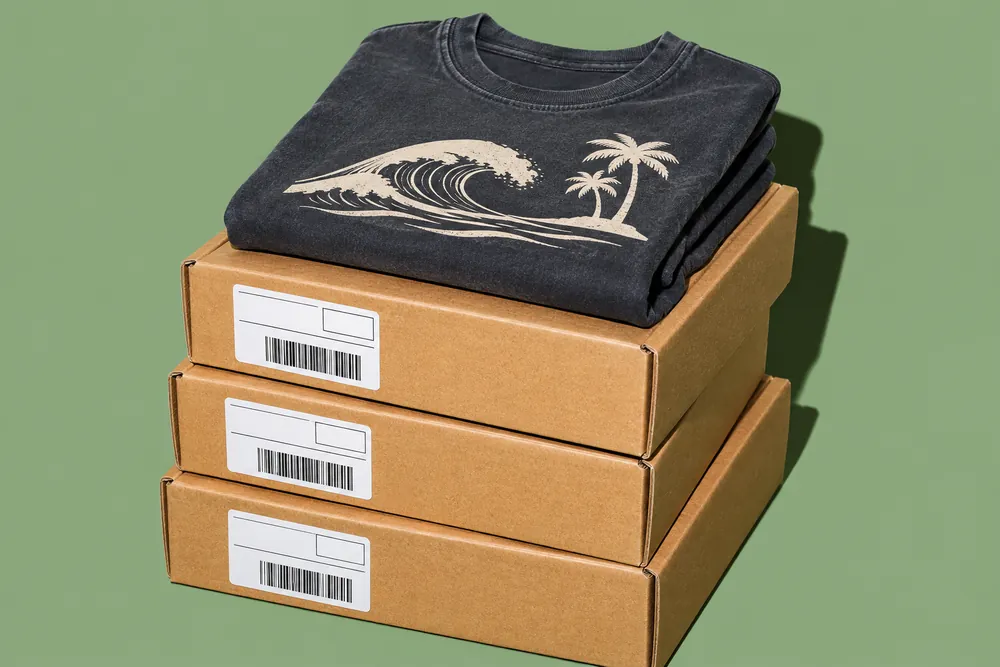
Publish the same products to Shopify, WooCommerce and TikTok Shop. For Etsy, review them, then publish in one click.
See all integrationsSay when as well as what. Anything you would do every week can become a routine.
A Bot works on its own cloud computer, so your weekly drop keeps moving with your laptop closed. You come back to the results.
01 / 05
 Grok Bot
Every Monday at 9am, find 3 niches that sell, make 5 designs for each and put the best on tees with my summer profile.
Routine saved. I'll start on Monday at 9am and tell you what I made.

I'm off until Friday, and my laptop stays closed. Does that change anything?
The same account and the same tools, wherever you like to work.
The community is where sellers trade what is working right now, and where our team answers.
Join The CommunityAsk your Bot in a chat: "Add this MCP server: https://mcp.mydesigns.io/mcp". On the Connect card, choose Authorize or Authenticate and sign in to MyDesigns. Then check it is under Connect apps, then Installed. These steps were last checked on November 6, 2026.
No. Grok is the chat app, and Grok Bot is a separate app of AI teammates that signs in with a Cursor account. Connecting MyDesigns to one does not connect it to the other.
It can run the work you hand it. A routine tells one Bot what to do and when, such as making designs every Monday or sending a sales report every Friday.
No. Bots work on a cloud computer, so closing the app, your laptop or your phone does not stop a routine.
Yes. A connected app is on your whole account, so every Bot you run can use MyDesigns.
Your Bot makes the products in your MyDesigns account and can publish to your MyDesigns Store. You review them in MyDesigns and publish them to Etsy in one click.
Grok Bot comes with Premium, Super and Ultra on The X Subscription, and with paid legacy Cursor plans. Free and Plus do not include it. Connecting MyDesigns is free on every MyDesigns plan while the MCP server is in beta.
Yes, each design a routine makes costs AI credits, so say how many you want in each run. A batch is checked against your credits first, and if you are short, nothing in it is made.
Make a free MyDesigns account, connect it to Grok Bot, and hand your Bot its first routine.