From the chat
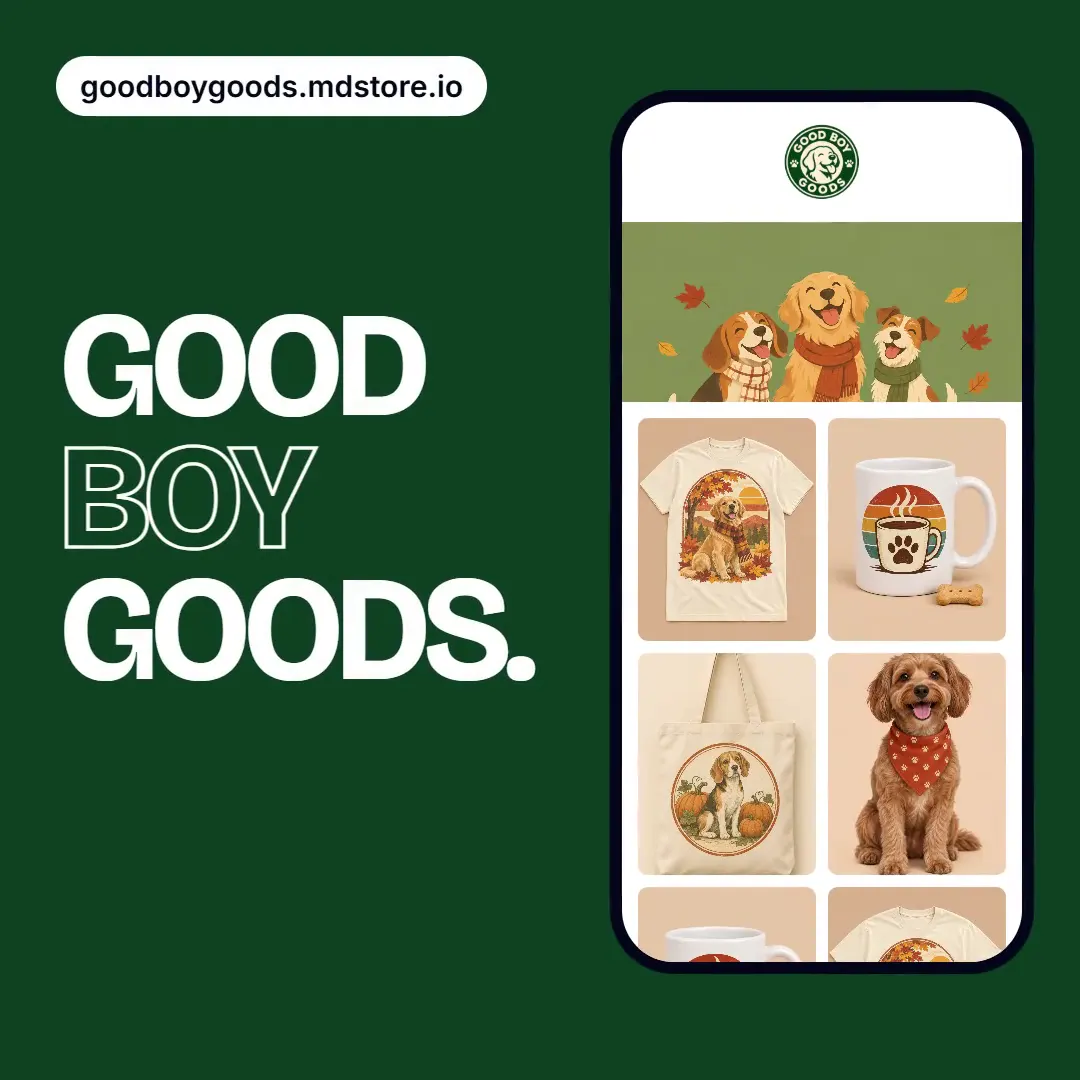
Open a MyDesigns Store and publish to it without leaving the conversation.
See MyDesigns Store
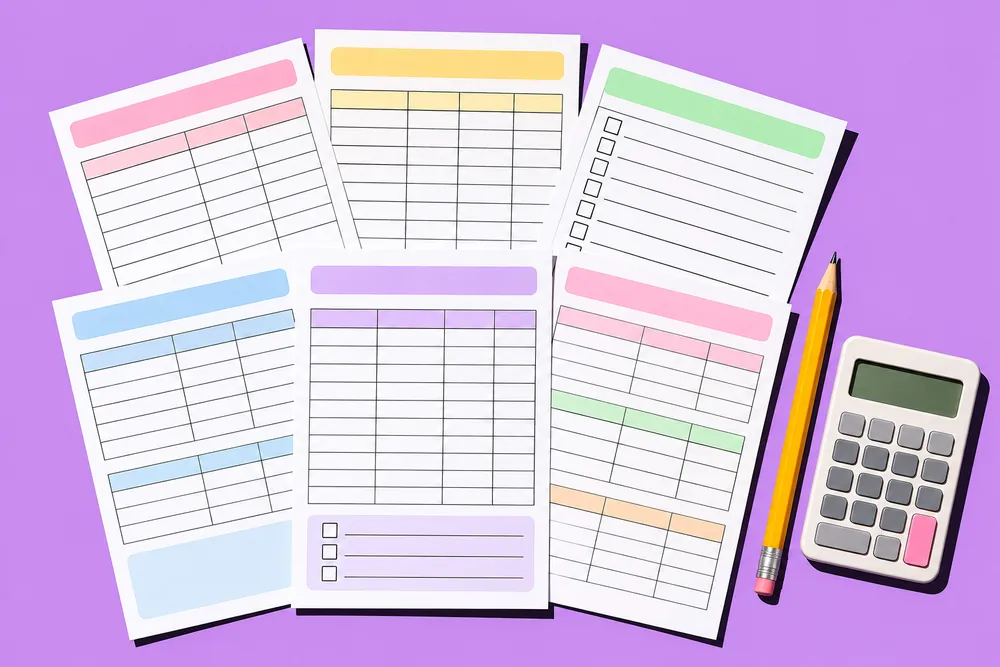
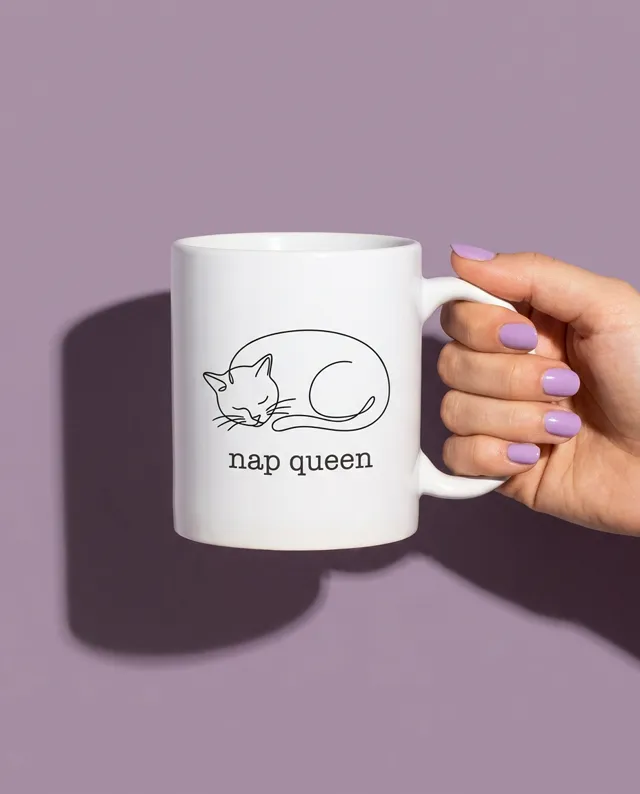
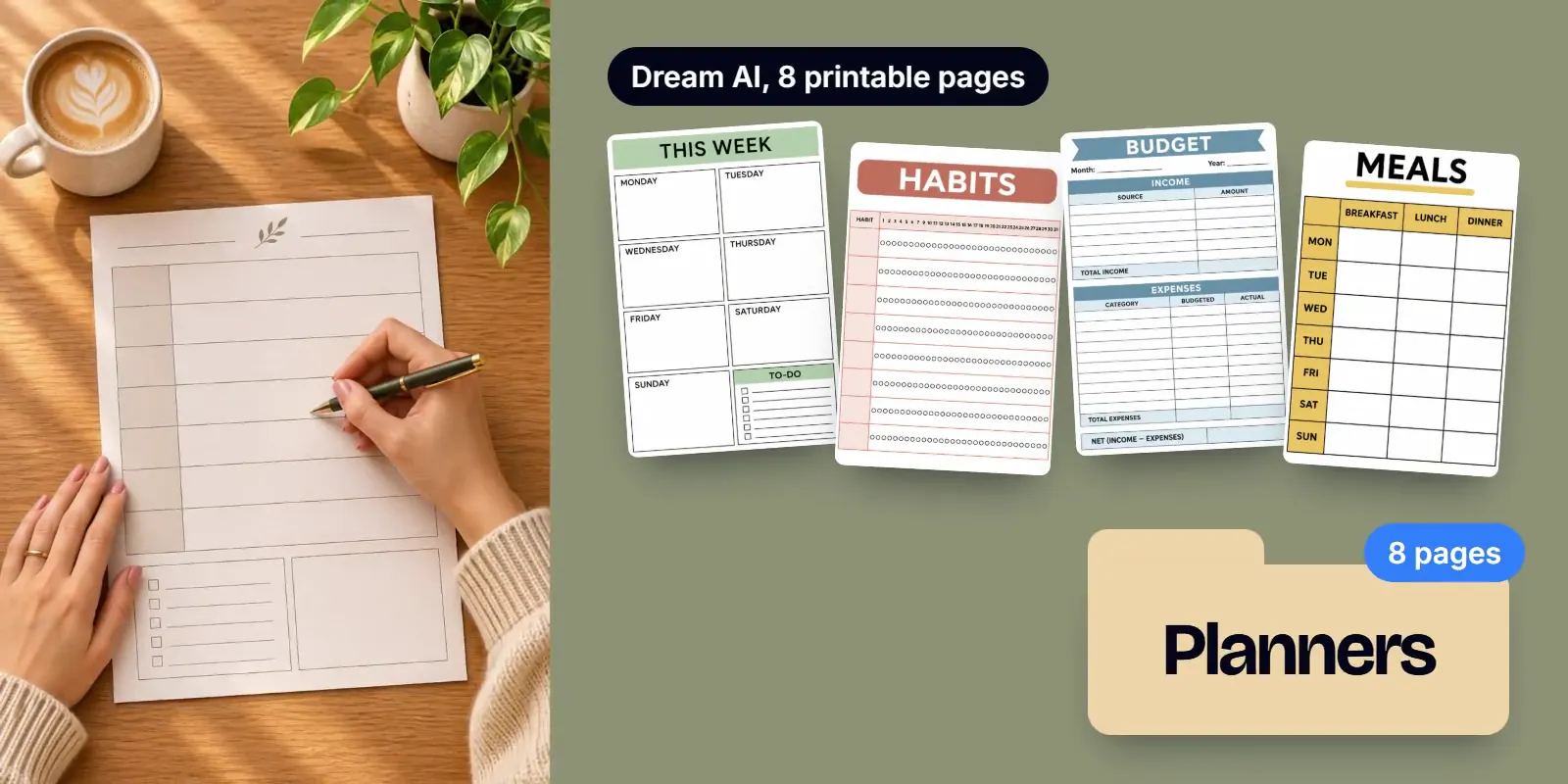
Gemini can make designs, mockups and print-on-demand products, and printables for digital downloads, all saved in your account, and it checks with you before making anything.

Add it once on the web, then ask on the web or in the Gemini mobile app. Type @ and pick MyDesigns to be sure Gemini uses it.


Set it up once on a computer, and it works on the web and in the Gemini mobile app. Add to Gemini opens Connected Apps, where you start at step 3.
https://mcp.mydesigns.io/mcpEverything Gemini makes lands in your MyDesigns account, ready for every store you sell in.
Open a MyDesigns Store and publish to it without leaving the conversation.
See MyDesigns Store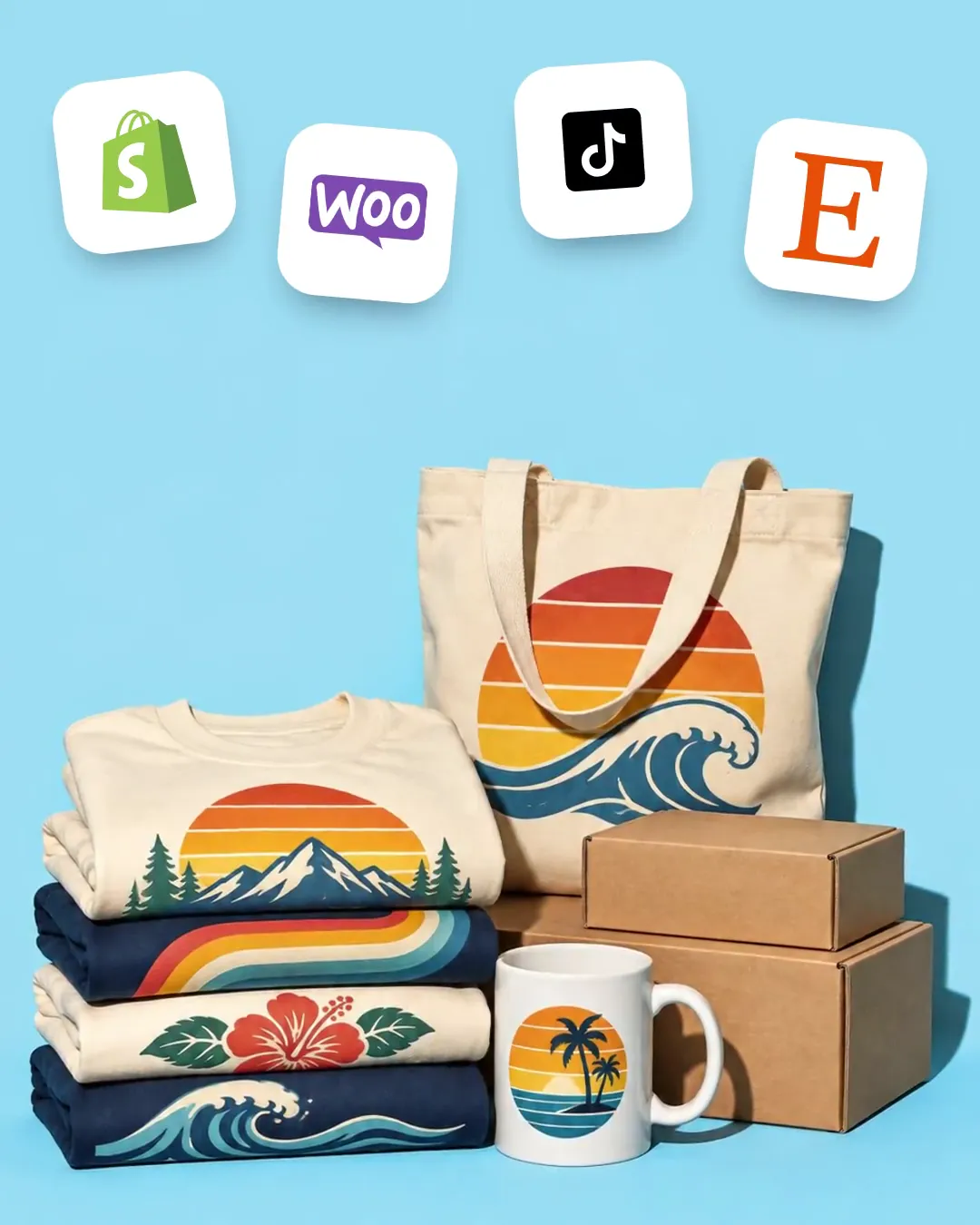
Publish the same products to Shopify, WooCommerce and TikTok Shop. For Etsy, review them, then publish in one click.
See all integrationsQuick asks suit your phone. Type @ and pick MyDesigns first, so Gemini knows where to make it.
Gemini asks you to confirm before it makes or changes anything, which makes a good first AI for your shop. Reading your orders needs no confirmation.
01 / 05
 Gemini
@MyDesigns make 4 retro national-park poster designs and put them in a Posters folder.
I'll make 4 poster designs in a new Posters folder. Confirm, and I'll start.

Yes, go ahead.
The same account and the same tools, wherever you like to work.
The community is where sellers trade what is working right now, and where our team answers.
Join The CommunityYes. The Gemini app connects to MCP servers as custom apps, and Gemini CLI adds them with a command. MyDesigns works with both.
On a computer, go to gemini.google.com and open Settings, then Connected Apps. Under Custom apps, add a custom app, paste https://mcp.mydesigns.io/mcp, select Next and sign in to MyDesigns. These steps were last checked on November 6, 2026.
Try Personal Intelligence, then Connected Apps. For custom apps, Google asks that you are 18 or over and in the US, using a personal Google Account with Keep Activity on, and using Gemini in English.
Run gemini mcp add --transport http mydesigns https://mcp.mydesigns.io/mcp, then run /mcp auth mydesigns inside Gemini CLI and sign in to MyDesigns.
Yes. Google says Gemini currently requires you to confirm any write action from a custom app, so you say yes before it makes or changes anything in MyDesigns.
Coming soon. Reaching Google Search and being listed as a Gemini app goes through Google's Connected Apps Platform, which is a developer preview with a review before apps go live.
Not yet. Google does not offer custom apps on work or school Google Accounts for now. Use a personal Google Account in the Gemini app.
Gemini makes the products in your MyDesigns account and can publish to your MyDesigns Store. You review them in MyDesigns and publish them to Etsy in one click.
Make a free MyDesigns account, add it to Gemini, and ask for your first designs.