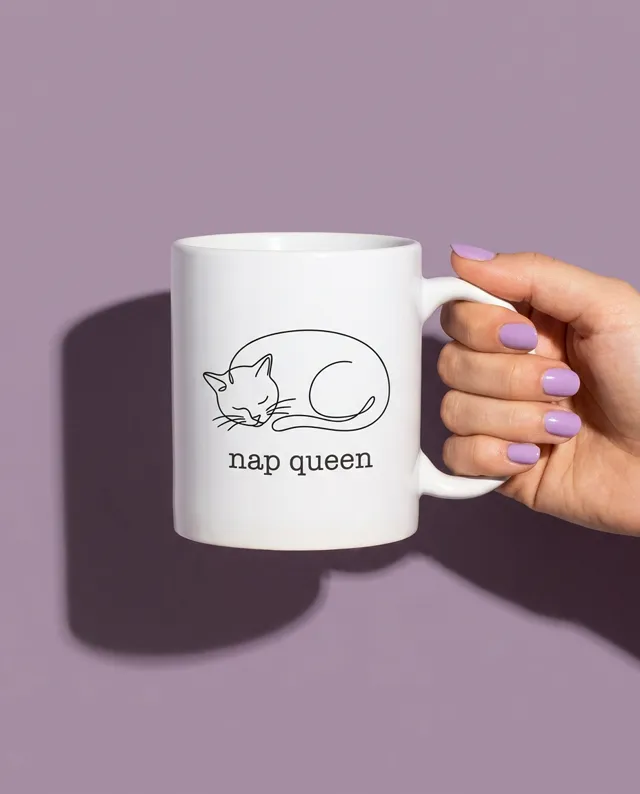
From the chat
Open a MyDesigns Store and publish to it without leaving the conversation.
See MyDesigns Store
GitHub Copilot's agent can make designs, mockups and print-on-demand products, and printables for digital downloads, right beside your team's code.

Copilot's agent uses MyDesigns while you work on the site. Share the setup with your team, and each person signs in as themselves.



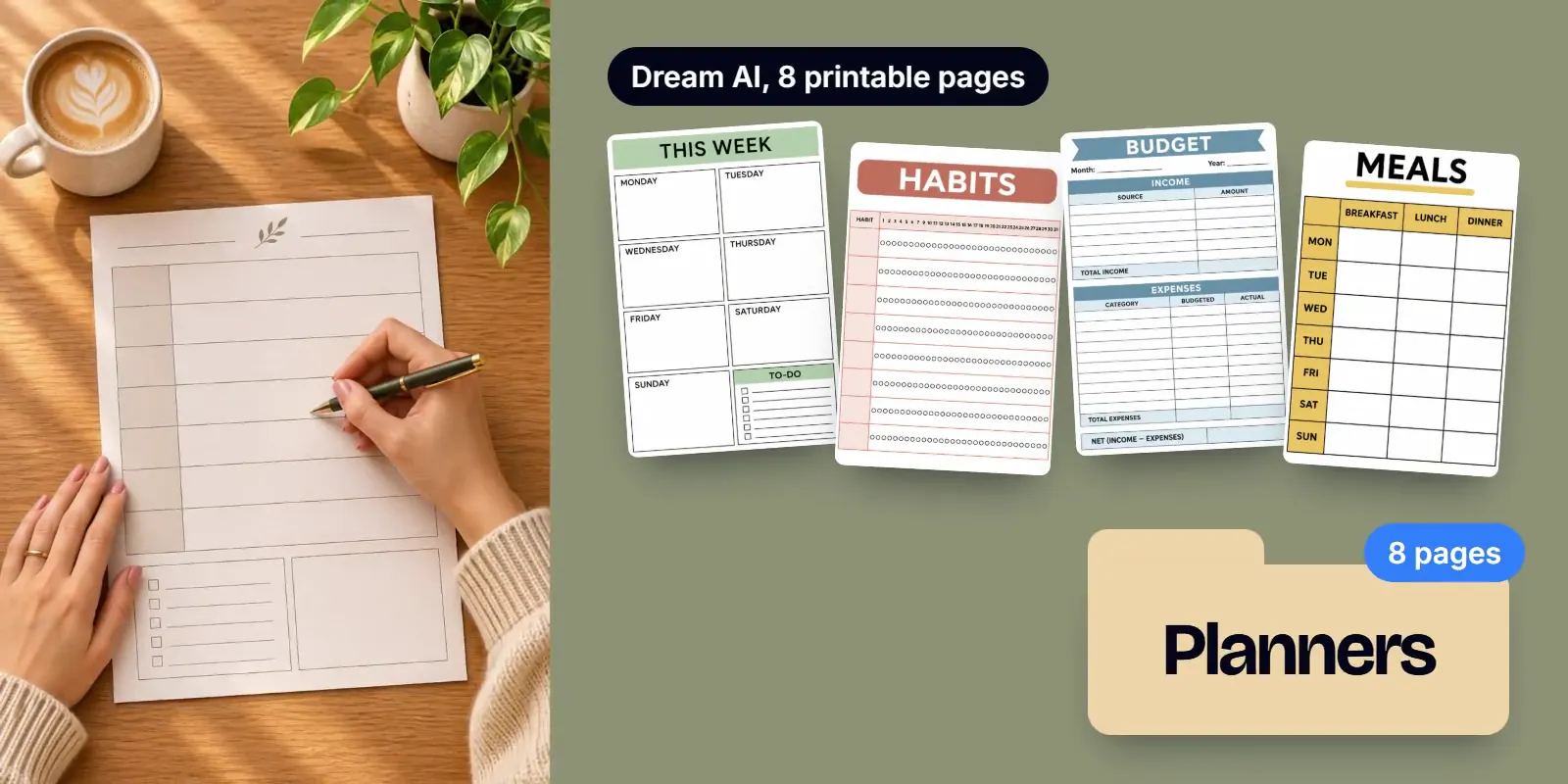
Added from Copilot's own settings in about a minute. VS Code docs opens the guide to MCP servers.
https://mcp.mydesigns.io/mcpEverything VS Code makes lands in your MyDesigns account, ready for every store you sell in.
Open a MyDesigns Store and publish to it without leaving the conversation.
See MyDesigns Store
Publish the same products to Shopify, WooCommerce and TikTok Shop. For Etsy, review them, then publish in one click.
See all integrationsAsk from your project, so the products you make and the site you're building stay together.
Commit one small file and everyone on the project has MyDesigns. Each person still signs in with their own account, so their work lands in the right place.
01 / 05
 VS Code
Add MyDesigns for everyone on this project.
Done. It's in .mcp.json, ready to commit. Each person signs in with their own account.

Make 5 designs for the Lake Life collection in a Lake Life folder.
The same account and the same tools, wherever you like to work.
The community is where sellers trade what is working right now, and where our team answers.
Join The CommunityIn the Command Palette, run Chat: Open Customizations and open MCP Servers. Select Add Server, choose HTTP, paste https://mcp.mydesigns.io/mcp and name it mydesigns. Choose Global, then Copilot Global, to use it everywhere. The older MCP: Add Server command is still there too. These steps were last checked on November 6, 2026.
Yes, in VS Code. Copilot asks you to sign in to MyDesigns when it needs your account. On Copilot Business and Enterprise, an admin has to turn on the MCP servers in Copilot policy first, because it is off by default.
Global, then Copilot Global, writes to ~/.copilot/mcp-config.json. A shared project uses .mcp.json at the root of the workspace. VS Code still reads .vscode/mcp.json and the mcp.json in your user profile, but now labels them deprecated.
Yes. Commit a .mcp.json with {"mcpServers": {"mydesigns": {"type": "http", "url": "https://mcp.mydesigns.io/mcp"}}}. VS Code's guided setup offers this file when the chat.mcp.workspaceRootConfig.enabled setting is on. Each person signs in with their own MyDesigns account.
We have not confirmed it yet. GitHub lists MCP support for Copilot in JetBrains, but its sign-in for other companies' servers was marked as a preview, so this page covers VS Code only.
Copilot makes the products in your MyDesigns account and can publish to your MyDesigns Store. You publish the same products to Shopify, TikTok Shop and Etsy from MyDesigns.
It asks before a Scout AI search and before a design you did not clearly ask for, such as a redo. A batch is checked against your credits first, so if you are short, nothing is made.
Make a free MyDesigns account, add it to VS Code, and ask Copilot for your first designs.