From the chat
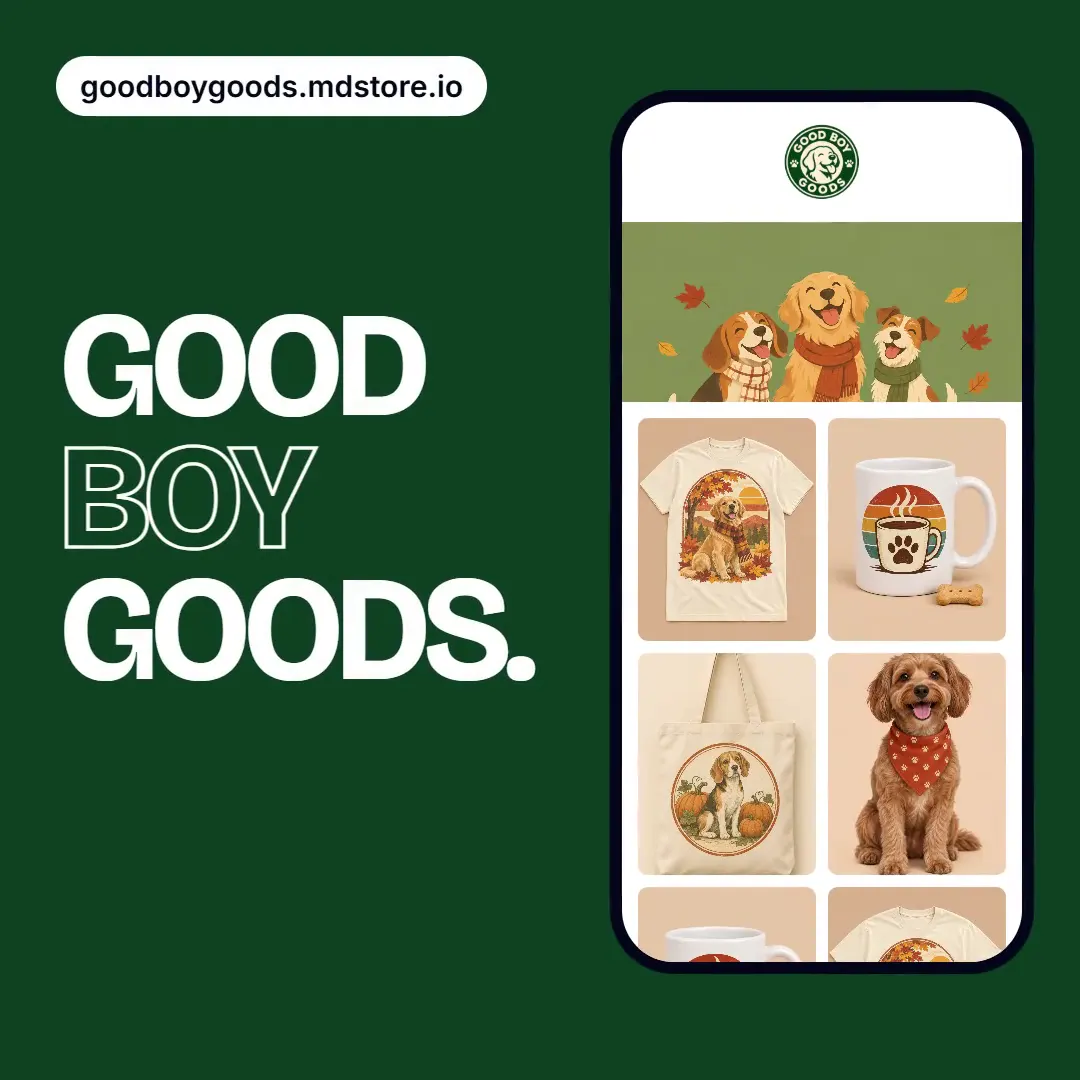
Open a MyDesigns Store and publish to it without leaving the conversation.
See MyDesigns Store
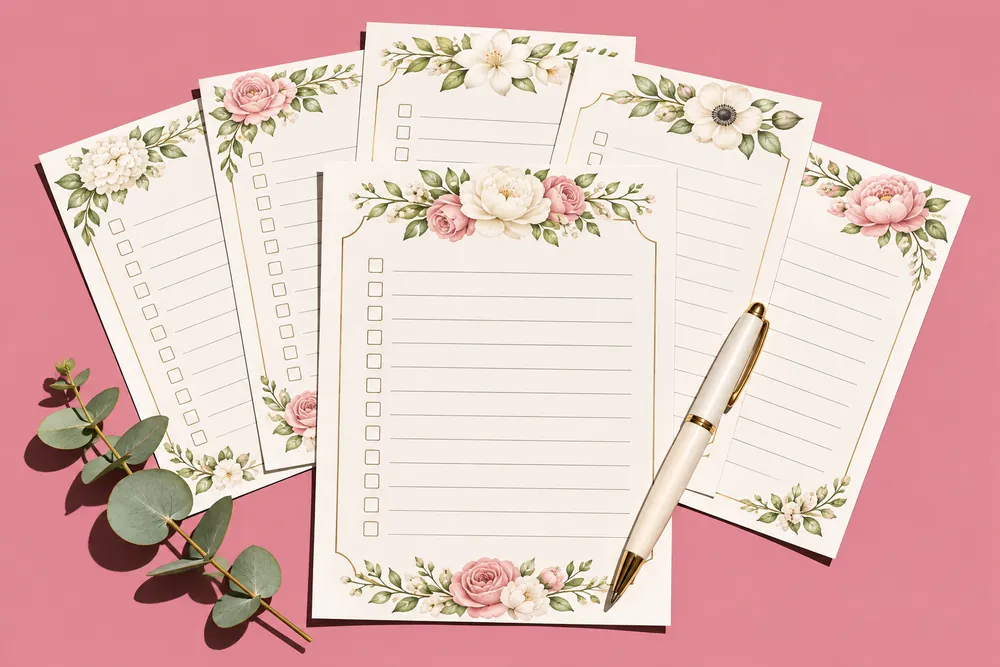
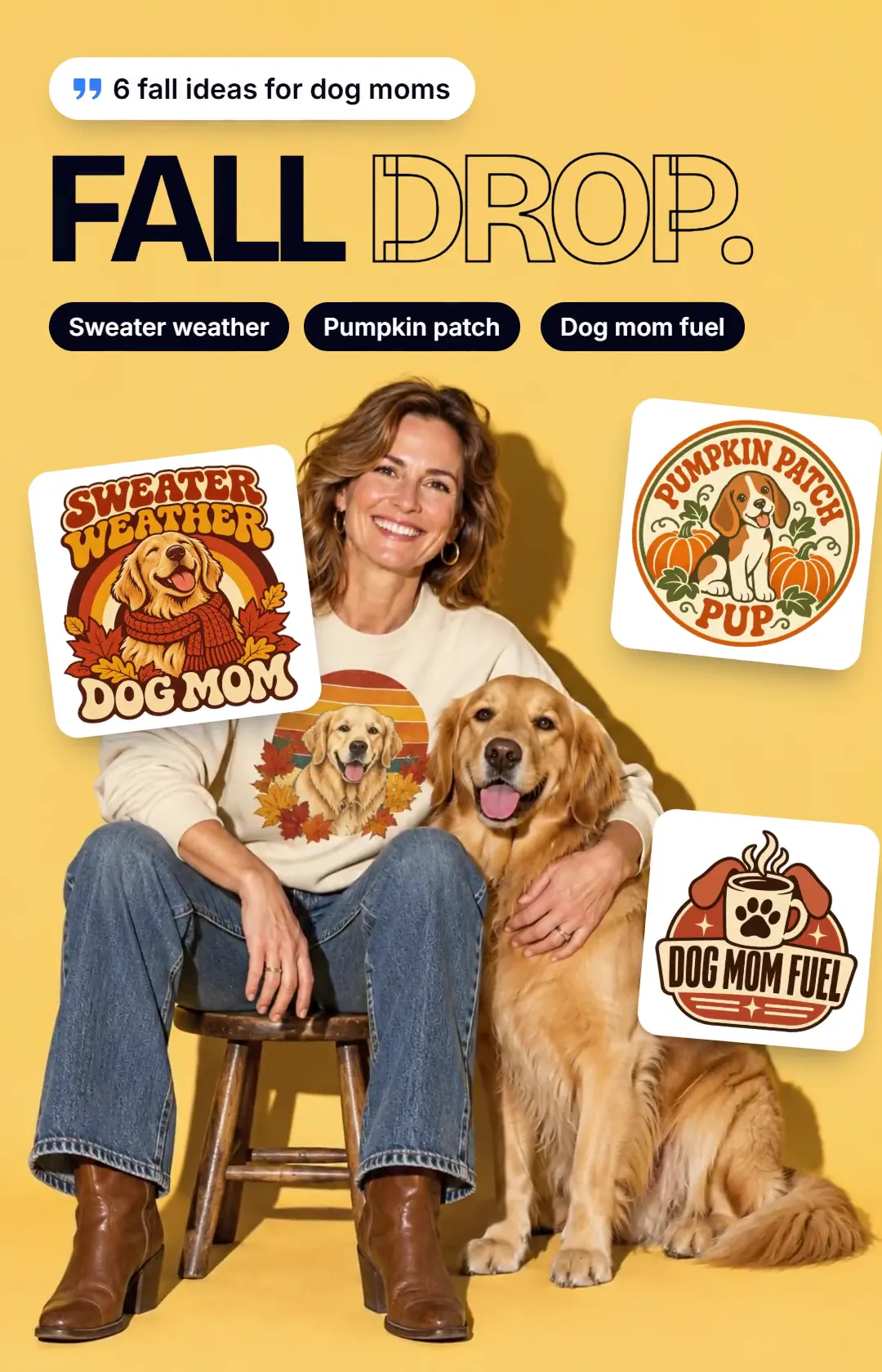
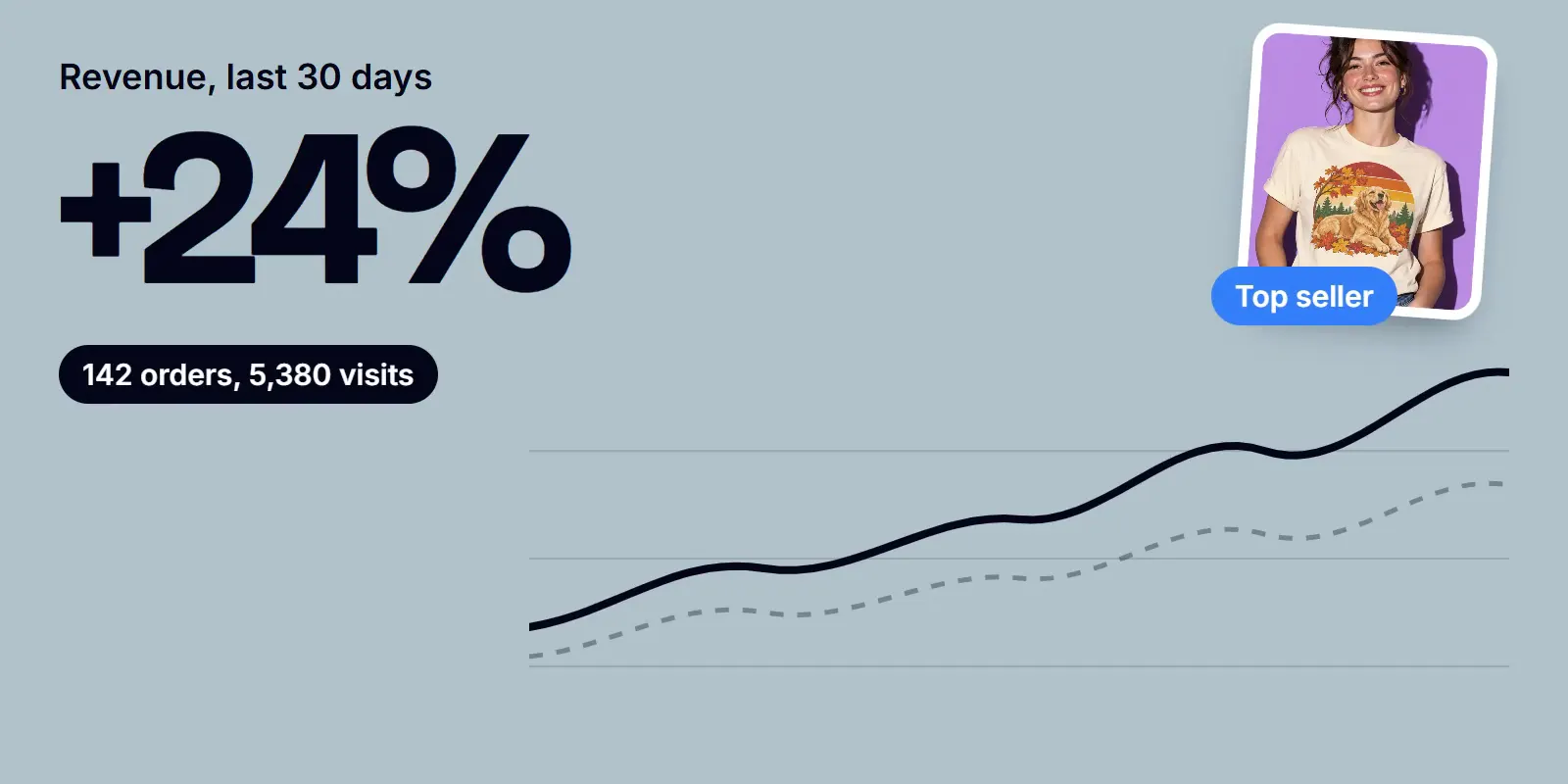
Your OpenClaw agent can make designs, mockups and print-on-demand products, and printables for digital downloads, and tell you how they sold in the chat apps you already use.

You already message your agent. Now it can run the shop too, from Telegram, WhatsApp, Slack or wherever you talk to it.

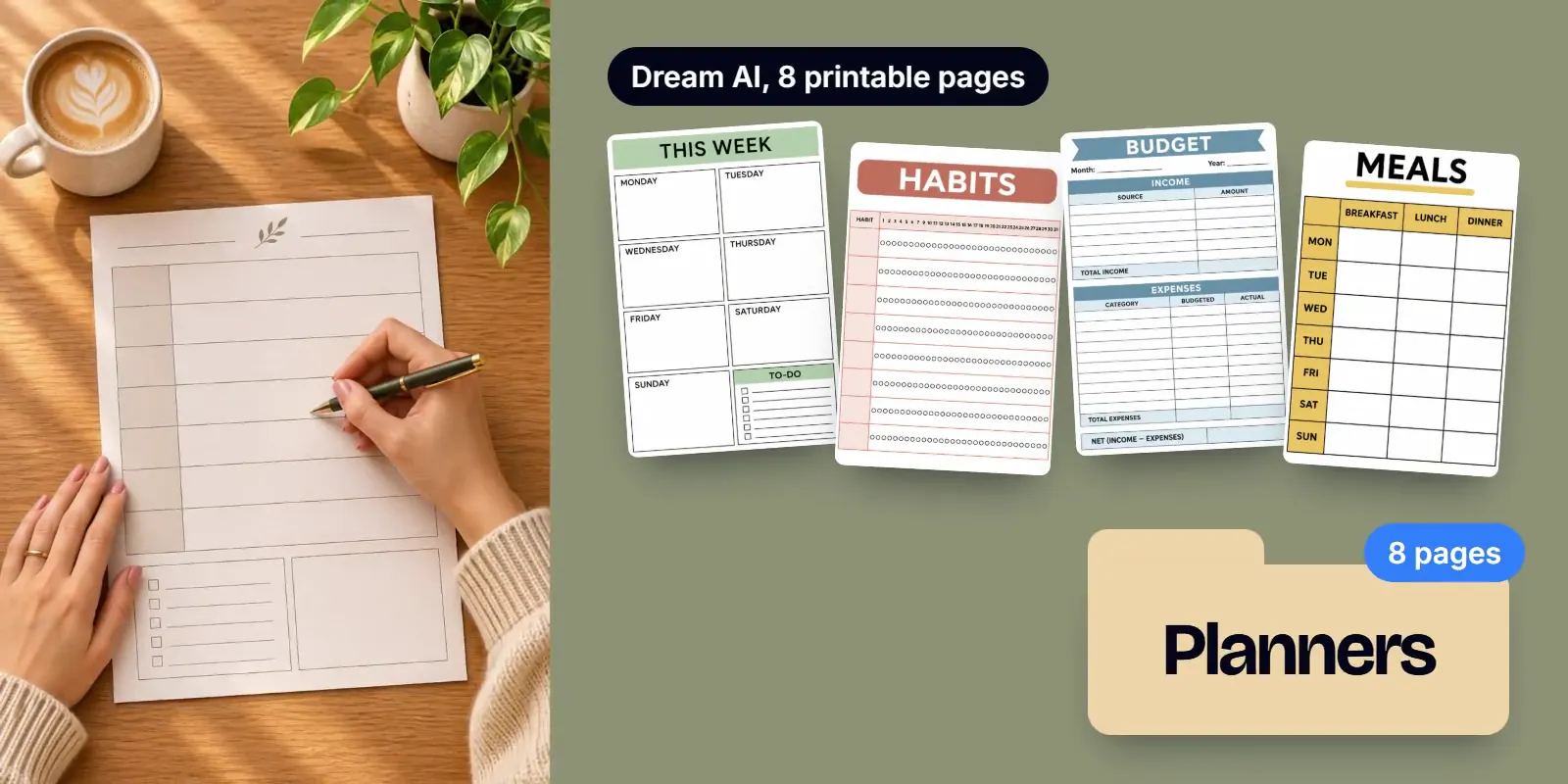
Three commands, then ask your agent for what you want. OpenClaw docs opens its guide to MCP transports.
openclaw gateway stop
openclaw mcp set mydesigns '{"url":"https://mcp.mydesigns.io/mcp","transport":"streamable-http","auth":"oauth"}'openclaw mcp login mydesignsopenclaw mcp doctor mydesigns --probeEverything OpenClaw makes lands in your MyDesigns account, ready for every store you sell in.
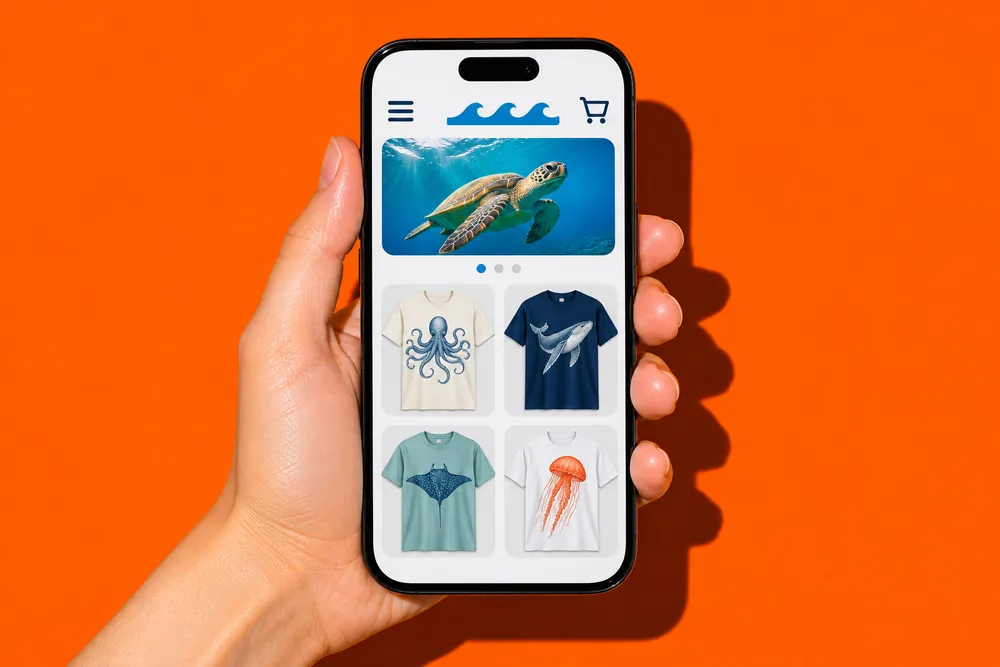
Open a MyDesigns Store and publish to it without leaving the conversation.
See MyDesigns Store
Publish the same products to Shopify, WooCommerce and TikTok Shop. For Etsy, review them, then publish in one click.
See all integrationsWrite the way you'd text a friend who runs your shop.
No new app to open. Your sales summary arrives in your chat, and you reply to it when you want more.
01 / 05
 OpenClaw
Each morning, message me yesterday's orders and profit.
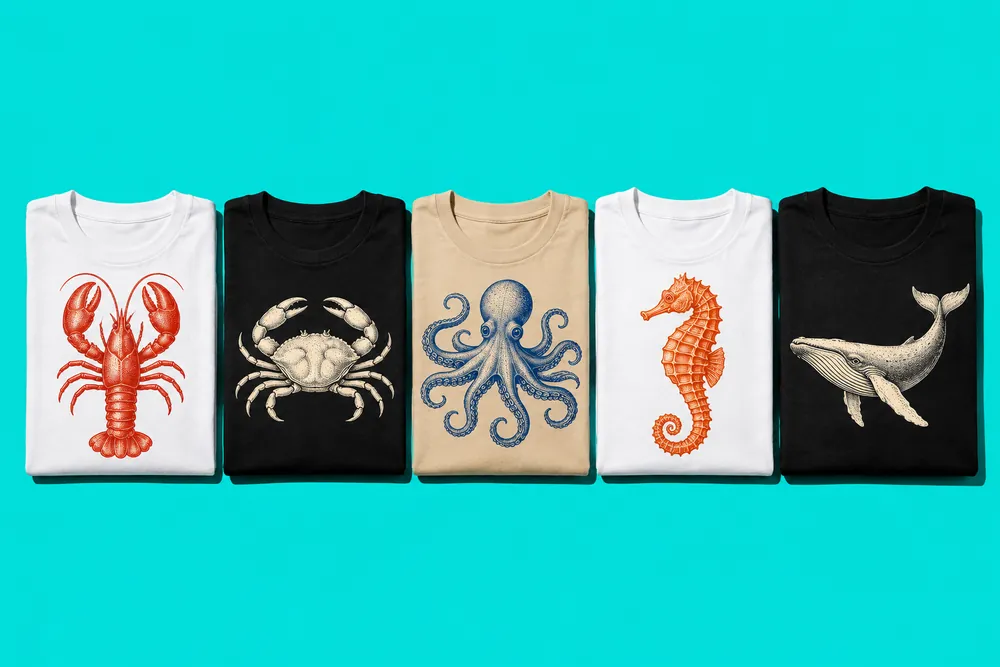
Set up. Yesterday: 11 orders and $96 profit. The Lobster tee sold best.

Make 5 more like the best seller.
The same account and the same tools, wherever you like to work.
The community is where sellers trade what is working right now, and where our team answers.
Join The CommunityYes. OpenClaw can save remote MCP servers and give their tools to your agents. Add MyDesigns with openclaw mcp set, using Streamable HTTP and OAuth.
Stop the Gateway and run openclaw mcp login mydesigns, then open the link it prints. If your browser is on another machine, use openclaw mcp login mydesigns --code with the code from the final address. An admin can also select Sign in under Settings, then MCP, in the Control UI, from the Gateway's own address. These steps were last checked on November 6, 2026.
An MCP server. It gives your agent the tools. OpenClaw skills are instruction files that teach an agent how to use tools, so you can write one for your shop's routines on top of MyDesigns.
By default, every agent shares the one MyDesigns account you signed in with. OpenClaw also has per-requester sign-in, set with oauth identity on the server and gateway.publicOrigin. Sign-in links work for whoever opens them, so OpenClaw advises it only in chats where everyone trusts each other.
OpenClaw makes the products in your MyDesigns account and can publish to your MyDesigns Store. You review them there and publish to Etsy in one click.
Run openclaw mcp status --verbose to see the server's sign-in state. MCP tools show in the coding and messaging tool profiles, and the minimal profile hides them.
In a chat, it asks before a Scout AI search and before a design you did not clearly ask for. An automation has nobody to ask, so say exactly how many designs you want. A batch is checked against your credits first, so if you are short, nothing is made.
Make a free MyDesigns account, connect it to OpenClaw, and text your agent the first idea.