






Still wondering? Ask people who sell.
The community is where sellers trade what is working right now, and where our team answers.
Join The Community
Connect the MyDesigns MCP server to your AI, then ask for designs, products and a store in plain words.
Connect your AI to MyDesigns
Free to connect on every plan. You sign in with MyDesigns the first time your AI needs your account.
Your AI picks the MyDesigns tools it needs, calls them one after another and shows you what it made.

 Products
Here are your 4 coffee tees from your summer profile. They're saved in Products, ready to publish.
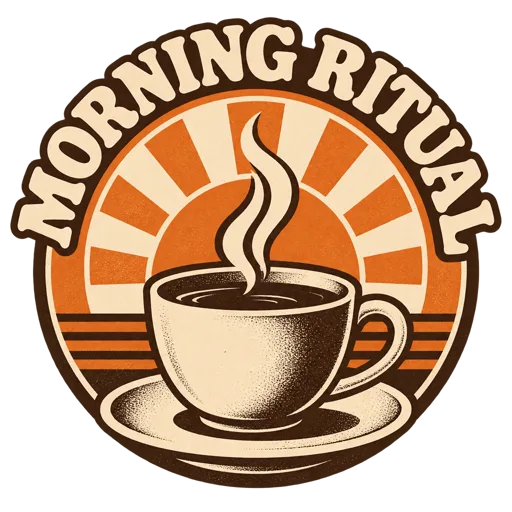
 Morning Ritual TeeBella 3001 · $33.98
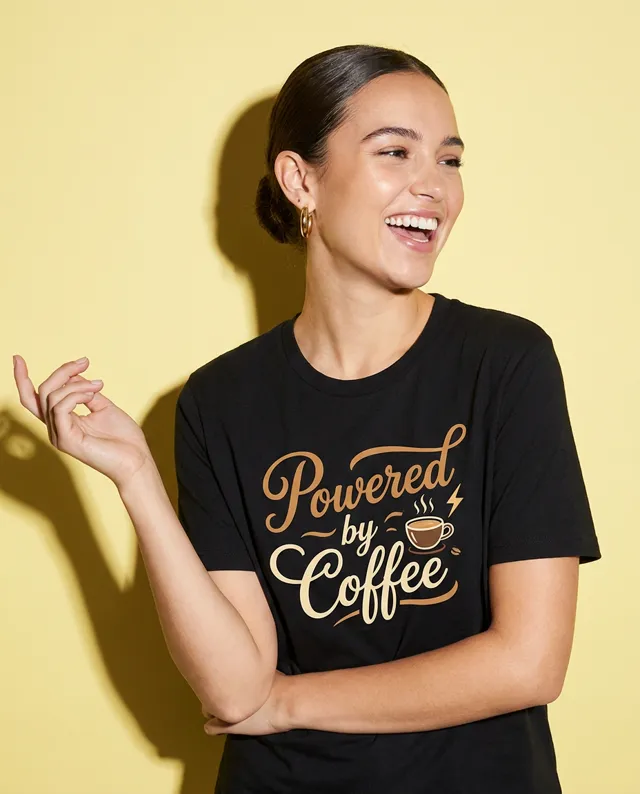 Powered by Coffee TeeBella 3001 · $33.98
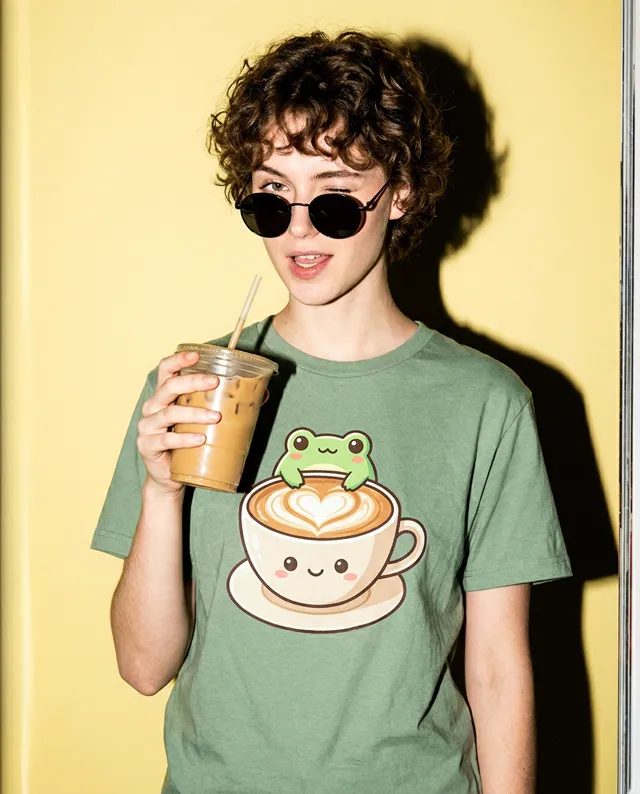 Frog Latte TeeBella 3001 · $33.98
 Bean Club TeeBella 3001 · $33.98
No commands to learn. Say what you want made, sold or checked, or copy one of these.
MCP, the Model Context Protocol, is the open standard that lets AI assistants use other apps. Connect the MyDesigns MCP server once, and your AI can design, make and sell for you.


 Your AI app
Connected the safe way
You sign in with MyDesigns and approve every app you connect.


Nothing new to learn
Keep working in the chat or terminal you already use. MyDesigns shows up there as tools your AI can call.
You stay in control
You sign in with MyDesigns and approve the access. Your AI acts as you, asks before spending credits on research, and you can disconnect it any time.
Everything lands in your account
Designs, products and store changes are saved in MyDesigns as they happen, so you can pick up in the app where the chat left off.
It has been a massive time saver for me - and I’ve still barely scratched the surface of all of its features!
 Emily, Texas, United States
The same MyDesigns your account already runs on, available to your AI. It can chain them in one request.
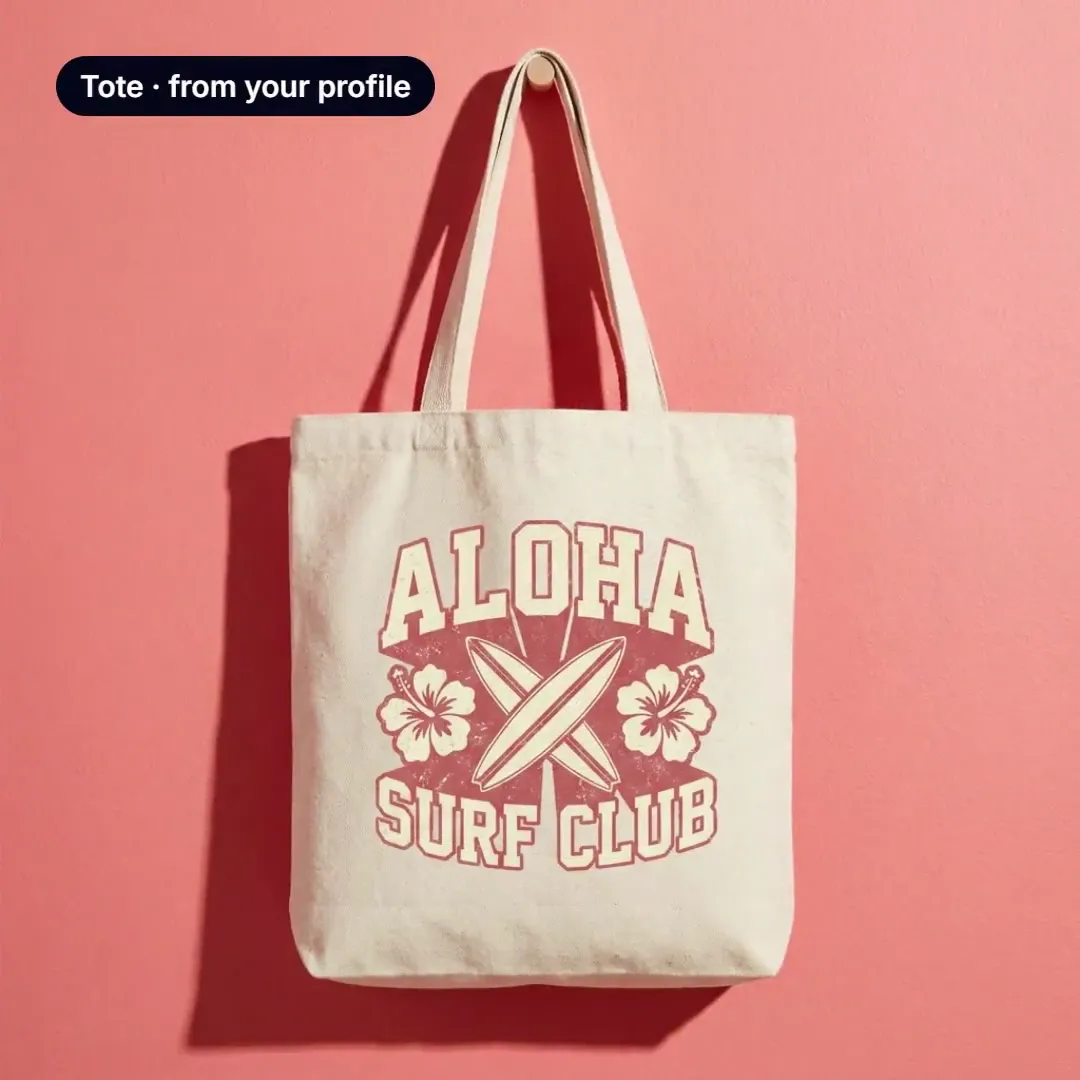
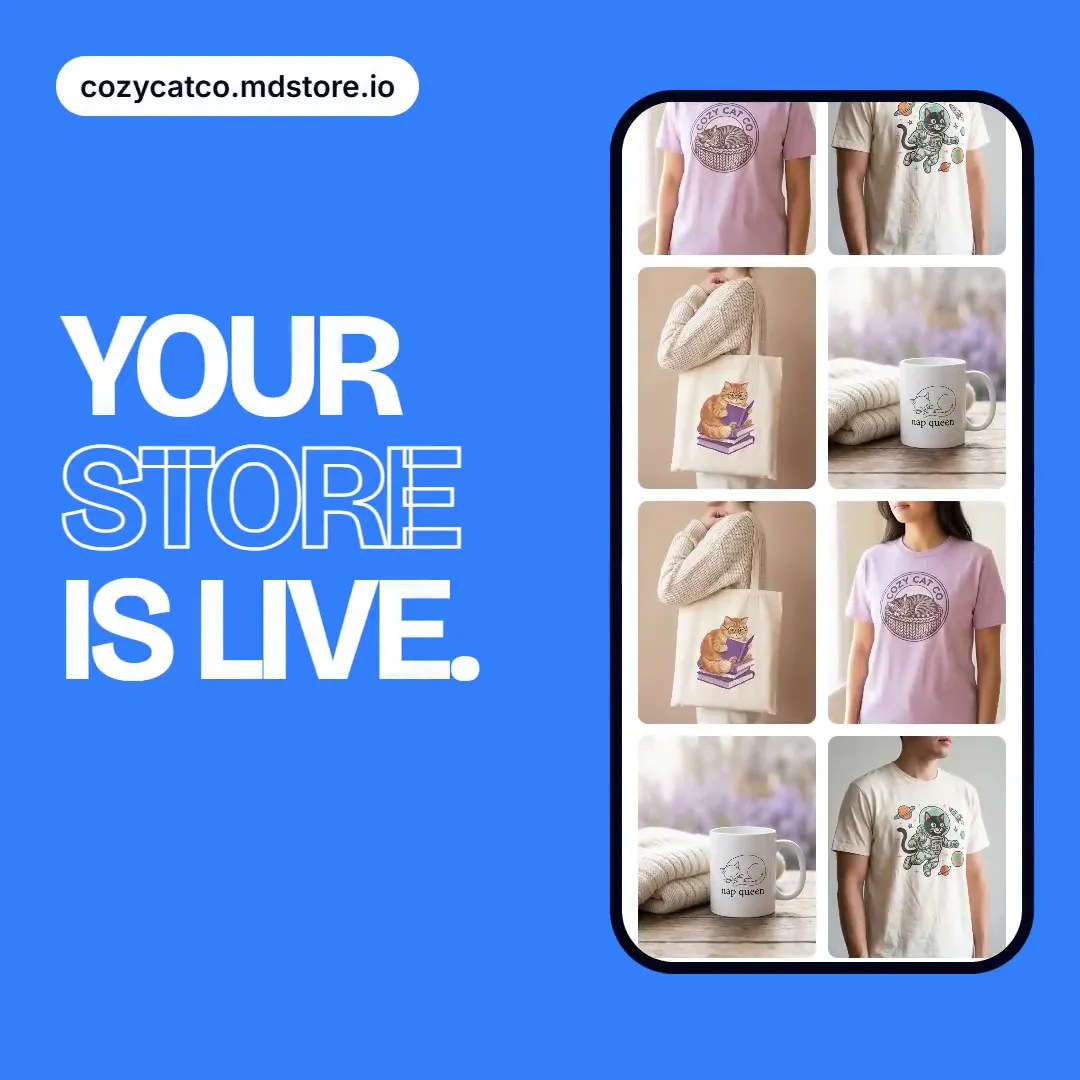
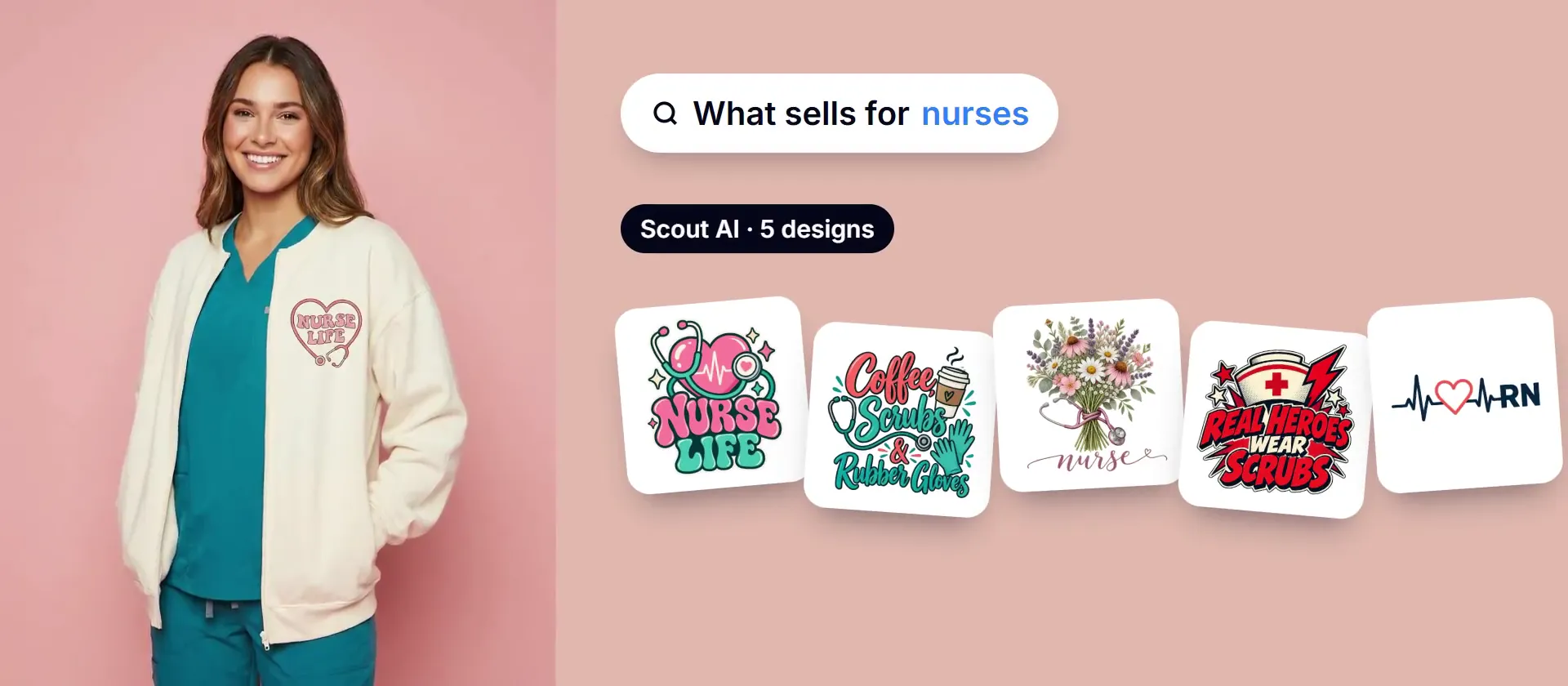

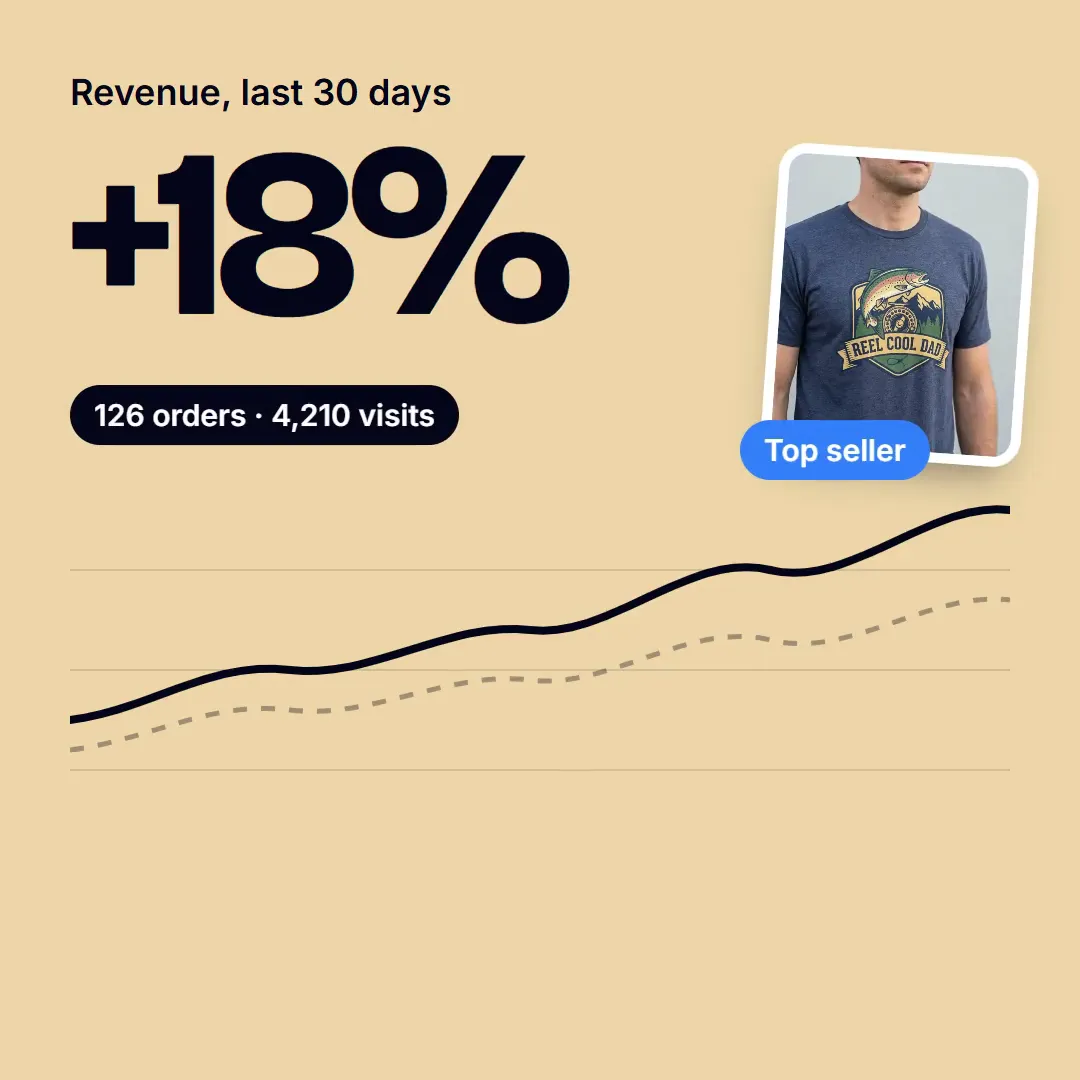
You need a MyDesigns account, and it is free to start. Pick your AI below, follow the steps, and sign in when it asks.
Works in Claude on the web and the desktop app. The free plan allows one custom connector.
Read the full setup guideMyDesigns, make three products for my next drop.
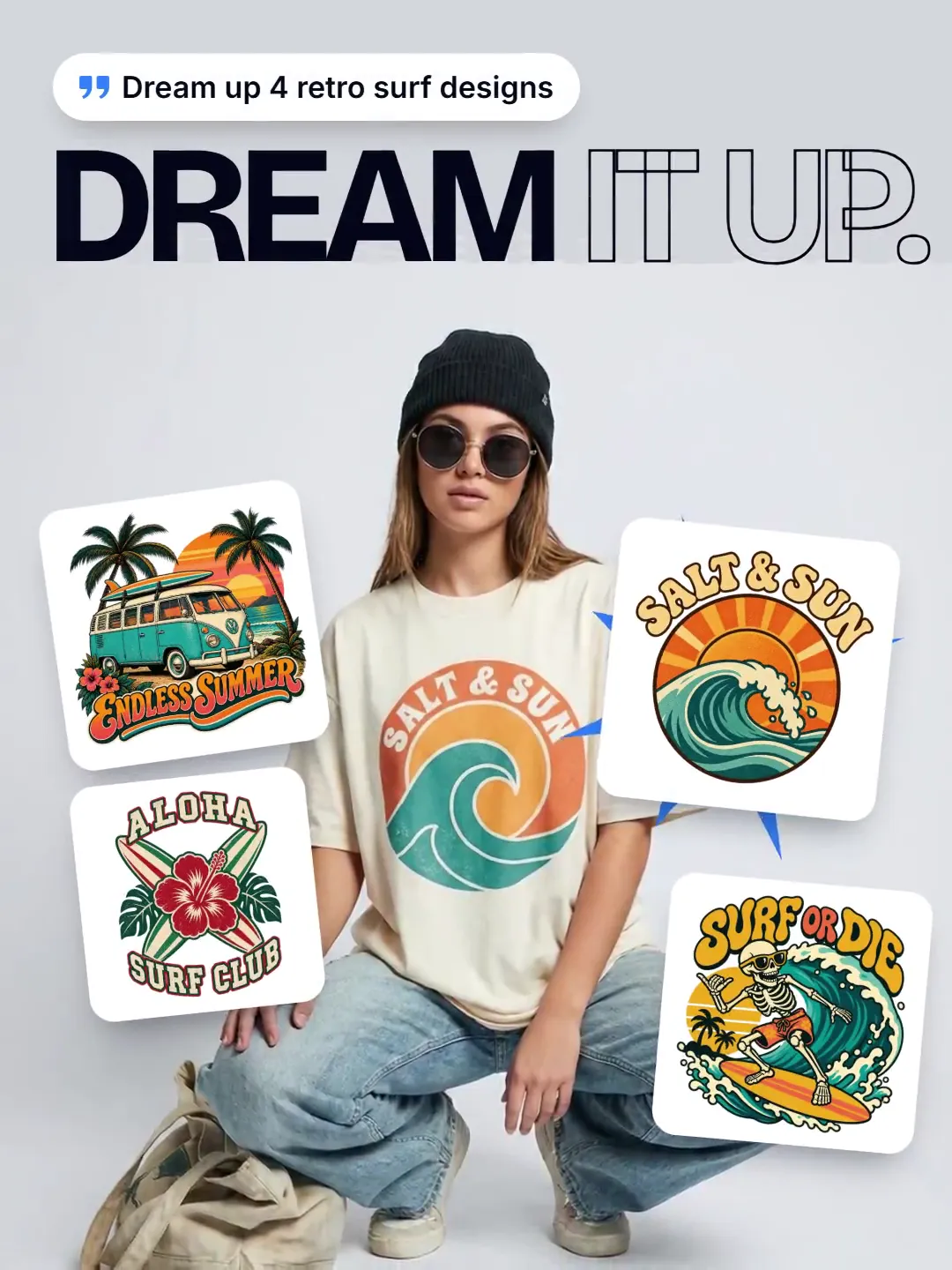
Done. I made three designs with Dream AI and put them on products from your profiles. They are ready to publish.
MyDesigns · 3 products ready
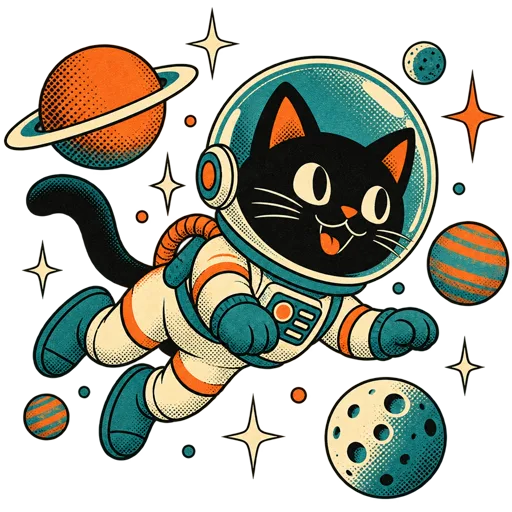
Morning Ritual Tee$24.99 Space Cat Tee$24.99
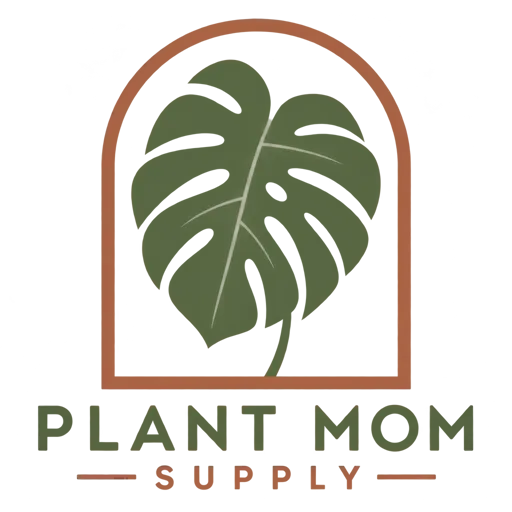
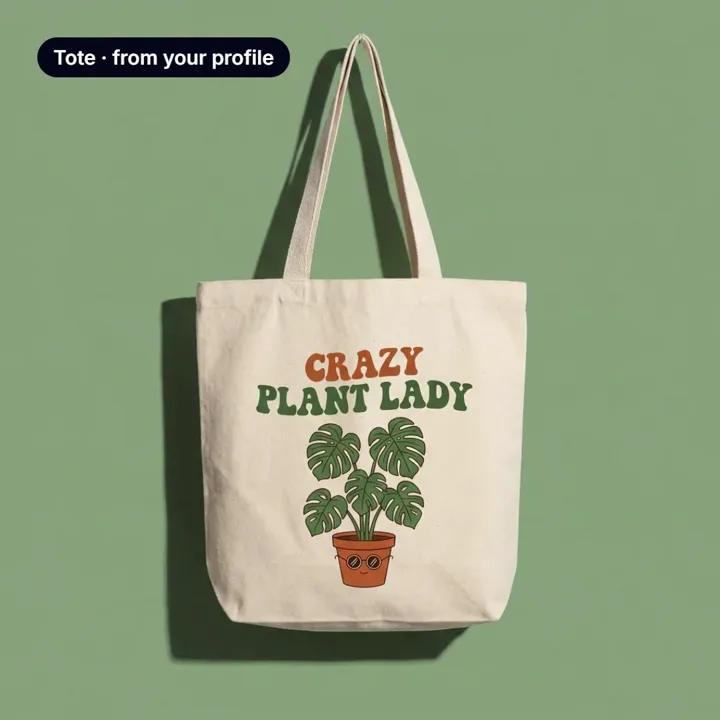
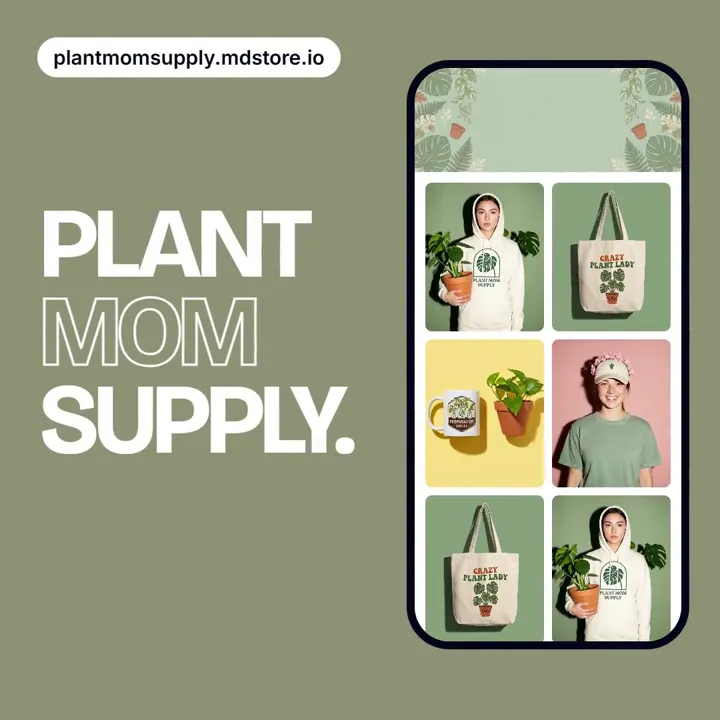
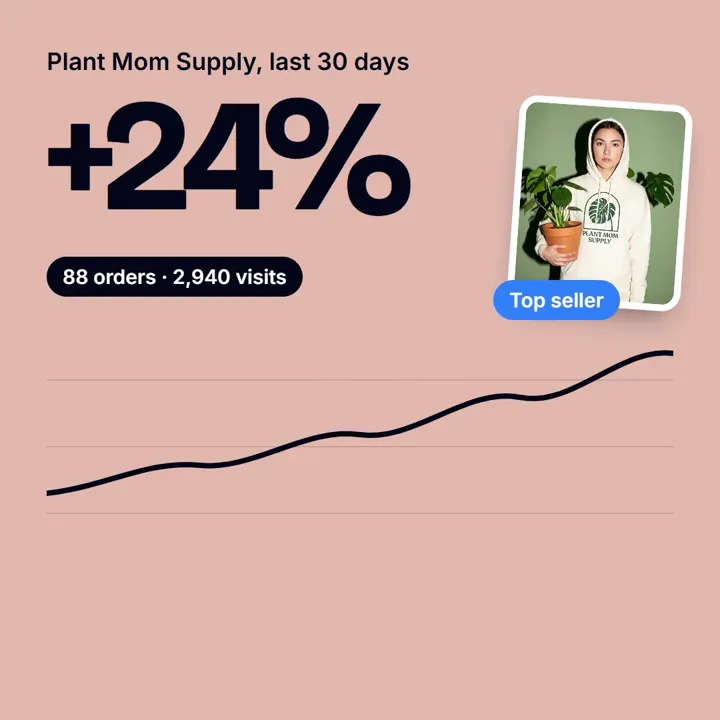
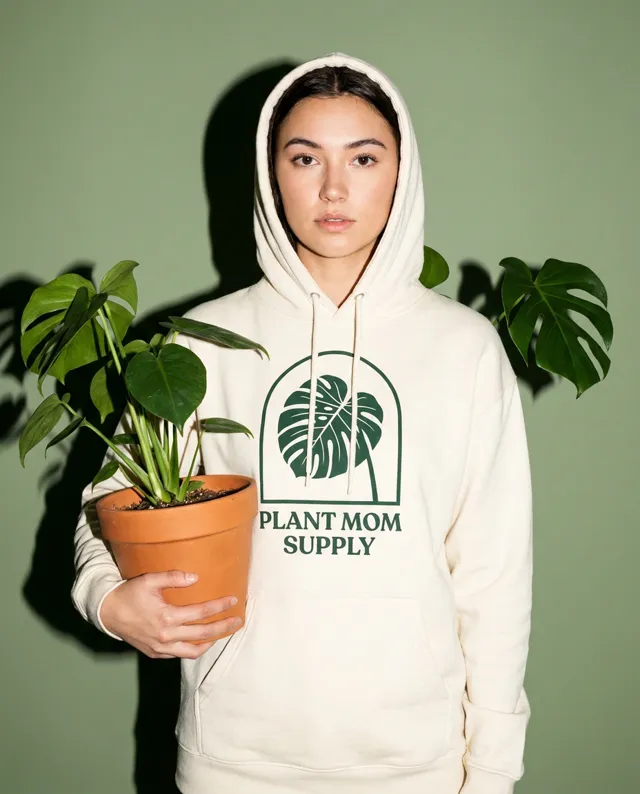 Plant Mom Hoodie$44.99 Add to Claude
The community is where sellers trade what is working right now, and where our team answers.
Join The CommunityMCP, the Model Context Protocol, is the open standard AI assistants use to work with other apps. The MyDesigns MCP server gives your assistant MyDesigns' tools, so it can make designs, products and stores for you in the chat you already use.
Claude, ChatGPT, Claude Code, Codex, Cursor, VS Code with GitHub Copilot and Gemini CLI, plus any other app that can add a remote MCP server.
Yes. The first time your AI needs your account it opens the MyDesigns sign-in page, where you can sign in or create a free account, then approve the access.
Connecting is free on every plan while the MCP server is in beta. New designs cost AI credits, about 1.5 each on the default Dream AI model, and making products from designs you already have costs nothing. Scout AI research needs a Pro or Pro Plus plan.
No. It asks first before a Scout AI search, and before a design you did not clearly ask for, such as a redo. A batch is checked against your credits before anything is made, so if you are short, nothing is made and it suggests making fewer.
Remove the MyDesigns connector in your AI app's settings. If you used a personal access token, also delete it under Settings, Personal Access Tokens in MyDesigns.
Connect MyDesigns to the assistant you already use, and ask for designs, products and a store in plain words.