From the chat
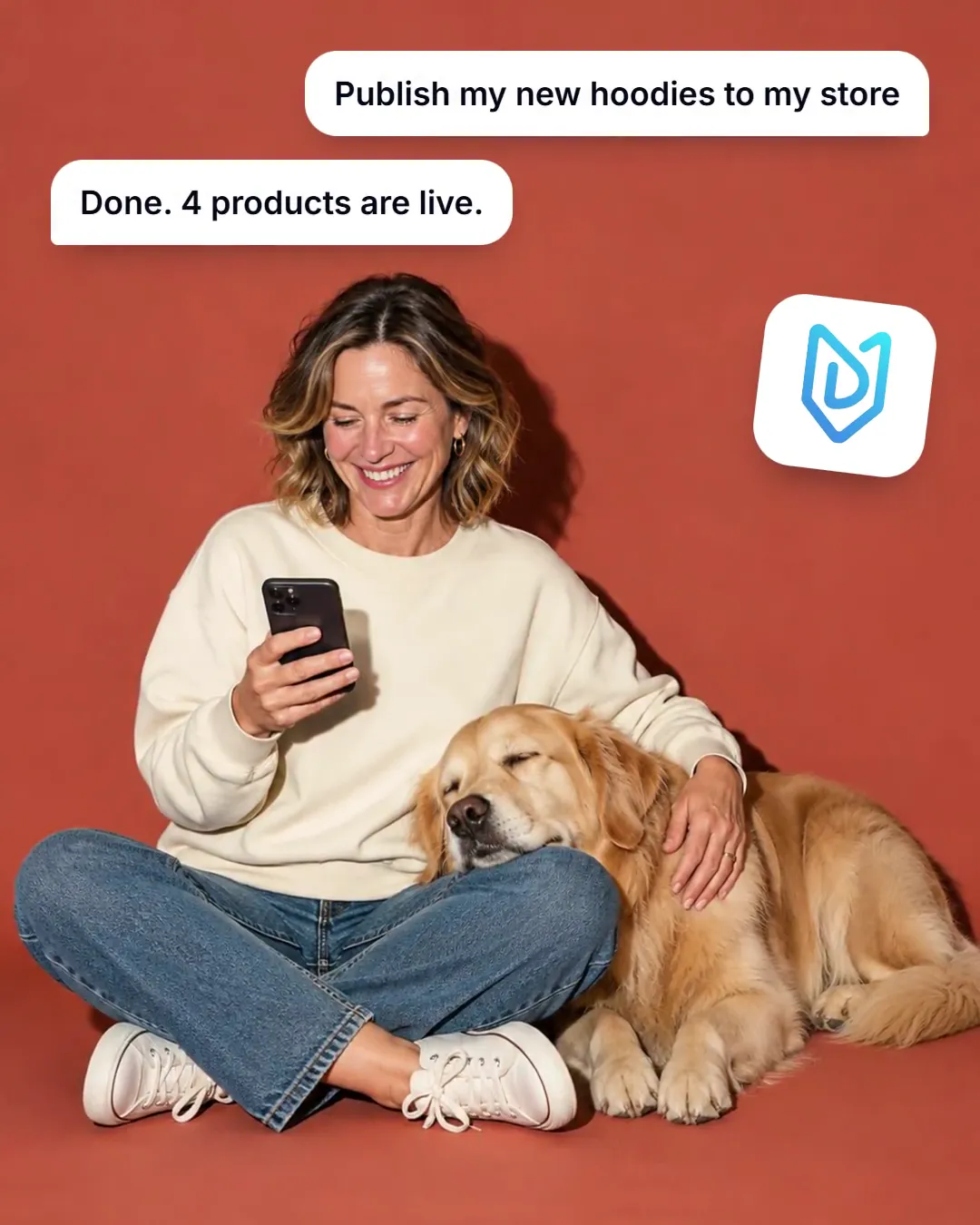
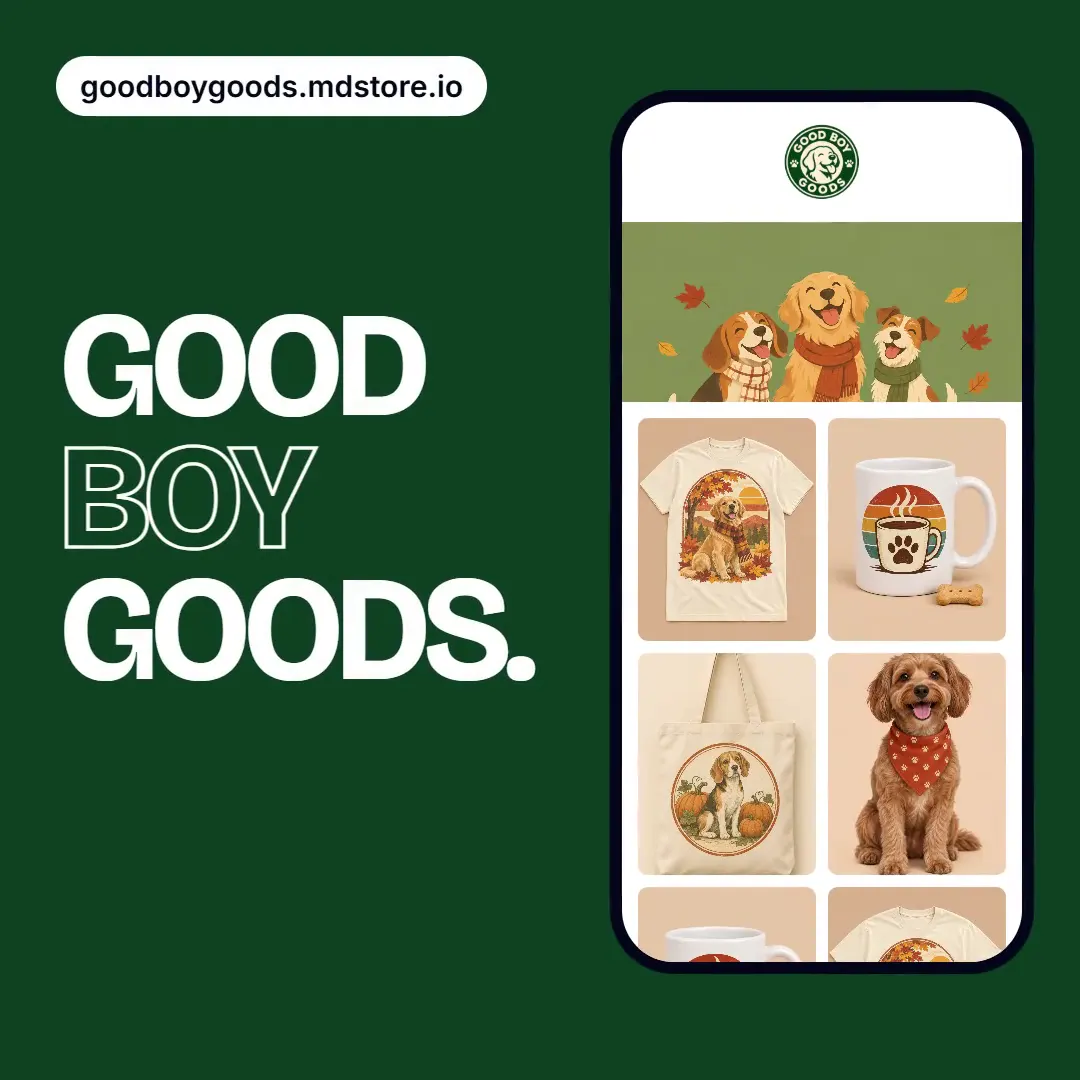
Open a MyDesigns Store and publish to it without leaving the conversation.
See MyDesigns Store
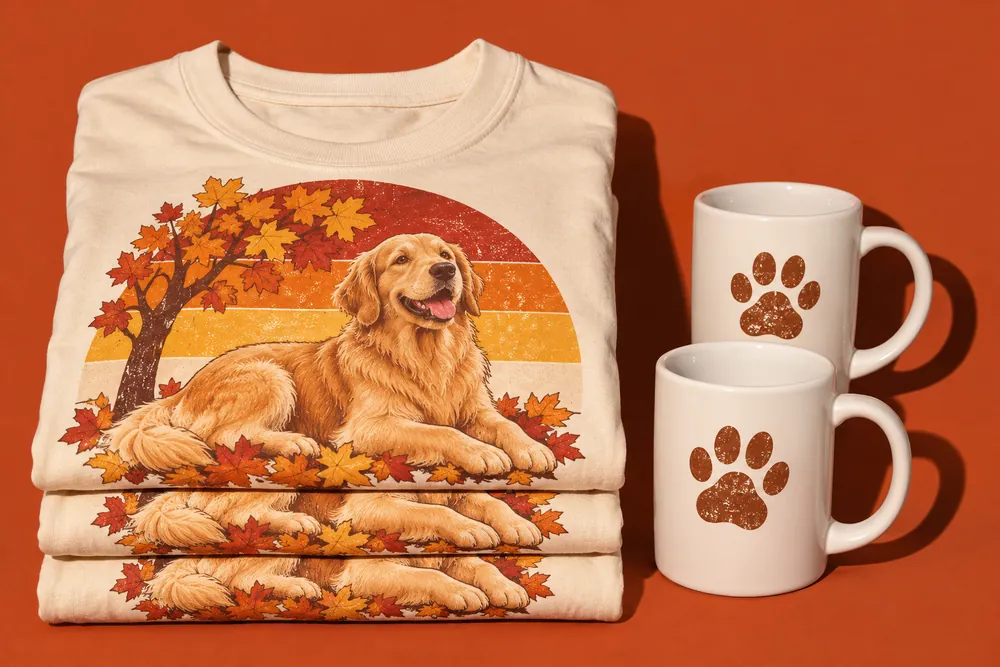
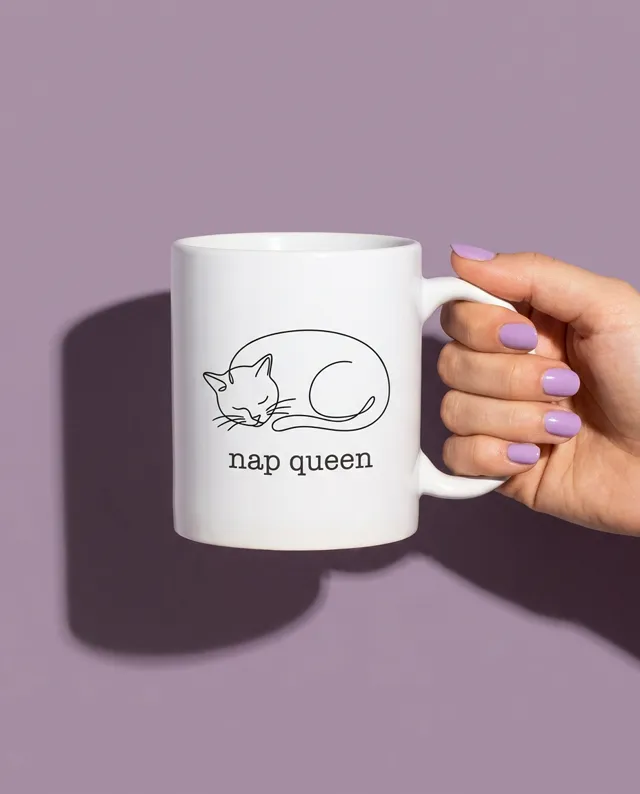
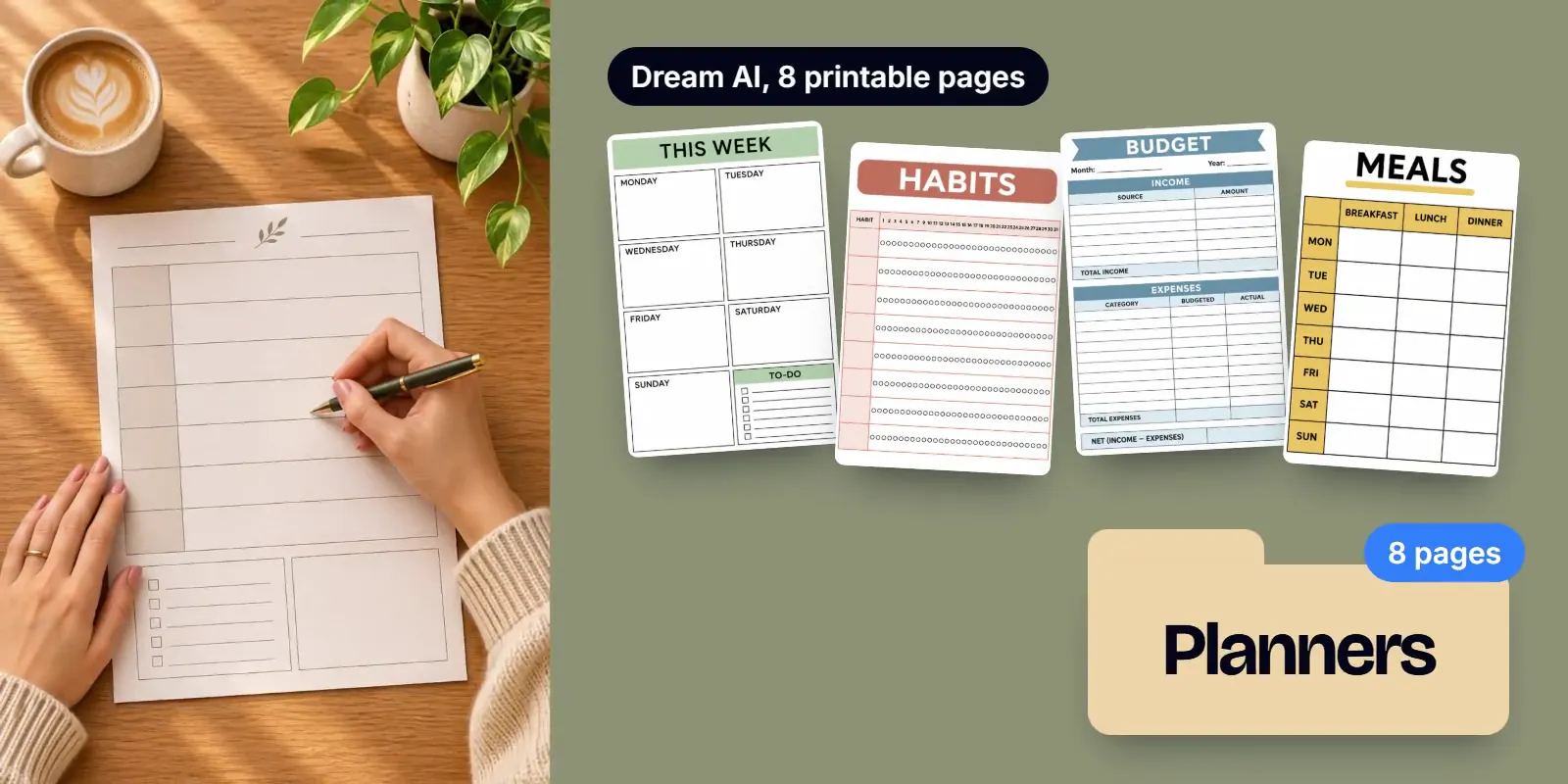
Claude can make designs, mockups and print-on-demand products, and printables for digital downloads, all saved in your account.

Claude works with the same MyDesigns your account already runs on. Ask in plain words, and it picks the right tools.


The same steps on claude.ai and in Claude Desktop. Or select Add to Claude, which opens step 3 with everything filled in.
https://mcp.mydesigns.io/mcpEverything Claude makes lands in your MyDesigns account, ready for every store you sell in.
Open a MyDesigns Store and publish to it without leaving the conversation.
See MyDesigns Store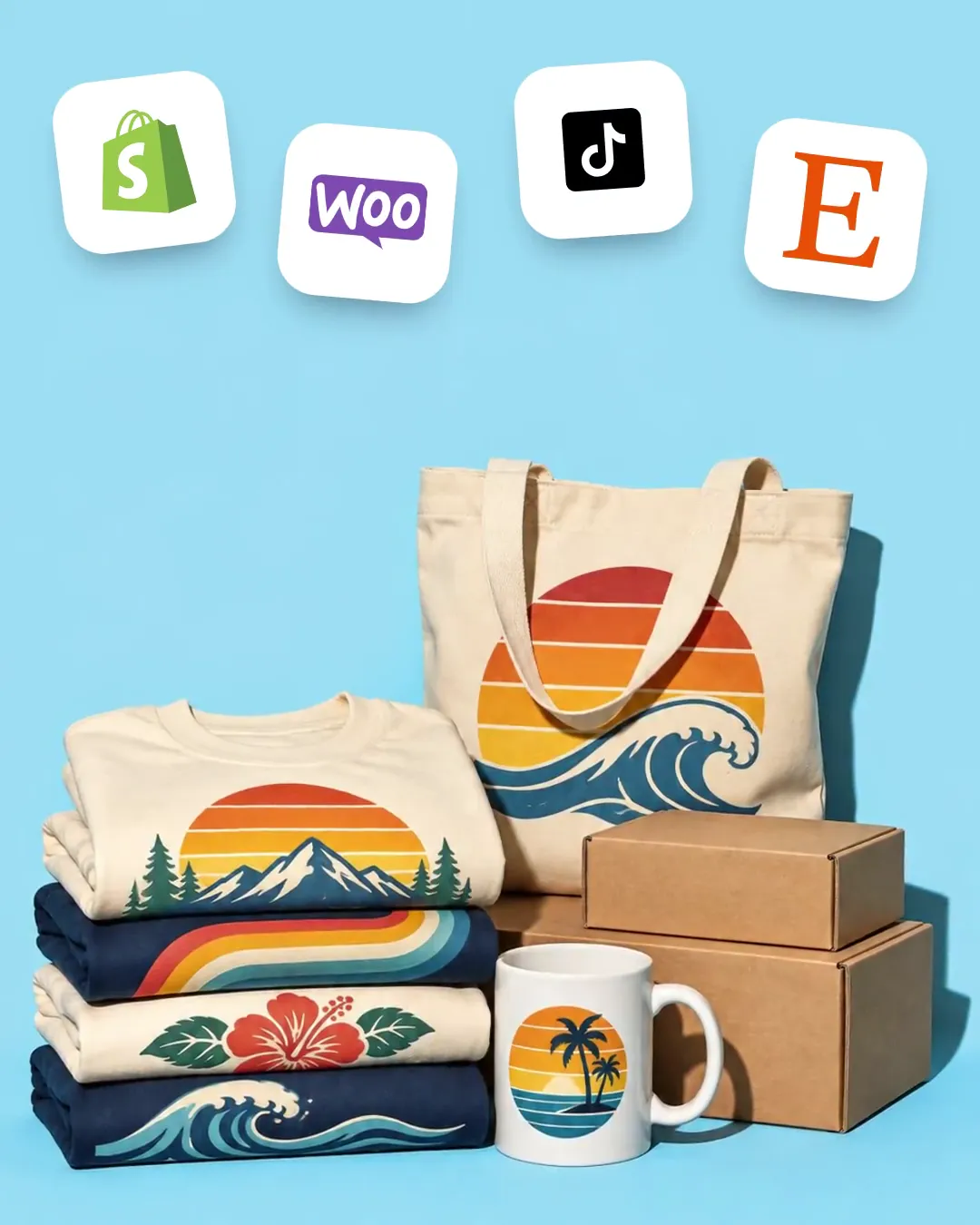
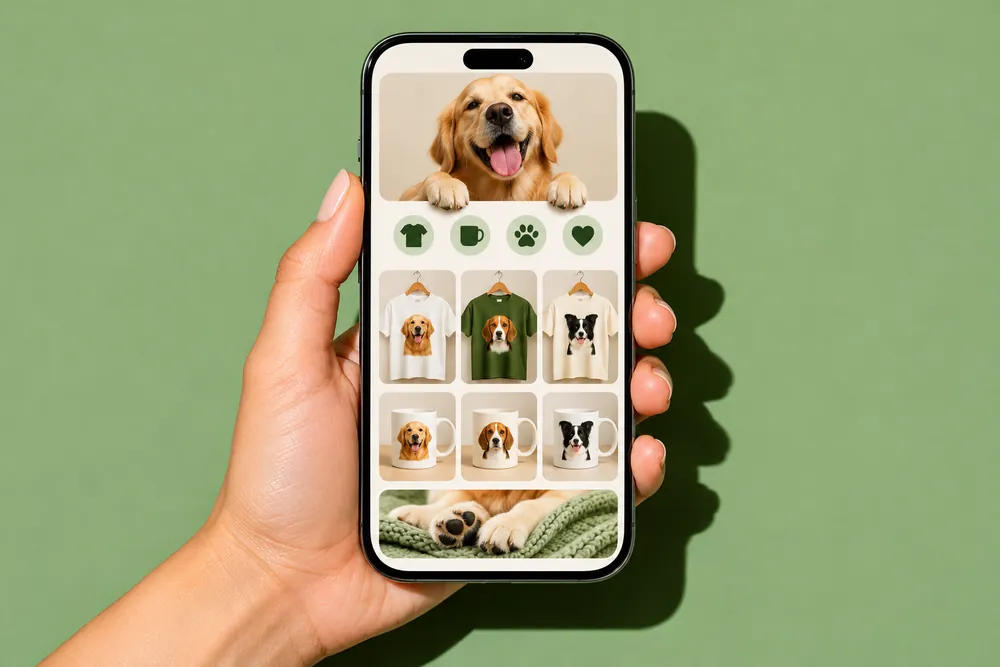
Publish the same products to Shopify, WooCommerce and TikTok Shop. For Etsy, review them, then publish in one click.
See all integrationsClaude keeps the whole conversation in mind, so you can plan, pick and make in one thread.
Brainstorm a niche, push back on the designs and make the products, all in one long conversation. Every result shows up as a card in the chat.
01 / 05
 Claude
I sell to dog moms. What could my fall drop look like?
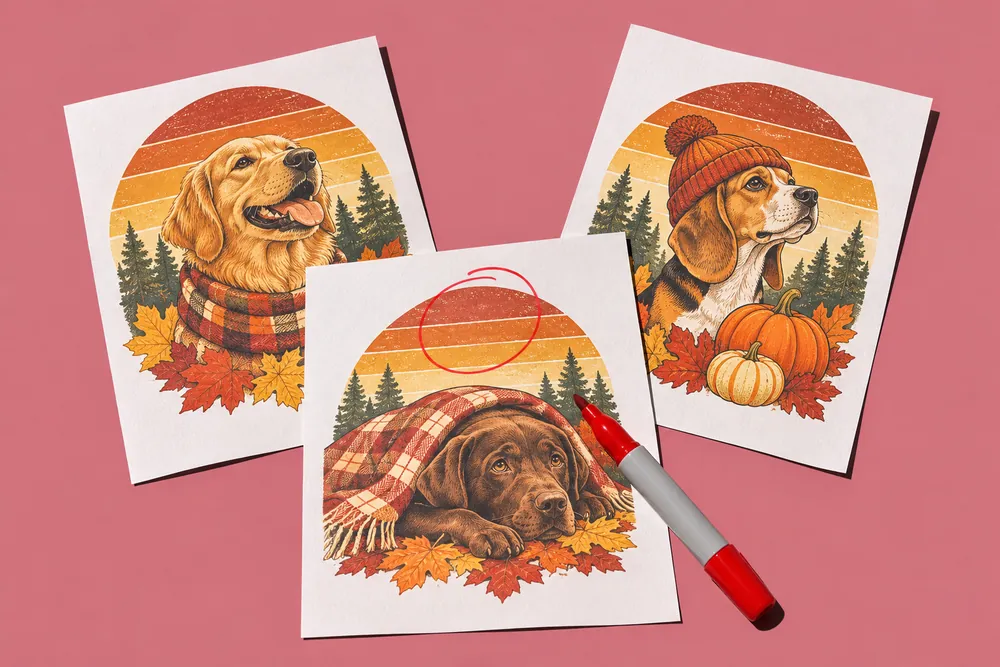
Six directions: cozy sweater weather, pumpkin patch pups, a 'dog mom fuel' coffee line, and three more. Want designs for any of them?

Make the first three. Then tell me which one you'd cut.
The same account and the same tools, wherever you like to work.
The community is where sellers trade what is working right now, and where our team answers.
Join The CommunityYes, with the MyDesigns connector. Claude can make designs with Dream AI, turn them into print-on-demand products from your product profiles, open a MyDesigns Store and publish to it. The products are made and shipped by MyDesigns' print partners.
In Claude, open Customize, then Connectors. Select Add, then Add custom connector, name it MyDesigns and paste https://mcp.mydesigns.io/mcp. Select Continue, pick Sign in now, then Add and Connect, and sign in to MyDesigns. These steps were last checked on November 4, 2026.
Yes. Custom connectors work on every Claude plan, and the free plan allows one. Connecting MyDesigns is free on every MyDesigns plan while the MCP server is in beta.
Claude makes the products in your MyDesigns account. You review them there and publish them to Etsy in one click.
Claude publishes to your MyDesigns Store from the chat. You publish the same products to Shopify, WooCommerce and TikTok Shop from MyDesigns.
An owner adds the connector under Organization settings, then Connectors, and each person connects their own MyDesigns account.
Yes. A connector you add on claude.ai is there in Claude Desktop too, and the other way around, because both use your Claude account.
No. It asks before a Scout AI search and before a design you did not clearly ask for, such as a redo. A batch is checked against your credits first, so if you are short, nothing is made and Claude suggests making fewer.
Make a free MyDesigns account, add the connector, and ask Claude for your first designs.