From the chat
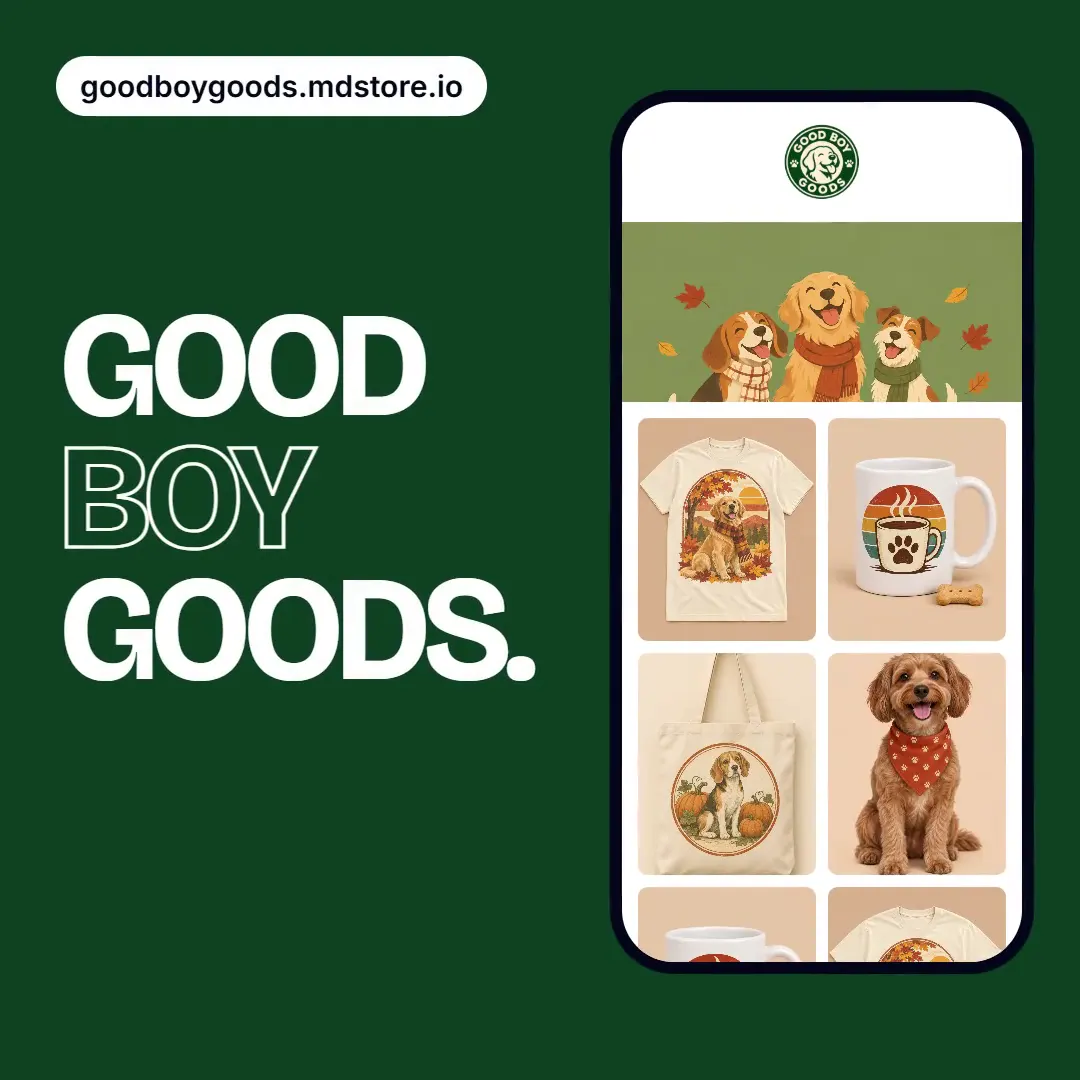
Open a MyDesigns Store and publish to it without leaving the conversation.
See MyDesigns Store
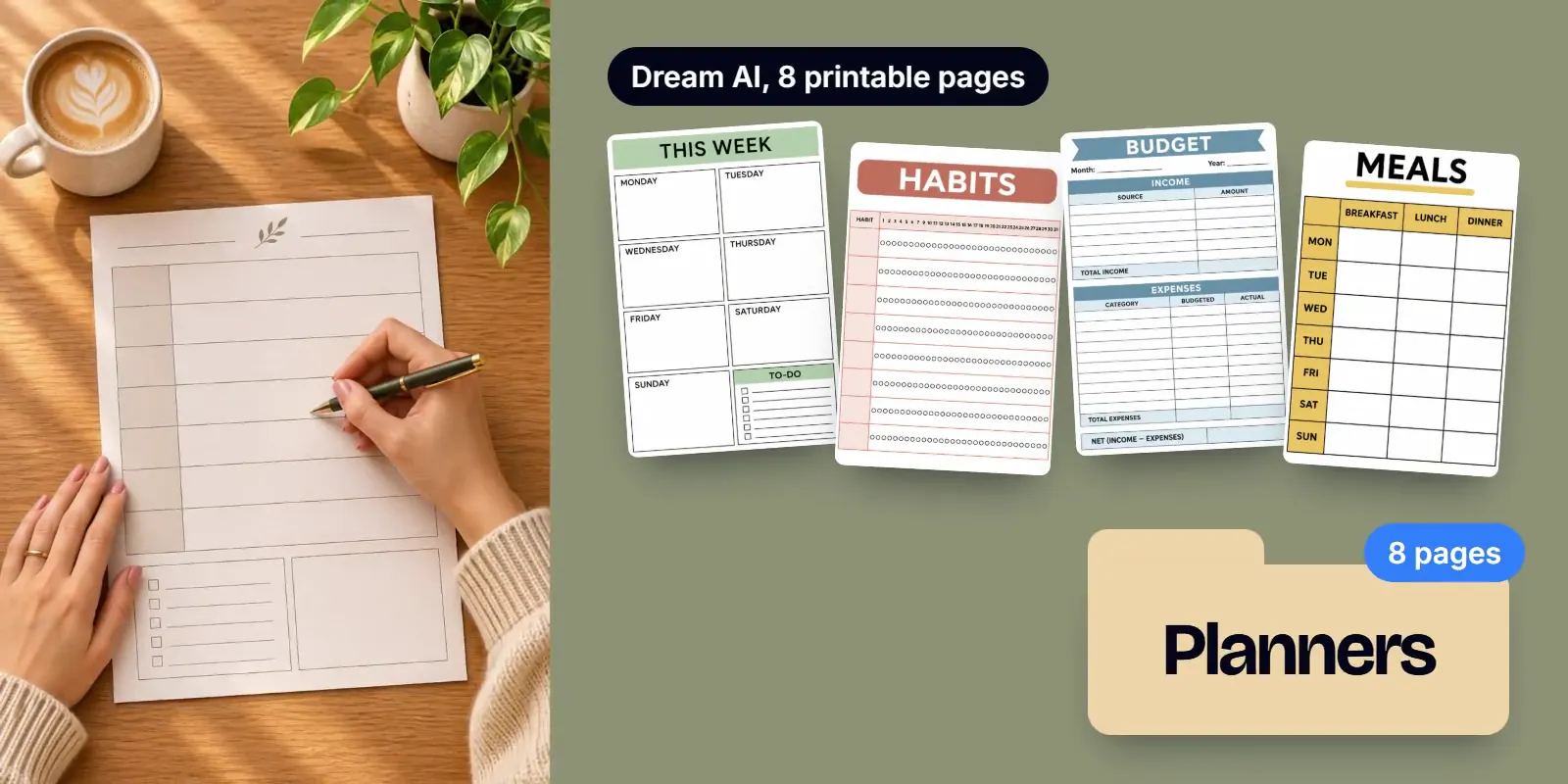
Claude Code can make designs, print-on-demand products and printables in bulk, working through your own lists and files from the terminal.
Hand it a list and a goal. Claude Code works through it step by step, in the same MyDesigns account you already use.


One command to add it, then a quick sign-in. Claude Code docs opens Anthropic's guide to MCP servers.
claude mcp add --transport http --scope user mydesigns https://mcp.mydesigns.io/mcp/mcpEverything Claude Code makes lands in your MyDesigns account, ready for every store you sell in.
Open a MyDesigns Store and publish to it without leaving the conversation.
See MyDesigns Store
Publish the same products to Shopify, WooCommerce and TikTok Shop. For Etsy, review them, then publish in one click.
See all integrationsBig jobs read well here. Name the file, the folder and the profile, and let it work through them.
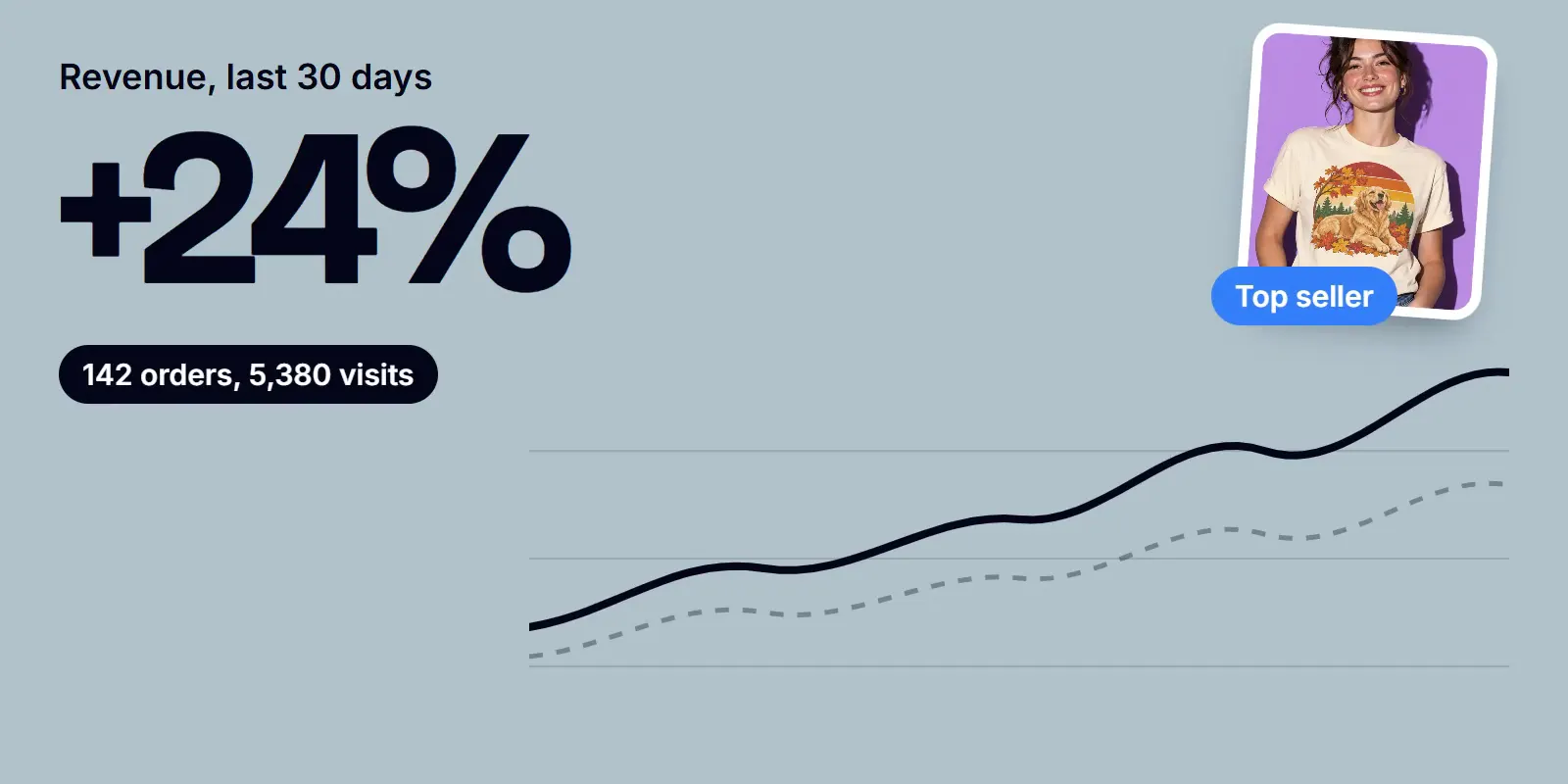
Testing many designs fast is how you find what sells. Give Claude Code the whole list, and for runs nobody is watching, connect with a personal access token.
01 / 05
 Claude Code
For each niche in niches.txt, make 5 designs in its own folder.
Done: 6 niches, 30 designs and 6 folders. Want products from any of them?

Make posters from every design in my Fall Drop folder with my wall-art profile.
The same account and the same tools, wherever you like to work.
The community is where sellers trade what is working right now, and where our team answers.
Join The CommunityRun claude mcp add --transport http --scope user mydesigns https://mcp.mydesigns.io/mcp. Then start Claude Code, run /mcp, pick mydesigns and sign in to MyDesigns in your browser. These steps were last checked on November 6, 2026.
Yes, which is how MyDesigns connects. You can also sign in from your shell with claude mcp login mydesigns. With no browser on that machine, it prints a link to open elsewhere, and you paste the final address back.
Yes, and it suits runs where nobody is watching. In MyDesigns, open Settings, then Personal Access Tokens, and generate one. Then run claude mcp add --transport http --scope user mydesigns https://mcp.mydesigns.io/mcp --header "Authorization: Bearer YOUR_TOKEN". Never commit a token to a code repository.
Not from the terminal. Uploads open a card, and a terminal cannot show it. Upload your files in MyDesigns or from an AI app that shows cards, then ask Claude Code to make products from that folder. Uploading is free.
No. It is a remote MCP server, so there is no plugin to install. You add it with one command, and it stays in your Claude Code settings.
Yes. The server runs on our side, so the same command works on Windows, macOS and Linux, with nothing else to install.
Without --scope user, Claude Code adds a server for the current project only. Run claude mcp remove mydesigns from that project, then add it again with --scope user.
No. Claude Code runs in your terminal, and Claude runs on the web and in Claude Desktop. If you log in to Claude Code with a claude.ai account, a MyDesigns connector you added on claude.ai shows up under /mcp too, so you do not need to add it twice.
It asks before a Scout AI search and before a design you did not clearly ask for, such as a redo. A batch is checked against your credits first, so if you are short, nothing is made.
Make a free MyDesigns account, add it to Claude Code, and hand it your first list.