
From the chat
Open a MyDesigns Store and publish to it without leaving the conversation.
See MyDesigns Store
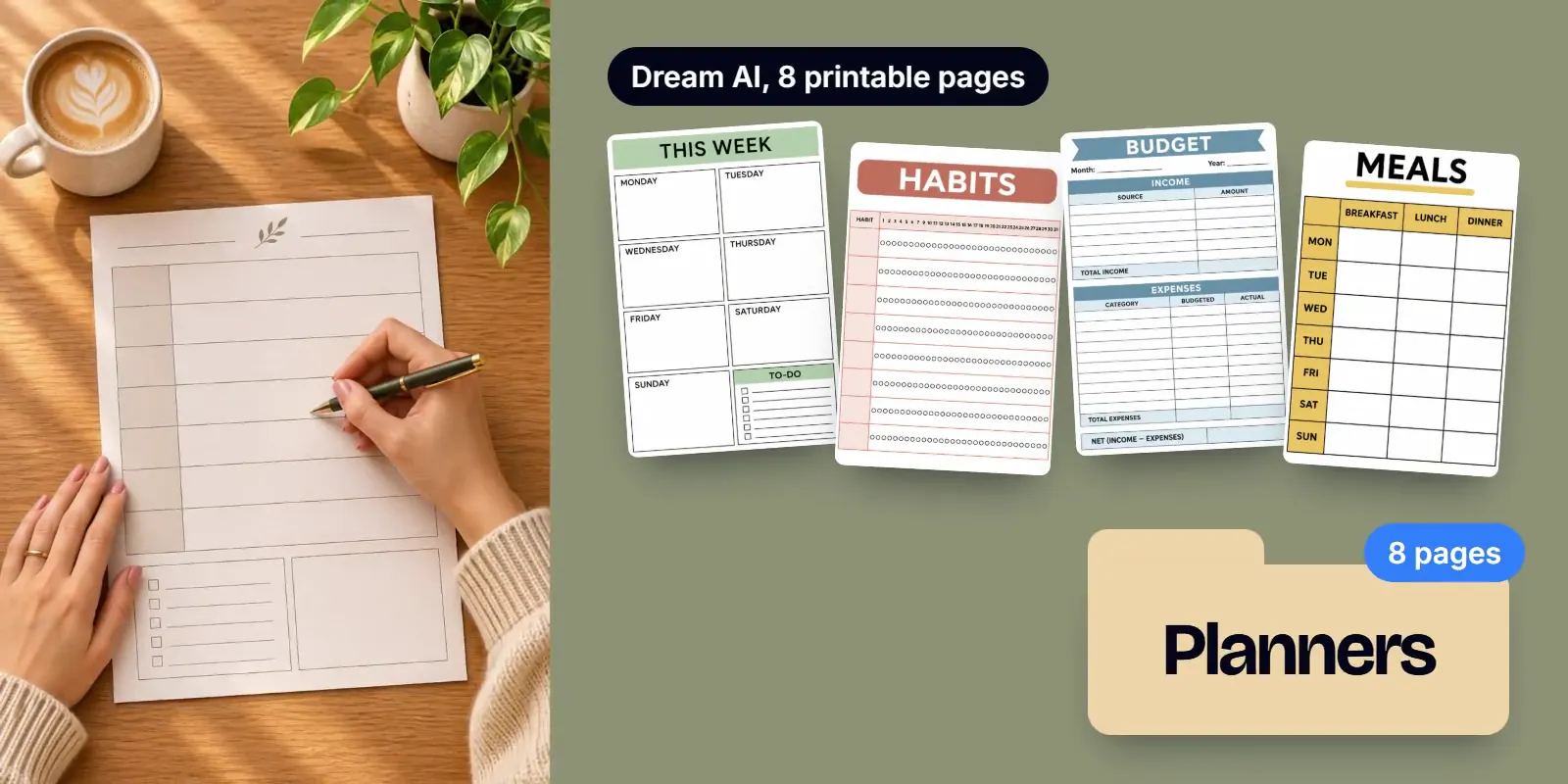
Muse Code, Meta's coding agent, can make designs, mockups and print-on-demand products, and printables for digital downloads, all saved in your account.

Ask from your terminal, in plain words. Muse Code uses MyDesigns alongside your files and your scripts.



One entry in your settings file and one sign-in. Muse Code docs opens Meta's guide to MCP servers.
{
  "schema_version": 1,
  "mcp_servers": {
    "mydesigns": {
      "transport": "streamable_http",
      "url": "https://mcp.mydesigns.io/mcp",
      "mode": "optional"
    }
  }
}muse mcp login mydesignsEverything Muse Code makes lands in your MyDesigns account, ready for every store you sell in.
Open a MyDesigns Store and publish to it without leaving the conversation.
See MyDesigns Store
Publish the same products to Shopify, WooCommerce and TikTok Shop. For Etsy, review them, then publish in one click.
See all integrationsAsk in plain words, and point it at your own files when you have them.
Muse Code reads your files, remembers your rules and runs from a script, so a list of ideas can turn into a season of products.
01 / 05
 Muse Code
Read ideas.csv and make a design for each row in a Fall folder.
12 rows, so I made them in two batches. All 12 designs are in your Fall folder.

Put the pumpkin and ghost ones on tees and mugs with my fall profile.
The same account and the same tools, wherever you like to work.
The community is where sellers trade what is working right now, and where our team answers.
Join The CommunityMuse Code, Meta's coding agent, does, and that is what this page sets up. Meta's help for the Muse app covers Connectors and custom connectors, but does not describe adding an MCP server.
Add it under mcp_servers in ~/.config/muse/settings.json, with the transport streamable_http and the url https://mcp.mydesigns.io/mcp. Keep "schema_version": 1 in the file, or Muse Code will not start. Then run muse mcp login mydesigns. These steps were last checked on November 6, 2026.
Muse Code is Meta's coding agent. You work with it in your terminal, and it can use MCP servers like MyDesigns, keep local memory and run from a script with muse exec.
Not with steps we can vouch for yet, because Meta does not document MCP in the Muse app. Use Muse Code for now.
Not yet. It is coming soon.
Many people search for Meta's Muse as "metamuse". MetaMuse is also the name of an unrelated branding agency, which has nothing to do with Meta or with MyDesigns.
Yes. muse exec runs one prompt and exits, so a script or a scheduled job can start it. A run like that has no one to answer approval prompts, so choose an approval setting first, as Meta's docs explain.
Muse Code makes the products in your MyDesigns account and can publish to your MyDesigns Store. You review them in MyDesigns and publish them to Etsy in one click.
Make a free MyDesigns account, add it to Muse Code, and ask for your first designs.