From the chat
Open a MyDesigns Store and publish to it without leaving the conversation.
See MyDesigns Store
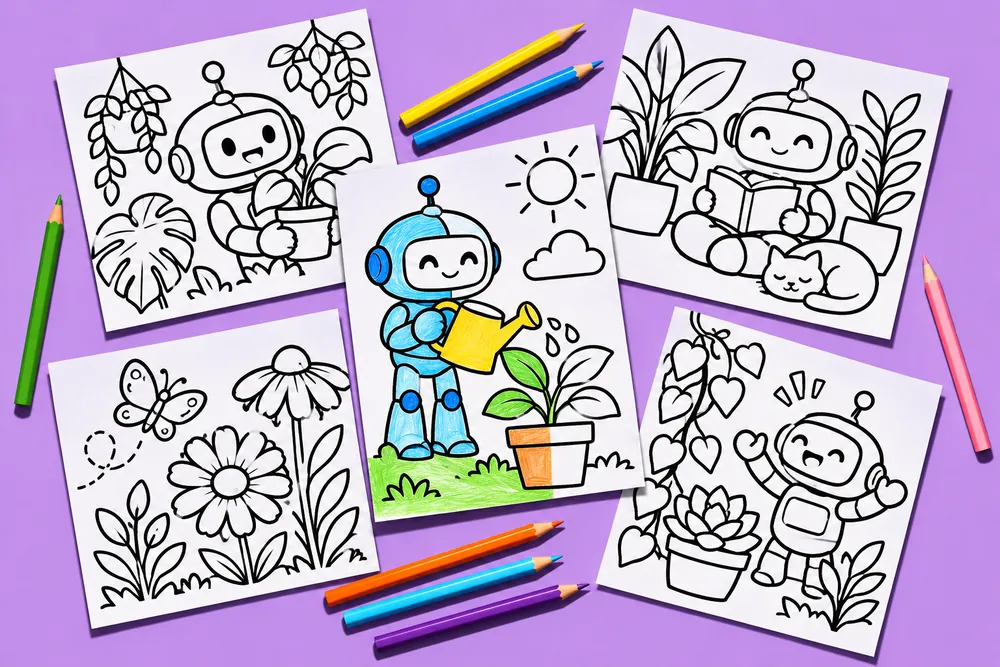
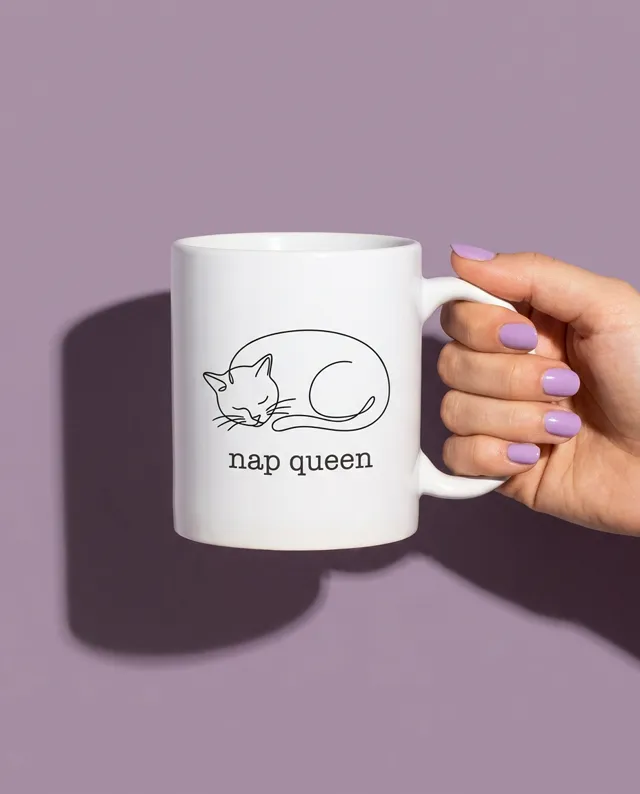
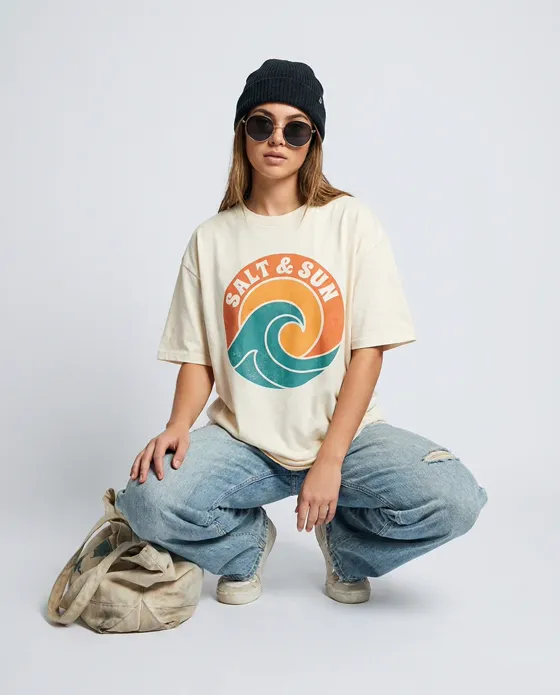
Codex can make designs, mockups and print-on-demand products, and printables for digital downloads, all saved in your account, right next to your own files and scripts.

One setup covers the CLI, the IDE extension and the ChatGPT desktop app. Ask in plain words, and work from your own files.


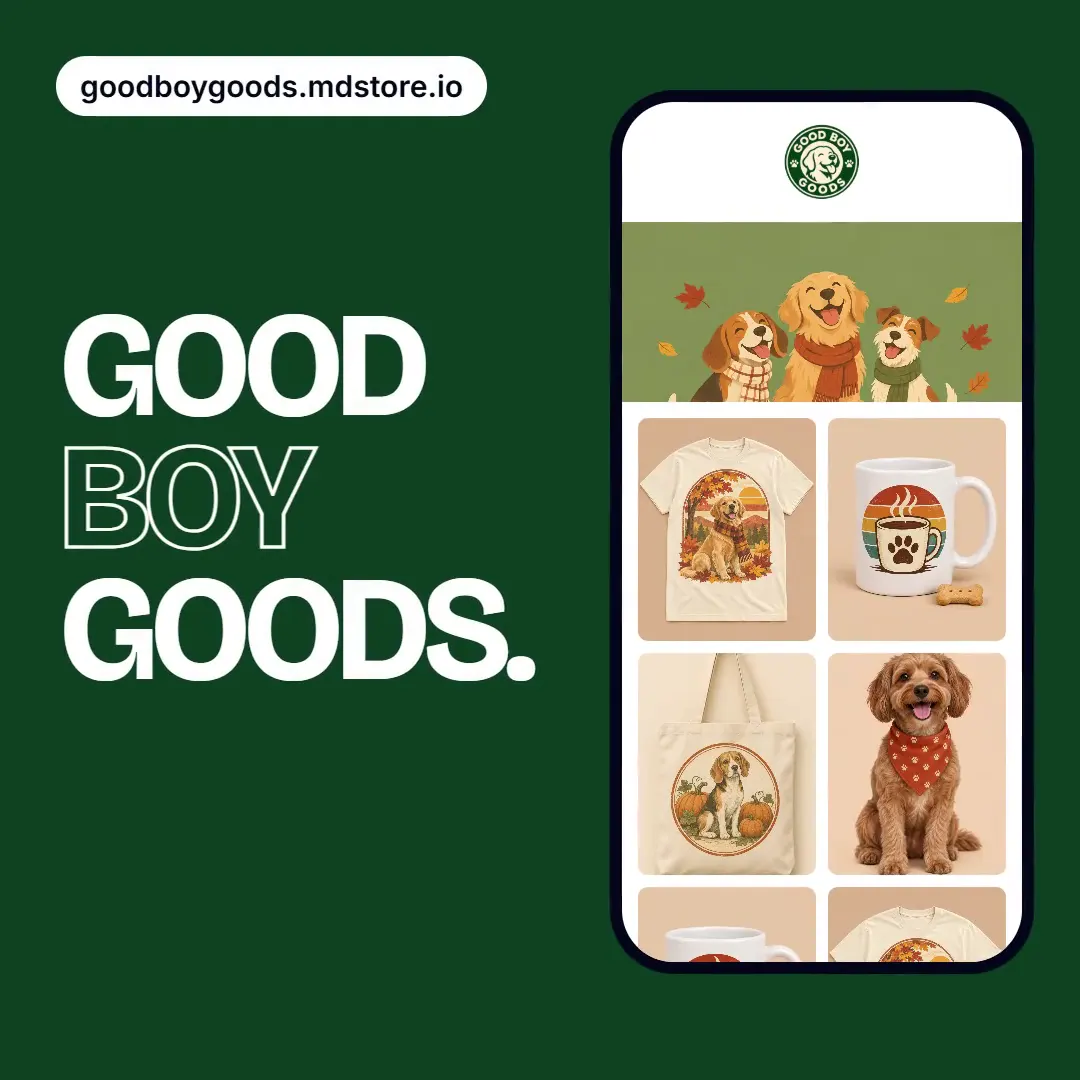
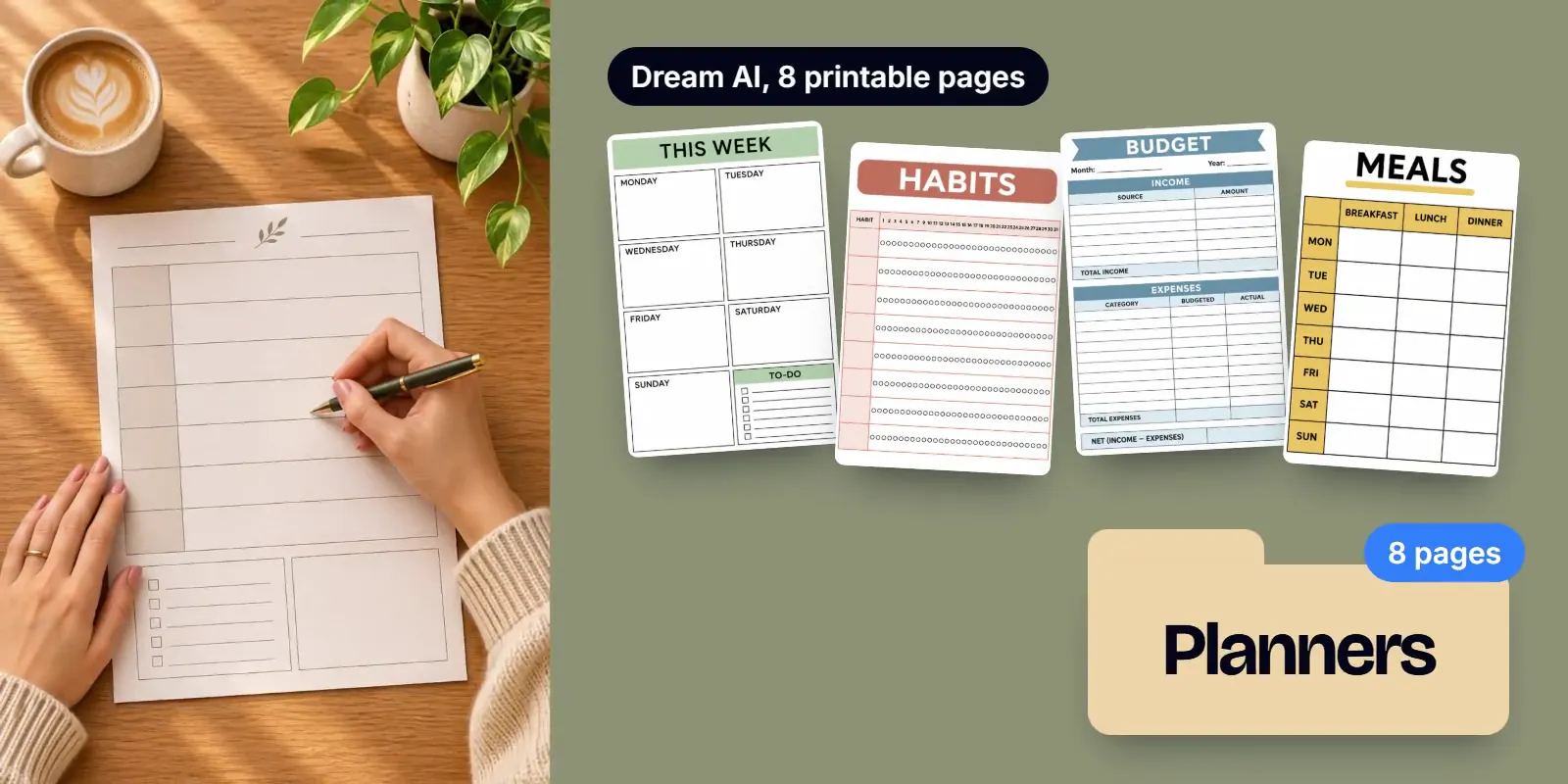
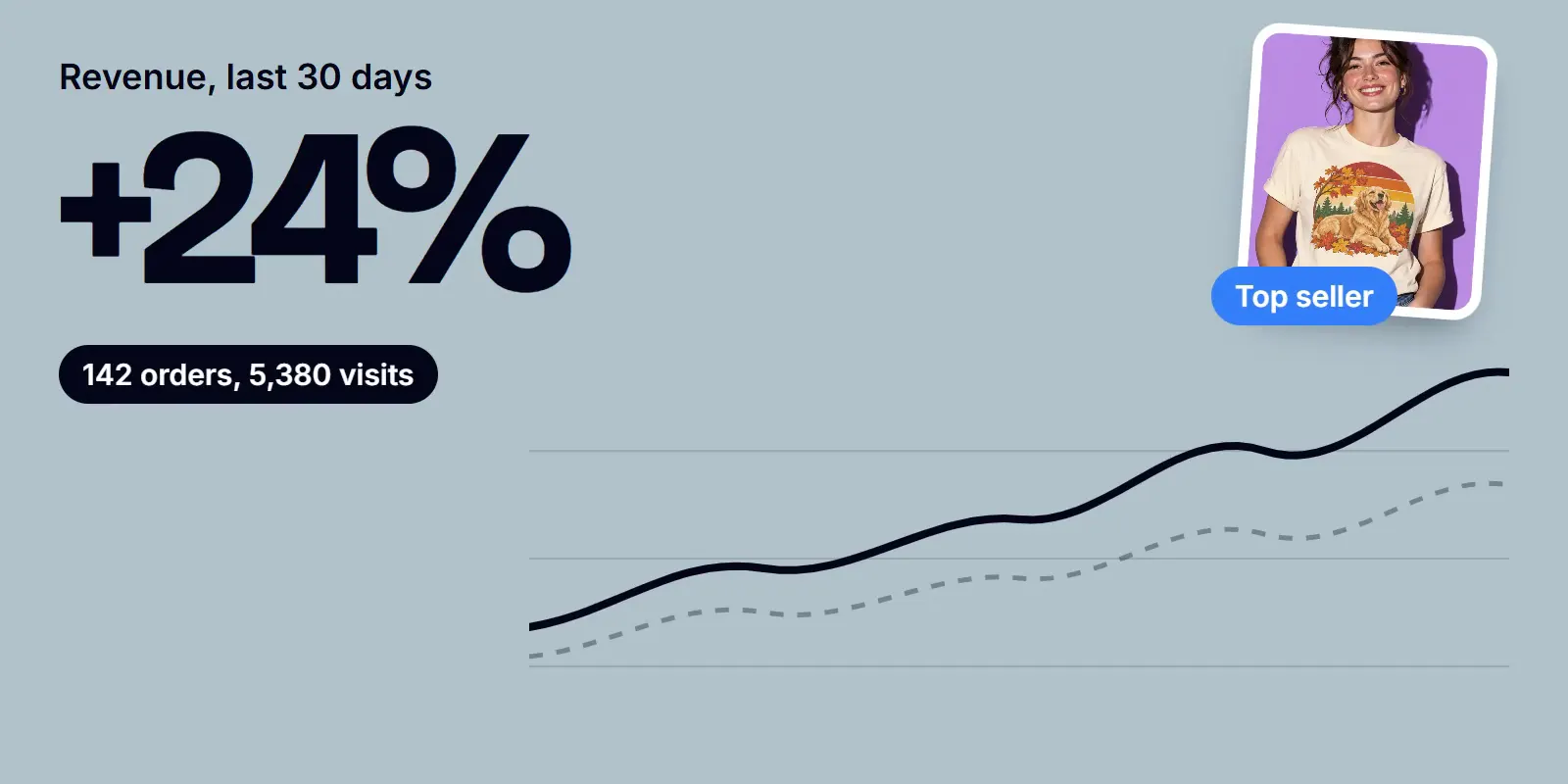
Two commands, and the CLI, the IDE extension and the ChatGPT desktop app all have it. Codex docs opens OpenAI's guide to MCP servers.
codex mcp add mydesigns --url https://mcp.mydesigns.io/mcpcodex mcp login mydesignsEverything Codex makes lands in your MyDesigns account, ready for every store you sell in.
Open a MyDesigns Store and publish to it without leaving the conversation.
See MyDesigns Store
Publish the same products to Shopify, WooCommerce and TikTok Shop. For Etsy, review them, then publish in one click.
See all integrationsPoint it at your own files when you have them, and it can write to them too.
Codex works with your files as well as your shop, so a list of niches or a weekly report can sit right beside the work it drives.
01 / 05
 Codex
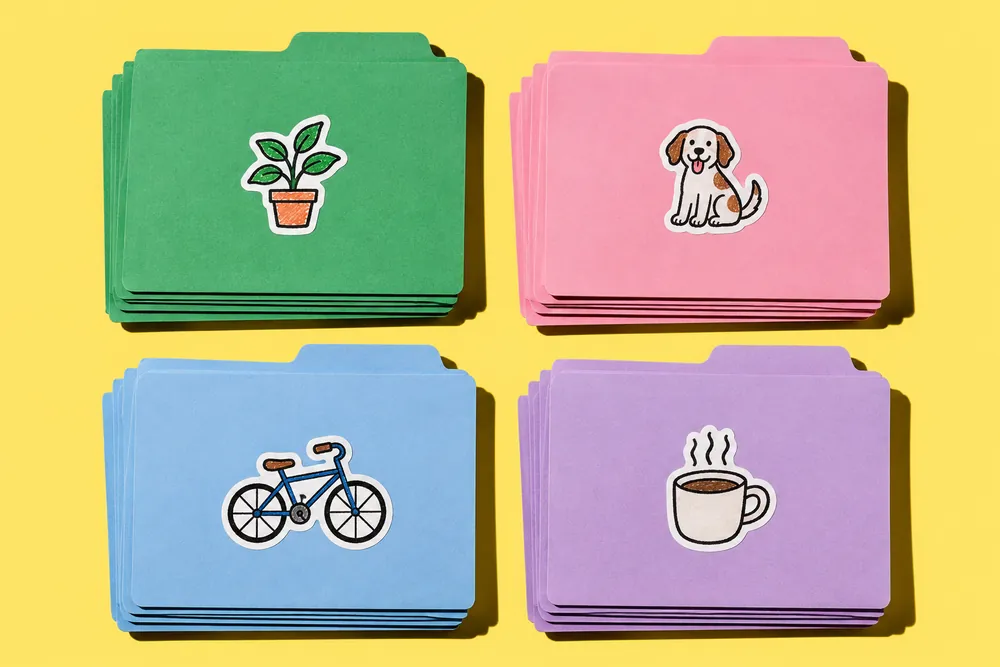
Make 3 designs for each niche in niches.txt and keep each niche in its own folder.
Done: 4 niches, 12 designs and 4 folders. Want products from any of them?
Put all of them on tees with my summer profile.
The same account and the same tools, wherever you like to work.
The community is where sellers trade what is working right now, and where our team answers.
Join The CommunityRun codex mcp add mydesigns --url https://mcp.mydesigns.io/mcp, then codex mcp login mydesigns and sign in to MyDesigns in your browser. Run codex mcp list to check it. These steps were last checked on November 6, 2026.
Yes. Codex signs in to Streamable HTTP servers with OAuth, which is how MyDesigns connects. On a terminal with no browser, run codex mcp login mydesigns --no-browser, open the link it prints and paste the final address back.
Yes. The CLI, the IDE extension and the ChatGPT desktop app share one setup, so adding it once works in all three. You can also add it there: open MCP servers, select Add server, choose Streamable HTTP, paste the address, save, restart, then select Authenticate.
Yes. In ~/.codex/config.toml, set url to https://mcp.mydesigns.io/mcp under [mcp_servers.mydesigns], and bearer_token_env_var to the name of an environment variable holding a MyDesigns personal access token.
No. Codex is OpenAI's coding agent, and it can connect to MCP servers directly. ChatGPT on the web uses plugins and does not read Codex's settings, so it has its own setup steps.
Codex makes the products in your MyDesigns account and can publish to your MyDesigns Store. You publish the same products to Shopify, TikTok Shop and Etsy from MyDesigns.
It asks before a Scout AI search and before a design you did not clearly ask for, such as a redo. A batch is checked against your credits first, so if you are short, nothing is made.
Make a free MyDesigns account, add it to Codex, and ask for your first designs.