


Most people who want to learn how to sell digital products online waste time on the wrong problem. They obsess over logos, storefront colors, and which app stack feels the most “professional.” Meanwhile, the sellers actually making money are doing something much simpler. They are choosing a product people already want, packaging it clearly, and publishing fast enough to learn from the market.
I like digital products because the upside is obvious. No inventory. No shipping. No warehouse. But that does not make them easy. The hard part is choosing the right format, pricing it properly, and getting it in front of buyers without turning the whole thing into a six-month side project. That is where most people stall out.
If I were starting from zero today, this is exactly how I would sell digital products online. Not the fluffy version. The version that gets you from idea to live listing without wasting a month building something nobody wants.
Key Takeaways
- The best digital products solve narrow problems – broad ideas feel creative, but specific solutions convert better.
- Channel comes before catalog – the platform you choose should shape the product format, pricing, and packaging.
- Publishing speed matters more than perfection – getting 10 clean offers live beats polishing one product forever.
- Systemized sellers win – the real advantage is not creativity alone. It is how quickly you can create, optimize, and publish at scale.
Table of Contents
Why digital products still work in 2026
Digital products still work because the economics are hard to beat. You build once, deliver instantly, and avoid the operational mess that comes with physical inventory. That alone makes them attractive. But the bigger reason they still work is that buyers are more comfortable than ever purchasing templates, downloads, printables, mini tools, and educational assets online.
What changed is the level of competition. It is easier to create a digital product now, which means it is also easier to publish something generic. That is why the opportunity is still real, but the lazy version is getting crushed.
What actually counts as a digital product
When people ask how to sell digital products online, they usually think of ebooks or printables. Those count, but the category is much bigger than that. Digital products include planners, templates, wall art, SVGs, social media packs, educational downloads, Notion systems, spreadsheets, prompts, brand kits, and low-content assets that buyers can use instantly.
The common thread is simple. A buyer pays for a file, system, or asset they can access right away. No shipping required.
If your goal is speed, start with categories that are easy to duplicate, bundle, and version. That is one reason I keep pointing sellers toward digital products workflows inside MyDesigns. Once you can take one asset and turn it into multiple sellable variations, the math gets a lot more attractive.
Why most beginners stall out
Most beginners do not fail because the idea is bad. They fail because they build too much before they get feedback. I have seen sellers spend two weeks creating a giant planner bundle, only to realize the niche was vague, the cover looked generic, and the listing angle was weak.
Here is the thing. You do not need a giant catalog to start. You need one sharp offer, a clean listing, and enough publishing speed to test multiple angles.
Digital products look simple from the outside. The sellers who grow are usually the ones who systemize creation and launch.
This is exactly where a cleaner workflow starts to matter more than another round of planning.
Pick a product with real demand first
The easiest way to waste time is to choose a digital product because it sounds fun to make. The better move is to choose a product because people are already searching for it, buying it, and solving a specific problem with it.
That is why I usually start with pain points, not formats. Are buyers trying to save time? Look better? Organize something? Make money? Learn a skill? Once you know the job the product is doing, the format becomes a lot clearer.
Best beginner-friendly formats
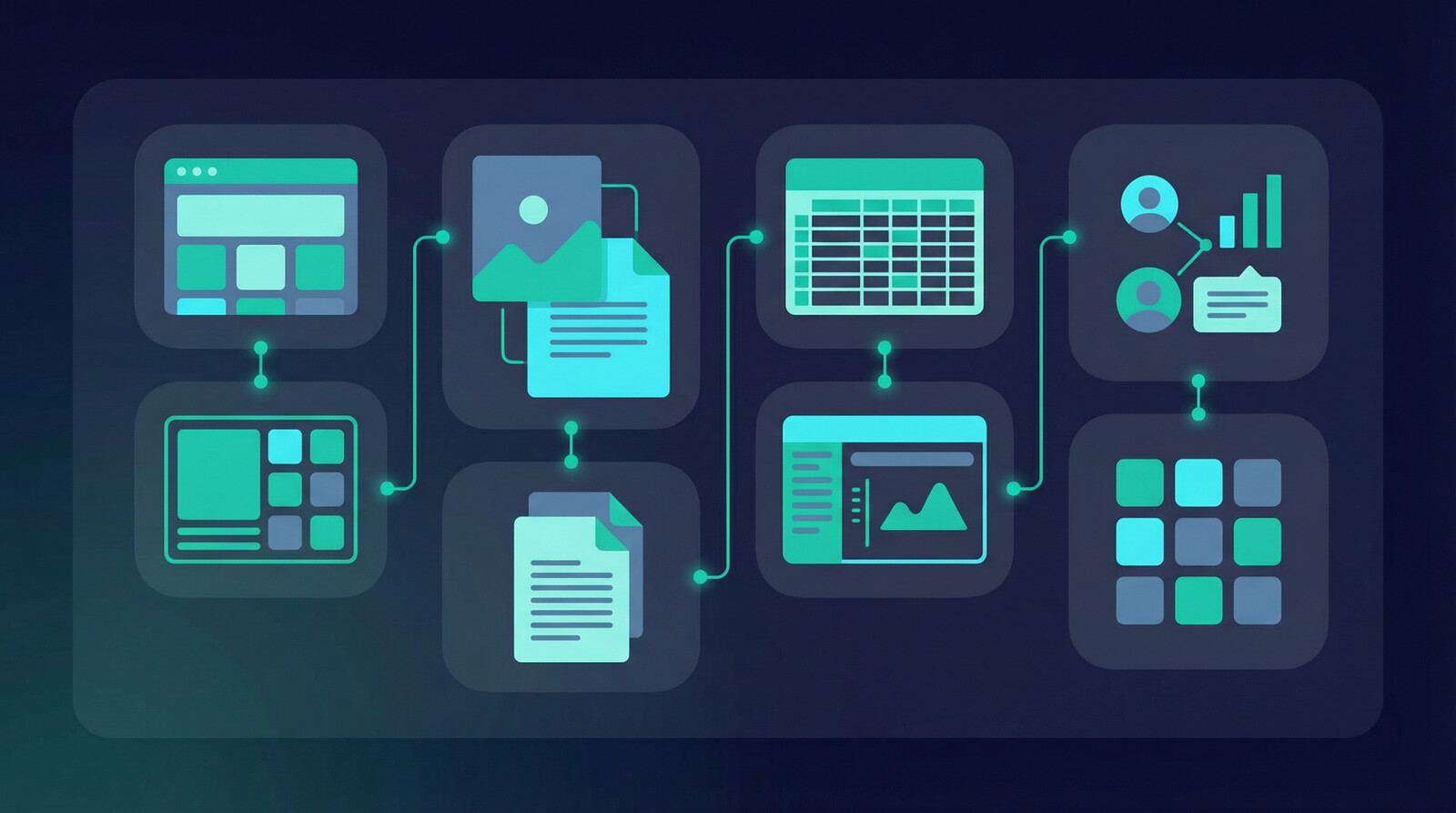
If I were helping a new seller start this week, I would look hardest at these categories:
- Templates – resumes, pitch decks, planners, social packs, media kits, business forms.
- Printables – journals, checklists, activity sheets, educational pages, wall art.
- Design assets – SVG packs, clipart bundles, seamless patterns, icon sets.
- Simple systems – trackers, calculators, spreadsheets, Notion dashboards.
- Micro education products – short guides, mini workshops, cheat sheets, niche swipe files.
Those formats are easy to produce, easy to bundle, and easy to test across multiple niches. They also pair well with import and sync workflows and multi-product publishing once you are ready to scale volume instead of babysitting individual listings.
What to avoid early
I would avoid anything that requires heavy custom support on day one. Massive online courses, complicated software, fully bespoke client deliverables, or products that need constant buyer hand-holding are usually the wrong first move.
That stuff can work later. But early on, you want clean fulfillment and fast learning loops.
| Product Type | Startup Speed | Support Load | Good First Product? |
|---|---|---|---|
| Printable planners | Fast | Low | Yes |
| Template bundles | Fast | Low | Yes |
| SVG and design packs | Medium | Low | Yes |
| Mini guides and cheat sheets | Fast | Low | Yes |
| Full video courses | Slow | High | No |
| Custom client files | Slow | High | No |
Choose your channel before you build

This is where a lot of advice gets backwards. People tell you to make the product first, then decide where to sell it. I think that is a mistake.
The platform shapes the product. A marketplace listing, a bundle sold through your own audience, and a downloadable asset sold through a niche store all need different packaging. What works on Etsy is not always what works on your own site.
Marketplace demand vs owned audience
If you want demand fast, marketplaces are useful because buyers are already there. That is why Etsy remains attractive for printables, planners, wall art, and lightweight digital assets. If you already have an audience, your own storefront can be stronger because margins and brand control improve.
Official Etsy guidance makes it clear that digital items need clear files, descriptions, and delivery expectations. You can review that directly in the Etsy digital download seller documentation. On the search side, Etsy also explains how listing relevance and shopper behavior influence visibility in the Etsy Search guide.
My rule is simple: start where demand is easiest to test, then build owned distribution after you know what sells.
How I would start from zero today
If I were starting from zero today, I would pick one buyer type, one platform, and one product family. Not five of each. Something like printable wedding signage, preschool activity sheets, or business templates for a very specific industry.
Then I would build a small launch batch. Not 100 products. Maybe 10 to 20 sharp listings that all solve related problems.
That exact bottleneck is why we built tools like Listing Management and Bulk Publish in MyDesigns in the first place. The sellers who move fastest usually are not more talented. They just have less friction between creation and publishing.
If you want more output without more chaos, you need a workflow that keeps design, listing creation, and publishing moving together.
The advantage usually goes to the sellers who can create, organize, and publish without getting buried in manual work.
Package one asset into multiple offers

One of the best things about digital products is that a single asset can become multiple offers. A planner can become a dated version, undated version, minimalist version, niche-specific version, and bundle. A clipart set can become a seasonal pack, commercial-use bundle, or niche-themed expansion.
That is how you get more leverage without starting from scratch every time.
A simple offer stack that works
Here is a basic structure I like:
- Core product – the main asset solving the main problem.
- Budget version – smaller, cheaper, easier entry point.
- Bundle – more value, higher order value.
- Niche variation – same framework, better fit for a specific buyer.
Most sellers underestimate how powerful this is. You do not need more ideas. You need better packaging.
Why volume beats overthinking
The old creator mindset says every product should feel like a masterpiece. That sounds nice, but it is terrible advice when you are still figuring out demand. You get better data from 20 good listings than from 1 perfect listing.
This is also where a lot of sellers discover they need systems, not motivation. If your workflow for exporting files, naming SKUs, writing titles, creating mockups, and publishing listings feels manual, you will cap your own growth long before demand runs out.
That is why I would rather see you use product mockups, image utilities, and structured publish workflows than spend another week tweaking fonts inside one listing.
Launch fast and validate demand
The first goal is not scale. It is proof.
Once your first set of products is ready, you need to validate demand with actual buyer behavior. Views, favorites, saves, clicks, and conversions matter. Your opinion about whether the product is “good enough” does not.
Pricing your first products
Price for clarity, not ego. I see new sellers make two mistakes over and over:
- They price too low because they are insecure.
- They price too high without enough proof, packaging, or perceived value.
A better move is to set a sane range based on what the market already accepts, then let bundles and upsells do the heavy lifting. You can always optimize price after you see demand.
If you are still choosing what to make, our guide on digital products to sell on Etsy is a good place to study what categories actually attract buyers.
What to watch in the first 30 days
In the first 30 days, I care about:
- Which listings get impressions fastest
- Which thumbnails and mockups earn clicks
- Which titles and tags attract the right search traffic
- Which products convert into purchases, not just favorites
- Which product family deserves more depth
This is why I do not love vague advice like “just be consistent.” Consistent doing what? If you are consistently publishing weak products into the wrong category, consistency is not the solution.
The gap between planning and publishing is where a lot of digital product momentum dies.
If you want this strategy to actually turn into output, the workflow after the idea matters just as much as the idea itself.
Optimize and publish at scale
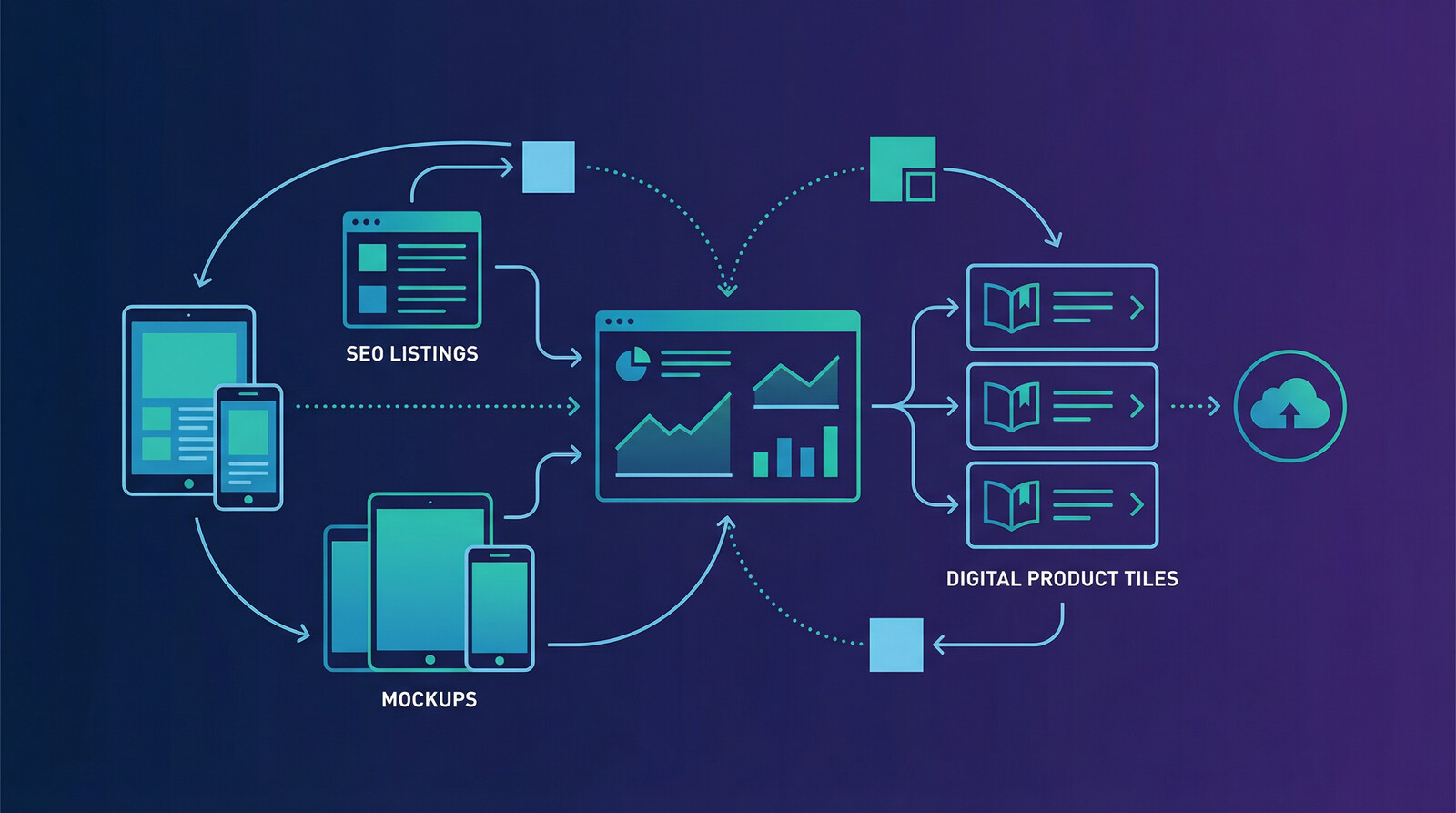
Once you know a product category is getting traction, the next step is operational. Tighten the listings. Improve the mockups. Expand the catalog. Publish related variations. Bundle the winners. Retire the losers.
This is the part most people underestimate. Creation gets all the attention. Optimization is where the money usually shows up.
SEO, mockups, and conversion
Search visibility matters, but search visibility without conversion is a vanity metric. You need both.
That means:
- Titles that match what buyers actually search
- Clean thumbnails and mockups that do not look cheap
- Descriptions that remove friction fast
- Bundles and related products that raise order value
If you want a deeper breakdown on listing imagery, read how a product mockup generator can speed up visual creation. Most people think their problem is traffic. A lot of the time, their product image simply does not look credible.
You can also review current ecommerce trend data from the U.S. Census Bureau ecommerce reports and creator commerce coverage from Forbes Advisor to see why digital distribution keeps getting more attractive.
Why this is where most sellers break
Once a few listings start working, sellers should speed up. Instead, a lot of them slow down because the process becomes messy. Files pile up. Titles get inconsistent. Publishing takes forever. They lose momentum under their own success.
That is exactly why systemizing matters. Import & Sync, Shops & Integrations, and Multi-Product Publishing exist because the old way of doing this manually does not hold up once you start expanding a real catalog.
The old digital product playbook is dead
A lot of digital product advice still sounds like it came from 2021. Pick a niche. Make a cute product. Post on social. Wait for passive income. That playbook is too slow now.
The real advantage today is not creativity by itself. It is leverage. Research faster. Create faster. Publish faster. Learn faster. The sellers who win are the ones who can turn an idea into a live, testable offer before everyone else is still polishing their Canva cover.
If you want to know how to sell digital products online in 2026, that is the real answer. Get closer to demand. Shorten the loop. Build systems that let you publish without friction.
Frequently Asked Questions
+ What are the best digital products to sell online?
The best digital products to sell online are the ones that solve a specific problem fast, like templates, printables, design assets, trackers, and niche educational downloads. Broad products can work, but specific use cases usually convert better.
+ Where should I sell digital products as a beginner?
If you are a beginner, start where demand is easiest to access. Marketplaces can help you validate faster, while your own storefront makes more sense once you already know what people want to buy.
+ How much money can you make selling digital products online?
It depends on the product, niche, pricing, and publishing volume. Some sellers make a few hundred dollars a month, while others build serious revenue because they stack multiple offers, improve conversion, and expand winning categories.
+ Do I need a website to sell digital products?
No. You can start on a marketplace first and add your own site later. I usually recommend validating demand first, then investing more heavily in owned distribution once you know what sells.
+ What is the fastest way to launch digital products?
The fastest way to launch digital products is to start with a narrow niche, publish a small batch, and use tools that reduce manual listing work. Speed to market matters more than perfect polish at the beginning.
You do not need another month of planning. You need a product with demand, a channel that fits, and a workflow that lets you publish without dragging your feet.


Leave a Reply