


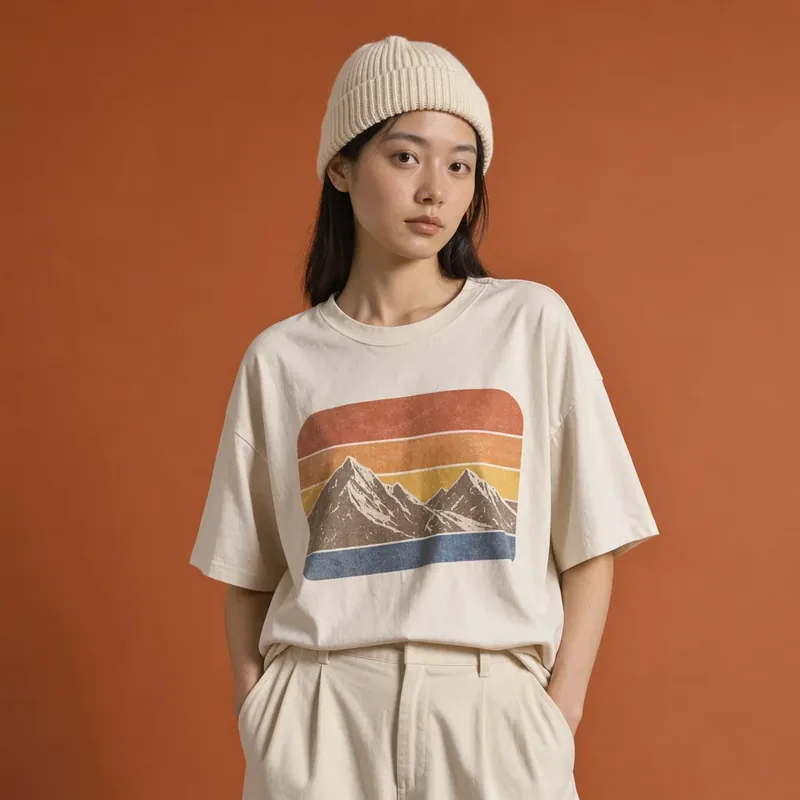


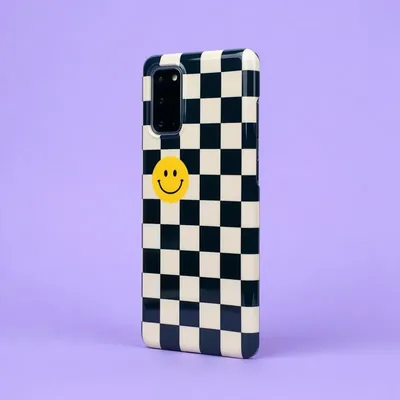
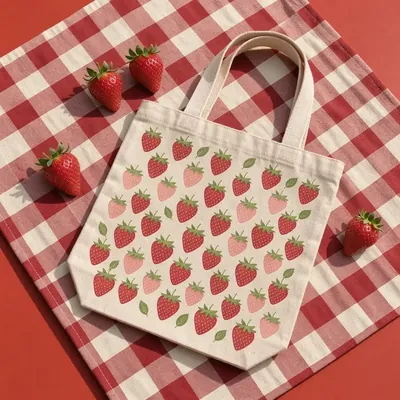
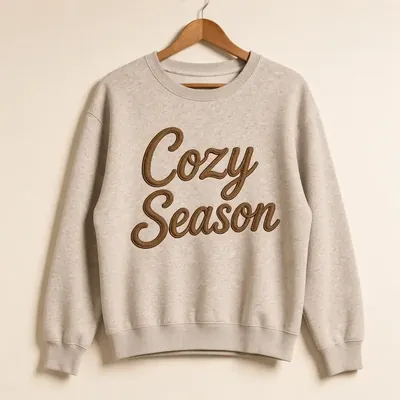
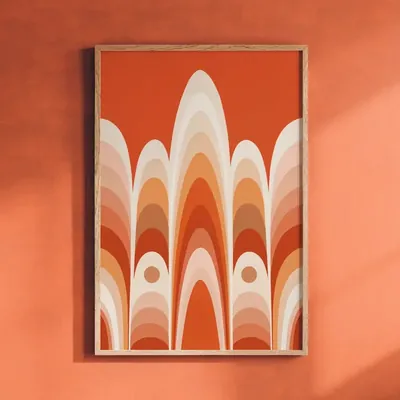


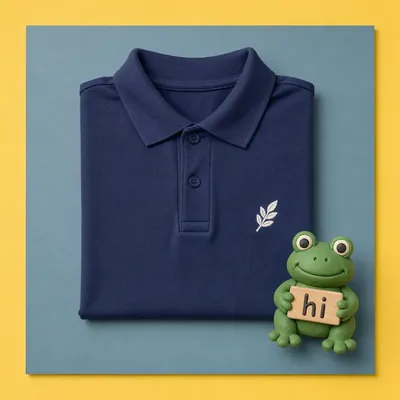
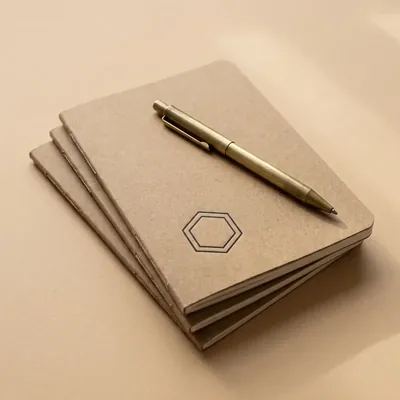

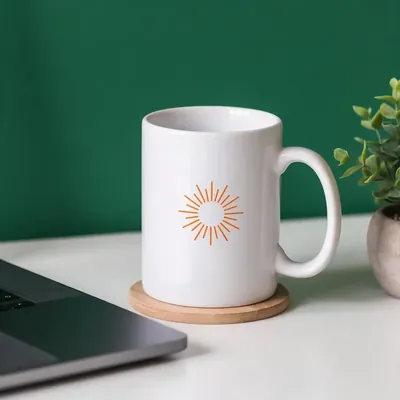



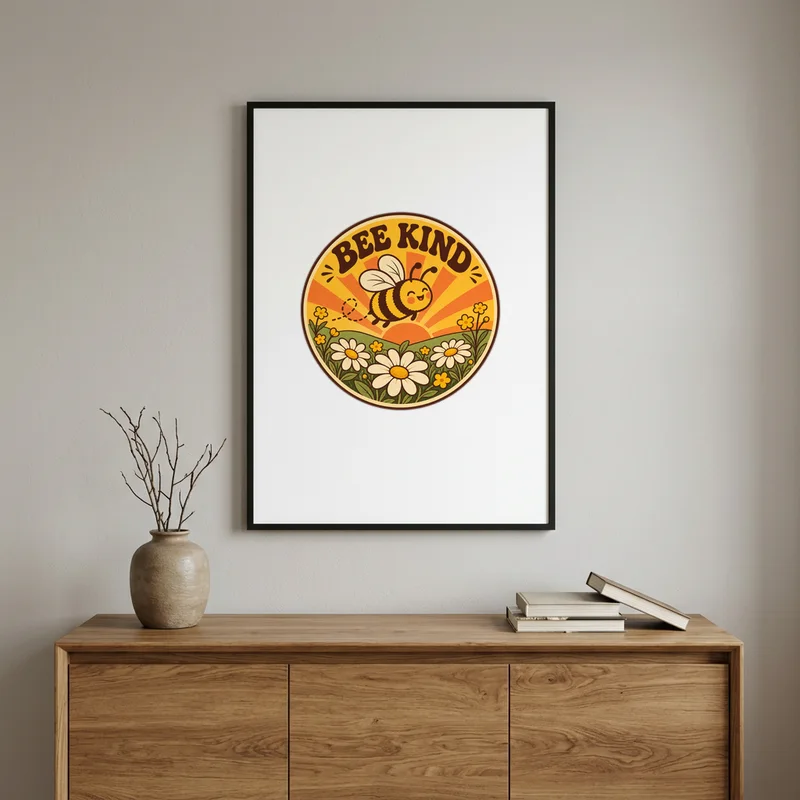
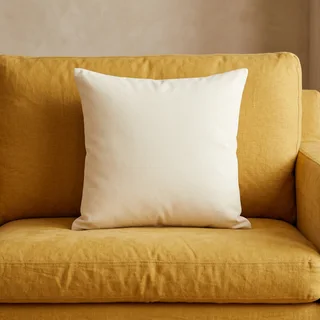
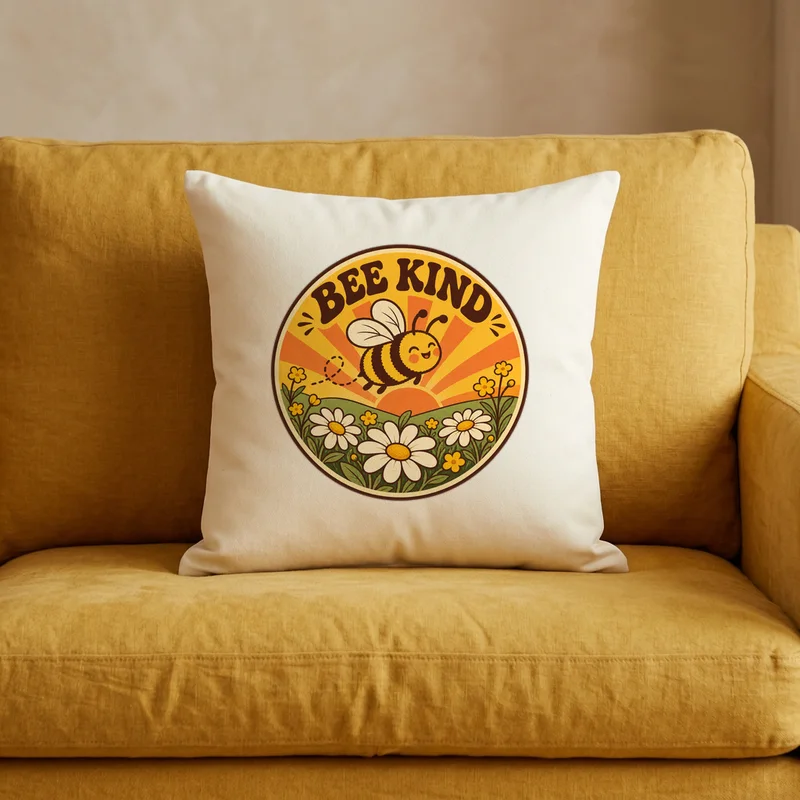


Product photos without a photo shoot.
No samples, no studio, no editing. A mockup shows your design on the product the moment you make it.

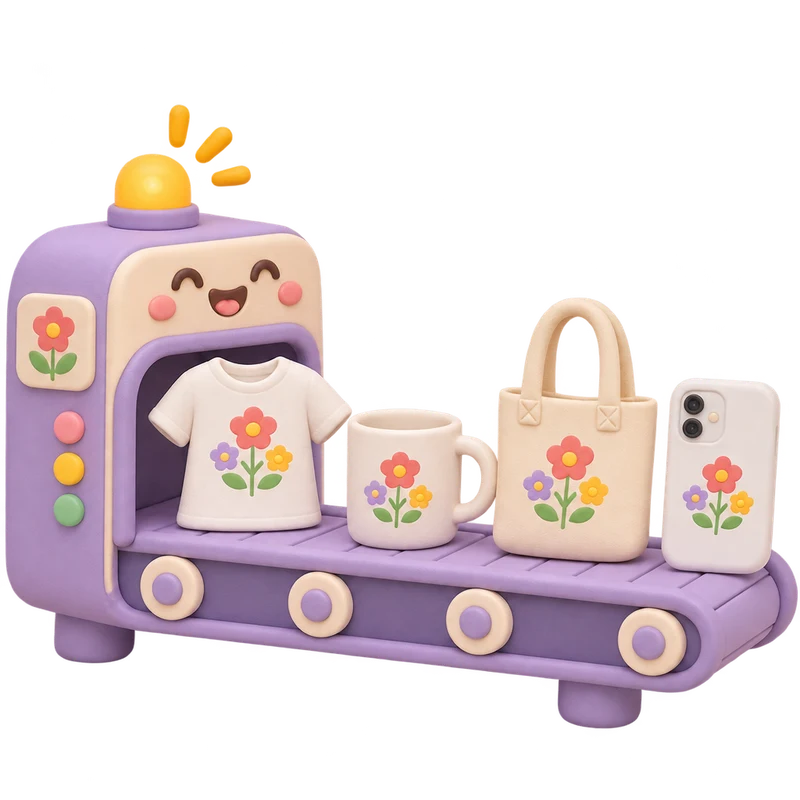
Mockups turns your designs into product photos, in bulk, ready for your listings.
Built-in mockups on every plan, Free included.
Pick the mockups, press Generate, and they are ready for your listings.
Select your designs in Designs, then pick every mockup they belong on, from the built-in library or your own PSDs.
Built-in libraryYour own PSDsThe mockups, the products and the limits behind every run.
No samples, no studio, no editing. A mockup shows your design on the product the moment you make it.
Select your designs, pick the mockups they belong on and press Generate. MyDesigns makes them all in one run.
Use the same mockups across a collection and every listing matches, from the first product to the hundredth.
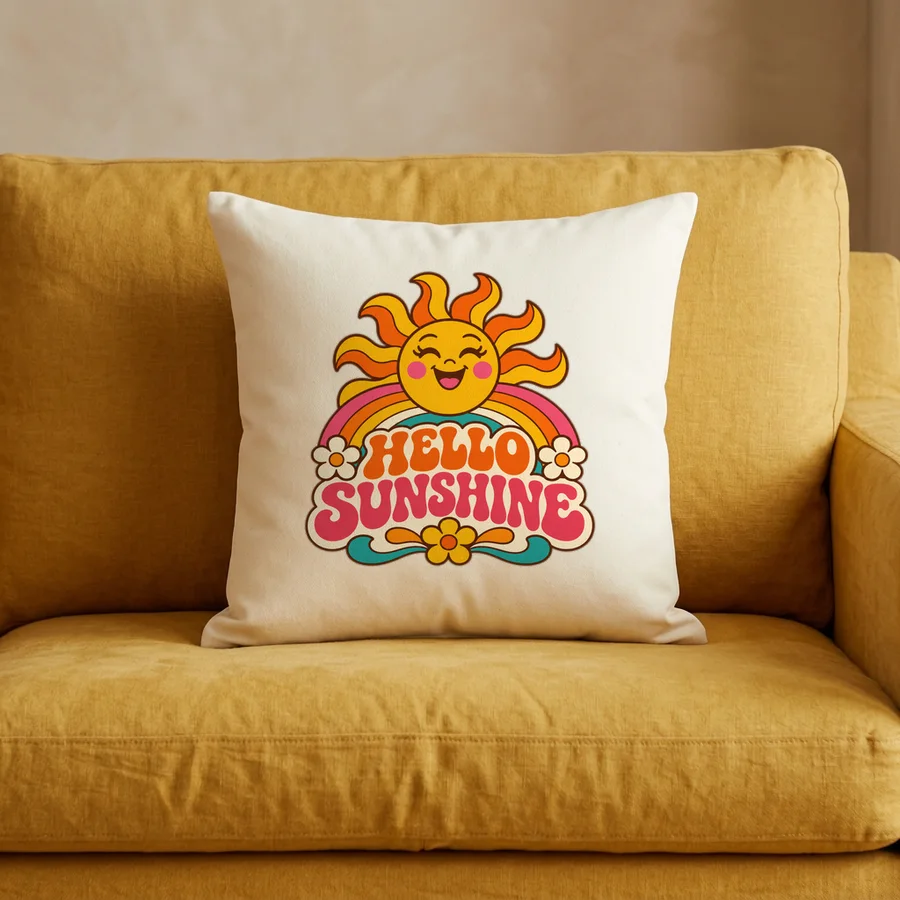
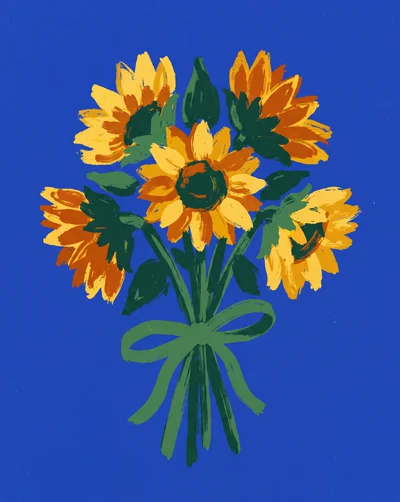
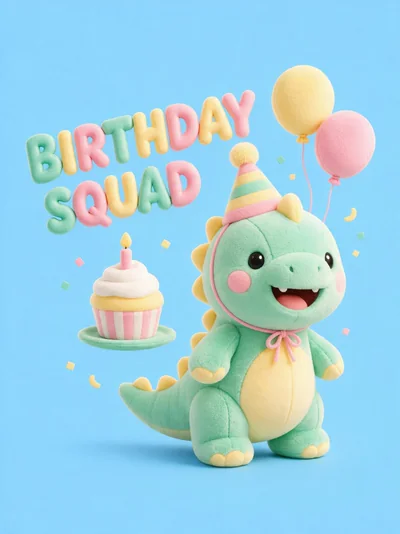
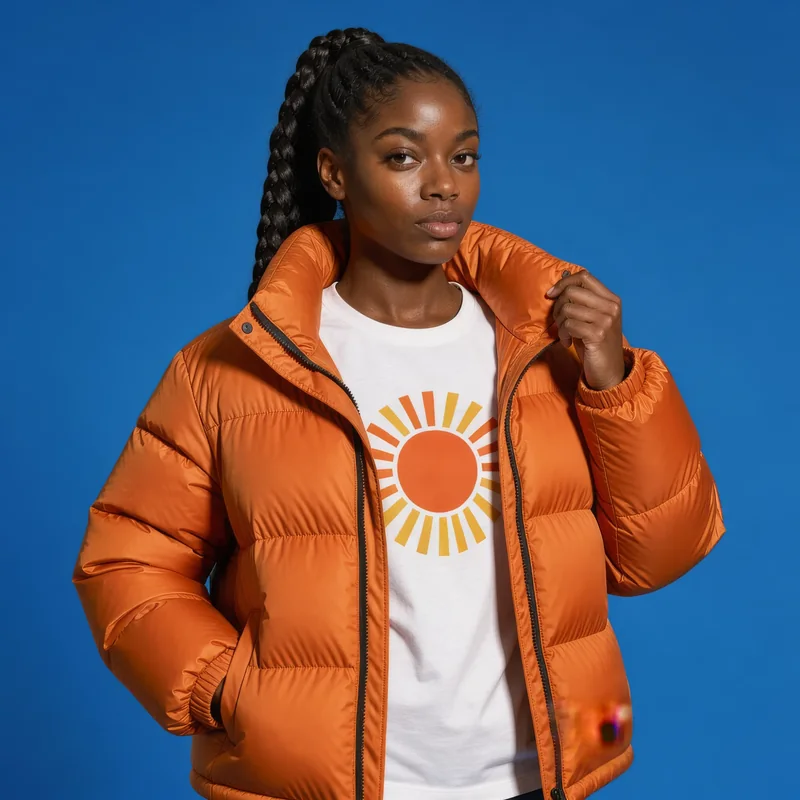
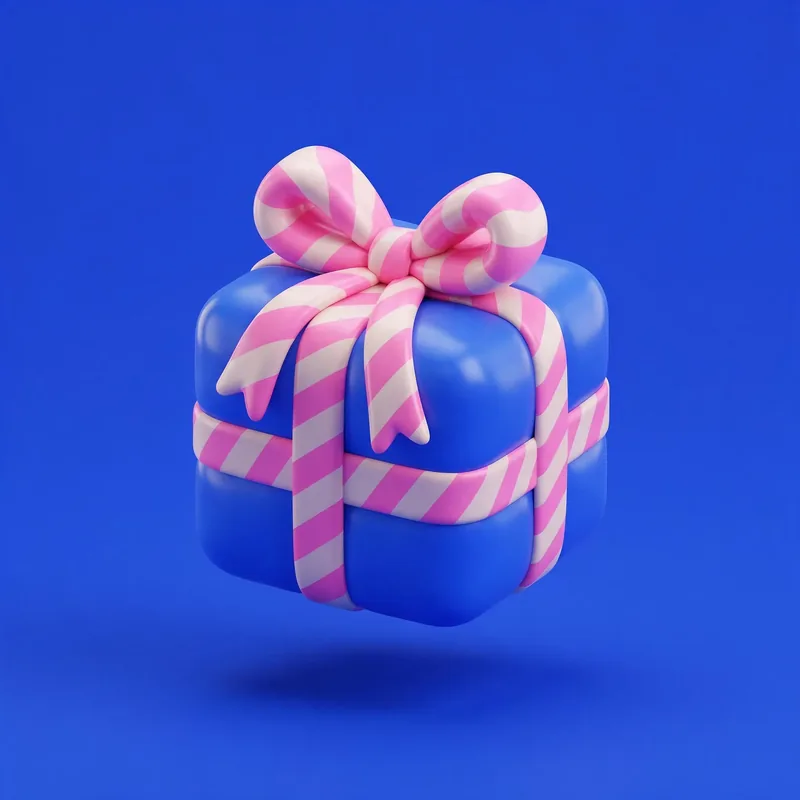
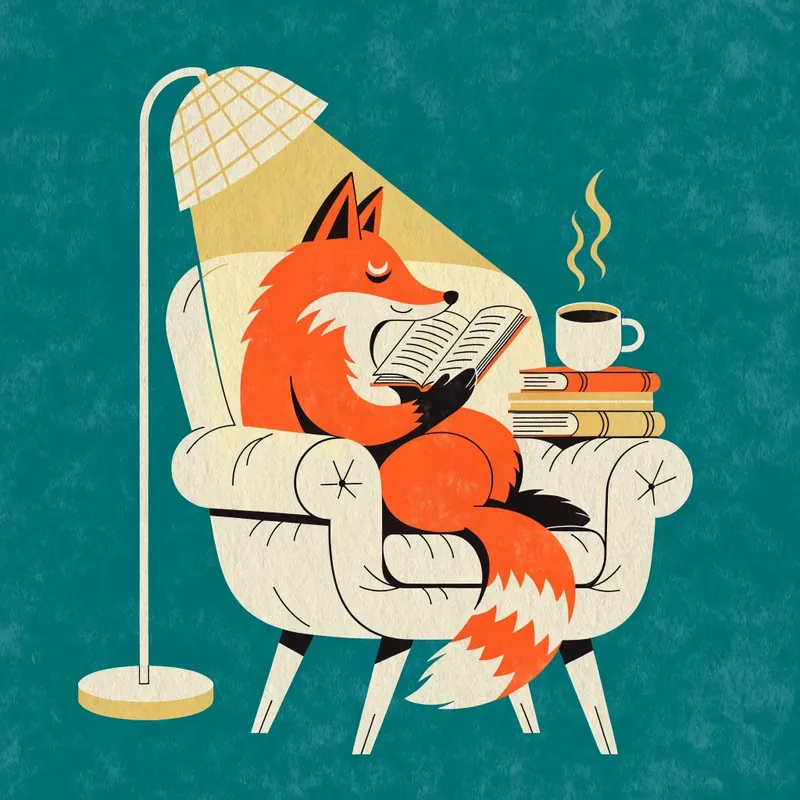
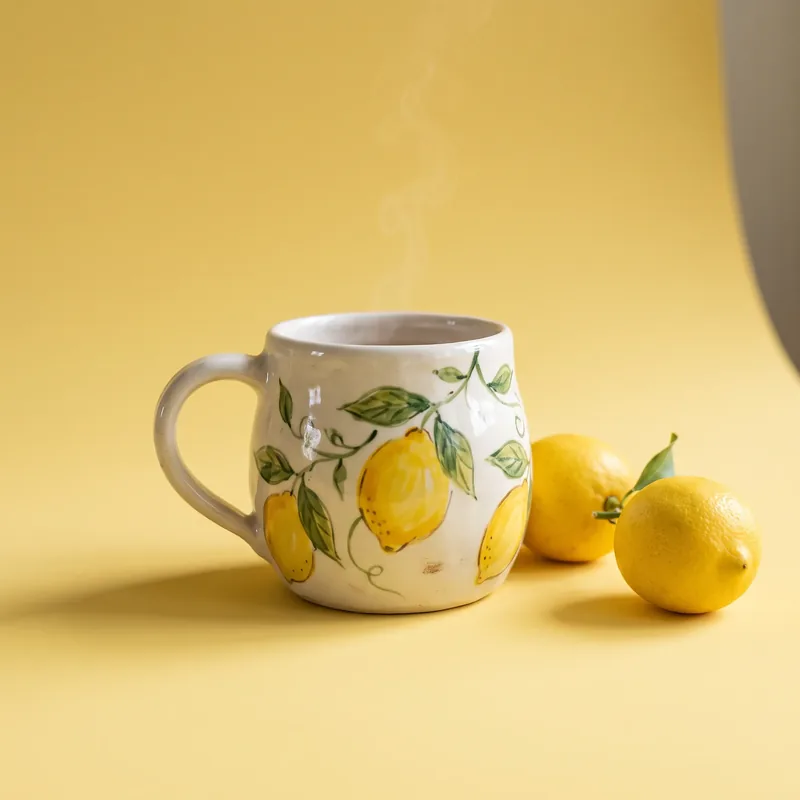
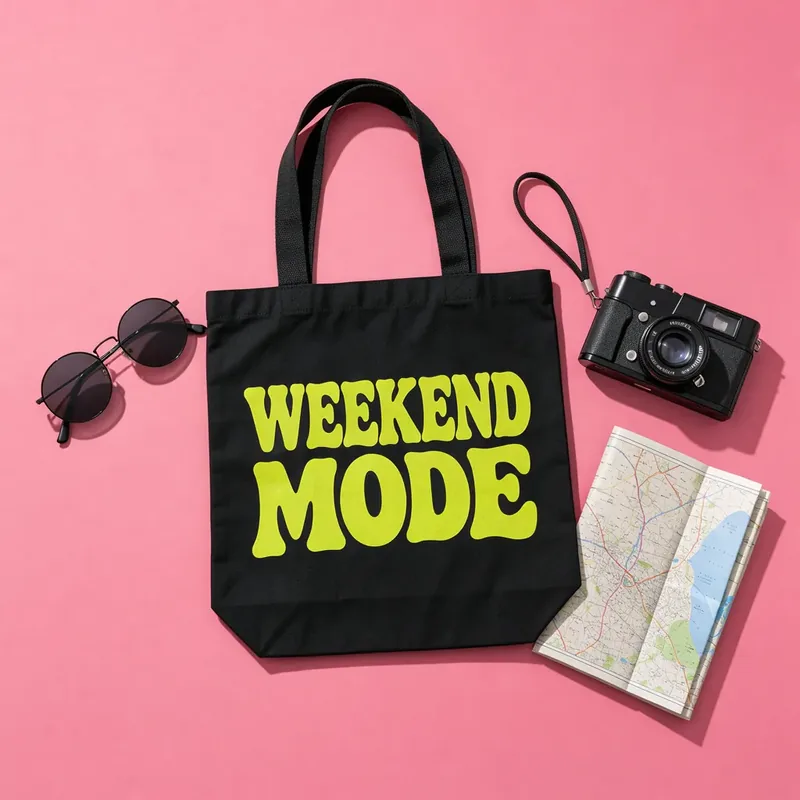
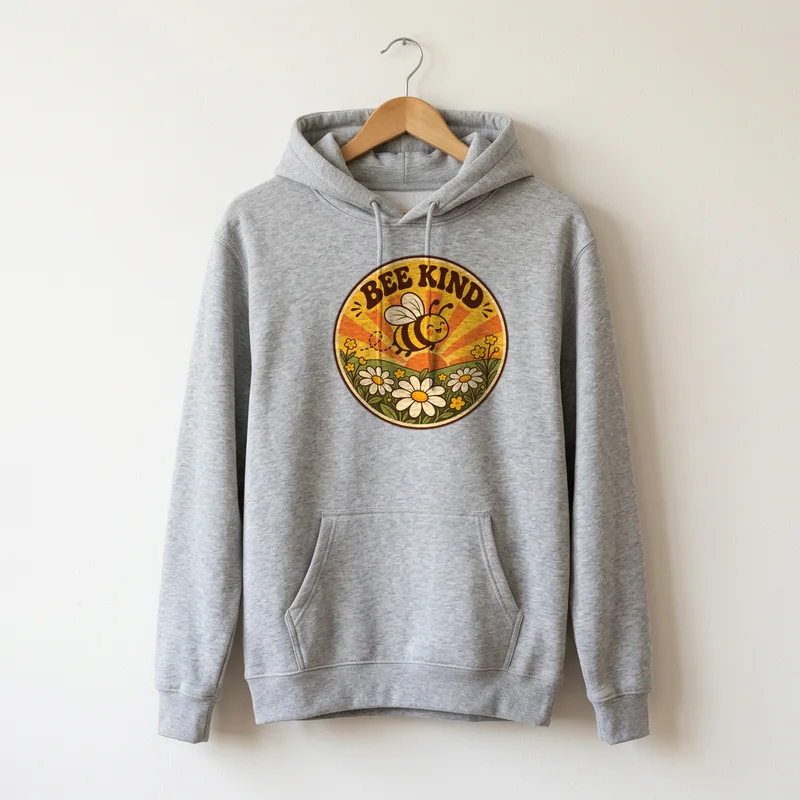
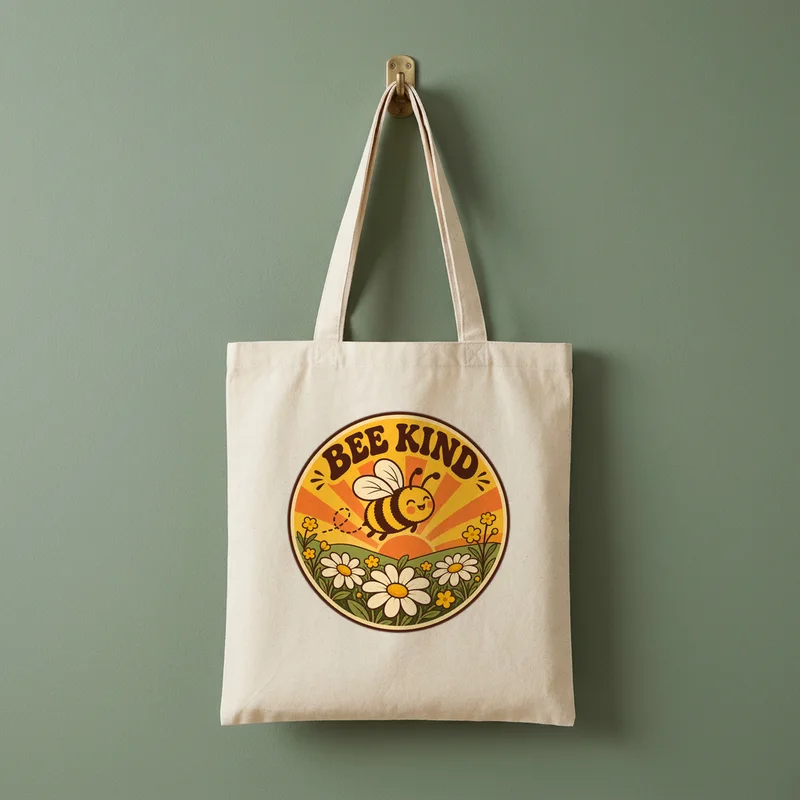
The same design on six mockups, each with the product's own light and folds, so it looks printed, not pasted.
Built-in mockups or your own, images or video, one at a time or in bulk.
Select a batch of designs and every mockup they need. Pro Plus makes up to 120 designs at a time.
Upload your own PSDs and use them like the built-in ones.
Turn a mockup into a short video for your listing.
Built-in mockups and your own, side by side, organised your way.
FoldersFavoritesSearchMost usedVariantsMulti-mockupProfilesJPG or PNGConnect MyDesigns to the AI you already use, then ask it to turn your designs into products.
Make the design, mock it up, write the listing. Every tool works on the same designs.
Yes. The built-in mockups are on every plan. Free makes mockups for up to 4 designs at a time and 4 mockup files a day. Paid plans add your own PSDs, variants, multi-mockup and video mockups, with up to 24, 48 or 120 designs at a time.
Yes, on any paid plan. Upload a PSD of up to 250 MB and map its layers once: a smart object for the design, text layers for text and solid fill layers for colour. Every product you preview with it then renders from it automatically.
A JPG or PNG for each mockup, at the mockup's own full size. It is saved into the file slot you choose on the design, ready to attach to your listings.
Image mockups do not. AI video mockups do, at 5 credits a listing.
Yes, on paid plans. Image to Video adds gentle AI motion to a mockup, with six motions to choose from, and Slideshow shows your mockups one after another.
Versions of the same mockup, such as other product colours. Paid plans can add up to 10 variants to each mockup, so one run covers every colour you sell.
No. The mockups you upload stay in your own private library. The public library holds the built-in mockups MyDesigns provides for every account.
Select designs in Designs and open Actions, then Mockups. Your own PSDs live on the Mockups page, in folders you organise yourself.
Mockups are one step. Make the design before it and the title, tags and description after.
Pick the mockups, and MyDesigns does the rest.