

Most sellers waste 30+ minutes per design building mockups one at a time. They open a template, drop in an image, adjust the placement, export, repeat. By listing 50 products a week, that’s 25+ hours of grunt work that adds zero value to anyone’s business.
A good product mockup generator cuts that down to seconds per design. A great one generates every color variant, every product type, and every angle automatically – so you can focus on what actually drives revenue: finding winning designs and getting more listings live.
I built MyDesigns specifically because that bottleneck was killing our sellers’ momentum. The mockup generator inside MyDesigns creates over 2,400 mockups per design upload, all instantly. This guide covers everything you need to know about product mockup generators: what they do, why mockup quality directly affects your conversion rates, and how to pick the right tool for your stage of business.
Key Takeaways
- Mockup quality is a conversion lever, not just a visual preference – buyers make purchase decisions in under 3 seconds based on your listing image, and generic flat-lay mockups consistently underperform.
- Bulk generation separates hobbyists from full-time sellers – manually creating mockups for every color variant across 50+ products is unsustainable. Automation is the only path to scale.
- MyDesigns generates 2,400+ mockups per design – upload once, get professional product photos across t-shirts, hoodies, mugs, phone cases, and more, without touching Photoshop.
- Free tools have real limits at scale – watermarks, download caps, and the absence of bulk processing make free mockup generators the wrong choice once you’re running a real store.
Table of Contents
- What Is a Product Mockup Generator?
- Types of Product Mockups You Need
- How the MyDesigns Mockup Generator Works
- Need Standalone Bulk Mockups? Meet Mockster
- The Real Reason Your Mockup Choice Affects Conversions
- Free vs Paid Mockup Generators: An Honest Comparison
- Mockup Best Practices That Most Sellers Get Wrong
- Frequently Asked Questions
What Is a Product Mockup Generator?
A product mockup generator is a tool that places your design artwork onto product photos automatically, creating realistic product images without needing a physical sample, a photographer, or Photoshop skills.
You upload your design file – typically a PNG with a transparent background – and the tool maps it onto a pre-built template: a t-shirt, a mug, a phone case, a hoodie. You get back an image that looks like a real product photo. Buyers can’t tell the difference, and that’s exactly the point.
The old workflow required a graphic designer, Photoshop expertise, and hours of manual masking, shading, and perspective correction. The new workflow is: upload design, pick products, download images. Or, if you’re using MyDesigns, you skip even the download step – mockups get attached to your listings automatically.
Why Mockup Quality Affects Your Sales
Here’s the uncomfortable truth most mockup articles skip: buyers don’t read your listing description on first visit. They look at your first image for about 2-3 seconds and decide if they’re clicking through or scrolling past.
That first image is doing all the heavy lifting. A washed-out, poorly-lit, flat-lay mockup on a white background might be technically fine. But it signals “amateur seller” in milliseconds. A sharp, well-placed design on a lifestyle-style mockup signals “real brand” – and that perception difference translates directly to click-through rates and conversion rates.
I’ve watched sellers take the same design, swap mockup quality, and see their Etsy CTR go from 1.8% to 4.2% with no other changes. That’s not a small improvement – at any meaningful traffic volume, that’s the difference between a part-time hobby and a full-time income.
Types of Product Mockups You Need
Not all mockups serve the same purpose. The type of mockup you need depends on what you’re selling, where you’re selling it, and which buyer psychology you’re targeting.
Apparel Mockups
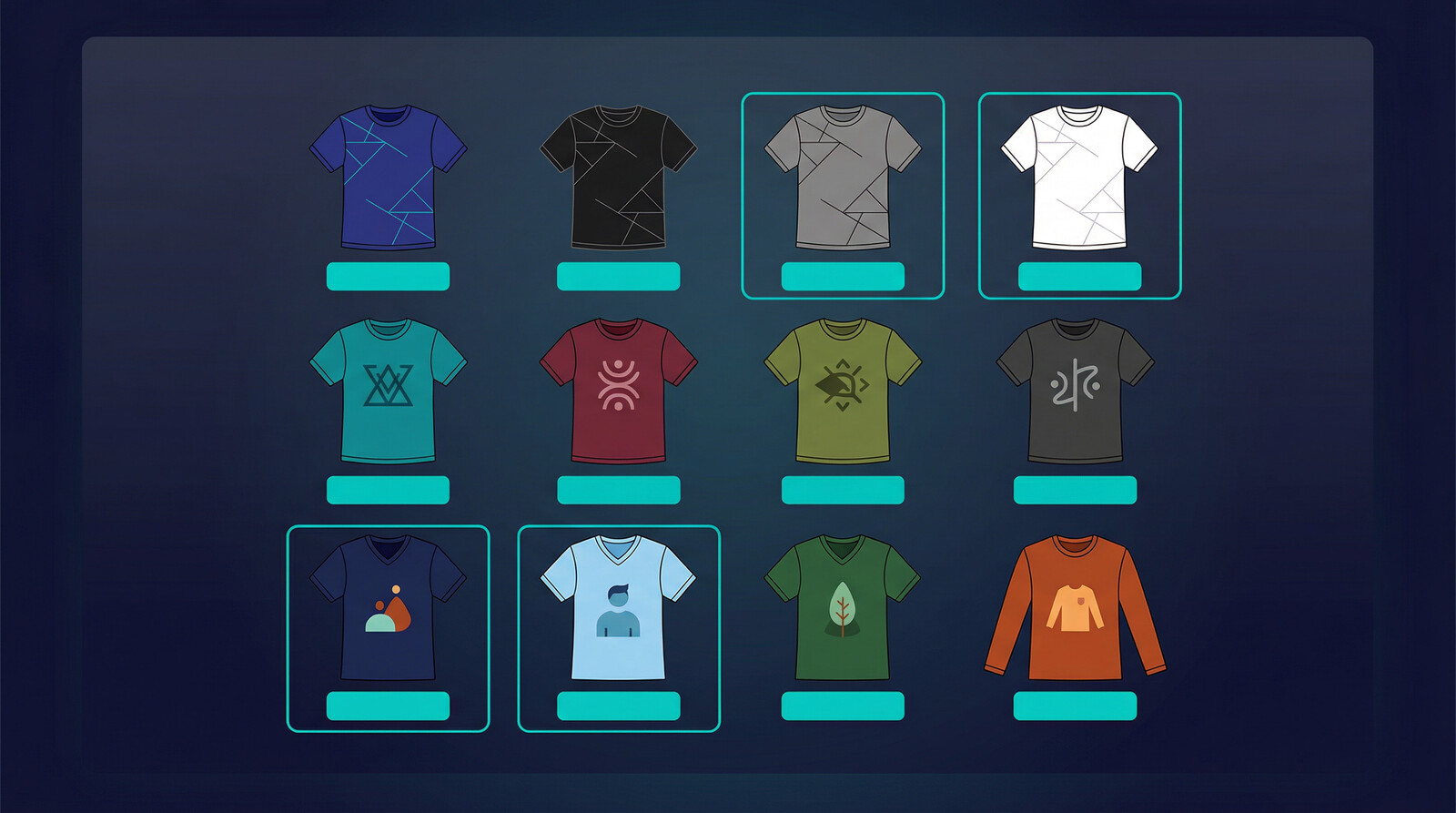
T-shirt mockups are the highest-volume category for most POD sellers. You need multiple color variants (black, white, grey, navy at minimum), both front and back angles, and ideally a flat-lay plus a worn/lifestyle option. That’s 6-8 images per design color, and most sellers are selling 5-10 color variants per design. Do the math – that’s 40-80 mockup images per design, per product.
Hoodies, sweatshirts, tank tops, and long-sleeves follow the same logic. Each product type needs its own mockup set, and each color variant should have at least 2-3 images minimum for listing quality standards on Etsy and Shopify.
Beyond t-shirts: embroidered hats need mockups that show the stitching texture clearly. All-over print products need full-wrap mockups that show how the design covers seams and edges. Flat-lay templates don’t work for these – you need product-specific templates built for the garment’s actual geometry.
Home and Accessory Mockups
Mugs, tote bags, phone cases, throw pillows, canvas prints, and wall art all need their own mockup sets. The challenge here is that lifestyle mockups matter even more – a mug mockup that just shows the mug on a white background underperforms a mug mockup showing it on a kitchen counter in morning light.
For phone cases, buyers want to see the design on their specific device model. iPhone 15 Pro buyers don’t want to see an iPhone 12 mockup. Device-specific mockups require a generator that keeps up with new product releases – another argument for using a platform that maintains its template library rather than downloading static PSD files that go stale.
How the MyDesigns Mockup Generator Works
The MyDesigns mockup generator was built for one specific problem: POD sellers at volume can’t afford to create mockups manually. At 50+ active designs across multiple product types, the mockup creation step becomes the bottleneck that keeps your store from growing.
The approach we took: upload your design once, and the system automatically generates mockups across every product, every color variant, every angle simultaneously. No queue, no waiting for individual renders, no re-uploading the same design 40 times.
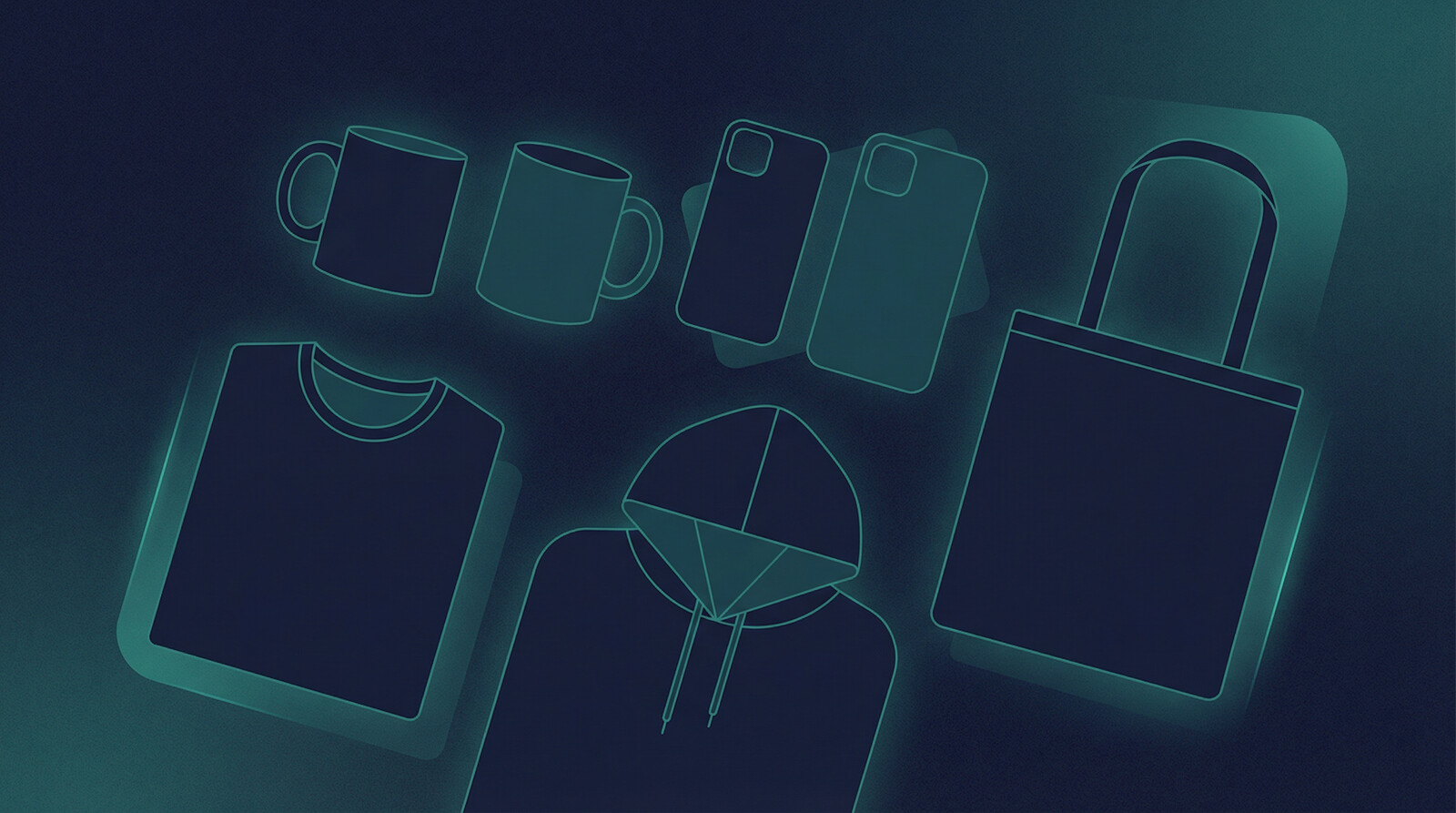
The result is 2,400+ mockups generated from a single design upload. That covers t-shirts, hoodies, sweatshirts, tank tops, long-sleeves, mugs, tote bags, phone cases, hats, and more – across every available color variant.
Generate 2,400 Mockups From One Upload
MyDesigns handles t-shirts, hoodies, mugs, phone cases, and more – all at once, automatically.
Step-by-Step: Create 2,400 Mockups in Seconds
Here’s exactly how the workflow runs inside MyDesigns:
- Step 1 – Upload your design: Drop in your PNG file (transparent background). MyDesigns accepts standard design files and handles sizing automatically for each product type.
- Step 2 – Select your product catalog: Choose which products you want mockups for. You can select individual items or run across your full catalog. MyDesigns connects to your print-on-demand products directly.
- Step 3 – Let the system run: Every product, every color, every angle generates in parallel. No waiting on individual renders.
- Step 4 – Review and push to listings: Mockups are available immediately. You can attach them to listings directly through MyDesigns using the bulk publish feature, or export them for manual upload.
The time difference is significant. A seller manually creating mockups for a new design across 5 product types with 10 color variants each could spend 2-4 hours. The same workflow inside MyDesigns takes under 60 seconds. [Insert screenshot of MyDesigns mockup generator dashboard showing batch generation in progress]

Need Standalone Bulk Mockups? Meet Mockster
Here’s a question I get from sellers regularly: what if I just need to batch out mockups fast, without going through a full publishing workflow?
That’s exactly what Mockster is built for.
Mockster is a standalone mockup platform powered by the same engine as MyDesigns. Think of it as the dedicated mockup workspace for sellers who need to render large batches of mockups quickly and intuitively – without the full listing and publishing workflow attached.
The difference in purpose matters. MyDesigns integrates mockup generation directly into your publishing workflow – you upload a design, mockups generate, and listings go live, all in one pipeline. That’s the right tool when you’re building or managing your store.
Mockster is the right tool when mockup generation is the job. Need 500 mockups rendered fast for a client, a launch batch, or a design catalog? Open Mockster, run the job, get your files. It has the full POD and digital product mockup library – every product type, every color variant – with the same bulk rendering capabilities, but in a focused interface built specifically for that task.
The closest comparison in the market is Placeit – but Placeit handles one mockup at a time. Mockster is built for bulk. If you’ve ever spent an afternoon in Placeit manually exporting 200 mockups one by one, you’ll understand immediately why that distinction matters.
Use Mockster when the task is mockups. Use MyDesigns when the task is building and scaling your store.
The Real Reason Your Mockup Choice Affects Conversions
Here’s a contrarian take that most “best mockup tools” articles won’t give you: the specific mockup tool matters far less than having enough mockup variety.
Etsy’s algorithm rewards listings with higher click-through rates. Click-through rates improve when your first image is compelling. But the listings that consistently outperform aren’t just using better-looking mockups – they’re using more mockups strategically placed to cover different buyer intents.
A buyer searching “black cat t-shirt” might be buying for themselves. They want to see it worn. A buyer searching “black cat t-shirt gift” is probably buying for someone else. They want to see it looking like a real retail product. These two buyers are looking at the same listing but responding to different images in your gallery.
Most sellers upload one or two mockups and call it done. The sellers consistently clearing $10K+/month per store are running 8-10 images per listing: flat-lay, worn, lifestyle, size chart, design detail close-up, color options grid. All of that starts with having a mockup generator that can produce the full range without you spending a week doing it manually.
Etsy recommends up to 10 photos per listing and confirms that listings with more high-quality images tend to rank better. That’s not a coincidence – more images signal an active, professional seller, which correlates with better buyer experience metrics across the board.
The other factor: color variants need their own mockup set. If you’re selling a t-shirt in 15 colors and your listing only shows the black version, you’re leaving conversion rate on the table from every buyer who wanted to see the red one first. Your mockup generator needs to produce per-color images fast enough that doing all 15 variants is realistic, not aspirational.
Free vs Paid Mockup Generators: An Honest Comparison
Free mockup generators get a lot of praise from beginner POD content. I want to give you a more honest picture of where they fit and where they break down.
| Feature | Free Tools (Mockey, Kittl, Canva) | MyDesigns (POD-Integrated) |
|---|---|---|
| Cost | Free / limited free tier | Free plan available; paid from $18.75/mo |
| Mockups per design | 1 at a time, manual | 2,400+ automatically |
| Bulk generation | No | Yes – all products and colors at once |
| POD integration | None – download only | Direct to listings via bulk publish |
| Product variety | General templates | POD-specific catalog, updated regularly |
| Watermarks | Often yes (free tier) | No watermarks |
| Download limits | Often capped | Unlimited |
| Best for | 1-5 designs, testing phase | Active sellers, 10+ designs |
Free tools like Mockey.ai, Kittl, and MockupBro are genuinely useful when you’re testing your first few designs. You’re not sure if POD is for you, you’re still figuring out your niche, and you don’t want to pay for tools before you’ve made your first sale. That’s a completely valid use case.
The problem comes when people keep using free tools past that testing phase. Once you have 20+ designs and you’re adding new ones weekly, manual one-at-a-time mockup generation becomes a real time tax. A free tool that saves you $20/month costs you 10+ hours a month in manual work. That’s not a smart trade.
Placeit is worth calling out specifically. It’s the dominant paid mockup platform outside of POD-integrated tools – 40,000+ templates, solid quality, lifestyle mockups that actually look good. If you need marketing assets (social media graphics, presentations, branded mockups), Placeit is strong. If you need high-volume POD listing images with direct shop integration, it’s the wrong tool. You’re still downloading and uploading manually.
The gap that most standalone mockup tools miss is the integration layer. Generating a great mockup is step one. Getting that mockup onto a live listing across Etsy, Shopify, and your other channels is step two. A tool that handles both is worth significantly more than one that only handles the first part.

Mockup Best Practices That Most Sellers Get Wrong
After working with thousands of POD sellers through MyDesigns, these are the mistakes I see consistently that hurt conversion rates even when sellers are using good mockup tools:
Using only flat-lay mockups. Flat-lay (product on white background) looks clean and professional, but it lacks the emotional resonance of a worn or lifestyle mockup. Buyers who are purchasing for themselves want to visualize wearing it. Mix flat-lay with at least one worn mockup per listing – ideally as your second or third image after the primary flat-lay.
Ignoring dark-background mockups. Most sellers default to white and light backgrounds because they look “clean.” But Shopify’s product photography research shows dark and moody product photos consistently outperform light-background shots for certain product categories – especially premium-positioned items. Test both.
Not matching mockup style to your niche. A goth aesthetic store using bright pastel lifestyle mockups has a brand consistency problem. A baby products store using dark moody mockups sends the wrong signal. Your mockup style should reinforce your brand positioning, not contradict it.
Skipping color variant mockups. If your listing shows the white shirt but someone is searching for a black shirt, you’re invisible to them visually. Run full color variant mockup sets for your top-selling products. Use your mockup generator to run all colors at once rather than cherry-picking.
Using outdated device templates for phone cases. iPhone 15 and 16 case buyers are not impressed by an iPhone 12 mockup. Keep device mockup templates current – if your generator doesn’t update their template library, you’ll fall behind the moment a new flagship releases.
The last thing – and this is the one that surprises people: your mockup quality ceiling is your design quality floor. Even the best mockup generator can’t make a low-resolution, pixelated design look professional. Start with a high-DPI design file (300 DPI minimum for print), and your mockups will look sharp regardless of which tool you use. Start with a blurry 72 DPI design, and no amount of mockup quality will save the listing image.
If you’re creating your own designs, our Dream AI generator produces print-ready artwork at the resolution you need, which feeds directly into the mockup pipeline. The entire workflow – design creation to mockup to listing – runs inside one platform.
Frequently Asked Questions
+ What is a product mockup generator?
A product mockup generator is an online tool that overlays your design artwork onto product photos automatically, creating realistic product images without physical samples or photography. You upload your design file, select a product template (t-shirt, mug, phone case, etc.), and the tool produces a professional-looking product image in seconds. For print-on-demand sellers, mockup generators are essential for creating listing images across all product types and color variants.
+ Are free mockup generators good enough for Etsy sellers?
Free mockup generators work well when you’re testing your first few designs and haven’t made consistent sales yet. Tools like Mockey.ai and MockupBro offer decent quality with no upfront cost. The limitations become real once you’re running 20+ designs: free tools cap downloads, add watermarks, and require manual one-at-a-time processing. Sellers generating new mockups weekly will hit those limits fast. At that point, a POD-integrated mockup generator that handles bulk creation is a better investment than hours of manual work.
+ How many mockups do I need per product listing?
Etsy allows up to 10 images per listing, and using all 10 slots consistently outperforms listings with 2-3 images. A strong mockup set for a t-shirt listing typically includes: 2-3 flat-lay images (front, back, detail), 2-3 lifestyle or worn images, a size chart, a color options grid, and a close-up of the design. For your top-selling products, filling all 10 image slots with varied mockups is worth the effort. This is where bulk mockup generation becomes critical – producing 8-10 images per design per product manually isn’t sustainable at volume.
+ What file format do I need for a mockup generator?
Most mockup generators accept PNG files with a transparent background. The transparent background is critical – without it, your design will have a white or colored box around it instead of blending naturally onto the product. For print quality, your design should be at 300 DPI minimum. If you’re creating designs with AI tools like MyDesigns’ Dream AI, the output is already formatted correctly for mockup use. Avoid JPEG for design files going into a mockup generator, since JPEG doesn’t support transparency.
+ Can I use AI to generate product mockups?
Yes – AI mockup generators are a growing category. Tools like Pixelcut use AI to generate lifestyle scenes around your product, while platforms like MyDesigns use AI to automate the bulk application of your design across thousands of product templates simultaneously. The AI mockup approach works best when combined with template-based generation – pure AI image generation can distort designs or produce inconsistent results. The sweet spot is AI handling the tedious placement work (bulk application across products and colors) while maintaining design accuracy.
+ What’s the difference between a mockup generator and a design tool?
A design tool (like Canva, Photoshop, or Illustrator) helps you create the artwork – the graphic, typography, or illustration that goes onto your product. A mockup generator takes that finished artwork and places it onto a product photo template to simulate what the final product will look like. Some tools, like MyDesigns, combine both: you can create your design with the built-in canvas editor or Dream AI, then immediately route it through the mockup generator to produce listing images – all without switching between platforms.
If you’re still doing mockups one at a time, the math on your time is brutal. At 10 minutes per mockup and 10 mockups per design, you’re spending 100 minutes every time you add a new product. At 4 new designs per week, that’s nearly 7 hours weekly – on mockup creation alone, before you’ve written a single listing description, done any keyword research, or run a single marketing campaign.
The sellers scaling past $5K/month aren’t grinding harder on mockups. They’ve automated the production step so they can spend their time on the decisions that actually compound: testing new niches, analyzing what’s converting, improving their top listings. That’s the actual advantage of using a proper product mockup generator built for POD – not just prettier images, but hours back in your week, every week.
Create 2,400 Mockups From a Single Design Upload
MyDesigns generates t-shirt, hoodie, mug, phone case mockups and more – automatically, across every color variant, in seconds.
Leave a Reply