


Most sellers treat Canva t shirt design like the whole business. It is not. Canva is where a shirt idea starts. The money is made in the boring middle: export discipline, product selection, mockups, listing SEO, and publishing enough tested variations to learn what buyers actually want.
I like Canva for speed. I also see sellers get trapped inside it, polishing one design for three days while someone else launches 80 clean variations and lets the market vote.
This is the workflow I would use if I were starting a print on demand shirt line from Canva today. Not because it is fancy. Because it keeps you moving.
Key Takeaways
- Canva is a starting point, not the whole POD system – your workflow has to include export checks, mockups, SEO, and publishing.
- The best Canva t shirt design process starts with product constraints – shirt color, print area, audience, and margin should shape the design before you create it.
- Templates are useful, but sameness kills conversion – use them for structure, then change the concept, hierarchy, and buyer angle.
- Speed compounds – when you can turn one design direction into multiple products and listings, you get feedback faster than manual sellers.
Table of Contents
Canva T Shirt Design Is Not the Business
A Canva t shirt design can look great on your screen and still fail on Etsy. That is the part most beginners miss. A buyer does not see your design in Canva. They see a tiny thumbnail, a title, a price, a shipping promise, and maybe two seconds of attention.
I have watched sellers make the same mistake for years: they optimize the file, not the offer. They worry about whether a flourish is perfectly centered, but they never ask if the shirt speaks to a real buyer with a real reason to purchase.
What Canva Is Good At
Canva is excellent for fast layout, typography exploration, simple graphics, and quick concept testing. It is especially useful when you need to mock up several directions before committing to a product line.
Canva also publishes clear guidance on how its content can be used in products for sale, which is worth reading before you build a catalog around template assets. Start with the official Canva content use guidance, then make your own risk decisions.
Where Sellers Get Stuck
The trap is thinking a design tool creates demand. It does not. Demand comes from audience fit, timing, product-market match, and presentation.
If I were coaching a new seller, I would rather see 30 focused designs in one niche than one overworked masterpiece. The winner is usually not the design you personally love. It is the one buyers immediately understand.
Turn shirt ideas into publishable products without rebuilding everything by hand.
MyDesigns helps you move from design files to product listings, mockups, and publishing workflows faster, so you spend less time copying assets between tools.
Start With the Shirt Before the Design
Before I open any design tool, I want to know the product. That sounds obvious, but it changes the design decisions immediately.
A heavy oversized shirt, a soft unisex tee, a youth shirt, and a cropped tee all create different buyer expectations. A minimalist chest print may work on one product and look weak on another. A bold slogan may need a different layout for dark colors than it does for light colors.
Pick a Buyer Before a Template
Do not start with, “I need a cool shirt.” Start with, “Who is this for, and what would make them buy it today?”
Examples I would test:
- Teacher team shirts for back-to-school planning.
- Dad hobby shirts for Father’s Day and birthday gifting.
- Local sports parent shirts for tournament weekends.
- Pet owner shirts tied to breed, behavior, or inside jokes.
This is where tools like Google Trends are useful. I do not use trends to blindly chase spikes. I use them to confirm whether a niche is warming up, cooling off, or seasonal.
Choose Product Constraints Early
Decide shirt color, print placement, and print size early. It saves you from designing something that only works in theory.
My quick rule: if the design does not read clearly as a thumbnail on a dark shirt and a light shirt, it is not ready for a product listing. You can break that rule later, but beginners should earn the right to make things complicated.
My Canva T Shirt Design Workflow
Here is the simple workflow I would use for Canva t shirt design if I wanted to launch quickly without creating a messy catalog.
- Choose one niche. Do not mix nurses, pickleball, dogs, and bridal party shirts in the same sprint.
- Write 20 buyer phrases. Most shirt ideas start as language, not graphics.
- Group phrases by intent. Funny, sentimental, team identity, event-specific, or giftable.
- Create 5 layout systems. Big type, badge, arched text, small chest print, and stacked phrase.
- Build 20 to 40 variations. Same niche, different angles.
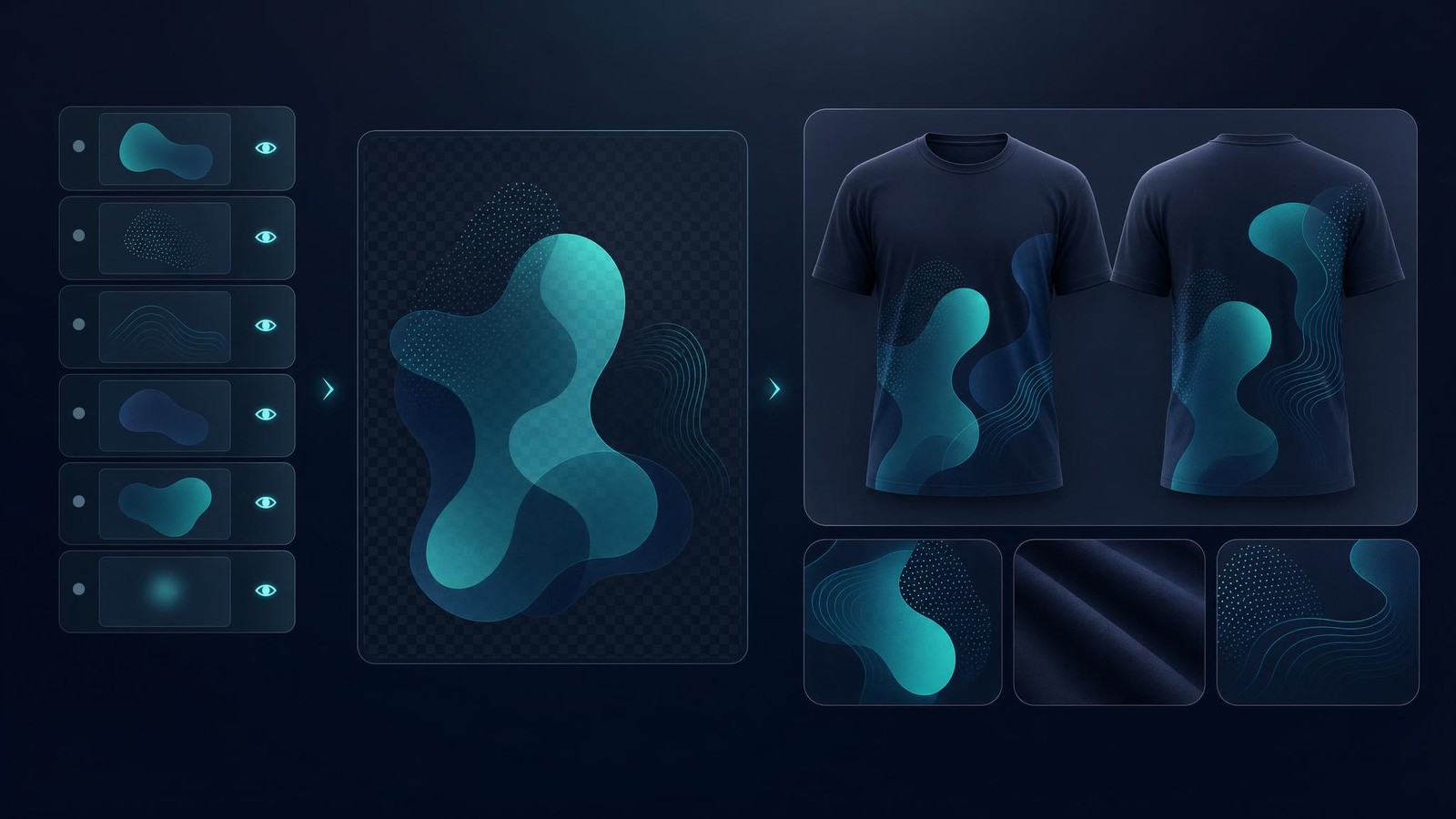
- Export clean files. Transparent backgrounds when needed, organized names, and no random leftovers.
- Create product mockups. Test thumbnail clarity before publishing.
- Publish in batches. Small batch, learn, improve, repeat.
That is not glamorous. It works because it gives you real market feedback quickly.
If you are building a full POD workflow, our print on demand t shirts guide is a good next read, especially if you need help thinking through products, fulfillment, and margins.
Export Files That Print Cleanly
A design can look fine in the editor and still create production headaches. Export quality matters.
For most POD shirt workflows, I want a transparent PNG, enough pixel dimensions for the intended print area, and a file name that tells me exactly what the design is. Messy file names become expensive once you have hundreds of products.
| Workflow Step | What I Check | Why It Matters |
|---|---|---|
| Canvas size | Large enough for the intended print area | Small files can print soft or blurry |
| Background | Transparent when the product requires it | White boxes on shirts look amateur |
| Contrast | Readable on dark and light shirt colors | Most buyers decide from the thumbnail |
| File naming | Niche, phrase, color version, and product type | Clean naming makes bulk work possible |
Check Rights Before You Sell
This is where I get blunt: do not build a business on designs you are not allowed to sell. Read the licensing rules for every asset source you use. Check phrases before publishing. Avoid celebrities, sports teams, brand names, and anything that smells like someone else’s intellectual property.
The USPTO trademark basics page is a useful starting point. It will not make you a lawyer, but it will keep you from treating trademark risk like a rumor.
You should also understand platform costs before pricing. Etsy publishes its current seller fees on its fees page, and those fees should be part of your margin math before you publish.
Your design files are only valuable if you can organize and reuse them.
Use MyDesigns to manage product creation, mockups, and listing workflows in one place instead of dragging files through a dozen manual steps.
Turn One Design Into a Product Line
The old beginner playbook was simple: make a shirt, upload it, hope it sells. That is too slow now.
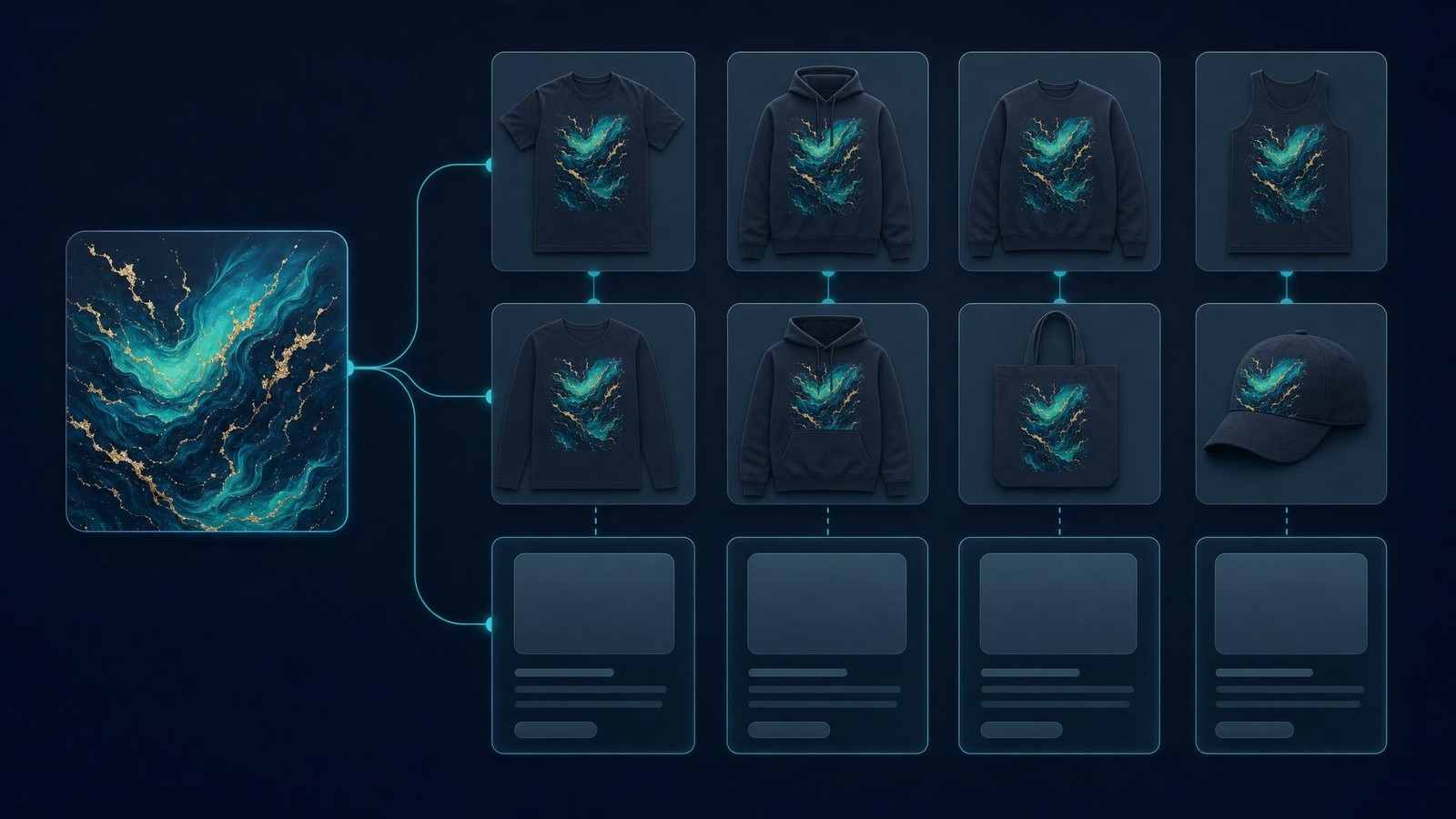
The better play is to turn a validated design direction into a product line. One phrase can become a unisex tee, sweatshirt, hoodie, tote, sticker, and mug if the niche supports it. One visual system can become 20 variations for related buyer types.
This is exactly why we built workflows like multi-product publishing and bulk publish into MyDesigns. The goal is not to spam weak products. The goal is to stop manually rebuilding the same good idea over and over.
I watched one seller spend a whole afternoon recreating a single quote design across multiple shirt colors and mockup scenes. The design was fine. The process was the problem. When the repetitive work takes longer than the thinking, your system is upside down.
Mockups and Listings Matter More Than Polish

Your Canva file does not sell the shirt. The listing sells the shirt.
That means your mockup has to answer the buyer’s first question: “Can I see myself or my recipient wearing this?” If the answer is no, your design work is doing too much heavy lifting.
I would create several mockup angles for every serious design: front view, close crop, lifestyle-style product scene without clutter, size context, and color options. Our product mockup generator was built for this exact bottleneck, because better mockups help you test the listing without remaking the product.
If you need a deeper breakdown, read our t shirt mockup generator guide. Mockups are not decoration. They are conversion assets.
Write for Buyers, Not Designers
Designers describe style. Buyers search for use cases.
A weak title says, “Cute Retro Flower Shirt.” A stronger listing thinks like the buyer: who it is for, when they need it, and why it is giftable. Etsy’s own search guidance makes it clear that listing quality and relevance matter. Do not waste that space trying to sound clever.
Use the title, tags, and description to answer buyer intent. If you want a more tactical SEO process, our Etsy SEO optimization workflow pairs well with this article.
Create the product page while the idea is still fresh.
Use MyDesigns to move from design to mockups to listing content faster, then publish batches when the collection is ready.
Listings
Bulk Publish
Publish Fast, Then Read the Market
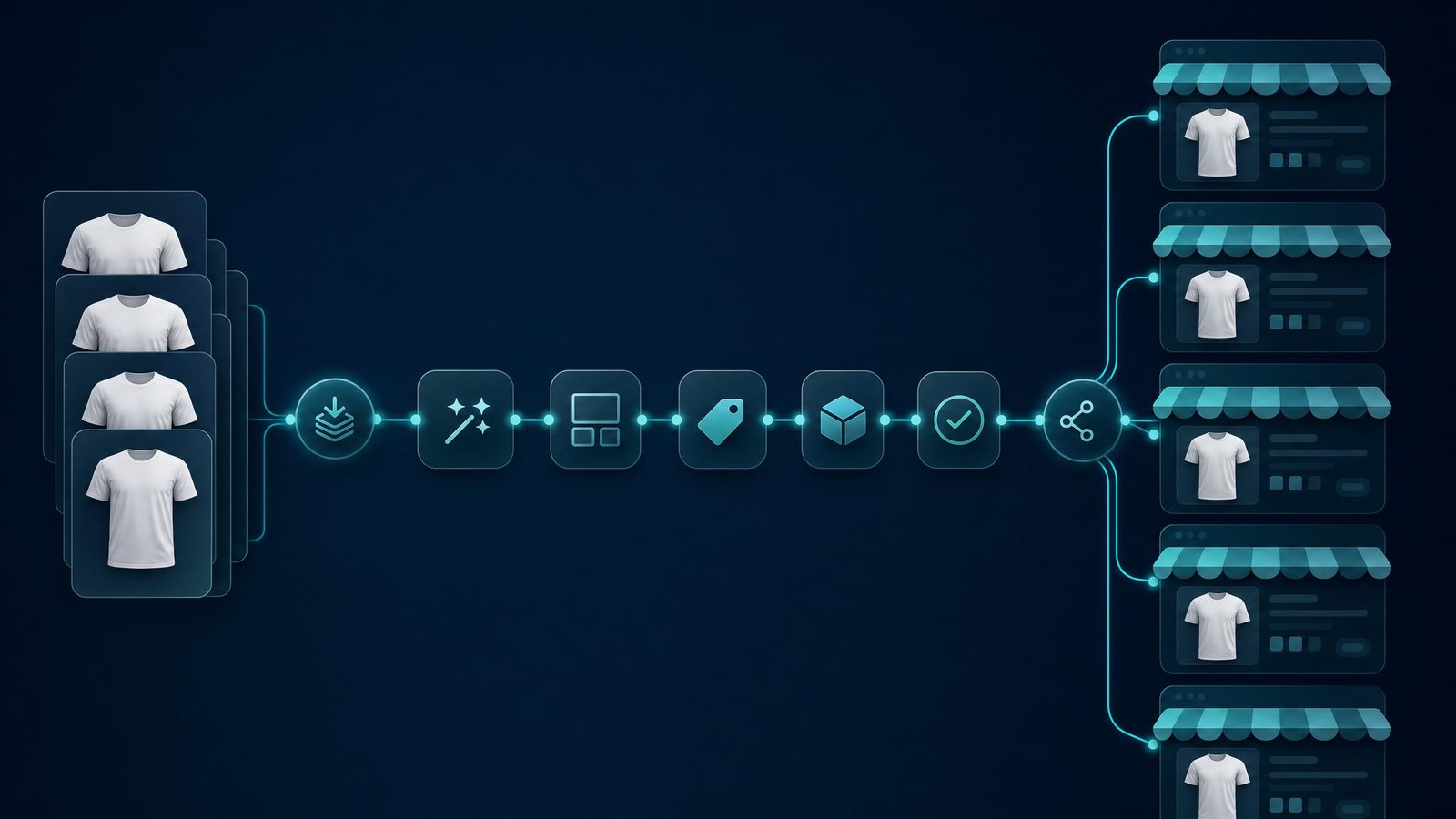
The biggest advantage in 2026 is not having the prettiest first draft. It is having the fastest feedback loop.
Publish a focused batch. Watch impressions, clicks, favorites, carts, and sales. Then make decisions based on buyer behavior instead of your own attachment to the design.
Here is the simple readout I like:
- High impressions, low clicks – your topic has demand, but the thumbnail, title, or price is weak.
- Low impressions, strong click rate – the offer may work, but your SEO coverage is too narrow.
- Clicks, no sales – check price, shipping, product photos, size clarity, and trust signals.
- Sales on one angle – expand the product line around that buyer intent.
This is why I prefer structured batches over random uploads. If 40 designs all target different buyers, the data is noisy. If 40 designs target one niche with controlled variations, you learn faster.
Use listing management to keep the catalog organized, then tighten the winners. The point is not to publish forever. The point is to publish enough to find the signal.
Frequently Asked Questions
+ Can I use Canva to design t shirts to sell?
Yes, you can use Canva to design t shirts to sell, but you need to follow Canva’s content licensing rules and avoid protected trademarks or copyrighted material. I recommend reading Canva’s own product-sale guidance before building a catalog around any template or asset.
+ What size should a Canva t shirt design be?
Use a canvas large enough for the print area required by your print provider, then export a high-quality transparent PNG when the product needs it. The exact size depends on the product and provider, so check the template specs before you design the final file.
+ Is Canva good for print on demand shirts?
Canva is good for fast print on demand shirt concepts, especially type-based designs and simple graphics. It becomes stronger when paired with a workflow for mockups, listing SEO, product expansion, and bulk publishing.
+ Can I use Canva templates for Etsy shirts?
You may be able to use Canva templates for Etsy shirts if your use follows Canva’s licensing terms, but copying a common template with tiny edits is a weak business move. Change the buyer angle, layout, phrase, and product presentation so the design has a real reason to exist.
+ How do I sell Canva t shirt designs faster?
Sell faster by working in focused batches, creating clean mockups, writing buyer-first listings, and publishing enough variations to get real data. The biggest speed gain usually comes from removing repetitive upload and listing work.
A good design tool helps you make the idea. A good selling system helps you test it, package it, and publish it before your momentum disappears.


Leave a Reply