


Key Takeaways
- Notion templates sell when they solve one painful workflow – generic dashboards are cheap, but specific systems can command real pricing.
- The money is in packaging, not just the template – your listing images, demo flow, instructions, and promise decide whether buyers trust it.
- Build a small catalog before you obsess over one perfect product – I would launch 5 focused templates, then double down based on saves, clicks, and sales.
- Use automation early – the faster you can create listings, generate mockups, and test angles, the sooner you find the products worth scaling.
Table of Contents
Notion templates are not a passive income cheat code. They are a digital product category where the winners understand workflow pain better than everyone else.
I like this category because it is lightweight to produce, fast to test, and easy to bundle. But I also see sellers make the same mistake over and over: they build a pretty personal dashboard, call it a product, and wonder why buyers do not care.
If I were building a Notion templates line from zero today, I would not start with aesthetics. I would start with a repeatable problem, a clear buyer, and a listing system that lets me test multiple offers without spending a week on every product.
Notion templates are products, not cute dashboards
A Notion template is a prebuilt workspace someone can duplicate into their own Notion account. That part is simple. The business opportunity is not the page itself. The business opportunity is the saved time, reduced confusion, and better process the buyer gets from using it.
That distinction matters. A pretty dashboard is a file. A specific workflow is a product.
Why buyers pay for templates they could build themselves
People can technically build most templates themselves. They still pay because they do not want to think through the structure.
Busy buyers want a shortcut. A content creator wants a content calendar that already thinks through briefs, publishing dates, sponsor slots, and repurposing. A student wants an exam tracker that connects assignments, study blocks, and deadlines. A small business owner wants a CRM that is not bloated.
The template wins when it removes decisions.
That is why I would position Notion templates around outcomes like:
- Plan a week of content in 30 minutes
- Track client projects without buying complex software
- Organize an Etsy shop launch from idea to listing
- Manage household finances without a spreadsheet mess
The wrong starting point most sellers choose
The wrong move is opening Notion, making something that looks cool, and then trying to find a buyer later.
I have watched sellers do this with digital planners, wall art, SVG bundles, and now Notion templates. The pattern is always the same. They create from personal taste first, then force SEO onto the product after it is done.
Flip it.
Search the market first. Read reviews. Look at questions in forums. Look at what people complain about in existing templates. The gaps are usually not visual. They are practical.

Turn template ideas into real listings faster
MyDesigns helps you create product assets, write listings, and organize digital products without rebuilding the same workflow every time.
Pick a Notion templates niche with buyer intent
The best Notion templates are not broad. They are specific enough that the right buyer instantly recognizes themselves.
Do not make a productivity template for everyone. Make a client onboarding system for freelance designers. Make a content planning hub for short-form video creators. Make a classroom organization system for tutors.
Specificity makes the listing easier to write and the product easier to improve.
My simple niche scorecard
Before I build a template, I would score the niche on five questions:
- Is there a repeated workflow? One-time problems rarely make strong templates.
- Does the buyer already spend money to solve it? Paid pain is better than casual interest.
- Can I show the value in one screenshot? If the benefit is hard to explain, the listing will struggle.
- Can it become a bundle? One template is nice. A system of related templates is better.
- Can I write at least 20 search queries for it? If not, the niche may be too thin.
You can use the Notion template marketplace, Etsy search suggestions, Google Trends, and customer reviews to validate direction. I would not copy products. I would study buyer language.
Template ideas I would test first
If I were starting this month, I would test templates tied to business operations, creator workflows, students, money management, and home organization.
| Template angle | Buyer | Why it can sell |
|---|---|---|
| Content calendar system | Creators and small brands | Clear recurring pain with strong visual proof |
| Etsy shop launch planner | Digital product sellers | Direct commerce intent and easy bundle potential |
| Student semester hub | College students | Seasonal demand and simple outcome promise |
| Client project tracker | Freelancers | Business buyers value saved time |
| Budget and bill organizer | Households | Evergreen pain and repeatable use |
For more product angles, I would pair this with my guide to digital product ideas and the broader playbook on how to create digital products.
Build the product around an outcome
A good Notion template should feel like a guided system, not a blank house with nice furniture.
That means every section inside the template should answer one question: what does the buyer do next?
The minimum sellable system
I would keep version one simple. You do not need 40 databases, animated covers, or a complicated dashboard.
My minimum sellable system would include:
- Main dashboard – a clean starting point with the core workflow visible.
- Input database – where the buyer adds ideas, tasks, projects, expenses, or content.
- Status views – simple filters that show what is due, active, done, or blocked.
- Instructions page – short setup steps and usage notes.
- Example data – realistic sample entries so the buyer understands the system instantly.
The goal is not to impress other template creators. The goal is to help a buyer get value in the first 10 minutes.
Instructions matter more than design polish
This is where most sellers leave money on the table.
A buyer may love the idea but hesitate because they are not sure how duplication works, what they receive, or whether they need a paid Notion account. Your instructions reduce refund risk and make the product feel more trustworthy.
Use a short PDF or page that explains:
- What is included
- How to duplicate the template
- How to customize the sections
- How to reset the example data
- How to contact you if something breaks
The Notion help docs on duplicating pages are useful reference material, but your buyer should not have to hunt for instructions after purchase.

Want to test more digital products without chaos?
Use MyDesigns to keep assets, titles, descriptions, and publishing work organized as your template catalog grows.
Your listing assets do the selling before the template does
People cannot touch a digital product before they buy it. Your listing assets have to create confidence.
This is why I care so much about product images, naming, and description structure. A weak listing makes a good template look cheap.
The image stack I would create
For each Notion template, I would create at least six listing images before launch:
- Hero image – the main promise and a clean view of the system.
- Workflow image – how the buyer moves through the template.
- What is included image – the core pages, views, and bonuses.
- Use case image – who it is for and when to use it.
- Setup image – how duplication and customization works.
- Bundle image – related templates if you have them.
Do not rely on one pretty screenshot. Show the buyer the path from problem to result.
Pricing without racing to the bottom
Cheap templates are everywhere. That does not mean you need to price at $3.
My starting point would be:
- $7 to $12 for a simple single-purpose template.
- $17 to $29 for a deeper system with instructions and examples.
- $39+ for bundles, business systems, or templates with supporting resources.
The higher the price, the more proof you need. Better images. Clear instructions. Stronger use cases. More specific outcomes.
If you sell on Etsy, study the Etsy Seller Handbook for marketplace basics, then use a sharper workflow like my Etsy listing optimization tool process to build titles, tags, and descriptions around actual buyer intent.

Publish, test, and expand the catalog
The old digital product playbook was to make one perfect product and wait. I think that is too slow.
The real advantage now is testing faster than the market can ignore you. Not sloppy. Fast.
Why bulk workflow beats manual listing work
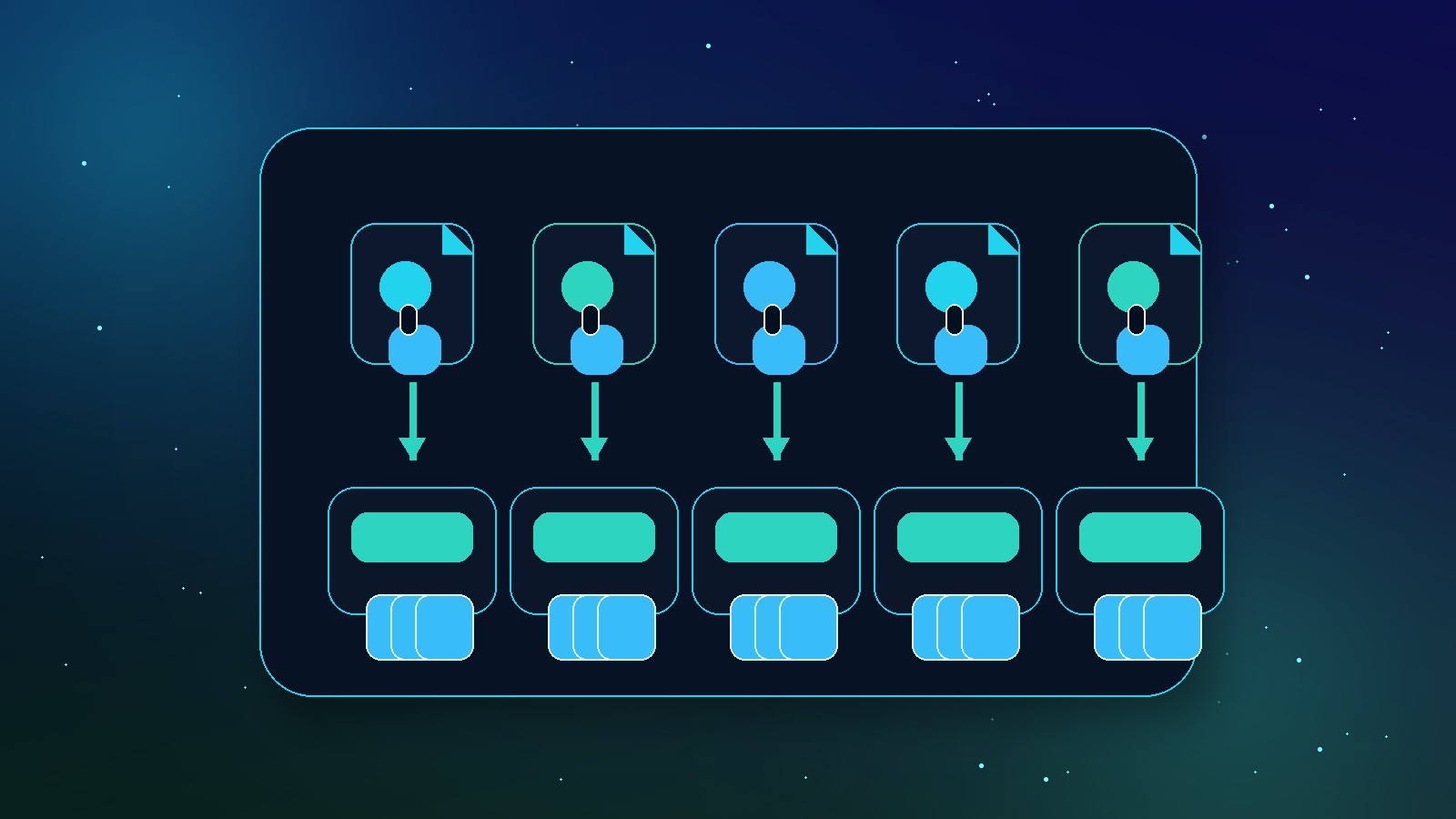
One template teaches you very little. Five related templates teach you much more.
You can test different buyers, titles, mockups, bundles, and price points. You might discover that the student planner does nothing, but the freelancer project tracker gets saves immediately. That signal matters.
This is one of the reasons we built MyDesigns the way we did. Manual product setup kills momentum. When you can organize assets, create listing copy, and publish in a more structured workflow, you spend more time improving offers and less time copying fields.
That same mindset applies whether you are selling templates, print on demand products, or other digital downloads. Read the broader guide on how to sell digital products online if you want the full channel strategy.
The metrics I would watch first
Early data is noisy, but it still tells you where to look.
I would track:
- Impressions – is the marketplace showing the listing?
- Click-through rate – does the title and hero image earn attention?
- Favorites or saves – are buyers interested enough to come back?
- Conversion rate – does the listing answer purchase objections?
- Refund messages – where are buyers confused?
If impressions are low, fix keywords. If clicks are low, fix hero images and title. If clicks are solid but sales are weak, fix pricing, proof, and the offer.
Build the catalog, then let the market vote
Create multiple template listings, test angles, and keep the workflow moving instead of manually rebuilding every product page.
Frequently Asked Questions
+ Are Notion templates still profitable?
Yes, Notion templates can still be profitable when they solve a specific workflow for a clear buyer. Generic templates are crowded, but focused systems for creators, students, freelancers, and small businesses still have room.
+ Where can I sell Notion templates?
You can sell Notion templates on Etsy, your own site, digital product platforms, and creator marketplaces. I would start where buyers already search, then add your own store once you know which templates convert.
+ How much should I charge for a Notion template?
Most simple Notion templates can start around $7 to $12, while deeper systems can sell for $17 to $39 or more. Price depends on the buyer, the outcome, the support material, and how clearly your listing proves value.
+ Do I need design skills to sell Notion templates?
You need clarity more than advanced design skills. A clean, easy-to-use workflow with strong instructions usually beats a beautiful dashboard that buyers do not understand.
+ Can MyDesigns help me sell Notion templates?
Yes, MyDesigns can help organize the digital product workflow around assets, listing copy, mockups, and publishing. It is especially useful once you move from one template to a real catalog.
The sellers who win with Notion templates will not be the ones with the prettiest dashboards. They will be the ones who understand a painful workflow, package it clearly, and test faster than everyone else.
Build the system. Package the outcome. Publish enough smart variations to let the market show you where the money is.
Launch Your Template Catalog Faster
Use MyDesigns to organize assets, write stronger listings, and publish digital products without turning every launch into manual admin work.


