


A digital planner for iPad is not a PDF with pretty tabs. It is a repeat-use product with a buyer, a workflow, and a reason to open it every morning.
I see sellers overcomplicate this product category in two directions. Some build a 400-page monster before validating demand. Others upload a thin generic planner and wonder why it gets ignored.
If I were building a digital planner for iPad from zero today, I would not start with decoration. I would start with the buyer’s daily routine, then build the smallest planner system that proves people want it.
Key Takeaways
- Digital planner for iPad buyers want a routine shortcut – not just a beautiful file. Build around a repeated habit.
- Niche planners beat generic planners – teachers, coaches, students, sellers, fitness buyers, and parents all need different pages.
- Mockups matter as much as the planner – buyers need to see how the planner works before they trust the download.
- Speed wins – the seller who tests 20 focused planners learns faster than the seller polishing one giant planner for two months.
Table of Contents
- Why iPad Planners Still Sell
- Pick the Buyer Before You Build the Planner
- The Digital Planner Product Stack I Would Test First
- Build a Planner System, Not One PDF
- Your Mockups and Listing Decide Trust
- Price Digital Planner Templates Like Products, Not Files
- The MyDesigns Workflow I Would Use
- Frequently Asked Questions
Why iPad Planners Still Sell
A digital planner for iPad still sells because people are tired of having their tasks scattered across notebooks, notes apps, screenshots, calendars, and random reminders.
That is the real pain. The buyer is not just asking for a planner. They want a calmer way to run their day on a device they already use.
You can see the demand pattern in searches around Google Trends, marketplace suggestions, and the way buyers browse digital downloads on Etsy. I would use those signals to find problems, not to copy the first bestseller I see.
Routine beats decoration
Here is the part beginners miss: a planner does not need 300 pages to feel valuable. It needs a clear job.
A student planner should make classes, assignments, and exam prep easier. A teacher planner should simplify lessons and classroom notes. A fitness planner should make training and meals easier to track. A seller planner should help someone publish, promote, and review products.
When the routine is clear, the page decisions get easier.
Free planners are not the real threat
I get why free digital planner downloads scare new sellers. There are a lot of them.
But free is not the main enemy. Generic is.
Buyers pay when a product feels more specific, more complete, easier to use, and easier to trust than a free file they have to fix themselves. If your planner solves a real routine better than the free option, price becomes much less scary.
Turn one planner idea into a product line.
Use MyDesigns to organize files, create assets, generate mockups, and prepare listings without rebuilding the same workflow by hand.
Pick the Buyer Before You Build the Planner

Before I design a cover, tabs, or page set, I want to know who is opening this planner on Monday morning.
Do not start with fonts. Start with the buyer’s repeated problem.
One seller mistake I have seen again and again is building a planner for everyone. That usually means the planner is specific to no one. The buyer cannot picture themselves using it, so they keep scrolling.
The buyer prompts I would use
- Who is the buyer? Student, teacher, coach, parent, creator, Etsy seller, fitness buyer, wedding planner, nurse, or small business owner?
- What routine repeats? Daily planning, weekly reviews, class tracking, client notes, meals, workouts, content planning, shop launches, or budgeting?
- Where will they use it? Goodnotes, Notability, a PDF reader, printed binder, or a mix of digital and print?
- What makes it feel complete? Covers, tabs, monthly pages, weekly spreads, trackers, instructions, stickers, and multiple file sizes?
I would also check the support docs for tools buyers commonly use, like Goodnotes, Notability, and Apple’s iPad support. Your listing should match how buyers actually import and use the file.
The Digital Planner Product Stack I Would Test First
The first digital planner for iPad I would sell would be focused, not massive.
Massive planners can work once you understand the buyer. Early on, they slow you down. You spend weeks building pages that may not matter.
I would start with smaller products that prove demand.
My starter planner stack
| Planner type | Why I would test it | Starter bundle |
|---|---|---|
| Student iPad planner | Clear use case and strong repeat behavior | Semester view, class tracker, assignment log, weekly pages |
| Teacher planner | Specific buyer with recurring planning needs | Lesson pages, classroom notes, attendance shapes, weekly view |
| Fitness planner | Easy to show in mockups and useful daily | Workout log, meal planner, progress pages, habit tracker |
| Small business planner | Great fit for ecommerce and digital product sellers | Launch checklist, content calendar, product idea bank, review pages |
| Undated minimalist planner | Broad evergreen demand when packaged well | Monthly, weekly, daily, notes, and cover variations |
Notice that each product has a job. That is what separates a real product from a pretty download.
If you want more product direction, pair this with our guide to digital product ideas and the broader digital products workflow. Digital planners are one lane inside a bigger digital product business.
Build a Planner System, Not One PDF

A digital planner for iPad should feel like a system. Not a random stack of pages.
This is where most sellers waste time. They design page after page without rules. Then every change becomes painful.
I would define the system first:
- Page structure: monthly, weekly, daily, notes, trackers, and optional bonus pages.
- Navigation: clear tabs, linked sections, and simple page flow.
- Design rules: spacing, colors, cover style, page sections, and icon shapes.
- File formats: PDF for tablet use, printable PDF if relevant, and preview images for listings.
- Variation plan: minimalist, student, teacher, business, fitness, seasonal, or dated versions.
Hyperlinks are a common buyer expectation for iPad planners. If you promise them, test them. A broken linked planner is worse than a simple planner with no links.
I strongly advise you to keep your first version tight. Build the planner people can understand in five seconds. Then expand after clicks, favorites, and questions tell you where buyers care.
Create planner assets once, reuse them everywhere.
MyDesigns helps you keep product files, artwork, mockups, and listing assets organized so every new planner variation is faster to launch.
Your Mockups and Listing Decide Trust

Your listing has to answer the buyer’s questions before they ask them.
What do I get? Does it work on my iPad? Is it dated or undated? Are hyperlinks included? Can I print it? Do I need a special app? How do I download it?
If your images do not answer those questions, your description has to work too hard.
The listing assets I would publish first
- Hero mockup: tablet view showing the planner style clearly.
- Inside pages: show monthly, weekly, daily, and tracker pages.
- What is included: use plain listing copy to explain file types and page categories.
- How it works: show import steps in the listing description and post-purchase instructions.
- Use cases: show the buyer’s routine, such as class planning or weekly business planning.
I would keep claims practical. Do not promise productivity miracles. Show the product, explain the use case, and make the buyer feel safe buying a digital download.
For legal basics, read Etsy’s seller rules and avoid protected brands, celebrity names, copyrighted characters, and app logos in your product graphics. You can say a file is compatible with common apps when true, but do not make your product look officially connected to those apps.
Price Digital Planner Templates Like Products, Not Files
A lot of sellers price digital planner templates like they are charging for a PDF. That is the wrong frame.
You are selling time saved, structure, and a better planning routine. The file is just the delivery format.
For a first product line, I would test pricing like this:
- Simple starter planner: low entry price to test demand.
- Full planner bundle: higher price with more page types, covers, and instructions.
- Add-on packs: stickers, covers, trackers, niche pages, or seasonal updates.
- Bundle ladder: combine related planners for students, teachers, sellers, or fitness buyers.
The goal is not to race to the bottom. The goal is to create a product line where each item makes the next one easier to buy.
This is where the old Etsy playbook breaks down. More listings alone is not strategy. More focused tests with better assets is strategy.
Launch more planner variations without drowning in files.
Use MyDesigns to manage product assets, create better visuals, and prepare listings faster as your digital planner line grows.
The MyDesigns Workflow I Would Use
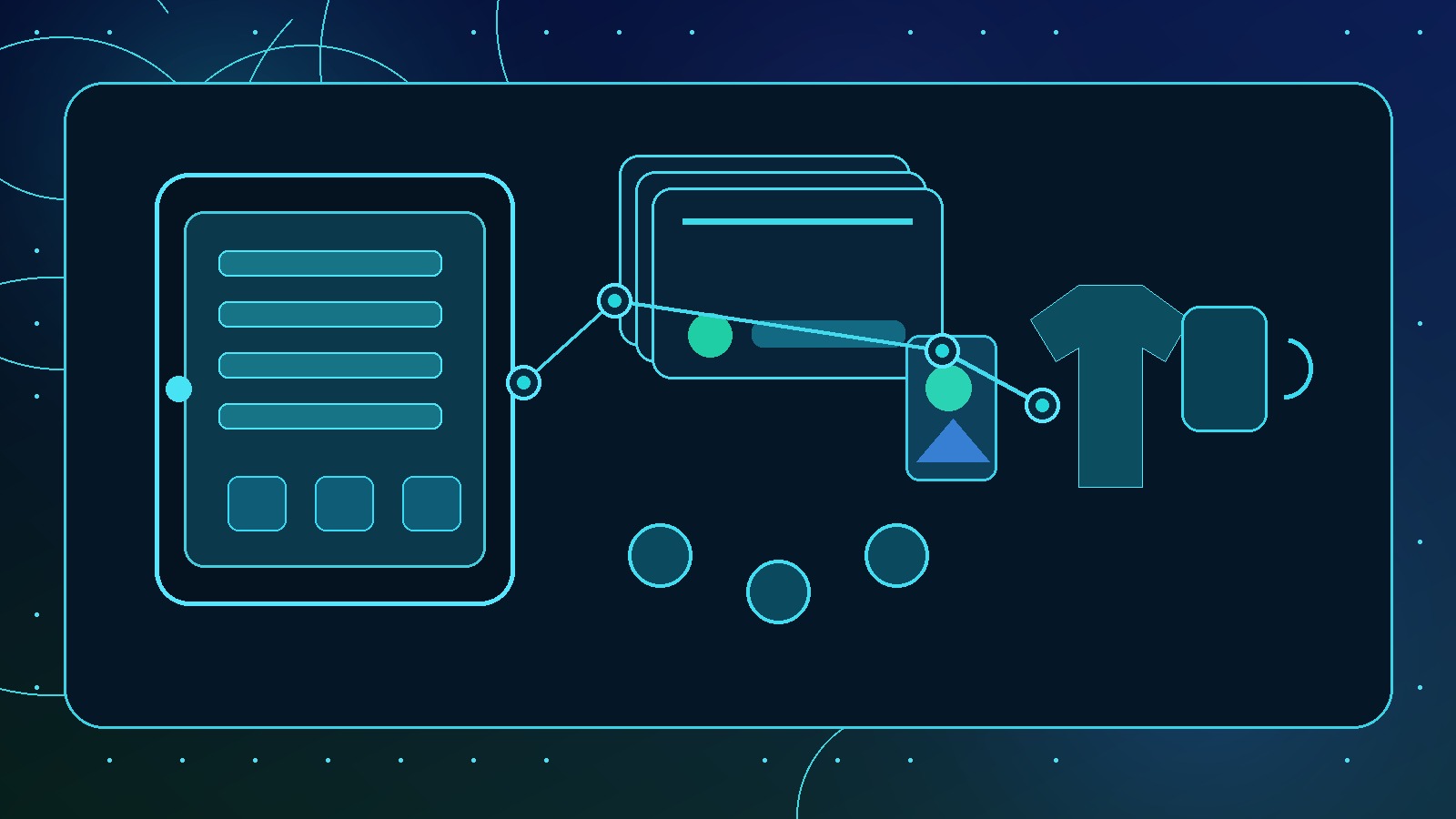
If I were building this inside MyDesigns, I would separate the workflow into four stages.
First, product research. Pick one buyer, one routine, and one starter planner concept. I would not let myself build ten planners before one listing has data.
Second, asset creation. Create the cover direction, page system, preview images, and supporting graphics. Tools like Dream AI and the Canvas Editor can speed up the visual side when used with a clear product brief.
Third, mockups. A strong digital planner listing needs polished images that make the file feel tangible. Use product mockups to show the planner in a way buyers understand quickly.
Fourth, publishing. Prepare titles, descriptions, tags, files, and variations in a repeatable workflow. The advantage is not one perfect listing. The advantage is a system that lets you test, learn, and improve.
I built MyDesigns because manual creative ops kill momentum. Sellers should spend more time choosing better products and less time dragging files across tabs.
Frequently Asked Questions
+ What is a digital planner for iPad?
A digital planner for iPad is usually a PDF planner designed for use in note-taking or annotation apps. Buyers use it to plan days, weeks, goals, classes, workouts, finances, or business tasks on a tablet.
+ Can I sell digital planner templates on Etsy?
Yes, you can sell original digital planner templates on Etsy if your files, graphics, and listing copy follow Etsy’s policies. Avoid copyrighted designs, protected phrases, app logos, and anything that makes the product look officially connected to another brand.
+ Do iPad digital planners need hyperlinks?
They do not always need hyperlinks, but many buyers expect linked sections in premium iPad planners. If you include hyperlinks, test every section before selling because broken navigation creates refund risk.
+ What should I include in a digital planner listing?
A digital planner listing should include clear mockups, inside page previews, file type details, compatibility notes, download instructions, and a simple explanation of who the planner is for. The buyer should understand the product before reading the full description.
+ How many digital planner variations should I launch first?
I would launch a small focused set first, usually three to five variations around one buyer. That gives you enough data to compare demand without spending months building a huge planner catalog nobody asked for.
The sellers who win this category will not be the ones with the biggest PDFs. They will be the ones with the clearest buyer, the strongest mockups, and the fastest testing loop.
Build the system. Test the routine. Let the data tell you what to make next.
Build your digital planner workflow in MyDesigns.
Create assets, organize files, generate mockups, and prepare digital product listings with a workflow built for sellers who want to move faster.


