


Etsy’s ChatGPT app is not a cute AI experiment. It changes what being found means.
On May 5, Etsy announced a native app inside ChatGPT. Shoppers can tag @Etsy in a prompt and ask for something in plain language, then compare listings surfaced from Etsy’s catalog of more than 100 million listings.
That sounds like a small interface change. It is not. It adds a new discovery layer between the shopper and your listing.
The old Etsy SEO playbook was built around keyword matching, title phrasing, tags, and conversion history. Those still matter. But now there is another reader in the room: an AI shopping agent that has to decide which listings are easy to understand, easy to compare, and safe to recommend.
If your listing is clever but vague, you are making that agent work too hard.
Key Takeaways
- Etsy’s ChatGPT app creates a new discovery surface where shoppers describe outcomes, budgets, recipients, styles, and constraints instead of typing short keywords.
- AI shopping agents reward clear listing data – product type, material, size, occasion, recipient, personalization, shipping details, and review signals.
- Creative SEO copy is less useful than literal product information when a model has to map a natural-language prompt to a real product.
- The first sellers to make their listings AI-readable get a timing advantage because most shops are still optimizing only for human skim behavior and classic Etsy search.
Table of Contents
What Etsy Launched Inside ChatGPT
Etsy’s new ChatGPT app lets a shopper ask something like, “Help me find a Mother’s Day gift under $100 for my mom who loves gardening,” then browse relevant Etsy results inside the ChatGPT flow.
TechCrunch reported that the beta app allows shoppers to tag @Etsy directly in a prompt, browse results, compare options, and click through to Etsy for details or purchase. Etsy’s own announcement framed it as a move from keywords to conversation.
That phrase matters: from keywords to conversation.
A keyword shopper types “custom dad shirt.” A conversational shopper says, “Find a funny Father’s Day gift for a dad who grills, ships fast, and can be personalized with the kids’ names.” Those are completely different matching problems.
The second shopper gives the AI a pile of constraints:
- Recipient: dad
- Occasion: Father’s Day
- Tone: funny
- Interest: grilling
- Feature: personalization
- Fulfillment need: ships fast
- Likely product types: shirt, hoodie, apron, mug, sign, or gift bundle
If your listing only says “Best Dad Ever Shirt” and the description is three lines of fluffy copy, you are not giving the agent enough to work with.
Why This Changes Etsy SEO
Etsy SEO used to be mostly about matching marketplace search behavior. You wrote titles, tags, categories, and descriptions for people typing short phrases into Etsy.
Now some shoppers will start with a wider question. They may not know the exact product yet. They may ask for a gift, a vibe, a budget, a relationship, an event, a color, a shipping deadline, or a bundle.
That changes the job of your listing. Your listing has to answer more questions before the buyer ever sees it.
I would not panic and rewrite every listing overnight. But I would absolutely start treating listing copy like structured product data instead of a creative writing exercise.
Here is the hard truth: AI agents do not care that your title sounds poetic. They care whether the product is obviously relevant to the prompt.
That is why the sellers who win this shift will not be the ones stuffing more keywords into every field. They will be the ones who make their listings easier for both humans and models to parse.
Update Etsy listings before everyone copies the same playbook.
Use MyDesigns to organize product files, create mockups, generate clearer listing copy, and prepare Etsy-ready products in bulk.
How AI Shopping Agents Read Etsy Listings
No seller outside Etsy and OpenAI knows every ranking detail inside the app. Do not trust anyone pretending otherwise.
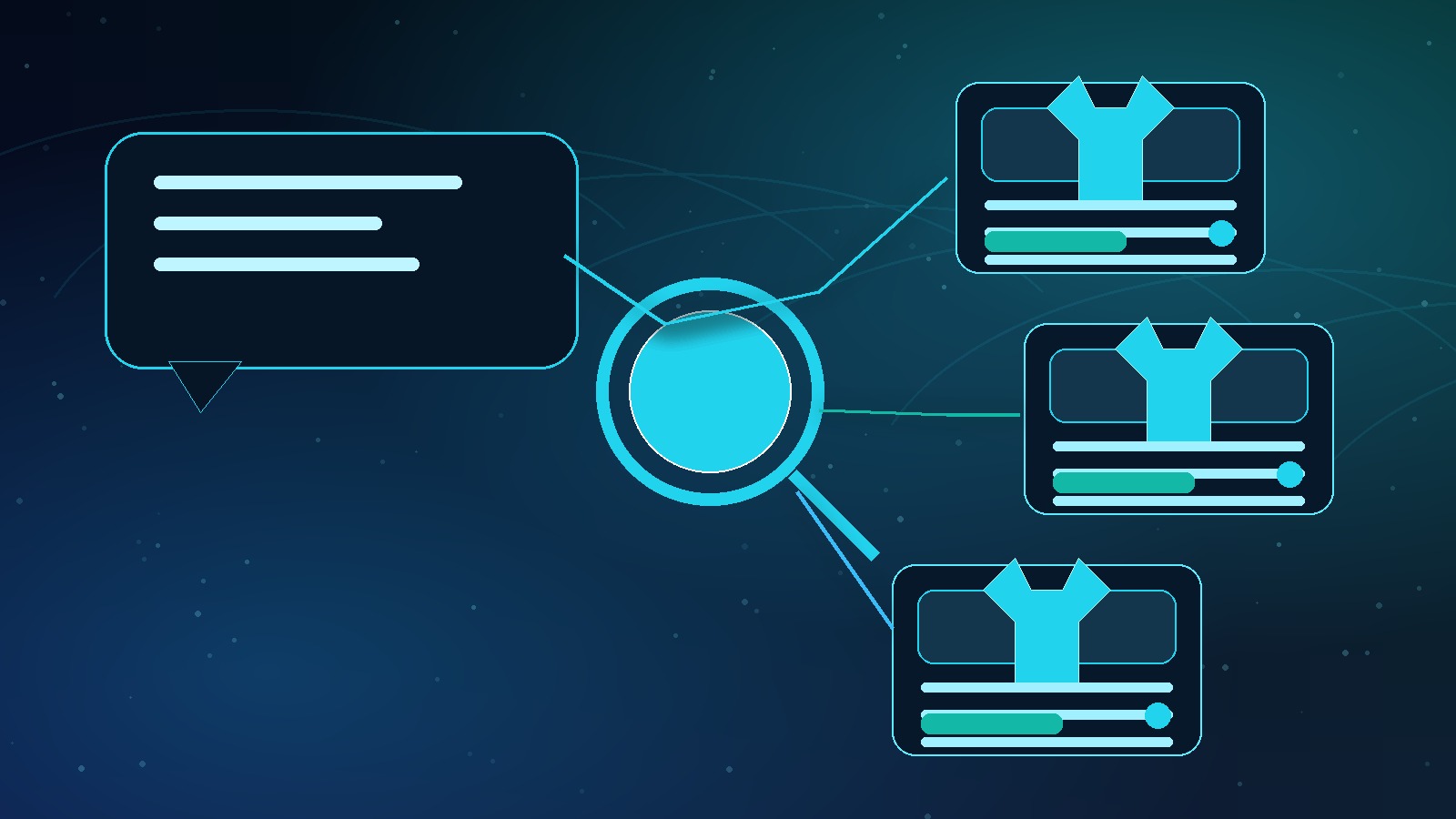
But we do know the basic job an AI shopping agent has to do. It has to take a natural-language request, identify the constraints, pull candidate listings, compare them, and present the ones most likely to satisfy the shopper.
That means the agent needs clear signals.
1. Intent signals
Intent signals tell the agent what the product is for.
- Is it a gift?
- Who is it for?
- What occasion does it fit?
- Is it funny, sentimental, premium, minimalist, patriotic, retro, or cute?
- Is it meant for a hobby, job, event, team, pet, family role, or business?
A shirt that says “Vintage Eagle Graphic Tee” is less useful than a listing that clearly says it is a patriotic Fourth of July shirt for men, veterans, military families, and America 250 celebrations.
2. Constraint signals
Constraint signals help the agent filter.
- Size range
- Color options
- Material
- Personalization options
- Digital or physical delivery
- Processing time
- Shipping location
- Compatibility, file type, or product dimensions
If the buyer says “under $50,” “ships before Father’s Day,” or “works for Canva,” the agent needs fields and copy that make those answers obvious.
3. Trust signals
Trust signals help the agent avoid risky recommendations.
Reviews matter because they compress buyer confidence into a machine-readable signal. A product with specific reviews about quality, fit, shipping speed, personalization accuracy, or gift reaction gives an AI system more confidence than a product with vague praise.
Do not fake reviews. Do not incentivize reviews in a way that violates Etsy policy. But do pay attention to the words buyers use in reviews. Those words often reveal the exact prompts future shoppers will type into AI tools.
How I Would Optimize Listings This Week

If I owned an Etsy shop today, I would not wait for a perfect tool. I would run a simple pass on my best products first.
Start with listings that already get traffic, favorites, cart adds, or seasonal demand. Those are the listings where a small clarity improvement can compound fastest.
Make the title literal before it gets clever
Your title should name the product, buyer, occasion, and differentiator as plainly as possible.
Weak title:
Grill Master Legend Shirt
Stronger title:
Funny Personalized Father’s Day Grill Shirt for Dad, Custom BBQ Gift, Soft Cotton Tee
The second title is not prettier. It is more useful. It gives the agent product type, tone, occasion, recipient, personalization, interest, gift intent, and material.
Turn the first description lines into a product brief
The top of your description should not be filler. It should be the cleanest summary of the listing.
Use a direct format:
- What it is
- Who it is for
- When to buy it
- What makes it different
- What the buyer receives
Example:
This personalized BBQ dad shirt is a soft unisex tee made for Father’s Day, birthdays, grill parties, and custom family gifts. Add kids’ names or a short phrase. Available in multiple colors and sizes.
That is not glamorous copy. It is clear copy. Clear wins here.
Fill out every useful attribute
Attributes are not busywork. They are structured clues.
If Etsy gives you fields for color, size, material, occasion, celebration, recipient, style, room, file type, or personalization, fill them out accurately. Leaving relevant fields blank is like hiding information from the matching system.
Make images explain the product
AI shopping is not only text. Product images still shape click behavior once the listing is shown.
Your first image should make the product instantly clear. Your remaining images should answer buyer objections:
- What does the product look like in use?
- What colors are available?
- How does personalization work?
- What is included?
- What are the size or file details?
- What does the buyer do after purchase?
Do not rely on one pretty mockup. Pretty gets the click. Clarity gets the sale.
The AI-Ready Etsy Listing Checklist
Here is the checklist I would use before publishing or updating a listing.
| Listing area | What to include | Why it helps |
|---|---|---|
| Title | Product type, buyer, occasion, key feature, material or format | Helps the agent quickly map prompt intent to your listing |
| First description lines | Plain-language product brief with recipient, use case, and what is included | Reduces ambiguity before the model has to infer details |
| Attributes | Accurate size, color, material, occasion, recipient, style, personalization | Creates structured filters for matching and comparison |
| Images | Clear hero mockup, feature images, personalization example, size or format guide | Improves buyer confidence after the listing is surfaced |
| Reviews | Specific buyer language around quality, shipping, fit, gift reaction, support | Gives trust signals that justify recommendation and price |
| Shipping and policies | Processing time, delivery expectations, returns, digital download instructions | Answers constraint-based prompts like “ships fast” or “instant download” |
The goal is not to sound robotic. The goal is to remove confusion.
Why Seasonal Sellers Should Move Fast

This is where the timing gets interesting.
Father’s Day, Memorial Day, Fourth of July, and America 250 products are exactly the kinds of products shoppers describe conversationally. They do not always know the exact item. They know the person, event, budget, delivery deadline, and style.
Prompts like these are natural fits for AI shopping:
- Find a personalized Father’s Day hoodie for a dad who fishes.
- Show me patriotic gifts for a veteran under $40.
- Find a Fourth of July shirt for a family barbecue.
- I need a custom team gift that can ship quickly.
- Find America 250 merch ideas for a local event.
Notice what those prompts have in common. They are not just keywords. They are buyer situations.
If your listing copy clearly names the situation, you have a better shot at being considered.
That is why I would prioritize seasonal listings first. The demand window is short, and most sellers will not update their listings until after the traffic has already moved.
Build, mock up, and list seasonal Etsy products faster.
MyDesigns helps sellers move from product idea to listing assets without rebuilding the same production workflow one SKU at a time.
AI listing copy
Mockup workflows
The MyDesigns Workflow I Would Use

The big mistake is trying to update listings one by one with no system. You will burn hours and still miss fields.
I would build a repeatable workflow instead.
Step 1: Create an AI-readable listing template
Make one template for each product family. For example:
- Personalized Father’s Day shirts
- Patriotic hoodies
- Custom event mugs
- Digital planner templates
- Printable wall art bundles
Each template should include the exact sections you need: product summary, who it is for, occasions, personalization instructions, materials, sizing, shipping, and what is included.
Step 2: Generate variations without losing clarity
Use AI to speed up drafts, not to spray vague copy across your shop.
The prompt I would use:
Rewrite this Etsy description for AI shopping readability. Keep it factual. Include product type, recipient, occasion, material, personalization, shipping notes, and what the buyer receives. Do not add claims that are not in the product data.
That last sentence matters. Do not let AI invent details. A cleaner listing is only useful if it is accurate.
Step 3: Upgrade mockups and support images
For each product, build a simple image set:
- Hero mockup
- Close-up or detail mockup
- Color or variation grid
- Personalization example
- Size or format guide
- Usage or gift context image
This is where MyDesigns helps because you can keep assets, product data, mockups, and listing prep closer together instead of bouncing between five tools.
Step 4: Track which fields changed
If you update 50 listings, record what you changed. Titles only? Descriptions? Attributes? Images? Shipping copy?
Without tracking, you will not know whether the lift came from better titles, better images, seasonal timing, or normal marketplace movement.
AI shopping is new enough that sellers should treat this as a testing window. Make clean changes, watch performance, and keep the winners.
The New Etsy Advantage Is Clarity
The old Etsy playbook rewarded sellers who understood keywords. The new playbook rewards sellers who can explain the product so clearly that a human and an AI agent both know exactly when to recommend it.
That does not mean boring products win. It means clear products win.
If I were selling on Etsy today, I would update my highest-intent listings before this becomes common advice.
Frequently Asked Questions
Is Etsy’s ChatGPT app live for everyone?
Etsy’s app inside ChatGPT launched in beta. Availability and behavior may change as Etsy and OpenAI keep testing the experience.
Does this replace normal Etsy SEO?
No. Classic Etsy SEO still matters. The point is that conversational shopping adds another layer. Your listings need to work for keyword search, human shoppers, and AI matching.
Should I rewrite every Etsy listing right now?
No. Start with your best listings, seasonal products, and products with clear buyer intent. Update those first, measure, then expand.
What is the biggest change sellers should make?
Make listings more literal. Put product type, recipient, occasion, material, personalization, sizing, shipping, and what is included into clear language.
Do reviews matter more with AI shopping?
I believe review quality becomes more important because AI agents need trust signals when comparing similar products. Specific reviews about quality, fit, shipping, and gift reaction are stronger than generic praise.
Can MyDesigns help with this?
Yes. MyDesigns can help you create assets, organize product data, generate clearer listing copy, build mockups, and prepare Etsy-ready products faster.


