


Most sellers use Cricut Design Space backward. They open the app, make one cute file, upload it to Etsy, and hope the market rewards the effort.
That is not how I would build a real digital product business in 2026.
If I were starting from zero today, I would treat Cricut Design Space as one step inside a bigger production system: research the buyer, build a reusable file framework, test the cut experience, package the product clearly, then publish listings in batches instead of one at a time.
That last part matters. The money is not in one SVG. It is in the workflow that lets you ship 20 good files without turning your weekend into file-name chaos.
Key Takeaways
- Cricut Design Space is not the whole business – it is the testing and buyer-experience layer for SVG products.
- Simple files often sell better than clever files – buyers want clean cuts, clear use cases, and fast results.
- Your product packaging matters as much as the design – include the right file types, previews, naming, and instructions.
- Batching is the advantage – the sellers who win build repeatable systems for research, design, QA, and publishing.
Table of Contents
- The Cricut Design Space Workflow I Would Actually Use
- Start With Buyer Intent Before You Design Anything
- Make Files That Cut Cleanly in Cricut Design Space
- Package SVG Products Like a Seller, Not a Designer
- Publish Cricut Design Space Products in Batches
- Price and Position Your Cricut Files for Profit
- The Old Free-SVG Playbook Is Dead
- My Cricut Design Space Listing Checklist
- Frequently Asked Questions
The Cricut Design Space Workflow I Would Actually Use
Here is my opinion: Cricut Design Space should be treated as a buyer simulation tool, not your entire creative system.
Your buyer does not care how much time you spent making the file. They care whether it opens, cuts, weeds, presses, and looks good on the blank they bought.
I have watched sellers spend four hours perfecting one design, then lose the sale because the Etsy listing had weak previews, confusing file names, and no clear promise. That is painful because the fix is not talent. The fix is workflow.
What Design Space Is Good For
Cricut Design Space is useful for checking how a buyer will experience the file after purchase. According to Cricut’s own help docs, Design Space supports uploads including SVG, JPG, BMP, PNG, GIF, and DXF.
That means your product should not only look good in your design tool. It needs to behave well when imported into Design Space.
- Are the layers easy to understand?
- Does the SVG scale cleanly?
- Are tiny details going to tear during weeding?
- Can a beginner make the project without messaging you for help?
If the answer is no, the design is not ready to sell.
What It Is Not For
I would not use Cricut Design Space as the only place to think about product strategy. It is too easy to get trapped inside a single-file mindset.
A real SVG shop needs systems for research, naming, exporting, mockups, listing copy, tags, and publishing. That is where most sellers lose momentum.
One file is not a catalog. A catalog is a repeatable machine.
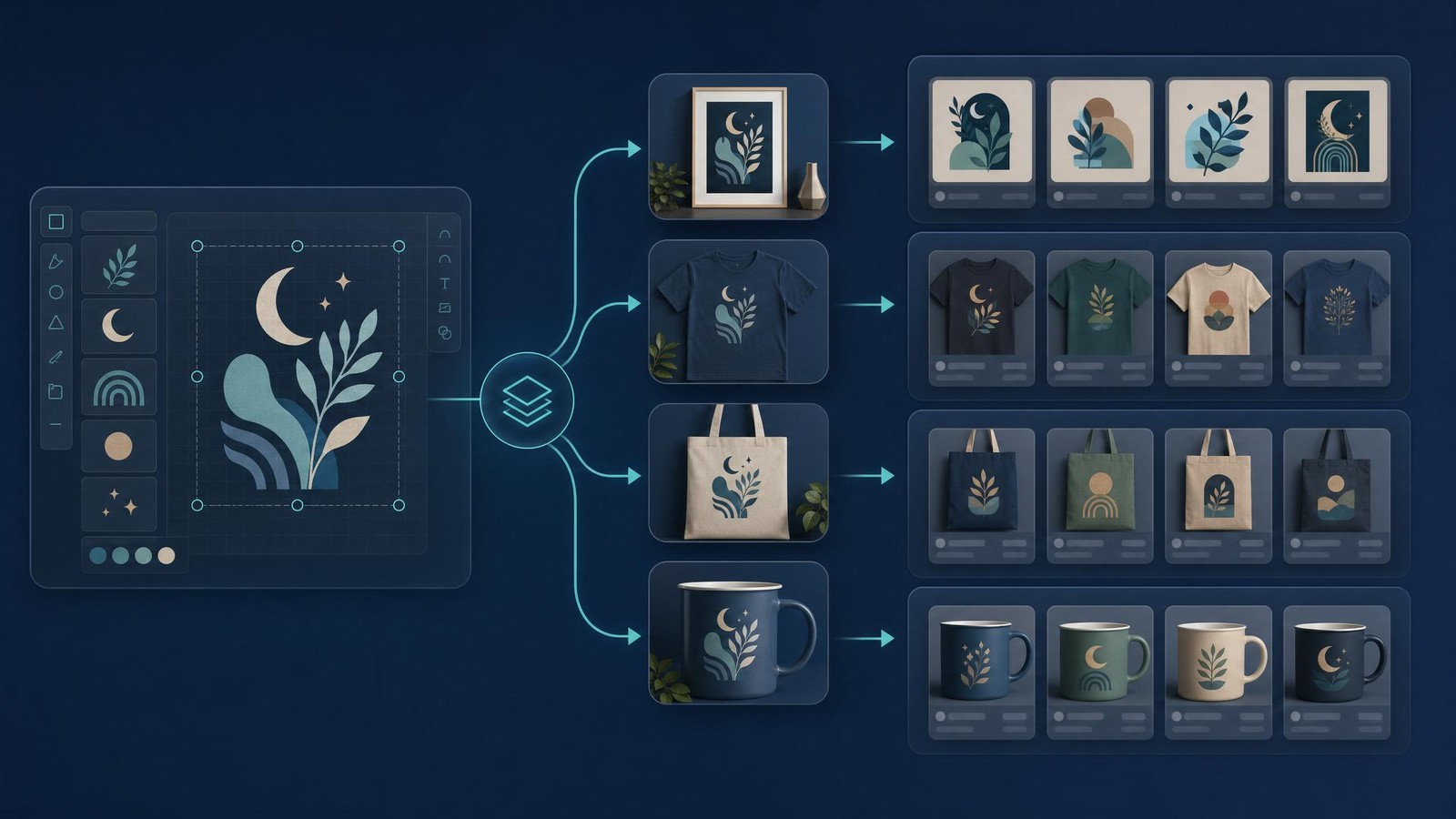
Build the system before you scale the shop
If you want a faster way to organize, optimize, and publish digital product listings, start with a free MyDesigns account and build from one dashboard.
Start With Buyer Intent Before You Design Anything
The biggest mistake I see in Cricut product strategy is starting with the design instead of the buyer.
You can make a beautiful SVG that nobody wants. Or you can make a simple file that solves a clear project need and sells for years.
The second one is the business.
Pick a Use Case, Not a Vibe
Before opening Design Space, write down the exact project your buyer is trying to finish.
- A teacher appreciation shirt
- A nurse badge reel decal
- A birthday cup wrap
- A dog mom sweatshirt
- A classroom door sign
- A wedding welcome mirror decal
Notice how specific those are. That is intentional.
Specific use cases create better keywords, better mockups, better previews, and better buyer confidence.
Build a Repeatable Niche Map
If I were building a Cricut-friendly SVG catalog, I would map each niche before designing:
| Niche | Buyer Project | Product Angle | Expansion Ideas |
|---|---|---|---|
| Teachers | Classroom shirts and gifts | Editable grade or subject themes | Teacher team shirts, classroom signs, mug designs |
| Pet owners | Shirts, decals, tumblers | Dog mom and breed-specific sets | Breed bundles, rescue themes, holiday variants |
| Weddings | Signs, favors, apparel | Clean typography and monograms | Bridal party sets, bachelorette items, table signs |
| Sports parents | Team shirts and car decals | Position, mascot, and family role files | Baseball, football, cheer, dance, tournament packs |
This is how one product idea becomes 30 without feeling random.
For deeper search work, I would pair this with a keyword process like the one I shared in my Etsy keyword research guide and then check demand signals before building a bundle.

Make Files That Cut Cleanly in Cricut Design Space
Pretty is not enough.
A sellable Cricut Design Space product has to be easy to use. If your customer has to fight the file, you have created support debt, not passive income.
Avoid the Cute File Trap
New sellers love tiny details because they look impressive in a preview. The problem is that tiny details often create awful cutting and weeding experiences.
I would rather sell a cleaner file that a beginner can finish in 12 minutes than a complex file that looks great in a mockup and fails on the mat.
Run every file through this practical check:
- Thin-line check: Remove strokes that will tear or disappear.
- Layer check: Make sure each color or cut layer is logical.
- Scale check: Test whether the design still works small and large.
- Overlap check: Remove accidental fragments and hidden pieces.
- Beginner check: Ask, “Could someone make this without knowing me?”
The best sellers are not always the fanciest. They are the ones buyers trust.
Export the Right File Types
Most buyers expect more than one file type. I would include:
- SVG for cutting machines and scalable vector projects
- PNG with transparent background for print projects
- DXF when the niche expects compatibility with other cutting software
- PDF instructions if the project has multiple steps
- JPG preview for buyers who want a quick visual reference
Do not overcomplicate it. Just make the buyer feel safe immediately after purchase.
I also recommend reading Etsy’s guidance on selling digital items so your delivery expectations, file access, and customer communication are aligned with how buyers receive downloads.
Your files need listings, not just folders
MyDesigns helps sellers move from files to optimized product listings faster, especially when you are creating digital products in batches.
Package SVG Products Like a Seller, Not a Designer
Here is where a lot of good designers accidentally sabotage themselves.
They make the file, zip it, upload it, and call it done. That is not packaging. That is dumping assets in a bag.
A strong Cricut Design Space product package should include:
- A clean folder structure
- Descriptive file names
- Multiple file formats
- A buyer-facing preview image
- A simple usage note
- A license note that explains personal or commercial use
- A troubleshooting note for upload issues
If you sell bundles, create a repeatable naming pattern. For example, organize by theme, product type, and file format rather than dumping 80 files into one folder.
That sounds basic. It is not.
Buyers judge your product before they ever use it. Clean packaging reduces refund requests, improves reviews, and makes your shop feel more professional.
If you are still choosing what to create, start with categories from my digital products to sell on Etsy breakdown, then narrow into SVG-compatible use cases.
Publish Cricut Design Space Products in Batches
This is the part I care about most because it is where the business either scales or stalls.
Manual publishing feels fine for the first five listings. Then you have 40 files, 40 titles, 40 descriptions, 40 tag sets, 40 previews, and 40 chances to get bored and quit.
The Bulk Listing System
I would build every Cricut Design Space product around a batch sheet with these columns:
- Primary keyword
- Buyer project
- File formats included
- Product title
- Short description
- Tags
- Preview image status
- Zip file status
- QA status
- Publish status
Once that sheet exists, you stop relying on memory. You can see the whole catalog at once.
That is the difference between “I made some SVGs” and “I am building a digital product line.”
Where MyDesigns Fits
This exact bottleneck is why we built bulk workflows into MyDesigns in the first place.
When you are working with a batch of SVG files, mockups, titles, descriptions, and tags, you do not want to copy and paste your way through every listing manually. You want one place where the product content can be organized, optimized, and pushed forward.
That matters even more if you are combining Cricut-friendly files with other digital products like planners, wall art, templates, or printable bundles.
You can also pair this workflow with the ideas in my SVG files for Cricut guide and the warning I shared in why free SVG files are usually a weak foundation.
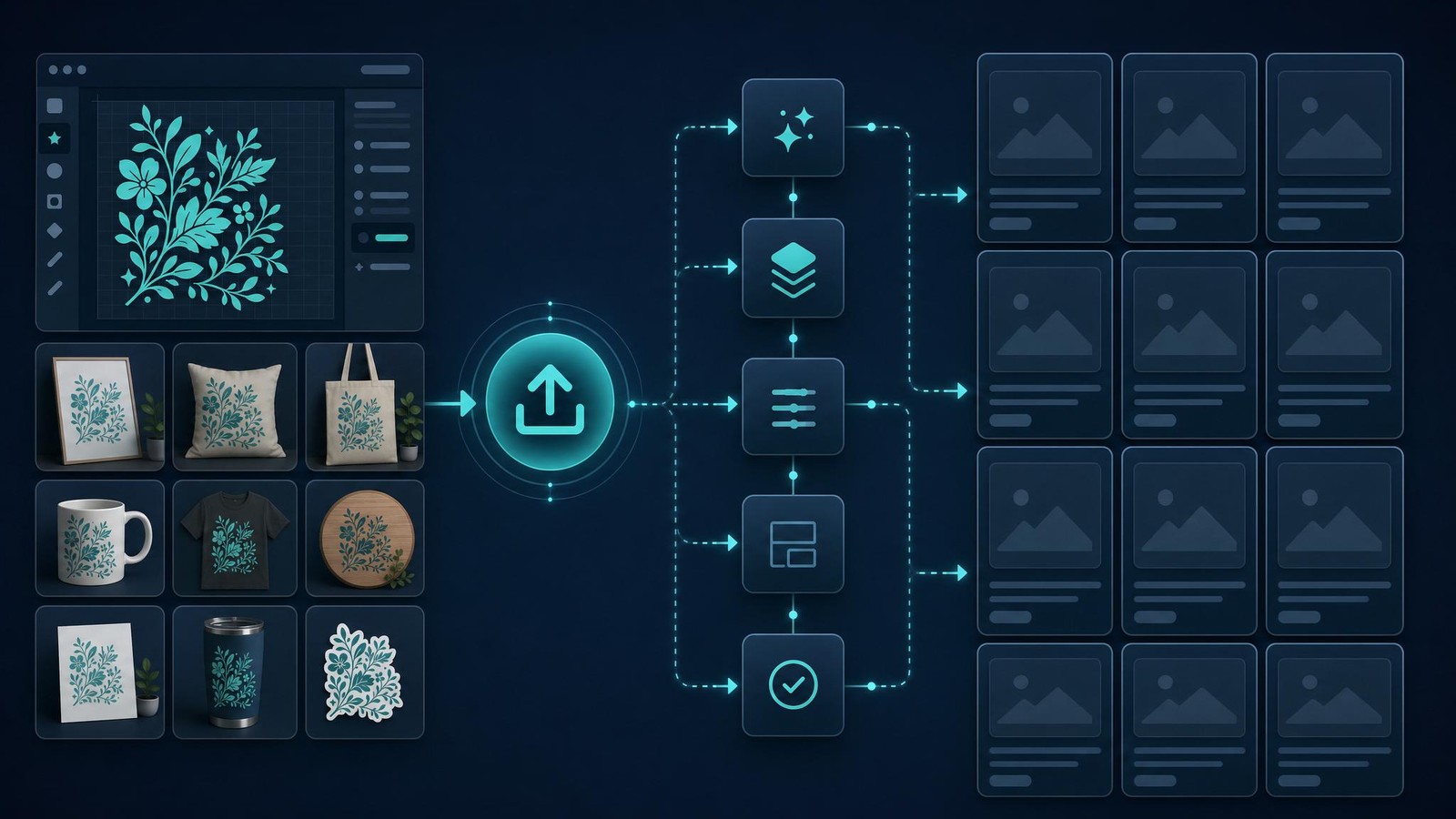
Stop publishing SVG files one by one
If your product ideas are sitting in folders, MyDesigns can help turn them into organized listings faster.
Price and Position Your Cricut Files for Profit
Cheap is not a strategy. It is usually a panic reaction.
I understand why sellers do it. You see thousands of SVG listings at low prices and assume you have to match them. But racing to the bottom teaches buyers that your work is interchangeable.
I would position around use case, completeness, and convenience.
| Product Type | What Buyers Value | Positioning Angle |
|---|---|---|
| Single SVG | Fast project completion | Clear use case and clean cut file |
| Mini bundle | More options for one event or niche | Small set built around one buyer need |
| Large bundle | Variety and savings | Organized files, previews, and consistent quality |
| Template pack | Editable or repeatable projects | Time savings and beginner-friendly instructions |
Do not sell a bundle just because you can. Sell it because the buyer has a reason to want multiple related files.
A teacher bundle makes sense. A random 300-file dump usually does not.
The Old Free-SVG Playbook Is Dead
The old Etsy playbook was simple: download trending graphics, remix them, upload files, and wait.
That playbook is cooked.
Buyers are more skeptical. Marketplaces are more crowded. AI has made basic design output cheaper. The real advantage now is not just creativity. It is taste plus throughput plus quality control.
That is why I like building around Cricut Design Space as a QA layer. It forces you to think like the customer. If the file is annoying to use, the buyer will remember that.
And if the buyer remembers that, your next design has to fight uphill.
The sellers I would bet on are the ones who build small systems:
- They research before designing.
- They create in repeatable niches.
- They test the buyer experience.
- They package files cleanly.
- They publish in batches.
- They improve based on clicks, favorites, and sales.
That is not glamorous. It works.
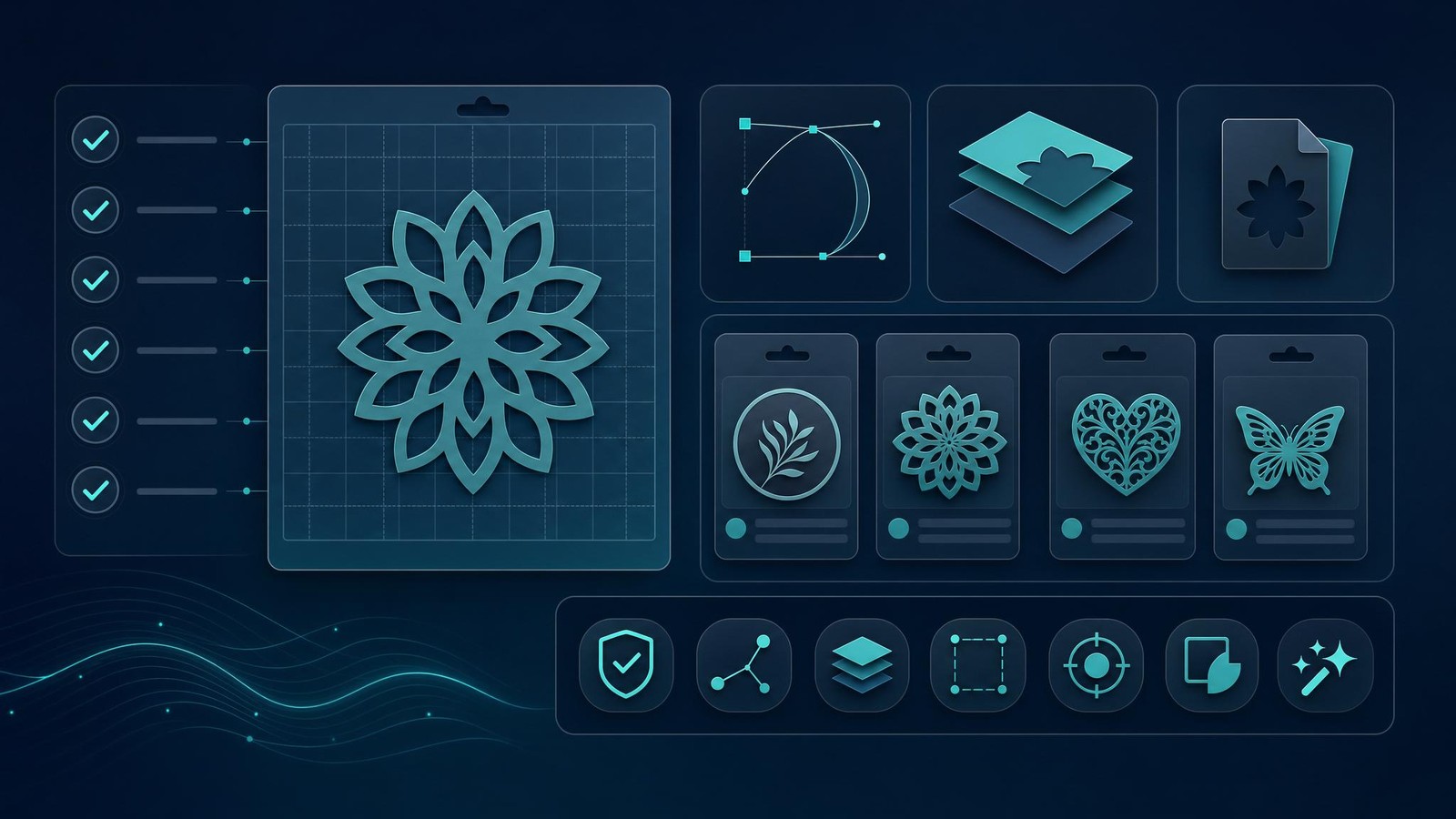
My Cricut Design Space Listing Checklist
Before I published any Cricut-friendly digital product, I would run this checklist.
File QA Checklist
- SVG opens correctly in Cricut Design Space.
- PNG has a transparent background where needed.
- Layers are logical and not overly complicated.
- Design works at the likely project size.
- No stray shapes, hidden fragments, or weird exports.
- File names are readable and buyer-friendly.
Listing QA Checklist
- Primary keyword appears naturally in the title.
- Preview images show clear project use cases.
- Description explains exactly what is included.
- Tags cover project, buyer, niche, and file type.
- License terms are clear.
- Delivery expectations are clear.
Then I would publish, watch the data, and expand only the ideas that show signs of life.
For title and tag cleanup, use the same principles I broke down in my Etsy listing optimization tool workflow. The goal is not to stuff keywords. The goal is to make the product easier for the right buyer to find.
Turn one Cricut idea into a product line
Use MyDesigns to organize digital product assets, improve listing content, and publish faster when your catalog starts growing.
Frequently Asked Questions
+ Can you sell files made for Cricut Design Space on Etsy?
Yes, you can sell digital files intended for Cricut users on Etsy if you own the rights to the designs and clearly explain what buyers receive. Your product should include compatible file types, clear previews, and simple usage instructions.
+ What file types should I include for Cricut buyers?
I would include SVG and PNG at minimum, then add DXF, JPG previews, or PDF instructions when the product needs them. The more clearly you package the files, the fewer support questions you create.
+ Is Cricut Design Space enough to build an SVG business?
No, Cricut Design Space is useful for testing the buyer experience, but it is not enough by itself. You still need keyword research, product packaging, mockups, listing optimization, and a publishing workflow.
+ What Cricut Design Space products sell best?
The best Cricut-friendly products usually solve specific buyer projects, such as teacher shirts, wedding signs, dog mom decals, seasonal gifts, or sports parent apparel. Specific use cases beat generic design dumps.
+ How do I scale SVG listings without burning out?
Batch the work. Build a repeatable sheet for keywords, titles, descriptions, tags, mockups, file QA, and publish status, then use a platform like MyDesigns to organize and publish faster.
The sellers who win with Cricut Design Space are not the ones making the most files. They are the ones making files buyers can actually use, packaged in a way that feels trustworthy, published through a system that does not collapse after the first 10 listings.
Build that system once. Then keep feeding it better ideas.
Build Your Cricut Product Workflow in MyDesigns
Organize your digital products, improve your listings, and move from scattered files to a real catalog faster.


