


 To leverage email marketing, you first need an email list! Growing a list of engaged subscribers is crucial. Let’s look at two key tactics: offering irresistible lead magnets and optimizing your sign-up forms.
Lead Magnets
The fastest way to grow your list is by offering a compelling lead magnet – a valuable freebie given in exchange for someone’s email. For digital product creators, the best lead magnets are those that relate to your product and solve a problem for your target audience. For example:
- Short eBook or Guide: Share actionable tips or a “how-to” relevant to your niche.
- Checklist or Cheat Sheet: A quick-reference checklist (e.g. “Launch Your Etsy Shop Checklist”) that readers can easily use.
- Templates or Graphics: If you sell design assets or printables, give away a free sample template or a mini bundle of graphics.
- Mini Email Course: A 5-day email course that teaches something valuable related to your main product (and naturally leads into pitching your paid course or e-book).
- Free Trial or Sample: Offer a free module of your online course or a few pages of your e-book as a teaser.
Make sure your lead magnet aligns with your product niche and showcases your expertise. If you’re still deciding on a niche, check out our guide on choosing the right digital product niche for ideas. The goal is to attract qualified subscribers who are likely to be interested in your paid offerings later.
When promoting your lead magnet, highlight the benefit or problem it solves. Use an enticing title and maybe include a cover image or mockup of the freebie. You can easily design professional mockups with MyDesigns Mockup Generator. A polished presentation makes your free offer feel more valuable, increasing sign-ups.
Opt-In Forms, Pop-Ups, and Landing Pages That Capture Subscribers
To grow your list, you need to capture emails wherever your audience interacts with you. Use a variety of opt-in forms and strategically place them in your online presence. Some effective methods include:
- Website Sign-Up Forms: Embed a sign-up form in high-traffic areas of your site – for example, a banner across the top, a sidebar form on your blog, or a form at the end of blog posts. Make it simple with a clear call-to-action (“Download the free guide”).
- Pop-Ups: Use pop-up or slide-in forms that appear based on user behavior – such as an exit-intent pop-up that shows the lead magnet offer when a visitor is about to leave, or a timed pop-up after 30 seconds on a page.
- Dedicated Landing Pages: Create a standalone landing page solely focused on your lead magnet and email opt-in. This page should describe the freebie’s benefits and include a form to sign up.
- E-commerce Checkout: If you have an online store selling your digital products, include an opt-in checkbox at checkout (“Subscribe for tips and updates”). Make sure it’s unchecked by default to comply with consent laws.
- Social Media and Content Upgrades: Promote your lead magnet in your social posts or YouTube videos, directing people to sign up. If you create content (blog posts, podcasts, videos), offer content upgrades – bonus material available via email sign-up.
The key to effective forms is a clear and enticing offer and as little friction as possible. Only ask for the email (and maybe first name for personalization). The more fields you require, the fewer people will bother. Also, ensure mobile-friendliness – forms and pop-ups should be easy to read and fill out on a phone screen.
Finally, set expectations at sign-up. Let subscribers know what kind of content you’ll send and how often. This transparency helps attract people genuinely interested and reduces future unsubscribe rates. Once you have subscribers joining, it’s time to engage them with great email content.
 Growing your list is just the first step. Now you need to send emails that convert readers into customers. Focus on delivering value and building a relationship before making the sales pitch. Here are some core content strategies:
Welcome Sequences That Introduce Your Digital Products
Don’t leave new subscribers hanging after they sign up. A welcome email sequence is a series of emails sent automatically to new subscribers to introduce them to your brand and offerings. This is especially important for digital product sellers because it’s your chance to make a strong first impression and gently guide subscribers toward your products.
A basic welcome sequence for a new subscriber might look like this:
- Email 1 – Deliver the Lead Magnet: Immediately send the freebie you promised. Thank them for joining and briefly introduce yourself/your brand. Set the tone as friendly and helpful.
- Email 2 – Your Story & Product Intro: A day or two later, send an email sharing your story or the mission behind your products. This helps build a personal connection. You can subtly mention your main products here.
- Email 3 – Value Email: Provide a useful tip or insight related to your niche (independent of your products). For example, “5 quick tips to improve your home office setup” if you sell digital planners or office printables.
- Email 4 – Product Offer: Now it’s time to gently pitch. Introduce one of your digital products as a solution to a problem. Since you’ve provided value and built trust in prior emails, this pitch will feel more welcome.
- Email 5 – Follow-Up/FAQ: If they haven’t purchased, you can send a follow-up addressing common questions or hesitations about your product and remind them of the expiring discount or limited spots if applicable.
You can adjust the number of emails and timing (some sequences extend to 7+ emails over a couple of weeks). The key is to introduce yourself, deliver value, and then present your product as a natural next step.
Storytelling and Value Emails to Nurture Trust
Once subscribers are through any initial welcome or onboarding sequence, continue to nurture them with regular value-driven emails. The idea is to build trust and keep your audience engaged so that when you do send promotional emails, they’re more likely to be well-received.
Consider sending a newsletter or broadcast email on a consistent schedule (e.g. weekly or bi-weekly). Instead of constantly pushing products, mix in content that educates, inspires, or entertains your readers. Some ideas:
- Share Your Story or Process: For instance, a digital artist selling design elements might share a behind-the-scenes look at how they created a new clipart bundle. Or an entrepreneur selling a course might tell a personal anecdote about a lesson learned in business. Storytelling humanizes your brand and creates an emotional connection.
- How-To Tips or Guides: Provide a quick how-to relevant to your audience. If you sell stock photos, you could send “3 Tips to Improve Your Website’s Images” with before-and-after examples. If you sell meal plan printables, share a quick recipe or meal prepping tip. This positions you as a helpful expert.
- Case Studies or Success Stories: Highlight how someone used your digital product to achieve results. Example: “Meet Jane – she used my social media templates and grew her Instagram by 5,000 followers in 2 months.” This is subtle social proof and shows your product’s value without a hard sell.
- Curated Content or Industry News: Share a roundup of interesting links, tools, or news in your niche that your subscribers would find useful. This provides value and trains them to open your emails because they learn something new. For instance, if your niche is AI art, you might share the latest image generation tips.
- Personalized Advice: If you can segment your list (more on that later), send targeted tips. For example, those who downloaded your “Beginner’s Guide” might get beginner tips, while those who bought an advanced course get advanced hacks. Tailoring content makes it more relevant and engaging.
By focusing on storytelling and genuinely helping your subscribers, you nurture the relationship. When your readers see your name in their inbox, they shouldn’t think “oh, another sales pitch” – they should think “I wonder what great tip or story is inside this time.” That way, when you do include a promotion or product mention, it feels natural and even welcome because you’ve earned goodwill.
Promotional Emails With Urgency and Scarcity
 Of course, at some point you need to ask for the sale. Promotional emails are campaigns focused on driving a specific offer – whether it’s a new product launch, a discount on your digital downloads, a holiday sale, or a limited-time bundle.
To make promotional emails effective (and not annoying), leverage principles of urgency and scarcity. These tap into the reader’s fear of missing out (FOMO) and prompt quicker action.
Some techniques to create urgency/scarcity in your emails:
- Limited Time Sales: Emphasize a deadline. (“50% off ends Sunday at midnight!”). Highlight the countdown in the email subject line and body. If you have the capability, send a reminder on the last day to those who haven’t purchased yet (“Last chance – Sale ends tonight!”).
- Limited Quantity or Spots: If applicable, mention if there are only a certain number of spots or licenses. For digital products, you typically have unlimited copies, but you can create artificial scarcity with bonuses (“Only 50 bonus coaching slots available”) or for courses (“Only 100 students in the next cohort for quality interaction”).
- Product Launch Countdown: When releasing a new product, build excitement by emailing your list beforehand (“Coming soon: New course drops in 3 days”) and on launch day (“Our new course is live – special 24-hour launch price!”). The anticipation plus a short-term launch discount works wonders.
- Seasonal or Event-Based Urgency: Tie promotions to holidays (“Cyber Monday deal”), or events (“New Year, New Skills – 30% off all online courses this week”). Subscribers are conditioned to look for deals during these times.
- Use Action-Oriented Language: Phrases like “Now or never,” “Don’t miss out,” “Only X hours left,” and “Secure your copy” in your email copy and subject lines can nudge readers. Just ensure the urgency is genuine, not fake.
One effective approach is to structure a short email series for a promotion, rather than a single email. For example, if you’re running a 3-day sale on your e-books: Day 1 email announces it, Day 2 email shares a useful tip related to the e-book (with a reminder of the sale), Day 3 email does a final call with “ending tonight” urgency. This repeated exposure can significantly boost conversions.
Not all subscribers are the same, and they shouldn’t all receive the exact same emails.
Segmentation means dividing your email list into smaller groups based on certain criteria (like behavior or interests), so you can send more relevant messages.
Personalization means tailoring the content of an email to the individual subscriber (using their name, recommending products they’ll like, etc.).
Together, segmentation and personalization can dramatically increase your email effectiveness – in fact, 90% of email marketers say targeted segmentation boosts email performance. Let’s explore how you can use these tactics.
Segmenting by Behavior: Browsers, Cart Abandoners, Buyers
 One of the most powerful ways to segment an e-commerce email list is by user behavior. Instead of blasting every email to everyone, consider these common segments for digital product sellers:
- Engaged Browsers: These are subscribers who frequently open emails or click links, or perhaps have visited your site and looked at products, but have not purchased yet. You might target them with educational content and gentle nudges about your paid offerings.
- Cart Abandoners: People who went as far as placing a digital product in their cart or began the checkout process but didn’t complete the purchase. This is a hot segment – they showed intent to buy. Set up an abandoned cart email specifically for these folks.
- Customers: Those who have bought one of your digital products. Don’t stop emailing them after a purchase! They should actually go into a new sequence tailored to customers. You can segment further: what did they buy? If someone bought your “Beginner Web Design Template Kit,” they might be a great candidate for your “Advanced Template Pack” – you can send cross-sell or upsell emails highlighting related products.
- VIP Customers: If you have folks who bought multiple products or spent above a certain amount, segment them as VIPs. These are your brand advocates. You might send them early announcements, special perks, or even just a personalized thank-you email.
- Inactive Subscribers: People who haven’t opened or clicked any emails in, say, 3–6 months. It’s often wise to segment these out and run a re-engagement campaign (“We miss you – here’s 50% off any item if you come back!”). If they remain unresponsive, you can remove or “sunset” them from your list to maintain good list hygiene.
By segmenting based on behavior, you can send much more relevant content. For example, an email about “Top 5 advanced editing tricks in our software” can go to those who bought your software, while a general “Why digital planners make life easier” goes to leads who haven’t bought your planner yet.
Segmented, targeted campaigns are proven to drive the majority of email marketing ROI. Instead of one-size-fits-all, you’re meeting subscribers where they are in the customer journey.
Most email marketing platforms (like Mailchimp, ConvertKit, etc.) allow you to tag or segment subscribers easily. Start simple – even dividing your list into just “Leads vs. Customers” is a great first step. As you add more products or gather more data, you can refine your segments.
Dynamic Tags for Personalized Product Recommendations
Personalization goes beyond just addressing the subscriber by name (though using their first name in the greeting or subject line can help make an email feel more personal). Modern email marketing lets you insert dynamic content based on subscriber data or behavior. For digital product sellers, one powerful use is personalized product recommendations.
Here are a few ways to implement personalization in your emails:
- Use Merge Tags for Personal Info: Merge tags are placeholders that get replaced with the subscriber’s data. Common ones are {{FirstName}}, {{LastName}}, etc. If you collected someone’s name at signup, use it! “Hi Sarah,” feels more personal than “Hello friend,”.
- Recommend Products Based on Past Purchases: This is akin to “Customers who bought X also like Y”. If your store platform or email tool supports it, set up emails that automatically pull in related products.
- Browse or Content-Based Personalization: Even if a subscriber hasn’t bought yet, you can personalize based on what they showed interest in. Did they click on the “Digital Art Tutorial” link in your last email? Then next time, include a section that highlights your art-related products or content.
- Dynamic Tags for Unique Coupons or Links: You can generate unique coupon codes for each subscriber and include them via a tag, or use tags to populate their specific membership level, etc.
- AI-Powered Personalization: Larger businesses are now using AI to personalize at scale – but even small sellers can benefit from simple AI tools. You could use AI tools to quickly create multiple versions of an email highlighting different product categories, then send each version to the appropriate segment.
Remember, the goal of personalization is to make the content more relevant to the recipient. A one-line personal greeting is nice, but content that actually matches their interests is nicer. Behavior-triggered emails are incredibly effective – marketing emails sent in response to user actions (like browsing or abandoning cart) generate 10× more revenue than standard newsletters.
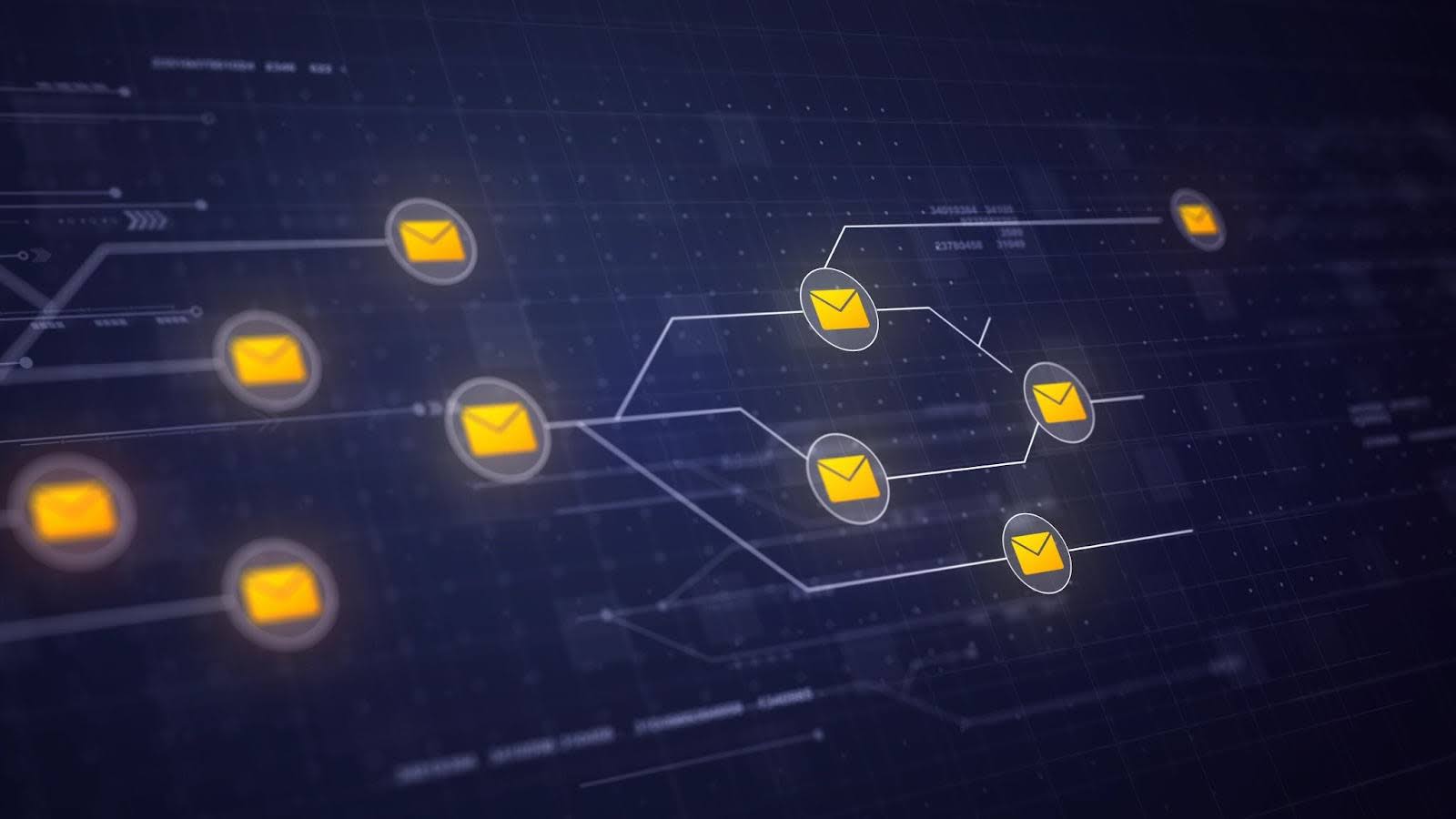 One of the most magical aspects of email marketing is that it can generate sales on autopilot. With email automation, you set up sequences or triggers once, and then they run in the background – nurturing leads, upselling customers, and consistently selling your digital products without you manually sending each email.
Let’s look at two powerful automation setups: evergreen sales funnels and post-purchase workflows.
Evergreen Sales Funnels for E-books, Courses, and Printables
An evergreen sales funnel is an automated email sequence that every new subscriber goes through, designed to convert them into a customer. We touched on this with welcome sequences, but evergreen funnels often go beyond the initial welcome and can be a multi-week sequence leading to a pitch of a specific product. The idea is that no matter when someone joins your list, they get a tailored journey that warms them up and then presents an offer.
For example, say you have a flagship online course or a best-selling e-book. You could create an evergreen funnel like:
- Day 0: Subscriber joins via a lead magnet (e.g. “Free Lightroom Preset Pack”). They’re automatically added to the “Course Funnel” sequence.
- Day 1: Email – Deliver the free preset pack, introduce yourself (the typical welcome email).
- Day 3: Email – Educational content related to the course topic (“5 photo editing tricks to save time”). This builds interest and establishes a need.
- Day 5: Email – More value (maybe a case study of someone who improved their photography skills).
- Day 7: Email – Introduce your paid course on photo editing. Explain what it includes and how it helps achieve the things you’ve been talking about. Perhaps include a limited-time offer or bonus for new students.
- Day 10: Email – FAQ or objection handling for the course (“Don’t have time? Here’s why this course is self-paced to fit your schedule…”). Reiterate bonus or deadline.
- Day 12: Email – Last chance reminder for the offer (“Enrollment bonus ends tonight” or “Only a few hours left for 20% off”).
Anyone who buys the course should be tagged and removed from this funnel (you don’t want to keep pitching them something they already bought – instead, they might go to a customer sequence). Those who don’t buy simply finish the sequence and then move to your general newsletter list for continued nurturing.
Post-Purchase Upsell and Cross-Sell Workflows
Email automation isn’t just for turning leads into first-time customers – it’s also fantastic for increasing the lifetime value of each customer. After someone buys from you, that shouldn’t be the end of your interaction. With a well-designed post-purchase email workflow, you can upsell and cross-sell additional products, turning one sale into two or three.
Here are elements to include in a post-purchase email sequence:
- Thank You & Onboarding Email: Right after purchase, send a thank-you email. This email should deliver the product if it’s a direct download, or instructions on how to access it if it’s a course/membership.
- Product Usage Tips: A day or two later, send an email with tips on using the product they bought. This reduces buyer’s remorse by helping them see value.
- Related Product Cross-Sell: After a short interval (say 3-5 days post-purchase), recommend a related product. Frame it as helpful, not pushy. For instance, “Since you enjoyed our Budget Planner, you might love our Debt Tracker printable set to complement it.”
- Customer Testimonial/UGC and Soft Upsell: Another few days later, share a success story of another customer or some user-generated content (like a photo of how someone used your printable or a quote from a happy student of your course). This reinforces that your products deliver results.
- Feedback Request: After a couple of weeks, send an email asking for feedback or a review. This engages the customer and makes them feel valued. Something like, “How are you finding the Budget Planner? Reply and let me know or leave a review here.”
- Replenishment or New Release Alerts: Depending on your product, if it’s something that has new content regularly (like a monthly template pack, or you frequently release new digital designs), set those customers to get early announcements. They are your best bet for repeat business.
The timing and content can vary, but the principle is: don’t stop communicating after the sale. A buyer is far more likely to buy again than a random subscriber, especially if their experience was great. Use automation to automatically pitch relevant offers. This could significantly increase your revenue. For example, if 30% of customers buy a second product through your post-purchase sequence, that’s a big boost.
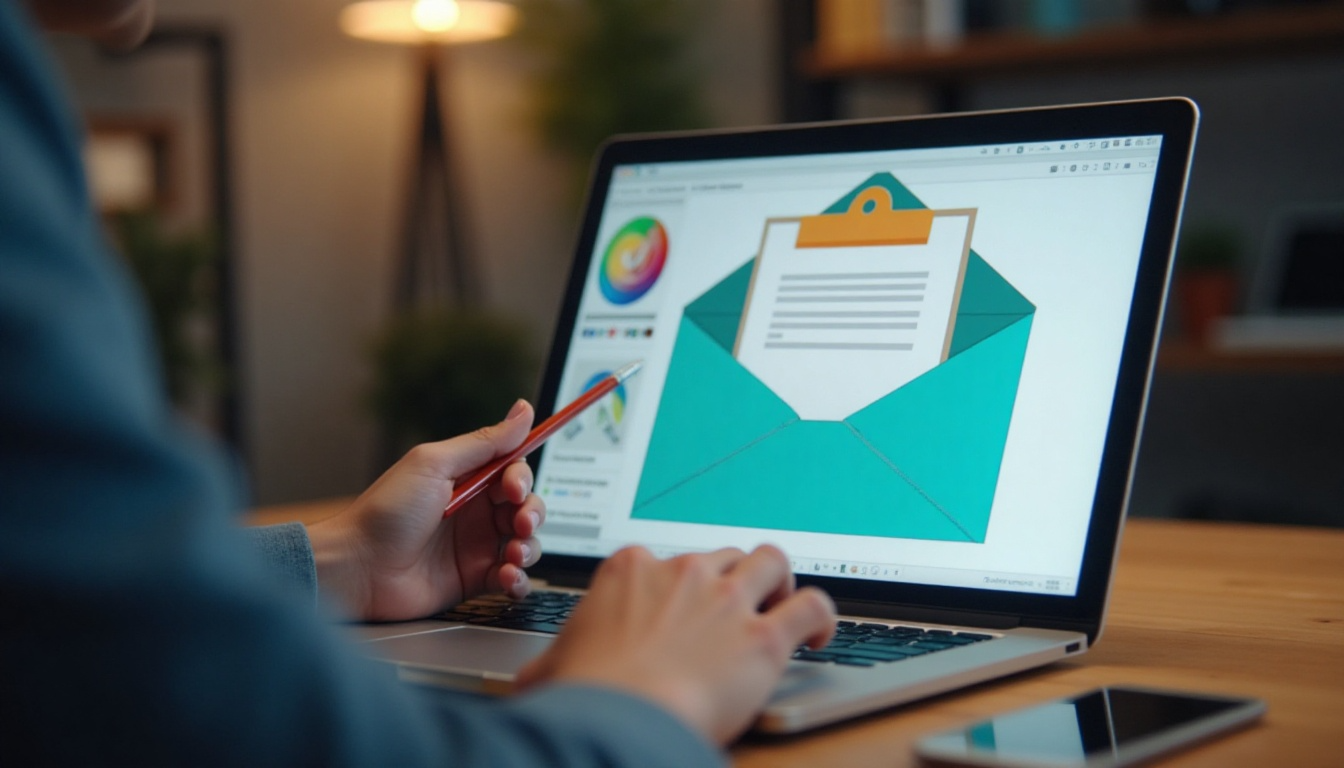 Even if your content and targeting are great, you also want your emails to look appealing and professional. Good email design can improve readability and click-through rates – especially on visual products like e-books, art, or templates, showing them off is key. Here are design tips to make your emails shine (and ensure they work well on all devices).
Visual Mockups, GIFs, and Interactive Buttons
Since you’re selling digital products (which often can be displayed visually), take advantage of imagery in your emails. A block of plain text about your “digital art printable bundle” isn’t as enticing as a beautiful mockup image of those prints framed on a wall. Here’s how to incorporate visuals effectively:
- Product Mockups: Include images of your product being used or in context. If it’s an ebook, show a 3D book cover or a screenshot of a page. If it’s a graphic design, show it applied (e.g., a t-shirt mockup if it’s a design for apparel, or a styled scene of a printable on a desk).
- Animated GIFs: GIFs can be a fun way to add motion and showcase multiple things in one image. For example, an online course seller might include a short GIF previewing clips from the video lessons.
- Before-and-After or Comparison Images: If your digital product leads to a transformation, show it. E.g., if you sell photo presets, include a before vs. after image using the preset. If you sell a resume template, show a generic resume vs. one made with your stylish template. This visual proof can be very persuasive.
- Clear Call-to-Action Buttons: Design a prominent button for the reader to click, e.g., “Download Now” or “View Course Details”. Buttons should be a contrasting color that stands out. Make them large enough to tap on mobile.
- Branding and Layout: Your email design should reflect your brand style to an extent – similar color scheme, logo at the top, etc. But keep layouts simple and clean.
- Responsive Images: If you code emails or use a template, ensure images are responsive (scaling down on small screens). Many email builders handle this automatically. The key is testing – send a test email to yourself and check it on both desktop and phone to see that images resize nicely and text is legible.
Visual emails can really showcase digital products in their best light. For instance, if you’re promoting an “email funnel for e-books” guide, including an image of a funnel diagram could grab attention. Or if you have an art printable, a vibrant thumbnail of it will draw the eye more than text alone.
In summary, showcase your digital products with compelling visuals and make it easy for readers to act (with clear CTAs). A visually appealing email not only looks professional (building trust) but also helps communicate what your product is and why they should care at a glance.
Mobile-First Layouts and Accessible Design
Designing for mobile first is crucial today. Over half of all emails are opened on mobile devices, so if your email doesn’t look good on a phone, you risk losing a chunk of your audience. Additionally, practicing accessible design ensures that all subscribers, including those with disabilities, can understand your message.
Here’s how to optimize for mobile and accessibility:
- Responsive Template: Use an email template that is mobile-responsive (most modern ESPs provide this). This means elements stack and resize for smaller screens. Single-column layouts are generally the safest bet. Avoid side-by-side columns that can get squished on mobile.
- Short Headlines and Paragraphs: On a phone, a headline that’s too long might wrap awkwardly. Keep subject lines and headers concise. Similarly, large blocks of text look even larger on mobile – stick to short paragraphs (1-3 sentences). You’ve probably noticed this guide uses short paragraphs to enhance readability.
- Readable Font Sizes: Ensure your font sizes are legible without zooming. Typically, at least 14px for body text is recommended for emails (some say 16px). And use web-safe, simple fonts for clarity. Fancy script might be on-brand, but if it’s hard to read on a small screen, reconsider using it for body text.
- Touch-Friendly Buttons: As mentioned, make buttons large enough (at least 44px height is an Apple guideline) so that they can be easily tapped with a thumb. Space them out from other links – nobody likes trying to tap one link and accidentally hitting another.
- Alt Text on Images: Always add alternative text to images. This is not only best practice for accessibility (screen readers will read the alt text for visually impaired users), but also helpful in case images don’t load.
- High Contrast Colors: Use text and background color combinations that are easy to read. For instance, dark gray or black text on a white background is classic for a reason. If you use colored backgrounds or buttons, ensure the text on them has enough contrast (e.g., white text on a dark blue button is good; light gray on white is poor).
- Avoiding Spammy Elements: Oddly formatted text can trigger spam filters – like one giant image with little text, or very tiny font, or certain red-colored text etc. While designing, also think: does anything about this look like spam? Stick to a clean, consistent style.
- Test on Real Devices: The best way to ensure mobile optimization is to test. Send test emails to yourself and view them on an iPhone, Android, webmail, etc. See if any images are cut off or if you have to scroll horizontally (which you shouldn’t). Many email services also have preview tools for different devices.
By designing with mobile and accessibility in mind, you ensure everyone in your audience can read and engage with your emails easily. This means higher open rates and click rates. Remember: an email that looks beautiful on your desktop might be a pain to scroll on a phone – always double check the mobile view.
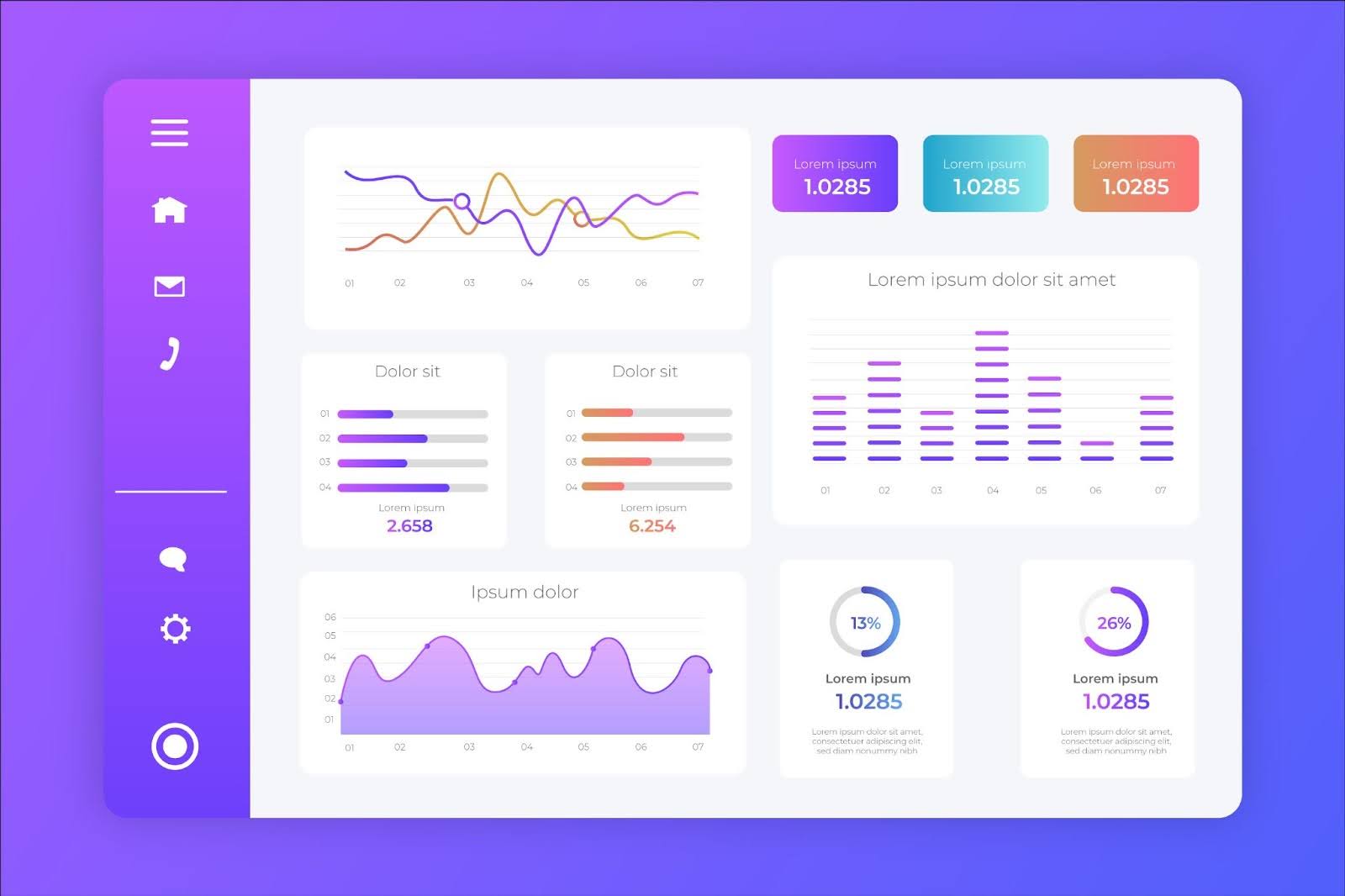 How do you know if your email marketing is actually working? That’s where metrics and optimization come in. By tracking key email performance indicators and running experiments, you can continuously improve your campaigns over time. Let’s go over the core metrics to watch and how to use A/B testing to boost those numbers.
Key Metrics: Open Rate, Click-Through Rate, Conversion Rate
The three most commonly tracked email metrics are Open Rate, Click-Through Rate (CTR), and Conversion Rate. Each measures a different stage of engagement:
- Open Rate: This is the percentage of recipients who opened your email. For example, if you sent to 1,000 people and 250 opened, your open rate is 25%. Open rate mainly indicates how well your subject line and sender name performed, as well as how engaged your list is generally. Average open rates can vary by industry, but often ~20-30% is considered healthy.
- Click-Through Rate (CTR): This is the percentage of recipients who clicked a link in your email. If 250 opened and 50 clicked a link, that’s a 20% CTR of those opened, or 5% of total sent. CTR shows how engaging your email content was and if your call-to-action enticed people.
- Conversion Rate: This goes a step further – of those who clicked, how many actually completed the desired action (purchase, sign-up, etc.)? If 50 clicked and 5 purchased, and your send was 1000, your conversion rate is 0.5% of total sent (or 10% of those who clicked).
Other metrics to keep an eye on include Bounce Rate (emails that couldn’t be delivered, which you want to minimize by keeping your list clean), Unsubscribe Rate (if a particular email causes many unsubscribes, analyze why – was it off-topic or too frequent?), and Spam Complaint Rate (should be very low; high complaints are a red flag for content or targeting issues and can harm deliverability).
It’s good practice to set up goals or tracking in your analytics for email conversions. For instance, if you use Google Analytics, tag your email links with UTM parameters so you can see how much revenue or signups came from each email campaign.
A/B Testing Subject Lines, Content Blocks, and CTAs
 If you want to systematically improve your email results, A/B testing is your friend. A/B testing (also known as split testing) means sending two variants of an email to see which performs better. By testing one element at a time – such as the subject line, or a particular content block – you can identify what your audience responds to best and then use that insight in future emails.
Here’s how to use A/B testing in email marketing:
- Subject Line Tests: This is the easiest and often most impactful test. Take a small portion of your list (say 20% of recipients) and split it in half. Send Subject A to one half and Subject B to the other. After a few hours, see which subject got a higher open rate. The winning subject line then gets used to send to the remaining 80% of the list.
- Content Block Tests: You can experiment with the content inside the email too. Perhaps test two different layouts – one with a big hero image at top versus one with a text intro first. Or test including a customer testimonial blurb vs. leaving it out.
- CTA (Call-to-Action) Tests: Try different wording or colors for your main CTA button. “Buy Now” vs “Shop Now” vs “Get the E-book” – which drives more clicks? Button color might seem minor, but a bright contrasting button could draw more clicks than a subtle one.
- Send Time Tests: Another useful thing to optimize is what time or day you send emails. Some audiences might be more active in the evenings, others on weekend mornings, etc. Try sending the same email at two different times to equal segments and see which gets better engagement.
- Offer Tests: For promotional emails, you could even test different offers. For instance, does “10% off” vs “$5 off” yield more sales? If your list is large enough, you can split it and find out. Be careful to not confuse subscribers with multiple offers; ensure each individual only sees one version.
A few pointers for A/B testing: make sure you have a large enough sample size to get meaningful results. If your list is small (say a few hundred people), the differences you see might not be statistically significant. But with a few thousand, you can be more confident. Many email tools have built-in A/B testing features that can automate choosing a winner based on open or click rates.
Also, test one element at a time for clarity. It’s tempting to create two completely different emails and send 50/50 to see which “email” wins, but then you’re left guessing why one won. Was it the headline? The copy? The image? Instead, isolate variables. It’s a slower process but yields actionable insights.
Lastly, continuous optimization is key. What works today might grow stale in a year. Subscriber preferences evolve. Keep testing new ideas periodically.
 Email is a powerful standalone channel, but it becomes even more effective when combined with your other platforms like social media and online marketplaces (Etsy, Shopify, etc.). By integrating and coordinating your efforts, you create a cohesive marketing machine where each channel amplifies the other.
Here’s how to weave social proof and marketplace activity into your email strategy.
Using Social Proof and UGC in Email Content
Social proof is the idea that people are influenced by seeing others using or endorsing a product. In the context of email, incorporating social proof can boost credibility and conversion. This often comes in the form of user-generated content (UGC), reviews, or community highlights.
Some ways to do this:
- Highlight Testimonials or Reviews: If your digital product has reviews on your site or a marketplace, feature a glowing snippet in your emails. This reassures readers that others have purchased and loved your product. It’s especially useful in promotional emails to address the trust barrier.
- User-Generated Images: If customers share photos or screenshots of them using your digital product (like a beautiful artwork they made with your Procreate brushes, or a snapshot of their desk with your printable planner in use), ask permission to share those in your emails.
- Social Media Shoutouts: Did someone tweet about your e-book or tag you in an Instagram story praising it? Embed that! Many email tools allow you to insert a tweet or you can screenshot a social post and include it.
- Numbers as Proof: If you have impressive stats, mention them. “Join 10,000+ subscribers using our Lightroom presets to level up their photos” – this indicates a community and that your product is popular.
- Include Media Mentions or Badges: If your product was featured on a reputable site or you have credentials, integrate that. E.g., “Featured in Shopify’s blog” or a badge like “Top Seller on Etsy”. These external validations can increase trust among your email readers.
In your email content, social proof can be a small section – like a sidebar, a quote, or a P.S. at the end saying “P.S. 500 students have already completed this course with great results!” Don’t underestimate how this can sway someone who’s on the fence.
Including community content makes your emails feel less like a sales pitch and more like a conversation among users. It builds a sense of community around your brand, which is invaluable for retention.
Syncing Email Offers With Etsy, Shopify, and TikTok Shop Launches
If you sell on marketplaces like Etsy, Shopify, or TikTok Shop, it’s important to synchronize your email marketing with your activity on those platforms. Think of email as the communication bridge that drives traffic and sales to where your products actually live.
Here are strategies for integration:
- Announce Marketplace Product Launches: Whenever you launch a new product or collection on Etsy or Shopify, announce it to your email list at the same time (or even give subscribers early access). For example, “Our new Fall printable bundle is now live on Etsy!” with direct links. If you use MyDesigns’ Bulk Publish feature to easily push products to multiple marketplaces, coordinate that schedule with your emails.
- Exclusive Email-Subscriber Coupons: Create special coupon codes on your Shopify or Etsy store just for your email subscribers. For instance, a “EMAILVIP” code for 20% off. Share that in your newsletters. This not only rewards your loyal readers but also lets you track how many sales came via email (by seeing code usage).
- Align Social and Email Promotions: If you plan a campaign on social media – say a hashtag challenge on TikTok or a flash sale you’re promoting on Instagram – reinforce it with email. Not all your email subscribers follow you on every social platform, and vice versa. By echoing the campaign in email, you ensure maximum reach.
- Integrate with TikTok Shop Drops: TikTok has become a marketplace where products can go viral quickly. If you have a TikTok Shop, whenever you “drop” a new digital product there, email your list with a direct link to purchase. You could even create urgency by saying “Our TikTok followers are already grabbing this – get yours now!”
- Cross-Promote Content: Your emails can drive engagement across channels. For example, highlight an interesting discussion or review from your Etsy store in an email (“One customer said this about our template on Etsy…”). Or invite your email subscribers to follow you on other platforms for more content.
- Use Integrations and Tools: Many email platforms offer integrations with Shopify and other e-commerce tools. This can enable things like automated emails when a Shopify product is back in stock, or pulling in product images and prices directly into an email. If you’re using MyDesigns to manage listings, it integrates with Etsy/Shopify, etc., so keep your product info synced and use that in crafting your emails.
The idea is to ensure your audience gets a consistent message. If you’re running a sale on Etsy, subscribers should know about it. If a customer’s favorite product sells out on Shopify, maybe your email announces a waitlist or alternative.
Integrating email with other platforms also helps in case any single platform’s reach declines. Social algorithms can change (one day your posts reach thousands, the next day far fewer), but if you’ve captured those followers on your email list, you can still reach them. Similarly, changes in Etsy search or TikTok trends won’t hurt as much if you have a direct line via email.
 All the email marketing efforts will fall flat if your emails don’t reach the inbox or if you run into legal issues. That’s why understanding email compliance and deliverability is essential. You want to follow the rules (to avoid fines and trust issues) and optimize for inbox placement (so your beautifully crafted emails aren’t lost in spam).
Let’s cover the basics of staying compliant and keeping a good sender reputation.
GDPR, CAN-SPAM, and Opt-Out Management
There are laws and regulations that govern email marketing, and as a sender, you need to be aware of them:
- CAN-SPAM (United States): This law requires certain things for any commercial emails. Key points: you must not use false or misleading header information or subject lines (no spoofing or “RE:Fwd: important” trickery if it’s not actually a reply, for example). You must identify the message as an ad if it is one (usually a simple way is a small “You’re receiving this because you signed up…” in the footer). You must include a valid physical mailing address for your business in every email. And importantly, you must provide a clear way to opt out (unsubscribe) and honor opt-outs promptly.
- GDPR (European Union): The GDPR is more stringent about consent and data privacy. If you have subscribers in the EU (which you likely might, given digital products can be sold globally), you need to ensure you obtain explicit consent to email them. No pre-checked boxes for subscribing; the user must actively opt in. They also have rights to their data (you should delete them from your list if they request, etc.). Additionally, GDPR requires that if someone from the EU unsubscribes or asks to be forgotten, you comply fully. It’s good practice to have a privacy policy and to be transparent about how you use subscriber data. If you’re using an opt-in form, make it clear what signing up entails (e.g., “Sign up to receive our newsletter and product updates”).
- Other Regions: Canada has CASL (similar to GDPR in requiring explicit consent), and other countries have their own laws. When in doubt, follow the strictest common practices which cover most: get clear consent, only email those who agreed, always allow opting out, and handle personal data responsibly.
- Opt-Out Management: Always include an unsubscribe link in your emails, usually in the footer. Many marketers phrase it politely like “Unsubscribe” or “Manage your email preferences” if you allow partial opt-down options. Make sure the unsubscribe process is straightforward – one or two clicks max, and no login required.
- Content Compliance: Apart from legal text, also be mindful of content that could accidentally violate rules. For example, GDPR considers some data sensitive; you wouldn’t want to email about something like health conditions without consent. For most digital product sellers, this won’t be an issue, but just be mindful if your niche overlaps with sensitive personal data, politics, etc. Always err on the side of privacy and respect.
Staying compliant isn’t just about avoiding fines – it’s about building trust with your audience. When subscribers see you respect their inbox, they are more likely to trust your brand.
One more thing: email preferences. As your list grows, you might offer options instead of a full unsubscribe. For example, maybe someone only wants to hear about big product launches but not weekly tips. You can have a “manage preferences” where they can choose frequency or types of emails. This can save some unsubscribes by giving subscribers control. However, that’s an advanced nice-to-have; the core is an unsubscribe option at minimum.
List Hygiene, Sender Reputation, and Spam Filter Avoidance
Even if you follow the rules above, you need to ensure your emails actually land in the inbox and not the spam folder. This is where deliverability best practices come in:
- List Hygiene: This means keeping your subscriber list clean and up-to-date. Remove invalid emails (hard bounces) immediately. Most email platforms auto-remove hard bounces (e.g., an address that doesn’t exist). Also monitor for soft bounces (temporary issues like a full mailbox). If someone soft bounces repeatedly over several campaigns, consider suppressing them.
- Sender Reputation: ISPs (like Gmail, Yahoo, etc.) build a reputation score for your sending domain and IP based on how recipients interact with your emails. If too many people delete your emails without reading, or mark them as spam, your reputation drops and more of your emails start going to spam automatically. To maintain a good reputation: only email people who want it (we covered that), send relevant content, and don’t send too often to the point of annoyance.
- Authenticate Your Email Domain: This is a technical but important point. Set up SPF and DKIM for your sending domain, and consider DMARC. In simpler terms, these are like putting a verified signature on your emails that tells recipient servers “Yes, this is legitimately sent by MyDomain.com and not a spoof.” Most email service providers guide you through this setup.
- Avoid Spammy Triggers: Spam filters look at content too. Some tips:
- Don’t use excessive ALL CAPS or lots of “!!!” or spam trigger words (“free money”, “Viagra”, etc. – obvious ones to avoid). A few marketing words like “free” are generally fine, but the overall email should not read like a scam.
- Having a good balance of text to images (spam emails often are just one big image or all text with random formatting).
- Make sure your From name/email is consistent and trustworthy – ideally use your brand name or personal name + brand. E.g., “Alice from MyDesigns” rather than a random Gmail address. A from address that is a business domain (like alice@mydesigns.io) looks more legit than alice123@hotmail.com for business emails.
- Check your email through spam check tools (some email services have a “spam score” tool). They’ll highlight any content that might be problematic.
- Don’t use excessive ALL CAPS or lots of “!!!” or spam trigger words (“free money”, “Viagra”, etc. – obvious ones to avoid). A few marketing words like “free” are generally fine, but the overall email should not read like a scam.
- Monitor Deliverability Metrics: Keep an eye on your open rates for major email clients – if you see Gmail open rates suddenly plummet but others are fine, it could mean Gmail is filtering you. Also watch bounce and complaint rates. Industry benchmark for complaint (spam report) rate is usually under 0.1% of sends – if you go higher, that’s a warning sign.
- Warm up if needed: If you’re new to sending or migrating to a new email platform, don’t send to your entire list of 50k at once on day one. Warm up the IP/domain by sending to smaller batches, especially the most engaged subscribers first, so you build a positive engagement history. Many providers handle this warm-up automatically.
Deliverability can feel technical, but for a beginner following best practices, it usually isn’t a huge issue. Use confirmed opt-in, don’t send junk, and you’ll be ahead of most bad actors. But as you grow, pay attention to these factors. It’s heartbreaking to craft a perfect campaign and then realize half your list didn’t see it because it went to spam.
Lastly, consider using a reputable email service (which basically all are nowadays). They have teams and infrastructure to help maintain high deliverability. Your job is mainly to not sabotage it by emailing people who didn’t ask for it or being sloppy with content.
In summary, treat your subscribers’ inboxes with respect: send wanted, valuable emails and follow the rules. This keeps you in the clear legally and keeps your emails landing front and center where they belong.


Leave a Reply