


If you want to sell a booklet without warehousing boxes in your garage, print on demand booklet workflows are the move. But most people pick a printer first and think about margins, design speed, and listing workflow second. That is backwards. I have seen sellers burn weeks perfecting a booklet product only to realize the offer was too custom, too slow to launch, or too annoying to scale.
Here is the better way to think about it. Your real advantage is not just printing one booklet on demand. It is building a system that lets you test booklet ideas fast, package them cleanly, and launch more offers than the next seller.
Key Takeaways
- A print on demand booklet works best when the content is niche and the production spec stays simple – fewer variables means fewer costly mistakes.
- Your margin is decided before you publish the listing – page count, binding choice, and shipping expectations matter more than most beginners think.
- Speed matters – the seller who can create covers, mockups, and listing assets fast usually tests more offers and learns faster.
- MyDesigns fits the front half of the workflow well – design generation, visuals, and publishing speed are where most booklet sellers lose momentum.
Table of Contents
- What a print on demand booklet really is
- The best booklet ideas are narrow, useful, and easy to explain
- How I would design a print on demand booklet for margin
- Manual work kills this model fast
- How I would launch a booklet offer in 2026
- A lot of old POD advice is useless now
- Frequently Asked Questions
What a print on demand booklet really is
A print on demand booklet is exactly what it sounds like: a short-form printed product that gets produced only when someone orders it. Think planners, workbooks, mini guides, onboarding handbooks, church programs, event booklets, recipe collections, training manuals, or educational packets.
The opportunity is not that booklets are magical. The opportunity is that they sit in a sweet spot between a cheap digital file and a full book project. They are faster to create, easier to test, and often easier for a buyer to justify on impulse.
Where booklets win
- Shorter production time compared to full books
- Clear buyer use case if the topic solves one specific problem
- Gift and event potential for weddings, classrooms, teams, and local organizations
- Good upsell path into printable files, matching merch, or expanded versions
If you already sell digital products, booklet offers can also bridge the gap between low-ticket downloads and more premium physical products.
Where booklets fail
Most booklet offers fail for boring reasons. The topic is too broad. The design is too generic. The seller picks too many print options. Or the margin disappears because shipping and page count were an afterthought.
I have watched sellers overbuild these products like they are launching a premium hardcover line. Bad move. A booklet product should feel easy to buy and easy to fulfill.
If your idea is solid, the bottleneck is usually asset creation.
That is why I push sellers toward a faster creation stack. MyDesigns helps you generate design concepts, build visuals, and move from idea to listing without the usual stop-start chaos.
The best booklet ideas are narrow, useful, and easy to explain
If I were choosing a print on demand booklet niche today, I would not start with “something inspirational” or “something cute.” I would start with a buyer problem that can be packaged into 12 to 40 pages. Because that is what converts.
Examples I would test first
- Kids activity booklets for a very specific age range
- Wedding planning mini booklets
- Church or ministry study booklets
- Training and onboarding booklets for small businesses
- Recipe and meal planner booklets tied to a niche diet
- Event guides, tour booklets, or local experience packs
The stronger the use case, the less you need to “sell” the product. That is the whole game. If you need inspiration on adjacent physical products, look at what is already working in print on demand books or explore categories inside the MyDesigns product catalog.
One thing I would avoid is trying to make the booklet appeal to everyone. Broad products feel safe, but safe usually means invisible.
A solid booklet idea still loses if the listing looks flat.
Use sharper mockups and cleaner presentation so buyers understand the format fast. That is one reason sellers lean on MyDesigns product visuals instead of hacking everything together manually.
How I would design a print on demand booklet for margin
This is where sellers either build a business or build themselves a headache. Margin in a print on demand booklet offer comes from simplicity. Not cleverness. Not overdesign. Simplicity.
The page count math people ignore
Every extra page eats into margin. Every premium paper upgrade changes the equation. Some providers also require booklet page counts to align with specific production constraints, which is why you will often see guidance around signatures or page-count increments.
Before you get emotionally attached to a concept, run the boring math:
- Print cost at your target page count
- Shipping cost in your primary market
- Marketplace fees if you are selling on Etsy, Shopify, or elsewhere
- Refund or damage cushion
- Expected conversion rate based on listing quality
If the margin only works when everything goes perfectly, the offer is weak.
Cover design rules that matter
A booklet cover has one job. Make the purpose obvious in two seconds or less. This is why I prefer direct headline logic over artistic mystery. Pretty is nice. Clear is better.
If I were building this with MyDesigns, I would use Dream AI for concept generation, Canvas for layout refinement, and product visuals to pressure-test whether the booklet looks credible before I ever publish the listing.
I would also create at least three cover angles. One safe. One bolder. One niche-specific. I have seen the third option win more often than people expect.
Manual work kills this model fast
Here is the contrarian take. The hardest part of a print on demand booklet business is usually not the printing. It is the repetitive creative labor around it.
You need covers. Mockups. Listing images. Copy variations. Maybe matching digital files. Maybe multiple marketplace versions. If you do that one-by-one, you will convince yourself the niche is bad when the real problem is your workflow.
This exact bottleneck is why we built speed into MyDesigns in the first place. Once you can generate ideas, create assets, and organize listings in one stack, testing gets much easier. That is also why I recommend learning from adjacent workflows like bulk uploading products to Etsy and using tools like Bulk Publish or Listing Management.
The seller who launches 10 tests usually beats the seller polishing 1 idea.
Use MyDesigns to create faster, organize faster, and publish faster. That is how you learn what buyers actually want before someone else does.
How I would launch a booklet offer in 2026
If I were starting from zero today, this would be my exact move.
My launch stack
- Choose one narrow audience with an immediate use case.
- Create three cover directions and one internal layout system.
- Build mockups and supporting listing images before the product page goes live.
- Launch on one primary sales channel first, then expand only after getting real feedback.
- Bundle smart by pairing the physical booklet with a digital version, template pack, or matching printable.
- Track which angle converts, then clone the structure into related niches.
That last point matters. The real payoff is not one winning print on demand booklet. It is the repeatable template behind it.
If you are selling across marketplaces, tools like Multi-Product Publishing and Shops & Integrations help once you know the concept is working.
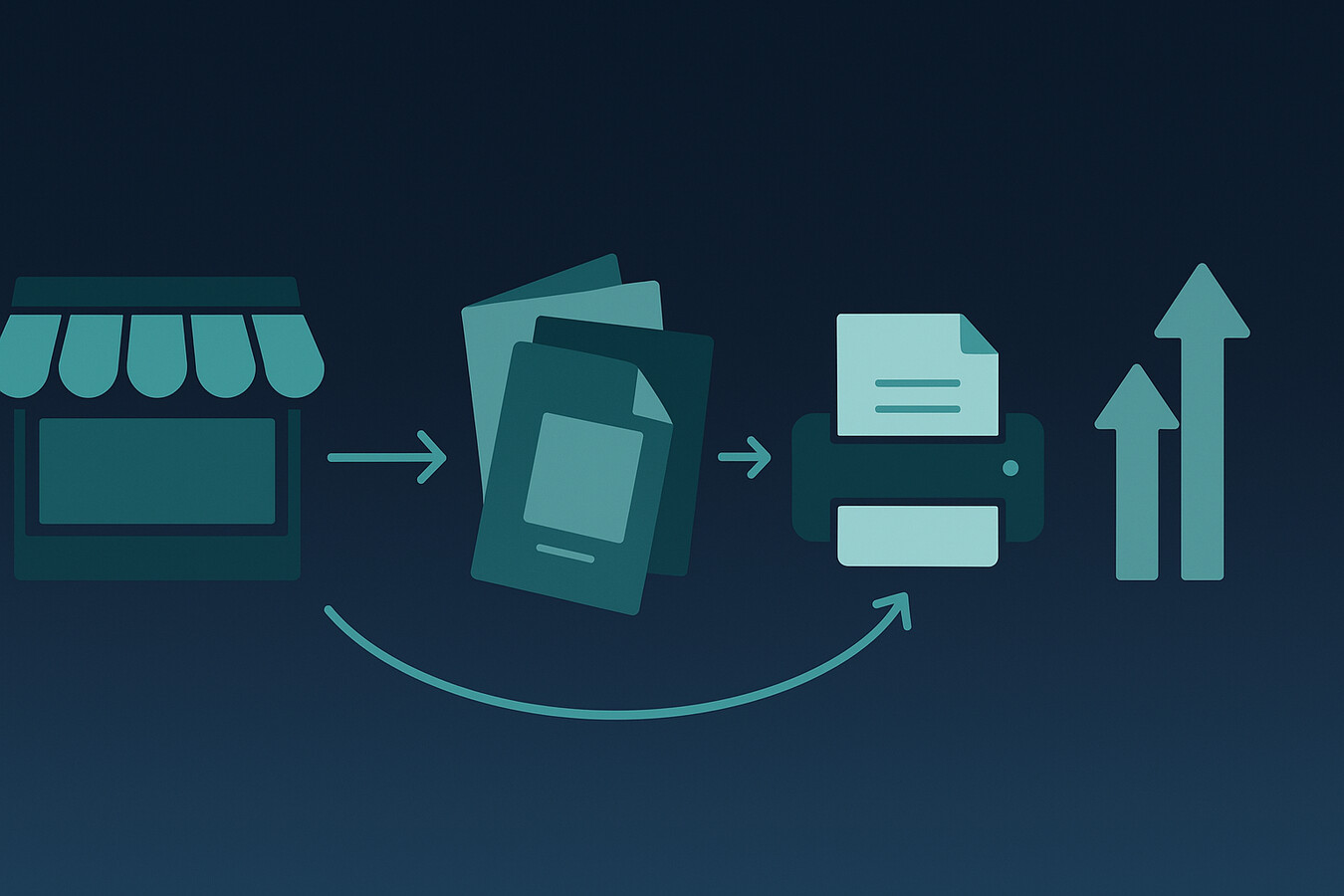
You do not need more ideas. You need a faster launch loop.
MyDesigns gives you the design, mockup, and publishing stack to turn one booklet concept into multiple live tests without drowning in repetitive work.
A lot of old POD advice is useless now
Old print on demand advice tells you to be patient, manually validate slowly, and “focus on quality” as if speed and quality are opposites. I do not buy that anymore.
The real edge now is operational speed. Better research. Better design systems. Better testing. Better asset production. AI did not remove the need for taste. It just punished slow execution.
That is the shift most sellers still have not internalized. The winner is not the most artistic seller. It is the seller with the clearest offer and the fastest feedback loop.
If your print on demand booklet offer is strong, launch it. If it is weak, tighten the niche and simplify the execution. Do not hide behind endless preparation.
Frequently Asked Questions
+ What is a print on demand booklet?
A print on demand booklet is a short printed product that gets produced only after a customer places an order. It is commonly used for guides, planners, workbooks, event materials, and other low-page-count products.
+ Are print on demand booklets profitable?
They can be profitable if the niche is specific and the production specs stay simple. Profit usually depends on page count, shipping cost, perceived value, and how efficiently you create listing assets.
+ How many pages should a print on demand booklet have?
The right page count depends on the use case and printer requirements, but many strong booklet products stay lean. Shorter formats are often easier to price, easier to produce, and easier for buyers to understand.
+ Where can I sell a print on demand booklet?
You can sell a print on demand booklet through your own store, selected marketplaces, or niche direct channels. I generally recommend starting with one primary sales channel, validating demand, then expanding once the offer is working.
+ How does MyDesigns help with booklet products?
MyDesigns helps on the creation and launch side of the workflow. You can speed up design generation, mockups, listing assets, and publishing operations so testing booklet ideas takes less time and less manual effort.
<script type=”application/ld+json”>


Leave a Reply