


If your wall art mockups look generic, your listing usually gets treated like generic wall art. That is the real problem a canvas mockup generator solves.
I have watched sellers spend hours moving the same design between Photoshop files, resizing frames manually, and exporting scene after scene just to test one canvas concept. It feels productive. It is not. It is slow, inconsistent, and expensive in the one place that matters most: launch speed.
If I were selling canvas prints on Etsy or Shopify right now, I would treat mockups like a conversion system, not a design afterthought. In this guide, I’ll show you what actually makes a canvas mockup generator useful, where most sellers waste time, and how I’d build a faster workflow with MyDesigns so one design can turn into multiple polished listing assets without the usual bottleneck.
Key Takeaways
- A canvas mockup generator is a growth tool, not just a design tool – better presentation usually means better click-through rate and more confident buyers.
- Speed matters more than perfection at the start – the seller who tests five strong scenes usually beats the seller polishing one scene all afternoon.
- Good canvas mockups need room realism, scale cues, and clean framing – flat or badly proportioned previews kill trust fast.
- The best workflow is bulk-first – create mockups, pair them with SEO-ready listings, and publish while momentum is still high.
Table of Contents
- What a canvas mockup generator should actually do
- How good canvas mockups increase clicks and conversion
- Features I would look for in a canvas mockup generator
- How I would create canvas mockups faster in MyDesigns
- Common canvas mockup mistakes that make listings look cheap
- Best scenes for selling canvas prints on Etsy and Shopify
- Canvas mockup generator vs manual design work
- Frequently Asked Questions
What a canvas mockup generator should actually do
A canvas mockup generator should help you present artwork in a believable setting fast enough that testing multiple concepts feels easy. That is the bar.
Most sellers think the goal is to make one image look pretty. I think that mindset is outdated. The real job is to help buyers imagine the piece in their home, understand the scale, and feel safe enough to click through or buy. If the tool does not help with those three things, it is just busywork with a nicer interface.
Why canvas mockups are different from shirt mockups
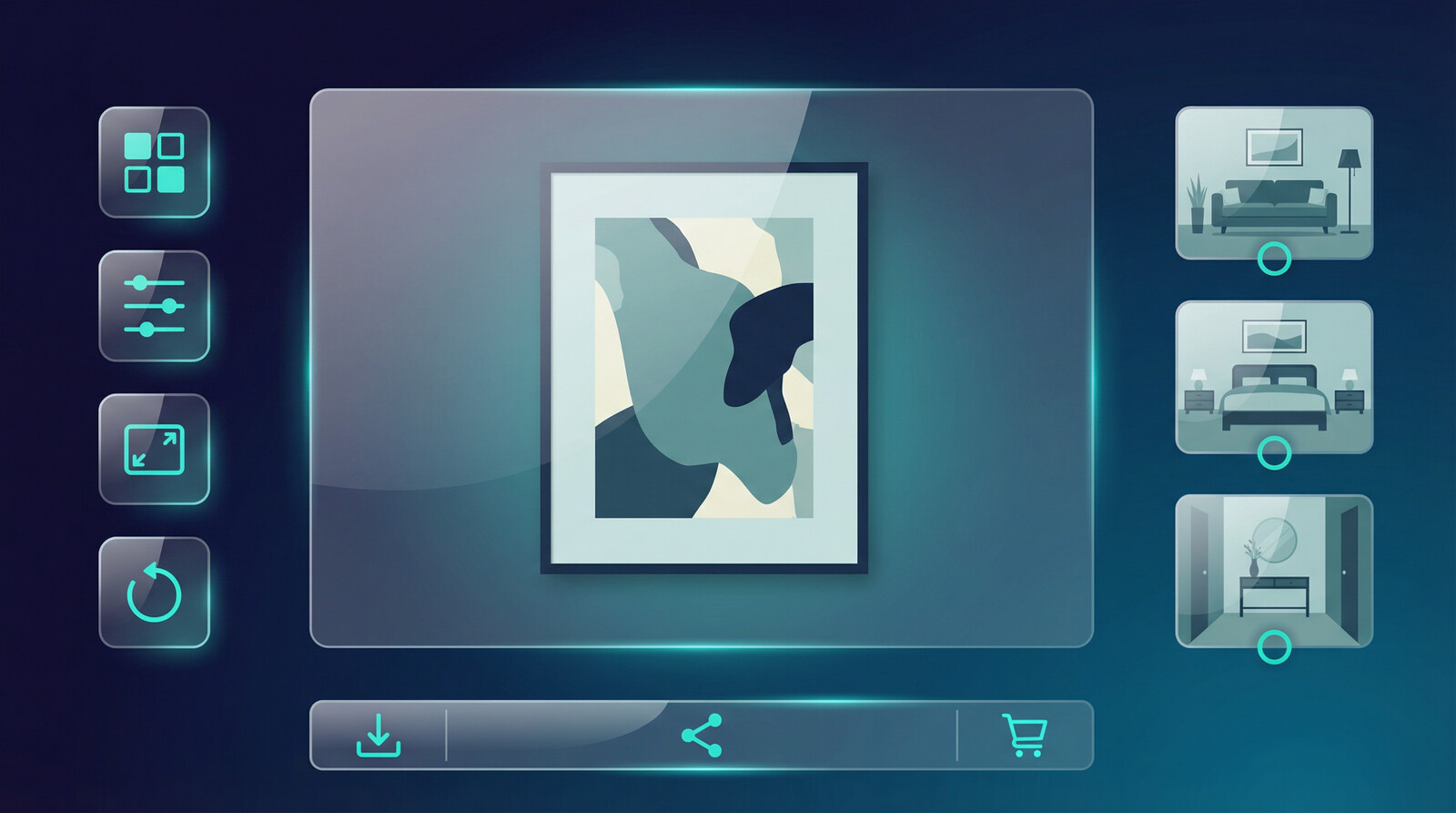
Canvas is more sensitive to context. A shirt can sell on a plain background because buyers already understand how a shirt fits into life. Wall art is different. Buyers need environmental cues. Room style. Distance. Furniture. Empty wall space. A sense of proportion.
That is why I like canvas workflows that can move between modern interiors, neutral lifestyle scenes, and clean product-only views without making you rebuild everything from scratch.
The real job of the image
Your mockup is doing at least four jobs at once:
- stopping the scroll
- signaling quality
- communicating size and placement
- making the design feel finished and giftable
If you are also selling across marketplaces, that image needs to survive different crops and thumbnail sizes too. Etsy search results, Pinterest pins, and Shopify collection pages all compress visual information differently. Etsy’s own guidance on listing photos reinforces how much image quality shapes buyer confidence.
If your art deserves better than flat previews, fix the mockup bottleneck first.
MyDesigns lets you generate cleaner product visuals faster so you can test more canvas concepts before your competitors even finish exporting one scene.
How good canvas mockups increase clicks and conversion
I do not think most canvas sellers have an art problem. They have a merchandising problem.
A strong canvas mockup generator helps you merchandise the same design in multiple buying contexts. Minimal apartment. Cozy living room. Nursery. Office. Entryway. The product has not changed, but the customer story has. That matters because buyers do not purchase files. They purchase a feeling of fit.
What buyers need to see before they trust your art
In practice, buyers want answers to simple questions:
- Will this style match my space?
- Will the size feel right on my wall?
- Does this look premium or cheap?
- Can I picture it in a real room?
That is why I strongly prefer mockups that show clean lighting, believable wall placement, and enough negative space around the canvas. Overdecorated rooms can actually hurt the sale because the buyer ends up shopping the room instead of the art.
If you want extra validation, Shopify’s product photography guidance and Google Trends both point to the same reality: visual presentation shapes demand capture, especially in product-led searches where thumbnails carry the click.

Features I would look for in a canvas mockup generator
There are a lot of tools that can technically place art into a frame. That does not mean they are good for sellers.
If I were choosing a canvas mockup generator today, here is what I would care about:
- real scene variety instead of twenty near-duplicate rooms
- fast replacement so one design can flow through multiple scenes quickly
- consistent aspect handling so your art does not get warped
- bulk output for catalog expansion
- direct listing workflow support so mockups connect to publishing, not just downloads
Scene variety beats one perfect room
This is where a lot of sellers get trapped. They spend too much time polishing one ideal scene. I would rather have three strong room contexts and one simple close-up than one masterpiece mockup. Because it works. Period.
The market rewards testing velocity. If one boho living room scene underperforms, you want the option to shift to a clean Scandinavian office scene the same day.
Bulk speed wins
This is the contrarian point that matters: the best canvas mockup generator is not the one with the fanciest interface. It is the one that keeps you launching. I have seen sellers lose an entire week to design polish when they should have been shipping listing volume.
That exact bottleneck is why we built Product Mockups, Multi-Product Publishing, and Listing Management into the same ecosystem. Mockups should feed listings. Listings should feed launches. Not sit in a download folder waiting for motivation.
The problem is not making one good canvas mockup. It is making 20 of them before lunch.
MyDesigns is built for output. Create better visuals, organize listings, and move into publishing without bouncing between disconnected tools.
How I would create canvas mockups faster in MyDesigns
If I were starting from zero today, this would be my exact move.
- Choose 3-5 canvas concepts with proven style demand. Abstract neutrals, family-name pieces, nursery art, and seasonal giftable wall art all have clear buyer intent.
- Create the artwork and keep dimensions organized from the beginning.
- Use mockup scenes that show different buyer environments instead of minor variations of the same room.
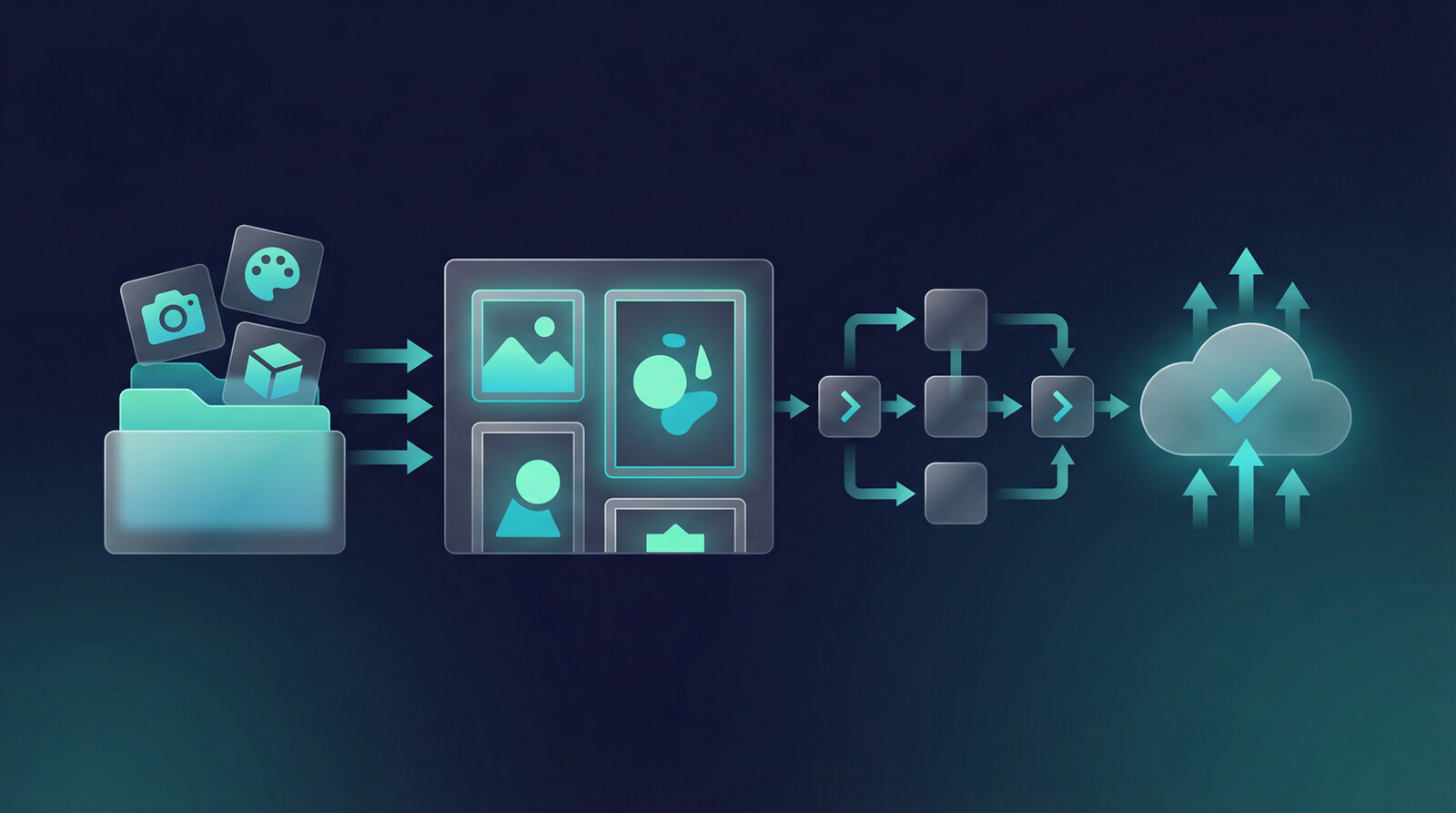
- Generate listing-ready visuals in batches.
- Pair the mockups with SEO-aware titles, tags, and descriptions.
- Publish fast enough to learn which style actually gets clicks.
That is where Canvas, Vision AI, and Bulk Publish become useful together. The tool stack matters less than the handoff speed between steps.
If you are selling across more than one store, I would also keep a close eye on how mockups translate into a broader publishing workflow. This is the same reason I often recommend sellers read our guides on how to bulk upload products to Etsy and how to make Etsy mockups right after dialing in product visuals.
Do not stop at the image. Turn the image into a live product while the momentum is still there.
Register for MyDesigns if you want one workflow for mockups, listing creation, and publishing instead of a pile of disconnected tabs.
Common canvas mockup mistakes that make listings look cheap
I see the same mistakes over and over:
- the artwork is too small for the wall, so buyers cannot evaluate it
- the room is so busy the art becomes background noise
- shadows and perspective look fake
- the canvas ratio is stretched to fit the frame
- every listing image uses the exact same scene
Look, I get why this happens. Sellers are trying to move fast. But there is a difference between moving fast and looking rushed.
One seller pattern I have watched repeatedly is this: they build nice artwork, then undermine it with weak presentation. Their thumbnail does not show enough of the actual piece, their secondary image gives no scale reference, and their final listing set looks copied from a template pack. The result is low trust, not low talent.
If you want a cleaner baseline, use one hero room scene, one tighter crop, one neutral context scene, and one scale-oriented preview. That mix usually outperforms four random room images.
Best scenes for selling canvas prints on Etsy and Shopify
The best scene depends on the buyer and the art category, but I generally like these starting points:
| Scene type | Best for | Why it works |
|---|---|---|
| Minimal living room | Abstract art, neutral wall decor | Lets the artwork stay the focus while still feeling real |
| Home office | Motivational, business, modern prints | Signals everyday use and practical placement |
| Nursery or kids room | Name art, playful illustrations, baby gift products | Creates emotional fit fast |
| Close-up texture view | Premium canvas or detail-heavy designs | Adds perceived material quality |
I would not overcomplicate this. Start with scene categories that match buyer intent, then test. Pinterest’s trend data can also help you spot room-style shifts and aesthetic preferences before they flood marketplaces. Their Pinterest Predicts reports are useful for direction, and our guide on the best things to sell on Etsy can help you match product ideas to demand.

When you can test multiple room scenes fast, you stop guessing and start learning.
Use MyDesigns to build better visuals, manage more listings, and launch more products without your mockup process becoming the bottleneck.
Canvas mockup generator vs manual design work
Manual design work is still useful for flagship products, premium brand campaigns, and special launch assets. I am not anti-design. I am anti-bottleneck.
For everyday catalog growth, manual-only mockup production is usually a bad trade. Not because it looks worse. Because it does not scale with the way modern sellers need to operate. The old ecommerce playbook said polish everything before launch. The better playbook now is: get to strong, believable, conversion-friendly visuals fast, then improve based on real market feedback.
That is especially true if you are building a broader print-on-demand business. If that is your lane, you should also read our guides on print on demand for beginners and how to start a print on demand business. Better mockups help, but the real advantage comes from combining better visuals with faster execution.
A canvas mockup generator is worth using when it saves time, improves consistency, and gives you more shots on goal. If it does not do those things, skip it.
Frequently Asked Questions
+ What is a canvas mockup generator?
A canvas mockup generator is a tool that places your artwork into realistic wall art scenes so buyers can preview how the finished piece might look in a room. For sellers, the best ones also help you create multiple listing images quickly and consistently.
+ Do canvas mockups help Etsy sales?
Yes, better canvas mockups can improve click-through rate and buyer confidence because shoppers can understand the style, scale, and placement faster. They do not fix bad products, but they absolutely improve how a good product is perceived.
+ What makes a good canvas mockup?
A good canvas mockup has believable room context, proper proportions, clean lighting, and enough negative space for the artwork to stand out. It should make the art feel premium without distracting from the product itself.
+ Is a canvas mockup generator better than Photoshop?
For day-to-day listing production, usually yes. Photoshop gives you more control, but a canvas mockup generator is often better when speed, consistency, and batch output matter more than pixel-level customization.
+ Can I use one canvas design in multiple room scenes?
Yes, and you should. Using multiple room scenes helps buyers picture your artwork in different spaces and gives you a stronger image set for marketplaces like Etsy and Shopify.


Leave a Reply