


If you’re searching for a Canva mockup generator, here’s my honest take. Canva is fine for quick one-off visuals. It is not what I would build my product image workflow around if the goal is to launch faster, test more angles, and scale a serious print on demand catalog.
I get why people start there. Canva is familiar, easy, and already sitting in your browser. But convenience and leverage are not the same thing.
Key Takeaways
- A Canva mockup generator works best for casual one-off visuals – it starts to drag when you need lots of listing images fast.
- Mockups affect click-through rate more than most sellers realize – weak visuals kill good products before pricing or SEO can help.
- The real bottleneck is workflow speed – creating one nice image is easy, creating 50 consistent images is where most sellers stall.
- MyDesigns is built for scale, not just design – mockups, listing workflows, publishing, and product expansion all connect in one place.
Table of Contents
What the Canva Mockup Generator Actually Does Well
A Canva mockup generator is useful when you need a fast visual and you do not care much about scale yet. You can drop artwork into a scene, make it look presentable, and get something usable without much learning curve.
That matters for beginners. Speed to first result is important.
Where Canva helps
Canva is solid for a few very specific jobs:
- testing a rough product presentation
- creating a social post or promo graphic
- mocking up a single shirt, mug, or poster quickly
- helping a non-designer get something on screen without friction
I would rather see a new seller use a simple tool and launch than spend three weeks hunting for the perfect stack.
Where Canva starts breaking
The trouble starts the minute your shop needs output, not just design. I have watched sellers make one beautiful listing image in 15 minutes, then spend the next six hours trying to repeat that quality across ten products. That is where the wheels come off.
The Canva mockup generator is not the problem by itself. The problem is building a business on a workflow that does not compound.

If making mockups feels slow now, it gets worse as your catalog grows.
MyDesigns gives you a faster way to build product visuals, organize listings, and stop recreating the same steps every time you launch something new.
Why Most Sellers Outgrow a Canva Mockup Generator Fast
Most advice on mockups is way too focused on aesthetics. Yes, your image needs to look clean. Yes, it needs to fit the product. But the bigger issue is operational.
You are not trying to win a design award. You are trying to build a catalog that gets clicks and can actually be maintained.
Speed is the real problem
If I were starting from zero today, I would judge every mockup tool by one question: how fast can it help me go from design to publish-ready listing set?
Because one mockup is irrelevant. Ten mockups is annoying. A hundred mockups is a real business constraint.
That is why standalone design tools hit a ceiling so fast. They help you create. They do not help you move.
Consistency matters more than creativity
Most sellers think they need more creativity. Usually they need more consistency. Better framing. Better scene selection. Better reuse of winning layouts. The shops that grow do not reinvent every listing image. They systemize what already gets attention.
This is one of the oldest bad habits in ecommerce. People chase novelty when they should be building repeatable creative systems.
The problem is not making one good mockup. It is making 40 of them fast.
That is exactly where MyDesigns helps. You can create product visuals, expand designs across products, and keep your launch pace without turning every listing into a custom art project.
Canva Mockup Generator vs MyDesigns
Here is the clean breakdown.
| Category | Canva Mockup Generator | MyDesigns |
|---|---|---|
| Best for | Quick one-off visuals | Scaling ecommerce and POD workflows |
| Learning curve | Very easy | Easy, with more operational depth |
| Mockup volume | Good for low volume | Built for bulk output |
| Listing workflow | Mostly manual | Connected to listing creation and publishing |
| Best use case | Design presentation | Catalog growth and faster launches |
I am not pretending Canva is useless. It is not. But if your business model depends on product count, speed, and testing, MyDesigns solves the bottlenecks that Canva leaves sitting on your desk.
If you want a broader look at product image workflows, read our product mockup generator guide and how to make Etsy mockups that increase clicks.
Design is only step one. The real win is turning that design into publish-ready products fast.
MyDesigns connects mockups, listing creation, product expansion, and publishing so your output actually compounds.
How I’d Build a Better Mockup Workflow in 2026
If I were building from scratch right now, I would not obsess over finding the prettiest mockup tool. I would build a workflow that keeps me shipping.
Start with products that can win visually
Some products are easier to merchandise well than others. Apparel, wall art, mugs, tumblers, phone cases, and digital products all give you strong thumbnail opportunities. Start where the visual difference is obvious.
If you need ideas, our guides on best things to sell on Etsy, profitable print on demand products, and digital products that sell will give you a better starting point than random inspiration.
Batch your creative instead of designing one by one
This part matters more than people think. Build 3 to 5 winning scene styles, then reuse them. Test different crops. Test a clean lifestyle angle versus a plain product angle. Do not build every mockup from scratch like you are decorating a room.
That is also why AI matters now. Not because it is trendy, because it compresses the time between idea and test. Tools like Dream AI and Product Mockups let you push through the ugly middle part faster.
Publish while momentum is still there
The old playbook was separate tools for design, mockups, SEO copy, and publishing. That stack breaks because every handoff adds drag.
The better play in 2026 is fewer handoffs, more connected workflow. Design, generate visuals, build listing assets, then publish before the energy dies. That is exactly why we built connected tools like Listing Management, Multi-Product Publishing, and Bulk Publish.
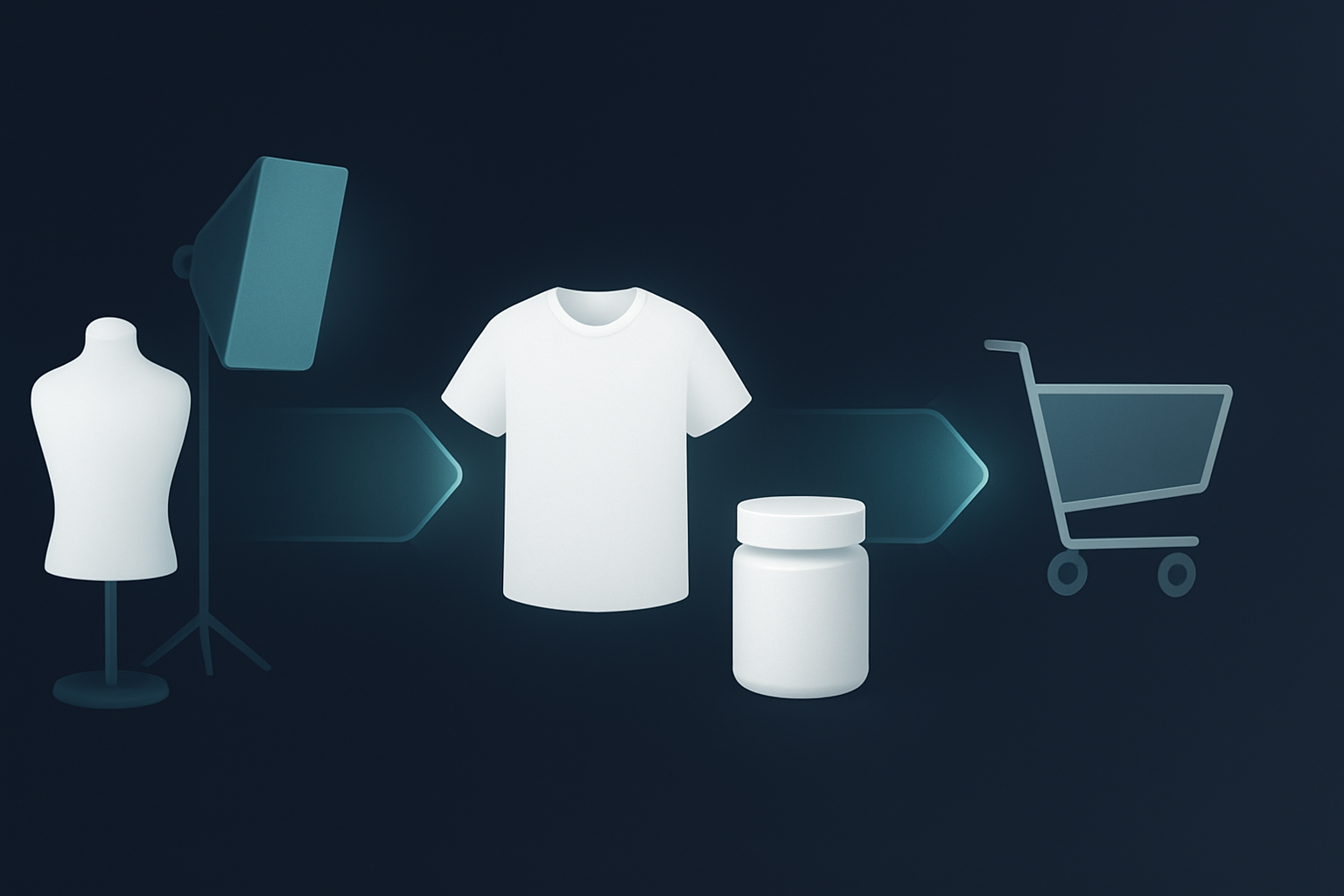
If your workflow breaks between design and publishing, your growth breaks too.
Use MyDesigns to create mockups, organize listings, and push more products live without patching together five separate tools.
What Most Mockup Advice Gets Wrong
Most mockup advice treats visuals like isolated art. That is outdated.
Your mockup is part of a system. It affects click-through rate, conversion, catalog breadth, test speed, and how quickly you can respond to trends. If a tool makes a nice image but slows your operation down, it is not helping as much as it looks.
I am pretty opinionated about this. The sellers who win over the next few years will not be the ones with the most handcrafted workflows. They will be the ones with the cleanest, fastest operating systems.
That is true for print on demand. It is true for digital products. It is true for ecommerce in general.
Who Should Use Canva, and Who Should Move On
Use Canva if:
- you only need occasional visuals
- you are validating a product idea
- you are not launching at volume yet
- you care more about simplicity than workflow depth
Move beyond a Canva mockup generator if:
- you want to scale a POD store
- you are building more than a handful of listings each month
- you need repeatable product image systems
- you want mockups tied to listing and publishing workflows
That is the fork in the road. Canva is a design convenience tool. MyDesigns is an output tool.
And output wins.
Frequently Asked Questions
+ Is Canva good for making product mockups?
Yes, Canva is good for simple one-off product mockups. It becomes less efficient when you need lots of listing images, more product variations, or a faster publishing workflow.
+ What is the best Canva mockup generator alternative?
The best alternative depends on your goal. If you want an ecommerce-focused workflow for print on demand and listing scale, MyDesigns is the better fit because it connects mockups with creation and publishing.
+ Can I use Canva for Etsy mockups?
Yes, you can use Canva for Etsy mockups. Just know that as your shop grows, you will probably want a tool built for faster repetition, cleaner product workflows, and bulk output.
+ Why do mockups matter so much for print on demand?
Mockups shape the first click. If the visual does not stop the scroll or communicate quality fast, shoppers never reach your title, price, or description.
+ Is MyDesigns only for print on demand sellers?
No. MyDesigns is strongest for print on demand, but the same workflow advantages apply to digital products, ecommerce listing creation, and sellers who want to move faster with AI-assisted assets.


Leave a Reply