


Most product titles are either stuffed with keywords or written like cute little captions. Both lose clicks.
A good product title generator should not just spit out a longer title. It should help you turn buyer intent, product details, and search phrases into a title a real shopper can understand in half a second.
That matters more now because Etsy is pushing sellers toward titles that are buyer-friendly and search-ready, not awkward keyword piles. I agree with that direction. Sellers who learn to write clear, searchable titles will beat sellers who keep copying the same old spammy format.
Key Takeaways
- A product title generator is only useful if it starts with buyer intent – the first phrase should match what a shopper is actually trying to buy.
- Readable beats stuffed – repetition makes titles look desperate and can weaken the click even when impressions go up.
- Titles, tags, descriptions, and images need to agree – mixed signals make marketplaces and shoppers work too hard.
- Batch title testing compounds – MyDesigns helps sellers create, organize, and publish more optimized listings without doing every title by hand.
Table of Contents
- What a Product Title Generator Should Actually Do
- My Product Title Generator Framework
- The Etsy Title Generator Rules I Would Follow
- Batching Product Titles Is Where the Money Is
- Connect Titles to Tags, Descriptions, and Images
- The Old Etsy Title Playbook Is Dead
- My Product Title Generator Checklist
- Frequently Asked Questions
What a Product Title Generator Should Actually Do
A product title generator should help you create titles that get found, get understood, and get clicked. If it only gives you a string of keywords, it is doing the easiest part and skipping the part that makes money.
The title sits at a weird intersection. It has to feed search signals, but it also has to survive the human skim. If the shopper cannot tell what you sell from the first few words, you already made the click harder.
The Title Has One Real Job
The real job is simple: make the right buyer feel like they found the right product.
Not every buyer needs every detail. A shopper searching for a personalized dog mom sweatshirt needs product type, audience, personalization, and style. They do not need the word sweatshirt repeated three times.
I like Etsy’s own push toward clearer listing titles because it matches what I see in real shops. Titles that sound human tend to make better thumbnails feel even stronger. Titles that sound like a keyword spreadsheet create friction.
Why Keyword Stuffing Is a Lazy Shortcut
Keyword stuffing feels safe because it looks productive. You can see all the phrases sitting there in the title, so it feels like you covered your bases.
But buyers do not reward effort. They reward clarity.
I have watched sellers add more words to a listing title when the real problem was the first phrase. The title started with a vague style word instead of the product buyers wanted. Once they moved the buyer-intent phrase to the front, the whole listing made more sense.
If your title starts weak, the rest of the title has to work too hard.
My Product Title Generator Framework
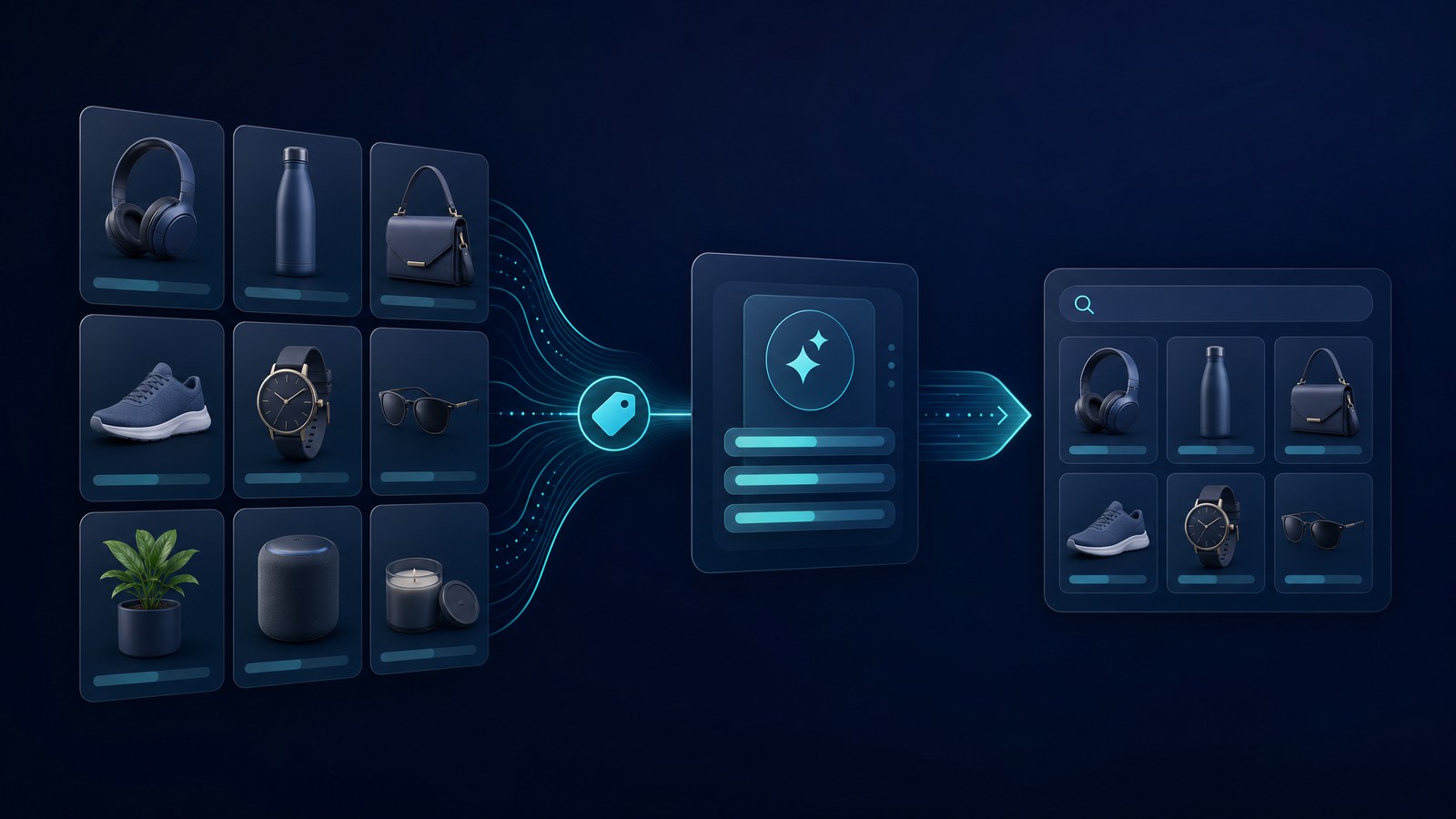
If I were building a product title generator from scratch, I would force it to think in blocks. Not random creativity. Not keyword soup. Blocks.
That is how good operators write titles at scale. They do not invent from zero every time. They use a repeatable structure, then adjust for the product and buyer.
The Five-Part Title Map
Here is the title map I would use for most Etsy, Shopify, and print-on-demand listings:
- Primary buyer phrase. The clearest search phrase for the product.
- Product type. Shirt, mug, sticker, digital planner, SVG bundle, poster, template, or ornament.
- Key differentiator. Personalized, funny, minimalist, waterproof, editable, handmade, retro, teacher gift, dog mom, wedding party, or another buyer-relevant trait.
- Use case or recipient. Gift, birthday, classroom, bachelorette, small business, Father’s Day, nursery, office, or team event.
- Style or format detail. Boho, vintage, printable, PNG, transparent, oversized, embroidered look, or modern typography.
You will not use all five every time. The point is to make the title generator pull from the right kinds of information instead of blindly rearranging keywords.
Examples That Feel Human
Bad title:
Dog Mom Shirt Dog Shirt Dog Lover Gift Dog Mom Gift Shirt
Better title:
Personalized Dog Mom Shirt, Custom Pet Lover Gift, Soft Graphic Tee
Bad title:
Planner Template Digital Planner iPad Planner GoodNotes Planner Template
Better title:
Digital Planner Template for iPad, Editable GoodNotes Weekly Planner
The better versions still include search phrases. They just do not make the buyer suffer through them.
Build Better Titles Before You Publish
Use MyDesigns to organize product data, generate listing content, create mockups, and publish faster from one workflow.
The Etsy Title Generator Rules I Would Follow
An Etsy title generator needs tighter rules than a generic ecommerce title tool. Etsy buyers often search in long-tail phrases, compare thumbnails quickly, and make snap judgments from title, image, price, and reviews.
The Etsy Seller Handbook guidance on listing titles is worth reading because it reinforces the same principle: make titles useful for buyers, not just stuffed for search.
Front-Load Buyer Intent
The first words matter most because shoppers scan fast. Put the clearest product phrase up front.
Use this pattern:
- Product plus buyer: Teacher Appreciation Mug
- Product plus style: Minimalist Wedding Welcome Sign
- Product plus use case: Editable Cleaning Checklist Template
- Product plus recipient: Personalized Grandma Sweatshirt
Then add supporting details after the first phrase. If the first phrase is vague, the shopper has to keep reading to understand the offer. Many will not.
Do Not Repeat the Same Word
Repeating the same root word over and over is usually wasted space. It can also make the listing look cheap.
Instead of repeating the product type, cover different buyer angles:
- Who is it for?
- What occasion does it serve?
- What style does it match?
- What format or material does the buyer care about?
- What problem does it solve?
This is where a strong Etsy keyword research habit helps. You are not trying to cram every keyword into one title. You are choosing the words that best match the listing.
Batching Product Titles Is Where the Money Is

Writing one title manually is not the hard part. Writing 200 good titles without losing your mind is the hard part.
That is why I care about systems. The advantage is not that AI can write one passable title. The advantage is that you can build a repeatable title workflow for an entire product line.
Use One System Across the Whole Catalog
If I were launching a new product line, I would build a simple title spreadsheet before publishing:
| Field | Example | Why It Matters |
|---|---|---|
| Primary phrase | Personalized dog mom shirt | Matches the main buyer search. |
| Recipient | Pet lover gift | Adds gift intent without repeating the same phrase. |
| Style | Retro graphic tee | Helps buyers self-select faster. |
| Personalization | Custom pet name | Clarifies why the product is different. |
| Season or use case | Birthday gift | Adds a buying moment. |
Once those fields are clean, the generator has something useful to work with. Garbage product data creates garbage titles. Clean product data creates titles you can actually test.
This is one reason we built MyDesigns around bulk workflows. A seller should not have to copy, paste, rewrite, upload, and publish the same listing structure one product at a time. That is busywork, not strategy.
Scale the Listing Work, Not the Busywork
Compare MyDesigns plans and pick the workflow that fits your publishing volume.
Connect Titles to Tags, Descriptions, and Images
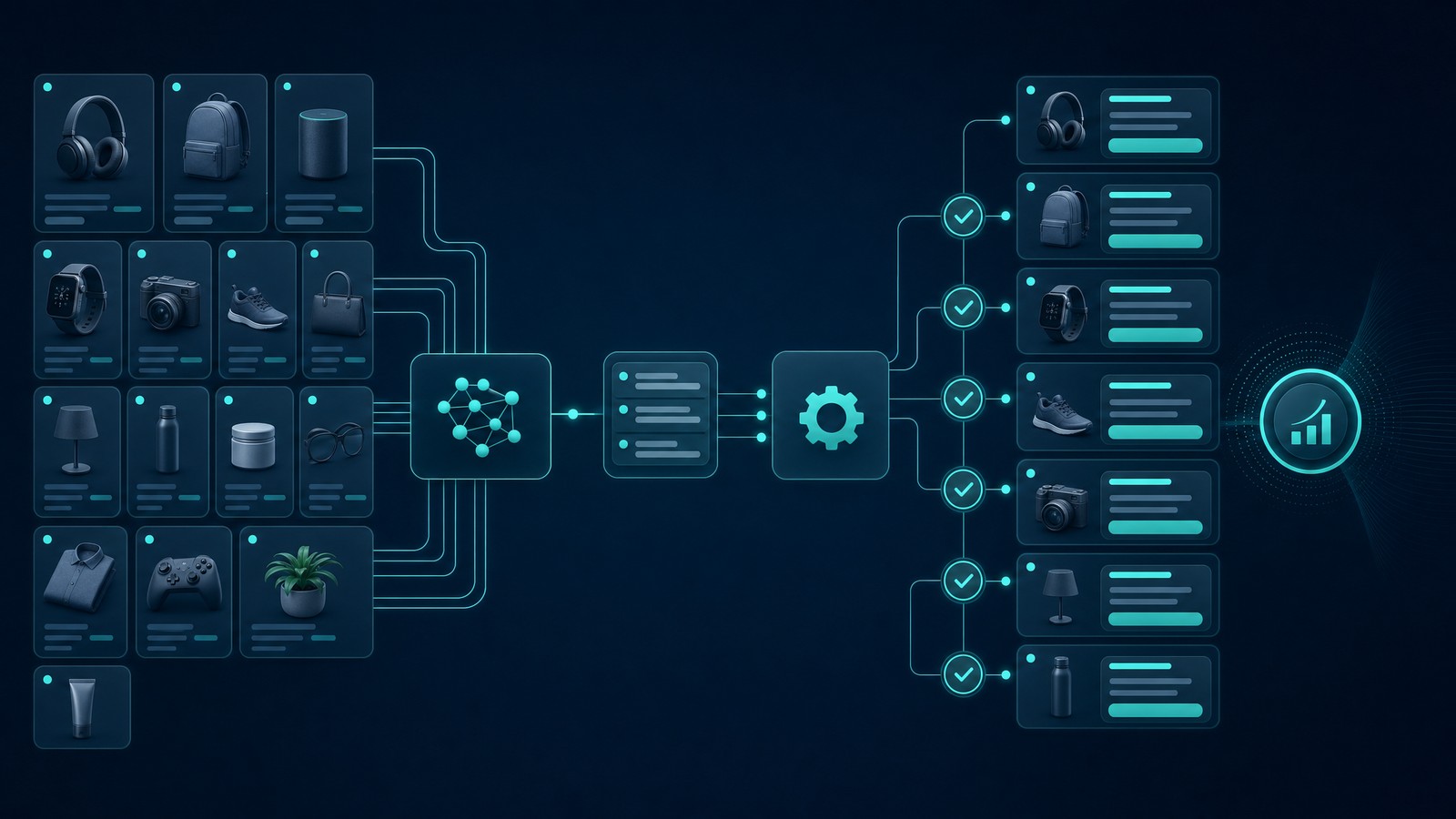
A title does not work alone. It is part of a listing system.
If your title says personalized watercolor pet portrait, your tags, description, mockups, and first image need to support that exact promise. If your title says printable wall art but your image looks like a framed physical product with no format clarity, you create doubt.
The Alignment Check
Before publishing, I would run this quick alignment check:
- Title: Does the first phrase match the buyer’s main search?
- Tags: Do the tags support the title without copying it word for word?
- Description: Does the first paragraph confirm what the buyer gets?
- Images: Does the first image make the product obvious without reading the full title?
- Price: Does the price make sense for the buyer intent and product type?
If those pieces disagree, fix the listing before you publish. I would rather publish 40 aligned listings than 100 confused ones.
For the tag side, use the workflow in my Etsy tag generator guide. For description structure, pair this with the AI description generator workflow. Titles, tags, and descriptions should feel like one system.
The Old Etsy Title Playbook Is Dead
The old playbook was simple: find a high-volume keyword, put it everywhere, and wait. That was never as clean as people made it sound, but it is even weaker now.
Marketplaces are getting better at interpreting intent. Shoppers are getting less patient. AI tools are making average listing copy cheap. That means the advantage moves to sellers who can combine clean data, strong product positioning, and fast execution.
The real edge is not having a product title generator. Everyone can access one. The edge is feeding it better inputs and publishing enough quality listings to learn.
Automation Is Not the Enemy
Some sellers hear automation and think it means low-quality spam. I get why. There is a lot of garbage content out there.
But the problem is not automation. The problem is lazy inputs.
Use automation to remove repetitive work. Keep human judgment for positioning, buyer intent, brand fit, and final quality control. That is the balance I believe in, and it is the reason MyDesigns is built for sellers who want to move faster without turning their shops into junk drawers.
If you want the broader SEO audit process, read my Etsy listing optimization tool guide and the Etsy SEO checklist. This article is the title layer. Those guides cover the full listing.
Turn Product Data Into Publish-Ready Listings
MyDesigns helps you move from idea to mockups, SEO fields, and published listings without rebuilding the same process every time.
My Product Title Generator Checklist
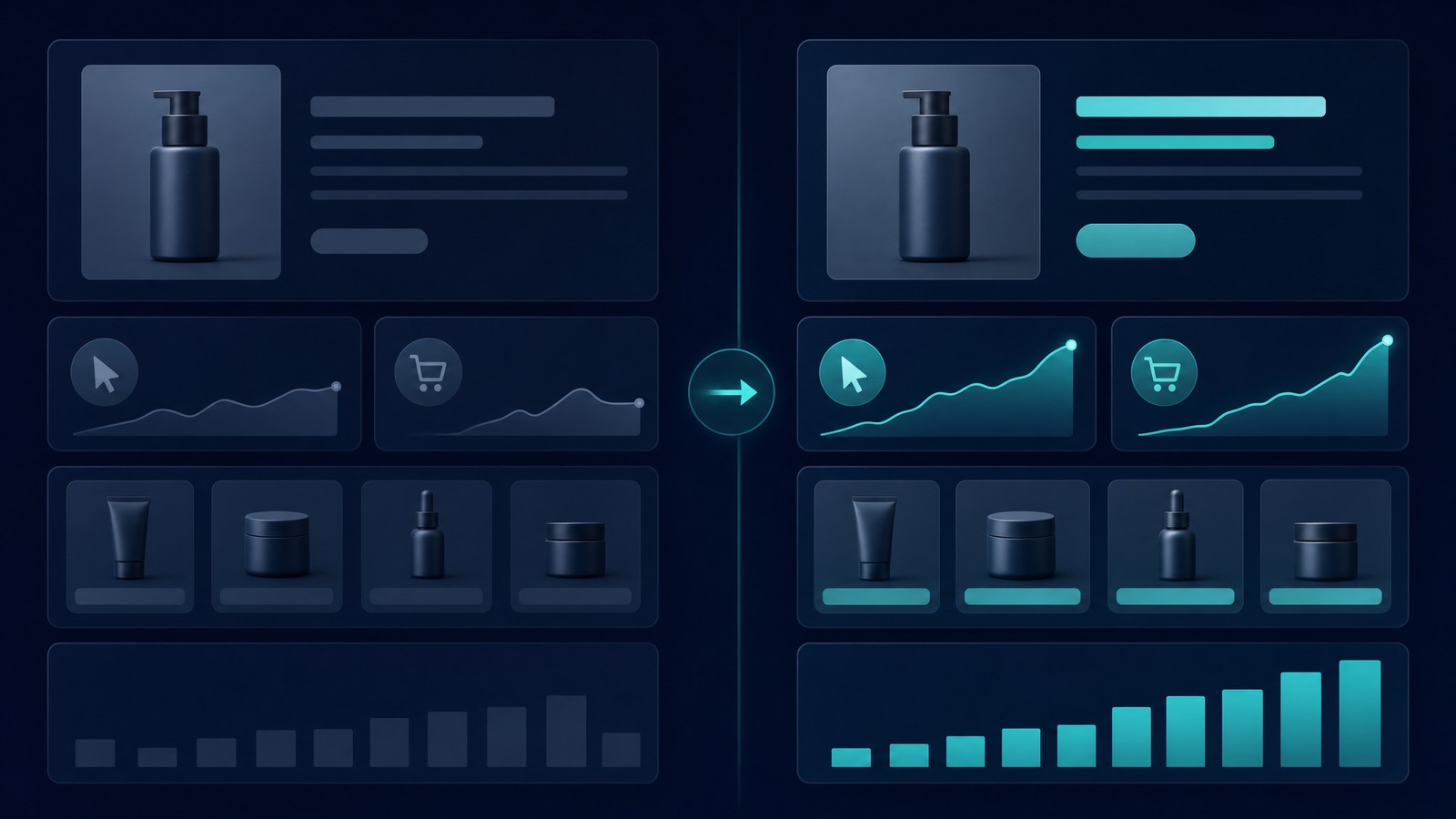
Here is the checklist I would use before trusting any product title generator output:
- Does the first phrase clearly name the product? If not, rewrite it.
- Does the title include one buyer or use-case angle? Gift, recipient, occasion, room, hobby, profession, or product format.
- Does it avoid repeated words? One strong use of a word is better than four weak ones.
- Does it sound like something a buyer would click? Read it out loud. If it sounds robotic, fix it.
- Does the title match the main image? If the thumbnail tells a different story, the title cannot save it.
- Does it match your tags and description? Alignment beats isolated optimization.
- Can you make 20 variations using the same system? If not, the framework is too fragile.
I also like checking how Google forms title links in search results because it reminds you that titles are interpreted, shortened, and judged in context. Google’s title link documentation is not Etsy-specific, but the lesson applies: clear titles usually travel better across surfaces.
Do not overthink this. Start with the buyer. Name the product. Add the useful differentiator. Remove repetition. Publish enough listings to learn from real behavior.
That is how a product title generator becomes a growth tool instead of another tab you forget to use.
Build Listings Faster With MyDesigns
Create better product titles, mockups, descriptions, and publish-ready listings from one workflow instead of stitching together five separate tools.
Frequently Asked Questions
+ What is a product title generator?
A product title generator is a tool that helps turn product details and keyword ideas into searchable ecommerce listing titles. The best ones create readable titles based on buyer intent, not just long strings of keywords.
+ Is an Etsy title generator worth using?
Yes, an Etsy title generator is worth using if you treat the output as a first draft. You still need to check buyer intent, remove repeated words, and make sure the title matches your tags, description, and images.
+ How should I write Etsy product titles?
Write Etsy product titles by putting the clearest buyer-intent phrase first, then adding product type, recipient, use case, style, or format details. Avoid repeating the same keyword several times just to fill space.
+ Should I put keywords first in a product title?
Yes, put the most important buyer phrase near the front when it reads naturally. The first words should tell shoppers what the product is and why it matches their search.
+ Can AI write all my product titles?
AI can draft product titles quickly, but you should still review every title before publishing. Human judgment is needed for buyer intent, brand fit, clarity, and whether the title matches the actual product.


