


An AI description generator can help you publish faster, but only if you feed it the right product facts first. If you use it like a magic button, you get fluffy copy that sounds busy and sells nothing.
I care about this because description writing is one of the quiet bottlenecks that keeps sellers stuck. You can have 100 designs ready, great mockups, and a clean niche, then lose an entire weekend writing the same product details over and over.
That is not a creativity problem. It is a workflow problem.
Key Takeaways
- AI should not invent your product details – use it to turn clean inputs into buyer-ready copy, not to guess sizing, materials, shipping, or policy claims.
- The best product descriptions answer buyer objections – fit, use case, personalization, file delivery, care, and gift intent matter more than clever wording.
- Bulk sellers need a repeatable prompt system – one-off prompts do not scale when you are publishing dozens or hundreds of listings.
- MyDesigns is built around this exact bottleneck – titles, descriptions, tags, mockups, and publishing should move together instead of living in five separate tabs.
Table of Contents
- An AI Description Generator Is a Workflow Tool, Not a Copywriter
- Collect Product Facts Before You Ask AI to Write Anything
- The Product Description Framework I Would Use
- How to Use AI Description Generators at Bulk Scale
- AI Product Descriptions Still Need Search Intent
- The Old Listing Copy Playbook Is Too Slow
- Frequently Asked Questions
- Publish Better Descriptions Without Slowing Down
An AI Description Generator Is a Workflow Tool, Not a Copywriter
Most sellers use AI backward. They type a tiny prompt like “write an Etsy description for a mug” and expect the output to do the thinking.
That is how you get a paragraph full of vague phrases like perfect gift, high quality, and sure to delight. It sounds safe. It also sounds like every other listing on the page.
The job of an AI description generator is not to understand your buyer better than you do. The job is to turn your product facts, buyer angle, and marketplace intent into clean copy faster than you could write it manually.
Why generic AI copy fails buyers
Buyers do not need a poetic description. They need confidence.
They want to know what the product is, who it is for, how it is personalized, what is included, how it fits, how it arrives, and whether it solves the job they came to solve. If the description avoids those questions, the buyer has to guess.
Guessing kills conversion.
I have watched sellers spend hours polishing sentences while ignoring the details shoppers actually care about. A shirt listing without size context, a digital file listing without file types, or a personalized gift listing without clear customization steps will lose buyers even if the writing sounds nice.
What AI should handle instead
AI is excellent at structure, variation, tone cleanup, and batch transformation. Give it clean inputs and it can turn one product data set into multiple descriptions for Etsy, Shopify, WooCommerce, and TikTok Shop.
That is the useful part. Not replacing your judgment. Removing repetitive typing.
Use official marketplace guidance as your guardrail, especially the Etsy Seller Policy and the Etsy Seller Handbook. AI can help you write faster, but you are still responsible for accurate claims, rights, delivery details, and customer expectations.
Write listings faster
Stop rewriting the same product description by hand.
Use MyDesigns to organize product data, generate SEO listing copy, create mockups, and publish faster from one workflow.
Collect Product Facts Before You Ask AI to Write Anything

The fastest way to improve AI output is to improve the input. I know that sounds obvious, but this is where most sellers cut corners.
If you give AI a weak product brief, it will fill the gaps with generic language. If you give it a clear product brief, it can create a description that feels specific, useful, and buyer-ready.
The input template I would use
Before generating descriptions, I would collect these inputs for every product family:
- Product type: shirt, mug, sticker, planner, SVG bundle, wall art, phone case, hoodie, tote bag.
- Buyer: who is buying and why they care right now.
- Use case: gift, event, everyday use, business branding, hobby, seasonal moment, digital download.
- Core benefit: what makes this item useful or desirable.
- Personalization fields: name, date, role, color, pet name, team name if you own the rights, message, file choice.
- Product facts: materials, sizing, print area, file formats, included items, care instructions, delivery method.
- Search terms: primary keyword, secondary keyword, long-tail phrases, buyer wording.
- Compliance notes: no trademarked references, no unsupported claims, no copied phrases, no promises you cannot fulfill.
Once you have that, the AI description generator is no longer guessing. It is formatting.
What each input does for conversion
| Input | Why it matters | What AI should produce |
|---|---|---|
| Buyer intent | Connects the product to a real shopping moment | A clear opening that tells the buyer why this item fits |
| Product facts | Reduces uncertainty before checkout | Accurate bullets for size, material, files, delivery, or care |
| Personalization rules | Prevents support messages and order mistakes | Step-by-step customization instructions |
| Search terms | Helps the listing match buyer language | Natural keyword placement without stuffing |
| Compliance notes | Protects the shop from risky claims | Safer copy that avoids borrowed phrases and brand references |
For product data standards outside your marketplace, read the Google Merchant Center product data specification. Even if you are not running Shopping ads yet, it is a useful reminder that product content needs structured, accurate facts.
The Product Description Framework I Would Use
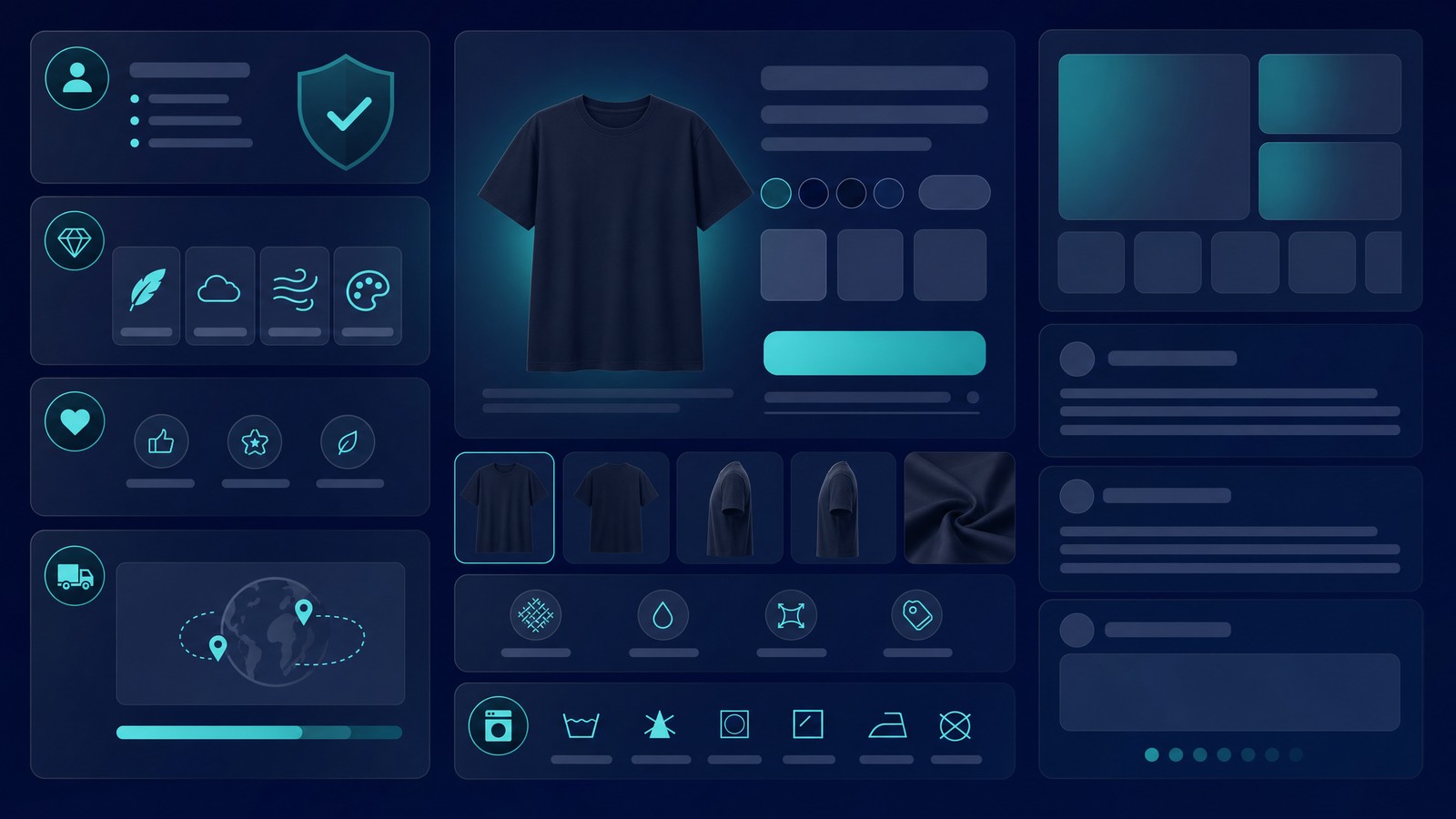
A good product description does not need to be long. It needs to be organized around the buyer’s decision.
My default structure is simple:
- Opening buyer promise: one or two sentences that connect the item to the reason they are shopping.
- What is included: product type, design, file formats, physical item details, or bundle contents.
- Why it works: benefit, use case, gift angle, personalization, or practical value.
- How to order: steps for personalization, options, sizing, delivery, or download.
- Important notes: care, production, color variation, digital delivery, license terms, and what is not included.
That structure works for POD, digital products, planners, templates, SVGs, mockups, apparel, drinkware, stickers, and gifts. The content changes. The decision path stays pretty consistent.
Open with the buying reason
The first two lines should not be a pile of keywords. They should answer, “Why would someone want this?”
Bad opening: “This high-quality custom mug is perfect for anyone.”
Better opening: “Create a personalized coffee mug for the dog dad who talks about his pet like family. Add the name, choose the style, and give him something he will actually use every morning.”
That second version gives the buyer a role, reason, personalization angle, and use case. It is still simple. It just does more work.
Add details without burying the buyer
Details matter, but walls of text do not.
I prefer short sections, simple bullets, and clear ordering steps. If a buyer has to scan for file types, sizing, delivery, or personalization instructions, you are making them work too hard.
For SEO, keep the main keyword natural. If your target is AI description generator, product description generator, or Etsy product description generator, use those phrases where they fit. Do not jam them into every sentence.
If you publish products to surfaces where product structured data matters, review Google Search Central’s product structured data documentation. Your visible copy and your structured product data should not tell two different stories.
Turn data into listings
Generate titles, descriptions, and tags from one product workflow.
MyDesigns helps you move from product idea to SEO listing copy without copying the same details between spreadsheets, prompts, and marketplaces.
How to Use AI Description Generators at Bulk Scale

One description is easy. One hundred descriptions is where the process either holds up or breaks.
If you sell POD or digital products, you are not writing in isolation. Your descriptions connect to titles, tags, mockups, product options, file delivery, personalization, pricing, and publishing. Treat them as one system.
Build a prompt library, not a prompt habit
A prompt habit means you improvise every time. A prompt library means you have repeatable instructions for each product type.
I would create prompt templates for:
- POD apparel: fit, fabric feel, design placement, gift angle, care notes, sizing reminders.
- Drinkware: use case, personalization, material notes, care instructions, gift intent.
- Digital downloads: file formats, instant delivery, software compatibility, license terms, no physical item note.
- SVG bundles: included formats, compatible machines, project ideas, commercial use boundaries.
- Mockups and templates: what is editable, what is included, software requirements, buyer skill level.
Then each product only needs variables. Product name. Buyer. Use case. Facts. Keywords. The system does the rest.
This is exactly why we built bulk workflows into MyDesigns. The homepage says it plainly: upload designs, create products, generate mockups, AI-write SEO listings, and publish across channels from one place. That is the actual advantage, not having a clever prompt saved in a notes app.
Run quality control before publishing
Do not publish AI copy without review. Fast does not mean careless.
My pre-publish check looks like this:
- Is every claim true?
- Are file formats, sizing, and delivery details accurate?
- Does the description explain personalization clearly?
- Does the opening match the buyer’s search intent?
- Are there any copied brand names, risky phrases, or trademark problems?
- Does the copy match the mockups and product options?
- Can a buyer understand what they are getting in under 15 seconds?
For advertising and product claims, the FTC’s online advertising guidance is worth reading. The short version: do not let AI make claims you cannot back up.
Bulk matters
Writing copy one listing at a time is the slowest path.
Create products, mockups, SEO content, and publishing-ready listings in bulk so your catalog can grow without burying you in manual work.
AI Product Descriptions Still Need Search Intent
Here is the part a lot of sellers miss: descriptions are not just for search engines. They are for buyers who need enough confidence to click buy.
Yes, include the right phrases. If the product is a personalized dog dad mug, use that wording naturally. If it is a printable weekly planner template, say that clearly. If it is a commercial-use SVG bundle, make that obvious.
But do not write like a keyword spreadsheet. Write like a seller answering the questions buyers are silently asking.
For Etsy, I usually think in this order:
- Title: what the item is and who it is for.
- First description lines: why the item fits the buyer’s moment.
- Bullets: what is included and how ordering works.
- Details: materials, files, sizes, delivery, care, and policy notes.
- Tags: search variations that match the actual listing.
If you want a deeper listing audit, read our Etsy SEO optimization guide. If you are building digital products, the weekly planner template workflow shows how one product line can turn into repeatable listing assets.
The Old Listing Copy Playbook Is Too Slow
The old advice was to handwrite every listing from scratch so it felt unique. I understand why that sounds noble. It also collapses the second you try to build a real catalog.
Manual copywriting does not make you more strategic if most of the work is repeating facts. It just burns time you could spend testing products, improving mockups, researching demand, and fixing listings that already have traction.
The new advantage is not “AI writes everything.” That is lazy.
The advantage is a better operating system: product data in one place, reusable prompts, clean mockups, search intent mapped before publishing, and quality control before anything goes live.
That is why I keep pushing sellers toward systems instead of hacks. A random AI description generator can help with one listing. A full workflow helps you publish a catalog.
If apparel is part of your catalog, pair this with our AI t-shirt design generator guide. If marketplace search is your main traffic source, keep the broader Etsy SEO guide close while you build.
Plan the catalog
Your description process should scale with your product ideas.
Use MyDesigns when you want design, mockup, SEO, pricing, and publishing workflows connected instead of scattered across separate tools.
Frequently Asked Questions
+ What is an AI description generator?
An AI description generator is a tool that turns product inputs into written descriptions for ecommerce listings. The best results come from giving it accurate product facts, buyer intent, keywords, and clear formatting rules.
+ Can AI write Etsy product descriptions?
Yes, AI can write Etsy product descriptions, but you should review every output before publishing. Etsy sellers still need accurate product details, clear personalization steps, compliant claims, and copy that matches the actual item.
+ Are AI generated product descriptions good for SEO?
AI generated product descriptions can help SEO when they use natural buyer language and accurate product details. They hurt SEO when they are generic, duplicated across listings, keyword-stuffed, or disconnected from the product.
+ What should I put into a product description prompt?
Put the product type, buyer, use case, features, personalization rules, materials, sizes, file formats, delivery details, keywords, and compliance notes into the prompt. Better inputs create better AI descriptions.
+ Should I use the same AI description on every marketplace?
No, you should adapt the description to each marketplace. Etsy, Shopify, WooCommerce, and TikTok Shop have different buyer behaviors, formatting needs, and policy expectations.
Publish Better Descriptions Without Slowing Down
If I were building a shop from scratch today, I would not handwrite every product description. I would build a product data system, use AI to generate clean first drafts, and spend my judgment on the parts that matter: buyer intent, accuracy, differentiation, and compliance.
That is the better trade.
Your descriptions should make buyers feel certain. Your workflow should let you move fast enough to test what the market actually wants.
Build Listing Copy Into Your Publishing Workflow
Use MyDesigns to create products, generate mockups, write SEO listing content, and publish faster without rebuilding every description by hand.


Leave a Reply