


If I were building a weekly planner template product line today, I would not start by opening a blank design file and guessing. I would start with the buyer. Who is this planner for, what week are they trying to control, and what problem does my template solve better than the generic free options already on page one?
That question matters because weekly planners are everywhere. Canva has templates. Etsy has endless printables. Pinterest is full of layouts. The opportunity is not in making another pretty box grid. The opportunity is in building a sharper product system for a specific buyer, then publishing it with better visuals, better SEO, and enough variations to learn what the market wants.
My take is simple: weekly planner templates can still work, but the lazy version is dead. The winners in 2026 will be niche, useful, polished, and fast to launch. That is exactly where a MyDesigns workflow helps.
Key Takeaways
- A weekly planner template needs a buyer angle. Productivity by itself is too broad. Teachers, ADHD students, homeschool families, Etsy sellers, fitness clients, and wedding planners are easier to position.
- Bundles usually beat single pages. A weekly page can work, but a weekly system with matching daily, monthly, habit, meal, and goal pages feels more valuable.
- Mockups are not optional. Digital planners need strong listing images because buyers cannot touch the product before purchase.
- Speed matters. The faster you can create, mock up, write, and publish variations, the faster you find the niche that converts.
Table of Contents
Why weekly planner templates still sell
Weekly planning is one of those evergreen problems that never really goes away. People keep feeling behind. Families keep juggling appointments. Students keep needing structure. Small business owners keep needing a simple way to see the week. That constant pain is why planner templates keep attracting buyers.
But evergreen demand creates crowded search results. That is where most new sellers misread the market. They see competition and assume the niche is dead. I see competition and ask a different question: are the existing products specific enough?
In most search results, the answer is no. A lot of planners are beautiful but generic. They look like they could be for anyone, which usually means they are not clearly for someone. That is your opening.
The goal is not to make the prettiest weekly grid. The goal is to help a buyer believe, in about five seconds, that your planner was made for their week.
Your first planner idea is rarely the winner. Your workflow has to make testing painless.
Use MyDesigns to move from idea to visual assets to listings faster, so you can test multiple planner angles instead of overbuilding one file.
Pick a buyer before you pick a layout
This is the step I would not skip. Before I design a weekly planner template, I would pick one buyer with one recurring planning problem. A teacher planning lessons needs a different layout than a content creator planning posts. A bride planning wedding tasks needs different prompts than a parent managing meals and appointments.
Here are angles I would research before designing:
- Weekly planner templates for teachers
- ADHD weekly planner printables
- Weekly meal planner and grocery list bundles
- Student weekly study planners
- Small business weekly task planners
- Fitness and habit weekly trackers
- Homeschool weekly schedule templates
- Wedding planning weekly checklists
Notice that none of those are just “weekly planner.” They attach the product to a buyer identity or an outcome. That makes the listing easier to write, the mockups easier to stage, and the bundle easier to expand.
When I use Dream AI for ideation, I am not asking it to make a random planner. I am using it to explore buyer-specific page ideas, design directions, and bundle structures. The strategy comes first. AI makes the exploration faster.
Build the planner like a product line
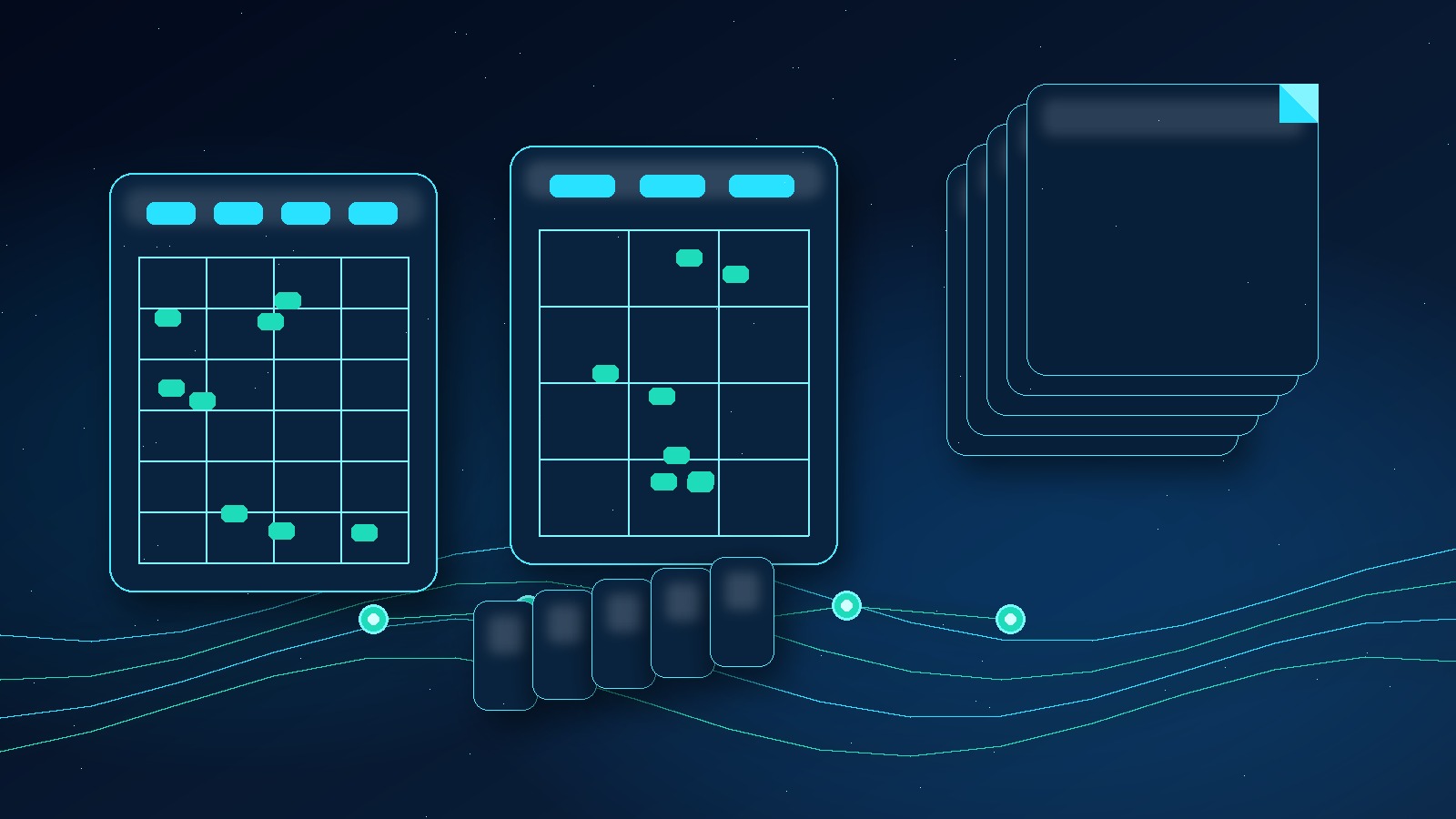
A single page can sell, but I would rather build a product line. A buyer may search for a weekly planner template, but what they often want is a system that helps them feel organized. That gives you room to create more value without making the product complicated.
For example, a strong starter bundle might include:
- One clean weekly overview page
- One detailed weekly schedule page
- One priorities and task list page
- One meal or habit tracker if it fits the niche
- Letter, A4, and tablet-friendly versions
- A simple instruction page for printing or digital use
The bundle also gives you more listing images to show. You can show the full set, then zoom into the most useful pages. This is important because digital products feel risky when the buyer cannot clearly understand what is included.
I would also build style variations around the same structure. Minimalist, academic, soft neutral, dark mode, bold color, and seasonal versions can all come from one validated product architecture. That is the leverage.
The easiest way to make a planner template feel worth buying is to turn it into a useful system.
MyDesigns helps you organize creative assets and listing assets so one validated layout can become a full product family.
Create mockups that make the template feel real
This is where a lot of digital product listings fail. The file might be useful, but the listing images feel flat. If your buyer cannot picture using the planner, you are asking them to do too much work.
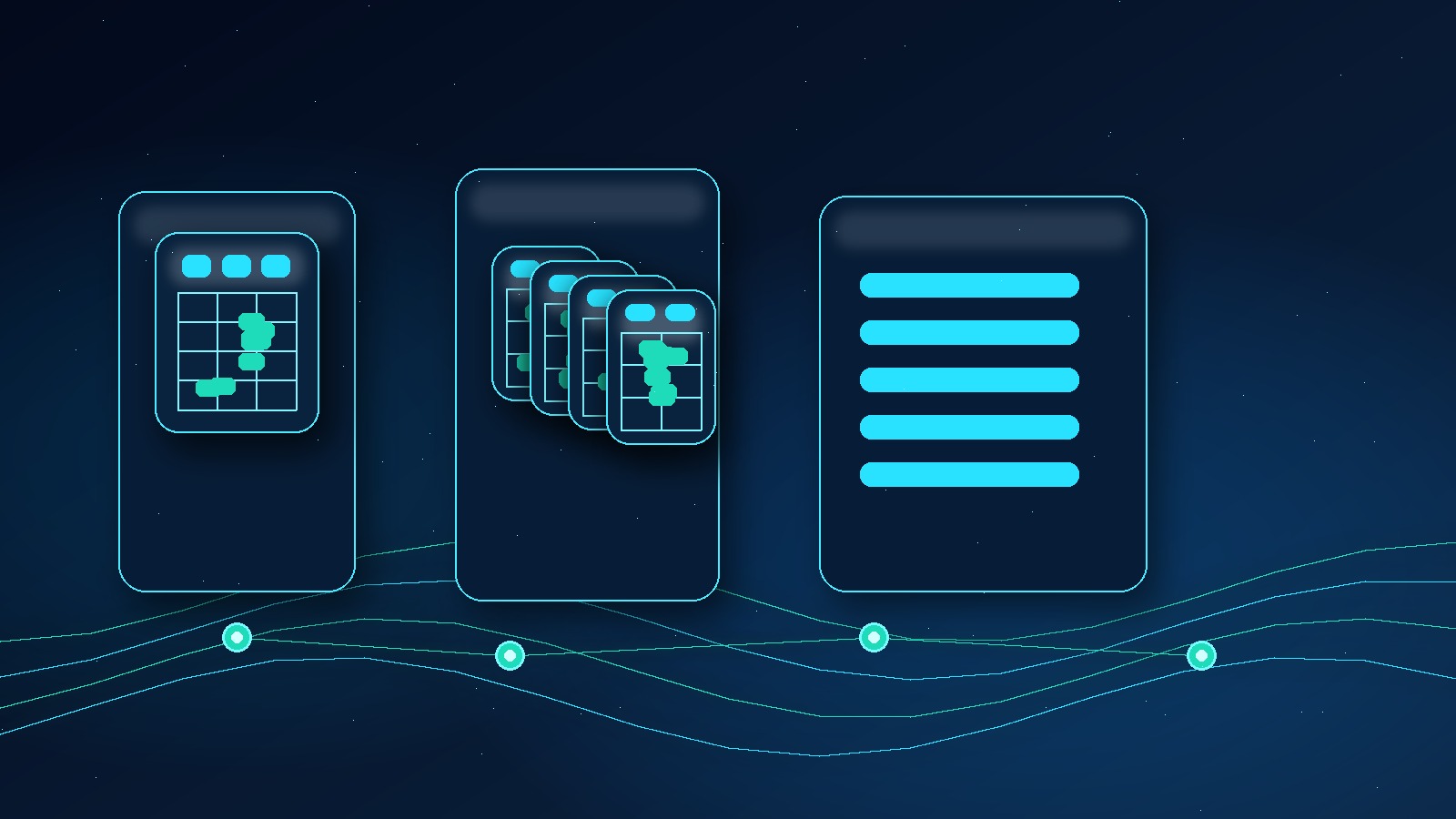
For a weekly planner template, I would create at least five listing images:
- A clean hero image showing the main planner page
- A bundle overview showing every included page
- A close-up image showing useful sections
- A format image showing print sizes or digital use cases
- A benefit image explaining who the planner is for
The first image should be clean enough to work at thumbnail size. The rest can do the explaining. Do not cram every benefit into the hero. Etsy shoppers scan first, then investigate.
With Product Mockups, the goal is not to make one perfect graphic and admire it. The goal is to create a repeatable image system that makes every planner variation feel consistent, polished, and ready to publish.
Write the listing for outcomes, not features
Most planner listings overfocus on features. “PDF download, A4, letter size, instant access.” Those details matter, but they are not the reason someone buys. The reason is usually emotional. They want a calmer week, a cleaner routine, fewer missed tasks, or a simpler way to stay on track.
That means your listing copy should connect features to outcomes:
- Instead of “weekly priorities section,” say it helps buyers see what matters before the week gets noisy.
- Instead of “meal planner included,” say it helps reduce last-minute dinner decisions.
- Instead of “habit tracker,” say it helps buyers keep small promises visible.
I would still use keyword language naturally. The title can include weekly planner template, printable weekly planner, weekly schedule template, and the niche modifier if it fits. But I would not write like a keyword robot. Etsy buyers are humans, and humans buy clarity.
Vision AI can help turn visual assets into listing copy and keyword ideas, but I would still edit for buyer intent. The best copy sounds like the seller understands the problem.
Planner templates need more than a download file. They need a listing that makes the value obvious.
Use MyDesigns to create stronger listing assets and keep your product workflow organized as your catalog grows.
My fast launch workflow in MyDesigns

If I were launching this from scratch, I would use a 7-day workflow instead of a long perfection cycle.
- Day 1: Pick one buyer niche and collect search result patterns.
- Day 2: Build the core weekly planner structure and page list.
- Day 3: Create two to three design styles around the same structure.
- Day 4: Produce mockups and listing image sets.
- Day 5: Write the listing title, bullets, description, and tags.
- Day 6: Publish the first batch of variations.
- Day 7: Review early signals and decide what to expand.
That workflow gives you momentum. More importantly, it keeps you from treating one planner template like a masterpiece that has to be perfect before it meets the market.
When a style or buyer angle starts getting clicks, that is when I would expand. More colors, more page types, more formats, more seasonal versions, and potentially a premium bundle. Use multi-product publishing, Bulk Publish, and Listing Management to remove the repetitive work from that expansion.
Once a planner angle works, the money is in expanding it before the market catches up.
MyDesigns gives you faster workflows for assets, mockups, listings, and publishing so you can scale what is working.
Mistakes I would avoid
First, I would avoid making a generic planner for everyone. That is the fastest way to disappear into a crowded search page. Specific buyers convert better because they recognize themselves faster.
Second, I would avoid overdesigning. A weekly planner template needs to be useful before it is decorative. If the page looks pretty but feels hard to use, buyers will not recommend it.
Third, I would avoid weak mockups. Digital products need visual proof. If the listing images look rushed, buyers assume the file is rushed too.
Fourth, I would avoid launching one product and waiting. This category rewards testing. I would rather launch a small, organized batch of related planner templates than bet everything on one layout.
Finally, I would avoid copying page-one sellers too closely. Learn from the market, but shift sideways into a clearer audience or better bundle. The goal is not to blend in. The goal is to be the obvious choice for a specific buyer.
Frequently Asked Questions
+ Can you sell weekly planner templates on Etsy?
Yes. Weekly planner templates can sell on Etsy when they target a specific buyer, solve a clear planning problem, and are packaged with strong listing images and useful file formats.
+ What should a weekly planner template include?
A strong weekly planner template should include weekly priorities, daily blocks, task areas, notes, habit or meal sections when relevant, and print sizes or digital formats that match the buyer use case.
+ Are printable weekly planners profitable?
Printable weekly planners can be profitable because the product has low fulfillment cost and can be sold repeatedly. The challenge is differentiation, bundling, and listing quality, not file delivery.
+ How do I make my planner template stand out?
Make the planner template stand out by choosing a specific audience, using a clean visual system, creating bundle value, showing polished mockups, and writing listing copy that explains the buyer outcome.
+ Can MyDesigns help with planner template listings?
Yes. MyDesigns can help sellers move faster with AI-assisted design ideas, mockups, listing assets, bulk workflows, and organization for digital product catalogs.


Leave a Reply