


A baseball svg product line can work, but only if you treat it like a catalog strategy instead of a weekend craft file dump.
I know that sounds harsh. I have watched too many sellers upload 12 random sports designs, wait for Etsy to bless them, then decide the niche is dead. The niche is not dead. The lazy version of the niche is dead.
Key Takeaways
- Baseball SVG buyers are usually making something specific – shirts, team gifts, decals, hats, signs, or tournament items.
- The easiest mistake is chasing generic baseball clipart – the money is usually in sharper sub-niches and use cases.
- File quality matters more than most sellers admit – clean SVG, PNG, DXF, and EPS files reduce support tickets and refunds.
- The workflow is the advantage – research, design, mockups, listings, and publishing have to move as one system.
Table of Contents
Why Baseball SVG Products Still Have Room
Baseball SVG products are not new. That is exactly why a lot of sellers dismiss them too quickly.
But mature niches are not automatically bad. Mature niches tell you buyers already exist. Your job is to find the pockets where the existing supply is lazy, outdated, or too generic.
Buyers Are Shopping for a Project
Most people searching for baseball SVG files are not casually admiring vector art. They are trying to make something. A shirt for opening day. A decal for a helmet bucket. A coach gift. A team mom hoodie. A fundraiser item.
That changes how I think about the product. I am not designing a baseball graphic. I am designing the shortcut to a finished craft or merch item.
If you want broader context on SVG buyers, start with our guide on SVG files for Cricut and the warning I shared about relying too heavily on free SVG files.
Generic Sports Art Is the Trap
Here is the trap: a baseball, crossed bats, and a cute phrase. That is where most sellers stop.
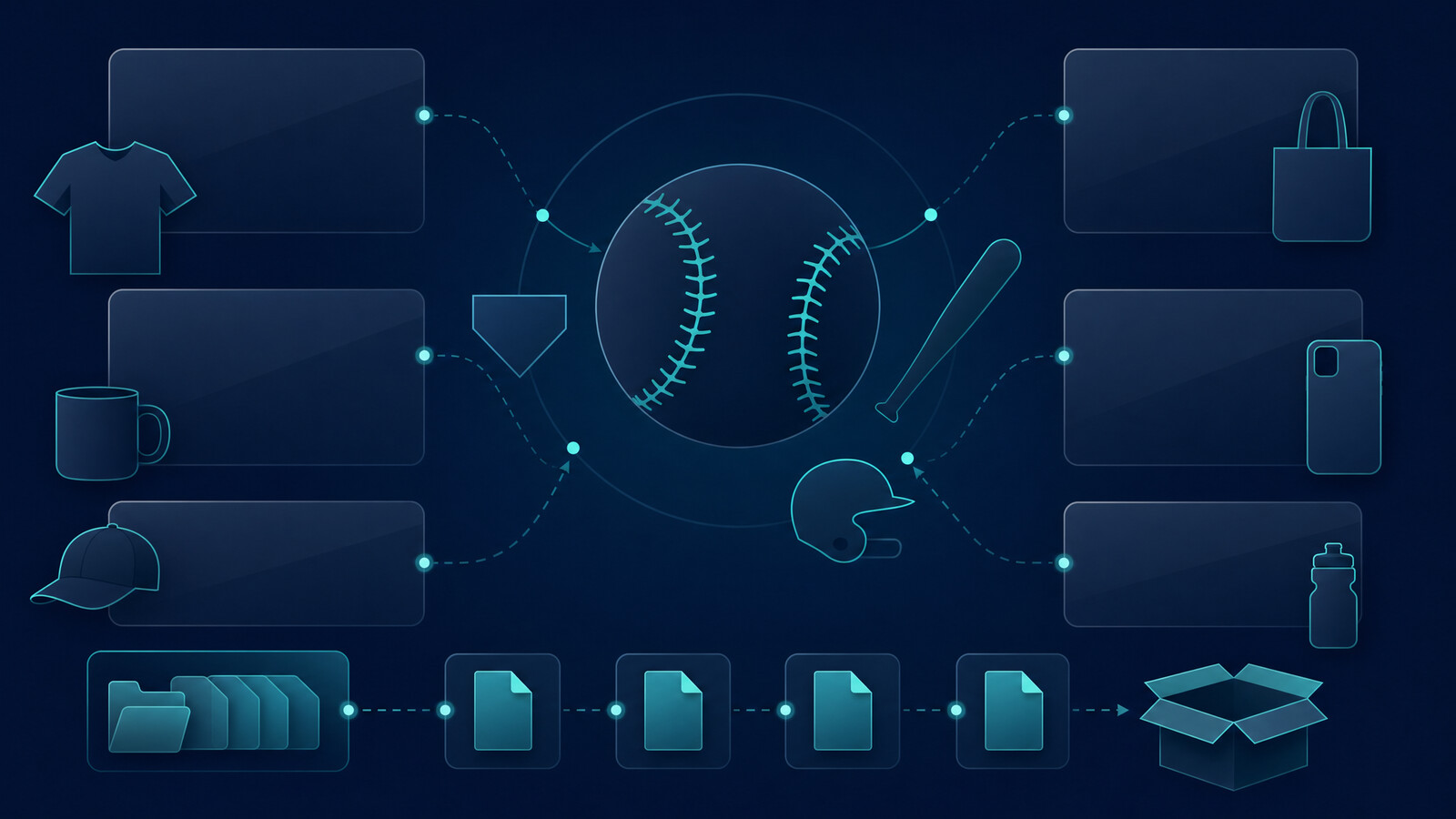
I would not build there first. It is too broad. Too easy to copy. Too hard to rank. The better move is to build around specific buyers, events, and output formats.
Turn a niche idea into a product workflow.
Use MyDesigns to create, organize, mock up, and publish digital product ideas faster than manual tools allow.
Baseball SVG Angles I Would Test First
If I were starting from zero, I would not upload 100 unrelated files. I would choose 4 to 6 buyer angles and build tight mini-collections around each one.
Go After Buying Moments
Buying moments beat random style ideas. The best baseball SVG angles usually connect to a reason someone needs the file this week.
- Game day shirts for parents, siblings, and fans
- Team mom and coach gifts for end-of-season moments
- Tournament weekends with travel ball energy
- Softball crossover designs when the visual concept works for both sports
- Senior night and graduation tie-ins if you can keep them clean and specific
- Simple monogram-ready layouts for crafters who want personalization space
This is where Google Trends can be useful. I do not use it as a magic answer machine. I use it to validate timing and compare demand spikes before I build a batch.
Avoid Trademark Landmines
Do not build your baseball SVG shop on pro team names, league names, player names, mascots, or phrases you do not have rights to use. It is not worth it.
I strongly advise checking the USPTO trademark search when a phrase looks too polished, too branded, or too familiar. Etsy also publishes rules around intellectual property reporting. Read them before you scale.
Most new sellers do the opposite. They see what appears to be selling, copy the risky phrase, and hope nobody notices. That is not a business. That is a timer.

How I Would Create the First Baseball SVG Batch
My first batch would be small enough to finish and big enough to learn from. Somewhere around 24 to 40 listings is a good starting range.
That gives you enough data to see patterns without trapping yourself in a month of design work before the market gives you feedback.
Build Systems, Not One-Off Designs
I would build a design system before I build the individual products.
- Pick 3 core layout styles.
- Create 5 to 8 phrase or personalization frameworks.
- Decide which products the files should support: shirts, decals, signs, mugs, hats, stickers, or digital bundles.
- Export consistent file sets so buyers know exactly what they receive.
This is where Dream AI can help generate creative directions and visual concepts, but I would still clean the final vectors carefully. AI speed is useful. Sloppy output is not.
Package the Files Like a Pro
A baseball SVG listing should not feel like a mystery download. The buyer should know the formats, use cases, and limitations before they click purchase.
My standard package would include SVG for cutting machines, PNG for print and mockups, DXF for common craft software, and EPS when appropriate. I would also include clear usage notes, not legal drama, just plain buyer guidance.
For software-specific issues, Cricut has its own help documentation, and our own Cricut Design Space workflow breaks down how I think about SVG products for real buyers.
Mockups should not slow down your next batch.
Create cleaner product previews for your baseball SVG listings with MyDesigns Product Mockups.
The Real Edge Is Speed With Quality Control
The old Etsy playbook was simple: make a cute file, upload it, add tags, wait. That is not enough anymore.
AI has made idea generation faster. More sellers can create more files. The advantage is shifting away from who can make one design and toward who can build a repeatable system without letting quality fall apart.
That is the key. Speed without quality control creates refunds. Quality without speed creates a tiny catalog nobody finds.
MyDesigns was built for this exact tension. We wanted sellers to move faster without turning the workflow into chaos: organize designs, create mockups, manage listings, and publish in bulk from one place.
My Baseball SVG Listing Workflow
I would treat each listing like a sales page, not a file container.
Make the First Image Obvious
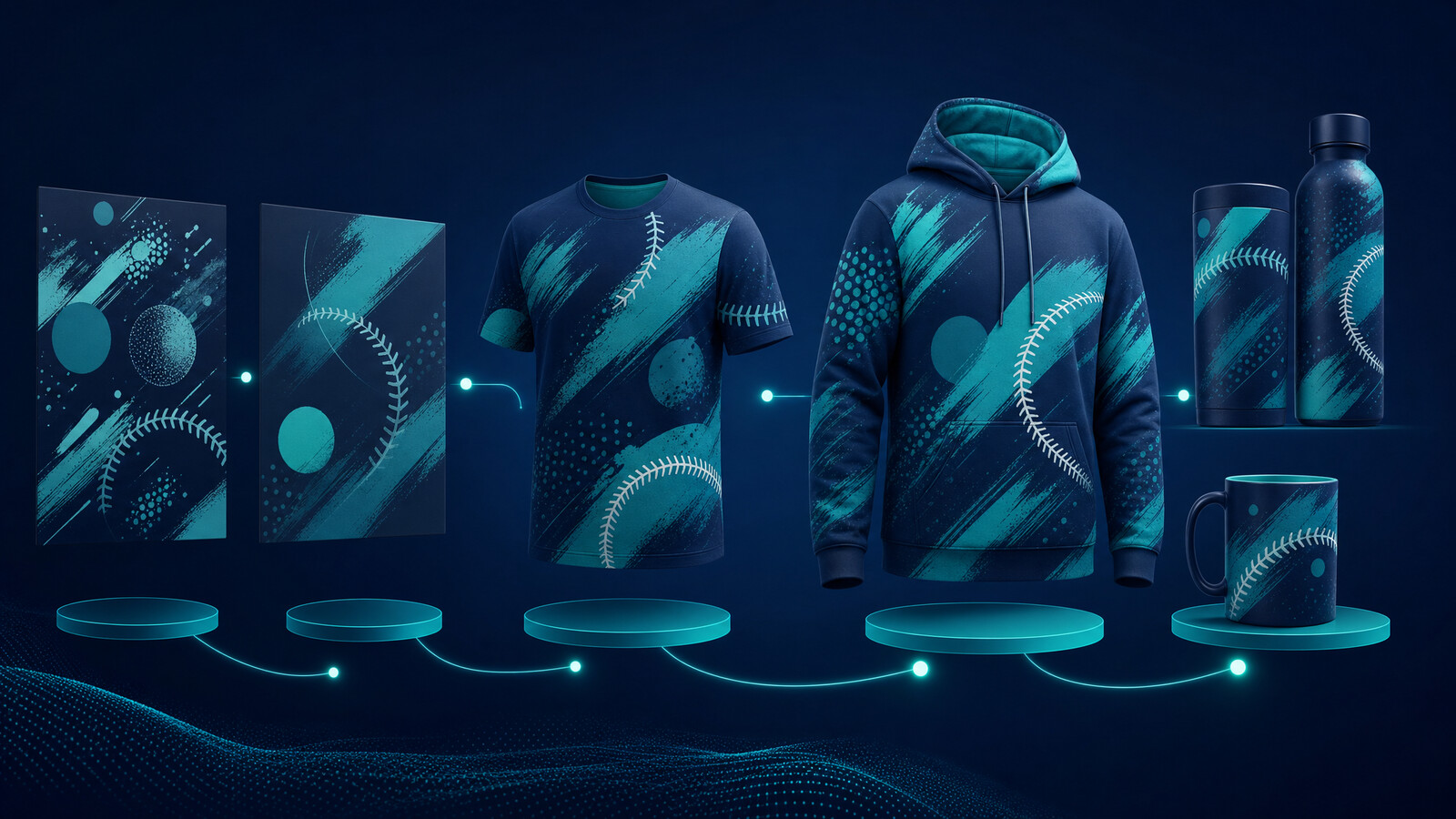
The first image should make the output obvious in under one second. If the buyer has to zoom in to understand the design, you already lost momentum.
Use mockups that show the most likely finished product. For baseball SVG files, that might be a shirt, decal, sign, or tumbler. Keep the scene simple. The design is the point.
Our Product Mockups feature exists because this step becomes painful when you are creating more than a few listings. One mockup is easy. A catalog is where sellers get stuck.
Write for the Buyer, Not the Algorithm
Yes, keywords matter. I have written plenty about Etsy keyword research and the importance of matching buyer language.
But do not write a listing that sounds like a tag cloud. Say what the buyer gets. Say what the file works with. Say who it is for. Say what they can make with it.
A strong baseball SVG listing title might combine the core term with a use case: baseball mom shirt SVG, baseball team decal SVG, baseball senior night SVG, or baseball coach gift SVG. The exact angle depends on the product.
Scale the workflow without guessing the tool stack.
Compare MyDesigns plans when you are ready to turn SVG testing into a repeatable catalog operation.
Pricing, Bundling, and Scaling
I would start with individual baseball SVG products, then bundle around buyer intent once I see what gets traction.
Do not bundle random designs just to make the listing look bigger. Bundle by use case. A team mom bundle. A coach gift bundle. A softball and baseball crossover bundle. A tournament weekend bundle. That is easier for buyers to understand and easier for Etsy to associate with specific searches.
For pricing, I would test simple ranges instead of guessing forever. Single designs often live in a low-price impulse range. Bundles can command more if the buyer clearly sees the added value. The point is not to race to the bottom. The point is to make the purchase feel obvious.
If you want a broader idea map, read our guide to digital products to sell on Etsy. If you want the operational side, pair this with an Etsy listing optimization workflow and keep improving the listings that get impressions but not clicks.
Frequently Asked Questions
+ What is a baseball SVG?
A baseball SVG is a scalable vector design file that buyers can use for cutting machines, craft projects, decals, shirts, and other products. Sellers often include PNG, DXF, and EPS formats with the SVG to make the download easier to use.
+ Can you sell baseball SVG files on Etsy?
Yes, you can sell original baseball SVG files on Etsy if you own the rights and avoid protected names, logos, team branding, and trademarks. The safer path is to create original designs around generic buyer moments like game day, team mom, coach gifts, and senior night.
+ What file formats should I include with a baseball SVG?
I would include SVG, PNG, DXF, and EPS when possible. That mix covers common cutting, crafting, and print workflows while reducing buyer confusion after purchase.
+ Are baseball SVG designs seasonal?
Baseball SVG designs are seasonal, but the season is long enough to support multiple buying moments. Opening day, tournaments, senior night, coach gifts, and playoffs can all create demand if your listings are built around clear use cases.
+ How many baseball SVG listings should I launch first?
I would launch 24 to 40 focused listings first. That is enough to test angles and collect early signals without spending weeks building a catalog before you know what buyers respond to.
The sellers who win this niche will not be the ones with the cutest single baseball graphic. They will be the ones who build the cleanest product system, ship the fastest, and keep improving what the market proves it wants.
Build Your Next SVG Product Line Faster
Create designs, mockups, listings, and publishing workflows in one place with MyDesigns.


Leave a Reply