


Most sellers use an AI art generator backwards.
They open the tool, type a cute prompt, save whatever looks interesting, and then ask, “What can I sell this on?” That is why so many AI-generated shops feel random. Pretty images are not the same thing as sellable products.
If I were using an AI art generator for print on demand today, I would treat it like a production system. Buyer first. Product second. Prompt third. Listing last.
Key Takeaways
- An AI art generator is only useful when it serves a product angle – prompts without a buyer produce inventory-shaped clutter.
- Prompt families beat one-off prompts – repeatable styles help you build collections instead of isolated designs.
- Quality control matters before upload – check edges, detail level, rights risk, and product fit before you create listings.
- The money is in the workflow – generating art is fast, but scaling mockups, titles, descriptions, and publishing is where sellers usually stall.
Table of Contents
AI art needs a product strategy first
The tool is not the strategy. I do not care how impressive the output looks if it does not fit a buyer, a product, and a listing angle.
I have seen sellers generate 200 designs in a weekend and still have no real product line. The files looked good in a folder. The shop looked confused. There was no clear niche, no consistent style, and no reason for a buyer to click a second listing after seeing the first one.
An AI art generator can speed up design work, but it cannot replace taste, positioning, or product judgment. That is the part most beginners skip because the generator gives them instant dopamine.
Prompts are not the moat
Prompt writing matters, but it is not the advantage by itself. Everyone can ask for a watercolor cat, a retro sunset, or a cyberpunk skull.
The advantage is knowing which buyer wants that style, which product it belongs on, and how to turn one idea into a collection. That is harder to copy than a single prompt.
The output has to fit the product
AI art that works on a poster may fail on a t-shirt. A detailed square composition may look great on a wall art mockup and terrible on a sticker. A soft background texture may print beautifully on a canvas and disappear on apparel.
Before I generate anything, I decide the product format. Apparel, wall art, stickers, mugs, notebooks, phone cases, and digital downloads all need different design choices.
If you need broader product direction first, start with my guide to print on demand niches. The AI workflow works best after you know what category you are attacking.
Build the system
Turn AI designs into product batches, not scattered files.
Create, mock up, write, and publish faster with MyDesigns.
My prompt-to-product workflow
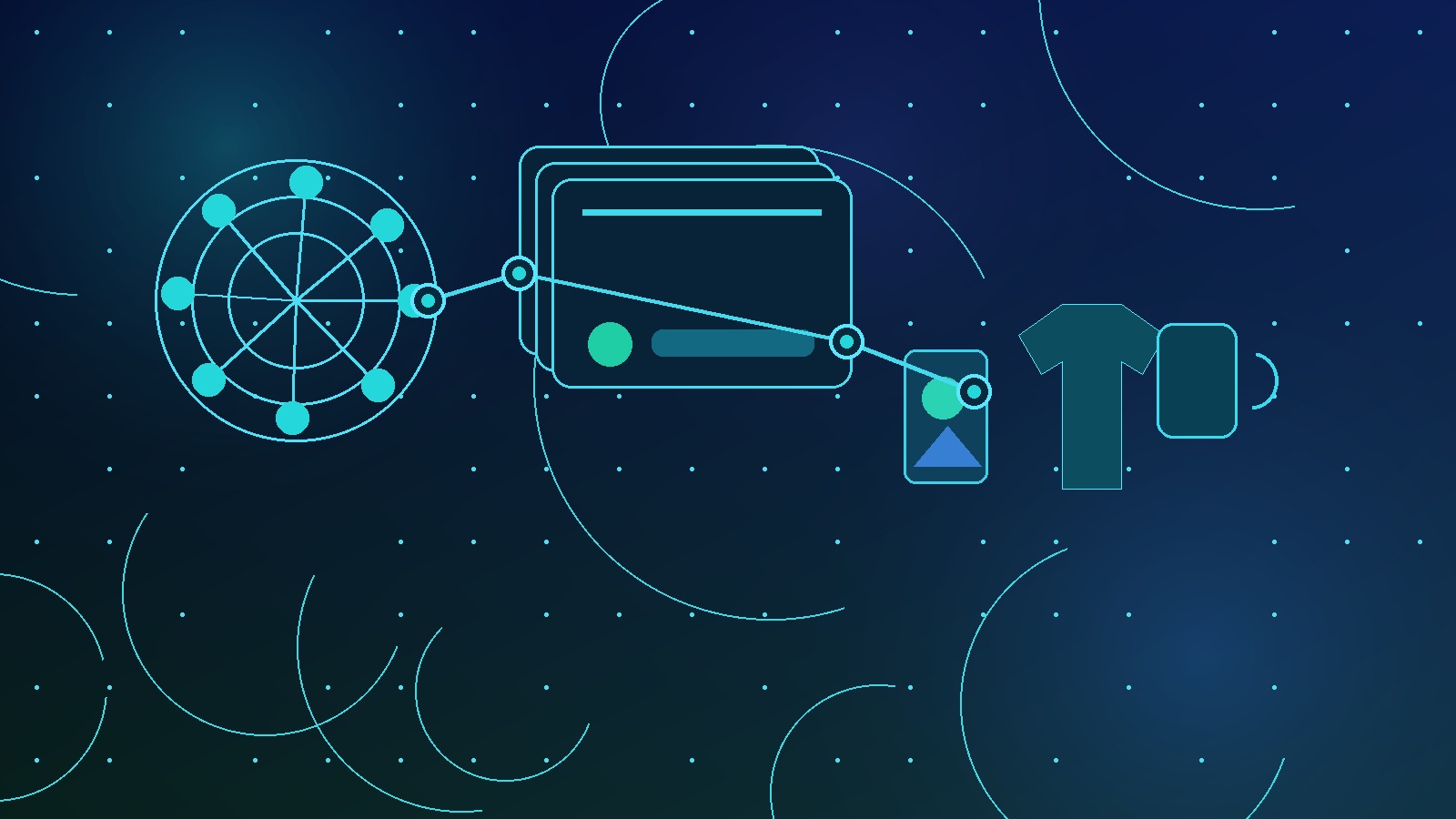
Here is the workflow I would use if I were starting a fresh AI art generator product line today.
I would not begin with the prompt box. I would begin with a buyer segment and a product promise.
Start with the buyer and use case
Pick one buyer and one product use case before generating anything.
- Teacher gift wall art for classroom decor.
- Dog breed stickers for proud pet owners.
- Minimalist travel posters for city collectors.
- Personalized nursery prints for new parents.
- Fantasy journal covers for writers and readers.
That one constraint makes your AI output sharper. You are not asking for art. You are asking for a product asset with a job.
Build prompt families, not random prompts
A prompt family is a repeatable structure you can adapt across a collection.
For example, instead of generating one random mushroom poster, I would build a family like this:
- Subject: botanical mushroom, wildflower, moth, fern, fox, moon phase.
- Style: dark botanical engraving, clean negative space, premium poster composition.
- Product: wall art print, square and portrait variants.
- Buyer angle: moody cottage decor for nature lovers.
Now I can generate 30 related assets that feel intentional. That is much stronger than 30 unrelated images fighting each other inside one shop.
This is also where tools like Dream AI inside MyDesigns become useful. The generator is not the whole business. It is one step in a repeatable production line.
What I put in every AI art generator prompt
A strong AI art prompt is not long because long feels smart. It is specific because each part controls a business outcome.
My base structure is simple:
- Buyer or niche – who the product is for.
- Product format – poster, sticker, shirt graphic, mug wrap, notebook cover.
- Subject – the core visual idea.
- Style – the repeatable creative direction.
- Composition – centered badge, repeating pattern, isolated graphic, full-bleed art, clean negative space.
- Production constraints – transparent background, no text, high contrast, clean edges, limited detail.
Format and art direction matter
Most weak AI designs fail because the seller did not tell the generator what the image is supposed to become.
If the product is a sticker, I want a clean silhouette, readable shape, and strong edge contrast. If the product is wall art, I want composition, mood, and framing. If the product is apparel, I want the design to survive at chest-print size.
Do not use the same prompt for every product type. That is lazy, and buyers can feel it.
Negative prompts protect your catalog
I use negative constraints aggressively. No text. No logos. No brand marks. No celebrity likeness. No muddy details. No extra limbs. No fake signatures. No trademarked characters.
Even if your generator does not have a formal negative prompt box, write the constraints into your prompt. It will not catch everything, but it reduces junk before quality control.
For marketplace rules, read Etsy’s prohibited items policy and keep a separate compliance checklist. You do not want a fast workflow that publishes risky assets faster.
Move faster safely
Use AI, then keep your publishing workflow disciplined.
MyDesigns helps sellers organize assets, build mockups, write listings, and publish in batches.
Quality control before upload
AI output is a draft until it passes production review. I do not care how beautiful it looks in the generator preview.
Preview windows hide problems. Edges look cleaner than they are. Tiny details look sharper than they will print. Background artifacts can sneak into transparent files. A design can look premium at 100 percent and messy on an actual product mockup.

My print-readiness checklist
Before I upload an AI-generated design into a product workflow, I check:
- Resolution – is the file large enough for the intended product?
- Edges – are transparent or isolated designs clean at full size?
- Contrast – will the design hold up on dark and light products?
- Detail level – will small elements turn into noise on apparel or stickers?
- Composition – does it sit naturally inside the product print area?
- Mockup realism – does the design still look good when placed on the item?
This is where many sellers lose the sale. The design file looks fine. The product image does not.
Rights and trademarks are not optional
AI does not remove your responsibility to publish safe products. If your prompt mentions a brand, celebrity, movie, team, character, or protected phrase, you are creating risk.
I strongly advise checking phrases in the USPTO trademark search before publishing. For copyright and AI policy updates, the U.S. Copyright Office AI page is worth bookmarking.
Do not build a fast catalog on borrowed attention. It feels clever until it gets your listing removed.

Turn AI art into listings that can sell
Generating the art is the easy part now. The bottleneck moved.
The real work is turning files into strong product pages: mockups, titles, tags, descriptions, pricing, and publishing. This is why I tell sellers not to obsess over the generator while ignoring the listing system.
Titles and descriptions need buyer language
Your listing title should not describe the art like a museum label. It should match what the buyer is searching for.
For a nursery wall art product, “soft watercolor woodland fox print for baby nursery decor” is more useful than “beautiful fox illustration.” For a dog sticker, breed, style, use case, and gift angle all matter.
If writing listings slows you down, read my guide to the AI description generator workflow. The point is not to let AI write bland filler. The point is to speed up a structure you already trust.
Batch publishing gives you real signal
One listing tells you very little. A tight batch tells you much more.
If I have a validated prompt family, I would rather publish 25 thoughtful variations than spend two weeks perfecting one design. Not sloppy variations. Controlled tests.
- Same buyer angle.
- Related art style.
- Different subjects or personalization hooks.
- Consistent mockup structure.
- Comparable pricing.
That gives you data. Views, favorites, clicks, conversion rate, and search terms start showing you which branch of the idea deserves more work.
Publish the batch
Do not let finished designs sit in folders.
Use MyDesigns to move from AI art to mockups and listings faster.
AI art generator mistakes that kill sales
I like AI tools, but I am not impressed by output volume anymore. Volume without judgment just creates a bigger mess.
Here are the mistakes I would avoid.
Random art dumps confuse buyers
A shop with watercolor cats, cyber skulls, baby shower prints, gaming stickers, and vintage car posters can technically publish everything. That does not mean it should.
Buyers trust shops that feel intentional. If your catalog looks like a prompt experiment, people hesitate.
Pick a lane long enough to learn from it. You can expand later.
Overdesigned files fall apart on products
AI tools love detail. Marketplaces do not always reward it.
A hyper-detailed illustration can lose shape when reduced for a sticker. Tiny decorative pieces can print poorly on fabric. Low contrast art can disappear on a hoodie. A design can be visually impressive and commercially weak at the same time.
Use mockups early. My rule is simple: if the product image does not sell the idea in two seconds, the art is not ready.
For pricing after your product concept is set, use my guide on how to price print on demand products. AI speed does not fix weak margins.
How I would scale this inside MyDesigns
The old playbook was to make a design, download it, resize it, upload it somewhere else, make mockups, write a title, write a description, add tags, publish, and repeat until your brain shuts off.
That manual chain is the problem we built MyDesigns to reduce. The creative part should be fast, but the operational part should not punish you for having more ideas.

From Dream AI to product batches
My ideal workflow is direct:
- Generate or refine designs with Dream AI.
- Organize the best files into a collection.
- Create product mockups.
- Use AI-assisted listing content to draft titles and descriptions.
- Review, edit, price, and publish in batches.
That is the difference between playing with an AI art generator and building a sellable catalog.
If you are comparing tools, my AI design tools for print on demand breakdown will help you understand where each tool fits. But do not get stuck in tool shopping. Pick a workflow and test it.
Measure winners and cut weak ideas fast
I would track the first 30 days aggressively.
- Which designs get impressions?
- Which thumbnails earn clicks?
- Which product types get favorites?
- Which title patterns show up in search terms?
- Which ideas deserve a second batch?
The goal is not to prove every design was brilliant. The goal is to find signal quickly and stop giving energy to weak ideas.
That is the macro shift happening in ecommerce right now. Creativity still matters, but speed plus judgment matters more. AI gives you speed. Your workflow gives you judgment.
AI art needs execution
Your generator is only as good as your publishing system.
Start with a free MyDesigns account and build your first AI-powered product batch.
Frequently Asked Questions
+ Can I use AI art for print on demand?
Yes, you can use AI art for print on demand if the files are high quality, product-ready, and compliant with marketplace and rights rules. I would still review every output for artifacts, trademark risk, and product fit before publishing.
+ What is the best AI art generator for print on demand?
The best AI art generator for print on demand is the one that fits your product workflow, not just the one with pretty previews. I care about output quality, control, file handling, style consistency, and how quickly I can turn good designs into listings.
+ Do AI-generated designs sell on Etsy?
AI-generated designs can sell on Etsy when they are tied to a clear buyer, strong product presentation, and search-friendly listings. Random AI art uploads usually struggle because they lack positioning.
+ Should I put AI art on shirts, stickers, or posters first?
I would choose the product based on the design style. Clean isolated graphics often work better for shirts and stickers, while detailed compositions usually fit posters, wall art, notebooks, and canvas prints.
+ How many AI designs should I publish at once?
I would publish controlled batches of 20 to 50 related listings instead of one giant random upload. That gives you enough data to spot winners without making your shop feel unfocused.
AI art is not the shortcut. The shortcut is building a workflow that turns good ideas into published products before your momentum dies.
That is where I would put my energy.
Build Your AI Product Workflow
Create designs, mockups, listings, and product batches faster with MyDesigns.


Leave a Reply