


Most sellers I talk to are juggling 3, 4, sometimes 5 separate AI subscriptions. Midjourney for images. ChatGPT Plus for GPT Image 1. Ideogram Pro for transparent PNGs. Recraft for print-ready vectors. And then… they download the file, open their POD tool, upload it, and start the actual work.
That’s backwards. The generation should happen inside the workflow, not before it.
That’s exactly why we built Dream AI directly into MyDesigns. It’s not a standalone image generator you run separately – it’s the AI design engine built into your selling workflow. You generate, you edit, you push to Etsy and Shopify. No context switching. No downloading files and re-uploading them somewhere else.
And right now, Dream AI gives you access to 13+ of the top image generation models in the industry – all from one place. GPT Image 1. Ideogram v3 with native transparency. Recraft v4 at 300 DPI. FLUX.2. Imagen 4 Ultra. Seedream. Nano Banana Pro. This guide breaks down every model, what it’s actually good at, and exactly which one to reach for depending on what you’re making.
Key Takeaways
- Dream AI is built into MyDesigns, not a standalone tool – you generate designs and immediately push them to Etsy or Shopify without switching apps.
- 13+ AI models available in one place – including GPT Image 1, Ideogram v3, Recraft v4, FLUX.2, Imagen 4 Ultra, Seedream, and Nano Banana Pro, each with different strengths.
- Ideogram v3 native transparency is a game-changer for POD – no background removal needed, PNG exports straight to t-shirts and stickers.
- Recraft v3/v4 produces 300 DPI, CMYK-ready, vector-capable files – the only models in the lineup purpose-built for professional print production.
Table of Contents
- What Is Dream AI and How Does It Fit Into MyDesigns?
- Stop Paying for 5 Separate AI Subscriptions
- Nano Banana 2 and Nano Banana Pro
- GPT Image 1, 1.5, and Mini
- Seedream v5 Lite and v4.5
- Ideogram v3 – The Transparency Model POD Sellers Need
- Recraft v3 and v4 – Print-Ready Files From Day One
- Imagen 4 Ultra
- FLUX.2 Models: Flex, Max, Flash, and Turbo
- Dream AI Model Comparison Table
- How to Use Dream AI in Your MyDesigns Workflow
- Frequently Asked Questions
What Is Dream AI and How Does It Fit Into MyDesigns?
Dream AI is the AI image generation engine built directly into the MyDesigns platform. It’s not a third-party integration or an add-on you configure – it lives inside your MyDesigns account, right next to your canvas editor, bulk publisher, and Etsy listing tools.
The distinction matters. When you generate a design in Dream AI, you’re already inside MyDesigns. That means you can open the design in the Canvas editor to refine it, drop it onto a product mockup, and push it to Etsy or Shopify – all in the same session. The typical POD workflow of “generate elsewhere, download, upload, start over” is gone.
Dream AI runs on credits or a subscription plan. The models available to you depend on your plan level – check the pricing page to see what’s included. Credits are consumed per generation, with higher-resolution outputs and premium models costing more per image.
What makes Dream AI genuinely useful is the model variety. Different models excel at wildly different things. One is purpose-built for transparent PNGs. Another outputs at 300 DPI with CMYK color profiles. Another gives you the same photorealistic quality as ChatGPT’s image generation. Knowing which one to use for which job is what separates sellers who get professional results from those who wonder why their designs look off.
Digital products look simple from the outside. The sellers who grow are usually the ones who systemize creation and launch.
This is exactly where a cleaner workflow starts to matter more than another round of planning.
Stop Paying for 5 Separate AI Subscriptions
Here’s the honest version of how most AI-powered POD sellers operate today: they have a Midjourney subscription, a ChatGPT Plus subscription (for GPT Image 1), an Ideogram Pro account, and maybe a Recraft account. That’s $40-80/month just in AI tools – before they’ve paid for a single listing or print provider.
And then they download images from one tool, upload them into another, switch back and forth constantly, and wonder why scaling feels so hard.
The problem isn’t the AI tools. It’s the disconnected workflow.
Dream AI consolidates GPT Image 1, Ideogram v3, Recraft v4, FLUX.2, Imagen 4 Ultra, Seedream, Nano Banana Pro, and more into a single interface that already connects to your Etsy and Shopify stores. I’ve watched sellers cut their tool stack in half and actually produce more designs because they stopped losing momentum every time they switched contexts.
That said, Dream AI isn’t “free.” It requires credits or an active subscription. But the math almost always works out in favor of consolidating – especially once you account for the time saved on workflow friction. See the full breakdown of Dream AI’s model lineup if you want to go deeper on what’s included.
Nano Banana 2 and Nano Banana Pro
Nano Banana 2 (and its Pro variant) is powered by Google’s Gemini image generation technology. It’s the fastest option in the Dream AI lineup, which makes it the obvious choice when you’re iterating quickly or need to batch through a lot of concepts before committing to a direction.
The “Pro” version adds more stylistic range and better prompt adherence. Both handle varied creative styles well – from illustrated to semi-realistic, from minimal to detailed. You won’t consistently hit the photorealistic ceiling of GPT Image 1 or the print-precision of Recraft, but for speed and versatility, nothing in the lineup competes.
Best POD and Digital Product Use Cases
- Concept testing: Generate 10-20 variations in minutes before committing to a final design direction
- Illustrated styles: Flat vector-ish illustrations, cartoon-style designs, minimalist line art
- Seasonal and trend-based products: Fast output means you can react to trending niches without a 20-minute wait per generation
- Background patterns and textures: Strong for repeating pattern generation for fabric, paper, or digital backgrounds
If I’m building a high-volume listing strategy and need to test 50 design concepts across 3 niches before the weekend, Nano Banana Pro is where I start. Speed matters when you’re moving at scale.
GPT Image 1, 1.5, and Mini
GPT Image 1 is the same model powering image generation inside ChatGPT. If you’ve ever been impressed by what ChatGPT can generate visually, that’s GPT Image 1 – and you now have it inside MyDesigns without needing a separate ChatGPT Plus subscription.
GPT Image 1.5 pushes prompt adherence even further, handling complex multi-element compositions better than the base model. GPT Image Mini is a faster, lighter version – useful when you want GPT-quality reasoning applied to simpler prompts without burning full credits.
The signature strength here is exceptional prompt adherence and photorealism. You can describe something highly specific – “a golden retriever sitting on a vintage armchair reading a newspaper, watercolor style, muted earth tones” – and get exactly that, not an approximation of it. Other models will drift from specifics. GPT Image 1 doesn’t.
Best POD and Digital Product Use Cases
- Character-based designs: Animals, characters, mascots – anything where the specific attributes of the subject matter
- Photorealistic product mockup art: Designs that look like they were hand-photographed
- Complex scene compositions: Multi-element scenes with specific details that other models drop
- Quote art with illustration: GPT Image 1 handles text-and-image combinations better than most models in the lineup
- Niche-specific designs: The more specific your prompt, the more GPT Image 1 outperforms everything else
Seedream v5 Lite and v4.5
Seedream comes from ByteDance – yes, the same company behind TikTok. Their image generation technology has quietly become one of the strongest in the field, particularly for high-resolution output and text rendering.
Seedream v5 Lite outputs at 2K resolution natively. The v4.5 version supports up to 4K. Both handle text within images exceptionally well – meaning if you want “Best Dog Dad Ever” actually rendered legibly on a design rather than smeared into visual noise, Seedream is a reliable choice.
Text rendering in AI-generated images has historically been a nightmare. Most models produce text that looks like it went through a blender. Seedream is one of the few that consistently produces readable, well-styled text as part of the design – not just as an afterthought you need to fix in post.
Best POD and Digital Product Use Cases
- Quote and typography designs: When you need the text to actually be readable in the final output
- High-resolution product designs: v4.5 at 4K gives you serious detail for large-format printing
- Personalized designs with text elements: Names, dates, custom messages embedded in illustrated scenes
- Digital downloads: Printable wall art, greeting card templates, journal pages where text integration matters
If you want more output without more chaos, you need a workflow that keeps design, listing creation, and publishing moving together.
The advantage usually goes to the sellers who can create, organize, and publish without getting buried in manual work.
Ideogram v3 – The Transparency Model POD Sellers Need
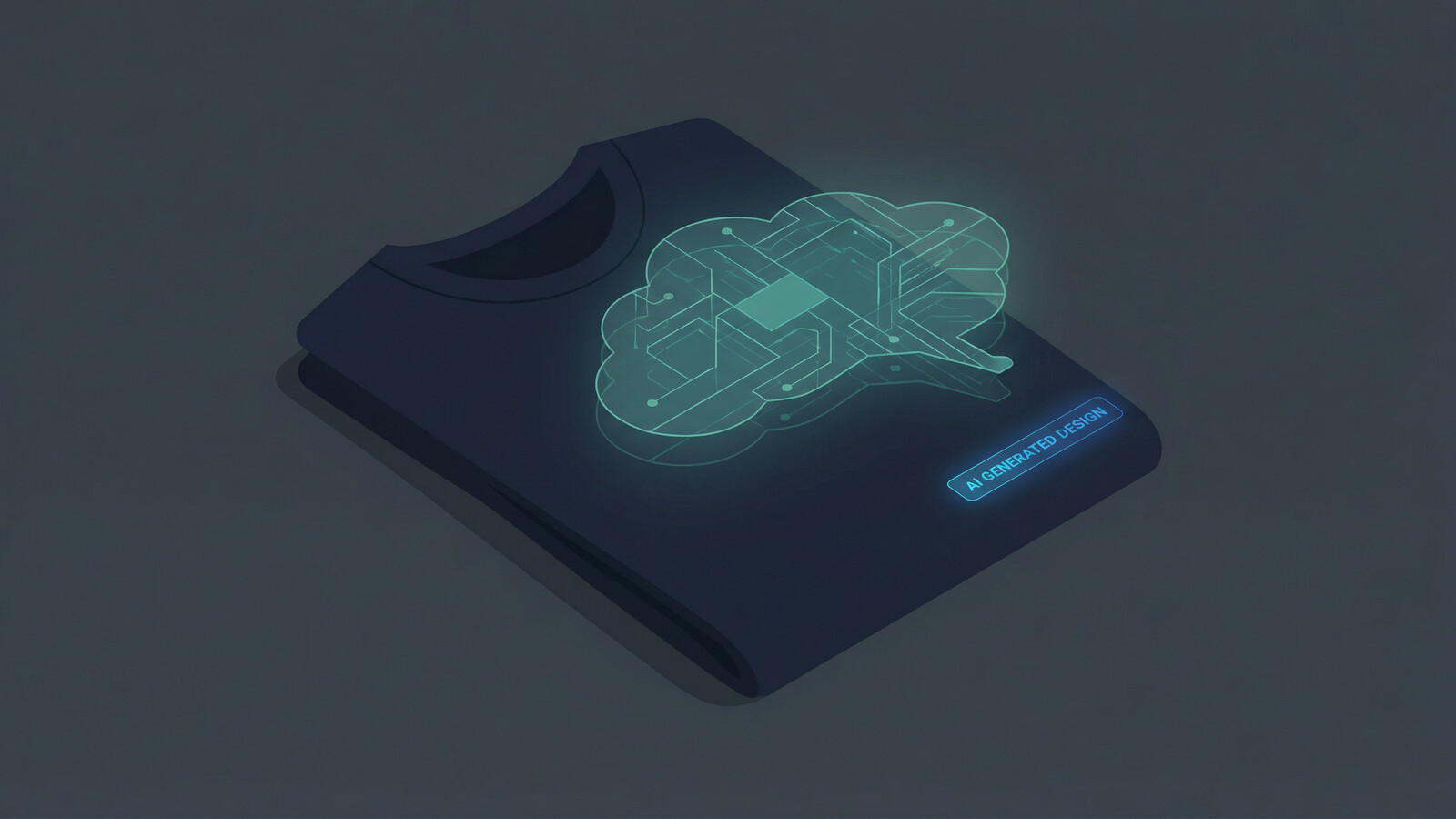
Ideogram v3 is the model I recommend most often to POD sellers who are just figuring out their workflow. One reason: native transparency support.
Every other model on this list generates images with a background. To get a design onto a t-shirt or a sticker, you need to remove that background – which means background removal tools, manual cleanup, lost time. Ideogram v3 generates transparent PNGs directly. You describe a design, specify transparent background, and the output is a clean PNG with no background – ready to drop onto any product immediately.
Why Native Transparency Changes Everything
Think about the POD workflow for a moment. You generate a design, remove the background, check the edges, fix any artifacts, upload to your mockup tool, apply to the product, check again… it’s a lot of steps before you’ve even touched your listing.
With Ideogram v3, that background removal step disappears entirely. You go from prompt to transparent PNG to product mockup in one session.
Beyond transparency, Ideogram v3 is genuinely strong at illustration-forward styles – the kind of graphic design aesthetic that sells consistently on Etsy. Bold, clean, stylized. Not trying to be photorealistic. Just looking good on a shirt or a mug or a tote bag.
For digital product sellers, transparency matters even more. SVG files and digital clipart almost always need transparent backgrounds. Sticker sheet designs, clipart bundles, Canva template elements – all of these are vastly easier to produce when your generator handles transparency natively.
The Dream AI feature page has more detail on how to configure generation settings including transparency output for Ideogram v3.
Recraft v3 and v4 – Print-Ready Files From Day One
Recraft is the only model in the Dream AI lineup that was built with professional print production as a primary goal. The numbers tell the story: 300 DPI output, CMYK color profiles, vector-capable files.
Every other model generates raster images at web resolution or digital resolution. Fine for most Etsy products. Not ideal if you’re selling large-format prints, professional apparel, or high-end paper goods where color accuracy and print sharpness matter.
Recraft v3 and v4 close that gap. When you download a Recraft output, you’re getting something that can go directly to a professional print provider without a quality degradation conversation. That’s a genuinely different output class than the other models.
Recraft for Digital Product Sellers
If you sell digital products – SVG files, cut files for Cricut, printable planner templates, design elements for commercial use – Recraft is worth your attention. Its vector-capable output means you can produce files that resize without quality loss, which is exactly what buyers of digital design assets expect.
- SVG cut files: Vector-capable output makes Recraft the best fit for files that need to scale to any size
- Commercial-grade illustration: When buyers expect professional-quality design files, not casual AI art
- Large-format print products: Posters, banners, canvas prints where 300 DPI matters
- Brand design assets: Logos, icons, and design elements where color precision is critical
I think of Recraft as the model for sellers who want to position their products at the premium end. When your file quality is objectively better, you have room to price higher and differentiate on quality rather than just competing on volume.
The digital products section of MyDesigns has more on how these file types fit into the broader workflow for digital sellers.
Imagen 4 Ultra
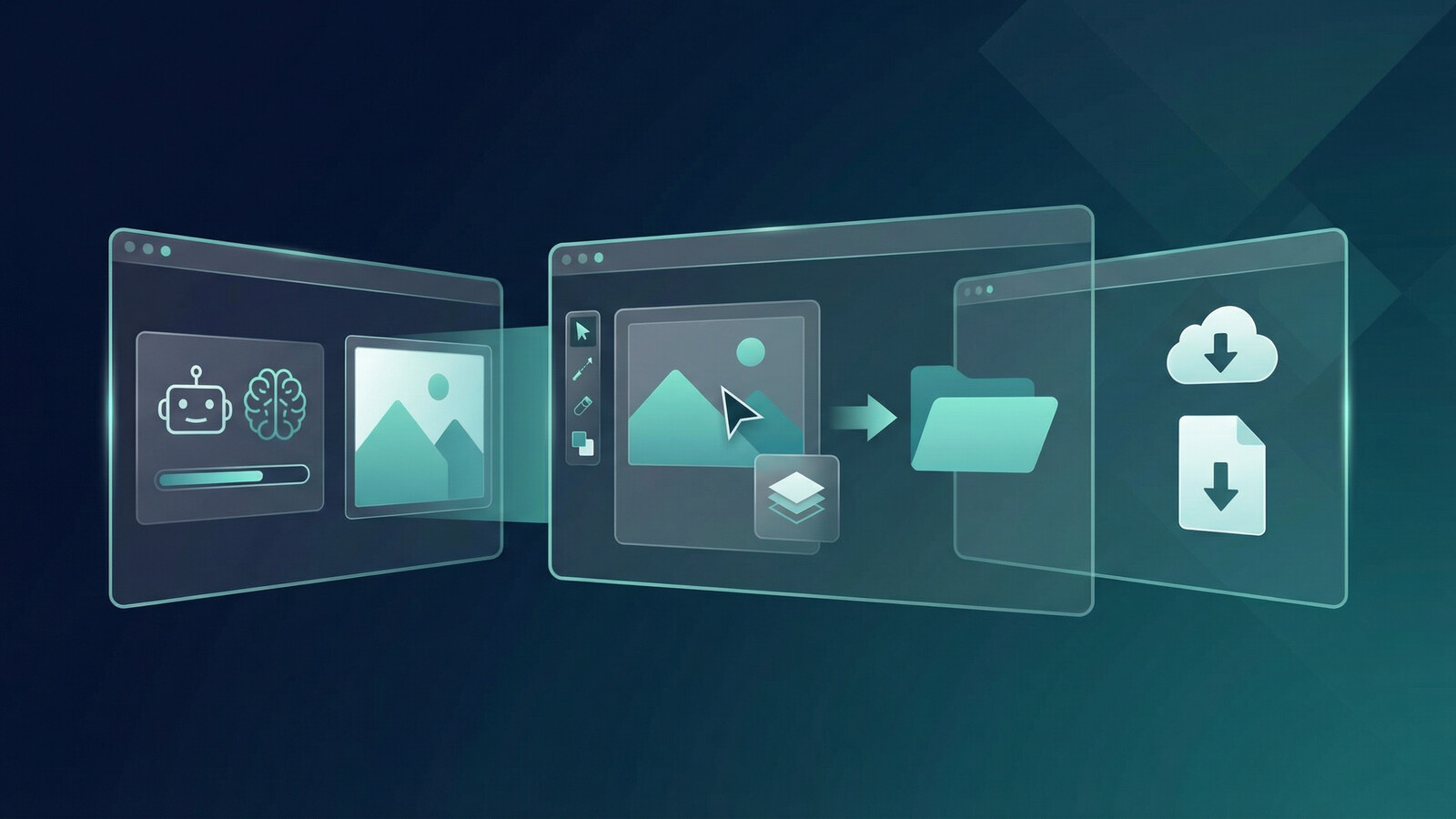
Imagen 4 Ultra comes from Google DeepMind. It generates at 2K resolution natively with photorealistic detail that competes with the best the industry offers. Where it particularly stands out: fine detail rendering and text accuracy.
When you need a photorealistic scene rendered with exceptional clarity – every texture visible, every detail intentional – Imagen 4 Ultra is the top tier option in the Dream AI lineup for that use case. Think product photography-adjacent aesthetics, hyper-detailed nature scenes, architectural photography style.
For POD sellers working in the home decor or wall art space, Imagen 4 Ultra is often the model that produces the most gallery-worthy output. The kind of design that looks like it belongs in a Pottery Barn catalog rather than a mass-market POD shop.
Best POD and Digital Product Use Cases
- Wall art and home decor: Photorealistic landscapes, cityscapes, nature photography-style prints
- Premium printable art: High-detail output that justifies higher price points for digital prints
- Botanical and nature themes: Fine detail rendering makes flora and fauna designs sing
- Photography-adjacent aesthetics: Designs that look like they could be photographs rather than AI art
FLUX.2 Models: Flex, Max, Flash, and Turbo
FLUX.2 comes from Black Forest Labs, and it’s become one of the most respected model families in the AI image generation space. The native resolution is 4MP (roughly 2048 x 2048 pixels, or equivalent), and the model family has a reputation for professional typography handling and composition quality.
But FLUX.2 isn’t one model – it’s four variants, each optimized for a different point on the speed-quality curve.
Which FLUX.2 Variant Should You Use?
FLUX.2 Max is the highest quality variant. Use it when the design absolutely needs to be right and you’re willing to wait. Maximum detail, best prompt adherence, strongest typography. This is the variant for hero products and designs you’re going to print hundreds of.
FLUX.2 Flex sits between Max and Flash in quality, with more configuration options available. If you need more control over the output parameters while still getting near-Max quality, Flex is the choice.
FLUX.2 Flash hits the sweet spot for most production use cases. Fast enough for high-volume work, quality high enough to produce sellable designs without heavy post-processing. This is the variant I’d default to for day-to-day generation.
FLUX.2 Turbo is the speed leader. If you’re prototyping fast, testing dozens of prompts, or need images in seconds rather than minutes, Turbo gets you there. Output quality is lower than Max but still usable for many products.
FLUX.2 handles product labels, packaging-style designs, and designs with integrated typography better than almost any other model in the lineup. If your POD niche involves text-forward designs – inspirational quotes, humor, names, professions – FLUX.2 is worth trying even when other models have been your default.
The gap between planning and publishing is where a lot of digital product momentum dies.
If you want this strategy to actually turn into output, the workflow after the idea matters just as much as the idea itself.
Dream AI Model Comparison Table

Here’s a side-by-side view of every model in the Dream AI lineup:
| Model | Best For | Max Resolution | Key Strength | Speed |
|---|---|---|---|---|
| Nano Banana 2 | Concept testing, variety | 2K | Speed, stylistic range | Very Fast |
| Nano Banana Pro | Varied styles, iteration | 2K | Speed + improved quality | Fast |
| GPT Image 1 | Character designs, complex scenes | Standard | Prompt adherence, photorealism | Moderate |
| GPT Image 1.5 | Complex multi-element compositions | Standard | Advanced prompt accuracy | Moderate |
| GPT Image Mini | Simple to moderate prompts | Standard | Speed, GPT reasoning | Fast |
| Seedream v5 Lite | Text-in-image, typography designs | 2K | Text rendering accuracy | Moderate |
| Seedream v4.5 | High-res designs with text | 4K | 4K output + text quality | Slower |
| Ideogram v3 | T-shirts, stickers, clipart | Standard | Native transparent PNG | Moderate |
| Recraft v3 | Print production, SVG files | Standard | 300 DPI, CMYK, vector | Moderate |
| Recraft v4 | Premium print, digital products | Standard | Improved vector + print accuracy | Moderate |
| Imagen 4 Ultra | Wall art, home decor, photo-realistic | 2K | Fine detail, text accuracy | Moderate |
| FLUX.2 Max | Hero products, best quality | 4MP | Maximum quality + typography | Slow |
| FLUX.2 Flex | Configurable quality output | 4MP | Control + near-Max quality | Moderate |
| FLUX.2 Flash | Production volume, daily use | 4MP | Speed-quality balance | Fast |
| FLUX.2 Turbo | Rapid prototyping, testing | 4MP | Fastest FLUX variant | Very Fast |
How to Use Dream AI in Your MyDesigns Workflow
The Dream AI workflow inside MyDesigns is straightforward. You open the Dream AI generator, select your model, write your prompt, and generate. From there, you have a few paths:
- Edit in Canvas: Open the generated image in the Canvas editor to add text, adjust elements, or combine with other design components
- Apply to mockups: Drop the design onto product mockups using the Mockup Generator to preview how it looks on a shirt, mug, or tote
- Bulk publish: Use Bulk Publish to push finished designs to multiple Etsy or Shopify listings simultaneously – not one at a time
That last part is what makes the integrated workflow matter. When you generate 20 designs in Dream AI and want to turn them into 60 listings across 3 product types, you don’t need to manually upload each one. You select them, configure your listing details, and push. The whole thing can happen in a single session.
For sellers building toward volume – 100+ listings, 500+ listings – this is where the time savings compound. Each design you generate in Dream AI is already inside the system that publishes your listings. There’s no gap to bridge.
I’d recommend starting with one model and getting comfortable with prompting before branching out. Most sellers I’ve talked to get their best early results with either Nano Banana Pro (for speed and variety) or GPT Image 1 (for specific, detailed designs). Then as you understand your own product niche better, you’ll naturally gravitate toward the model that fits your style.
One more thing worth calling out for digital product sellers specifically: Ideogram v3 and Recraft v3/v4 are your starting points. Transparency and vector output are the two capabilities that most directly affect whether your digital products look professional or don’t. Sellers in the clipart, SVG, Canva template, and digital download space who aren’t using one of those two models are leaving quality on the table.
You can explore the full model lineup and test your first generation at mydesigns.io/dream.
Frequently Asked Questions
+ What is Dream AI in MyDesigns?
Dream AI is the AI image generation engine built directly into the MyDesigns platform. It gives you access to 13+ of the top image generation models – including GPT Image 1, Ideogram v3, Recraft v4, FLUX.2, Imagen 4 Ultra, Seedream, and Nano Banana Pro – inside the same workflow you use to create listings and publish to Etsy and Shopify. It requires credits or a subscription plan, and is not a standalone app.
+ Which AI image generator is best for print on demand?
It depends on your product type. Ideogram v3 is best for t-shirts and stickers because it generates transparent PNG files natively. Recraft v3/v4 is best for designs that need to meet professional print standards (300 DPI, CMYK). GPT Image 1 is strongest for character-based and highly specific designs. FLUX.2 Flash is the best all-around daily driver for high-volume production.
+ Does Dream AI generate transparent backgrounds for POD?
Yes – specifically through Ideogram v3, which supports native transparency output. When you generate with Ideogram v3 and specify a transparent background, the output is a PNG with no background, ready to apply directly to t-shirts, stickers, or any product that requires a transparent design file. Other models in Dream AI generate designs with backgrounds, which can be removed using MyDesigns’ image utility tools.
+ Can I use Dream AI to create digital products like SVG files?
Yes. Recraft v3 and v4 are the best models for digital product sellers who need vector-capable output, which is essential for SVG cut files and scalable design assets. Ideogram v3 is also useful for generating clipart and design elements with transparent backgrounds, which are commonly used in digital product bundles and Canva templates.
+ Is Dream AI better than Midjourney for print on demand?
Dream AI includes models that match or exceed Midjourney’s output quality for most POD use cases – particularly FLUX.2 Max, GPT Image 1, and Imagen 4 Ultra. The bigger advantage is integration: Dream AI is inside your selling workflow, not a separate tool you generate from and then import elsewhere. For sellers who need transparent backgrounds or print-ready files specifically, Dream AI’s Ideogram v3 and Recraft models do things Midjourney can’t match natively.
+ What is the difference between FLUX.2 Flash and FLUX.2 Max?
FLUX.2 Max is the highest quality variant – best prompt adherence, maximum detail, best typography. It’s slower than other variants. FLUX.2 Flash is faster while maintaining production-quality output, making it better suited for high-volume design work where speed matters. Both run at 4MP native resolution. Use Max for hero designs and high-stakes outputs; use Flash for daily production volume.
The sellers who are winning at AI-powered POD right now aren’t the ones with the most subscriptions. They’re the ones who’ve stopped the tool-switching and built a workflow that goes from idea to live listing without friction. That’s what Dream AI inside MyDesigns is actually for.


Leave a Reply