


I think most people searching for a t shirt design maker are solving the wrong problem. You do not need another cute editor that helps you make one shirt. You need a workflow that helps you create better shirt designs, turn them into listing visuals, and get them live while your competitors are still dragging text boxes around.
I have watched sellers burn entire weekends inside tools that were technically easy to use and commercially useless. The design looked fine. The catalog never grew. The shop never got momentum. That is the part most reviews skip.
If I were choosing a t shirt design maker in 2026, I would judge it by one thing: does it help you publish winning products faster? Everything else is secondary.
Key Takeaways
- A good t shirt design maker is not just a canvas. It should help you go from concept to product listing without adding friction.
- Templates alone will not give you an edge. Speed, variation, and launch volume matter more than making one pretty design.
- AI only helps when it is tied to execution. If the design tool stops at image generation, you still have a bottleneck.
- The best setup is the one you will actually scale with. Think in batches, not one-off designs.
Table of Contents
What Makes a Good T Shirt Design Maker?
A real t shirt design maker should help you make decisions quickly, produce usable design variations, and move those designs toward revenue. If it only gives you fonts, stickers, and a blank canvas, it is a toy for hobby use, not a growth tool for a seller.
I get why people default to the familiar drag-and-drop editors. They feel safe. But safe tools often keep you trapped at tiny output levels.
Design Speed Matters More Than Art School Polish
The market does not reward the seller who spent six hours nudging one graphic by three pixels. It rewards the seller who tested ten viable angles, saw what got clicks, then doubled down fast.
That is why I care more about iteration speed than pure design flexibility. A t shirt design maker should help you:
- Create multiple design directions from one concept
- Swap text, colors, and compositions quickly
- Prepare assets for multiple shirt styles
- Move straight into mockups and listing creation
I have seen shops stall because the owner wanted every design to feel perfect before launch. Perfect is expensive. Testing is profitable.
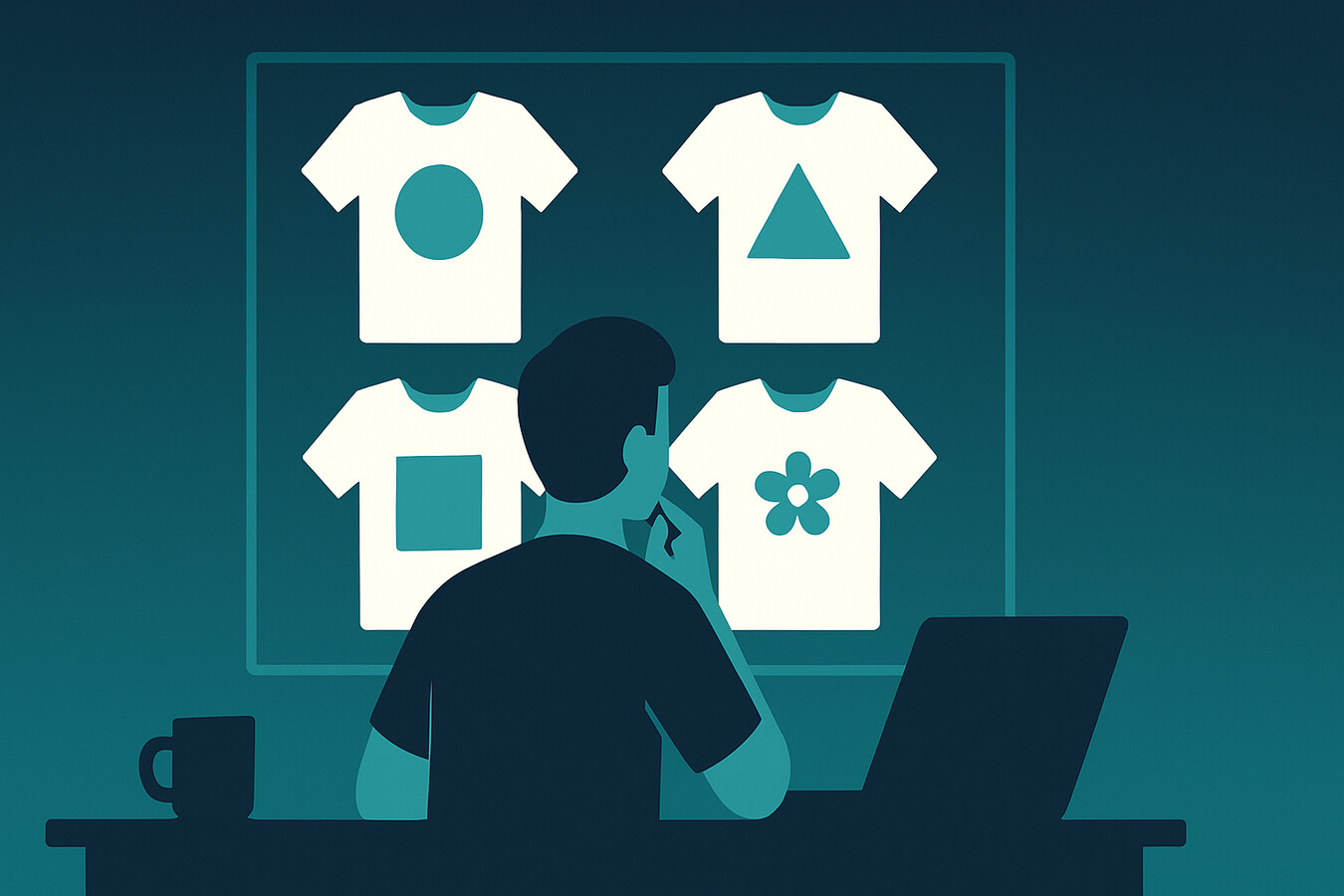
If your design process ends in another download folder, you still have a bottleneck.
MyDesigns helps you move from idea to listing faster, which matters a lot more than endlessly polishing one shirt graphic.
Most Tools Are Built for Custom Shirts, Not Sellers
This is the part almost nobody says out loud. A lot of top-ranking t shirt design maker tools are really built for buyers creating one custom shirt for a family reunion, school event, or bachelor trip. That is a completely different job.
If you are a print on demand seller, you need a system built around repeated creation, product expansion, mockups, SEO, and publishing. Different game. Different requirements.
Features I Would Prioritize First
If I were evaluating tools today, these are the features I would care about first.
AI Ideation Needs Real Controls
AI can help a lot, but only when it does more than spit out random shirt art. You want a t shirt design maker that lets you generate concepts, refine them, and keep your niche direction consistent.
That means prompts, style control, remixing, and the ability to move quickly from idea one into idea two, three, and four. The goal is not to worship AI output. The goal is to compress the messy part of ideation.
We built Dream AI for exactly this reason, and Product Mockups to help sellers turn good designs into click-worthy visuals faster. I did not want sellers staring at a blank screen waiting for inspiration. I wanted them shipping.
Mockups and Publishing Should Not Live in Separate Worlds
The biggest productivity leak is when your design tool lives in one tab, your mockup tool lives in another, and your listing workflow lives somewhere else entirely. Every extra handoff kills momentum.
That is why I think the best t shirt design maker is often the one that connects to the rest of your selling workflow. If I create a strong design, I want product mockups, listing assets, and publishing options right there.
Because once a good design idea appears, speed matters. The longer it sits untouched, the more likely it never ships.
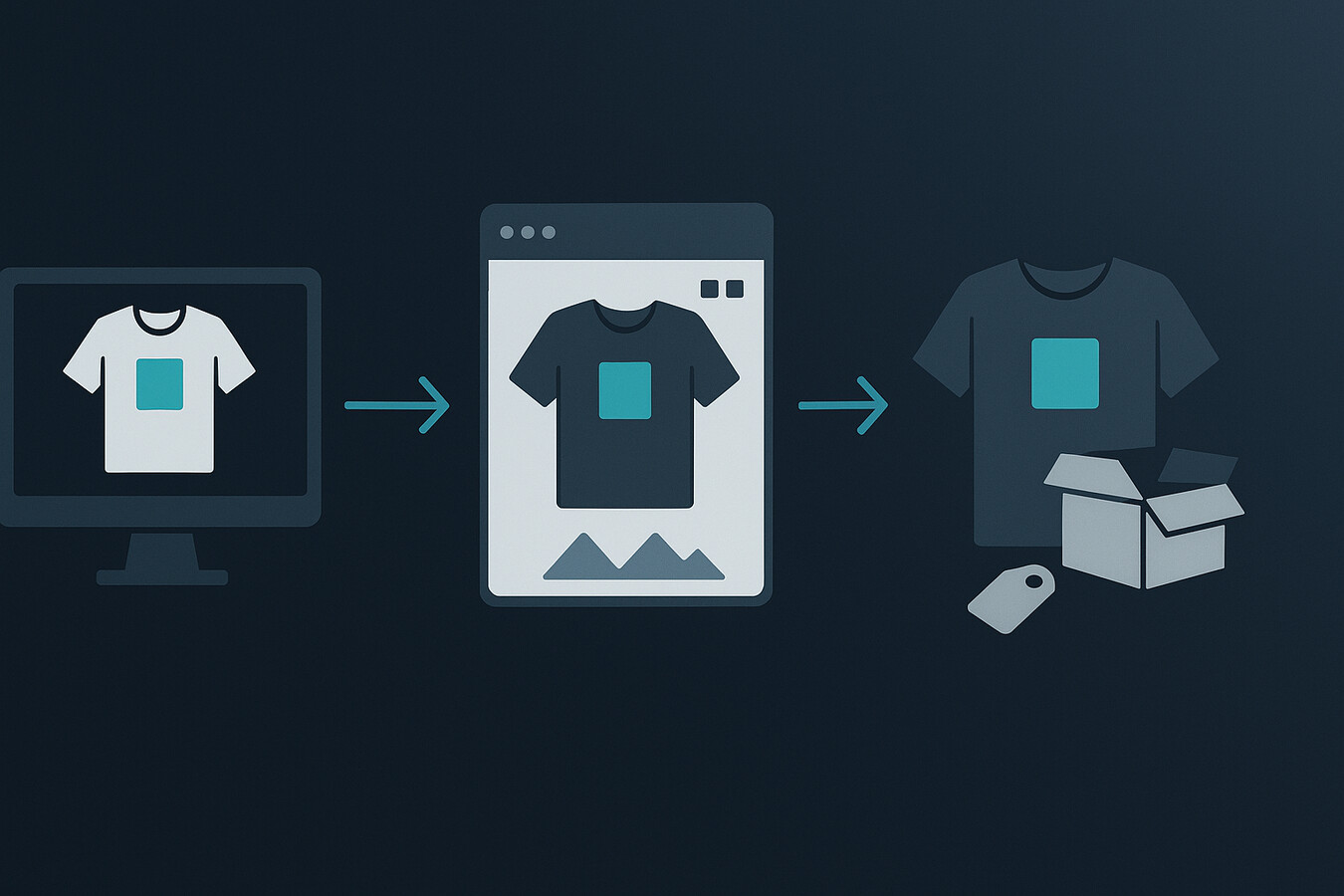
The problem is not making one decent shirt design. It is turning that design into twenty saleable listings fast.
That is why I prefer a workflow where mockups, product creation, and publishing are already connected instead of stitched together with copy-paste.
Best T Shirt Design Maker for Different Seller Types
There is no honest universal winner because seller goals are different. A hobby creator, a local merch business, and an Etsy operator scaling catalog depth are solving different problems.
If You Are Testing Your First Niche
If you are just getting started, simplicity matters. You need a t shirt design maker that helps you move from idea to first listings without a huge learning curve. That is where templates, AI-assisted concepting, and built-in mockups can help a lot.
But I would still avoid tools that train you to think one shirt at a time. From day one, build the habit of making variations. Different slogans. Different typography. Different colorways. Same core buyer angle.
If You Are Already Selling and Need Output
If you already have sales, your biggest problem is usually not inspiration. It is throughput. You need more winning ideas live, more quickly, with less repetitive work.
At that stage, your t shirt design maker should feel like part of an operating system. Design generation, image editing, mockups, listing copy, and bulk publishing should all work together.
I have watched sellers go from a handful of weekly launches to serious catalog growth once they stopped treating design as an isolated task. That shift changes everything.
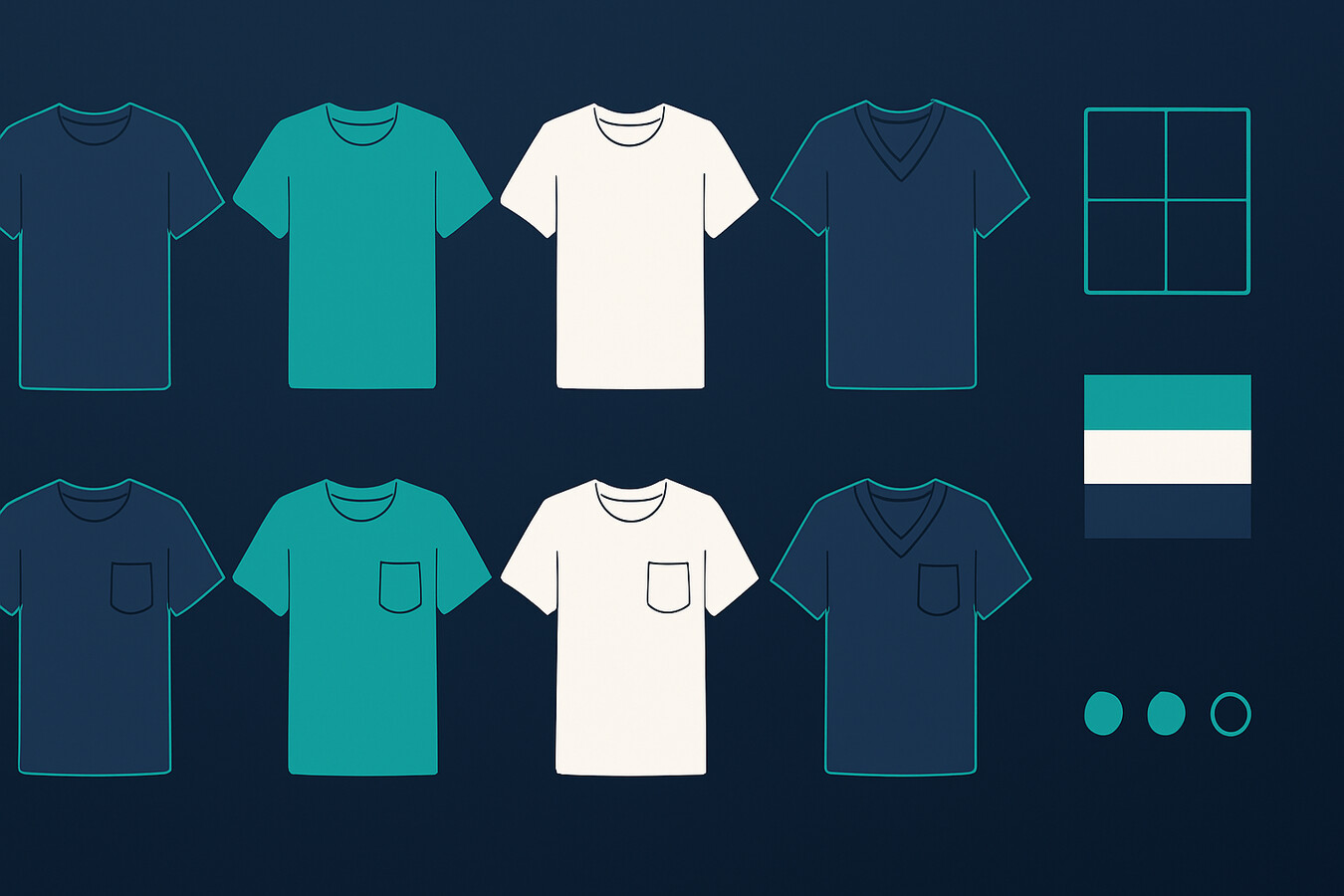
Once you know your niche can sell, the next bottleneck is volume.
MyDesigns was built for sellers who want to create designs, generate mockups, and push more listings live without doing the same manual steps all day.
The Old Shirt Design Playbook Is Dead
Here is my blunt take. The old model of spending days on one shirt design, uploading it manually, then hoping SEO carries you is dead for most sellers.
The advantage now is not raw creativity alone. It is creative velocity. It is how quickly you can spot an angle, create quality variations, get strong visuals in place, and publish before the niche gets crowded.
That does not mean quality stops mattering. It means quality without speed loses. Every time.
This is why so many sellers feel frustrated even when they are using decent tools. The tool might be good at one step, but ecommerce rewards systems, not isolated steps.
My Process for Creating Shirt Designs Faster
If I were starting from zero today, this would be my exact move.
Start With Offer Angle, Not Art Style
Most beginners start with aesthetics. I would start with market angle. Who is the shirt for? What identity is it signaling? Why would someone buy it now instead of later?
That decision makes the actual design work easier. Suddenly you are not chasing “something cool.” You are building around a buyer motive.
- Pick a niche with repeat demand
- Define the buyer identity clearly
- List 10 slogan or concept angles before making visuals
- Create 3-5 variations around the best angle
Build Variants While the Idea Is Hot
Once one concept starts working, do not admire it too long. Expand it. That is where a strong t shirt design maker becomes valuable. You should be able to duplicate, remix, recolor, and push out variants fast.
I strongly advise sellers to think in clusters, not singles. One solid concept should become a mini collection, not one lonely listing.
| Stage | Manual Workflow | Connected Workflow |
|---|---|---|
| Concepting | One design idea at a time | Multiple design angles generated quickly |
| Mockups | Built in a separate tool | Created alongside product assets |
| Publishing | Copy-paste listing setup | Faster listing launch and bulk output |
If you want more help with the publishing side, read how to bulk upload products to Etsy, my guide to print on demand t-shirts, my breakdown of AI t-shirt design tools, and these t-shirt design ideas to sell.

The sellers who win are usually not more talented. They are just shipping more strong ideas.
If you want a workflow built for design creation, mockups, and scale, MyDesigns is the stack I would start with.
Mistakes That Make Most Design Tools Feel Useless
When sellers tell me a t shirt design maker did not work for them, the issue is usually one of these:
- They chose a tool built for one-off custom shirts instead of product sellers
- They focused on visual polish before validating niche demand
- They created one design instead of a repeatable concept family
- They never connected design production to listing production
- They treated output speed like a nice bonus instead of a core advantage
I understand why that happens. The internet trains people to shop for features instead of workflows. But features do not build momentum. Systems do.
If your current tool helps you make pretty graphics but does not help you build catalog depth, I would not call it the best t shirt design maker for sellers. I would call it an incomplete solution.
Frequently Asked Questions
+ What is the best t shirt design maker for beginners?
The best t shirt design maker for beginners is usually the one that helps you create designs, mockups, and listings without a steep learning curve. I would prioritize ease of use and connected workflow over endless customization.
+ Can I use AI inside a t shirt design maker?
Yes, and you probably should. The real value is not random generation, though. It is using AI to speed up concept testing, variation creation, and launch volume.
+ Do I need graphic design skills to use a t shirt design maker?
No. You need product judgment more than design-school skills. If you understand your niche, your buyer, and your offer angle, the tool becomes much easier to use well.
+ Why do most shirt design tools feel slow for sellers?
Most tools are built for one custom shirt at a time, not for sellers trying to launch many products. That mismatch creates friction even when the editor itself feels easy.
+ Is MyDesigns a good t shirt design maker for print on demand?
If you care about speed, connected mockups, and publishing workflow, yes. We built it for sellers who want to create and launch more products without piecing together five separate tools.
You do not need a prettier editor. You need a faster system that helps you ship more winning shirt ideas before the market moves on.


Leave a Reply