


If you are searching for the right way to run Shopify print on demand in 2026, here is the unfiltered truth: the platform is not your bottleneck. Your catalog is. I have watched sellers spin up a beautiful Shopify store in a weekend and then wonder six months later why it is still doing 2 sales a month. The answer is almost always the same. Not enough products, not enough mockups, and a front end that looks like every other POD store in the niche.
Shopify print on demand is still one of the best ways to build a real ecommerce business in 2026. But the playbook is different now. Cheap generic shirts are dead. Leverage wins.
Key Takeaways
- Shopify is the right platform for POD if you want to own your brand – but you need volume and design quality to make it pay.
- Pick one print provider and stick with it for your first 90 days – switching providers mid-launch kills your margins and operational focus.
- Your mockups matter more than your designs – a mediocre design on a great mockup outsells a great design on a bad one, every time.
- Publish in bulk or lose to sellers who do – manual one-at-a-time uploads are the single biggest reason new Shopify POD stores stall.
Table of Contents
- Why Shopify Print on Demand Still Wins in 2026
- Setting Up a Shopify Print on Demand Store the Right Way
- Building a Catalog That Actually Converts
- Why Shopify POD Is a Speed Game
- Pricing Shopify POD Products for Real Profit
- Getting Traffic to a Shopify POD Store Without Burning Cash
- Shopify POD Mistakes I See Every Week
- Frequently Asked Questions
Why Shopify Print on Demand Still Wins in 2026
Look, I get it. Every month somebody tweets that Shopify is dead and Etsy is eating POD. Then somebody else says Etsy is dead and Shopify is the answer. The truth sits in the middle and it is kind of boring.
Etsy gives you the audience. Shopify gives you the brand. If your goal is to build an asset that is actually worth something in 3 years, Shopify print on demand is still the cleanest path. You own the customer list. You own the pixel data. You own the checkout experience. On a marketplace you are a tenant. On Shopify you are a landlord.
Here is the honest tradeoff: Shopify gives you less free traffic, so you have to work for it. Organic search, Pinterest, TikTok, influencer seeding, and paid ads do the heavy lifting. Most sellers underestimate how much of a grind that is in month one.
Who should actually run Shopify print on demand:
- You already have a niche, audience, or content angle
- You want to sell more than just POD (mix POD with digital products, courses, or physical inventory later)
- You care about long-term brand equity more than quick wins
- You are willing to commit at least 6 months before expecting real revenue
If you want sales this week, start on Etsy and port a branded store to Shopify once you have data. If you are in this for 3 years, start on Shopify now.
Plug MyDesigns directly into your Shopify store and start publishing this week.
Our Shopify integration pushes designs, mockups, and optimized listings straight into your store. No more dragging images between five tabs to get one product live.
Setting Up a Shopify Print on Demand Store the Right Way
Most Shopify POD tutorials will walk you through the same 14 steps. Pick a name, buy a domain, choose a theme, pick apps, blah blah blah. Almost none of that matters on day one. Here is what actually does.
Pick a Shopify Plan Based on Reality, Not Dreams
Start on Shopify Basic ($29/mo at the time of writing). That is it. I see sellers upgrading to Shopify plan or Advanced before they have made a single sale because somebody on YouTube told them they needed lower transaction fees. You do not need lower transaction fees on 4 sales a month. You need more sales.
Upgrade when the math forces you to. Until then, every extra dollar per month is a dollar not being spent on traffic or testing new designs.
Choose One Print Provider and Commit
This is where I watch new sellers shoot themselves in the foot. They connect 3 print providers, get different pricing for every SKU, confuse the customer with different shipping times, and then blame “Shopify” when nothing converts.
Pick one provider for your first 90 days. Most sellers should start with a mid-priced provider that has strong print quality and US fulfillment. You can layer on a second provider later once you know which products are working.
The provider you pick matters less than the discipline of committing. Consistency in product quality, sizing, and shipping times builds trust. Chaos at the provider level always shows up in reviews.
Quick checklist before you commit:
- Base cost on your top 3 SKUs
- Average production + shipping time to US addresses
- Return and reprint policy on print defects
- Product catalog depth (can you expand without switching?)
- Mockup quality from their generator (spoiler: most are bad, which is why you will probably want your own mockup stack anyway)
Building a Catalog That Actually Converts
Here is the part nobody wants to hear. Your Shopify print on demand store is not going to work with 8 products. It is also not going to work with 400 products that all look the same.
What works is depth with discipline.
How Many Products You Actually Need to Launch
My honest answer for a new Shopify POD store: 40 to 100 products at launch, concentrated in 2 or 3 product types and one clear design angle.
Not 5. Not 500. Forty to one hundred.
Why? Because Shopify is an intent-and-browse platform. Visitors land, click through 4-7 products, and either buy or bounce. A thin catalog signals “amateur” to cold traffic. An overstuffed catalog without a coherent aesthetic signals “dropshipper.” The sweet spot is a tight, opinionated catalog with enough depth that a visitor can browse variations of the same idea.
Example: 50 tees, 20 hoodies, and 15 mugs all in the same design language – typography-led designs for runners, say, or dark illustrations for metalheads. That is a store.
The Mockup Stack That Wins on Shopify
This is where most Shopify POD stores die and they do not even know it. The default mockups from your print provider look like the default mockups from every other print provider. Cold traffic does not buy them because cold traffic does not trust them.
Your mockups should include:
- One clean flat-lay or studio shot – this is your primary product image
- One lifestyle shot – the product in context, in a real-feeling scene
- One close-up – print detail, fabric texture, or stitching
- One on-model shot – ideally with a diverse range across the catalog
If your store has 60 products and you need 4 mockups per product, that is 240 mockups. Doing that manually in Photoshop or in Canva, one at a time, will take you weeks. That is exactly why we built MyDesigns Product Mockups. You apply a design across dozens of products and scenes in one pass and pull the finished mockups straight into your Shopify listings.
If your Shopify product images look flat, your conversion rate usually does too.
Test cleaner flat lays, lifestyle scenes, and close-up angles across your whole catalog without rebuilding every listing image by hand. Mockups are the #1 thing I would fix before touching ads.
Why Shopify POD Is a Speed Game
Here is the contrarian take that most POD gurus will not say out loud. In 2026, speed of publishing is more important than design talent. I said what I said.
The sellers crushing it on Shopify right now are not necessarily the best designers. They are the ones who can take a winning design concept and have 40 variations live on their store by the end of the day. Color variations. Layout variations. Product-type variations. Bundle SKUs. Seasonal refreshes.
When you can publish in volume, every small experiment is cheap. When you cannot, every decision feels heavy because it takes you 3 hours to put one product live.
I watched a seller in our community go from 0 to 800 listings on their Shopify store in a single weekend. Was every product a banger? No. But by Monday morning they had real data about what was moving and what was not, and they could double down. A seller doing one listing per evening would need over 2 years to hit the same catalog size.
The old Shopify POD playbook said “launch slowly, iterate based on data.” The new one says “launch fast, then iterate faster.” Both require iteration. Only one actually gives you enough data to iterate on.
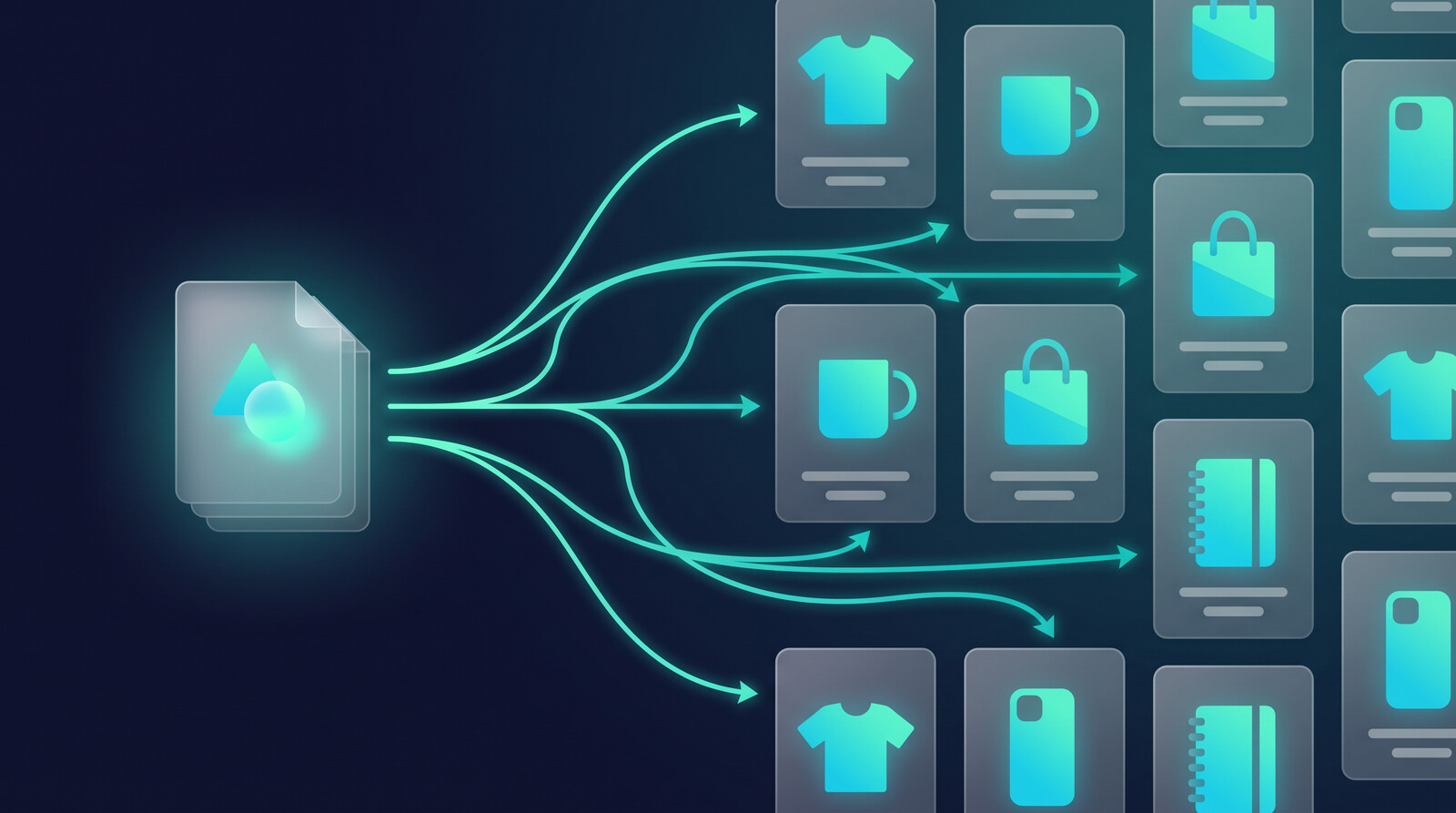
The problem is not making one good Shopify listing. It is making 40 of them fast.
MyDesigns Bulk Publish pushes designs across multiple products and variants in one pass, so you stop burning hours on repetitive work right when you should be testing new ideas.
Pricing Shopify POD Products for Real Profit
Let me be blunt. If you are pricing your Shopify print on demand products like they are Amazon products, you are going to lose money. Shopify POD is not a race to the bottom. You are not competing on price. You are competing on brand, design, and experience.
My default pricing framework for Shopify POD:
- Base cost + shipping + fees = your true landed cost
- Landed cost x 2.5 to 3x = your baseline retail price
- If that price feels too high for your niche, your niche is wrong, not your price
On Shopify, your margins pay for ads. A 30% margin looks fine until you add a $15 CPA. A 55-65% margin is the floor if you plan to run paid traffic. If you cannot hit that, you are either in the wrong niche or selling the wrong product type.
Tiered pricing works beautifully here too. A $28 tee + $42 long-sleeve + $58 hoodie line lets you anchor with the mid-tier and upsell into bundles at checkout. We have a deeper breakdown in our guide to pricing print on demand products for real profit if you want the full model.
Getting Traffic to a Shopify POD Store Without Burning Cash
Here is the reality nobody on YouTube shows you. On day one of a Shopify POD store, the traffic is zero. Not low. Zero. You have to manufacture every visitor until search and social start compounding.
The 3 cheapest channels that still work in 2026:
1. Pinterest. Still ridiculously underused by POD sellers. Each product image can become 3-5 pins. The visual nature of POD is perfect for Pinterest search. I have seen stores build 10,000+ monthly sessions purely from consistent pinning.
2. TikTok organic. Short, design-focused clips still get impressions. Show the design coming to life, show the mockup changing, show the shirt on a real person. Hook in the first 1.5 seconds or you are done.
3. Meta ads on proven winners only. Do not run ads to your homepage. Do not run ads to 40 products. Find the 3 products doing 80% of your organic sales and run ads to those. Your CAC will thank you.
SEO matters too, but SEO on a new Shopify store is a 6-12 month game. Great if you are patient. Useless if you need revenue this quarter.
Your Shopify product titles and descriptions are either pulling their weight or leaking money.
Vision AI writes SEO-rich, keyword-smart titles and descriptions for every listing, so your catalog is working search long before you ever pay for a click.
Shopify POD Mistakes I See Every Week
I talk to Shopify POD sellers all the time. The same failure patterns keep showing up. If any of these sound like you, stop and fix them before you spend another dollar on ads.
- Generic product photos. Provider default mockups. Every time. Fix your mockup stack before anything else.
- Overbuilt theme, no catalog. Spending 40 hours picking between Dawn and a $299 premium theme while you have 6 products live. The theme is not your problem.
- Apps layered on apps. 14 apps pumping up your monthly overhead before you have made a sale. Start lean. Add apps when the math demands them.
- Treating Shopify like Etsy. Copying Etsy titles into Shopify listings. They are different platforms with different buyer behavior. Rewrite for browse and brand intent.
- No email list. Klaviyo on day one. Every Shopify POD store that is actually making money has a healthy email program running abandoned carts, winbacks, and post-purchase flows.
- Quitting at week 10. This is the big one. Most Shopify POD stores die in months 2-3 because the numbers are small and the motivation drops. Fund your patience with a plan.
Fix those and you are ahead of 80% of new Shopify POD sellers.
Frequently Asked Questions
+ Is Shopify print on demand profitable in 2026?
Yes, but margins are thinner than most tutorials claim. Expect 30-55% net margin after ads and fees on a well-run Shopify POD store. The profitable stores win on catalog depth, mockup quality, and email retention, not low prices.
+ How much money do I need to start a Shopify print on demand store?
Realistically, $300-$800 to start. That covers Shopify Basic for the first couple of months, a domain, a few apps, initial design assets, and a small ad test budget. You can start leaner, but you will move slower.
+ Do I need an LLC to run a Shopify POD store?
No. You can start as a sole proprietor in most US states. Form an LLC once the store is making consistent revenue and liability starts to matter. Do not let legal setup stall your launch.
+ Shopify or Etsy for print on demand?
Etsy if you want built-in traffic and fast feedback on designs. Shopify if you want to build a brand you can sell later. Many of the best operators run both, using Etsy for discovery and Shopify for brand and retention. See our Etsy vs Shopify for print on demand comparison for a deeper look.
+ How long before a Shopify POD store starts making money?
First sale usually comes in the first 30 days if you drive any traffic at all. Consistent revenue typically shows up between months 3 and 6. Anyone promising instant results is selling you a course, not a business.

If I were launching a Shopify print on demand store from zero tomorrow, I would pick one tight niche, one print provider, and 60 products. I would spend more time on mockups than on the theme. I would get my first email flow running before my first ad. And I would publish in bulk, not one listing at a time.
Everything else is noise.


Leave a Reply