


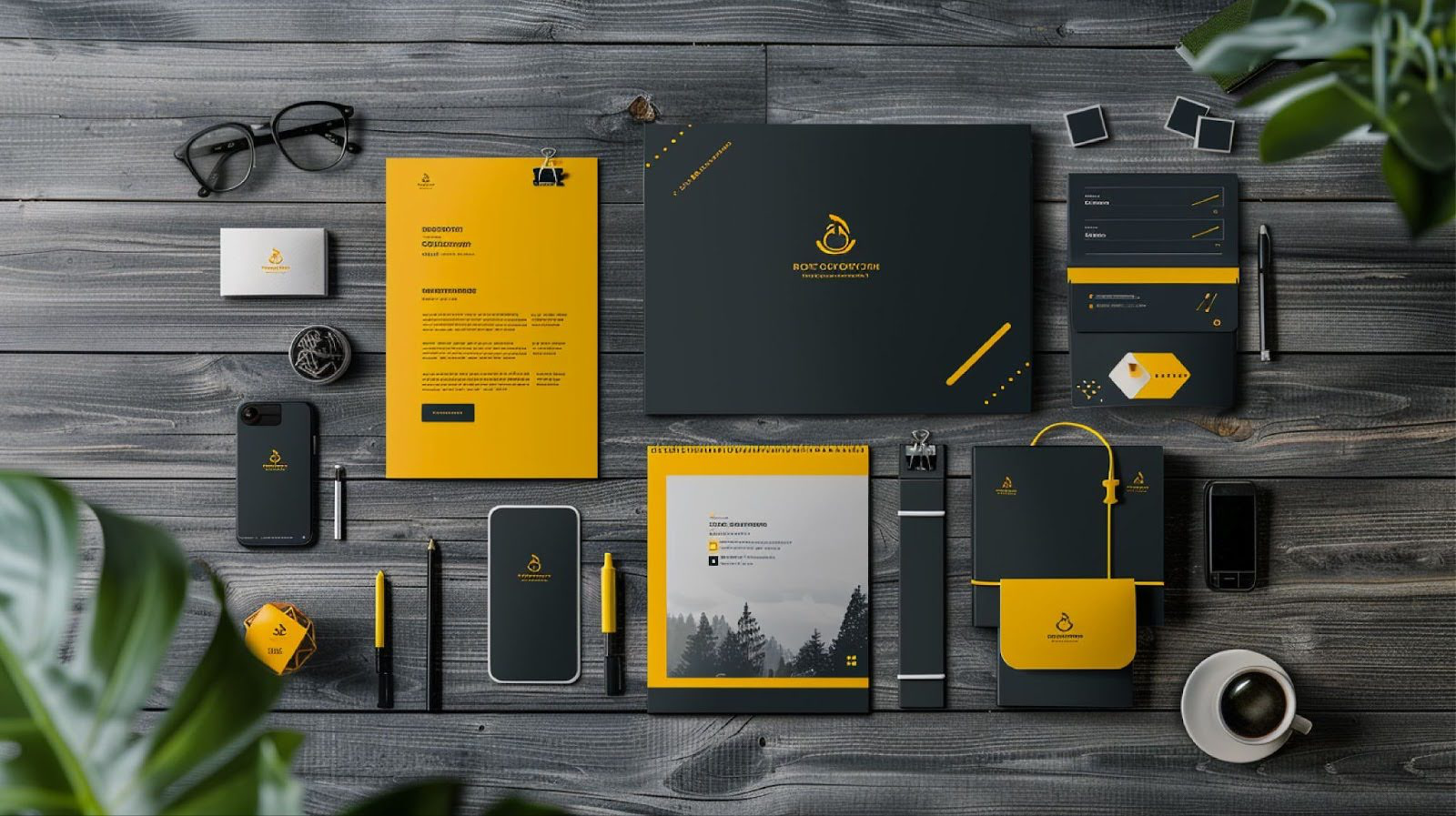
 E-commerce customers shop with their eyes first. Without a physical product to touch or hold, visuals are their only frame of reference. Compelling mockups highlight a design’s details, show scale, and eliminate doubts before purchase.
The numbers prove it. Studies show that 75% of online shoppers base their purchase decision on product photos alone, while 25% abandon their cart if images or reviews are lacking. Poor visuals don’t just slow sales, they actively drive customers away. On the flip side, investing in professional-looking mockups reduces hesitation and boosts confidence.
Mockups also play a big role in returns. In apparel, one in four returns happens because photos didn’t reflect reality. Better mockups create more accurate expectations, meaning customers are less likely to be disappointed when their order arrives.
Additionally, polished product visuals build trust with shoppers, and brands that invest in them consistently see higher sales performance. Multiple high-resolution shots signal professionalism and care. Shopify recommends providing at least four to five product photos, showing different angles and use cases. Data even shows that doubling the number of images can nearly double sales opportunities. Each additional photo gives buyers more information, nudging them closer to a confident “yes.”
Psychology adds another layer. Mockups that feature seasonal elements or themed backdrops—like cozy holiday décor or summer scenes—tap into shoppers’ emotions and sense of timing. Consistency across mockups reinforces your brand’s identity. For example, a minimalist brand that always uses clean, neutral backgrounds builds recognition and trust over time.
Finally, when visuals align with the emotions customers feel in that season or trend, conversion rates can spike dramatically.
 What separates a high-converting mockup from a forgettable one? It comes down to a handful of best practices that combine clarity, context, and brand alignment.
- Crystal-clear resolution: Blurry or pixelated images erode trust immediately. Professional-quality mockups can nearly double conversion rates compared to poor ones. Always prioritize high resolution and true-to-life color.
- Realistic context: Lifestyle settings—like a framed print on a living room wall or a hoodie worn outdoors—help buyers visualize ownership. Context builds desire by showing products in action.
- Accurate representation: Scale matters. If your mockup exaggerates or misrepresents the product, trust is lost. Use proportions that mirror reality.
- Consistency with branding: Keep the look and feel aligned with your brand guidelines. From color palettes to styling choices, consistency across images strengthens recognition.
- Simplicity and focus: Clean, uncluttered backgrounds ensure the product remains the star. White or neutral backdrops are safe bets, but subtle colors can add character if they don’t distract.
- Multiple perspectives: Offer a variety of views—front, side, close-ups. Interactive elements like 360° spins or zoomable images are even better.
- Trust cues: Small badges, labels, or subtle notes (like “Instant Download” for digital files) help clarify the product while adding credibility.
- Emotional triggers: Use colors and settings that evoke the right feelings. Cozy warm tones for comfort products, sleek dark palettes for luxury, playful props for casual items.
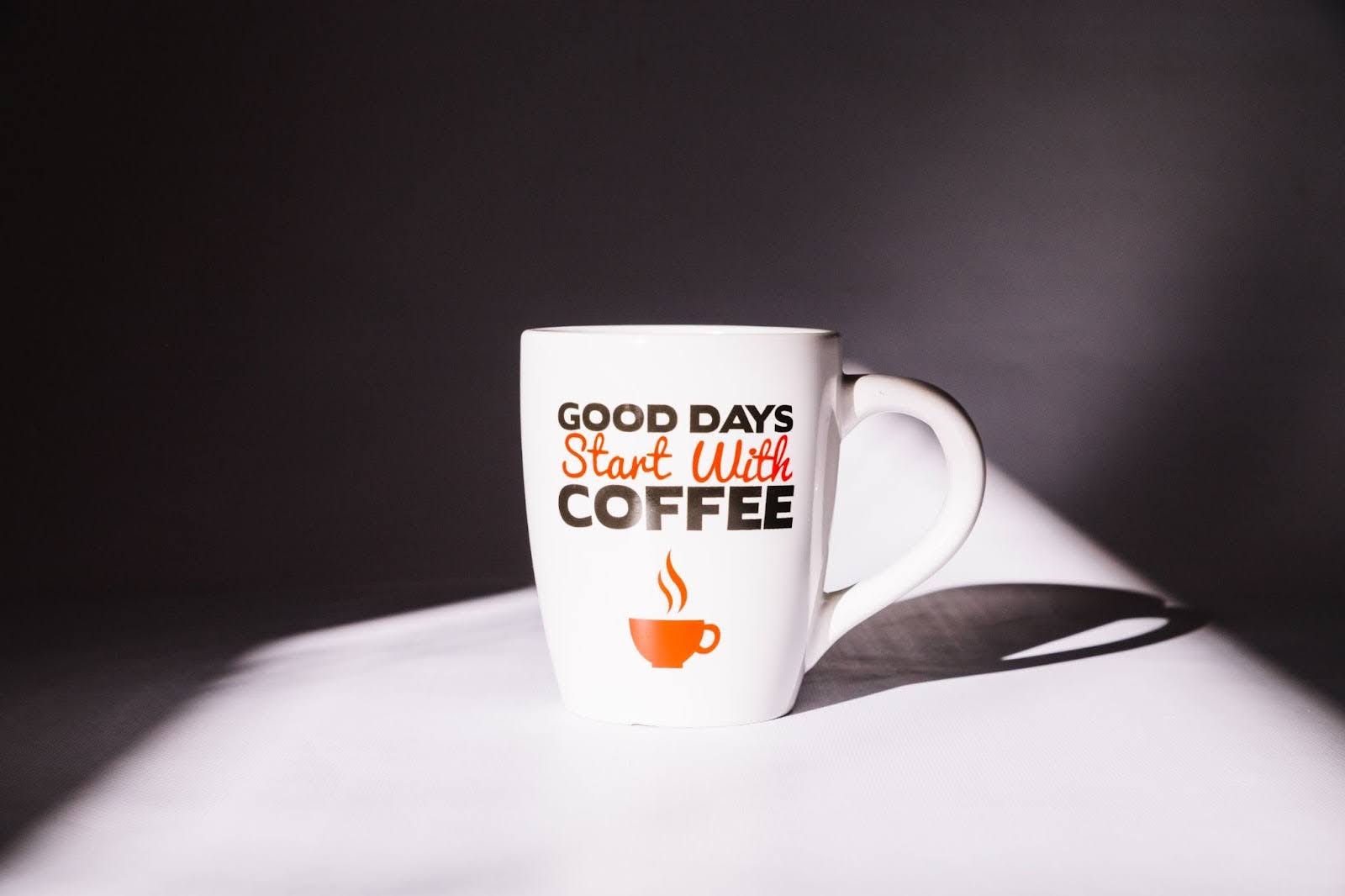
When all these elements work together, your mockups don’t just show the product, they tell a story. A mug becomes a cozy morning ritual. A planner becomes the key to an organized lifestyle. That story is what convinces customers to buy.
You don’t need to be a Photoshop guru to create professional-grade mockups. MyDesigns comes with powerful built-in tools designed to simplify and speed up the entire process.
The Mockups generator makes it possible to place your artwork onto thousands of print-on-demand templates (apparel, mugs, posters, and more) in just seconds. Imagine uploading an illustration and instantly seeing it displayed on a framed poster, or testing how your logo looks stitched on a hoodie.
The best part? MyDesigns Mockups handle perspective and lighting automatically, so your design doesn’t just “sit” on the product, it looks naturally printed, painted, or embroidered.
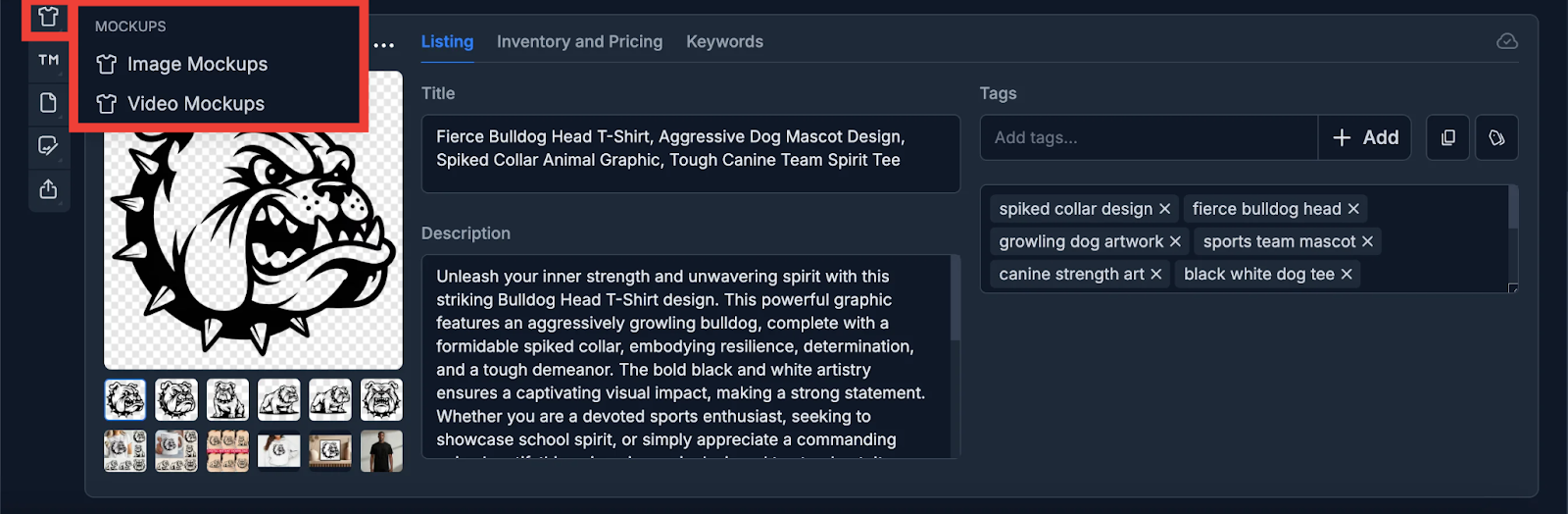
You can access the Mockups feature on the Listings page.
 For sellers who want more creative control, the Canvas Editor offers a simple drag-and-drop workspace. You can import your designs, place them on templates or lifestyle scenes, and enhance them with fonts, shapes, and stock photos from Pixabay and Unsplash.
Running a seasonal promotion? Add ornaments, snowflakes, or festive backgrounds directly from Canvas assets to make your mockups stand out. Features like background removal and upscaling also let you cut out product photos or sharpen details with a single click, ensuring every image looks crisp and professional.
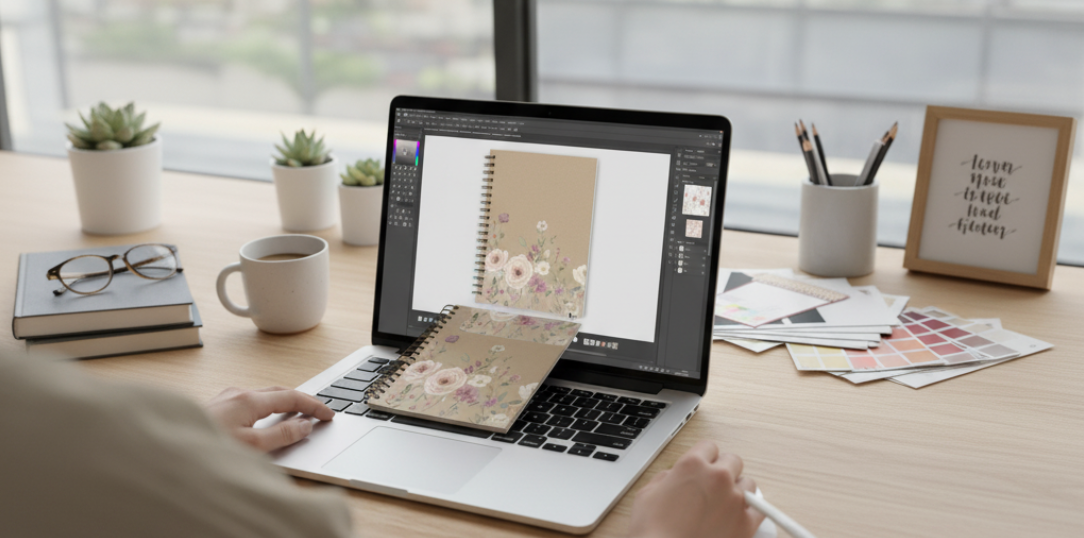
For even greater flexibility, you can also create custom PSD mockups for MyDesigns and showcase products in fully personalized settings.
Here’s a detailed tutorial on how to do this:
AI isn’t just about speed, it’s a creative partner. With tools like Dream AI, you can instantly generate seasonal backgrounds for your mockups. Simply prompt “fall-colored leaves backdrop” or “festive gift-pattern wallpaper”, then overlay your product design. This keeps your visuals fresh all year without relying on stock photos.
AI editing also enables quick “smart swaps”. For example, taking a notebook mockup and replacing the cover design in seconds. Each mockup feels custom-tailored without starting from scratch.
 One of the coolest MyDesigns features that our customers love is video mockups. You can showcase your products in a video, giving your customers a realistic preview of products in natural, 3D settings. Video mockups are also a great strategy to improve conversion rate.
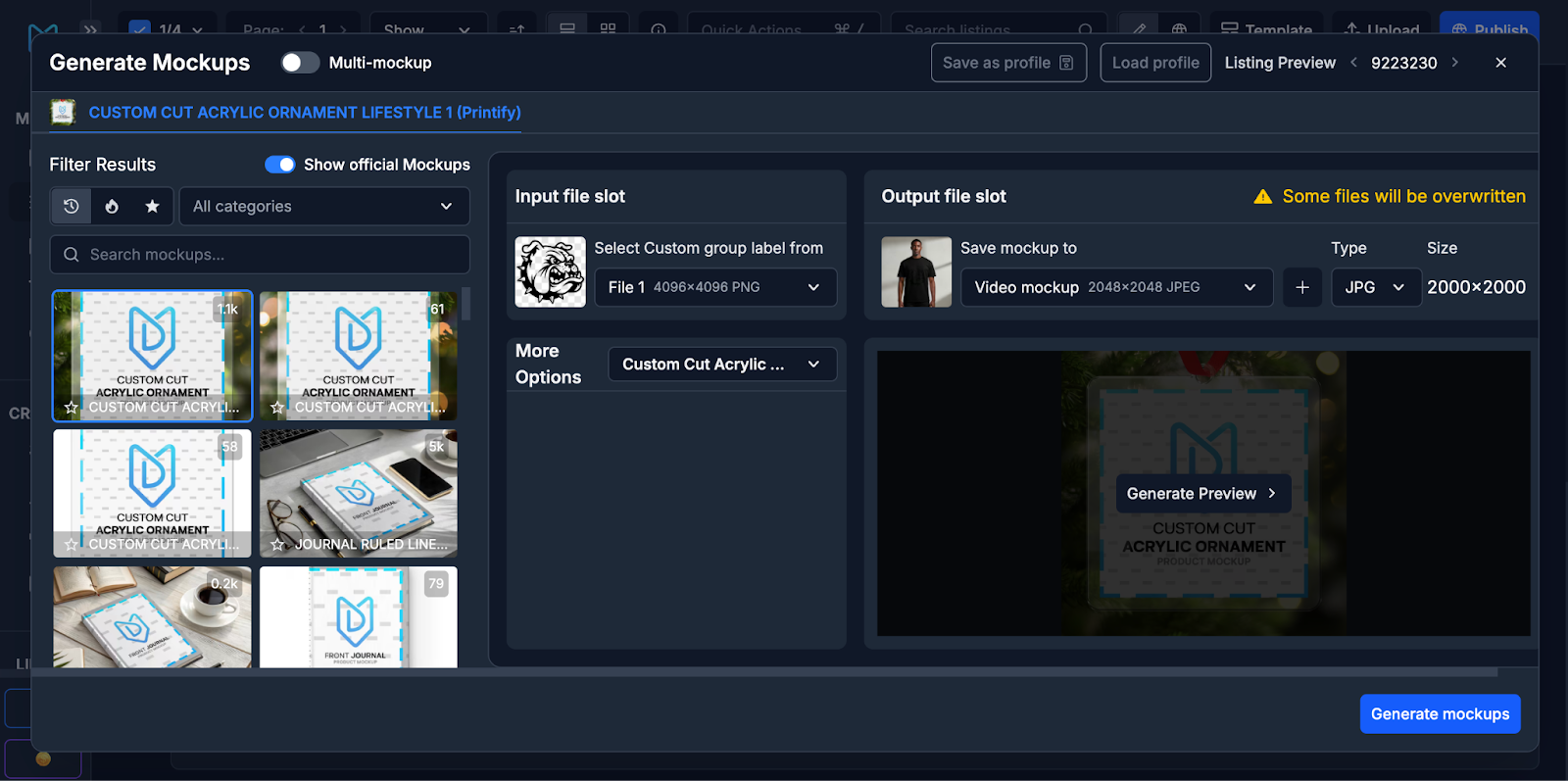 Efficiency matters! As your catalog grows, creating one-off mockups is too slow. That’s where bulk workflows shine.
Use MyDesigns to create multiple mockups for your product (or a bunch of products if you’re selling digital product bundles). For example, apply the same design to different product templates (mug, tote, sticker) at once with the mockup tool.
You can also A/B test visual variants. Try two backgrounds (plain white vs. cozy living room), or two color schemes, and compare performance. Small experiments like this (splitting traffic between image A and B) often reveal big winners.
For seasonal peaks, plan mockup updates in advance. E.g., create holiday-themed versions of top sellers by changing decor elements or adding festive overlays. Studies show that aligning your visuals with seasonal trends can significantly boost sales. A simple example: many brands boost Q4 conversions by featuring wrapped gifts or winter scenes in November/December. Likewise, summer might call for bright sunlight and outdoor settings.
Keep a “style guide” for your brand – a set of fonts, colors, and layout rules – and apply it consistently even in seasonal mockups. This way, even themed images still feel like part of your brand story.
 The mockup landscape is constantly evolving, and video and interactive visuals are quickly becoming the norm. As shoppers crave richer experiences, brands are responding with product videos, 360° viewers, and immersive content. Even a short demo clip showing a product in use can capture attention in a way static images cannot. Video mockups also fit seamlessly into TikTok or Instagram Reels, making it easy to build trust and reach new audiences.
Shoppers increasingly expect more than static images, and 3D/AR features are proving their value. Shopify reports that product pages with 3D or AR options see 94% higher conversion rates. Adding a 360° spinner of a mug or a simple product video of a poster being framed can make listings come alive.
Videos, in particular, are powerful: consumers rely on product videos before buying. Even short 10–15 second clips on TikTok or Instagram Reels can spark trust and emotion. For an even richer experience, add clickable “View in 3D” buttons or AR previews in your Shopify store so buyers can virtually “try before they buy”, like previewing wall art on their own wall.
Finally, other interactive trends are reshaping the landscape. Clickable hotspots highlight product features directly on the image, while shoppable Instagram posts turn mockup-driven visuals into direct sales channels. In short, mockups are evolving into smart, dynamic tools, and brands that adopt AI and interactivity will set themselves apart in the digital marketplace.
To dive deeper into how AI is reshaping digital product visuals, check out our guide on leveraging AI for digital product design.
Social commerce is another area where mockups shine. Shoppable posts on Instagram or TikTok create seamless buying journeys, while user-generated content adds authenticity. Encouraging customers to share photos of your product, and turning those into fresh mockups or review images, amplifies credibility and builds social proof.
For more insights into how visuals impact conversions, explore our guide on designing high-converting digital product mockups.


Leave a Reply