



If you are still bouncing between three AI tools, a mockup app, a spreadsheet, and Etsy tabs just to launch one product idea, you are not running a business. You are babysitting friction.
That is exactly why I built this Dream AI for Etsy workflow in the first place. The real bottleneck for most sellers is not creativity. It is speed. More specifically, how fast you can turn a decent idea into a polished listing before the niche cools off.
In this guide, I will show you how I use Dream AI inside MyDesigns to go from product concept to Etsy-ready listing faster, with better visual consistency and less manual mess. If you sell print on demand or digital products, this is the workflow I would use today.
Key Takeaways
- Dream AI works best when you treat it like a production tool – not a toy for making random pretty images.
- The winning Etsy workflow starts before image generation – niche angle, listing intent, and mockup plan come first.
- Speed matters more than perfection – the sellers who test more concepts usually beat the sellers who over-polish one.
- MyDesigns closes the gap between design and launch – so you can generate, mock up, optimize, and publish without rebuilding the same asset five times.
Table of Contents
- What Dream AI for Etsy actually means
- Start with a listing angle, not a prompt
- My Dream AI Etsy workflow from idea to asset
- Mockups and listing assets are where clicks are won
- From design to live listing without losing momentum
- The old Etsy playbook is dead
- Common mistakes that kill AI-assisted Etsy listings
- Frequently Asked Questions
What Dream AI for Etsy actually means
Most people hear Dream AI Etsy and think it just means typing a prompt and getting a cool image back. That is the shallow version.
The real opportunity is using AI to compress the entire front half of your product creation workflow. Idea development. concept testing. visual direction. variation generation. mockup preparation. listing prep. That is where time disappears for sellers.
We built Dream AI because sellers needed a faster way to create design-ready assets without duct-taping together five separate subscriptions. If you are selling on Etsy, that matters because trend windows are short and attention is expensive.
Why general AI workflows break down
I have seen sellers burn hours generating beautiful images they never publish. The output looked impressive, but it was disconnected from the actual listing. Wrong aspect ratio. Wrong product context. Wrong buyer intent. No mockup strategy. No title angle. No launch plan.
Pretty is not the goal. Publishable is the goal.
Etsy rewards shops that consistently launch relevant products with clear visuals and strong buyer-language. If your AI workflow slows down at the exact point where you need momentum, it is not helping.
Where Dream AI fits in your stack
For me, Dream AI sits at the front of a production pipeline. It is where I turn a niche angle into usable design directions. Then I move straight into Product Mockups, Listing Management, and publishing workflows instead of restarting the job somewhere else.
If you want the broader product overview, read our Dream AI model guide. This article is different. This one is about how Etsy sellers should actually use it to get listings out the door.
If your idea takes two days to become a listing, you are probably already late.
Create concepts with Dream AI, move into mockups, and keep the launch moving while the niche is still warm.
Start with a listing angle, not a prompt
Here is the mistake I would stop making immediately: opening an AI image tool before you know what kind of listing you are trying to win.
The best Etsy sellers do not start with aesthetics. They start with demand. They know whether the product is supposed to feel sentimental, funny, premium, personalized, giftable, or niche-specific. That decision changes everything downstream.
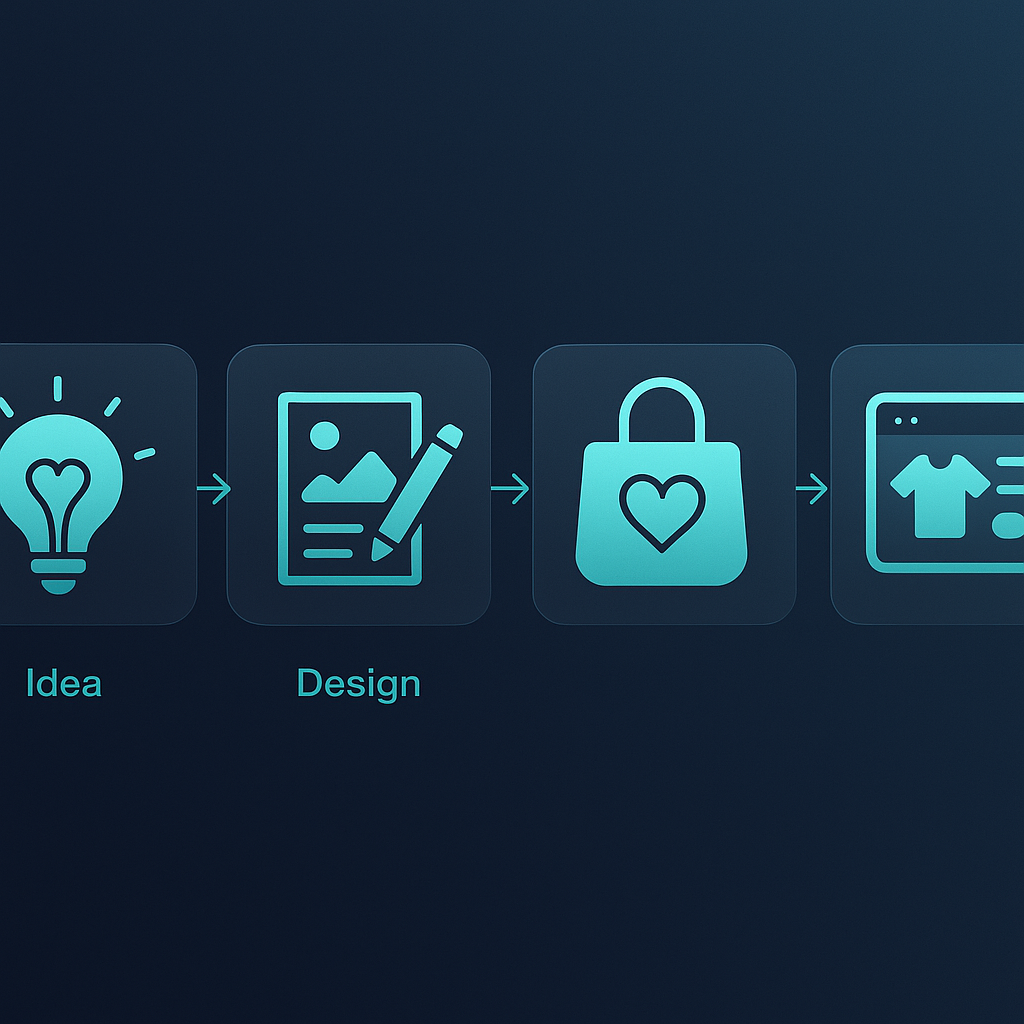
Pick intent before style
Before I generate anything, I decide what job the design needs to do. Is this meant to earn a click from a gift buyer? Fit a trend cycle? Support a digital download bundle? Match a proven Etsy search pattern like minimalist nursery wall art or retro camping t-shirt graphics?
If you are unsure where to start, compare the language buyers already use in your category using Etsy search suggestions, your own shop data, and niche demand signals. Etsy itself has published guidance on search visibility and listing optimization that still matters even when AI handles part of the creative workload.
Build a better brief
A good Dream AI prompt is really a listing brief in disguise. I want:
- niche or audience
- product format
- visual style direction
- emotion or use case
- what makes the concept commercially useful
That is how you stop generating random art and start generating assets you can actually sell. I also strongly recommend you keep Etsy’s creativity standards in mind. AI can help create original work. It should not turn you into a lazy copier.
My Dream AI Etsy workflow from idea to asset
If I were building from zero today, this would be my exact move.
First, I would pick one niche angle and generate several directions quickly, not one masterpiece. Then I would select the strongest concept based on click potential, not personal taste. Then I would build mockups and listing variants around that winner.

Generate variations fast
The power move is not asking Dream AI for one final design. The power move is using it to produce multiple commercially viable starting points in minutes.
I have watched sellers stall because they treat every prompt like a precious event. Bad idea. You want volume early, judgment later. Generate broad directional options, tighten the winners, then move.
This is also where MyDesigns starts to separate from disconnected workflows. Because your next step is already obvious. You can take the chosen direction into Canvas, refine it, then move into marketplace-ready assets without exporting your brain along with the file.
Choose the winners like a seller
Do not choose the image that makes you say, “wow.” Choose the one that makes a buyer stop scrolling.
I judge concepts with four filters:
- Instant readability – can the idea be understood quickly in a thumbnail context?
- Product fit – does it make sense on the actual product or download?
- Variation potential – can I spin this into a mini collection?
- Listing angle – can I explain it clearly in buyer language?
That last point matters more than most people realize. A design that cannot support a clean title and buyer-focused listing story usually is not worth scaling.
The real problem is not making one nice design. It is turning one winner into ten launchable listings.
MyDesigns gives you the workflow to generate, refine, mock up, and organize product-ready assets without starting over in a different tool every 15 minutes.
Mockups and listing assets are where clicks are won
Most Etsy sellers underestimate this part. They think the design is the product. It is not. The first image is the product. The design only gets a shot if the listing visual earns the click.
That is why I pair Dream AI with mockup generation immediately. Once I know the concept works, I want multiple thumbnail directions, product placements, and visual hierarchies fast. Clean hero image. Detail angle. secondary lifestyle angle. Maybe one comparison frame if the product needs context.
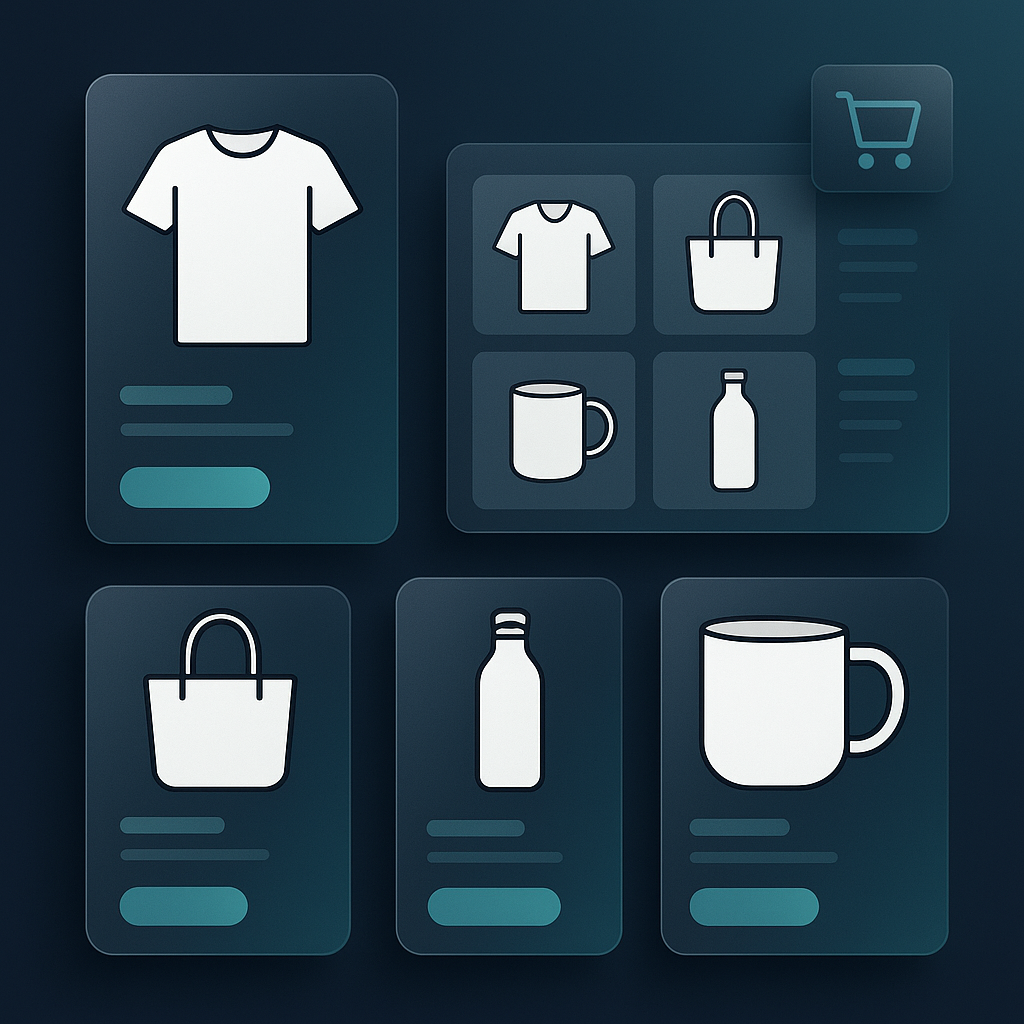
Etsy has also been very clear about the importance of strong listing photography and presentation in the Seller Handbook. AI does not replace that. It helps you produce stronger visual options faster.
This exact bottleneck is why we built bulk visual workflows into MyDesigns in the first place. Once you have experienced generating multiple polished product presentations around one strong concept, going back to fully manual listing prep feels ridiculous.
From design to live listing without losing momentum
The handoff from image generation to listing creation is where a lot of sellers quietly fail. They have the asset. They just never finish the job.
I would rather launch an 8/10 concept today than sit on a 10/10 concept for two weeks. Because real shops grow through iteration, not private perfectionism.
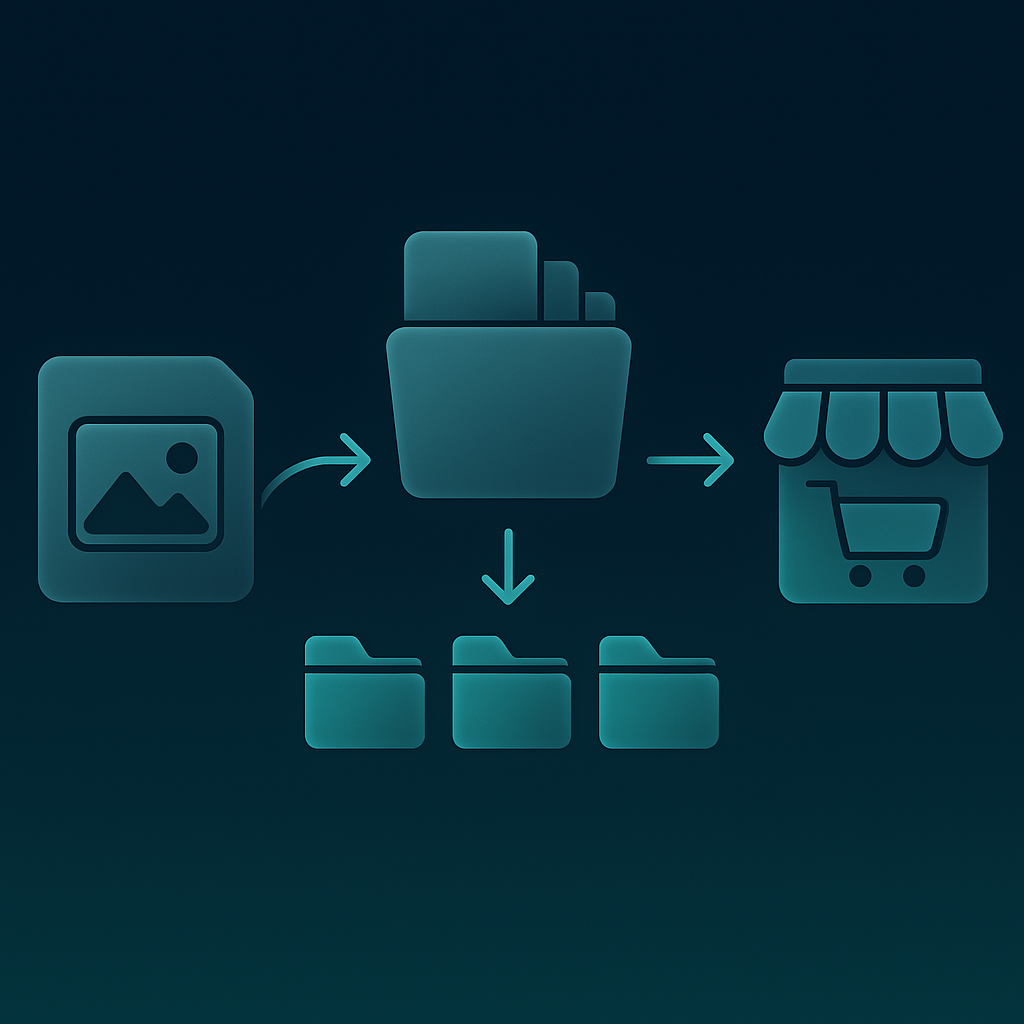
SEO and attributes still matter
Dream AI can speed up the creative side, but Etsy SEO still matters. Use buyer phrases in your title. Match your tags to actual search language. Fill out attributes cleanly. Keep your listing focused on one clear intent.
If you need the broader SEO playbook, read our Etsy SEO guide and our breakdown of how to use AI for Etsy listings. Those pair well with this workflow.
For external context, Etsy’s official guidance on listing titles, tags, and attributes is still worth reviewing. AI can move faster than you. It cannot think for you.
Publish at scale when you find a winner
Once a concept proves itself, that is when scale matters. Different colorways. adjacent niches. alternate product types. gift recipient variations. bundle extensions. digital version plus physical version. This is where the old Etsy playbook falls apart.
Most sellers are still acting like every listing needs to be handcrafted from scratch. That model dies the second your competitor can test ten variations while you are still renaming files.
With Multi-Product Publishing, Bulk Publish, and pricing plans built for scaling output, you can move a winning design direction across a broader catalog much faster.
When you find a winning concept, the next move is not more hesitation. It is controlled volume.
Use MyDesigns to expand one strong idea into more mockups, more listings, and more chances to get found.
The old Etsy playbook is dead
Let me be blunt. The old advice to “just make better designs” is incomplete now.
The edge in 2026 is not just taste. It is taste plus velocity plus workflow discipline. The sellers who win are the ones who can spot an angle, generate viable concepts quickly, package them well, and publish before everyone else catches up.
That does not mean spam. It means systemized creative output. Etsy is still a marketplace built on relevance, presentation, and trust. AI simply changes who can operate at speed.
I think this shift is only going to get bigger. Etsy sellers who learn to combine AI creation with cleaner publishing systems will have a massive advantage over sellers who stay stuck in handmade-era operating habits. If that sounds harsh, good. Reality usually is.
You can also see the broader pressure coming from market data around AI adoption in commerce and digital workflows. Buyers are not waiting for sellers to catch up. Sellers need to move. Period.
Common mistakes that kill AI-assisted Etsy listings
I get why people overcomplicate this. AI feels powerful, so sellers assume the answer is more prompts, more variations, more complexity. Usually it is the opposite.
- Generating before researching – you end up with artwork, not products.
- Picking favorites instead of likely winners – your taste is not always the market.
- Ignoring mockups – the listing image decides whether the design gets seen.
- Publishing too slowly – lost time compounds.
- Treating Etsy SEO like an afterthought – traffic still needs a path into the listing.
- Stopping at one product – winning ideas usually deserve a family of variations.
If you want a cleaner on-ramp into the broader MyDesigns workflow, start with our guides on bulk uploading products to Etsy, Etsy mockups, and print on demand for beginners. Those three fill in the rest of the operational picture quickly.
Frequently Asked Questions
+ Can I use AI designs on Etsy?
Yes, you can use AI designs on Etsy if the work complies with Etsy’s current creativity standards and your listing accurately represents what you are selling. The bigger issue is not permission. It is whether the design is original, commercially useful, and packaged well enough to convert.
+ Is Dream AI good for Etsy sellers?
Dream AI is good for Etsy sellers when it is used as part of a full listing workflow, not as a one-off image toy. It helps you move from niche idea to design direction faster, then into mockups and listing creation inside the same ecosystem.
+ How do I make AI art that actually sells on Etsy?
Start with buyer intent, not style experimentation. The best AI art that sells on Etsy usually supports a clear niche, product type, and thumbnail strategy, then gets wrapped in strong mockups, titles, and tags.
+ Can AI help me make Etsy listings faster?
Yes. AI can compress concept generation, visual exploration, copy drafting, and listing prep. The real gains happen when those steps connect to mockups, SEO, and publishing instead of living in separate tools.
+ What should I do after generating a design in Dream AI?
Turn it into a listing asset package right away. Build mockups, refine the product presentation, optimize the title and tags, then publish fast enough to test whether the concept deserves more variations.


Leave a Reply