


Bonfire alternatives are worth studying if you want more than a one-off merch campaign. Bonfire can be useful for simple shirt fundraisers, but I would not build a serious merch business around a single campaign-style tool.
That is the trap. A campaign tool makes the first drop feel easy. Then you hit the ceiling: limited product strategy, limited channel control, limited testing speed, and not enough room to build a real product line.
If I were launching custom merch in 2026, I would build a stack that lets me test designs, create mockups, optimize listings, publish across channels, and keep improving the catalog after launch.
Key Takeaways
- Bonfire is strongest for simple campaigns – it is not the stack I would choose for building a long-term merch catalog.
- The best Bonfire alternatives give you more control – product range, pricing, channels, branding, and listing data all matter.
- Multi-channel selling beats one campaign page – I would use Etsy, a storefront, social traffic, and email instead of relying on one destination.
- MyDesigns fits the production layer – use it to create designs, build mockups, write listings, and publish batches faster.
Table of Contents
- Bonfire Alternatives Should Give You Control
- The Bonfire Alternatives I Would Compare First
- My Bonfire Alternatives Playbook for a Real Merch Launch
- The Better Merch Stack Is Multi-Channel
- Mistakes I Would Avoid Before Leaving Bonfire
- Pricing and Margins Decide Whether the Platform Works
- Frequently Asked Questions
- Build the Stack Before the Next Drop
Bonfire Alternatives Should Give You Control
The first thing I look for in Bonfire alternatives is control. Not a longer list of features. Control.
Can you control the products? Can you control pricing? Can you control where the buyer lands? Can you reuse winning designs in another channel? Can you build a catalog instead of starting from zero every time you run a campaign?
If the answer is no, you are not building a merch business. You are renting a checkout page.
The campaign tool ceiling
Campaign tools are attractive because they remove friction. That matters when you are selling shirts for a school, nonprofit, team, church, creator drop, or local event.
But friction is not always the enemy. Sometimes friction is where your competitive advantage gets built.
I have watched sellers get a campaign live fast, celebrate the first orders, then realize they had no plan for the second product, the next platform, the next offer, or the follow-up list. The launch worked. The business did not.
That is why I separate campaign success from business success. A campaign can sell. A business compounds.
What I want instead
If I were choosing from Bonfire alternatives, I would want a stack that supports five jobs:
- Product creation: shirts, hoodies, mugs, stickers, posters, totes, and digital add-ons.
- Mockup creation: clean product visuals that make the offer obvious fast.
- Listing production: titles, descriptions, tags, pricing, and personalization notes.
- Channel publishing: Etsy, a storefront, social commerce, and any audience-owned channel.
- Iteration: the ability to test new designs without rebuilding the whole operation.
That is the difference between selling one shirt and building a merch machine.
Build beyond campaigns
Create merch as a system, not a one-off drop.
MyDesigns helps you create designs, generate mockups, write listings, and publish product batches faster.
The Bonfire Alternatives I Would Compare First
I would not compare Bonfire alternatives by asking, “Which one is easiest?” Easy is nice. Easy can also hide weak margins and limited control.
I would compare them by asking, “Which option gives me the strongest path from first product to repeatable sales?” That is a better filter.
Quick comparison table
| Option type | Best fit | Main risk | My take |
|---|---|---|---|
| Campaign merch tools | Fundraisers, local causes, simple drops | Harder to build a repeatable catalog | Good for one campaign, limited for operators |
| Marketplace-style merch sites | Creators who want built-in browsing | Less brand control and more marketplace noise | Useful as one channel, not the whole plan |
| Print provider plus storefront | Sellers who want margin and brand control | Requires more setup and testing | Better long-term if you can operate it |
| Etsy plus production workflow | Niche merch, gifts, POD, and personalization | You need strong listing quality | My favorite starter path for search demand |
| MyDesigns production layer | Bulk design, mockup, listing, and publishing work | You still need a clear niche and offer | The layer I would use to move faster |
If you want a broader view of POD options, I would start with my guide to the best print on demand sites. Then narrow the choice based on your buyer, channel, and product mix.
Where MyDesigns fits
MyDesigns is not trying to be a campaign donation page. It is the production workflow I would use when I want to build, test, and publish a product line.
That matters because most merch bottlenecks do not happen at checkout. They happen before checkout: design creation, file organization, mockups, listing copy, tags, product setup, publishing, and updates.
This is exactly why we built MyDesigns the way we did. Once a seller has 40 designs and 6 product types, doing everything by hand becomes a tax on every idea.
If you are still manually rebuilding every custom t-shirt listing, read my guide on custom t-shirts next. The same batch thinking applies here.
My Bonfire Alternatives Playbook for a Real Merch Launch
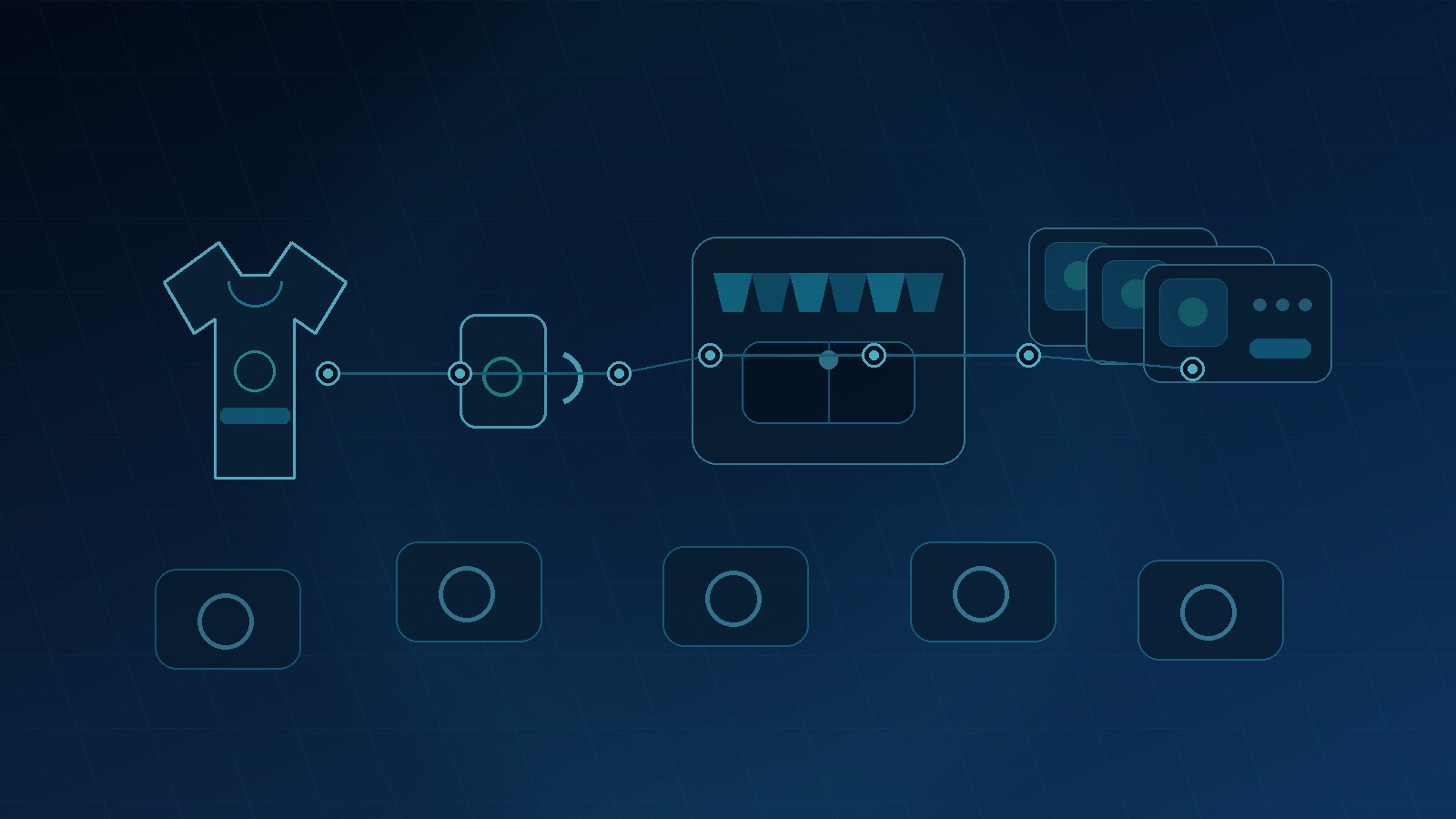
The best Bonfire alternative is not always a single platform. Sometimes it is a better workflow.
Here is the playbook I would use if I were launching merch from scratch today.
Build around the buyer, not the campaign
I would start with the buyer before I touch the product. Local runners. Dog rescue supporters. Kindergarten teachers. Pickleball players. New dads. Youth baseball parents. Nurse teams. Church volunteers.
Then I would ask three questions:
- What identity are they proud of?
- What event or moment makes them buy now?
- What products would they actually use or gift?
This prevents the classic mistake: making one shirt with a clever phrase and hoping the internet cares. Hope is not a strategy.
Use Google Trends to check seasonality, review the Etsy Seller Handbook for marketplace basics, and search the USPTO trademark database before building around phrases that might get you in trouble.
Launch a batch, not one shirt
I would not launch one design and wait. I would launch a controlled batch.
For example, if the niche is dog rescue supporters, I might build:
- 10 shirt designs
- 5 hoodie designs
- 5 sticker designs
- 5 mug designs
- 5 tote designs
- 3 personalized variants
That gives you enough surface area to learn. Which phrase gets clicks? Which product type gets favorites? Which mockup style helps buyers understand the offer? Which price point feels right?
One product gives you a guess. A batch gives you signal.
Publish in batches
Your next merch test needs more than one product.
Use MyDesigns to turn one niche into designs, mockups, listing copy, and publish-ready products.
The Better Merch Stack Is Multi-Channel
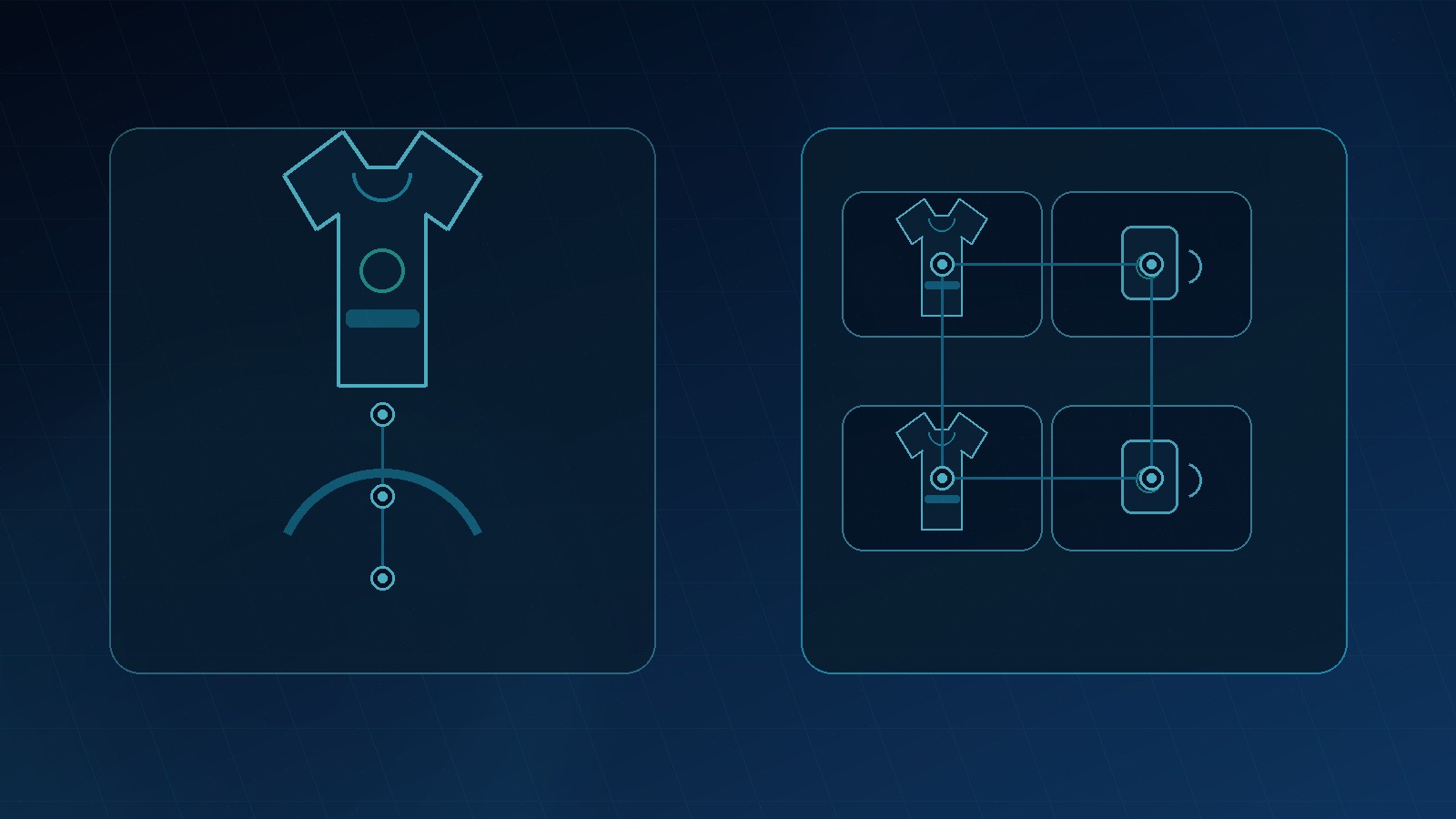
The old merch advice was simple: make a shirt, launch a campaign, post the link, wait for orders.
That playbook is too slow now. Attention is fragmented, buyers compare options faster, and creators need more ways to reuse the same demand.
My preferred stack looks like this:
- Etsy for search demand: good for niche gifts, custom apparel, stickers, mugs, and seasonal merch. Start with my print on demand Etsy guide if Etsy is your first channel.
- Your own storefront for brand control: useful when you have repeat buyers, email traffic, or a creator audience.
- Social content for demand creation: short videos, community posts, launch previews, and behind-the-scenes product tests.
- Email for repeat drops: the most ignored part of merch. If someone bought once, you should not need an algorithm to find them again.
- MyDesigns for production speed: the layer that helps you keep adding products without turning your week into admin work.
If you sell through creator channels, review the official YouTube Shopping help and the FTC guidance on endorsements and reviews. Compliance is not glamorous, but it protects the asset you are building.
For product expansion, custom apparel is only one lane. Hoodies, mugs, stickers, posters, totes, and digital add-ons can all turn one audience into multiple offers. My custom hoodies guide is a useful next read if you want a higher perceived value product.
Mistakes I Would Avoid Before Leaving Bonfire
Switching tools will not fix a weak offer. I want to be very clear about that.
If the design is generic, the audience is unclear, the mockup is weak, and the price is random, a new platform will not save the drop. It will just give you a nicer dashboard while the same problems sit underneath.
Here are the mistakes I would avoid:
- Moving platforms before defining the buyer: your tool choice should support your buyer strategy.
- Copying everyone else’s product mix: if every merch seller is pushing the same shirt, look for product angles they ignore.
- Underpricing to feel safe: cheap merch still needs traffic, support, design time, and margin.
- Using weak mockups: buyers need to understand fit, style, color, and product value quickly.
- Ignoring IP checks: phrases, logos, teams, bands, shows, and brands can create real risk.
- Publishing too slowly: one listing per week is not enough testing volume for most new sellers.
The contrarian move is to care less about the platform logo and more about the operating system behind your products.
Choose the right plan
Your merch stack should match your publishing volume.
Compare MyDesigns plans and pick the workflow level that fits your next batch.
Pricing and Margins Decide Whether the Platform Works
A merch platform is not good because it lets you publish. It is good if the math works after production costs, platform fees, transaction fees, customer support, design time, and traffic costs.
I would model every product before launch. Nothing fancy. Just a simple margin sheet.
| Item | Question to answer | Why it matters |
|---|---|---|
| Base cost | What does production cost before fees? | Sets your real profit floor |
| Retail price | What will the buyer actually pay? | Controls conversion and margin |
| Shipping | Who pays and how clear is it? | Confusing shipping kills checkout trust |
| Platform fees | What comes out per order? | Small percentages matter at volume |
| Return and support risk | How often will buyers need help? | Custom merch needs clear expectations |
| Production time | How fast can you create and publish? | Slow production hides as opportunity cost |
This is where I see sellers fool themselves. They compare platform fees but ignore the hours spent creating listings by hand. If a workflow saves you 6 hours on a product batch, that time has value.
MyDesigns has a Free plan, Starter at $24.99 per month on monthly billing, Pro at $49.99 per month on monthly billing, and Pro Plus at $99.99 per month on monthly billing. Annual billing gives 25% off, with Starter at $18.75 per month, Pro at $38 per month, and Pro Plus at $74.99 per month. Pick based on how often you publish, not on wishful thinking.
If you need help choosing a niche before you choose a platform, read Etsy shop ideas. The same niche logic applies to merch.
Design faster
Stop rebuilding every merch listing by hand.
Use Dream AI, mockups, bulk tools, and listing workflows to move from idea to product line faster.
Frequently Asked Questions
+ What is the best Bonfire alternative for merch sellers?
The best Bonfire alternative depends on whether you need fundraising simplicity, marketplace exposure, or a repeatable production workflow. For serious sellers, I would prioritize product range, channel control, margins, mockups, and publishing speed.
+ Is Bonfire good for print on demand?
Bonfire can be good for simple campaign-based print on demand, especially fundraisers and community shirt drops. I would not rely on it alone if your goal is a broader merch catalog across multiple channels.
+ Should I sell merch on Etsy instead of Bonfire?
Etsy is often better when buyers are already searching for your product type, niche, or gift idea. Bonfire can work for audience-led campaigns, while Etsy works better when you want search demand and a growing product catalog.
+ How many merch products should I launch first?
I would launch 20 to 40 products in one clear niche instead of betting everything on one shirt. That gives you enough data to compare designs, products, prices, and search terms.
+ How does MyDesigns help with Bonfire alternatives?
MyDesigns helps with the production work behind a better merch stack: AI design creation, mockups, listing copy, organization, and bulk publishing. It is useful when you want to test product batches instead of manually building one listing at a time.
Build the Stack Before the Next Drop
The real question is not whether Bonfire is good or bad. The real question is whether your current setup can handle the business you want to build.
If you only need one campaign, a simple campaign tool may be enough. If you want repeatable merch sales, better margins, more channels, and faster product testing, build a real stack.
That is where the advantage is now. Not in launching one shirt. In building a workflow that can keep launching without draining you.
Build Your Merch Stack in MyDesigns
Create designs, generate mockups, write listings, and publish product batches from one workflow built for serious sellers.


Leave a Reply