



If you are still building product images one listing at a time, you are already behind. An AI mockup generator is no longer a nice extra for ecommerce sellers. It is the difference between launching three products this week and launching thirty.
I have watched sellers spend hours swapping backgrounds, resizing art, and guessing which angle might convert. Then I have watched that same workflow collapse into minutes once they start using automation the right way. The real win is not prettier images. It is speed with consistency.
In this guide, I am going to show you what an AI mockup generator actually does, where most sellers waste time, how I would use it if I were building a store from scratch today, and how to turn that faster image workflow into more listings, more tests, and more revenue.
Key Takeaways
- An AI mockup generator saves time where it matters most – repetitive image production, not just design inspiration.
- Better mockups usually lift output before they lift conversion – more live products means more chances to find winners.
- The best workflow combines design, mockups, and publishing – otherwise you just create a new bottleneck after the visuals are done.
- For POD and digital sellers, speed beats perfection – polished enough and launched today usually wins over perfect and still in draft mode.
Table of Contents
- What an AI mockup generator actually does
- Why manual mockups kill momentum
- How I would use an AI mockup generator in a real workflow
- What good AI mockups look like when you want sales
- Best AI mockup generator use cases for POD and digital sellers
- Where MyDesigns fits in the stack
- Mistakes that make AI mockups look cheap
- Frequently Asked Questions
What an AI mockup generator actually does
An AI mockup generator helps you turn flat artwork into product visuals that look ready to sell. For a POD seller, that usually means placing your design on shirts, mugs, canvases, phone cases, or wall art scenes without manually rebuilding every product image from scratch.
That matters because your customer does not buy your PNG. They buy the feeling your mockup creates. On marketplaces like Etsy and storefront platforms like Shopify, the first image has to stop the scroll. If it does not, your listing rarely gets a second chance.
Why sellers care now
The old playbook was simple. Make one decent design, slap it on a generic shirt image, and hope volume bails you out. That playbook is fading fast. Buyers are used to better visuals now. So are marketplaces. If your listing image looks lazy, people assume the product is lazy too.
I also think most sellers misunderstand where the leverage sits. It is not only in image quality. It is in how fast you can produce multiple testable images across products, niches, and seasons. That is why an AI mockup generator matters more in 2026 than it did even a year ago.
What it should not do
It should not replace your judgment. AI can generate polished scenes, but it cannot decide whether a nursery art mockup fits your audience better than a farmhouse wall scene. It cannot know if your Etsy category prefers clean white backgrounds or cozy lifestyle images unless you test that inside your market.
The best setup is AI for speed, your brain for taste, and a repeatable launch process for scale. That combination wins.
If mockups are slowing your launch cycle, the real problem is workflow.
MyDesigns gives you one place to create visuals, organize listings, and move faster from idea to live product without turning every launch into a design project.
Why manual mockups kill momentum
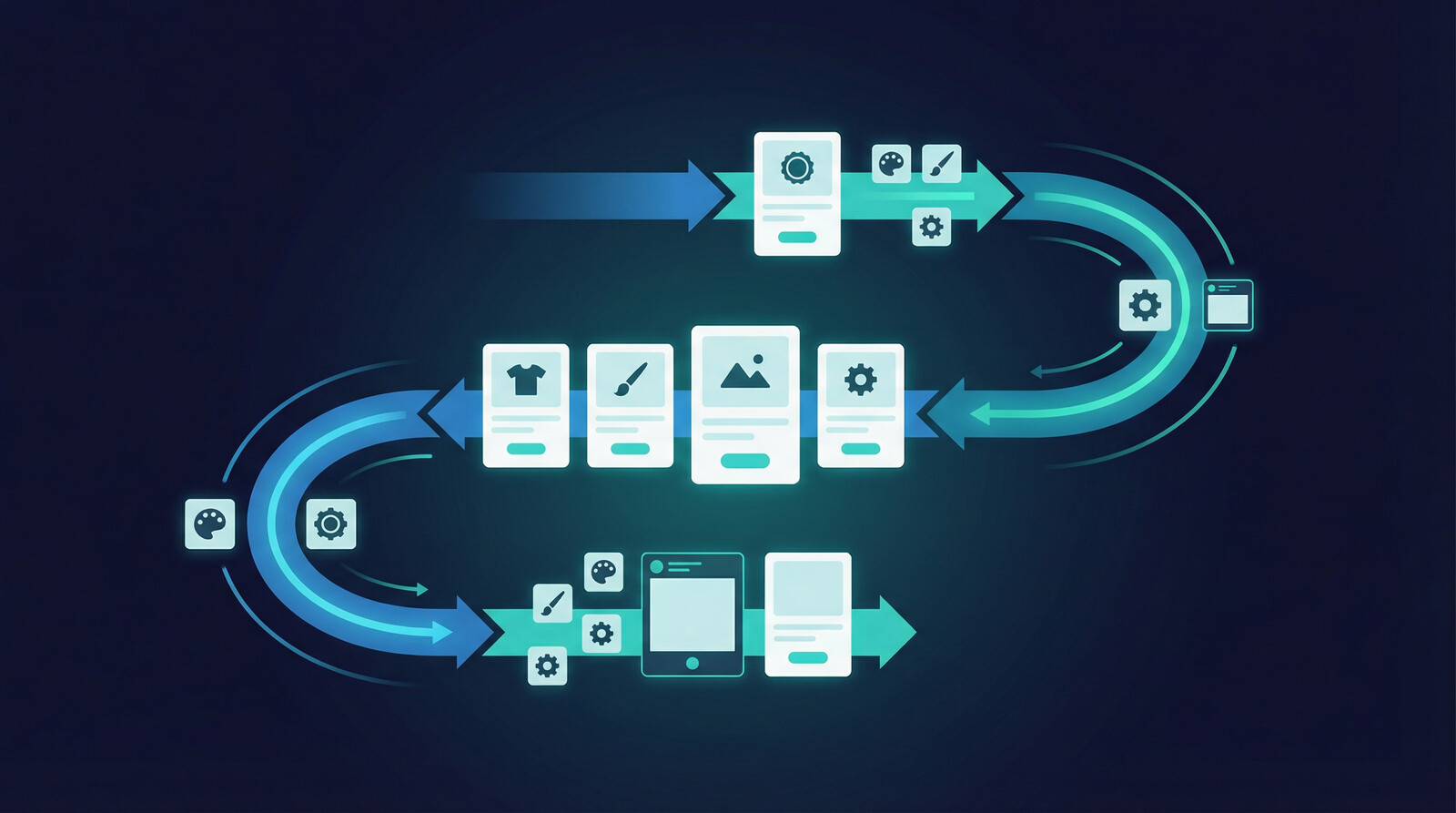
Here is the trap. A seller creates five good designs, then spends the next two days resizing files, swapping scenes, removing backgrounds, naming exports, and uploading assets. By the time the listing is ready, the creative energy is gone. Worse, the launch velocity is gone.
I have seen this happen constantly. People think they have a traffic problem, but they really have an output problem. They do not have enough quality listings live to learn what works. An AI mockup generator can fix that bottleneck if you use it as part of a launch system, not as a standalone toy.
According to Statista’s Etsy market coverage, competition on marketplaces keeps expanding. That means mediocre presentation gets punished faster. You need cleaner images and more testing volume. Manual production is too slow for that.
| Workflow | Typical Time | Real Outcome |
|---|---|---|
| Manual mockup creation | 30-90 minutes per listing set | Low testing volume, inconsistent visuals |
| AI-assisted mockup workflow | 5-15 minutes per listing set | More launches, faster iteration, cleaner catalog |
| AI plus bulk publishing stack | Minutes across multiple listings | Best chance to scale output without hiring help |
This is also why I keep pointing sellers toward systems like Product Mockups, Multi-Product Publishing, and Bulk Publish. Faster image creation alone helps. Faster image creation connected to publishing is where things get serious.
How I would use an AI mockup generator in a real workflow
If I were starting from zero today, I would not begin with dozens of products. I would begin with a small product set and force speed into the process.
Start with winner product types
I would pick three to five product types that are already proven in my niche. For POD, that might be shirts, sweatshirts, mugs, and framed prints. For digital products, that might be planners, wall art, templates, and bundle covers. If you need inspiration, start with proven demand angles from articles like best things to sell on Etsy or digital products to sell on Etsy.
Then I would create mockup sets for each using two or three visual directions only. Clean studio. Lifestyle. Close-up detail. That is enough to test without drowning in options.
Build variation fast
This is where an AI mockup generator earns its keep. Instead of opening ten tabs and rebuilding scenes from scratch, I want to swap designs, swap products, and output multiple listing-ready visuals quickly. That is exactly the bottleneck we built around inside MyDesigns.
The smartest sellers do not ask, “Can AI make a mockup?” Of course it can. They ask, “Can this workflow help me launch 20 quality listings before dinner?” That is the right question.
The problem is not making one good mockup. It is making twenty while the niche is still hot.
Use MyDesigns to create cleaner visuals, move designs across products faster, and keep your launch window open while other sellers are still editing files.
What good AI mockups look like when you want sales
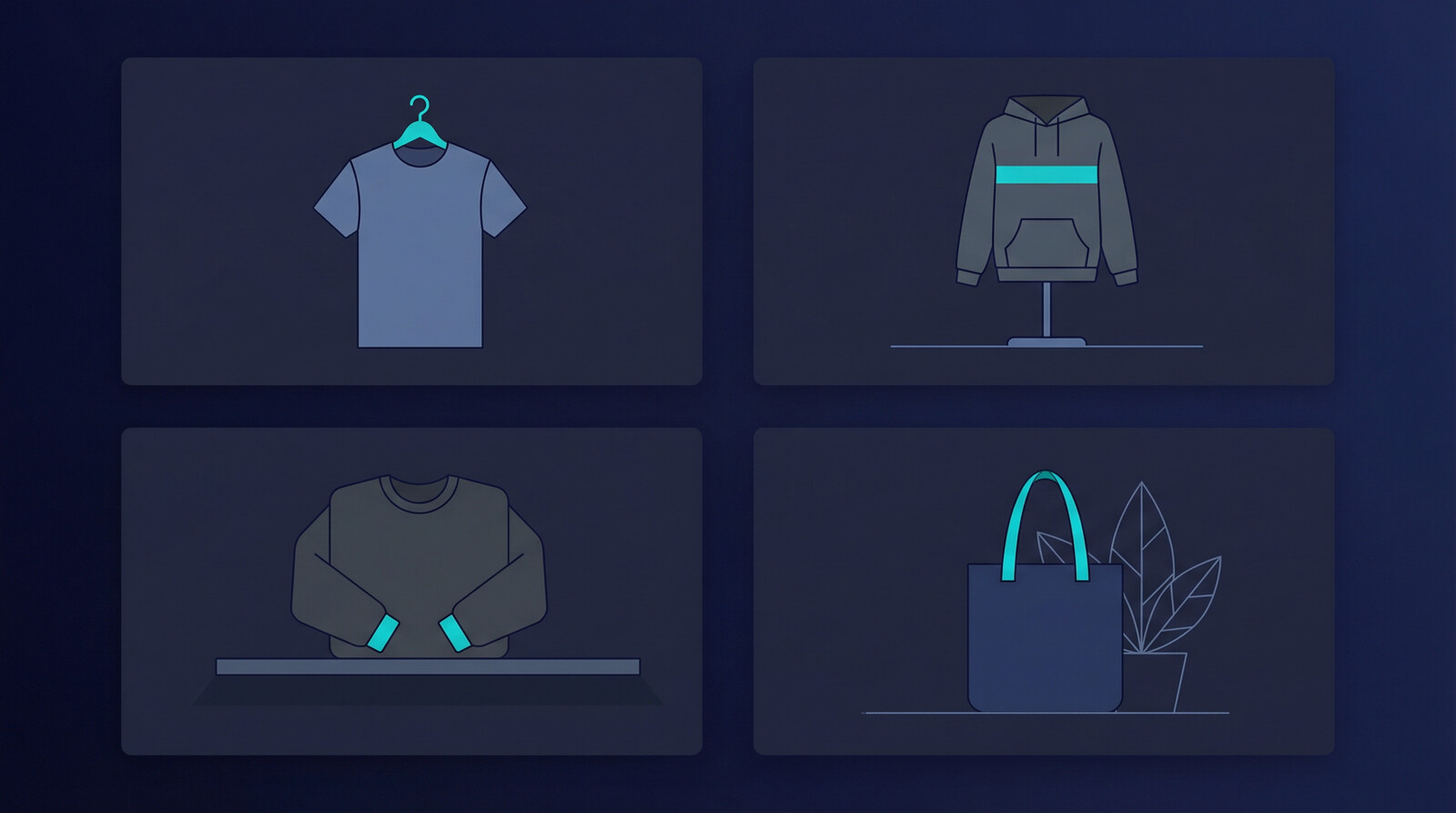
Most bad mockups fail for obvious reasons. Weird hands. Strange shadows. Unreal folds. Overstyled scenes. But even technically good mockups can still hurt sales if they are too busy.
My rule is simple. Your mockup should make the product easier to understand, not harder to admire. If the background steals attention from the design, you lost. If the crop hides the actual artwork, you lost. If every image in your store looks different because you chased novelty over consistency, you lost again.
For Etsy in particular, I like a clear lead image, one alternative scene, one detail image, and one scale or context image. For your own store, you can usually get a little more cinematic, but clarity still wins.
- Prioritize readability for text-based designs
- Match the scene to the buyer, not to your own taste
- Keep lighting and color believable even if the image is stylized
- Reuse winning compositions once they prove they convert
That last point matters. The market does not reward originality for its own sake. It rewards images that get clicked and trusted. Because of that, I would rather have five repeatable winner layouts than fifty random experiments.
Best AI mockup generator use cases for POD and digital sellers

Print on demand use cases
For POD sellers, the best use cases are obvious. Shirts, sweatshirts, mugs, canvases, blankets, ornaments, and phone cases all benefit from faster mockup production. Seasonal sellers gain the biggest edge because timing matters. If your spring, Mother’s Day, or graduation products go live late, the opportunity is already gone. That lines up with how Shopify describes print on demand too: speed and low-friction launch matter because inventory risk is low, but competition moves quickly.
This is why I like pairing AI-generated design ideation with mockup production and fast publishing. A workflow that starts with Dream AI, moves into mockups, and finishes with listing management is dramatically harder to beat than using disconnected tools.
Digital product use cases
Digital sellers should not ignore mockups. In fact, they often need them more. Planners, templates, printable wall art, workbooks, and course assets all sell better when the buyer can picture the end result. A printable itself is flat. A mockup gives it context.
That is one reason articles like how to create digital products and digital products that sell matter. The product idea gets the click. The mockup often gets the sale.
You do not need more design hours. You need more live listings.
Create mockups, build SEO-friendly listings, and push products live faster with a workflow designed for sellers, not general-purpose designers.
Where MyDesigns fits in the stack
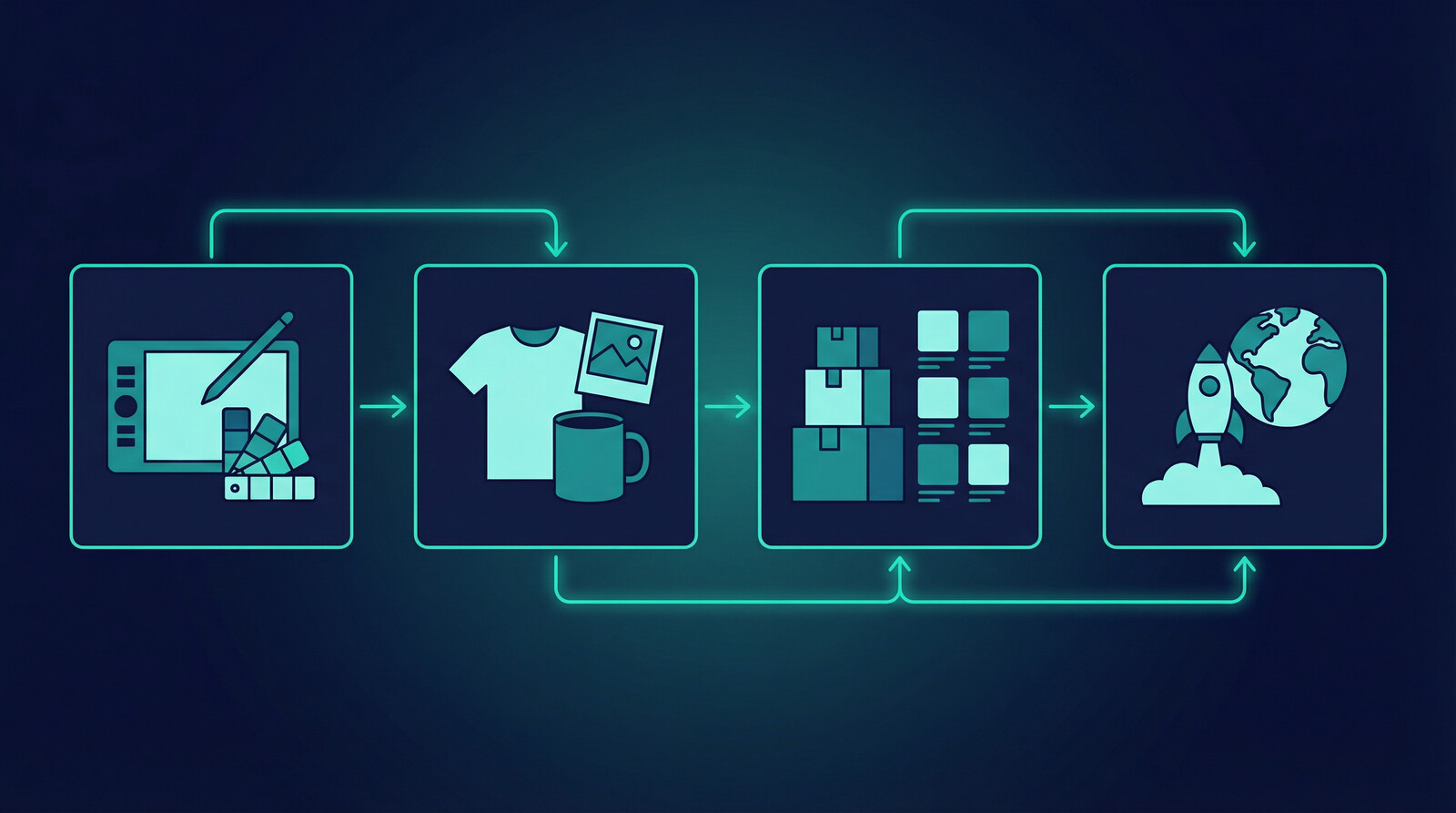
I built MyDesigns around a reality most software misses. Sellers do not have a design problem in isolation. They have a throughput problem. They need to go from idea to design to mockup to listing to publish without breaking momentum every twenty minutes.
So when someone asks me what the best AI mockup generator is, I think that is slightly the wrong question. The better question is: what tool helps me get more quality products live with less friction? If a tool makes pretty scenes but creates a new bottleneck before publishing, it is incomplete.
That is why MyDesigns works best when you use the full stack: image generation, mockups, listing workflows, and publishing. You can also tie in supporting features like Vision AI, Import & Sync, and the broader product catalog if you want to expand beyond a few initial SKUs.
And yes, I am opinionated about this: the old ecommerce playbook of manually polishing every product page is dying. The advantage now is not who can grind hardest. It is who can build the best human-guided automation loop.
Mistakes that make AI mockups look cheap
There are a few mistakes I see over and over.
- Using scenes that do not match the buyer – a premium design in a cluttered budget-looking mockup sends the wrong signal.
- Over-editing every image – the time cost defeats the reason to use AI in the first place.
- Ignoring consistency across the store – buyers notice when your catalog feels patched together.
- Publishing too few variations – one mockup set is not a testing strategy.
- Letting AI create visual nonsense – weird object placement, warped products, and fake realism kill trust fast.
If you want one contrarian takeaway from this article, here it is: most sellers do not need more creativity. They need a tighter operating system. An AI mockup generator is useful because it removes friction from execution. That is the whole game.
Frequently Asked Questions
+ What is an AI mockup generator?
An AI mockup generator is a tool that helps turn flat artwork into realistic product visuals faster. It is commonly used for print on demand products, digital products, and ecommerce listing images.
+ Can an AI mockup generator help Etsy sales?
Yes, because stronger listing images improve click potential and help you publish more testable products faster. Better visuals alone will not save a weak offer, but they absolutely affect buyer behavior.
+ Are AI mockups good for digital products too?
Absolutely. Digital products often look flat without presentation, so mockups help buyers visualize planners, templates, wall art, and bundles before purchase.
+ What should I look for in an AI mockup generator?
Look for speed, realistic outputs, easy design swapping, and a workflow that connects to listing creation or publishing. Pretty images are not enough if they create another bottleneck.
+ Is MyDesigns an AI mockup generator?
MyDesigns is bigger than that. It helps sellers create product visuals, build listings, manage catalogs, and publish faster, which is why it fits better than a single-purpose mockup tool for serious sellers.


Leave a Reply