


If you are searching for an AI t-shirt design generator, you probably do not need more ideas. You need better output, faster testing, and a cleaner path from prompt to product listing.
I have watched too many sellers burn hours making designs that look clever in a chat window and terrible on an actual shirt. The bottleneck is not getting an image. The bottleneck is getting a print-friendly design, turning it into multiple sellable variations, mocking it up fast, and publishing before the trend cools off.
That is the difference between playing with AI and building a store with AI. In this guide, I will show you how I think about AI shirt design in 2026, what actually matters when choosing a tool, and how to turn one strong idea into a repeatable print on demand workflow using Dream AI, Product Mockups, and bulk publishing.
Key Takeaways
- The best AI t-shirt design generator is not the one with the prettiest demo. It is the one that helps you move from idea to publishable listing without friction.
- Prompt quality still matters. The sellers getting usable shirt graphics are giving the model clear style, composition, and print intent.
- Winning with AI is a volume and testing game. One concept should become multiple design directions, mockups, and listing variants.
- MyDesigns gives you the real advantage after generation. Design generation alone is easy now. Turning designs into revenue fast is where most sellers still fall apart.
Table of Contents
- What an AI t-shirt design generator should actually do
- How I evaluate AI shirt design tools in 2026
- How to write prompts that produce sellable designs
- The best AI t-shirt design generator workflow for sellers
- Why most AI shirt designs do not sell
- The MyDesigns stack I would use today
- Frequently Asked Questions
What an AI t-shirt design generator should actually do
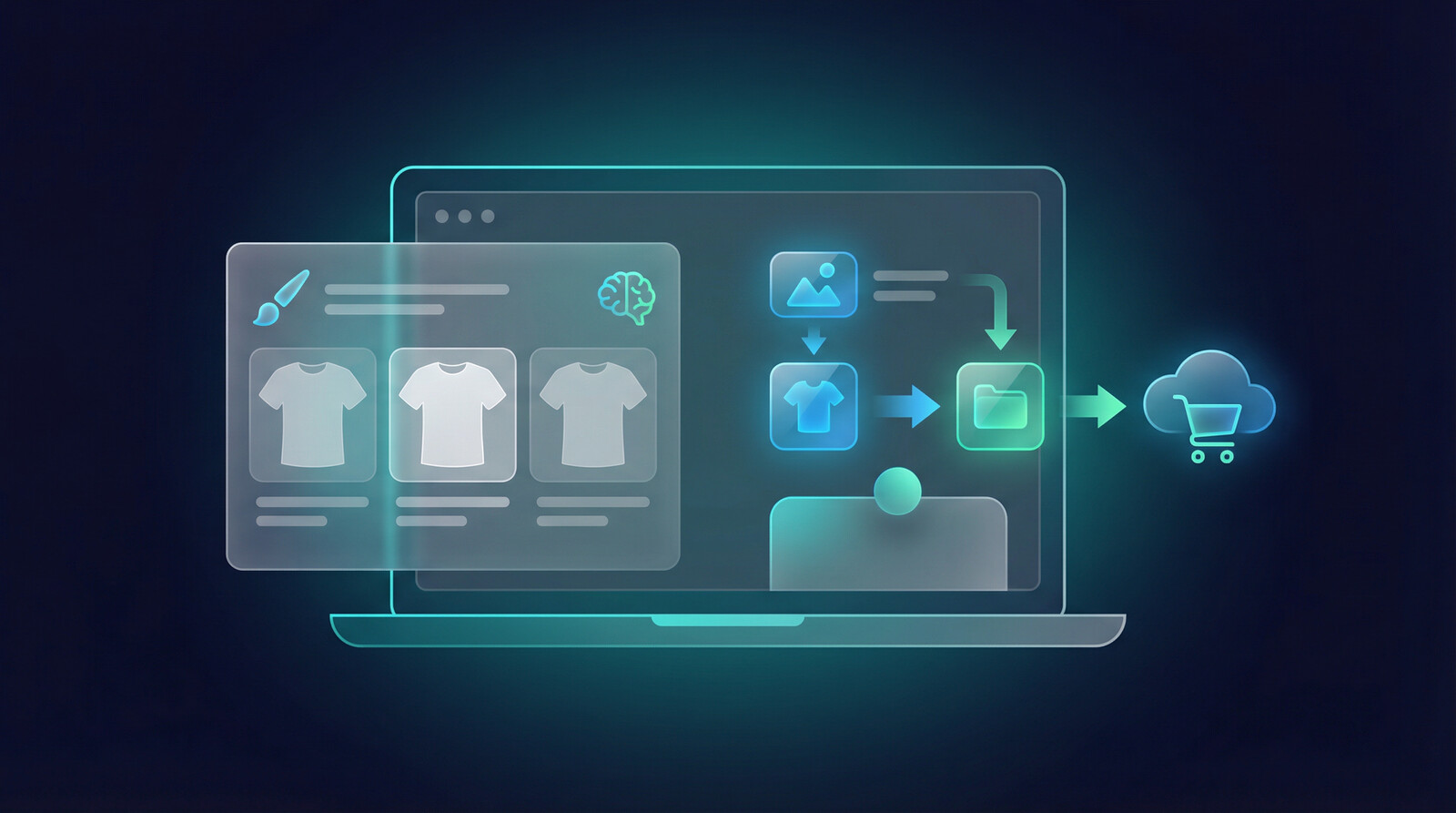
A lot of tools can generate shirt art now. That part is no longer impressive. What matters is whether the tool helps you create designs that are actually usable for print on demand, not just visually interesting for five seconds.
When I evaluate an AI t-shirt design generator, I am not asking, “Can it make cool pictures?” I am asking, “Can I get a clean, niche-relevant concept, adapt it quickly, and turn it into a listing that can earn clicks this week?”
Most tools stop too early
This is the part a lot of software gets wrong. They solve the generation moment and ignore the business workflow around it. You get a design, then you still have to prep images, make mockups, write titles, create tags, and push listings live manually.
That sounds manageable when you are launching one shirt. It is a disaster when you are trying to test 20 ideas across multiple niches. I have seen sellers lose momentum right there. They do the fun part, then stall on the repetitive part.
What good output looks like for POD
For print on demand, great output usually has a few traits:
- Strong contrast and clean readability at thumbnail size
- A clear niche signal, not generic “cool art”
- Simple composition that prints well
- Enough variation potential to make multiple versions quickly
If you cannot imagine the design on a black, white, and heather tee immediately, the generation is probably not ready. Because it works. Period.
Generate designs you can actually turn into listings.
Dream AI is built for sellers who need more than one image. You can move from concepting to a real product workflow without bouncing across five tools.
How I evaluate AI shirt design tools in 2026
If you look at the current SERP for “AI t-shirt design generator,” most pages pitch the same three promises: it is fast, it is easy, and it is free. Fine. But that is table stakes now.
The real question is whether the tool helps you build a store people buy from. An AI tool that spits out four images in seconds is nice. An AI tool that helps you keep shipping while your competitors are still organizing files is much more valuable.
Speed versus usable output
I would rather get ten usable design directions in fifteen minutes than fifty flashy generations that all need cleanup. Sellers overvalue speed and undervalue fit. The best AI t-shirt design generator for a business is the one that gives you usable output with less rework.
That is also why I do not obsess over who has the biggest model or the slickest demo page. I care about whether the prompts stay consistent, whether I can create niche variations fast, and whether the output looks like something a buyer would actually wear.
The real metric is launch readiness
Here is the metric I think most people should care about: how many launch-ready shirts can this workflow produce in a day?
Not images. Not prompts. Not inspiration. Launch-ready products.
That means design file, mockup set, listing copy, and publishing flow. It is the same reason I often point sellers toward a system like Listing Management and Multi-Product Publishing instead of obsessing over one generation screen.
One of the cleanest pattern shifts I have seen is this: the winning sellers are not necessarily better designers. They are better operators. They choose a niche, generate multiple directions, pick the winners fast, and publish before the slower sellers even finish naming their files.
The problem is not making one shirt design. It is testing ten before lunch.
If you are serious about POD, your workflow needs generation, mockups, listing support, and publishing speed. That is where MyDesigns starts to separate from design-only tools.
How to write prompts that produce sellable designs
Most bad AI shirt designs are not the model’s fault. They are prompt problems.
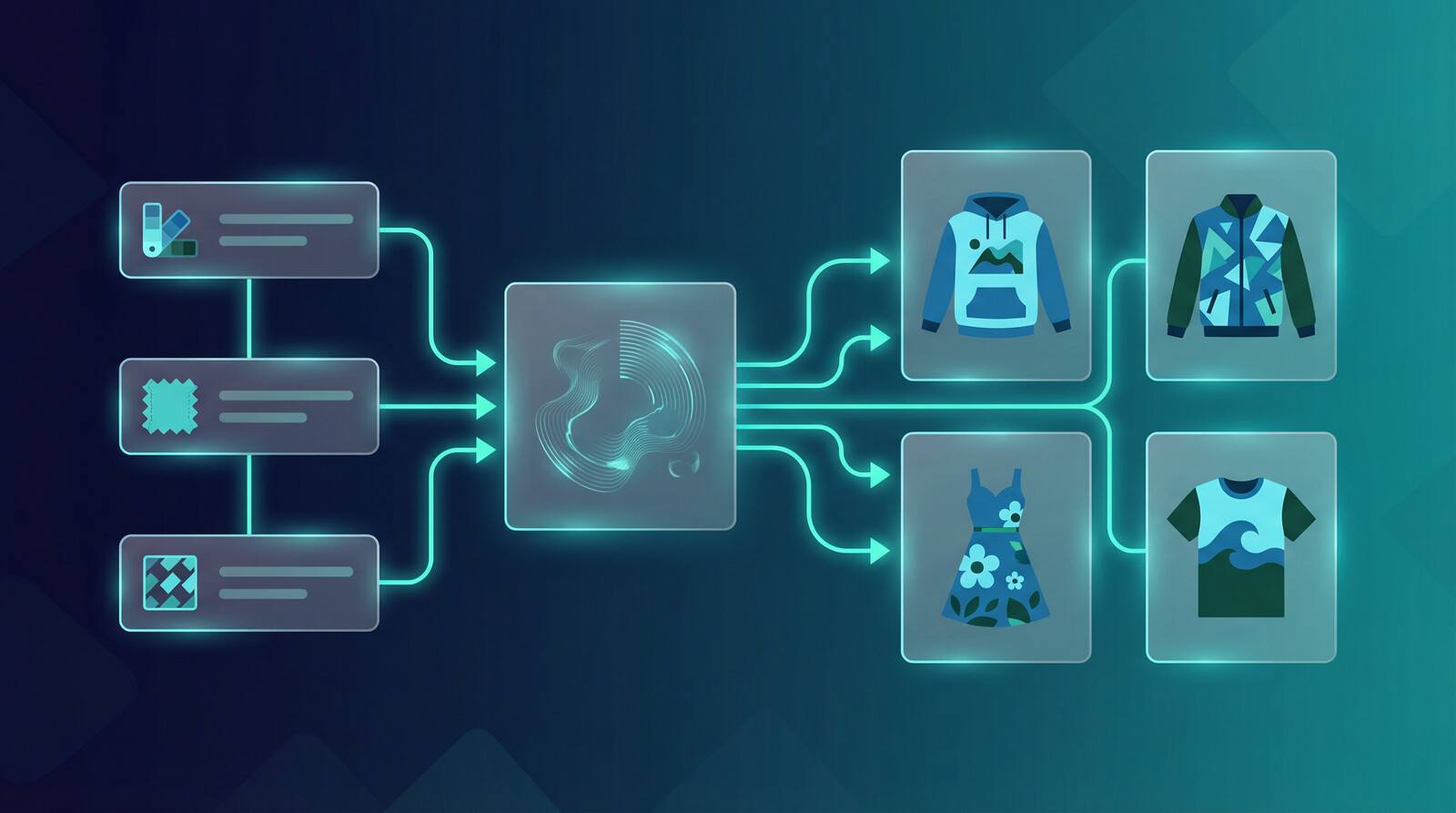
I get why people want a magic one-line prompt. But if you want sellable output, you need to tell the model what audience you are targeting, what visual style you want, and what kind of composition makes sense on apparel. Otherwise you get random art with no commercial spine.
A simple prompt framework
My default structure is:
- Niche: who the shirt is for
- Main concept: the joke, statement, icon, or emotional angle
- Style: vintage, distressed, retro sunset, minimalist line art, bold varsity, etc.
- Composition: centered chest graphic, left pocket style, badge design, stacked typography, emblem layout
- Print intent: high contrast, transparent background look, clean lines, apparel-ready
Example:
“Funny beekeeper t-shirt design, retro sunset badge style, centered composition, distressed texture, bold readable typography, high contrast, apparel-ready graphic.”
That is already much stronger than “make me a cool bee shirt.”
Common prompt mistakes that waste generations
These mistakes show up constantly:
- Being too broad, so the design has no niche specificity
- Adding too many visual ideas in one prompt
- Ignoring readability and print limitations
- Trying to make one design appeal to everybody
The old advice was to be as creative as possible. I disagree. For POD, clarity beats cleverness most of the time. A shirt that instantly signals “this is for me” usually outsells a shirt that tries to impress other designers.
If I were starting from zero today, I would pick one buyer identity, generate five angles around it, and judge every design at thumbnail size before I judged it at full size.
Once you find a winning concept, build the rest of the listing stack fast.
Use MyDesigns to pair AI design generation with mockups, listing support, and a faster path to launch instead of restarting your workflow in another app.
The best AI t-shirt design generator workflow for sellers
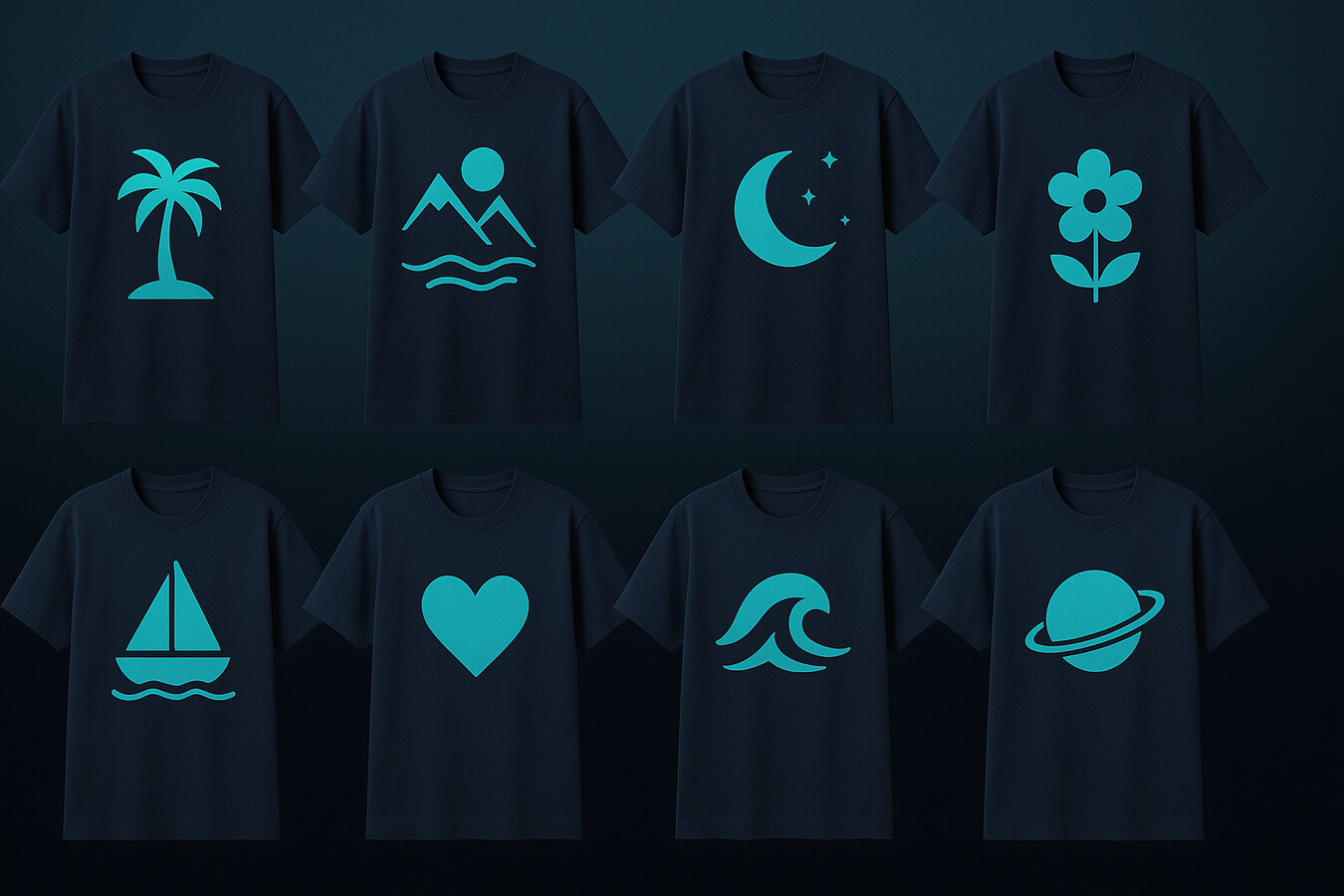
Here is the workflow I would use if my goal was not just making art, but building a repeatable t-shirt business.
From one idea to ten variations
Start with one niche and one design angle. Then branch quickly:
- Version 1: strong evergreen design
- Version 2: funnier version
- Version 3: cleaner and more giftable
- Version 4: retro treatment
- Version 5: typography-heavy variation
I watched a seller do this with dog mom designs and go from one decent concept to 60 listing candidates in a weekend. Not because every design was a masterpiece. Because the workflow let them test angles fast and cut losers without drama.
That is the mindset shift. AI is not there to save you with one perfect prompt. It is there to make iteration cheap.
Mockups and listings are where money is made
Buyers do not purchase raw prompts. They click on listings. That means your mockups, title, keywords, and offer packaging still matter a lot.
This is why I like tying generated artwork into a broader system like Product Mockups, Import & Sync, and Shops & Integrations. Winning faster is rarely about one better prompt. It is usually about less operational drag after the prompt.
If you want to stay aligned with marketplace rules while you scale, keep an eye on the Etsy Seller Handbook, review current Etsy search guidance, and sanity-check risky phrases through the USPTO trademark search. If you sell off your own store too, Shopify’s print on demand guide is still a useful benchmark for merchandising fundamentals.
For marketplace sellers, I also recommend reading how to bulk upload products to Etsy, how to make Etsy mockups, and how to use AI for Etsy listings because design generation is only one part of the ranking and conversion equation.
Turn one winning shirt concept into a whole launch batch.
That is exactly why we built bulk-friendly workflows into MyDesigns. Once you feel the difference between one-off creation and real launch velocity, you do not want to go back.
Why most AI shirt designs do not sell
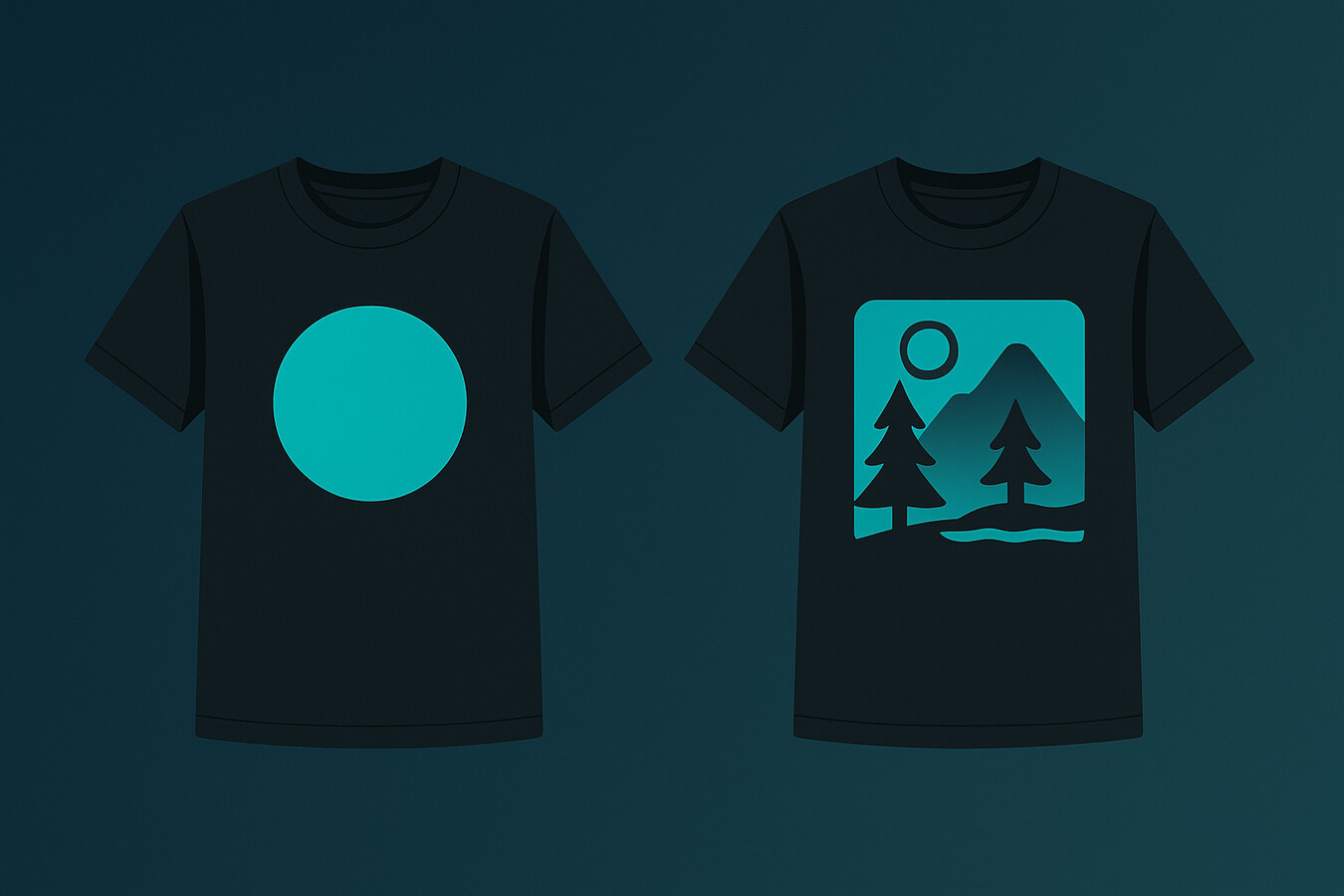
Most AI shirt designs do not fail because AI is bad. They fail because the seller never made a real market decision.
Generic art is dead
The average marketplace is already full of generic wolf heads, motivational quotes, fake vintage graphics, and random cute animals with no positioning. Adding more of that with AI does not create an advantage. It creates more noise.
If your design could be for anybody, it usually converts for nobody. That sounds harsh, but it is one of the clearest lessons I have seen across Etsy and broader ecommerce.
Niche positioning beats raw creative talent
The better move is to ask:
- Who is this shirt for?
- What identity does it signal?
- Why would this person click it over the five similar options beside it?
- Can I create three more angles for this same niche today?
This is where people overcomplicate things. You do not need to be the most artistic seller on the platform. You need a better point of view, cleaner execution, and more testing discipline.
That is also why I strongly advise against treating AI as a shortcut for originality. The sellers who win with AI are usually using it to move faster on validated ideas, not to gamble on random visual chaos.
For more niche and product inspiration, check out best things to sell on Etsy and print on demand products with the highest profit margins. Those are better starting points than staring at a blank prompt box.
You do not need more random generations. You need a sharper workflow.
MyDesigns helps you go from niche idea to design, mockup, and listing momentum without losing hours in the middle of the process.
The MyDesigns stack I would use today
If I were building or rebuilding a POD workflow around AI today, I would keep it simple.
Dream AI for fast concepting
Use Dream AI to generate and explore niche-specific t-shirt concepts fast. The point is not just to get one image. The point is to quickly pressure-test multiple directions until one feels commercially alive.
Then I would use Canvas and Image Utilities to clean things up, create variations, and prep the assets for actual product use.
Bulk publishing for real scale
After that, I would move straight into mockups, listing buildout, and publishing. This exact bottleneck is why we built these workflows into MyDesigns in the first place. Once you have experienced pushing multiple optimized products live in one system, it becomes very hard to tolerate a messy patchwork process again.
And yes, that includes pricing and scale decisions. If you are just testing the waters, the free plan is enough to start. If you are actively building a business, compare the annual pricing tiers. Starter is $18.75/month billed annually, Pro is $38/month billed annually, and Pro Plus is $74.99/month billed annually. The annual view is where most sellers should evaluate value because that is the default pricing posture on the site.
The big idea here is simple: the best AI t-shirt design generator is not just a design model. It is a workflow that helps you find better concepts, launch faster, and learn from the market sooner.
Frequently Asked Questions
+ What is the best AI t-shirt design generator?
The best AI t-shirt design generator is the one that helps you create apparel-ready designs and move them into a real selling workflow fast. For POD sellers, generation quality matters, but launch readiness matters even more.
+ Can I use AI-generated t-shirt designs for print on demand?
Yes, you can use AI-generated t-shirt designs for print on demand if you review output quality, avoid trademark issues, and make sure the final design is commercially usable. You still need strong niche targeting, clean mockups, and solid listings.
+ How do I write prompts for an AI t-shirt design generator?
Write prompts with a clear niche, concept, style, composition, and print intent. The more specific you are about the buyer and the shirt format, the better the output usually becomes.
+ Are free AI t-shirt design generators good enough?
Free AI t-shirt design generators can be useful for testing ideas, but many sellers outgrow them quickly because the real bottleneck is not generation alone. It is the speed of iteration, mockup creation, listing prep, and publishing.
+ Can MyDesigns help with AI t-shirt designs?
Yes. MyDesigns can help you generate concepts with Dream AI, build better mockups, organize listings, and publish faster. That matters a lot more than using a standalone generator and then stitching the rest together manually.


Leave a Reply