


Sublimation printing is one of those techniques that sounds simple on the surface — until you price out the equipment. This guide covers what sublimation actually is, what it costs to get started, and why many sellers end up choosing print-on-demand instead.
Key Takeaways
- Sublimation printing uses heat to turn dye into gas that bonds permanently with polyester fibers — the color becomes part of the fabric.
- Your startup costs run $500–$2,000+ before you print a single sellable item, and that’s before blanks or ongoing ink/paper costs.
- Sublimation only works on white or light-colored polyester (or poly-coated hard goods) — cotton, dark fabrics, and most natural fibers are out.
- Print-on-demand eliminates all of this — no equipment, no inventory, no waste. Platforms like MyDesigns.io let you upload designs and sell without touching a heat press.
Table of Contents
What Is Sublimation Printing?
Sublimation printing — formally called dye-sublimation — is a heat-transfer process where ink converts from a solid directly into a gas (skipping the liquid phase) and bonds with the fibers of a substrate.
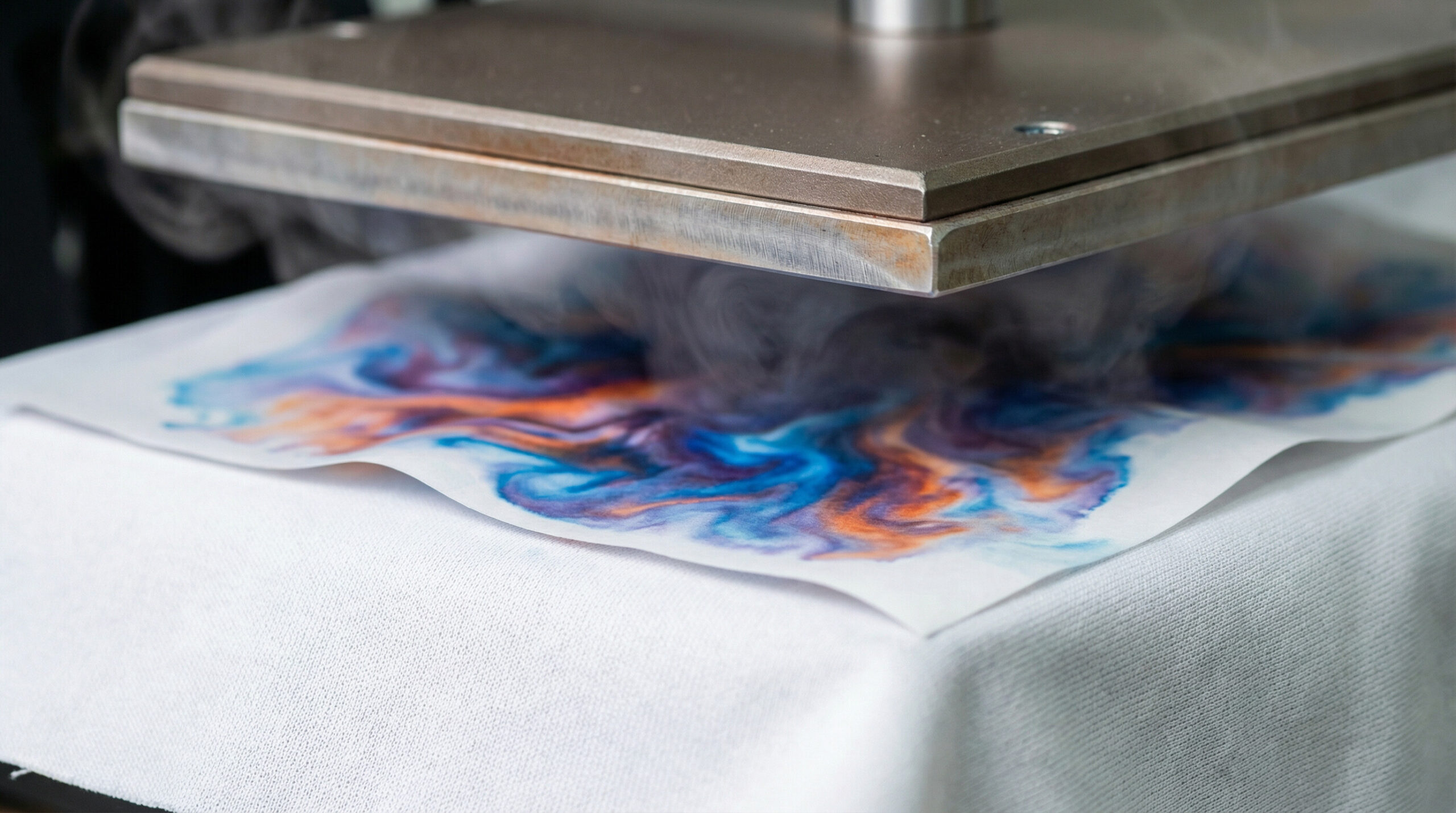
In plain terms: you print a design onto special transfer paper using sublimation ink, then apply intense heat (around 385–400°F) and pressure with a heat press. The ink vaporizes and permanently embeds into the material at a molecular level.
The result is a print that won’t crack, peel, or fade the way screen-printed or vinyl transfers eventually do. It feels like part of the fabric because it literally is.
Good strategy matters. Fast execution is what turns it into revenue.
This is exactly where a cleaner workflow starts to matter more than another round of planning.
Equipment You Need (And What It Costs)
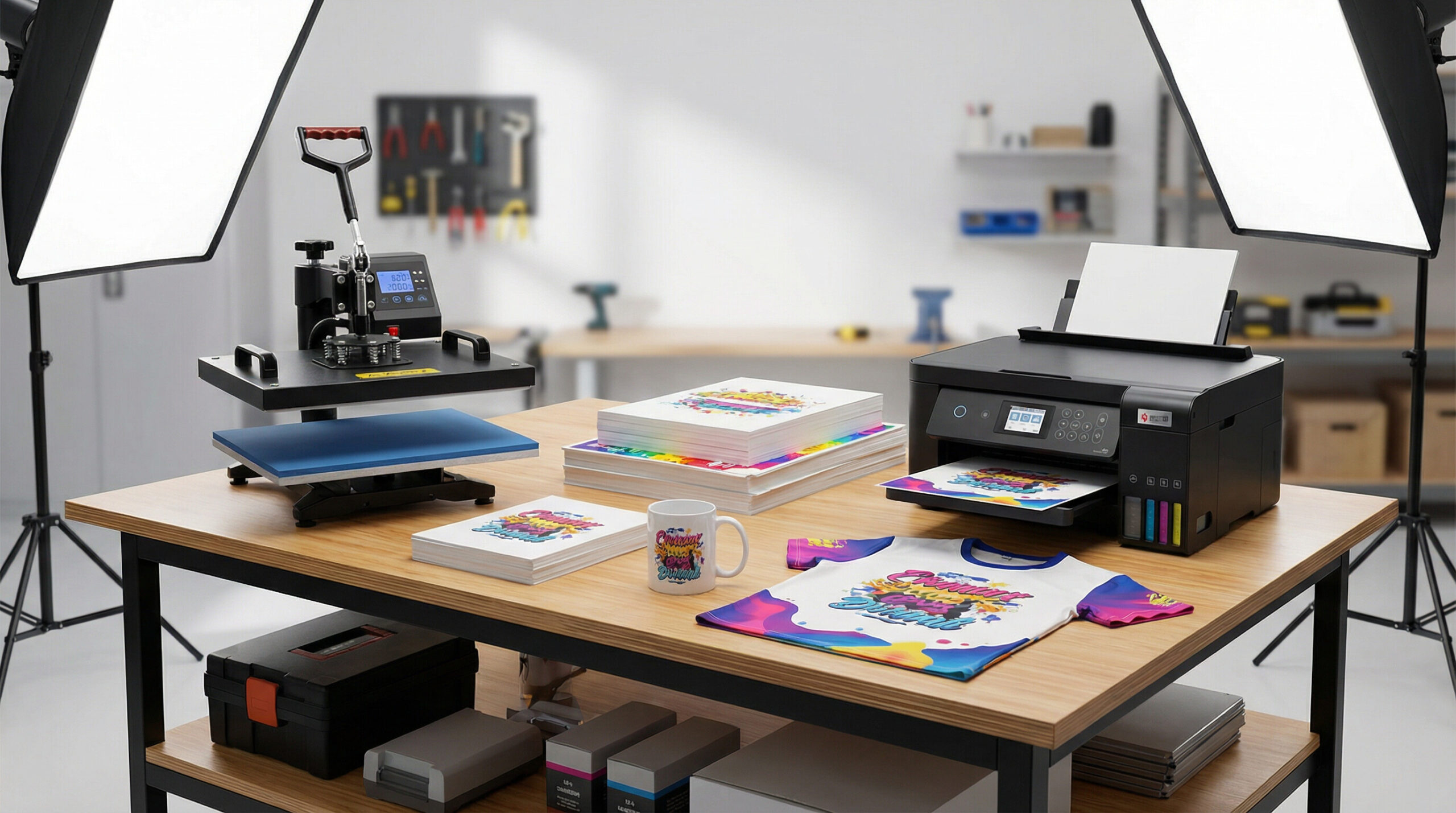
This is where most beginner guides sugarcoat things. You need four core pieces of equipment, and none of them are cheap if you want reliable results.
The Sublimation Printer
You can’t use any regular inkjet printer. You need either a dedicated sublimation printer (like the Sawgrass SG500 or SG1000) or a converted Epson EcoTank filled with sublimation ink.
The Sawgrass SG500 runs around $400–$500 new and is the go-to recommendation for beginners because it’s plug-and-play. The converted Epson route is cheaper upfront (~$200–$350) but takes more setup knowledge and voids the warranty.
Do not buy a cheap no-name sublimation printer. Color consistency matters, and budget printers will frustrate you with banding, clogged heads, and inconsistent output.
The Heat Press
A standard iron will not work. You need a heat press that delivers consistent, even pressure across the entire platen — usually a clamshell or swing-away design for flat goods like shirts and mouse pads.
Entry-level presses (like the Cricut EasyPress or off-brand 15×15 presses) start around $150–$250, but they’re inconsistent on pressure. A mid-grade press from Geo Knight or Stahls runs $400–$800+ and is what serious sellers actually use.
If you want to do mugs, you’ll need a separate mug press ($80–$150). Tumblers require a tumbler attachment or a different press entirely. The equipment costs add up fast once you expand your product line.
Ink, Paper & Blanks
Sublimation ink is not universal — it must be compatible with your printer. Sawgrass ink runs about $25–$40 per cartridge, and a full set of four colors costs $80–$120. You’ll go through ink faster than you expect.
Sublimation paper costs around $20–$40 per 100 sheets (letter or A3 size). Good paper matters — thin, cheap paper causes ghosting and bleed issues.
And then there are the blanks themselves — the products you’re printing on. Polyester shirts, mugs, tumblers, pillowcases, mouse pads. Budget $2–$15 per blank depending on the item, and factor in test prints and rejects during your learning curve.
The Sublimation Process Step by Step
Once you have your equipment, the actual workflow is straightforward — but precision matters at every step.
- Design your artwork. Create or source a design at 300 DPI minimum. File format: PNG (CMYK or sRGB, depending on your printer’s recommendation). Mirror the design before printing — it’ll transfer in reverse.
- Print onto sublimation transfer paper. Use sublimation ink, not regular ink. Print on the coated side of the paper. Don’t touch the printed surface — oils from your skin affect transfer quality.
- Pre-press your blank. Press the shirt or substrate for 5–10 seconds to remove moisture and wrinkles. This step is often skipped by beginners and causes ghosting.
- Position the transfer. Tape the printed transfer paper face-down onto your blank. Use heat-resistant tape at the corners. One millimeter of shift mid-press ruins the print.
- Press with heat and pressure. Apply the heat press at the correct temperature (typically 385–400°F) and time (35–60 seconds depending on the substrate) with firm pressure. Do not lift early.
- Peel and reveal. Remove the transfer paper while it’s still hot (hot peel) or after it’s cooled (cold peel) — depends on the paper type. Peel slowly and evenly.
- Inspect and cure. Let the item cool before handling. Colors will look more vivid once cooled. Check edges for bleeding or ghosting.
Every variable affects your output — temperature accuracy, pressure consistency, paper quality, blank composition. It takes real practice to get consistently clean results.
If you want better output, the workflow has to make launching easier, not harder.
The advantage usually goes to the sellers who can create, organize, and publish without getting buried in manual work.
What Sublimation Can (and Can’t) Print On
This is the single biggest limitation that beginners don’t fully appreciate before they buy equipment.
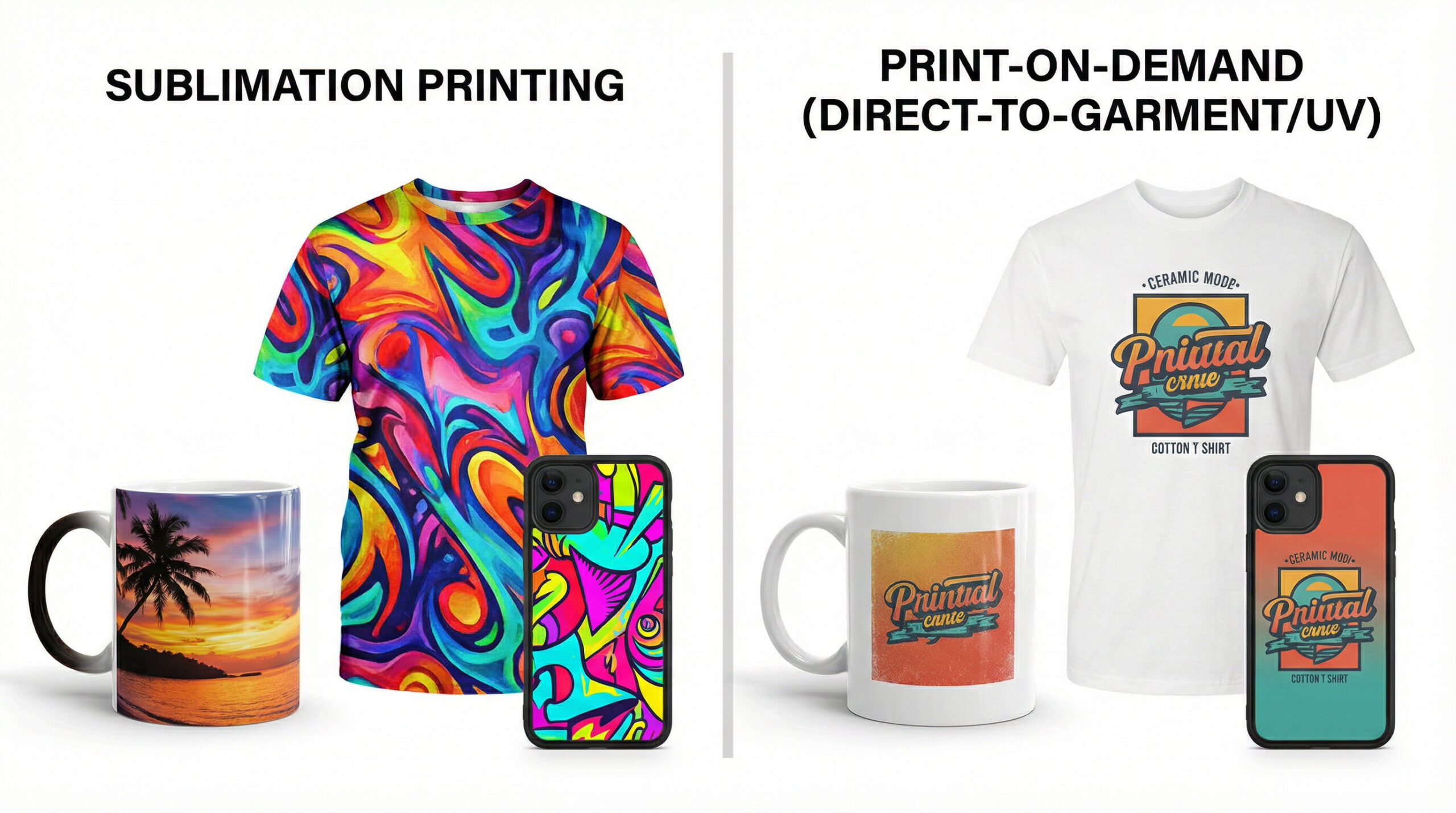
Sublimation only works on polyester or polyester-coated substrates. The ink bonds with synthetic polymer chains — it cannot bond with natural cotton or linen fibers. If you press onto a 100% cotton shirt, you’ll get a faded, washed-out ghost of your design that disappears after the first wash.
What sublimation does work on:
- White or light-colored polyester shirts and apparel (65%+ poly content minimum, 100% poly preferred)
- Poly-coated hard goods: ceramic mugs, aluminum panels, phone cases, license plates
- Polyester-coated mousepads, puzzles, pillowcases, tote bags (poly lining)
- Sublimation-ready tumblers (poly-powder coated metal or coated stainless)
What sublimation doesn’t work on:
- Dark fabrics of any kind — the ink is translucent, so dark backgrounds absorb the color
- 100% cotton or high-cotton-blend garments
- Uncoated metal, glass, or wood (without a poly coating)
- Most standard blank t-shirts sold by Gildan, Bella+Canvas, etc.
This matters for your business model. The most popular products people want to buy — soft-feel cotton shirts in multiple colors — are largely off-limits for sublimation. If you want to print on a standard black Bella+Canvas tee, you need DTG (direct-to-garment) or screen printing, not sublimation.
Why Beginners Underestimate the Real Costs
The guides that say “you can start sublimation for $300” are technically possible but practically misleading. Here’s an honest breakdown of what it actually costs to be operational:
| Item | Budget Option | Recommended Option |
|---|---|---|
| Sublimation Printer | $200 (converted Epson) | $450 (Sawgrass SG500) |
| Heat Press (flat) | $150 (no-brand 15×15) | $500 (Geo Knight) |
| Sublimation Ink (starter set) | $30 (third-party) | $100 (Sawgrass original) |
| Transfer Paper (100 sheets) | $20 | $35 |
| Starter Blanks (20 units mix) | $40 | $120 |
| Heat-Resistant Tape, Tools | $15 | $30 |
| Total Startup | ~$455 | ~$1,235 |
And that’s before you sell a single thing. Factor in the learning curve waste (ruined blanks, bad prints, miscalibrated temps), and you’ll spend another $100–$300 in the first month just figuring out your setup.
The budget option also comes with risk. A cheap heat press with uneven pressure produces inconsistent prints. A converted printer without proper profiles produces color that doesn’t match your screen. Buying cheap equipment often means buying twice.
Most people who start sublimation underestimate these costs because the guides focus on equipment prices, not the total cost of becoming consistently operational. If you’re running a business — not just a hobby — expect to spend $800–$2,000 before you’re producing print-quality products at scale.
Looking for a lower-risk path to the same product types? Check out how to start a print-on-demand business — no equipment required.
The difference between reading and publishing is where momentum usually gets lost.
If you want this strategy to actually turn into output, the workflow after the idea matters just as much as the idea itself.
The Alternative: Print-on-Demand
Print-on-demand (POD) is the model where a third-party printer handles everything — production, fulfillment, and shipping — every time someone places an order. You provide the designs. They handle the rest.
With POD, there is no equipment to buy, no inventory to stock, no failed prints to absorb. You pay for each product only when a customer orders it. The margin is lower per unit than if you were printing yourself, but the barrier to entry is essentially zero.
POD providers like Printify offer sublimation-quality products — all-over-print shirts, mugs, tumblers, phone cases — printed by their network of production partners. You get the product types that sublimation excels at without owning a single piece of equipment. If you want to explore Printify as your POD fulfillment layer, Printify’s platform integrates directly with Etsy, Shopify, and other channels.
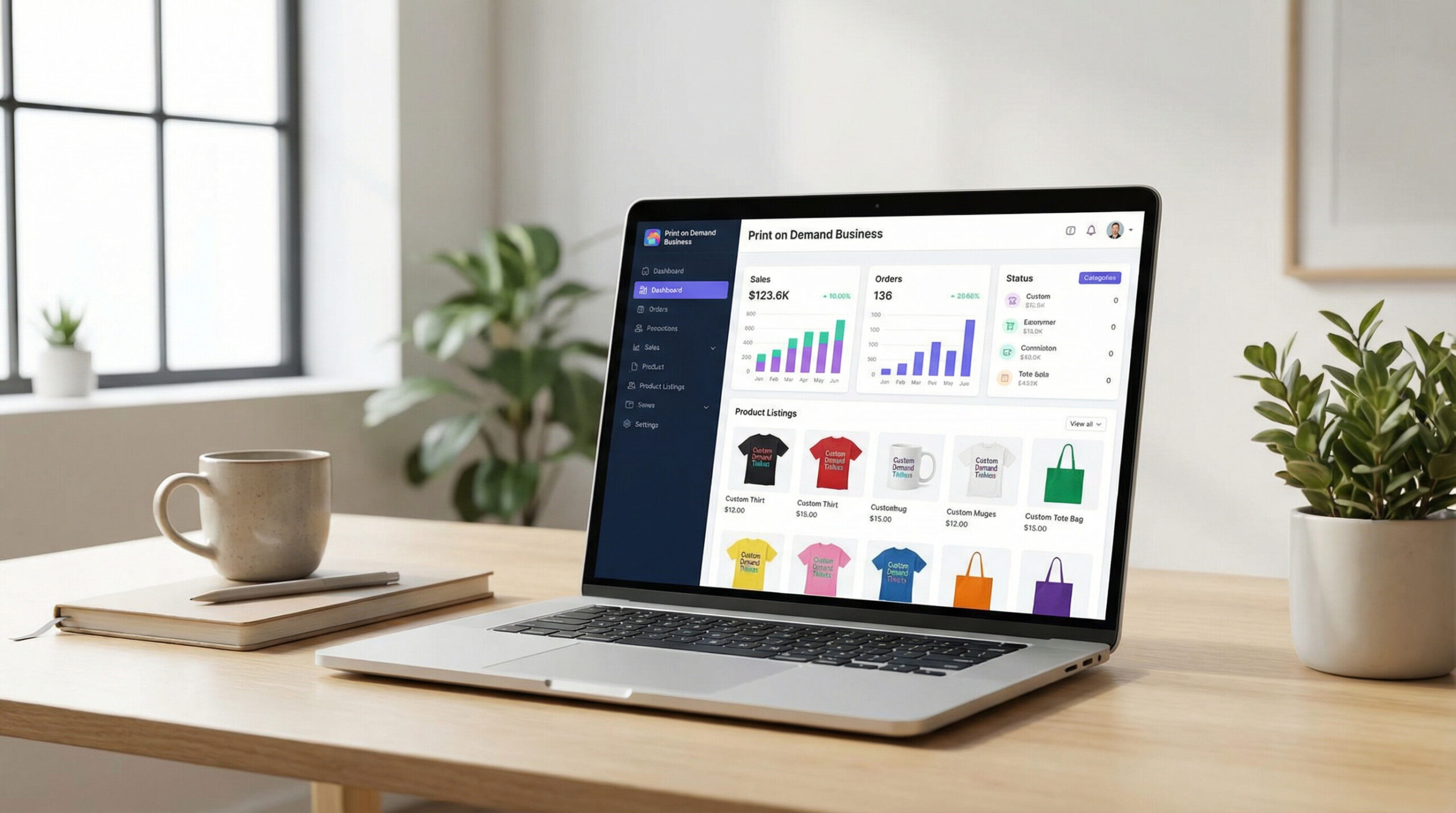
Where POD gets powerful is when you combine it with the right design workflow. That’s where MyDesigns.io comes in.
Sublimation vs. POD: Which Is Right for You?
This isn’t a one-size-fits-all answer. Both models have legitimate use cases. Here’s how to think about it:
Choose sublimation if:
- You want to produce locally and control quality from start to finish
- You’re making personalized one-off items (custom gifts, local sports teams, events)
- You have volume that justifies the equipment cost (hundreds of units per month)
- You sell primarily polyester or coated hard goods and have a clear customer base
Choose print-on-demand if:
- You’re testing a design concept or niche before committing capital
- You want to sell globally without dealing with shipping logistics
- You need a broad catalog — including cotton shirts, dark garments, and items sublimation can’t handle
- You’re running a print-on-demand Etsy shop and want to scale without a warehouse
Many serious sellers run both. They use sublimation in-house for local custom orders and POD for their online store catalog. The key is knowing which model serves which part of your business.
If you’re going the POD route, your biggest competitive edge is the speed and quality of your design workflow. That means getting designs from concept to mockup to listed product as fast as possible — at scale.
MyDesigns.io is built for exactly that. Upload your designs, generate mockups across dozens of product types with our mockup generator, and push listings to your store with bulk upload. You can go from a folder of designs to a fully stocked shop in hours, not days.
Skip the Equipment. Start Selling Designs Today.
MyDesigns.io handles your mockups, listings, and bulk uploads — so you can focus on creating, not operating a print shop.
Frequently Asked Questions
+ Can I do sublimation printing at home?
Yes — sublimation is one of the more home-friendly printing methods because it doesn’t require ventilation systems or industrial machinery. A Sawgrass printer and a decent heat press fit in a spare room or garage. The main constraints are workspace size and the need for a stable power outlet for the heat press. That said, “home-friendly” doesn’t mean “cheap to start.” Expect $500–$1,500 in startup costs before you’re printing sellable items.
+ Does sublimation work on 100% cotton shirts?
No. Sublimation ink bonds with synthetic polymer chains (polyester), not natural cotton fibers. On a cotton shirt, the design will appear extremely faded — like a ghost of the original — and will wash out almost entirely after one or two cycles. You need at least 65% polyester content, and 100% polyester gives the most vivid results. If you need to print on cotton, look at DTG (direct-to-garment) printing instead.
+ What’s the difference between sublimation and heat transfer vinyl (HTV)?
HTV is a physical layer that sits on top of the fabric — it can crack, peel, and fade over time, and you can feel the edge of the design. Sublimation ink becomes part of the fabric at a molecular level — there’s no raised texture, no layer to peel, and the print is significantly more durable. The tradeoff: sublimation only works on polyester, while HTV works on virtually any fabric including cotton.
+ Can I use any inkjet printer for sublimation?
No. Standard inkjet printers use aqueous dye or pigment ink, which won’t sublimate. You need a printer that’s either purpose-built for sublimation (like Sawgrass) or one that uses Epson’s piezo inkjet technology, which can be refilled with sublimation ink (at the cost of voiding the warranty). Laser printers, HP, Canon, and most Brother printers won’t work. Don’t experiment with a printer you care about — dedicate a specific printer exclusively to sublimation ink.
+ Is print-on-demand quality as good as sublimation?
For most product types, yes — often better, because POD providers run industrial-grade equipment calibrated by specialists. The all-over-print quality from a provider like Printify is hard to match with entry-level home sublimation equipment. Where in-house sublimation wins is speed and personalization — if a customer needs a custom mug with their name on it by tomorrow, you can do that at home. A POD provider takes 2–7 days to produce and ship.
+ How do I start selling sublimation products without buying equipment?
Use a print-on-demand platform. Create your designs, upload them to a POD service (they handle sublimation printing on their end), and connect your store to sell. MyDesigns.io makes this workflow fast — generate professional mockups for all your products, then bulk-upload listings to Etsy or Shopify. You only pay for production when someone orders. No heat press, no transfer paper, no ruined blanks.


Leave a Reply