


I think most people pick the wrong AI design generator because they start with image quality instead of output speed. That sounds backwards until you have 40 listing ideas, two marketplaces to feed, and about three hours before you lose momentum.
If you sell print on demand products, digital downloads, or both, your real problem is not making one pretty design. It is building a repeatable system that turns prompts into products you can actually publish.
That is why this guide on choosing an AI design generator is going to be practical. I am not here to rank shiny toys. I am here to show you what matters if your goal is more listings, faster testing, and better odds of finding winners.
Key Takeaways
- The best AI design generator is the one that fits your production workflow – speed, editability, and commercial usability matter more than one-off wow factor.
- POD sellers need system thinking – design creation only matters if it connects cleanly to mockups, SEO, and publishing.
- Generic prompts create generic shops – your edge comes from niche inputs, product context, and fast iteration.
- AI is not replacing taste – it is multiplying the output of sellers who know what to test next.
Table of Contents
- What an AI design generator should actually do for sellers
- How I judge AI design tools in the real world
- What makes the best AI design generator for POD sellers
- The mistakes I see sellers make with AI design
- My workflow for using an AI design generator without wasting time
- Why the old design playbook is dying
- Where MyDesigns fits if you want to scale output
- Frequently Asked Questions
What an AI design generator should actually do for sellers
Most tools pitch creativity. I care more about throughput.
An AI design generator should help you move from idea to sellable asset without turning every design into a mini art project. If you are selling shirts, mugs, wall art, planners, or digital templates, you need concepts you can adapt, not just admire.
One good image is not a business
I have watched sellers burn a full weekend chasing one perfect design while someone else shipped 60 good-enough variations and found two winners. Guess who learns faster.
That is the game now. The market rewards iteration. A solid AI design generator shortens the path from niche idea to testable inventory.
Speed beats perfection early
Early on, your job is to gather signal. Which niche responds? Which visual style gets clicks? Which phrases convert? You do not get those answers by polishing one design for six hours.
According to Figma, AI design tooling is moving toward faster iteration inside one workflow. That trend matters because disconnected tools create drag, and drag kills output.
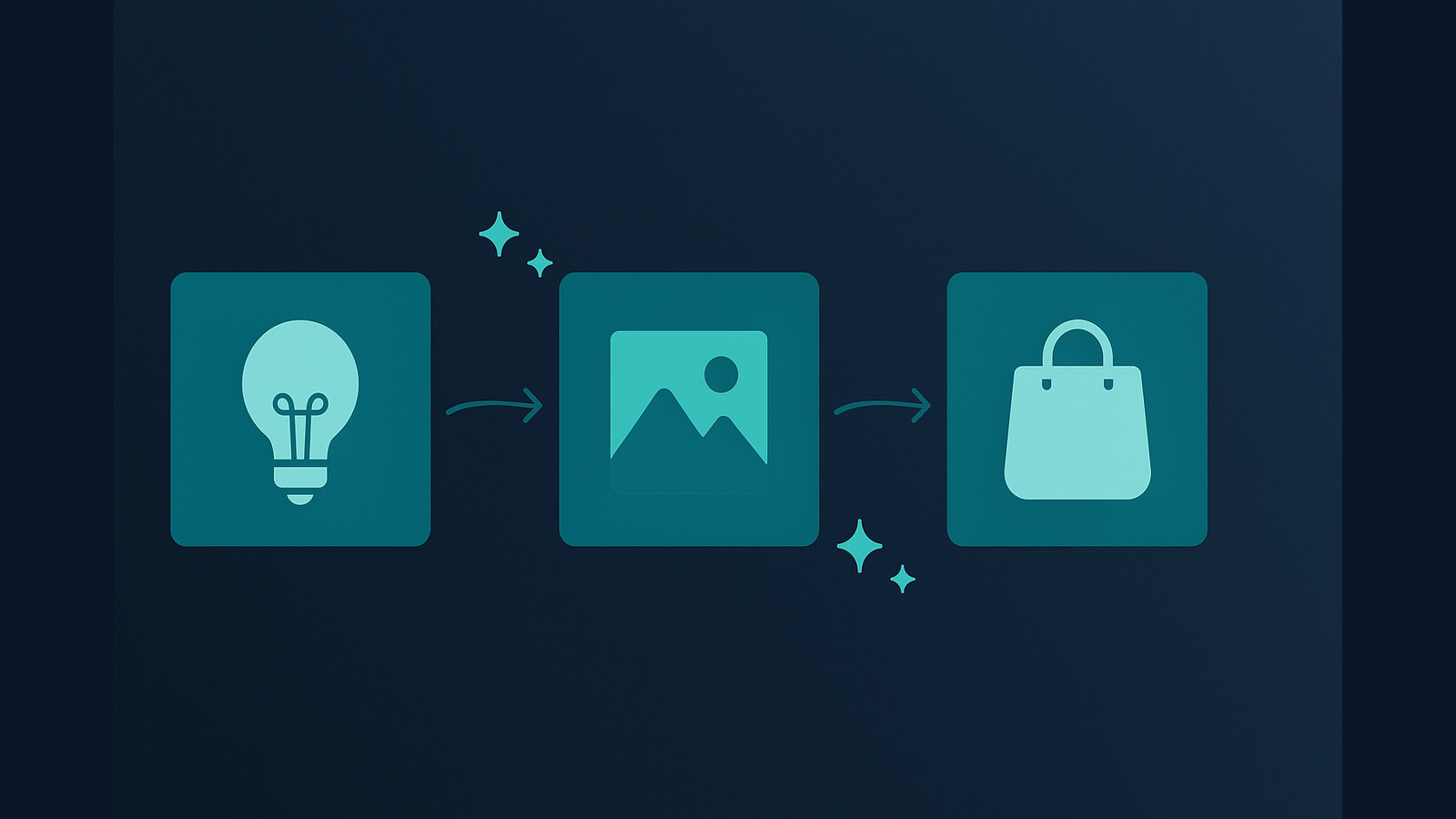
If you can turn one niche idea into ten design directions fast, you stop guessing.
That is why I push sellers toward systems that connect creation with publishing. A nice image is not enough. You need launch speed too.
How I judge AI design tools in the real world
I do not care how impressive a demo looks if the tool breaks the moment you need consistency. Sellers need a different scorecard than hobby creators.
Commercial use matters more than hype
Before anything else, I want to know whether the output can be used commercially, whether the model can follow niche-specific prompts, and whether the visuals come out clean enough to survive on real products. If a tool gives you vague, messy, overstyled output, it is just expensive entertainment.
Adobe positions Firefly around commercial-safe design workflows, which tells you where the market is heading. Trust and usability are starting to matter as much as novelty.
Editability becomes the bottleneck fast
Here is where a lot of sellers get trapped. They generate something close, but not usable. Then they export, re-edit, re-upload, and lose the time AI was supposed to save.
The better path is simple:
- Generate multiple concepts quickly
- Keep the strongest direction
- Refine only what is already promising
- Move into mockups and listing production immediately
If the tool cannot support that rhythm, it is the wrong AI design generator for a selling workflow.
The slow part is not making one design. It is turning good concepts into product-ready assets at scale.
MyDesigns helps close that gap with creation, mockups, listing support, and publishing tools in one workflow.
What makes the best AI design generator for POD sellers
If you are in print on demand, the best AI design generator is not the one with the prettiest homepage. It is the one that helps you create product-specific artwork you can test fast.
Designs need product context
A shirt design is different from a mug design. A planner cover is different from a nursery wall print. Good sellers know that. Bad tools flatten everything into the same glossy style.
When I evaluate a generator, I want to see whether it can handle:
- Simple niche prompts with a clear commercial angle
- Style variation without drifting off-topic
- Clean compositions that work on products
- Fast retries when the first output misses
This is also where Dream AI becomes useful. It was built around the reality that sellers need usable design output, not random artistic experiments.
You need volume, not inspiration
I know that sounds harsh, but it is true. Inspiration is nice. Volume pays the bills.
If I were starting from zero today, I would choose an AI design generator that lets me test dozens of niche-adjacent concepts each week, then connect the winners to mockups and listings immediately. Because the real moat is not access to AI anymore. It is speed of execution.
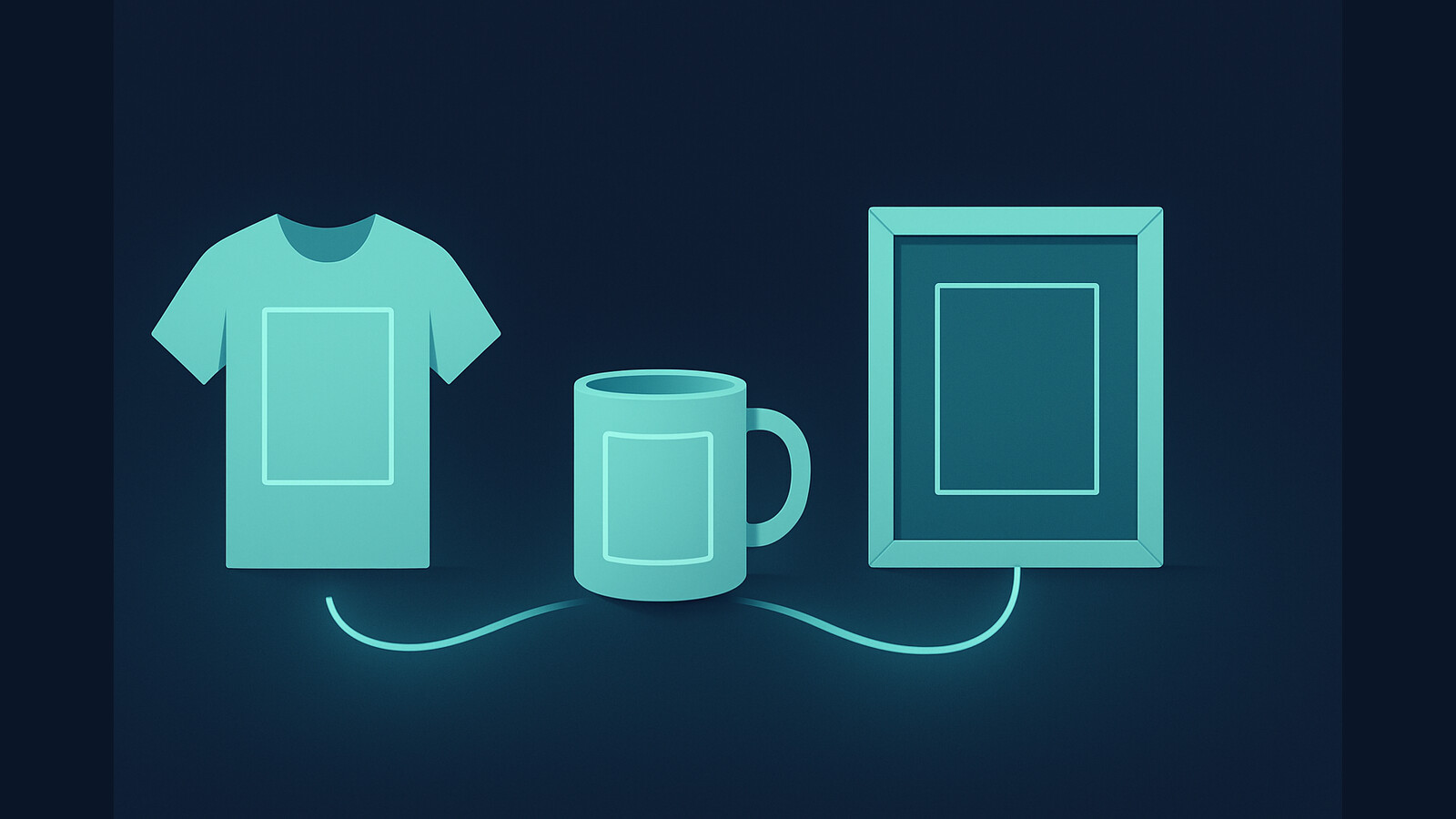
For extra context on how design output connects to product presentation, read our guide on AI mockup generators and the walkthrough on t shirt design ideas to sell.
The mistakes I see sellers make with AI design
AI creates leverage. It also makes bad habits scale faster. That part matters.
They copy the same prompts as everyone else
The fastest way to look generic is to use generic prompt packs. If your prompt sounds like everyone else’s YouTube tutorial, your designs will too.
The fix is not complicated:
- Use niche language pulled from real buyers
- Reference product format in the prompt
- Specify style constraints clearly
- Iterate around a commercial theme, not a random aesthetic
I strongly prefer prompt inputs based on search demand, customer intent, and product fit. That is how you get designs that are easier to turn into sales assets.
They stop before testing enough concepts
A seller creates four decent designs, feels tired, and decides the niche is not working. I see this constantly. The problem is rarely the niche. The problem is weak testing volume.
One of the biggest mindset shifts AI should create is this: you no longer have an excuse to test slowly.
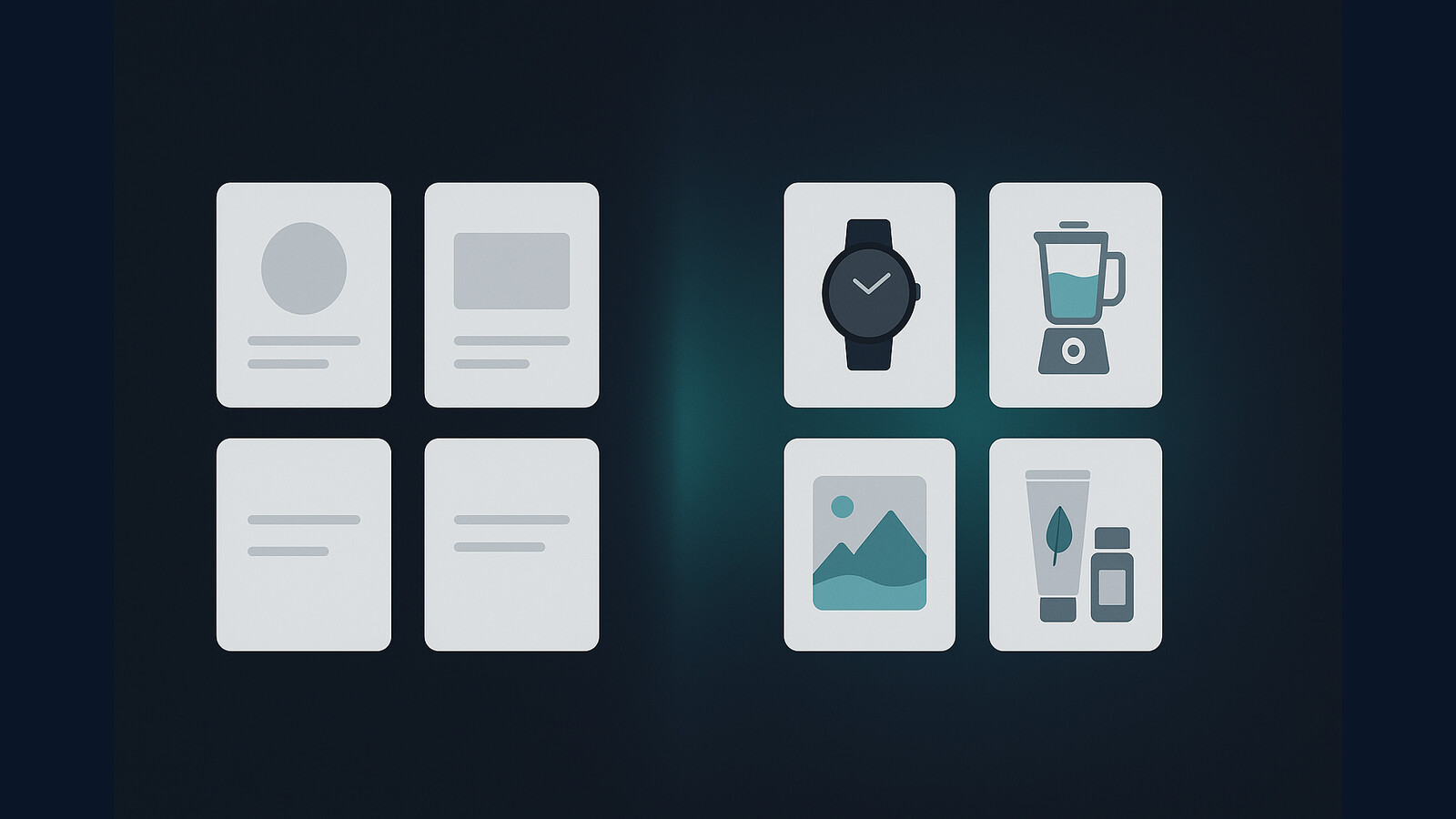
Once you pair AI designs with stronger listing copy and visuals, your tests get a lot smarter.
That is why I like combining design generation with mockups and AI-assisted listing support instead of treating design as a separate job.
My workflow for using an AI design generator without wasting time
If I were helping a seller set this up today, this would be the workflow.
Start with a product angle
Do not start with “make something cool.” Start with a product, a buyer, and a probable use case.
For example:
- Retro fishing shirt for Father’s Day gifting
- Minimalist affirmation mug for office workers
- Funny teacher tumbler for end-of-year gifts
- Neutral nursery wall art set for first-time parents
That level of specificity gives the AI design generator something commercially useful to work with.
Turn designs into listings fast
After that, I move quickly:
- Generate 10 to 20 design directions
- Pick the 3 strongest
- Create mockups for each winning concept
- Build optimized titles, tags, and descriptions
- Publish enough listings to get feedback from the market
This exact bottleneck is why we built tools like Product Mockups, Vision AI, and Bulk Publish. Once you can move from idea to published listing in one system, everything compounds faster.
If you sell across multiple marketplaces, our multi-product publishing workflow is worth looking at too.
The biggest upgrade is not better art. It is removing the dead time between design, mockup, and publish.
If your workflow still depends on five tabs and a pile of manual steps, that is the first thing I would fix.
Why the old design playbook is dying
The old playbook said creative advantage came from making things manually that other people could not make. That edge is shrinking fast.
The real advantage today is knowing what to make, for whom, and how quickly you can turn that insight into live market tests. AI is compressing production time. So distribution, positioning, and workflow are becoming more important than raw design labor.
That is why I think the conversation around the best AI design generator is often too shallow. The winning seller is not asking, “Which tool makes the prettiest image?” They are asking, “Which system helps me test more profitable ideas this month?”
If that shift has not clicked yet, go read our post on why Etsy sellers fail. A lot of failure has nothing to do with talent and everything to do with weak systems.
Where MyDesigns fits if you want to scale output
If all you want is random AI art, there are plenty of tools for that. If you want to run a serious product engine, you need more than generation.
MyDesigns makes the most sense when you want your AI design generator connected to the rest of the workflow:
- Generate design concepts faster
- Create product visuals and mockups
- Build listing assets around the design
- Publish at a pace manual sellers cannot match
I am biased because we built it, but the reason we built it was obvious. Sellers were losing hours in the handoff between design and execution. That handoff is where growth dies.
If you are serious about turning ideas into products faster, read our guide on AI product mockup generators and then test your own workflow against it. You will spot the bottlenecks pretty quickly.
Frequently Asked Questions
+ What is the best AI design generator for print on demand?
The best AI design generator for print on demand is the one that helps you create usable designs quickly and move them into mockups and listings without friction. Sellers need workflow speed more than isolated image quality.
+ Can I use an AI design generator for commercial products?
Yes, but you need to review each platform’s commercial terms carefully. I also recommend checking whether the output can be refined for product use instead of assuming every generated design is ready to sell.
+ How do I get better results from an AI design generator?
Use prompts tied to a specific product, buyer, and niche angle. Generic prompts create generic output, while focused prompts produce designs that are easier to test and sell.
+ Is an AI design generator enough to run a full POD business?
No. It helps with creation, but you still need mockups, listing optimization, publishing systems, and product testing. The tool matters, but the workflow matters more.
+ What should I look for before choosing an AI design generator?
Look at output speed, commercial usability, consistency, editability, and how easily the tool fits into your product publishing workflow. Those factors usually matter more than flashy examples on a landing page.


Leave a Reply