


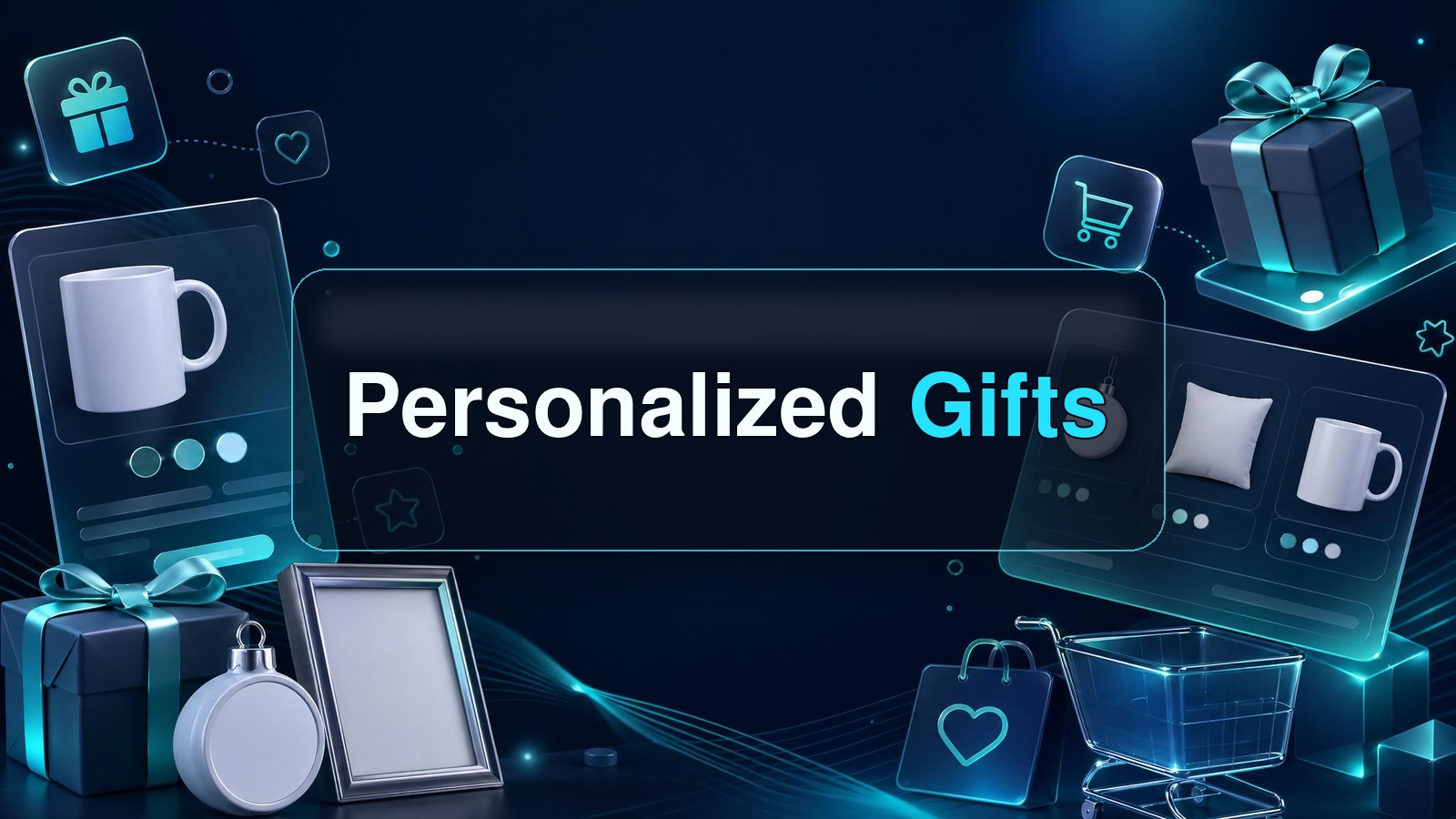
Personalized gifts are one of the few product categories where buyers still expect something specific, emotional, and slightly inconvenient.
That inconvenience is the opportunity.
If I were starting a print on demand or Etsy product business today, I would not chase random trending shirts first. I would build a small personalized gifts system around products people already buy for birthdays, weddings, teachers, pets, new parents, and holidays. The winners are not always the prettiest designs. They are the products that make the buyer feel like, “that was made for my person.”
Key Takeaways
- Personalized gifts have real buyer intent. People are not just browsing, they are usually buying for a date, relationship, or milestone.
- The best products are easy to customize and hard to compare. Names, dates, photos, pets, and inside jokes create margin protection.
- Do not start with 100 random products. Start with one buyer segment, one occasion, and 10 to 20 controlled variations.
- MyDesigns is built for this workflow. Use it to create assets, build product batches, generate mockups, edit listings, and publish faster.
Table of Contents
- Why personalized gifts still work when generic products stall
- The personalized gifts I would sell first
- My validation scorecard before I publish a product
- How I would build a personalized gifts system in MyDesigns
- Pricing personalized gifts without racing to the bottom
- The Etsy playbook I would run for personalized gifts
- Mistakes that kill personalized gift shops
- Frequently Asked Questions
Why personalized gifts still work when generic products stall

Generic products are easy to copy. Personalized gifts are harder to compare because the buyer is not only buying the object. They are buying relevance.
That changes the game.
A plain mug competes with every other mug. A mug with a dog illustration, the pet’s name, and a funny line for a dog mom competes in a much smaller lane. A custom travel mug for a nurse graduation gift sits in an even tighter lane. The more specific the buyer, occasion, and personalization hook, the less you look like every other seller.
Buyer intent is specific
When someone searches for personalized gifts, they usually have a person in mind. That is very different from a broad search like “funny shirt.” The buyer is trying to solve a real gift problem.
I like gift intent because it has deadlines. Birthdays, weddings, Mother’s Day, Father’s Day, teacher appreciation, graduations, Christmas, and pet memorials all create urgency. Urgency makes people decide.
Use tools like Google Trends to sanity-check seasonality, but do not let trend charts replace buyer logic. The best ideas usually combine evergreen relationships with seasonal timing.
Customization protects margin
Personalization gives you a reason to charge more than the cheapest generic product. Not because buyers love paying more, but because they value fit.
A custom gift also makes direct price comparison harder. If your product has a stronger mockup, cleaner personalization examples, better gift positioning, and a faster path to checkout, you are no longer fighting only on price.
Turn Gift Ideas Into Product Batches
Use MyDesigns to build products, mockups, and listings faster instead of manually creating every custom gift one at a time.
The personalized gifts I would sell first
I would not start with “everything personalized.” That is how sellers create a messy catalog with no learning loop.
I would start with products that meet three rules: easy to personalize, easy to understand in a mockup, and tied to a clear buyer moment.
Photo and name products
Photo and name products are the obvious starting point because the buyer instantly understands what changes. Mugs, tumblers, phone cases, blankets, tote bags, journals, mouse pads, ornaments, and calendars all work well when the personalization is visible.
We already see this pattern across product-specific plays like custom mugs, custom photo mugs, custom travel mugs, custom blankets, and canvas tote bags. The product changes, but the buying psychology stays similar.
Event and relationship products
Some of the best personalized gifts attach to relationships and events: bridesmaids, groomsmen, new moms, dog dads, teachers, nurses, coaches, grandparents, coworkers, and best friends.
I would build around one relationship cluster first. For example, “teacher appreciation gifts” can become tote bags, mugs, notebooks, desk mats, stickers, and thank-you cards. That gives you a themed product line without starting from scratch every time.
Before publishing anything with names, phrases, brands, teams, celebrities, or pop culture references, check trademarks. The USPTO trademark search and U.S. Copyright Office basics are worth bookmarking.
Useful products beat novelty junk
My bias is toward products people can actually use. A funny gift gets one laugh. A useful personalized gift gets used, photographed, and remembered.
That is why I like drinkware, tote bags, journals, desk accessories, blankets, calendars, phone cases, and simple home products. They are not exotic. They are easy for buyers to understand.
Boring can sell.
My validation scorecard before I publish a product

Here is the scorecard I would use before creating a personalized gift listing:
| Question | What I want to see | Why it matters |
|---|---|---|
| Who is the buyer? | A clear person buying for a clear recipient | Specific buyers write better searches and make faster decisions |
| What changes? | Name, date, photo, role, pet, location, or short message | The buyer must understand the personalization in two seconds |
| What is the occasion? | Birthday, wedding, holiday, graduation, teacher gift, pet memorial, new baby, or milestone | Occasions create urgency and gifting intent |
| Can I show it visually? | A mockup that makes the customization obvious | Most buyers will not read your whole description |
| Can it become a batch? | At least 10 variations across products, niches, or occasions | One-off products are hard to learn from |
If an idea fails that scorecard, I do not care how cute it is. I move on.
Validate More Gift Ideas in Less Time
MyDesigns helps you move from one product idea to a full test batch with listing data, mockups, and product organization in one workflow.
How I would build a personalized gifts system in MyDesigns
The mistake most sellers make is treating personalization as a manual service business. They create one listing, answer custom messages, edit files by hand, upload one mockup, and then repeat that pain forever.
I would rather build a system.
Choose one buyer and one occasion
Start with one lane. Not “gifts for everyone.” Pick something like:
- Personalized teacher gifts for end of school year
- Personalized pet memorial gifts for dog owners
- Personalized bridesmaid tote bags and drinkware
- Personalized grandparent gifts for new babies
- Personalized nurse graduation gifts
One buyer lane makes your keyword research, product selection, mockups, and listing copy cleaner.
Create repeatable design assets
Next, create the repeatable pieces: name layouts, date layouts, photo frames, simple icon sets, color palettes, and product-safe design zones.
This is where Dream AI, Canvas, and image utilities can help you move faster. The goal is not to make one perfect design. The goal is to create a repeatable design language that can support multiple products.
Publish in batches, not one-offs
Once the asset system is ready, build a product batch. Use the MyDesigns product catalog to identify products that fit the gift moment, then use product mockups, listing management, and bulk publishing to reduce the repetitive work.
I have watched sellers spend a whole afternoon building one custom product listing. That is fine once. It is not a business model. The sellers who compound are the ones who turn a working angle into 20 controlled tests without losing the whole day to clicking and copy-pasting.
Stop Building Personalized Listings One by One
Create the batch once, tighten the listing data, and publish more product tests with less repetitive work.
Pricing personalized gifts without racing to the bottom
Cheap is not a strategy. It is a trap.
With personalized gifts, I would price around the value of the moment, not only the base product cost. A custom memorial blanket, bridesmaid tote, or new dad mug is not just material plus ink. It is an emotional purchase.
That does not mean gouging. It means your offer has to justify the price:
- Better mockups that clearly show the personalized result
- Clear options for names, dates, photos, colors, and short messages
- Fast production expectations with realistic cutoffs
- Gift-ready positioning in the title, images, and description
- Simple personalization instructions so buyers do not panic at checkout
If you are on a tight budget, start free. When volume and batch size increase, compare the monthly and annual options on MyDesigns pricing. The pricing page defaults to annual billing, and annual plans are 25% off, with Starter at $18.75/mo, Pro at $38/mo, and Pro Plus at $74.99/mo when billed annually.
The Etsy playbook I would run for personalized gifts
Etsy is still one of the best places to test personalized gifts because the search intent is already there. Buyers show up with phrases like “personalized teacher tote bag,” “custom pet memorial mug,” or “bridesmaid gift with name.”
That intent is gold if you respect it.
Keywords first, design second
I would start with keyword clusters before designing. Look for the buyer, recipient, occasion, and product type. The strongest listings often combine all four.
Example: “personalized teacher tote bag” is cleaner than “cute custom bag.” “Custom dog mom mug with pet name” is cleaner than “funny pet cup.” The buyer should see themselves in the title before they even click.
If you need a deeper workflow, read my Etsy keyword research process and use the Etsy Seller Handbook to stay close to marketplace basics.
Mockups sell the feeling
Your first image has one job: make the buyer imagine giving the product to someone they care about.
Do not make personalization hard to see. Show the name, photo area, role, date, or message clearly in the mockup. Then use secondary images to explain options, sizing, colors, and ordering steps.
For personalized products, confusion kills conversion faster than almost anything else.
Make the Custom Part Obvious
Use MyDesigns mockups and listing tools to show buyers exactly what changes before they click buy.
Mistakes that kill personalized gift shops
The biggest mistake is taking on too much manual custom work before the product is proven.
I get why sellers do it. The first few orders feel exciting, so you say yes to every request. Different fonts, custom colors, long messages, odd photo edits, rush orders, special files. Suddenly the shop owns you.
Here is what I would avoid:
- Too many options. More choices can create more support messages and slower fulfillment.
- Weak personalization instructions. Buyers should know exactly what to enter and where.
- Designs that only work on one product. Build assets that can become batches.
- Ignoring cutoffs. Gift buyers care about delivery dates. Be clear.
- Copying trend phrases blindly. Check trademarks, avoid protected brands, and build original concepts.
- Manual work with no template system. If every order starts from zero, scale will hurt.
The old POD playbook was volume for the sake of volume. Upload more. Hope harder. That is not enough anymore.
The better playbook is controlled speed. Pick a buyer segment, build a personalization system, publish a batch, watch the data, then double down on the variations buyers actually want.
That is how personalized gifts become a business instead of a pile of custom requests.
Build Your Personalized Gift Workflow
Create designs, mockups, listings, and product batches in MyDesigns so you can test more gift ideas without drowning in manual work.
Mockups
Listings
Start Your Free MyDesigns Account →
Frequently Asked Questions
+ What personalized gifts sell best online?
The best personalized gifts online are products tied to clear recipients and occasions, like custom mugs, tote bags, blankets, journals, ornaments, phone cases, pet gifts, teacher gifts, bridesmaid gifts, and graduation gifts. The strongest ideas make the customization obvious in the first image.
+ Are personalized gifts good for print on demand?
Yes, personalized gifts are a strong fit for print on demand because sellers can test products without holding inventory. The key is using simple customization fields, strong mockups, clear instructions, and products that can be produced reliably.
+ How do I start selling personalized gifts on Etsy?
Start by choosing one buyer segment, one occasion, and one product type. Then research keywords, create repeatable design templates, make mockups that show the personalized area clearly, and publish a small batch before expanding.
+ What should I avoid with personalized products?
Avoid too many customization choices, unclear ordering instructions, protected trademarks, rushed delivery promises, and products that require heavy manual editing for every order. A simple template system is easier to scale.
+ Can MyDesigns help me create personalized gifts?
Yes. MyDesigns helps sellers create product-ready assets, generate mockups, organize listings, edit product data, and publish batches, which makes it useful for testing personalized gift ideas faster.


Leave a Reply