


Most sellers waste 30+ minutes per design building mockups one at a time. They open a template, drop in an image, adjust the placement, export, repeat. By listing 50 products a week, that’s 25+ hours of grunt work that adds zero value to anyone’s business.
A good product mockup generator cuts that down to seconds per design. A great one generates every color variant, every product type, and every angle automatically – so you can focus on what actually drives revenue: finding winning designs and getting more listings live.
I built MyDesigns specifically because that bottleneck was killing our sellers’ momentum. The mockup generator inside MyDesigns creates over 2,400 mockups per design upload, all instantly. This guide covers everything you need to know about product mockup generators: what they do, why mockup quality directly affects your conversion rates, and how to pick the right tool for your stage of business.
Key Takeaways
- Mockup quality is a conversion lever, not just a visual preference – buyers make purchase decisions in under 3 seconds based on your listing image, and generic flat-lay mockups consistently underperform.
- Bulk generation separates hobbyists from full-time sellers – manually creating mockups for every color variant across 50+ products is unsustainable. Automation is the only path to scale.
- MyDesigns generates 2,400+ mockups per design – upload once, get professional product photos across t-shirts, hoodies, mugs, phone cases, and more, without touching Photoshop.
- Free tools have real limits at scale – watermarks, download caps, and the absence of bulk processing make free mockup generators the wrong choice once you’re running a real store.
Table of Contents
- What Is a Product Mockup Generator?
- Types of Product Mockups You Need
- How the MyDesigns Mockup Generator Works
- Need Standalone Bulk Mockups? Meet Mockster
- The Real Reason Your Mockup Choice Affects Conversions
- Free vs Paid Mockup Generators: An Honest Comparison
- Mockup Best Practices That Most Sellers Get Wrong
- Frequently Asked Questions
What Is a Product Mockup Generator?
A product mockup generator is a tool that places your design artwork onto product photos automatically, creating realistic product images without needing a physical sample, a photographer, or Photoshop skills.
You upload your design file – typically a PNG with a transparent background – and the tool maps it onto a pre-built template: a t-shirt, a mug, a phone case, a hoodie. You get back an image that looks like a real product photo. Buyers can’t tell the difference, and that’s exactly the point.
The old workflow required a graphic designer, Photoshop expertise, and hours of manual masking, shading, and perspective correction. The new workflow is: upload design, pick products, download images. Or, if you’re using MyDesigns, you skip even the download step – mockups get attached to your listings automatically.
Why Mockup Quality Affects Your Sales
Here’s the uncomfortable truth most mockup articles skip: buyers don’t read your listing description on first visit. They look at your first image for about 2-3 seconds and decide if they’re clicking through or scrolling past.
That first image is doing all the heavy lifting. A washed-out, poorly-lit, flat-lay mockup on a white background might be technically fine. But it signals “amateur seller” in milliseconds. A sharp, well-placed design on a lifestyle-style mockup signals “real brand” – and that perception difference translates directly to click-through rates and conversion rates.
I’ve watched sellers take the same design, swap mockup quality, and see their Etsy CTR go from 1.8% to 4.2% with no other changes. That’s not a small improvement – at any meaningful traffic volume, that’s the difference between a part-time hobby and a full-time income.
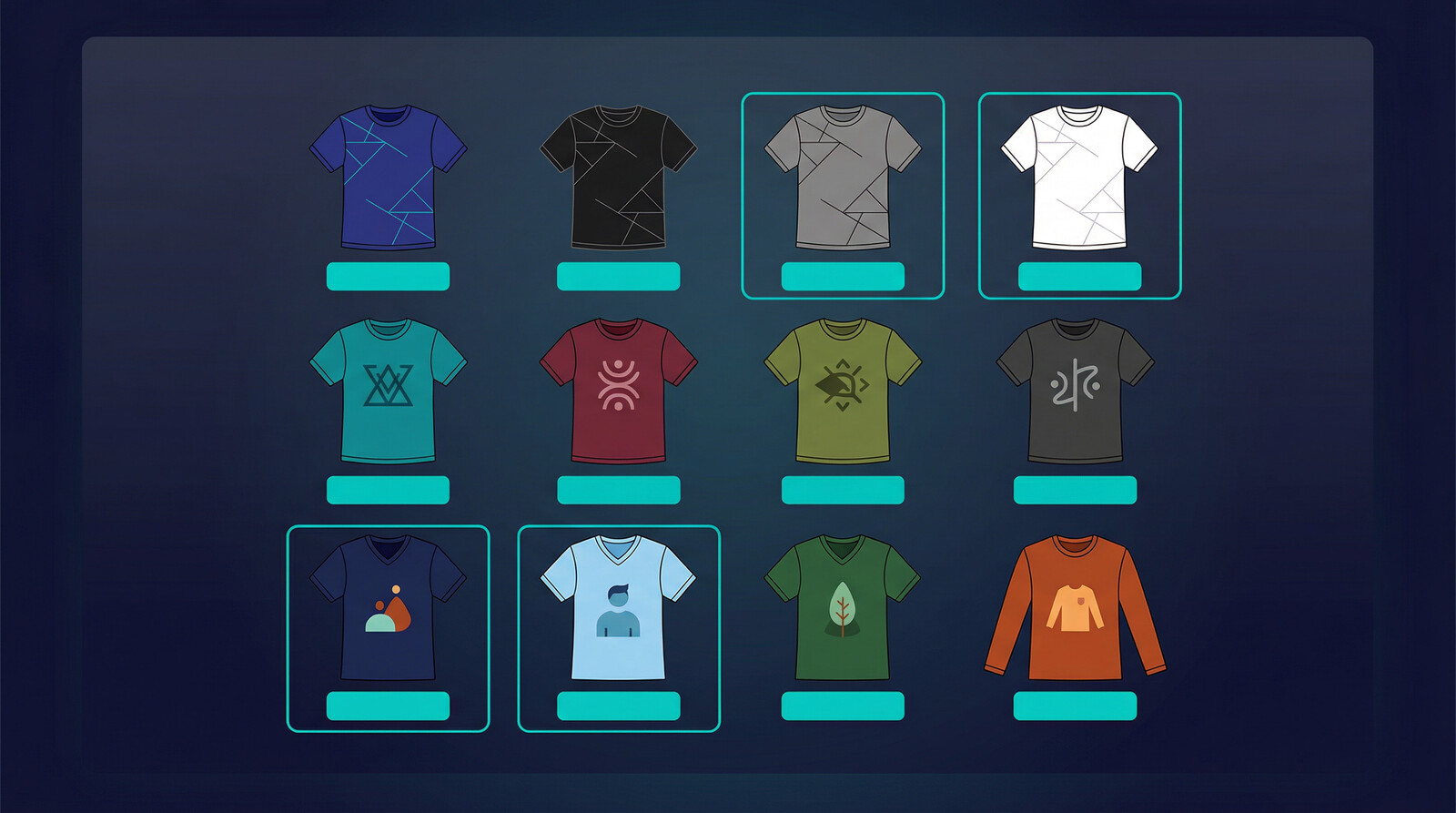
Mockups matter most when they help you launch faster, test faster, and improve visuals without slowing the whole catalog down.
This is exactly where a cleaner workflow starts to matter more than another round of planning.
Types of Product Mockups You Need
Not all mockups serve the same purpose. The type of mockup you need depends on what you’re selling, where you’re selling it, and which buyer psychology you’re targeting.
Apparel Mockups
T-shirt mockups are the highest-volume category for most POD sellers. You need multiple color variants (black, white, grey, navy at minimum), both front and back angles, and ideally a flat-lay plus a worn/lifestyle option. That’s 6-8 images per design color, and most sellers are selling 5-10 color variants per design. Do the math – that’s 40-80 mockup images per design, per product.
Hoodies, sweatshirts, tank tops, and long-sleeves follow the same logic. Each product type needs its own mockup set, and each color variant should have at least 2-3 images minimum for listing quality standards on Etsy and Shopify.
Beyond t-shirts: embroidered hats need mockups that show the stitching texture clearly. All-over print products need full-wrap mockups that show how the design covers seams and edges. Flat-lay templates don’t work for these – you need product-specific templates built for the garment’s actual geometry.
Home and Accessory Mockups
Mugs, tote bags, phone cases, throw pillows, canvas prints, and wall art all need their own mockup sets. The challenge here is that lifestyle mockups matter even more – a mug mockup that just shows the mug on a white background underperforms a mug mockup showing it on a kitchen counter in morning light.
For phone cases, buyers want to see the design on their specific device model. iPhone 15 Pro buyers don’t want to see an iPhone 12 mockup. Device-specific mockups require a generator that keeps up with new product releases – another argument for using a platform that maintains its template library rather than downloading static PSD files that go stale.
How the MyDesigns Mockup Generator Works
The MyDesigns mockup generator was built for one specific problem: POD sellers at volume can’t afford to create mockups manually. At 50+ active designs across multiple product types, the mockup creation step becomes the bottleneck that keeps your store from growing.
The approach we took: upload your design once, and the system automatically generates mockups across every product, every color variant, every angle simultaneously. No queue, no waiting for individual renders, no re-uploading the same design 40 times.
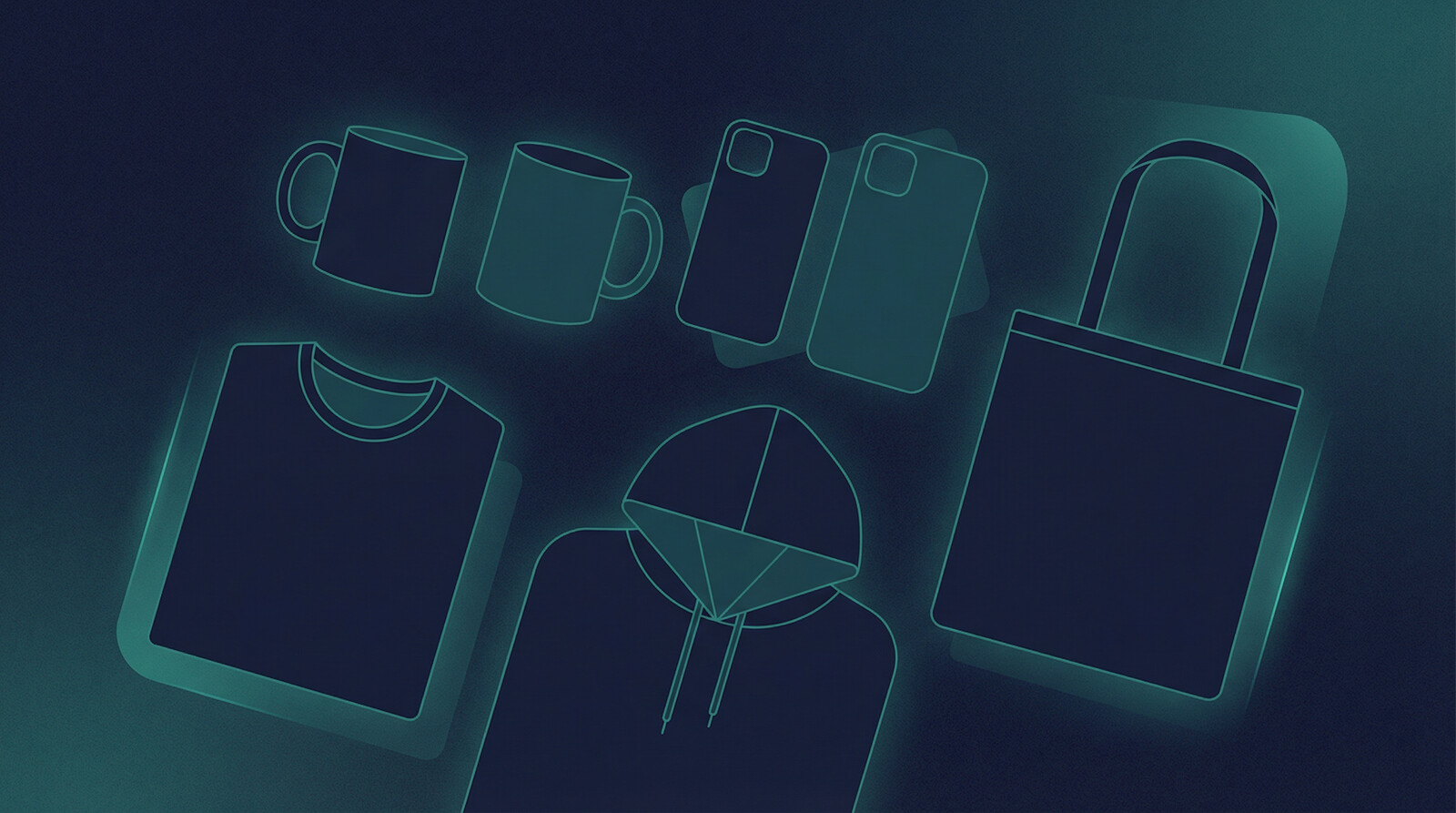
The result is 2,400+ mockups generated from a single design upload. That covers t-shirts, hoodies, sweatshirts, tank tops, long-sleeves, mugs, tote bags, phone cases, hats, and more – across every available color variant.


Leave a Reply