


Here is the dirty truth about t-shirt design templates: most of them look exactly the same. You grab one from Canva or Creative Fabrica, swap the text, tweak the color, and publish it. So does every other seller on Etsy. The result? A marketplace full of shirts that all feel like they came out of the same folder. Because they did.
I have watched this pattern play out with thousands of sellers over the past two years. The ones who break through are not the ones with the best templates. They are the ones who figured out how to create original designs at speed, without starting from a blank canvas every single time.
That is what this guide is about. I am going to walk you through where to find good t-shirt design templates, how to actually use them well, and why the smartest sellers in 2026 are moving past static templates entirely. If you are building a print on demand shirt business, this is the playbook I would follow today.
Key Takeaways
- Static templates create sameness – When 500 sellers use the same Canva template, nobody stands out in search results or customer feeds.
- Good templates save time, not creativity – Use them for layout and sizing specs, not as your final design. The structure is the value, not the artwork.
- AI design generators are replacing template libraries – Tools like Dream AI let you describe what you want and get a unique design in seconds, skipping the template-editing loop entirely.
- Speed to market matters more than perfection – The seller who publishes 40 original designs this week beats the seller who spent the week perfecting one template edit.
Table of Contents
- What Makes a Good T-Shirt Design Template
- Where to Find Free T-Shirt Design Templates in 2026
- The Template Trap: Why Most Sellers Get Stuck Here
- Why AI Design Generators Are Replacing Templates
- From Template to Live Listing: The Fast Publishing Stack
- When Templates Still Make Sense (And When They Don’t)
- Frequently Asked Questions
What Makes a Good T-Shirt Design Template
Not all templates are created equal. I have seen sellers waste hours editing templates that were never built for print on demand in the first place. A good t-shirt design template needs to solve three problems: correct dimensions, proper file format, and a layout that works on the actual product.
The biggest mistake I see? Sellers downloading social media templates and trying to use them for shirt prints. A 1080×1080 Instagram graphic is not a t-shirt design template. You need files built for the print area of the product you are selling.
File Formats That Actually Matter
For most POD sellers, here is what actually matters:
- PNG with transparent background – This is the standard for 90% of print on demand platforms. Your design sits on top of the shirt color. If you are using a template, make sure it exports with transparency.
- PSD (Photoshop) – Great if you want layered editing. Most premium templates come as PSDs so you can swap individual elements without flattening everything.
- SVG – Vector format. Scales to any size without quality loss. Perfect for text-heavy designs or simple graphic tees.
- AI/EPS (Illustrator) – Professional vector formats. Overkill for most beginners, but useful if you are doing complex multi-color work.
My honest take: If you are just getting started, stick with PNG templates at 4500×5400 pixels (the standard Printful/Printify print area). You can always convert up later.
Print Area Specs You Need to Know
| Print Location | Recommended Size | Resolution |
|---|---|---|
| Front chest (standard) | 4500 x 5400 px | 300 DPI |
| All-over print | 7200 x 9600 px | 150 DPI min |
| Left chest pocket | 1800 x 1800 px | 300 DPI |
| Back print | 4500 x 5400 px | 300 DPI |
Every template you download should match these specs, or you will spend half your time resizing and losing quality. This is table-stakes stuff, but I am amazed how many template packs ship at the wrong dimensions.
Generate original t-shirt designs in the right specs automatically.
MyDesigns Dream AI creates print-ready designs at the correct dimensions for your products. No more resizing templates or fixing DPI issues.
Where to Find Free T-Shirt Design Templates in 2026
If you still want to work with templates, here are the places I would actually look. I am ranking these by quality and usability, not just volume.
Canva – The obvious choice. Thousands of t-shirt templates, drag-and-drop editing, and free tier is generous. The problem: everyone uses Canva. Your “unique” design probably has 200 versions already live on Etsy. Use Canva for learning layout principles, not for your final products.
Creative Fabrica – Better quality than most free sites. Their subscription gives you access to fonts, graphics, and templates that are more niche. I have seen some genuinely good t-shirt design templates here, especially for typography-heavy designs.
Freepik – Solid for vector templates. The free tier has watermarks, but the premium library is deep. Good for illustrative shirt designs if you know your way around Illustrator.
Placeit (by Envato) – More of a mockup tool, but they have design templates you can customize online. The output quality is decent. Better for quick iterations than final production work.
Kittl – Newer player with some interesting AI-assisted template features. Worth checking, though the free tier is limited. Their templates tend to lean trendy, which can work for seasonal POD drops.
Here is the thing I tell every seller who asks me about templates: the template is the starting line, not the finish line. If you publish a template with just the text changed, you are competing on price. If you use a template to learn structure and then create something original, you are competing on uniqueness. Only one of those strategies scales.
The Template Trap: Why Most Sellers Get Stuck Here
I call it the template trap, and I have watched it kill more promising POD businesses than bad niche selection or poor SEO combined.
Here is how it works: You find a great template. You edit it. You list it. It looks good. So you find another template, edit it, list it. After a week you have 15 listings, and every single one of them has a different visual style because they came from different template packs. Your shop looks like a flea market instead of a brand.
Worse, those same templates are being used by dozens of other sellers. Etsy’s algorithm sees near-identical designs and treats them all as interchangeable. Your listing gets buried because there is nothing signaling to the algorithm that your version adds unique value.
I watched a seller go from 0 to 400 listings in a month using template packs. Their sales? Almost zero. Another seller launched 60 AI-generated designs in the same timeframe. They hit $800 in their first 30 days. The difference was not effort. It was originality.
The uncomfortable truth: Templates made sense when creating original designs required Photoshop expertise and hours of work. In 2026, you can generate a completely original, print-ready design in under 30 seconds. The economics of templates just do not hold up anymore.
Create 50 original designs before lunch with Dream AI.
Describe what you want. Get a unique, print-ready design. No Photoshop, no template packs, no worrying about what 100 other sellers already listed.
Why AI Design Generators Are Replacing Templates
This is not a prediction. It is already happening. The sellers I talk to who are growing fastest in 2026 are not browsing template marketplaces. They are using AI tools to generate designs that nobody else has.
Think about what a t-shirt design template actually gives you: a pre-made layout with editable text and swappable graphics. That was revolutionary when the alternative was hiring a graphic designer at $50 per design. But now?
- AI generates a finished design from a text description. No layers to edit, no elements to swap, no formatting to fix.
- Every output is unique. Even if two sellers type the same prompt, the results will be different. Try that with a Canva template.
- Speed compounds. You can generate 20 variations of a concept in the time it takes to customize one template. That means faster design testing, faster iteration, faster listing velocity.
- No design skills required. You do not need to know Photoshop, Illustrator, or even Canva. If you can describe what you want in plain English, you can create designs.
I am not saying templates are dead. They are not. But they have been demoted from “the way you make designs” to “one tool in a larger kit.” The primary tool now, for speed and originality, is AI generation.
How Dream AI Works for T-Shirt Designs
This is the specific workflow I would use if I were starting a t-shirt business today. Dream AI is the design generator built into MyDesigns, and it is specifically tuned for products that sell on Etsy, Shopify, and other marketplaces.
The process is almost stupidly simple:
- Type a description. Something like “retro sunset design with palm trees, vintage distressed texture, warm orange and purple tones.” Be specific about style, colors, and mood.
- Generate. Dream AI produces a print-ready design with transparent background. The output is already sized correctly for the product you are targeting.
- Refine or regenerate. Not happy? Tweak the prompt and try again. Or use the Canvas editor to adjust individual elements.
- Apply to products. Place the design onto t-shirts, hoodies, mugs, or whatever products you sell. One design, multiple products, in one click.
The speed difference is not marginal. I have timed it. Editing a template in Canva to get a production-ready shirt design: 15-25 minutes including export. Generating a design in Dream AI and applying it to a product: under 2 minutes. That is a 10x speed advantage, and it compounds across your entire catalog.
From Template to Live Listing: The Fast Publishing Stack
Having a great design is step one. Getting it live on a marketplace where customers can actually buy it is where most sellers lose momentum. I have seen people sit on 50 finished designs for weeks because the listing process felt overwhelming.
Here is the workflow I would build from day one:
Mockups That Actually Convert
Your design file is not your listing image. Customers want to see the design on an actual shirt, in a lifestyle setting, looking like something they would wear. This is where product mockups come in.
The old way: download a PSD mockup template, place your design manually, adjust the smart object layer, export. Repeat for every single product image. That is 10-15 minutes per mockup if you are fast.
The faster way: use an automated mockup generator that takes your design and applies it to multiple product scenes simultaneously. MyDesigns does this natively. Upload a design, pick your products and scenes, and get dozens of mockup images in seconds.
Why this matters for conversions: Listings with 3+ mockup images get significantly more clicks than listings with a single flat design image. According to Etsy’s own seller handbook, photo quality is one of the top factors in search ranking and click-through rate.
The entire stack from idea to live listing, no app-switching required.
Generate designs with Dream AI, create mockups automatically, write optimized titles and descriptions with Vision AI, and publish across marketplaces in bulk.
Product Mockups
Bulk Publish
Vision AI
Bulk Publishing: 40 Listings in One Session
This is where the real leverage sits. Sellers who publish one listing at a time are leaving money on the table because they are bottlenecked by process, not by product quality.
Bulk publishing lets you take 10, 20, or 40 designs and push them live across Etsy, Shopify, or multiple marketplaces simultaneously. You set the titles, tags, descriptions, and pricing once per batch, and the system handles the rest.
I watched one seller go from publishing 3-4 listings per day to 40+ per day after switching to bulk publishing. Their revenue followed. More listings means more surface area for Etsy search to find you, more products for customers to browse, and more data on what actually sells.
The math is simple. If each listing has a 2% chance of making a sale per month, 40 listings gives you a very different expected revenue than 4 listings. Volume is not a vanity metric. It is a survival strategy, especially in your first 6 months.
When Templates Still Make Sense (And When They Don’t)
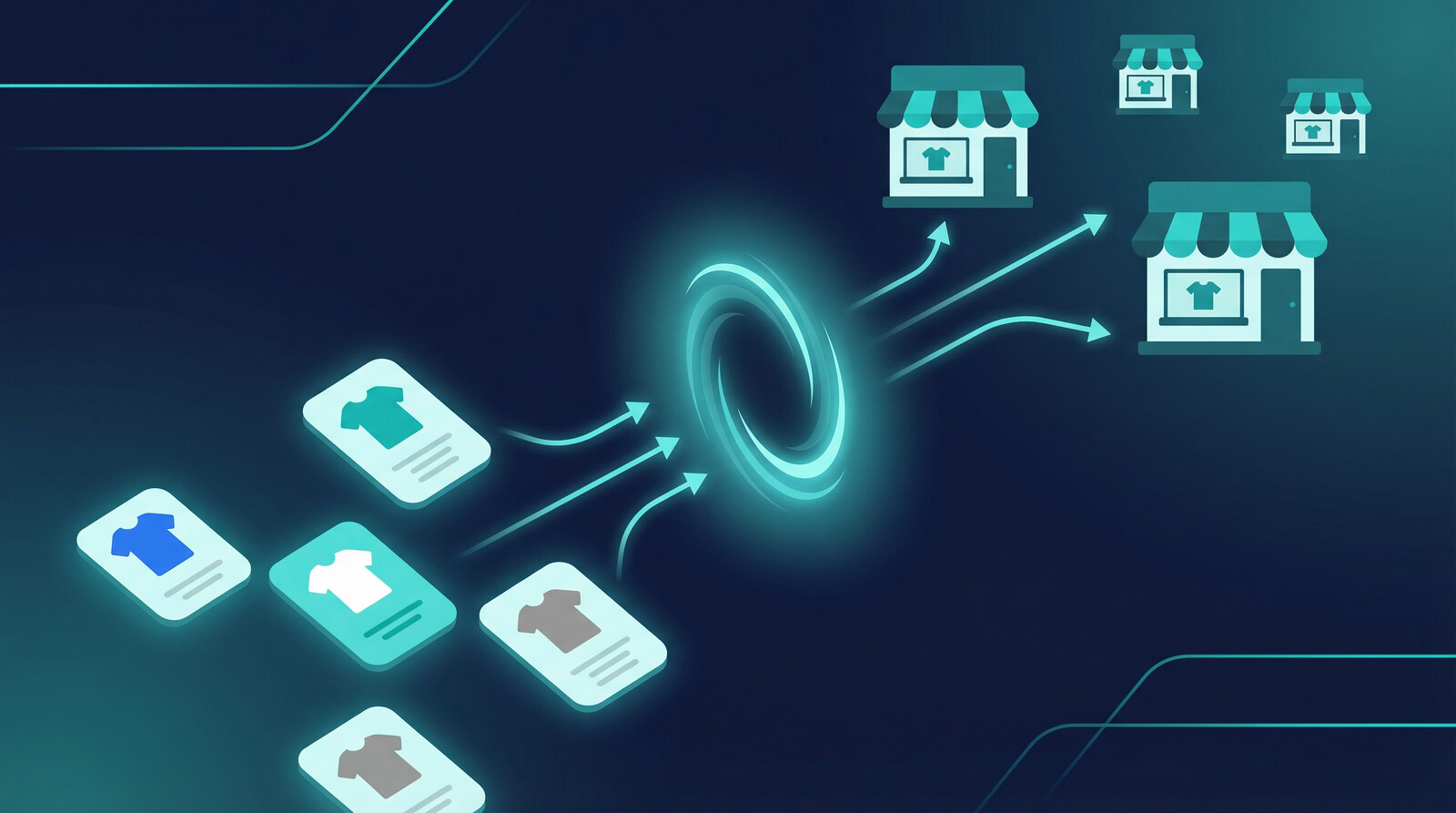
I am not here to tell you templates are worthless. That would be dishonest. There are situations where a good t-shirt design template is exactly the right tool.
Templates make sense when:
- You are learning the fundamentals of shirt design (layout, typography, spacing)
- You need a specific technical file (like a PSD with pre-set print areas) as a starting framework
- You are doing event or group shirts where the design structure is standardized and the text changes per order
- You are testing whether a niche has demand before investing in custom artwork
Templates do not make sense when:
- You are trying to build a brand with a distinct visual identity
- You want to rank on Etsy or compete on uniqueness instead of price
- You are scaling past 50 listings and need original designs at volume
- You want to create trending designs quickly while the trend is still hot
The honest answer is that most sellers outgrow templates within their first month if they are serious about building a real business. Templates are training wheels. There is no shame in using them, but you should be planning your exit from day one.
The sellers making real money in 2026 are not the ones with the best template collection. They are the ones who figured out how to generate original designs fast, mock them up professionally, and get them live on marketplaces while the competition is still swapping text in Canva. That is the game now. Speed plus originality. Templates gave us the first half of that equation for a while. AI gives us both.
Stop browsing template packs. Start generating originals.
MyDesigns gives you AI design generation, professional mockups, and multi-marketplace publishing in one platform. Free plan available.
Frequently Asked Questions
+ What size should a t-shirt design template be?
The standard print area for most POD providers is 4500 x 5400 pixels at 300 DPI. This covers front and back chest prints. For all-over prints, you will need 7200 x 9600 pixels at 150 DPI minimum. Always check your specific print provider’s requirements before finalizing designs.
+ Can I sell t-shirts made from free templates?
It depends on the license. Most free templates from sites like Canva and Freepik allow commercial use, but you must check each template’s specific license terms. The bigger issue is differentiation. Selling unmodified templates means competing with every other seller using the same asset. Customize heavily or use AI generation for truly original designs.
+ What is the best file format for t-shirt designs?
PNG with a transparent background is the most widely accepted format across print on demand platforms. It supports full color depth and transparency, which means your design sits cleanly on any shirt color. PSD files are useful for layered editing, and SVG is ideal for vector-based or text-heavy designs that need to scale without quality loss.
+ Is AI-generated t-shirt art legal to sell?
Yes. AI-generated designs created through platforms like MyDesigns are commercially licensable. The key is using a platform that grants commercial rights to generated outputs. As of 2026, the U.S. Copyright Office continues to evolve its guidance, but the commercial sale of AI-assisted products is widely practiced and accepted on marketplaces like Etsy and Shopify.
+ How many t-shirt designs should I list to start seeing sales?
Most sellers start seeing consistent traction around 50-100 listings. The more listings you have, the more chances Etsy’s algorithm has to surface your products. I would aim for at least 30 listings in your first two weeks, then build to 100+ within the first month. Quality still matters, but volume is what gives you data on what actually sells.


Leave a Reply