


Most sellers think the design wins the sale. It does not. The iPhone mockup around the design is what makes someone stop scrolling long enough to care.
I have watched sellers with average designs outsell sellers with objectively better art, purely because their product photography framed the design like it was worth $40. That is the leverage sitting inside a good iPhone mockup workflow, and almost nobody takes it seriously.
Key Takeaways
- Your iPhone mockup is your ad. It is the single image Etsy, Shopify, Instagram, and Pinterest use to decide whether your listing gets seen at all.
- Flat lifestyle beats clinical studio. Hand-held, desktop, and lifestyle iPhone mockups convert better than sterile white-background renders for most POD shops.
- Volume matters more than polish. Ten good iPhone mockups across angles, backgrounds, and models will always beat one “perfect” shot.
- Automation is the real unlock. If you are still dragging designs into Photoshop by hand, you are losing hours per listing and burning your creative energy on the wrong step.
Table of Contents
- What an iPhone Mockup Actually Is (and Why Sellers Get It Wrong)
- Why the iPhone Mockup Decides Your Etsy CTR
- The 5 iPhone Mockup Styles That Actually Sell
- How to Create an iPhone Mockup Without Photoshop
- My Bulk iPhone Mockup Workflow
- Mistakes That Kill Your Conversion Rate
- The Contrarian Take on Mockup “Perfection”
- Frequently Asked Questions
What an iPhone Mockup Actually Is (and Why Sellers Get It Wrong)
An iPhone mockup is a pre-made image of an iPhone, usually blank or masked, where you drop your design, case art, wallpaper, or app screen onto it to simulate how the product looks in real life. That is the dictionary version.
Here is the version that matters for sellers. An iPhone mockup is a marketing asset. It is not documentation. It exists to sell one thing: the feeling a buyer has when they imagine the product in their own hand.
Most sellers treat the iPhone mockup like a screenshot. Drop design in. Export. Upload. Move on. That is why their listings look like stock catalog pages instead of things people want to buy.
The shops I see scale fastest treat every iPhone mockup like a mini ad. Different backgrounds. Different angles. Hands, tables, pockets, nightstands. The iPhone is the frame. The lifestyle around it is the actual product.
Generate high-converting iPhone mockups without opening a design tool.
MyDesigns Product Mockups lets you apply a design across phone cases, wallpapers, and accessories in seconds, with studio-quality backgrounds baked in.
Why the iPhone Mockup Decides Your Etsy CTR
Your click-through rate on Etsy, Amazon, Shopify, or Pinterest is basically a referendum on your first image. Algorithms are indifferent. Humans are not.
I have tested the same design with three different iPhone mockups across multiple shops. The highest-CTR version consistently doubles the lowest-CTR version, without touching the title, price, or tags. Same product. Same buyer pool. Different frame. Different outcome.
The Scroll-Stop Test
Before you upload any iPhone mockup, run it through one test. Shrink it to the size of an Etsy search thumbnail and ask yourself if it would stop your own thumb on Pinterest.
If the answer is “meh,” you already have your answer. Ninety percent of buyers on Etsy are scrolling on a phone. Your image is competing against twenty other thumbnails on one screen. “Clear” is not enough. It has to earn the stop.
Hero Shot vs Support Shots
Here is the split I use for every listing:
- Hero shot (image 1): Lifestyle iPhone mockup. Hand-held, close crop, soft background. This is the ad.
- Support shots (images 2-7): Flat lay, alternate angle, detail crop, second color, alternate background. These remove objections once the buyer has clicked.
The hero shot does 80% of the work of getting the click. The rest do 80% of the work of closing the sale. Most sellers treat all seven slots like they matter equally. They do not.
The 5 iPhone Mockup Styles That Actually Sell
Ignore every “100 iPhone mockup templates” dump online. Ninety-five of them are noise. These are the five categories that actually convert for POD and digital sellers, in order of what I reach for first.
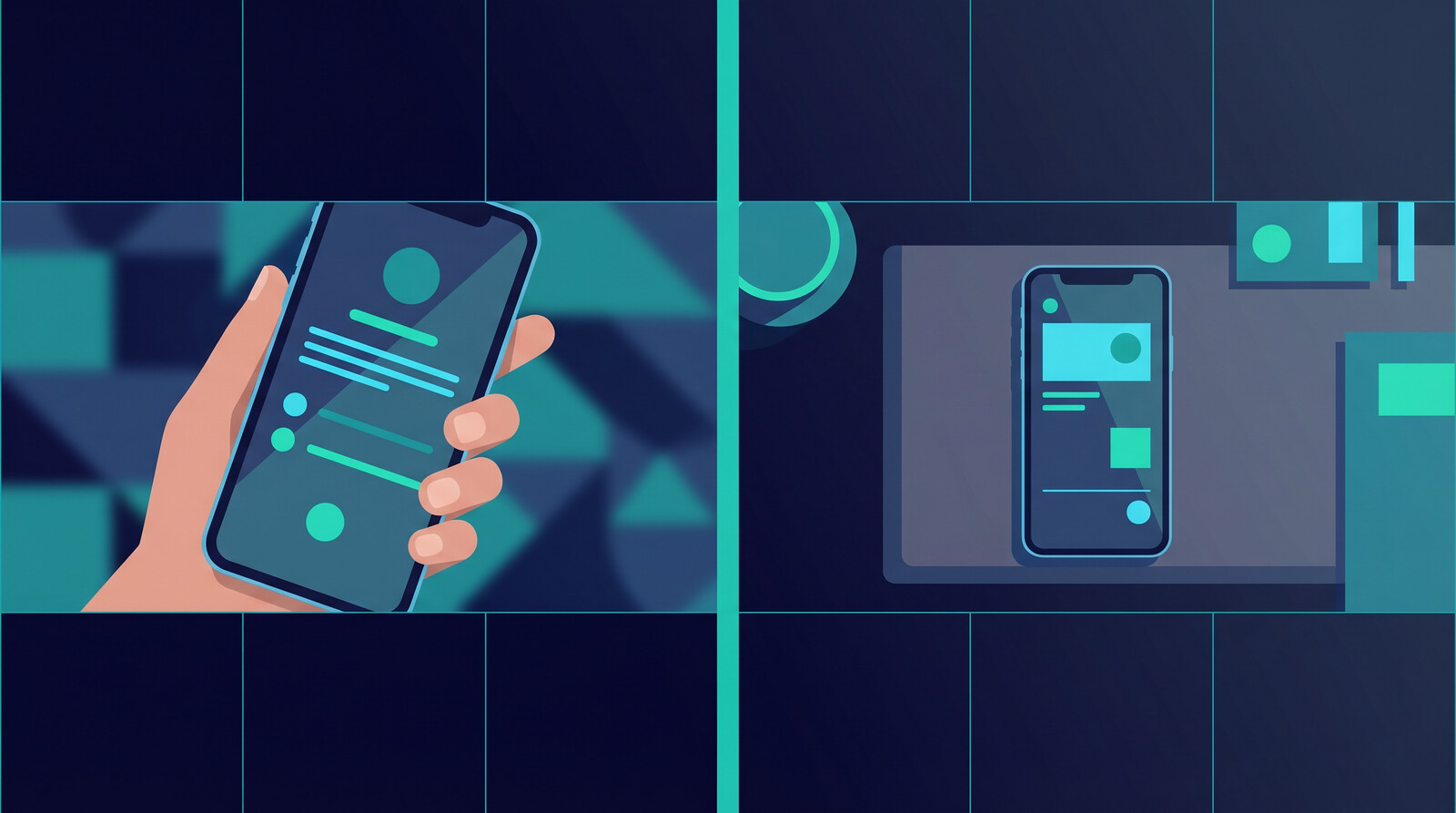
- Hand-held lifestyle. A hand holding an iPhone with your design visible on the case or screen. Looks like a real photo a buyer might snap. Highest CTR by a wide margin.
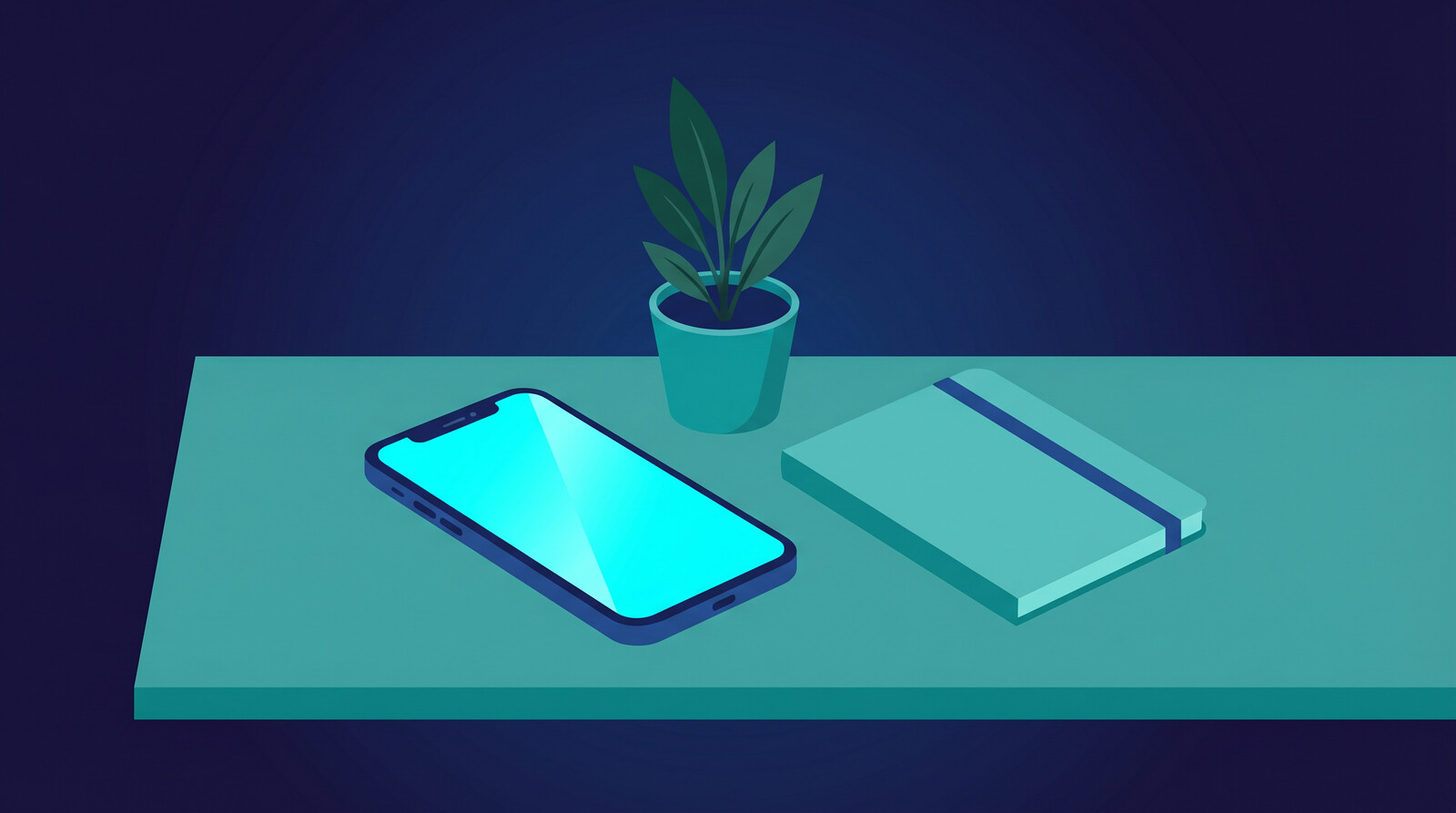
- Flat lay on desk. iPhone sitting on a neutral desk with a mug, notebook, or plant nearby. Reads as aspirational and clean. Great for minimalist designs.
- Pocket reach. iPhone being pulled from a pocket or bag. Implies motion and real-world use. Works especially well for lifestyle phone cases.
- Nightstand / bedroom. Soft lighting, cozy textures, morning feel. Converts hard on gift listings and personalized products.
- Studio isolate. Clean white background, pure product. I use this only as a support shot, never as hero. It reads as generic unless your art is doing all the lifting.
If you build a pipeline that can produce all five for a single design in under ten minutes, your catalog turnover is going to eat sellers who are still one-at-a-timing it in Photoshop.
How to Create an iPhone Mockup Without Photoshop
You have two real paths in 2026, and you do not have to pick one forever. I use both, depending on the job.
The Template Approach
Find a high-quality iPhone mockup PSD or online template. Mask your design onto the screen or case surface. Export. Rinse and repeat.
Pros: Consistent, predictable, looks professional when the source is good.
Cons: Slow for volume. Every new design means another round of manual masking, layer fiddling, and export tweaking. Great for a flagship hero shot. Painful for a catalog of 200 listings.
The AI-Driven Approach
This is where the leverage is right now. AI mockup generators let you pass in a design, pick a style, and get back photorealistic iPhone mockups in seconds. No masking. No layers. No PSD gymnastics.
Where it shines: generating five or ten distinct scenes for a single design, fast. Hand-held. Flat lay. Pocket. Desk. Moody. Bright. All in the same session.
Where you still want a template: your absolute hero shot on a flagship listing, where pixel-level control matters. For everything else, AI wins on speed and variety.
Drop in your design, pick a scene, ship the listing.
Our Product Mockups engine handles iPhone cases, wallpapers, and dozens of other product types without opening Photoshop or touching a single PSD.
My Bulk iPhone Mockup Workflow
If I were launching a new iPhone case or wallpaper shop this week and had one day to get the first 20 listings ready, here is exactly what I would do.
Step 1: Lock the design set. Finalize 20 designs before touching a mockup. Context switching between designing and mocking up kills throughput.
Step 2: Batch the hero shots. For each design, generate one hand-held lifestyle iPhone mockup. This is the Etsy thumbnail. Do not overthink it. Pick one neutral background style and stay consistent across the catalog so your shop page looks like a brand, not a flea market.
Step 3: Batch the support shots. For each design, generate three additional angles: flat lay, alternate color, and close-up detail. Now you have four images per listing without touching Photoshop once.
Step 4: Batch the publish. Push all 20 listings live in one sitting. Do not stagger. Do not “test the first one.” Catalog momentum compounds. The algorithms reward shops that look active.
Step 5: Review after 14 days. Pull conversion data. For the two or three listings that underperform, swap the hero mockup first before changing anything else. Mockup swap beats price drop ninety percent of the time.

The problem is not making one iPhone mockup. It is making 80 of them fast.
MyDesigns lets you apply a single design across multiple mockup scenes and product types in bulk, then publish the whole batch to your store without the manual grind.
Mistakes That Kill Your Conversion Rate
I see the same patterns in every struggling POD shop I audit. If any of these describe you, fix them before you spend another dollar on ads or redesign.
- One mockup per listing. Every empty image slot is a reason for a buyer to hesitate. Fill them.
- All identical angles. Seven mockups of the same phone at the same angle is not a gallery. It is a slideshow of the same photo.
- Busy backgrounds that fight the design. If your background is competing with your art for attention, the art loses.
- Wrong iPhone model. Using a five-year-old iPhone 11 frame on a 2026 shop signals “outdated seller.” Keep your hardware fresh.
- Mockup that does not match reality. If the design wraps the edges of a case in the mockup but your print provider does a front-only print, the review section will punish you. Buyers compare mockup to product. Always.
- Ignoring the first-image rule. Etsy and Pinterest treat image 1 like gospel. Make your hero shot count.
The Contrarian Take on Mockup “Perfection”
Most mockup advice online obsesses over polish. Render quality. Shadow realism. Background blur. Color fidelity. All of that matters a little. None of it matters enough to paralyze you.
The real advantage today is not pixel-perfect shadows. It is throughput. Ten “good enough” iPhone mockups across ten different scenes will outperform one gallery-quality mockup every time. The seller who ships ten versions learns ten times faster. The seller who perfects one learns nothing.
I get why that feels uncomfortable. When you have spent hours on a design, you want the mockup to honor it. I understand that completely. But buyers do not grade your mockups the way other designers do. They glance, they vibe, they click or they do not. Optimize for “earns the click,” not “earns the compliment.”
The shops I watch compound are not the most polished. They are the most prolific. They test faster, publish faster, and replace underperformers faster. That is the whole game.

Frequently Asked Questions
+ What is the best free iPhone mockup generator?
The best free iPhone mockup generators are the ones that give you multiple scenes and angles without watermarks. MyDesigns includes an AI-driven mockup engine on the free plan, and it covers iPhone cases, wallpapers, and lifestyle scenes. For template-based work, free PSD libraries exist but usually limit commercial use.
+ Can I use iPhone mockups for commercial use on Etsy or Shopify?
Yes, as long as the mockup license explicitly permits commercial use. Many free templates do not. AI-generated mockups from platforms like MyDesigns are safe for commercial use out of the box. Always read the license before uploading to a live shop.
+ How many iPhone mockups should each listing have?
Fill every image slot the platform gives you. On Etsy that is up to ten. A safe minimum is five: one hero lifestyle shot, one flat lay, one alternate angle, one detail, and one color or variant shot. Empty image slots signal a low-effort listing to buyers and to the algorithm.
+ Are AI-generated iPhone mockups good enough for a real shop?
They are now. In 2026, AI mockup generators produce output that is indistinguishable from traditional template-based mockups for most commercial use cases. The real edge is speed. You can produce a full set of lifestyle, flat-lay, and hand-held shots in minutes instead of hours.
+ Should I show the same iPhone model across my whole shop?
Yes, within reason. Using the current-generation iPhone model consistently makes your shop look like a fresh, active brand. Mixing old and new models signals inconsistency. Update your mockup set every time Apple ships a new generation.


Leave a Reply