


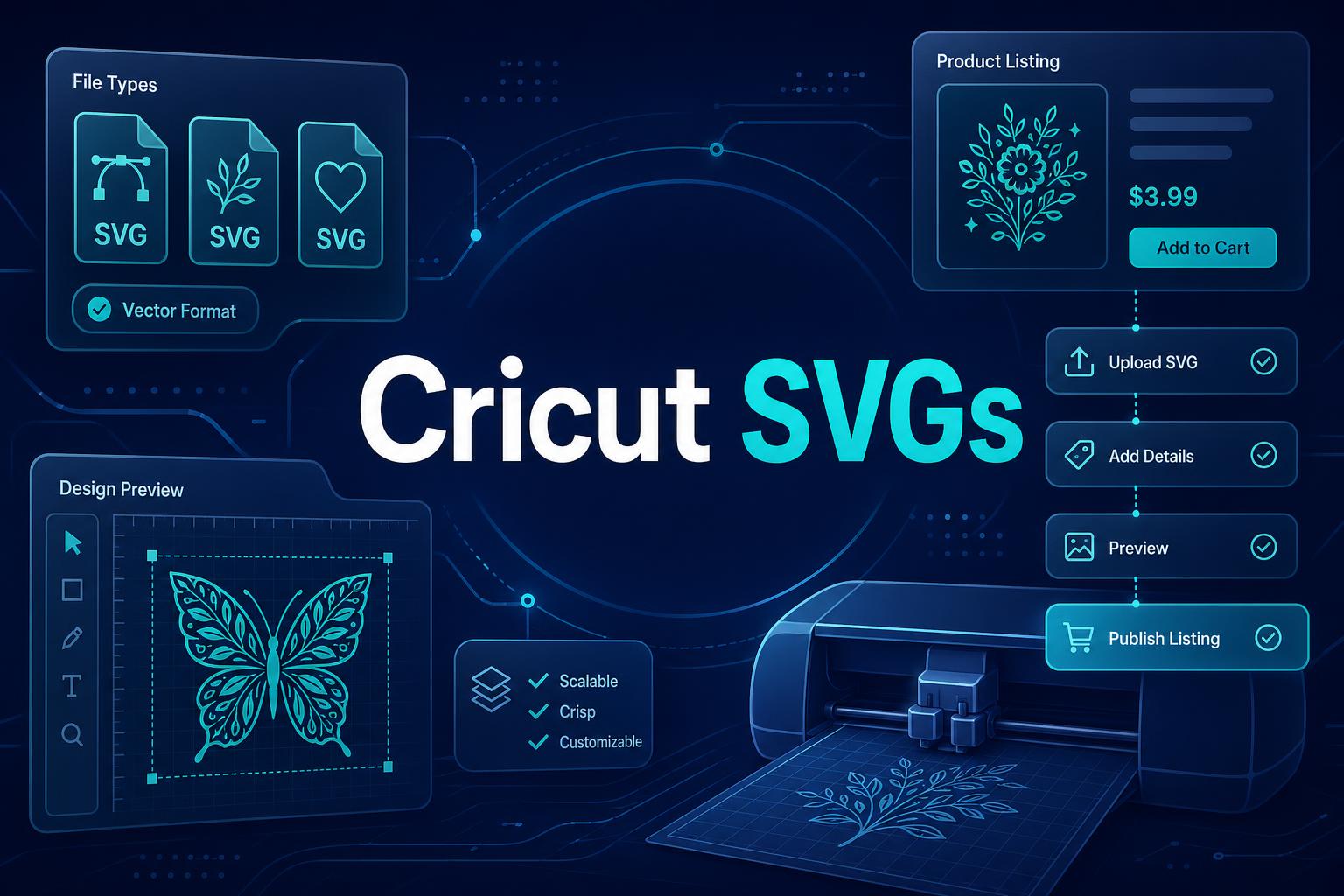
SVG files for Cricut are one of the few digital product categories I still like for beginners, but only if you stop treating them like cute clipart.
The sellers who win with SVGs are not just making random files. They are building tiny product lines around buyers who already have a project in mind: teacher shirts, birthday signs, bridal party cups, small business stickers, Christmas ornaments, kids crafts, or niche hobby gifts.
That is the whole game. A Cricut buyer does not want “a file.” They want an easy cut, a clean result, and a project that looks like they imagined it. If your SVG helps them get there without frustration, you have a real product. If it is messy, confusing, or generic, it becomes refund bait.
Key Takeaways
- SVG files for Cricut can sell because they solve a specific project problem. The best files are easy to cut, easy to understand, and tied to a clear use case.
- Generic SVG bundles are a race to the bottom. Niche packs, seasonal sets, and buyer-specific bundles usually create better perceived value.
- Quality control matters more than most sellers admit. Clean paths, simple layers, correct file formats, and clear instructions reduce support issues.
- Speed gives you the advantage. MyDesigns can help you organize assets, create product visuals, manage listings, and publish more tests without turning your shop into a file mess.
Table of Contents
- Why SVG files for Cricut still sell
- What SVG files for Cricut should include
- SVG product ideas I would test first
- How to create SVG files for Cricut without overbuilding
- How I would sell SVG files on Etsy
- The MyDesigns workflow I would use
- What I would avoid with SVG files for Cricut
- Frequently Asked Questions
Why SVG files for Cricut still sell

SVG files for Cricut still sell because the buyer already owns the machine, already wants to make something, and already knows digital files are part of the process. That is a strong starting point.
The Cricut Help Center explains that Design Space supports vector file uploads like SVG and DXF. That matters because SVGs are not just images. They are scalable vector files, which means clean paths can cut much better than a random low-quality graphic.
Buyers are purchasing a project, not a file
This is where a lot of sellers miss the point. The buyer is not excited because the file extension says .svg. They are excited because they can make a shirt for a birthday party, a decal for a tumbler, a sign for a wedding, or a gift for a teacher.
So the offer should be built around the project. If your listing says “SVG bundle,” that is weak. If it says “Editable teacher appreciation SVG bundle for shirts, mugs, and tote bags,” the buyer can picture the use case.
Specific wins.
The category gets crowded when you go generic
There are thousands of SVG listings on Etsy. That does not scare me. Crowded markets usually mean demand exists. What scares me is a seller entering a crowded market with no angle.
A generic “mom life” SVG is fighting everyone. A “first grade teacher coffee SVG bundle for Teacher Appreciation Week” has a much sharper lane. A “pickleball grandma birthday SVG set” is even more specific. You will not get every buyer, but you do not need every buyer.
Turn SVG ideas into organized digital product tests.
MyDesigns helps you manage product assets, mockups, listing content, and publishing workflows so your SVG shop does not become a folder disaster.
What SVG files for Cricut should include
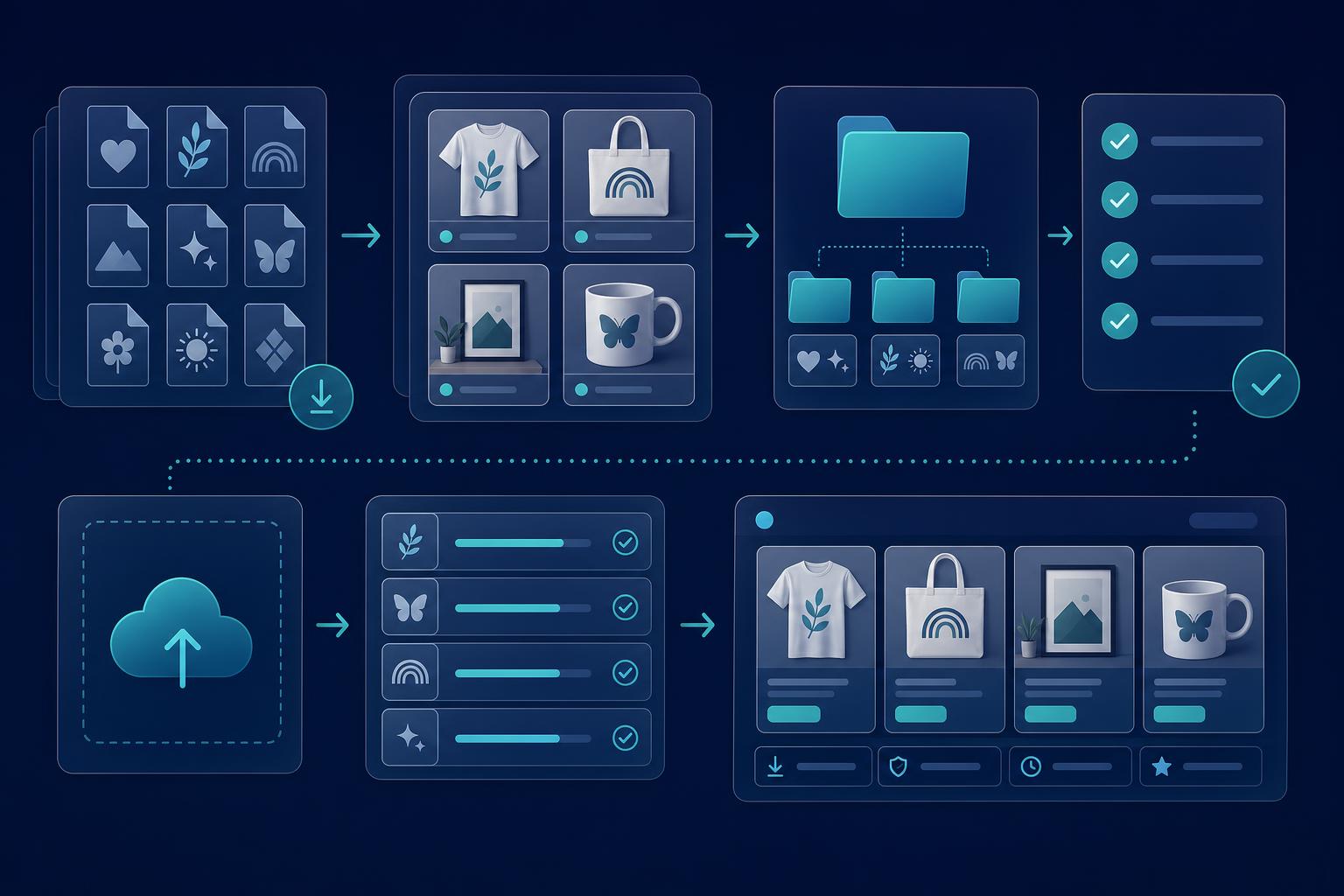
If you sell digital files, your product experience starts after checkout. That is different from a physical product. The buyer downloads a ZIP file, opens it, and immediately decides whether you seem professional.
I would make that moment boring in the best way possible. Clear folder. Clear file names. Clear included formats. Simple instructions. No mystery.
The file types I would package
For SVG files for Cricut, I would usually include more than one format. Not because every buyer needs every format, but because different buyers and tools expect different files.
- SVG: The core vector format for Cricut and many cutting workflows.
- PNG: Useful for previews, sublimation-style projects, and buyers who want a transparent image.
- DXF: Helpful for some cutting software and older workflows.
- EPS or PDF: Useful for buyers who use different design tools or want print-friendly files.
- A simple instruction PDF: One page is enough. Explain what is included and how to unzip the files.
You do not need to make the package complicated. You need to make it clear. A buyer should know exactly what they purchased in 30 seconds.
Why clean layers protect your reviews
I have seen digital sellers lose momentum because their files technically existed, but they were painful to use. Extra nodes. Broken compound paths. Weird hidden layers. Raster art stuffed inside a vector file. The seller thinks the product is done. The buyer thinks it is broken.
Quality control is not optional here. Test your files before selling them. Upload the SVG into the tool the buyer is likely to use. Check that the file opens, scales, separates properly, and does not include accidental junk.
Bad SVGs create support tickets. Clean SVGs create repeat buyers.
SVG product ideas I would test first
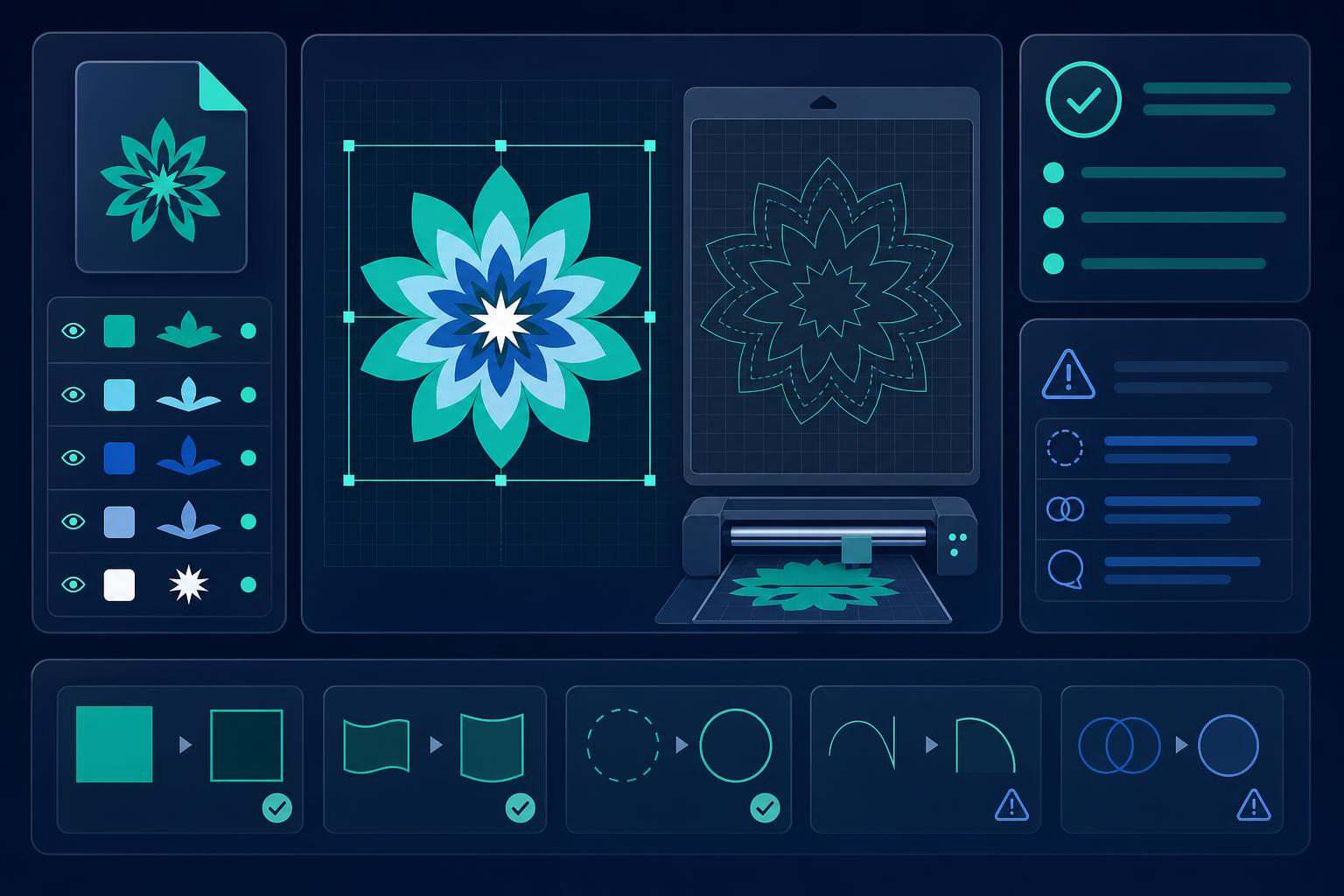
If I were starting a shop around SVG files for Cricut, I would not launch 100 unrelated files. I would build around repeatable buyer moments.
Here are the lanes I would test first:
| SVG category | Why I like it | Example angle |
|---|---|---|
| Teacher SVG bundles | Strong seasonal demand and clear gift use | Teacher Appreciation Week shirt and tote designs |
| Wedding and bachelorette SVGs | Event buyers need coordinated items | Bridal party cup decals and welcome sign files |
| Small business sticker SVGs | Practical use case and repeat buyer potential | Packaging stickers for handmade sellers |
| Sports parent SVGs | Identity-driven and easy to niche down | Baseball mom, cheer dad, dance team bundles |
| Pet owner SVGs | Emotional and giftable | Breed-specific dog mom and memorial designs |
| Holiday SVG packs | Search demand spikes around clear dates | Christmas ornament, Easter basket, Halloween shirt files |
| Faith and inspirational SVGs | Strong identity and gifting use | Church group shirts and devotional wall decals |
| Hobby SVGs | Easy to make specific | Camping, gardening, pickleball, reading, fishing |
Bundles beat one-off files
One-off SVG files can sell, but bundles usually give you more room to charge and more ways to match intent. A buyer planning a birthday party may want a shirt design, cupcake topper file, welcome sign, and favor tag. That bundle feels useful.
A single cute file has to work much harder.
I would rather sell a tight 12-file bundle for one specific project than a 200-file mystery bundle with no point of view. Big bundles can look cheap when the buyer cannot see the use case.
Seasonal packs need a head start
Seasonal SVGs are not something I would publish the week before the holiday. You need time for Etsy indexing, listing tests, mockup improvements, and buyer discovery. I would plan most seasonal packs 6 to 10 weeks early.
The Etsy Seller Handbook is worth watching for marketplace guidance, but do not wait for Etsy to tell you when to prepare. If the buyer needs the project ready by a date, you need the listing live well before that date.
Test SVG bundles before the seasonal rush hits.
Use MyDesigns to organize assets, create listing visuals, and publish product batches early enough to learn what buyers actually click.
How to create SVG files for Cricut without overbuilding
The fastest way to get stuck is trying to make your first SVG pack perfect. Perfect is expensive. Useful is what sells.
My process would look like this:
- Pick one buyer: teacher, bride, dog mom, coach, small business owner, parent, hobbyist.
- Pick one project: shirt, cup decal, sign, sticker, tote, ornament, wall decal.
- Create 10 to 20 related designs: Same buyer, same project family, different phrases or layouts.
- Export clean formats: SVG first, then supporting formats where needed.
- Test every file: Open it, scale it, inspect layers, and catch problems before the buyer does.
- Create simple preview images: Show the file on likely products so the buyer can picture the result.
- Publish the batch: Then watch which angle gets views, favorites, carts, and sales.
That is enough. You do not need a giant brand universe on day one. You need a tight test that can teach you something.
For legal hygiene, avoid characters, logos, brand phrases, sports teams, and celebrity references you do not own. The USPTO trademark basics are a good reminder that “everyone else is selling it” is not a defense. It is usually just a countdown to trouble.
How I would sell SVG files on Etsy
Etsy is a strong channel for SVG files for Cricut because buyers already search there for digital downloads. But I would not treat Etsy like a storage shelf. It is a search and merchandising system.
That means your listing has to answer three questions quickly:
- What can I make with this?
- What files do I get?
- Will this be easy for me?
Show the finished project fast
Your first image should not be a flat file preview only. Show the finished project. Shirt, mug, sign, tote, sticker sheet, tumbler decal, whatever fits the buyer intent.
This is why product mockups matter even for digital files. Digital products feel less risky when the buyer can see the outcome. A good mockup turns an abstract download into something they want to make.
Write listings for nervous buyers
A lot of Cricut buyers are not power users. Some are casual crafters who get nervous when a ZIP file shows up. Write for them.
Make the description clear:
- Instant digital download.
- No physical product shipped.
- File formats included.
- Software or machine compatibility notes.
- Basic unzip instructions.
- Personal and commercial use terms, if you offer both.
- Refund policy for digital products.
Do not bury the important details under 900 words of fluff. Buyers want clarity. Etsy wants relevance. Your listing should serve both.
Make your SVG listings look like real products, not random downloads.
MyDesigns helps you create better mockups, organize listing content, and keep digital product batches easier to manage.
The MyDesigns workflow I would use

If I were building an SVG shop today, I would use a batch workflow from the start. Manual one-by-one publishing feels fine for the first five listings, then it starts stealing all your energy.
Build your SVG shop in batches
I would create one focused product batch at a time:
- One audience.
- One project type.
- Ten to twenty designs.
- Two to three mockup styles.
- One consistent naming system.
- One listing template that can be adjusted without rewriting from scratch.
Use Listing Management to keep the catalog organized, Dream AI for visual direction and product concepts, Vision AI for listing support, and Bulk Publish when you are ready to move faster.
That does not mean you stop using judgment. Tools do not replace taste. They remove repetitive work so you can spend more time choosing better angles.
Use mockups to make digital files feel real
A digital file needs proof of outcome. For SVG files for Cricut, I would show the design on a shirt, tote, cup, sign, sticker, or decal preview depending on the use case.
This matters because a buyer rarely has perfect imagination. If the listing image makes them do all the mental work, you lose clicks to the seller who shows the finished project clearly.
I have watched sellers blame a slow product when the real problem was a weak preview. The idea was fine. The presentation made it look cheap.
What I would avoid with SVG files for Cricut
There are a few SVG strategies I would skip immediately.
- I would avoid trademark-risk designs. Do not build around protected brands, characters, team names, lyrics, or celebrity references.
- I would avoid low-effort quote packs. If 50 sellers already have the same phrase in the same font, you are late.
- I would avoid messy files. Buyers forgive simple. They do not forgive broken.
- I would avoid huge bundles with no theme. More files does not always mean more value.
- I would avoid unsupported claims. If you say a file works with a machine or tool, test it.
The contrarian take is this: SVG files for Cricut are not passive income because you uploaded a ZIP file. They become an asset when you build repeatable systems around buyer intent, file quality, listing clarity, and batch testing.
The old playbook was “make a cute file and wait.” The better playbook is build a small product system, publish enough clean tests, then expand what the market proves it wants.
Frequently Asked Questions
+ What are SVG files for Cricut?
SVG files for Cricut are scalable vector files that can be uploaded into Cricut Design Space and used for cutting projects. They are popular for shirts, mugs, decals, signs, stickers, ornaments, and other craft projects because clean vector paths scale without losing quality.
+ Can you sell SVG files for Cricut on Etsy?
Yes, you can sell SVG files for Cricut on Etsy as digital downloads if you own the rights to the designs and clearly explain what buyers receive. The safest path is to create original files, avoid protected brands, test compatibility, and include clear instructions.
+ What SVG files sell best?
The SVG files that sell best usually target a clear project, audience, or season. Teacher SVG bundles, wedding files, holiday packs, pet owner designs, sports parent files, small business sticker files, and hobby-specific bundles are stronger than generic quote graphics.
+ What file formats should I include with a Cricut SVG download?
I would include SVG, PNG, DXF, and sometimes EPS or PDF depending on the product. I would also include a simple instruction PDF that explains what is inside the ZIP file, how to unzip it, and what the buyer can use each format for.
+ How many SVG listings should I publish before judging a niche?
I would publish 20 to 50 focused SVG listings before judging a niche. A small batch gives you enough data to compare phrases, mockups, styles, and buyer moments without wasting months building a giant catalog nobody asked for.
If you want to sell SVG files for Cricut, do not start by asking, “What can I draw?” Start by asking, “What project is a buyer already trying to finish?”
Build for that buyer. Test the batch. Keep the files clean.
Ready to build a cleaner SVG product workflow?
Use MyDesigns to organize digital products, create better mockups, manage listings, and publish batches faster without losing control of your catalog.


Leave a Reply