


If you want a free Roblox shirt template, the good news is you do not need expensive software to start. The bad news is most people still waste hours because they grab a template, open it, and immediately start designing without understanding what the file is doing.
That is the trap.
I have seen the same thing happen in print on demand, Etsy, and digital product businesses. People obsess over the tool because it feels productive. Meanwhile the real bottleneck is the workflow behind the tool.
With Roblox shirts, the free template is not the hard part. Knowing how to use it without wrecking your layout is the hard part.
If I were starting from zero today, I would use a free Roblox shirt template as the base, then build a cleaner production system around it so every design after the first one gets easier.
Key Takeaways
- A free Roblox shirt template is enough to start. You do not need paid software before you have a repeatable design process.
- The real win is building a master file. One clean template with locked guides saves more time than chasing new tools.
- Simple shirt designs usually perform better. Tiny details and overdesigned layouts get muddy once the shirt wraps onto the avatar.
- Fast preview loops matter. The creators who test more visual directions usually improve a lot faster than the ones polishing one concept for days.
Table of Contents
- What a free Roblox shirt template actually gives you
- Free Roblox shirt template size and file rules
- How to design shirts that still look good in game
- The old design playbook is too slow
- How I would use AI and mockups without getting lazy
- Turn this into a real creative skill
- Frequently Asked Questions
What a free Roblox shirt template actually gives you
A free Roblox shirt template gives you the structure. It does not give you taste, judgment, or a process.
That matters more than people think. Beginners often download a template and assume the rest is just making cool art. Not really. You are designing a flat image that has to wrap across a 3D avatar in a way that still feels clean once it is worn.
That is why a free template is useful. It gives you the map. But the map is only valuable if you stop treating it like a blank canvas and start treating it like a production file.
Why free is good enough at the start
I do not think new creators should overbuy software early. That is one of the easiest ways to feel busy without getting better.
If your goal is to make your first few Roblox shirts, a free template plus a decent editor is enough. What you need is repetition, not more subscriptions.
Spend your energy learning panel placement, testing styles, and spotting what actually looks clean on the avatar. That will take you further than paying for another design app you barely know how to use.
What the template is really mapping
The file is mapping different parts of the body. Front torso. Back torso. Sleeves. Top and bottom seams. Once that clicks, the weird layout stops feeling random.
I get why people get frustrated here. The first time you open one, it looks like somebody scrambled a shirt into boxes.
But that confusion disappears once you understand the logic. From there, your job becomes much simpler:
- keep your front focal point clean
- keep side continuity intentional
- avoid clutter on sleeve areas
- use the back only when it adds something useful
Most people overdesign. I would strongly advise you to do less.
If you get stuck staring at a blank template, your workflow is already too slow.
MyDesigns helps you generate design directions faster, organize variations, and keep creative momentum without bouncing between disconnected tools.
Free Roblox shirt template size and file rules
This is where a lot of designs go sideways. Not because the idea was bad, but because the file setup was sloppy.
Classic Roblox shirt templates are commonly built around a 585 x 559 pixel layout. If your file is off, misaligned, or exported carelessly, your design can shift, stretch, or land in the wrong place after upload.
The 585 by 559 rule most beginners miss
I have watched people spend an hour fixing artwork that was never the real problem. The real problem was bad file discipline from the start.
Here is the practical move. Build one clean base file and protect it.
- keep the guide layer locked
- separate torso, sleeves, and seam areas into labeled groups
- duplicate the master file for each new concept
- never paint directly on the only clean version you have
That sounds basic. It is also the difference between a hobby workflow and one that can scale.
How I would build a clean master template
If I were setting this up for myself, I would keep one file that never gets touched except for duplication. Then every new shirt starts from that base. Same guides. Same folder naming. Same export routine.
That means I can test color variations, graphic swaps, and themed drops without rebuilding the structure every time.
Because the real speed move is not designing faster. It is removing repeated setup work.
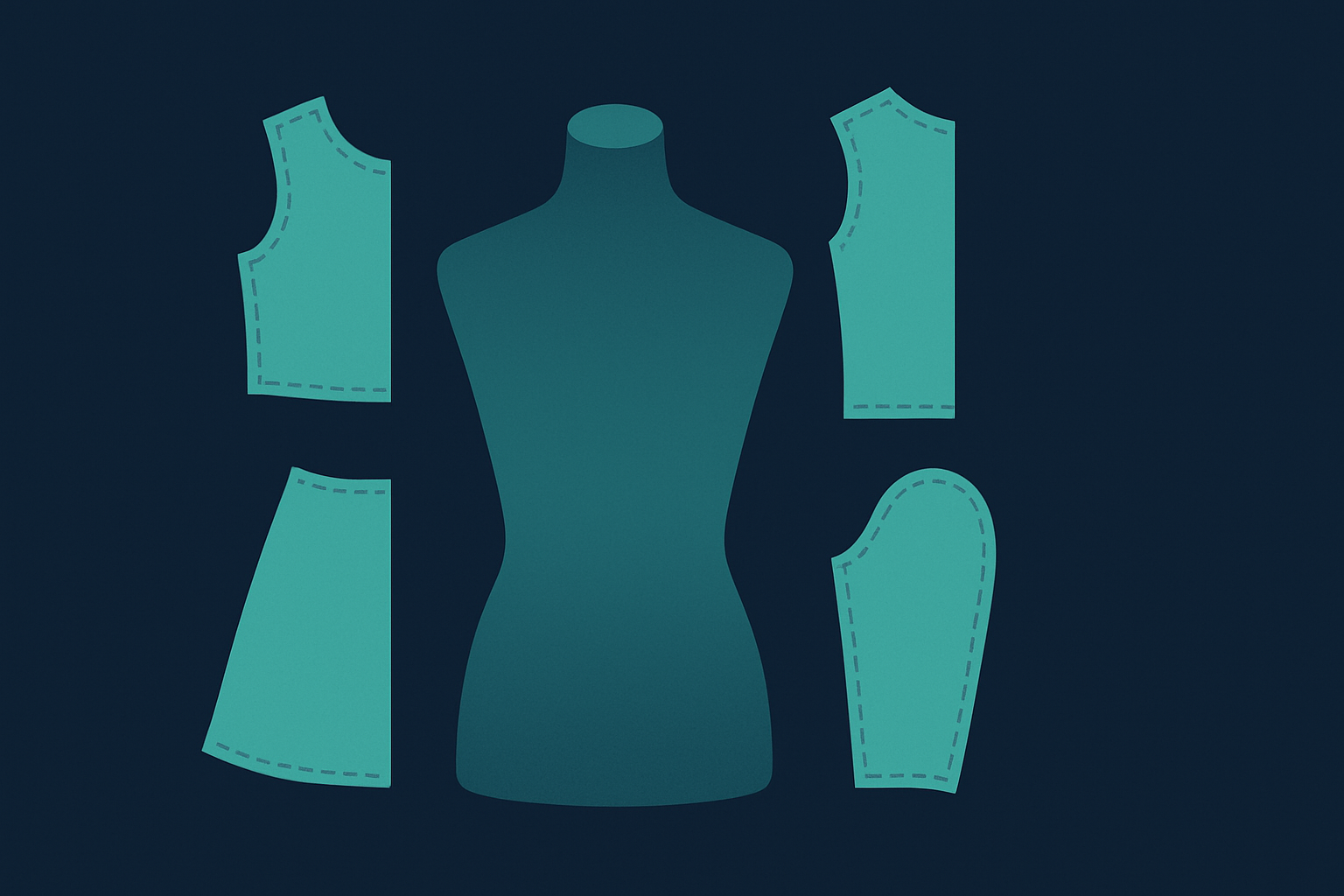
The goal is not making one good shirt. The goal is making your next ten faster.
That is exactly where MyDesigns helps. You can move from concept generation to visual assets and publishing workflows without the usual manual mess.
How to design shirts that still look good in game
Here is the mistake I see constantly. People design at zoom level 300 percent, then act surprised when the shirt looks muddy in game.
You are not designing for the editor. You are designing for how the avatar actually looks when someone is moving around.
Why simpler usually looks better
Strong Roblox shirts usually rely on clear shapes, solid contrast, and one obvious style direction. Not twelve tiny flourishes nobody will notice.
If I were judging a design direction quickly, I would ask:
- does the front read instantly
- do the sleeves support the concept or distract from it
- does the color palette feel intentional
- will this still look clean at normal avatar view
Most creators do not need more detail. They need more restraint.
Build themed drops, not random shirts
This is where a lot of upside gets lost. People make one decent shirt, upload it, then start from zero again on the next one.
I would build themed mini-collections instead. A monochrome streetwear set. A neon cyber pack. A varsity drop. A fantasy armor line. A soft pastel series.
Collections make you sharper because each new design starts with a point of view. And from a business angle, they make your output feel intentional instead of scattered.
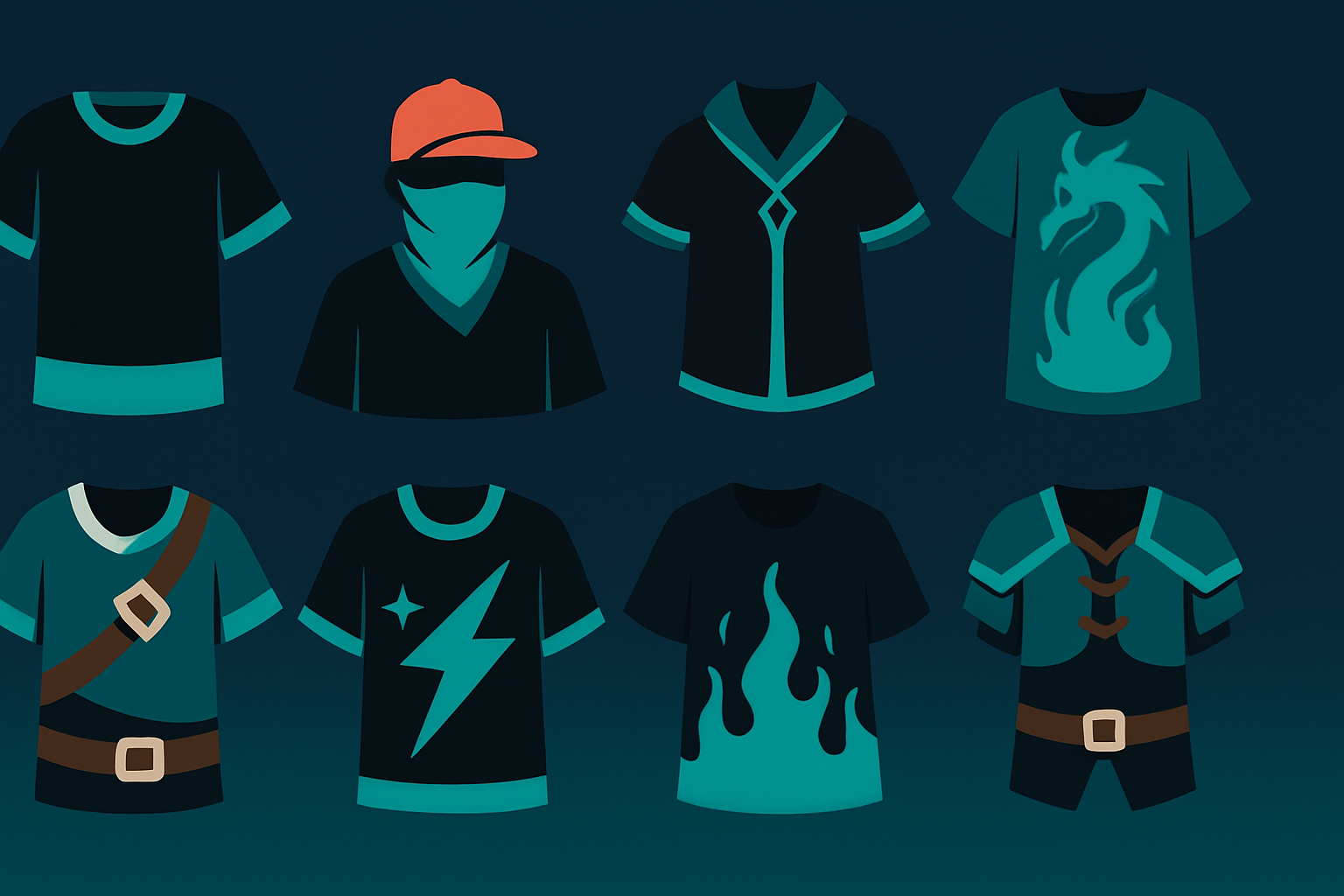
When you can test style ideas faster, you stop overthinking every single design.
Dream AI inside MyDesigns is built for this stage. You can explore visual routes, tighten the winners, and keep moving without creative stall-outs.
The old design playbook is too slow
The outdated approach is simple. Download a free Roblox shirt template, build one design manually, upload it, hope it looks good, then repeat the whole thing tomorrow.
I think that playbook is dead.
The advantage now is not raw effort. It is having a better loop. Faster concepts. Better previews. Cleaner file organization. More shots on goal without quality collapsing.
I have seen this across ecommerce. The people who improve fastest are almost never the ones doing everything by hand the longest. They are the ones who tighten the workflow first.
This is also why MyDesigns matters beyond print on demand. The same thinking applies here. Better systems give you more creative reps, and more reps usually beat waiting around for inspiration.
How I would use AI and mockups without getting lazy
AI can absolutely help with Roblox shirt creation. But if you use it as a shortcut for taste, the result usually looks generic.
The smarter use is concept acceleration.
I would use AI to brainstorm pattern directions, generate aesthetic references, test palettes, and explore multiple style routes before I refine anything manually. That gives you range without forcing you to commit too early.
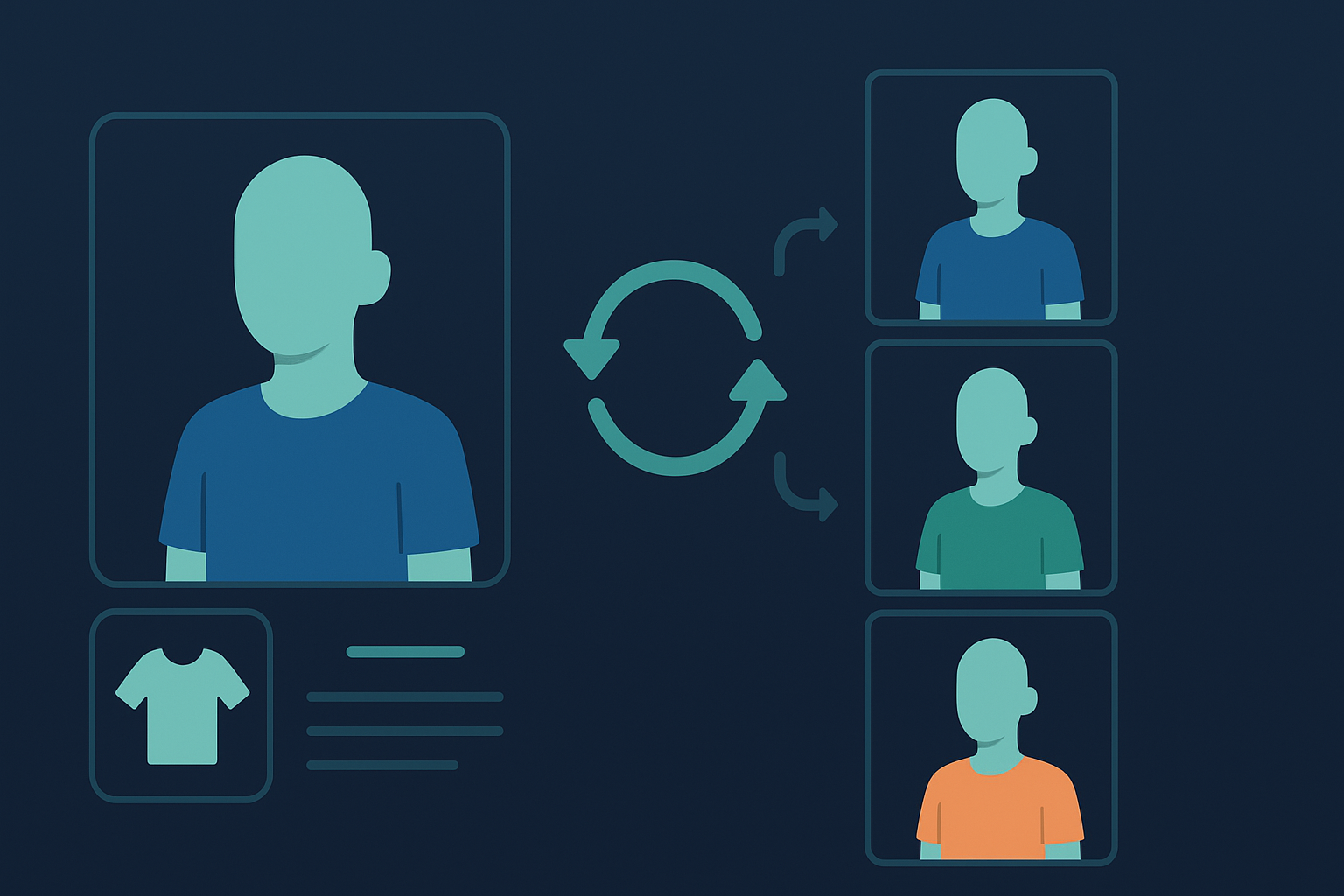
Then I would use previews and mockup-style checks to see what actually holds up visually.
That part matters. A design can look exciting in the file and still feel weak on the avatar. Better visual testing catches that early.
That is why I keep coming back to this point. The market rewards people who can move fast without getting sloppy. That is a workflow problem, not a talent problem.
If you want more output without lower standards, you need a better system around the design work.
MyDesigns combines AI generation, image workflows, mockups, and publishing tools so you can move from idea to finished assets a lot faster.
Turn this into a real creative skill
What I like about starting with a free Roblox shirt template is that it teaches you something bigger than one design file. It teaches layout thinking, repeatable production, and visual decision making.
Those skills transfer. To print on demand. To mockups. To listing images. To digital products. To any creative workflow where speed and quality both matter.
If I were doing this from scratch, I would not chase complexity. I would use a free Roblox shirt template, keep one clean master file, build themed collections, and create a loop that helps me improve every week instead of starting over every time.
That is how small creative projects turn into real leverage.
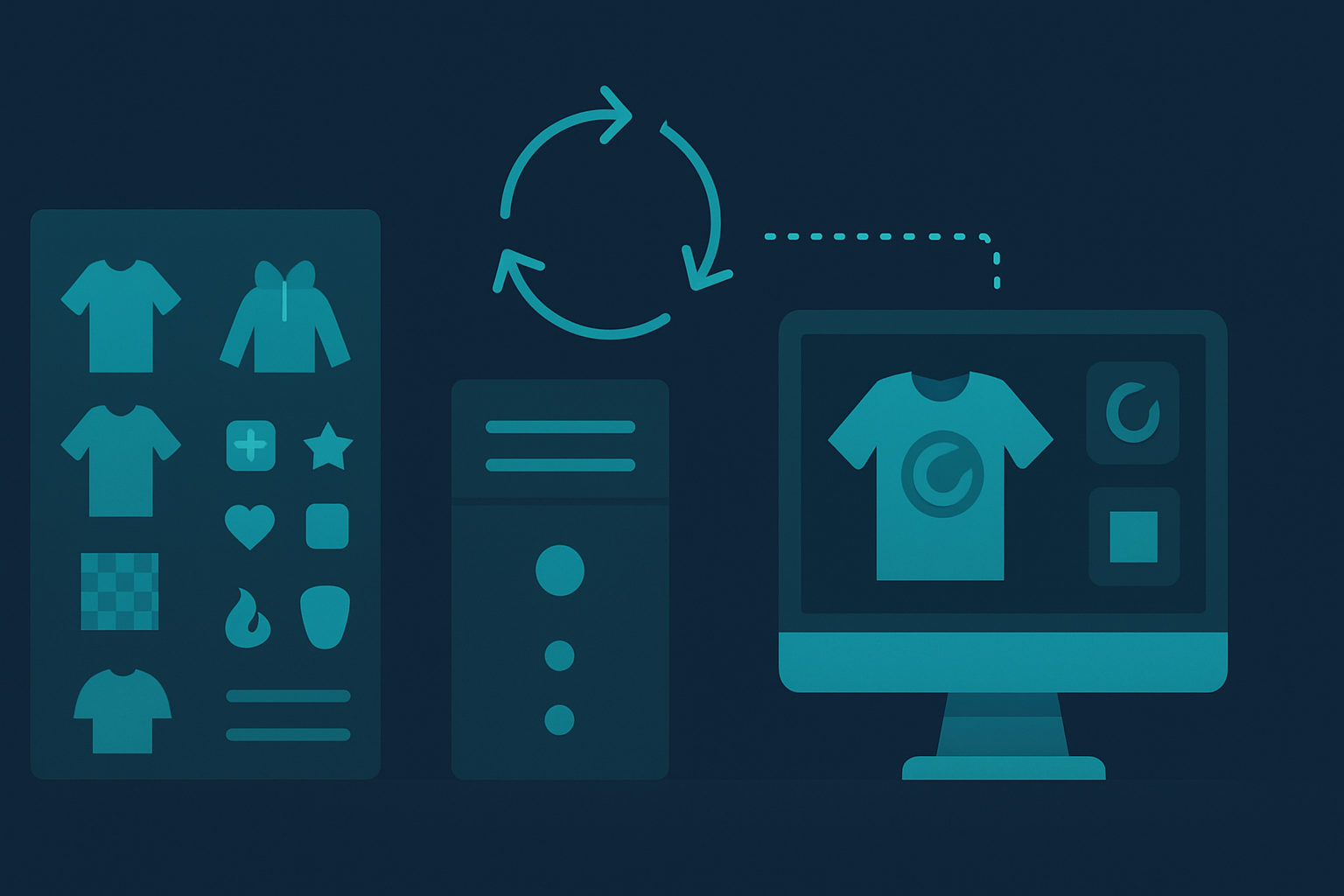
And once you understand that, you stop looking for a better template and start building a better machine.
Frequently Asked Questions
+ Where can I get a free Roblox shirt template?
You can get a free Roblox shirt template from Roblox creator resources or from design tools that provide editable starter files. The important part is not where you get it. It is making sure the template matches the correct classic clothing layout and dimensions.
+ What size is a free Roblox shirt template?
A common classic Roblox shirt template size is 585 x 559 pixels. Keeping that structure intact helps prevent alignment and wrapping issues after upload.
+ Do I need paid software to make Roblox shirts?
No. You can start with a free Roblox shirt template and a basic design editor. Paid tools can help later, but they are not required to learn panel placement, style direction, and clean file setup.
+ Why does my Roblox shirt look bad after upload?
Most Roblox shirts look bad after upload because the design was too detailed, the file was misaligned, or the template structure got altered during editing. Cleaner concepts and better file discipline usually fix the issue.
+ Can I use AI to design Roblox shirts faster?
Yes, AI can help you design Roblox shirts faster by giving you concept directions, palette ideas, and aesthetic variations. It works best when you use it to expand options, then refine the final look yourself.


Leave a Reply