


If you are looking for a shirt template Roblox creators can actually use without wasting an afternoon fixing bad dimensions, here is the truth. Most people are not losing time on design. They are losing time on setup, formatting, and rework after upload.
I have seen this pattern over and over in ecommerce and digital product workflows. The bottleneck is rarely creativity. It is usually the annoying technical layer that sits between the idea and the finished product.
Roblox clothing is no different. If I were starting today, I would focus less on making one cool shirt and more on building a repeatable system for creating, previewing, and organizing designs fast.
Key Takeaways
- A shirt template Roblox workflow lives or dies on dimensions and layout. Get the base template right first, or every design after that becomes slower.
- The best creators treat templates like a production system. They build reusable starting files instead of redesigning every shirt from scratch.
- Better mockups and previews improve decision making. You catch weak designs before you publish them.
- Speed matters more than perfection early on. The creators who test more ideas usually learn faster and improve faster.
Table of Contents
- What a shirt template Roblox file actually does
- Roblox shirt template size and setup rules
- How to design better Roblox shirts without overcomplicating it
- Why visual workflows beat guesswork
- How I would use AI to speed this up without making generic designs
- Turning shirt design into a real digital business skill
- Frequently Asked Questions
What a shirt template Roblox file actually does
A shirt template Roblox file is not just a blank canvas. It is a map of how your 2D artwork wraps around a 3D avatar. That is why beginners get frustrated so quickly. You think you are placing graphics on a flat shirt. Roblox is actually reading front, back, sides, top, and bottom panel areas that fold around the body.
Why templates feel confusing at first
I get why this throws people off. The first time you open one, it looks weird. Boxes everywhere. Strange placement. No obvious logic.
But once you understand that each panel maps to a body surface, the whole thing clicks. At that point, the template becomes useful instead of intimidating.
What you are really designing
You are designing a wearable texture, not a flat graphic. That means your best work usually comes from:
- clear front-panel focal points
- simple side continuity
- back-panel restraint instead of clutter
- consistent color blocking across sleeves and torso
Most people add too much. I would do the opposite. Cleaner designs usually look better in-game.
If your workflow is messy, your output slows down fast.
MyDesigns gives you a cleaner way to generate concepts, organize design variations, and build creative momentum without juggling a dozen tabs.
Roblox shirt template size and setup rules
If you skip the boring setup part, the rest of the process gets painful. Roblox classic clothing uses a specific template layout, and your file needs to stay aligned to that system.
The dimension mistake that breaks everything
The most common mistake is editing without a proper master file or exporting in the wrong size. Then the artwork shifts, stretches, or lands on the wrong panel.
That is why I would keep one clean source file with labeled groups for:
- front torso
- back torso
- left sleeve
- right sleeve
- top and bottom seam regions
One file. Organized layers. No chaos.
How I would set up my master file
If I were building a repeatable system, I would create a base template with locked guide layers and separate editable folders for every design variation. That way, I could duplicate the file, swap colors, drop in patterns, and export without rebuilding the structure each time.
This sounds small. It is not. A clean master file is the difference between making 3 shirts and making 30.
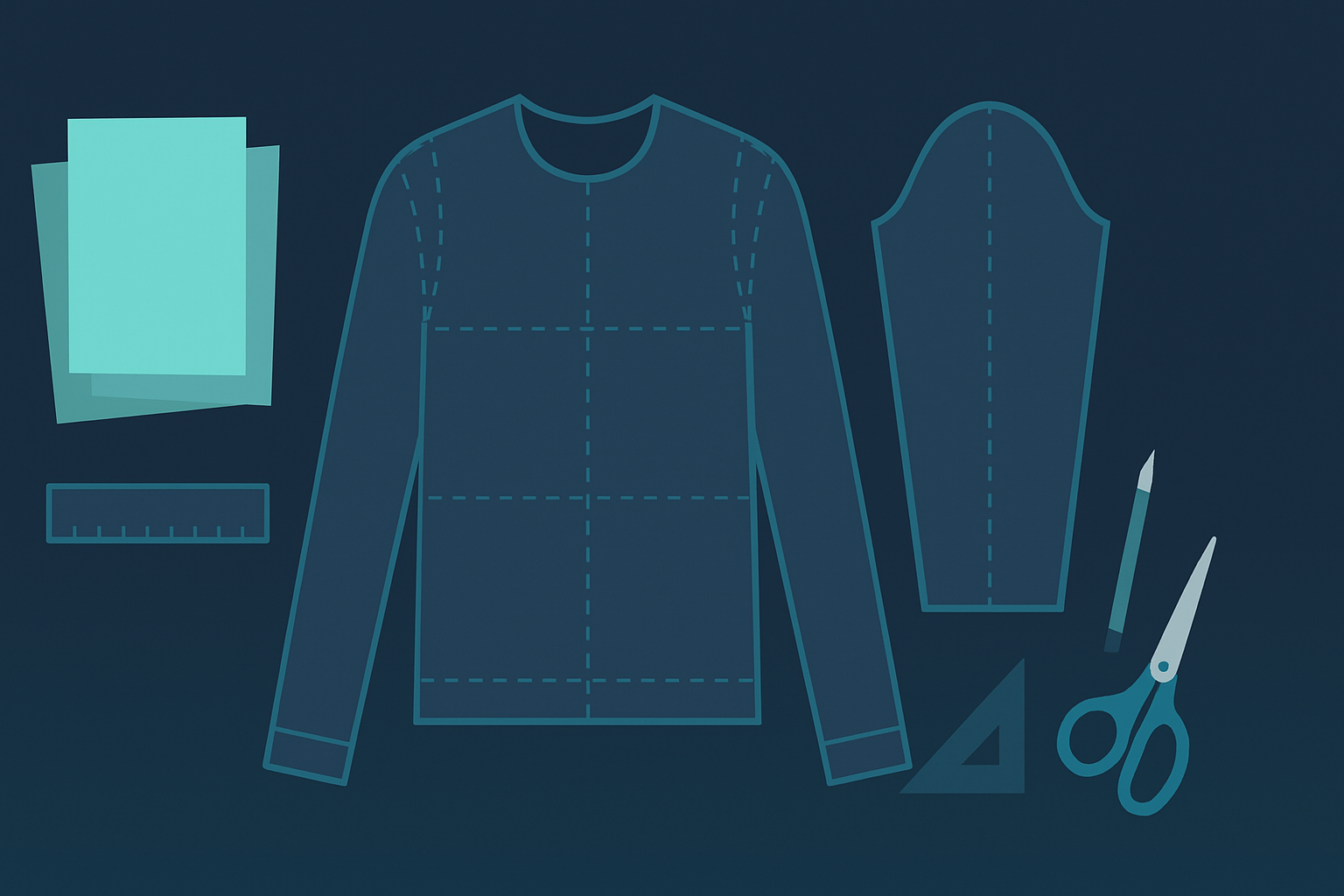
The real problem is not one design. It is repeating the process over and over.
With MyDesigns, you can turn creative output into a repeatable system, from design generation to mockups and publishing workflows, instead of rebuilding everything manually each time.
How to design better Roblox shirts without overcomplicating it
Most beginner Roblox clothing looks weak for one reason. Too many ideas jammed into one shirt.
I would strongly advise you to simplify. Pick one visual idea per design. Not five.
Focus on silhouette and readability
Your design should read fast, even at avatar scale. That means bold shapes, clear contrast, and fewer tiny details that disappear in-game.
Think in terms of:
- jacket lines
- hoodie seams
- stripe placement
- graphic centerpieces
- recognizable color palettes
Because what looks impressive zoomed in often looks muddy once it is worn.
Build collections, not random one-offs
This is where most creators leave money on the table. They make one shirt, upload it, then start from zero again.
I would build themed sets instead. A cyber drop. A sports-inspired drop. A monochrome streetwear drop. A fantasy armor drop. Collections make your work look intentional, and they give you more chances to learn what style gets traction.
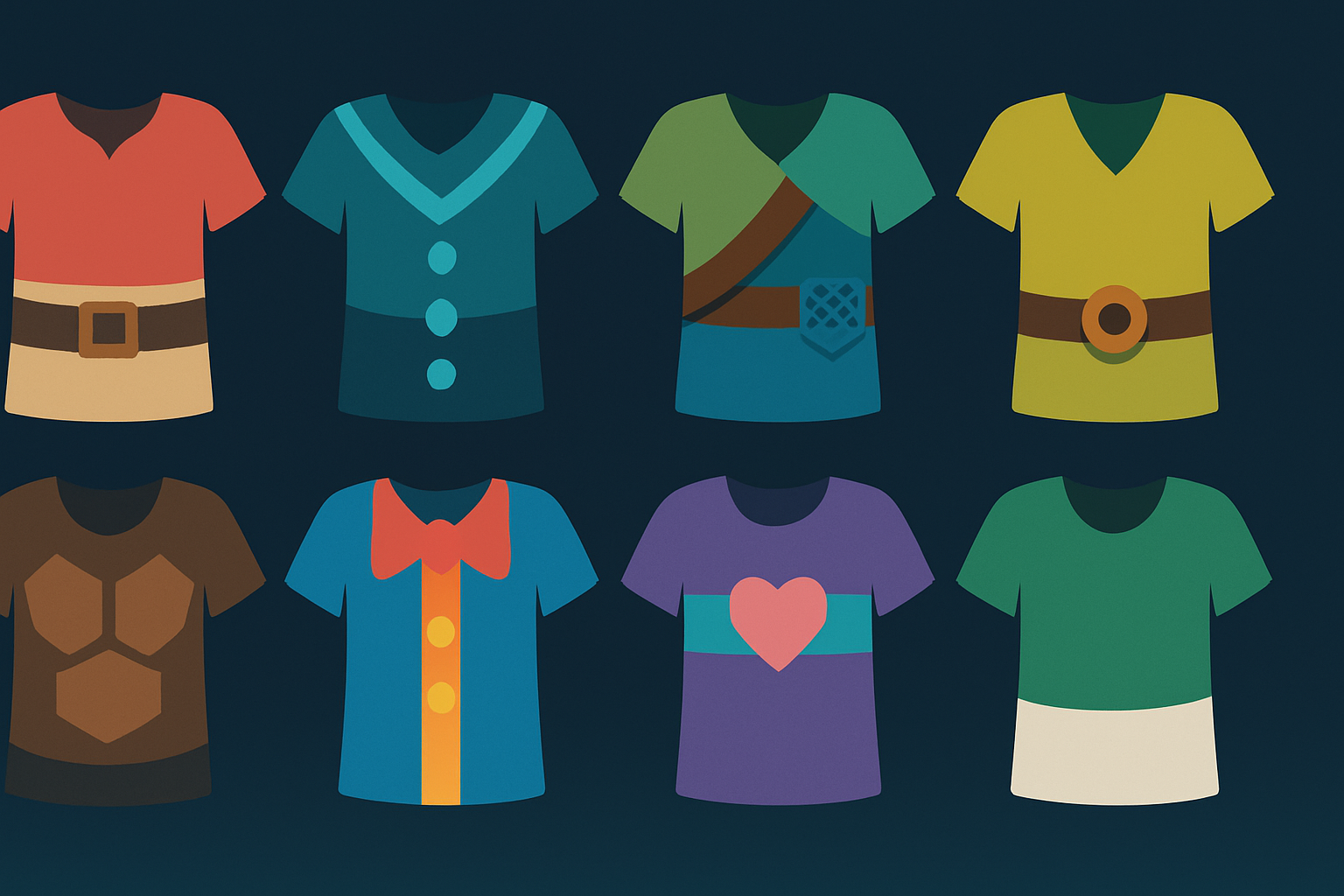
When you can generate more concepts, you stop getting stuck on one idea.
Dream AI inside MyDesigns is built for exactly this stage. You can explore styles, test directions, and move from rough concept to usable design assets a lot faster.
Why visual workflows beat guesswork
The old playbook says make something, upload it, and hope it looks good. I think that is backwards.
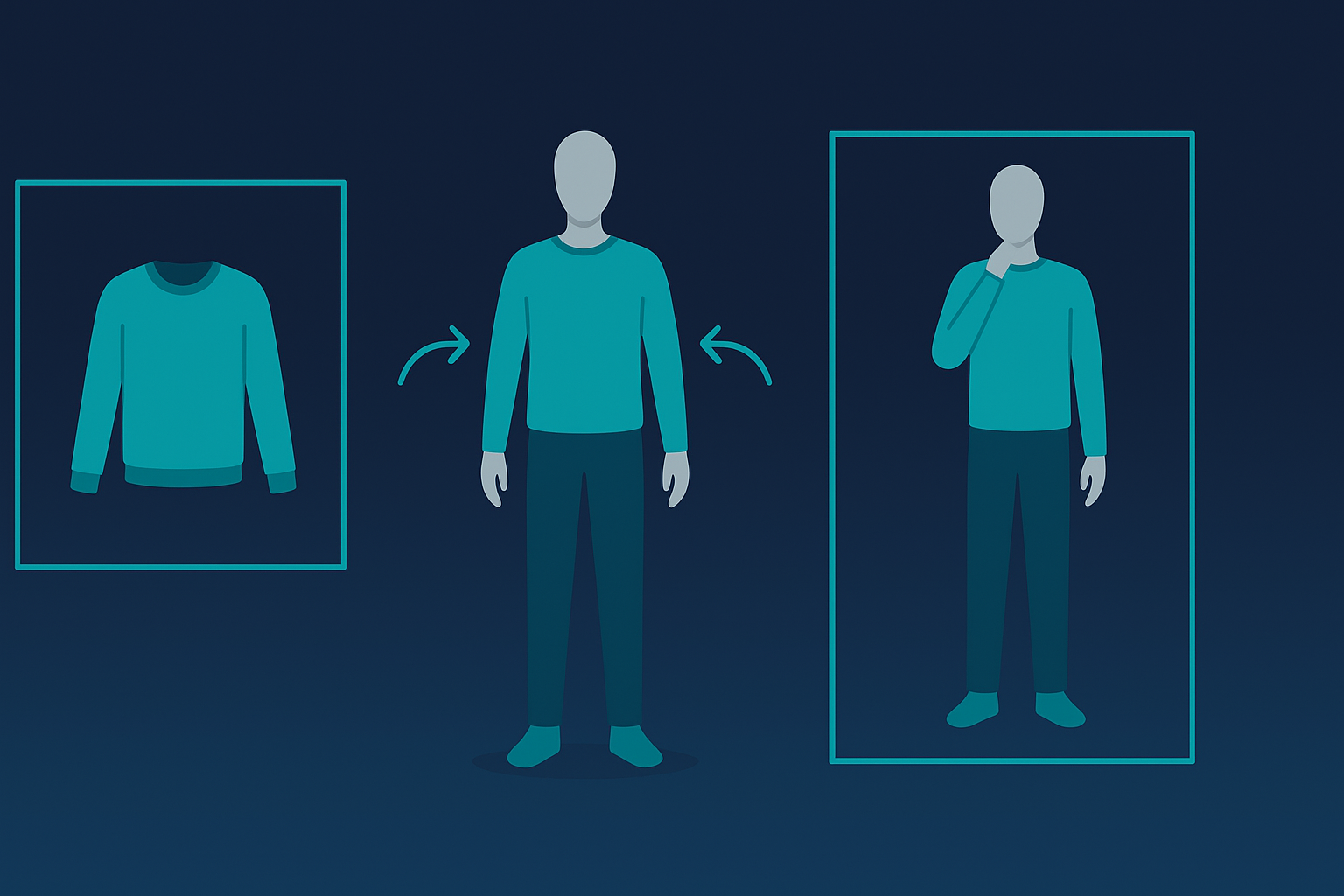
You should preview aggressively before anything goes live. That applies whether you are making Roblox clothing, Etsy listings, or digital products. Better visuals lead to better decisions.
I have watched sellers waste weeks polishing things that looked decent in the editor but weak in the final context. Previews fix that. You spot proportion issues faster. You notice awkward seams earlier. You see whether a design actually feels premium or just looked interesting on a blank canvas.
This exact bottleneck is why we built product visualization into MyDesigns in the first place. Once you can test visual ideas faster, your creative standards go up without your production speed falling apart.
How I would use AI to speed this up without making generic designs
AI can help here, but only if you use it the right way. If you ask it to make finished designs with no taste, you will get generic junk. Fast.
The better use case is concept acceleration.
I would use AI to:
- brainstorm style directions
- build pattern references
- explore color combinations
- draft texture concepts
- generate multiple aesthetic routes before refining manually
That is the real advantage today. Not replacing your judgment. Multiplying your output.
The creators who win are not necessarily the most artistic. They are usually the ones with the most leverage. Better systems, faster iteration, more shots on goal.
If you want more output without lower quality, your workflow needs leverage.
MyDesigns combines AI generation, visual asset organization, mockups, and publishing tools so you can move from idea to finished product workflow without the usual mess.
Turning shirt design into a real digital business skill
Even if your immediate goal is just making Roblox clothes, I would think bigger than that. Learning how to use a structured template, build repeatable assets, and create better preview workflows is a real digital business skill.
It is the same muscle behind stronger Etsy shops, faster print on demand launches, cleaner product mockups, and better digital product packaging.
That is why I like this topic. It looks small on the surface. It is not. It teaches the exact kind of operational thinking that separates hobby work from scalable work.
If I were starting with a shirt template Roblox workflow today, I would keep it simple. One clean master file. One clear visual concept per design. One repeatable system for generating, previewing, and improving faster than everyone still doing everything manually.
Frequently Asked Questions
+ What is a shirt template Roblox creators use?
A shirt template Roblox creators use is a layout file that maps 2D artwork onto the front, back, sides, and sleeves of classic avatar clothing. It helps you place design elements in the correct panels before uploading.
+ Why does my Roblox shirt look wrong after upload?
Most Roblox shirts look wrong after upload because the artwork was placed on the wrong panel, exported incorrectly, or built on a messy template. A clean master file and careful alignment solve most of these problems.
+ How do I make better Roblox shirt designs?
Make better Roblox shirt designs by simplifying the concept, using stronger contrast, and designing for avatar-scale readability. Clear silhouettes and repeatable collections usually outperform overdesigned one-off graphics.
+ Can AI help with Roblox shirt design?
Yes, AI can help with Roblox shirt design if you use it for concept generation, pattern ideas, and creative exploration. It works best as a speed tool, not as a replacement for your taste and final judgment.
+ Is Roblox shirt design useful beyond Roblox?
Yes. Roblox shirt design teaches layout discipline, template-based production, and faster visual iteration. Those same skills transfer well to print on demand, mockups, and digital product creation.


Leave a Reply