


Most AI image generators were built for artists. Not for sellers.
That is the core problem. You can spend 20 minutes crafting the perfect MidJourney prompt, get a stunning image, and then realize you still need to remove the background, resize it for a t-shirt, upload it to your shop, write a title, add tags, and publish. The “AI” part was fast. Everything after it was not.
Dream AI is the AI design generator built into MyDesigns that over 200,000 sellers use to go from idea to published listing in minutes, not hours. It is not a standalone art tool. It is the first step in a complete selling workflow. And that difference matters more than most people realize.
Key Takeaways
- Dream AI generates sell-ready designs – not just pretty images. Every output is sized and formatted for print on demand and digital product shops.
- 13+ AI models in one place – including GPT Image 1, Ideogram 3, Flux Kontext Pro, and Recraft V4. No separate subscriptions needed.
- Idea to published listing in minutes – generate a design, apply it to a mockup, write your listing with Vision AI, and bulk publish. All without leaving MyDesigns.
- Free plan available – you can start generating designs today at zero cost with no credit card required.
Table of Contents
What Is Dream AI?
Dream AI is MyDesigns’ built-in AI design generator. You type a description of what you want, pick an AI model, and get a production-ready design back in seconds.
But here is what makes it different from every other AI image tool: Dream AI sits inside a complete ecommerce workflow. The design you generate does not land in a downloads folder where it sits until you remember to do something with it. It flows directly into mockups, listing creation, and publishing.
I built this because I watched thousands of sellers hit the same wall. They could generate designs all day. But getting those designs onto actual products, into actual shops, with actual SEO-optimized listings? That is where the hours disappeared.
Dream AI removes that wall entirely.
Generate your first AI design in under 30 seconds.
No download. No separate app. Just type what you want and watch it appear. Free plan, no credit card.
How Dream AI Works (3 Steps)
I am not going to overcomplicate this. Dream AI is deliberately simple because speed is the entire point.
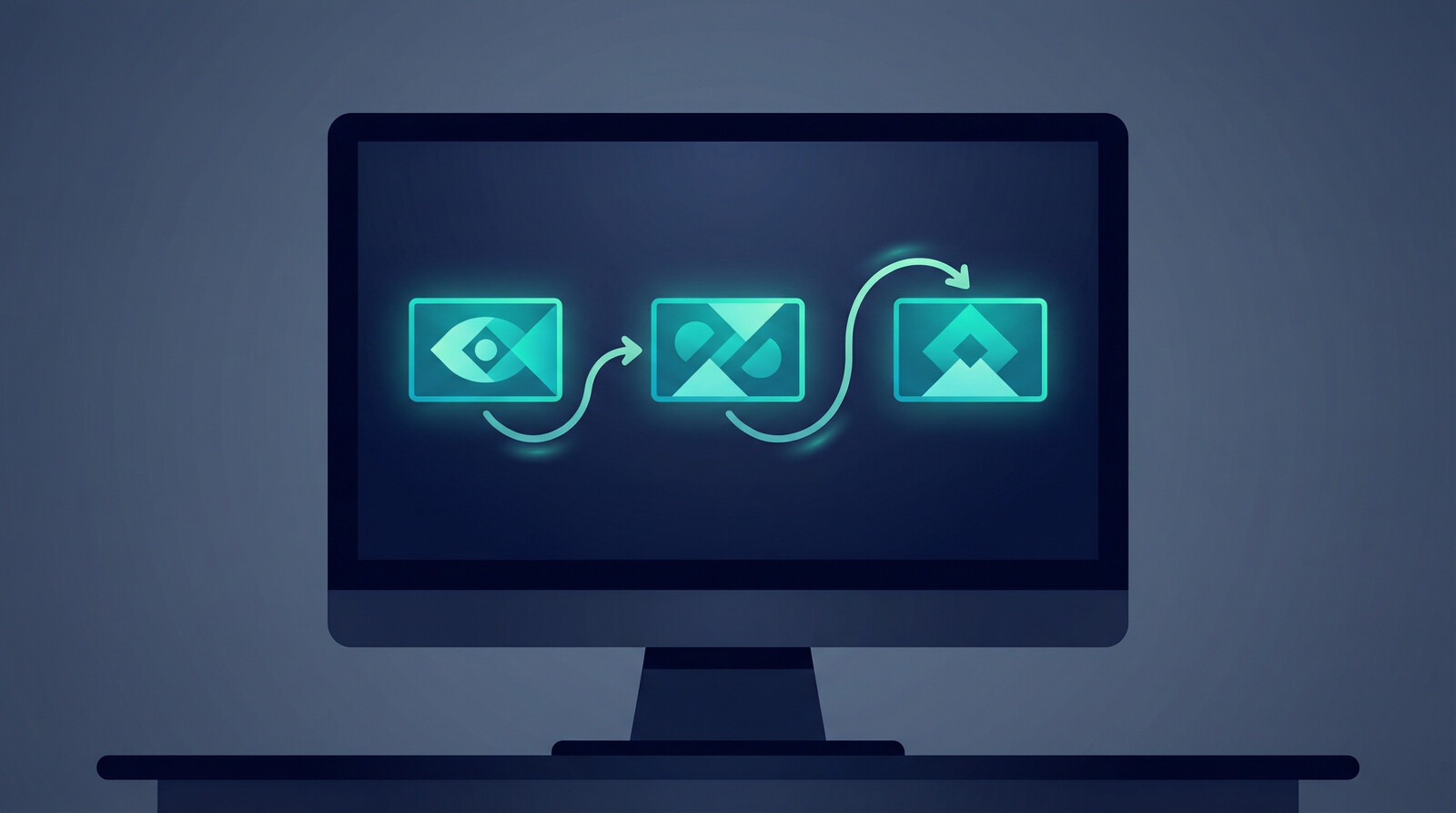
Step 1: Type your idea. “Vintage sunset palm tree design for a t-shirt” or “minimalist cat illustration, white background” or whatever you are selling. You can also browse the Dream AI gallery for inspiration and remix designs other sellers have shared.
Step 2: Pick your AI model. Dream AI gives you access to 13+ AI image models. Each one has a different strength. Ideogram 3 is incredible for text-on-designs. Flux Kontext Pro handles complex compositions. GPT Image 1 nails photorealism. You pick the right tool for the job.
Step 3: Generate, refine, and go. Your design appears in seconds. From there, you can apply it to product mockups, write your listing using Vision AI, and bulk publish to Etsy, Shopify, or any connected shop. One workflow. No app switching.
I have watched sellers go from a blank prompt to 20 published listings in a single afternoon using this exact flow. That is not marketing fluff. That is the workflow working the way it should.
The bottleneck was never the design. It was everything after.
Dream AI connects directly to mockups, listing tools, and bulk publishing. One workflow replaces five separate apps.
The AI Models Inside Dream AI
This is where Dream AI pulls ahead of standalone tools. Instead of locking you into one model, you get access to 13+ state-of-the-art AI image generators under a single subscription:
- GPT Image 1 (OpenAI) – photorealistic quality, excellent at complex scenes
- Ideogram 3 – the best model for text-on-designs (logos, quotes, typography)
- Flux Kontext Pro – handles detailed compositions and style consistency
- Recraft V4 – clean vector-style illustrations
- Imagen 4 (Google) – strong all-rounder with vivid colors
- And 8+ more models updated regularly as new ones release
Most sellers I talk to had $10-30/month subscriptions to MidJourney AND a Canva Pro plan AND maybe a DALL-E credits balance. Dream AI replaces all of that. Every model, one platform, one price. And the designs feed directly into your selling workflow instead of sitting in a folder.
Dream AI vs MidJourney vs DALL-E vs Canva AI
Let me be direct about this. If you are a digital artist creating portfolio pieces, MidJourney is incredible. If you are experimenting with AI for fun, DALL-E is great. If you are building social media graphics, Canva AI works fine.
But if you are a seller trying to make money? None of those tools solve the actual problem.
| Feature | Dream AI | MidJourney | DALL-E | Canva AI |
|---|---|---|---|---|
| Multiple AI models | 13+ models | 1 model | 1 model | 1 model |
| Built-in mockup generator | Yes | No | No | Limited |
| Publish to Etsy/Shopify | Yes, directly | No | No | No |
| AI listing writer | Vision AI included | No | No | No |
| Bulk publish | Yes | No | No | No |
| Free plan | Yes | No | Limited | Limited |
The question is not “which AI makes the best image?” The question is “which AI gets products into my shop and making money the fastest?” And that is not even close.
13 AI models. Mockups. Listings. Publishing. One platform.
See why 200,000+ sellers switched to a workflow that actually gets products live.
Who Is Dream AI For?
Print on demand sellers. If you sell on Etsy, Shopify, Amazon, or any marketplace, Dream AI generates designs sized and ready for products like t-shirts, mugs, posters, phone cases, and more.
Digital product creators. Selling digital downloads like wall art, planners, or printables? Dream AI creates the artwork. Multi-product publishing gets them listed across your shops.
Sellers who value speed over perfection. I am not saying quality does not matter. It absolutely does. But the sellers making real money are not spending 45 minutes perfecting one design. They are generating 50 good designs, publishing them, and letting the market tell them which ones sell. Dream AI is built for that velocity.
If you are tired of the generate-download-edit-upload-write-publish loop, this is the tool that kills it.
Frequently Asked Questions
+ Is Dream AI free to use?
Yes. MyDesigns offers a free plan that includes Dream AI access. You can generate designs, create mockups, and publish listings at zero cost with no credit card required. Paid plans starting at $24.99/month unlock more generations and premium AI models.
+ What AI models does Dream AI include?
Dream AI includes 13+ AI image generation models such as GPT Image 1, Ideogram 3, Flux Kontext Pro, Recraft V4, and Imagen 4. New models are added regularly. You get access to all of them under one MyDesigns subscription instead of paying for each separately.
+ Can I use Dream AI designs for commercial use?
Yes. All designs generated through Dream AI are yours to use commercially. You can sell them as print on demand products, digital downloads, or any other format. There are no additional licensing fees.
+ How is Dream AI different from MidJourney?
MidJourney is a standalone AI art tool. Dream AI is an AI design generator built into a complete ecommerce workflow. With Dream AI, you generate a design and then immediately apply it to product mockups, write SEO-optimized listings with Vision AI, and publish directly to Etsy or Shopify. MidJourney gives you an image file. Dream AI gives you a selling workflow.
+ What shops can I publish to from Dream AI?
MyDesigns connects to Etsy, Shopify, Amazon, WooCommerce, and other major ecommerce platforms. After generating designs with Dream AI, you can publish listings to any connected shop through bulk publish or multi-product publishing, all from one dashboard.


Leave a Reply